
Samurai Duel on Dark Lake
A complex multi-scene video prompt for an epic samurai duel on a dark lake, featuring detailed character introductions, engagement, and a powerful collision effect.
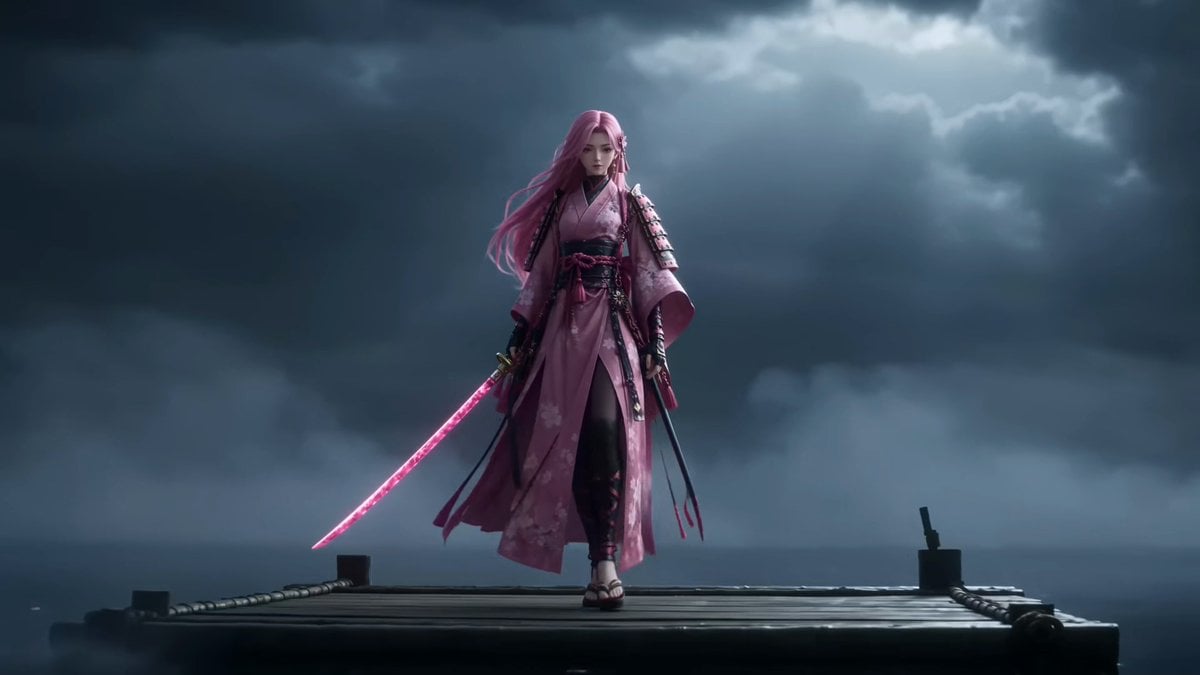
- Prompt included
- Model and format preset
- Premium template
The prompt behind this video
Copy the exact prompt behind Samurai Duel on Dark Lake, or open it in the studio and make it yours.
Two elite swordsmen face each other on a vast dark lake under storm clouds. The lake surface is calm like black glass, reflecting faint moonlight. IMPORTANT: Each character performs individually before any combat begins. SCENE 1 (0–4s): Introduction Performance — Sakura Warrior The female Sakura swordswoman (Image1) stands gracefully on a floating wooden platform. She slowly steps forward, showing calm mastery. She performs a controlled sword demonstration: slow elegant katana movements in the air, precise and fluid, with sakura petals forming around her blade. The camera focuses on her elegance, balance, and breathing control. No opponent interaction yet. SCENE 2 (4–8s): Introduction Performance — Three-Blade Warrior The male Three-Blade swordsman (Image2) stands on a separate floating platform across the lake. He performs his own combat demonstration: controlled dual stance transitions, shifting weight, and rapid footwork visualization without advancing. His swords are revealed one by one in a disciplined sequence. Green wind energy subtly flows around his movements. Camera focuses on strength, discipline, and precision. SCENE 3 (8–12s): Mutual Awareness Both characters stop their demonstrations and lock eyes across the lake. The atmosphere becomes tense. Wind intensifies. Water begins to ripple between them. Camera slowly zooms out to reveal distance and scale of the battlefield. SCENE 4 (12–16s): Water Run Engagement Both warriors simultaneously step onto the water surface, running across it with controlled speed. Each character creates independent ripples and splash trails. No shared motion path. Camera tracking shot follows their separate trajectories as they close distance. SCENE 5 (16–20s): First Clash They meet mid-air above the lake. A powerful collision of sakura-pink energy and green wind force explodes outward, distorting the water surface below like shattered glass. Camera performs slow 360 orbit around impact point. SCENE 6 (20–24s): Aftermath Both land on opposite sides of the lake, standing still. Mist slowly rises. The lake returns to silence. Final slow pull-back reveals the vast dark battlefield. Lighting: cinematic moonlight, volumetric fog, storm atmosphere, high contrast reflections. Style: cinematic wuxia realism, grounded physics, epic samurai duel tone. Audio: wind pressure, katana movement, water footsteps, distant thunder, impact shockwave. 4K Ultra HD, rich details, sharp clarity, cinematic texture, stable picture. Maintain face and clothing consistency, no distortion, high detail. Generate video without subtitles.
How to use Samurai Duel on Dark Lake in 3 steps
- 1
Open
The prompt is already in the box next to the preview, with the template's model and format selected.
- 2…a portrait of your subject in softgolden-hour light, 85mm…
Personalize
Edit the subject and creative details for your destination.
- 3Generate
Generate
Press Generate — your video is created in PicX Studio, so you can compare it with the original and refine one variable at a time.
More like this
Templates with the same subject, style or setup. Open one to see its prompt.
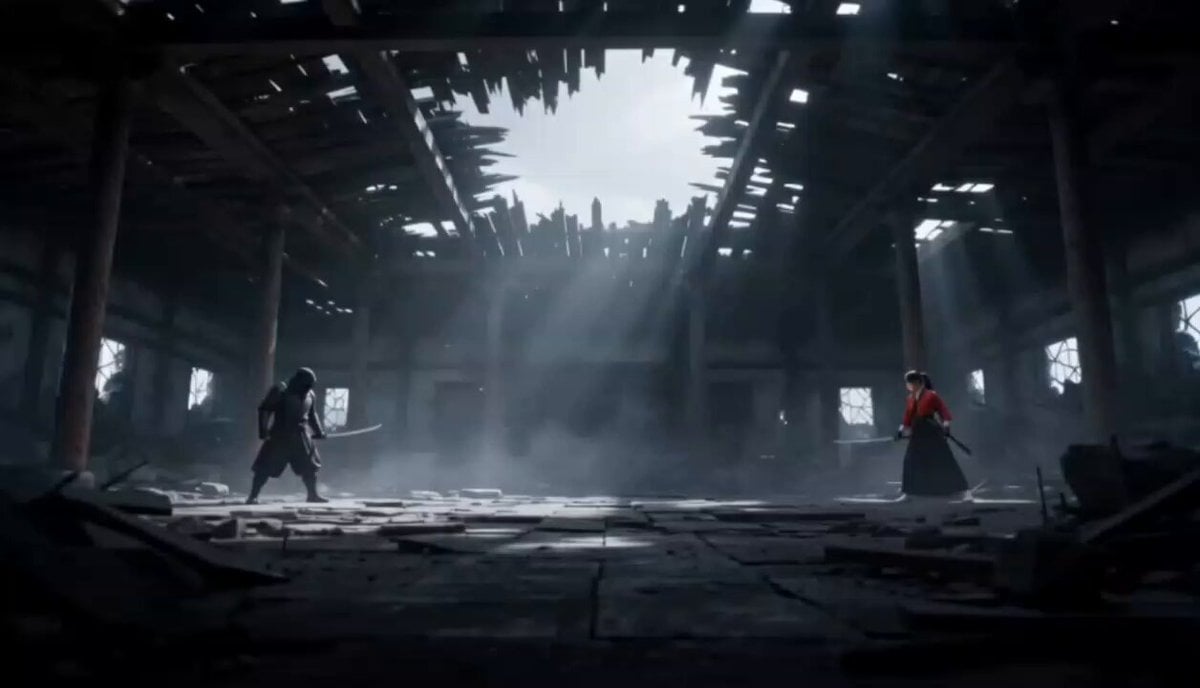
Cinematic Anime Samurai Duel
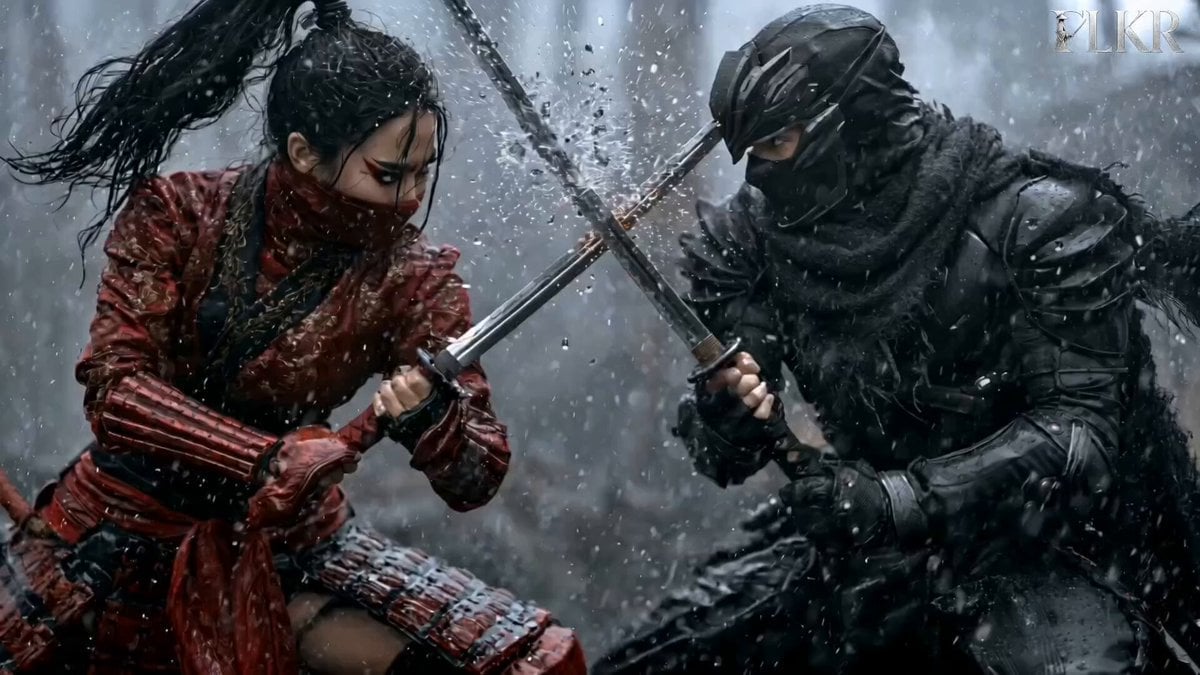
Samurai Duel in Stormy Rooftop

Dark Tokusatsu Transformation - Seedance 2.5
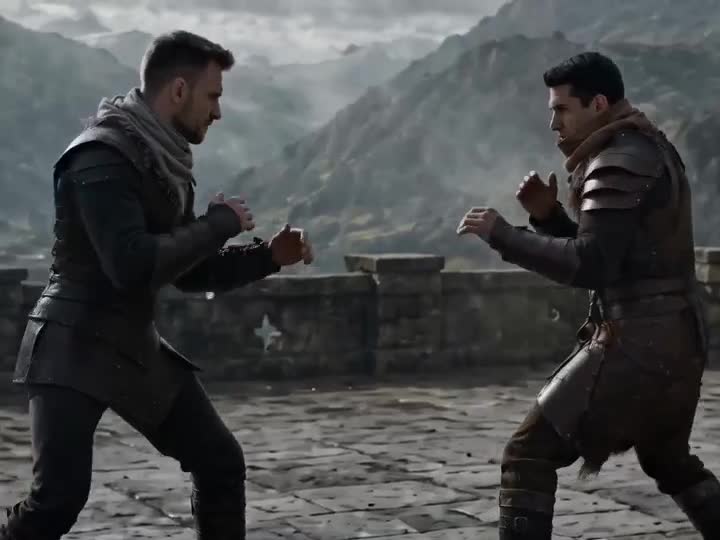
Medieval Duel Style Transfer
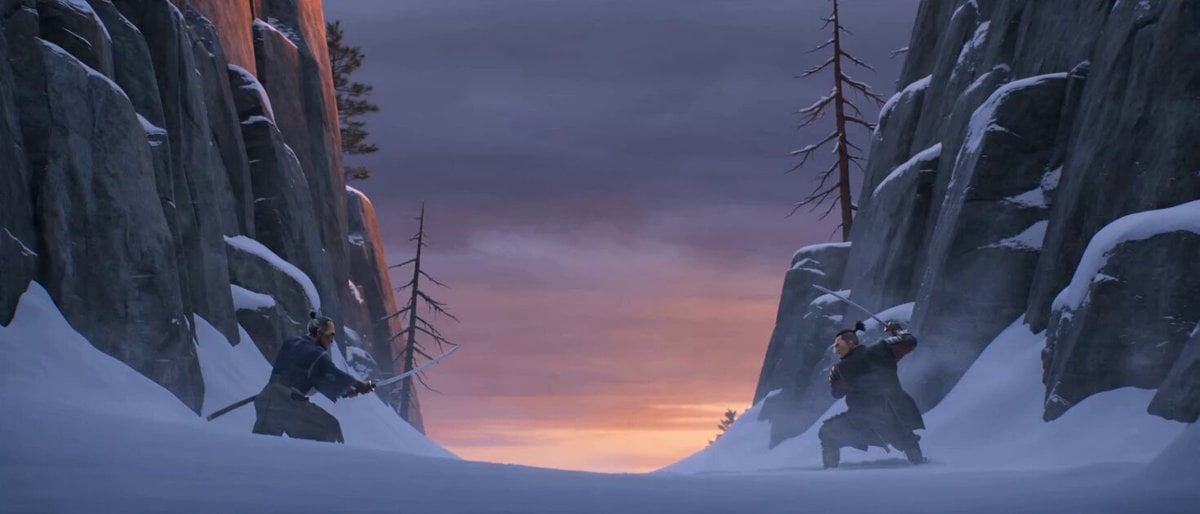
Cinematic Samurai Duel Sequence
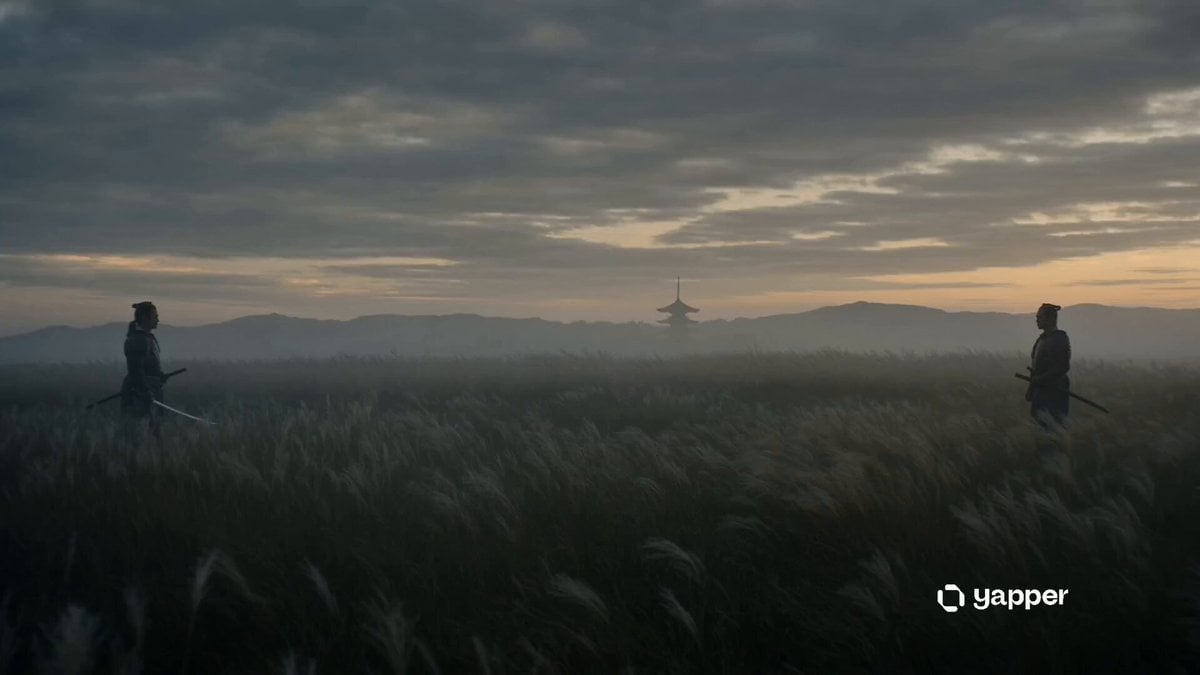
Cinematic Samurai Dusk Duel
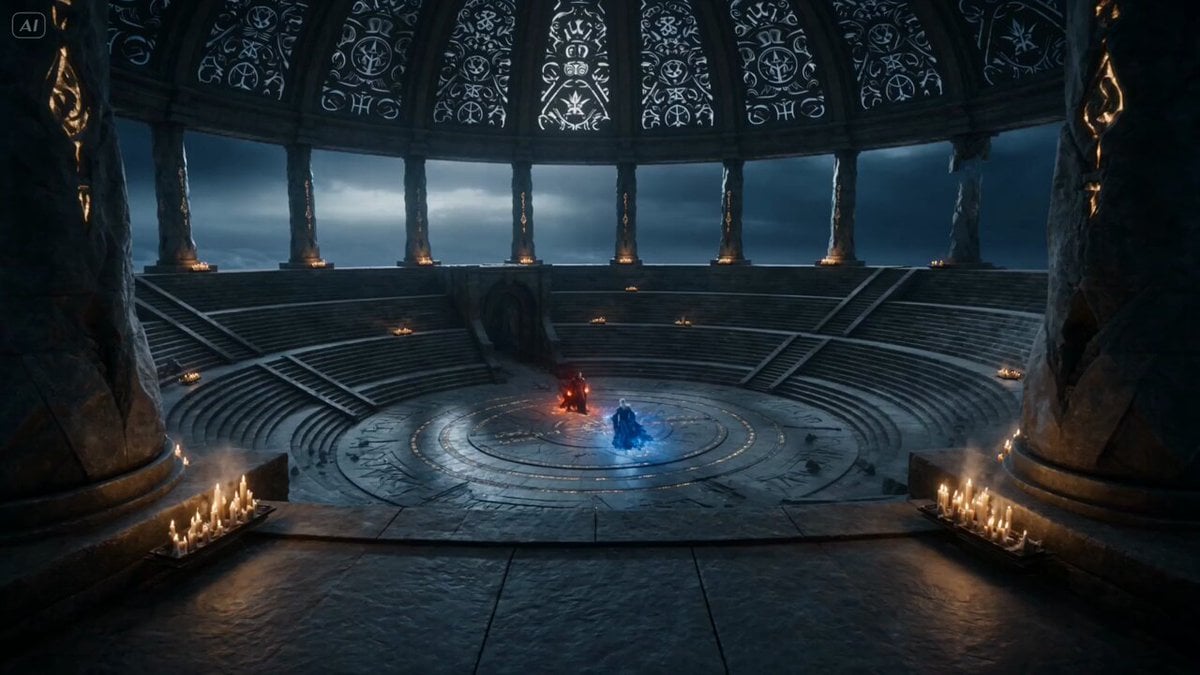
Dark Fantasy Mage Duel
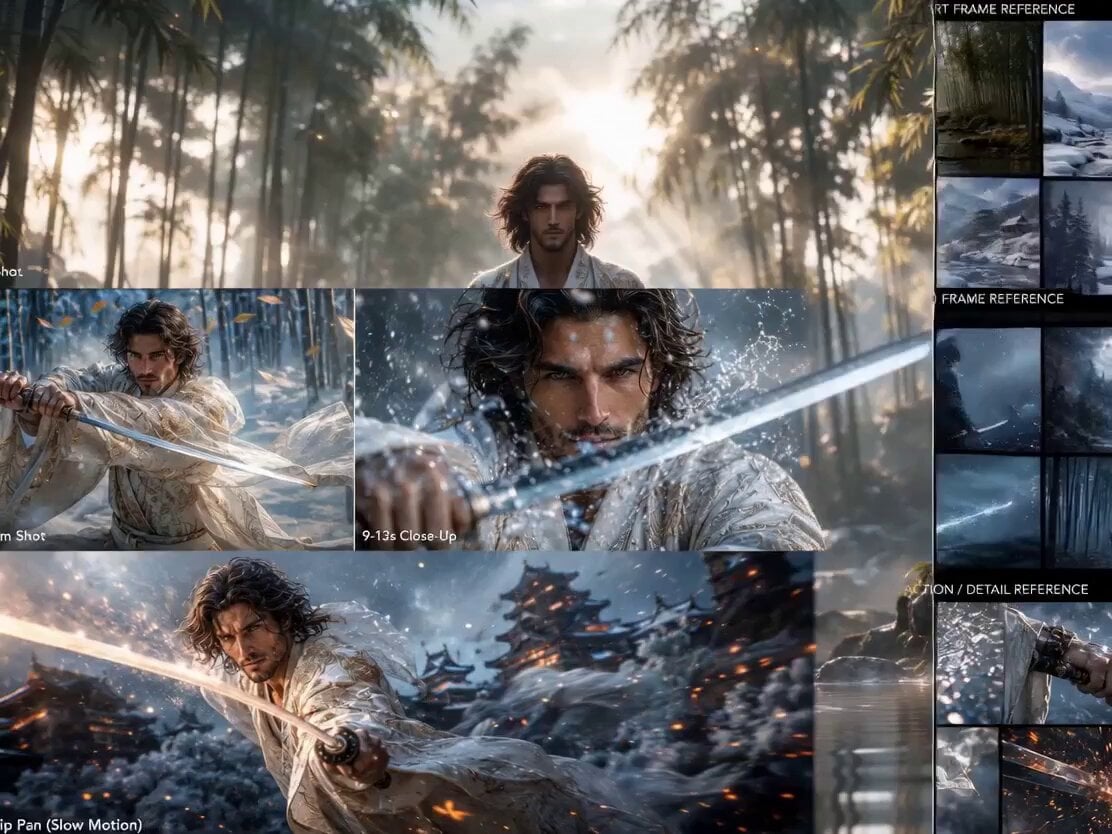
Epic Samurai Duel Master Prompt
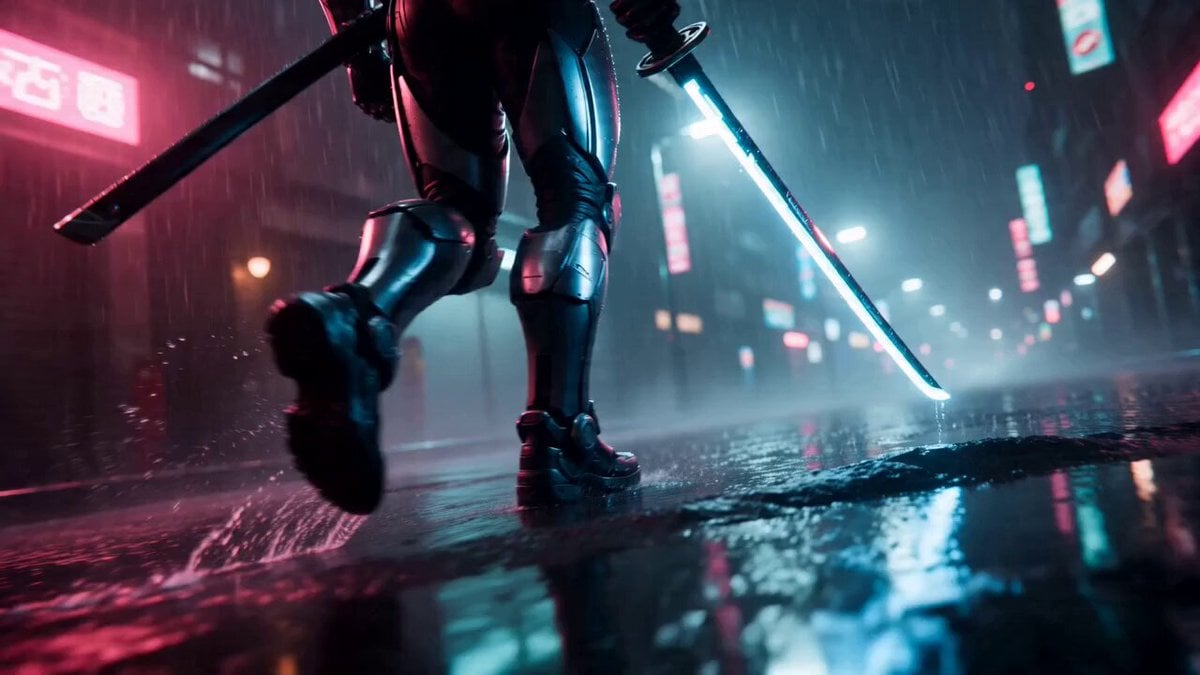
Cyberpunk Neon Samurai Duel
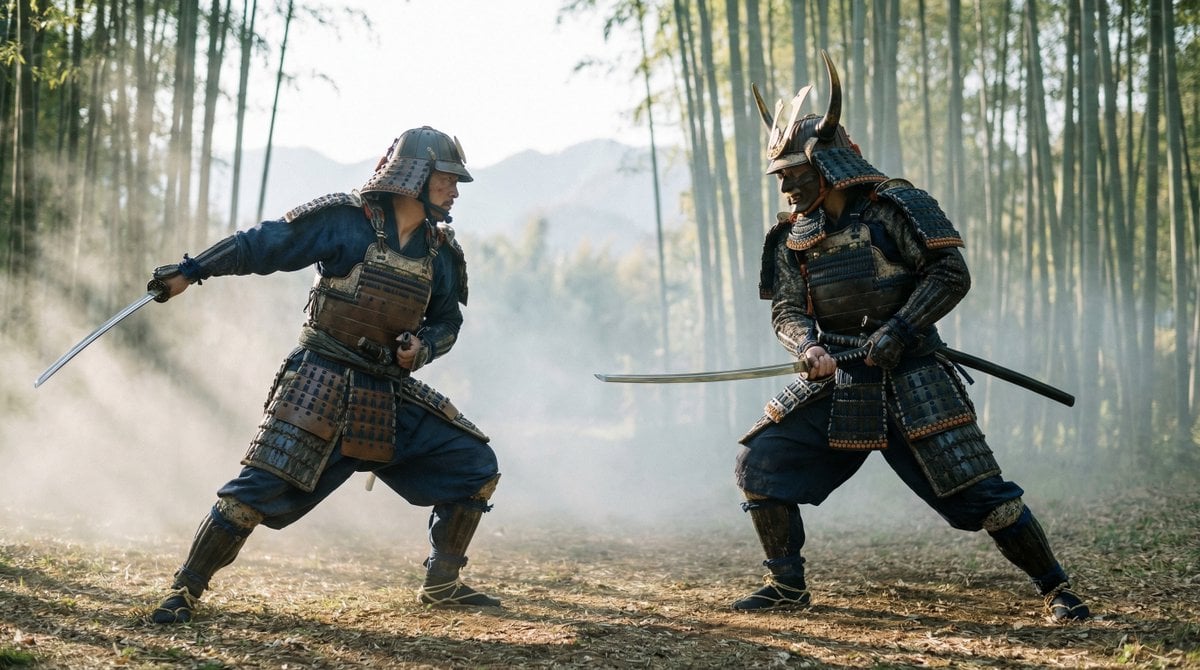
Samurai Duel Fight Sequence (Image-to-Video)
Cyberpunk Samurai Duel
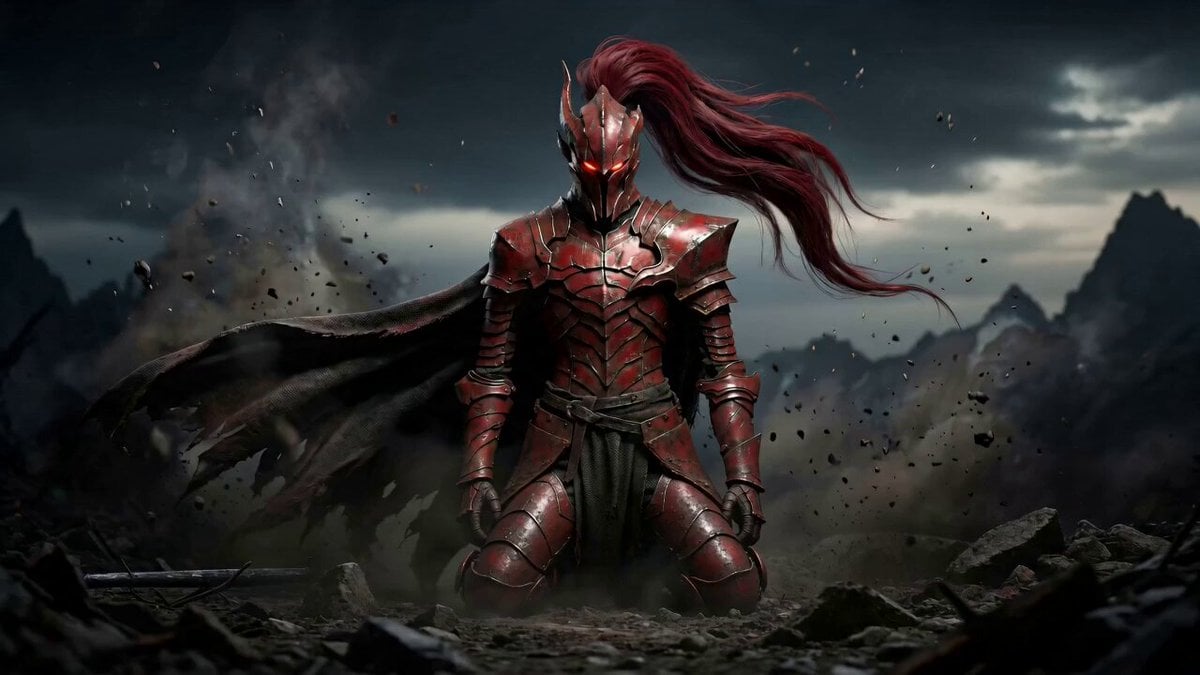
Dark Fantasy Duel: Shadow Monarch vs Knight
Make it yours
Samurai Duel on Dark Lake works as-is. These are the safest ways to change it without losing the look.
Change one field
Copy a single group, rewrite it, and generate again so you can see what that field is doing.
Keep the frame, change the subject
Hold the composition and light of Samurai Duel on Dark Lake, then swap wardrobe, props or the person for a new take.
| If the result… | Why | Fix |
|---|---|---|
| The result drifts from the preview | Too many fields changed at once. | Reuse Samurai Duel on Dark Lake as-is first, then change one group — subject, light, or setting. |
| The model over-stylizes the scene | The prose prompt leaves finish and camera underspecified. | Add one camera or lighting sentence and stay on Seedance 2.0. |
More Seedance 2.0 templates
Other prompts made for Seedance 2.0.

Comical Martial Arts Punch Scene

Maglev Train Action Sequence

Martial Arts Fight Sequence

Wuxia Protection and Trust Script

Vintage Korean Arcade MiniDV Vlog

Mercedes 190 SL Luxury Ad

Rainy Night Supernatural Reverse Comedy Video Script

Amazon Civilization Discovery

Futuristic South Asian City Transformation

Cozy Luxury Cafe Commercial
More video prompts
Fresh picks from across the catalog.
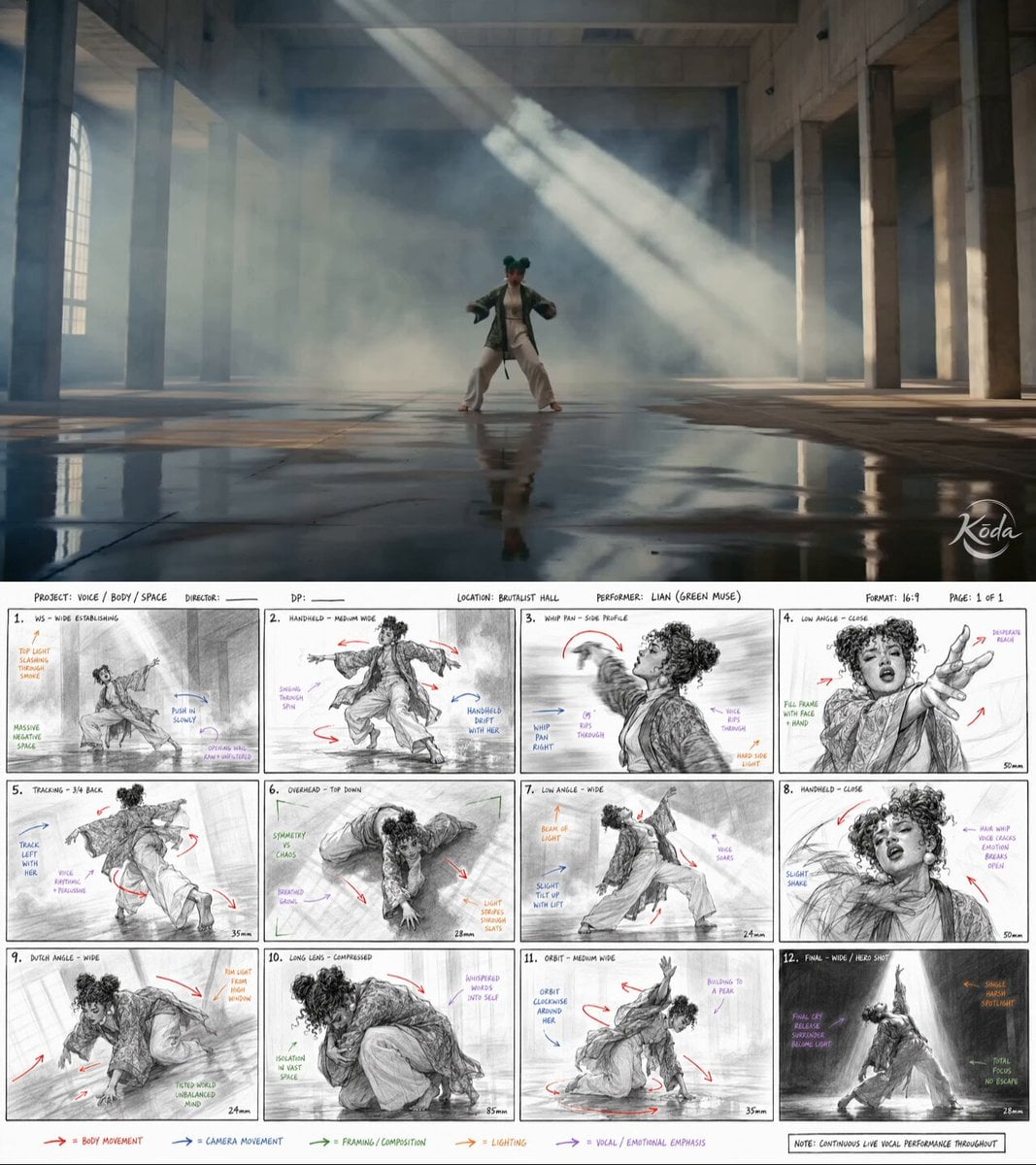
Dance Choreography Storyboard Translation
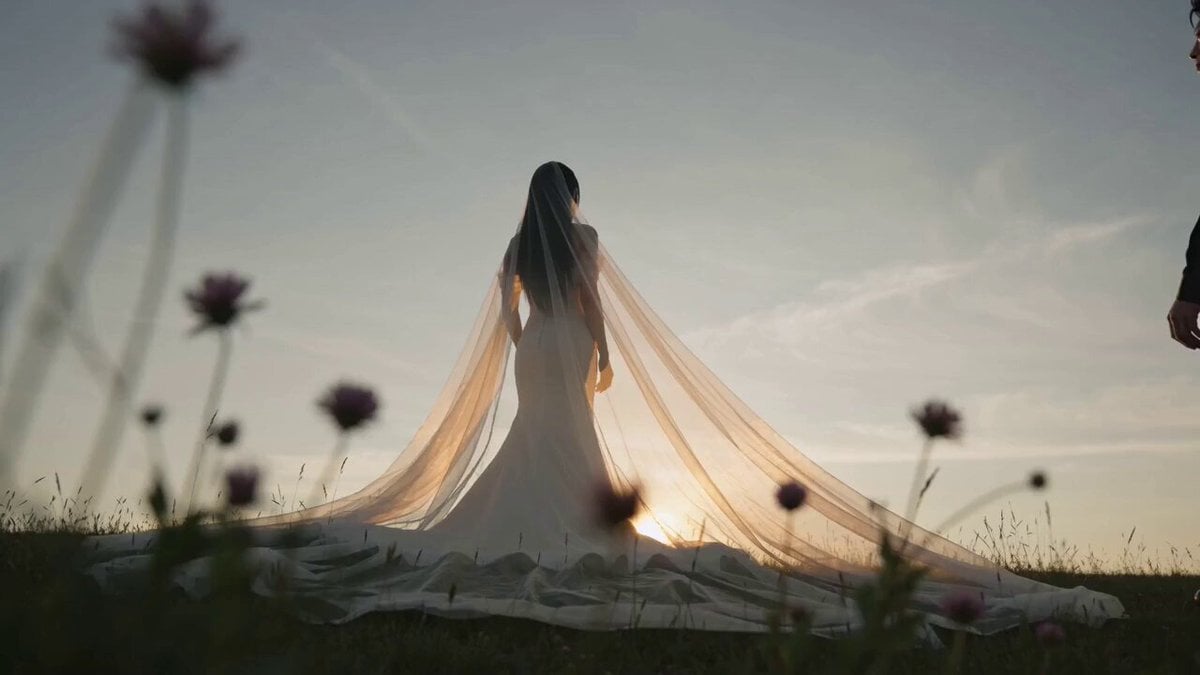
Seedance 2.0 Comprehensive Wedding Photography Prompt
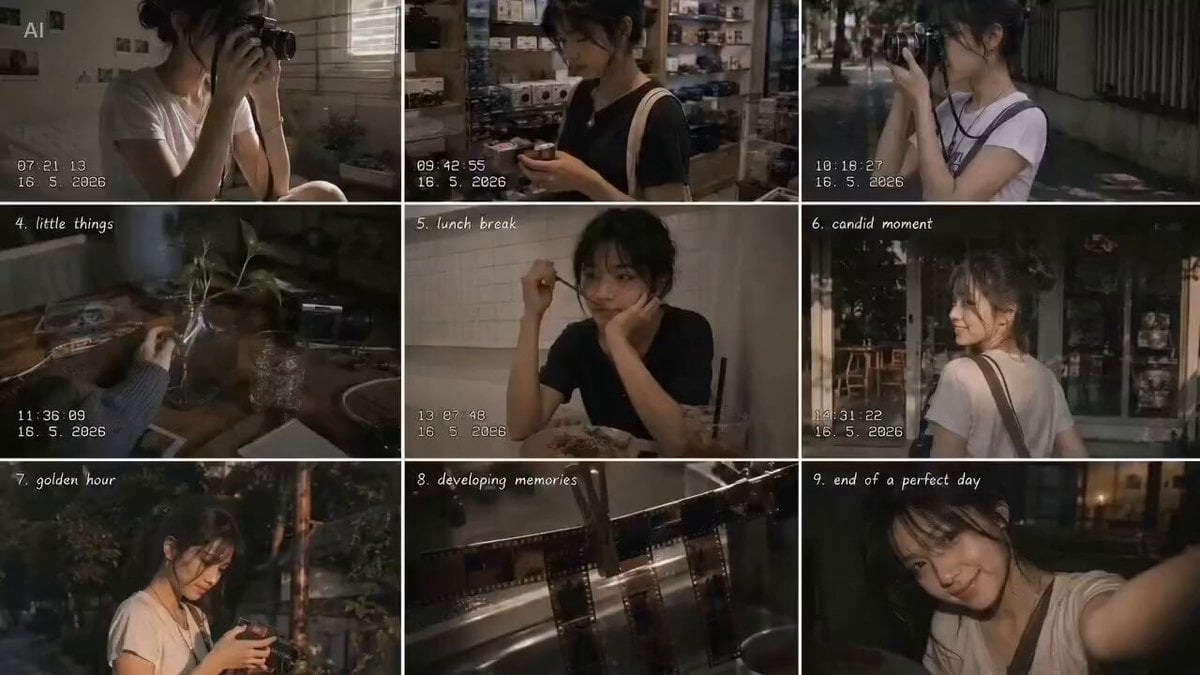
Analog 35mm Style Indonesian Girl Vlog

Kyoto Morning Selfie Vlog
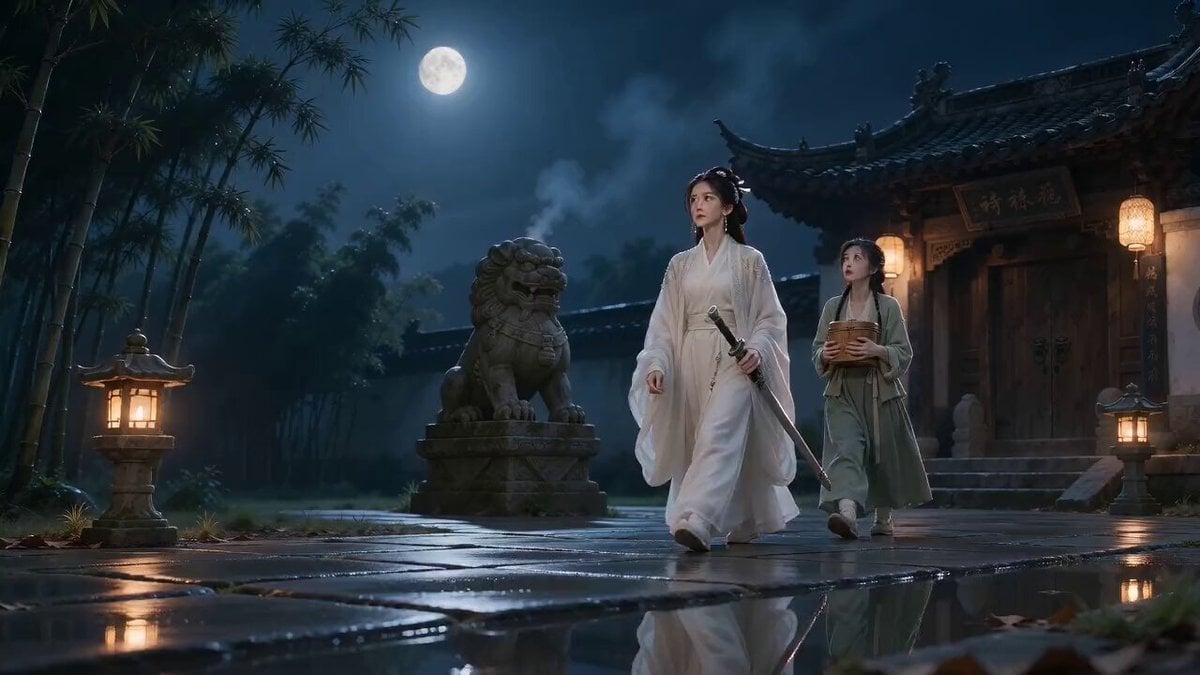
Smelly Tofu Wuxia Plot Twist

Boatman Bitcoin Passage
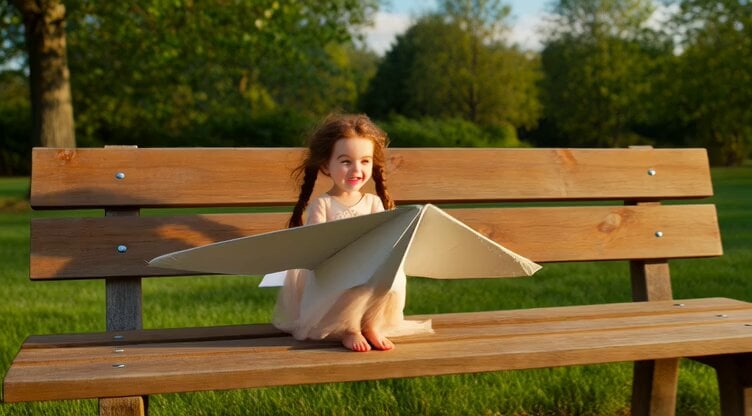
Hyperrealistic Miniature Girl on a Paper Airplane Video Prompt
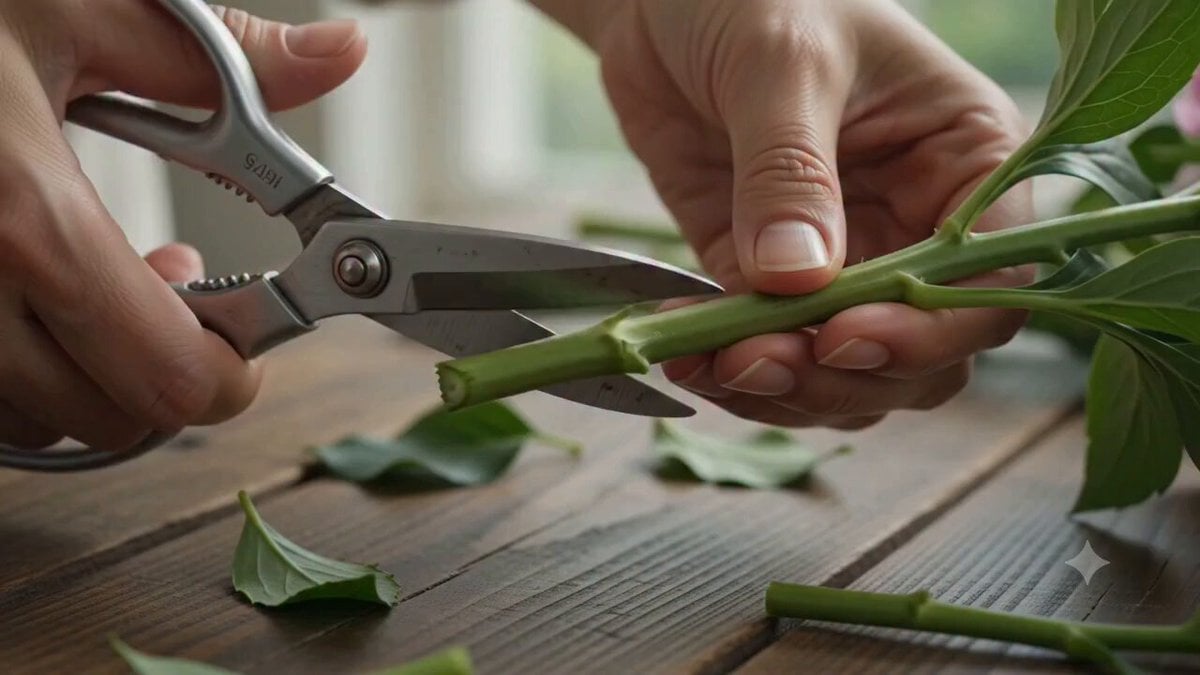
Florist Arranging Roses Cinematic Scene
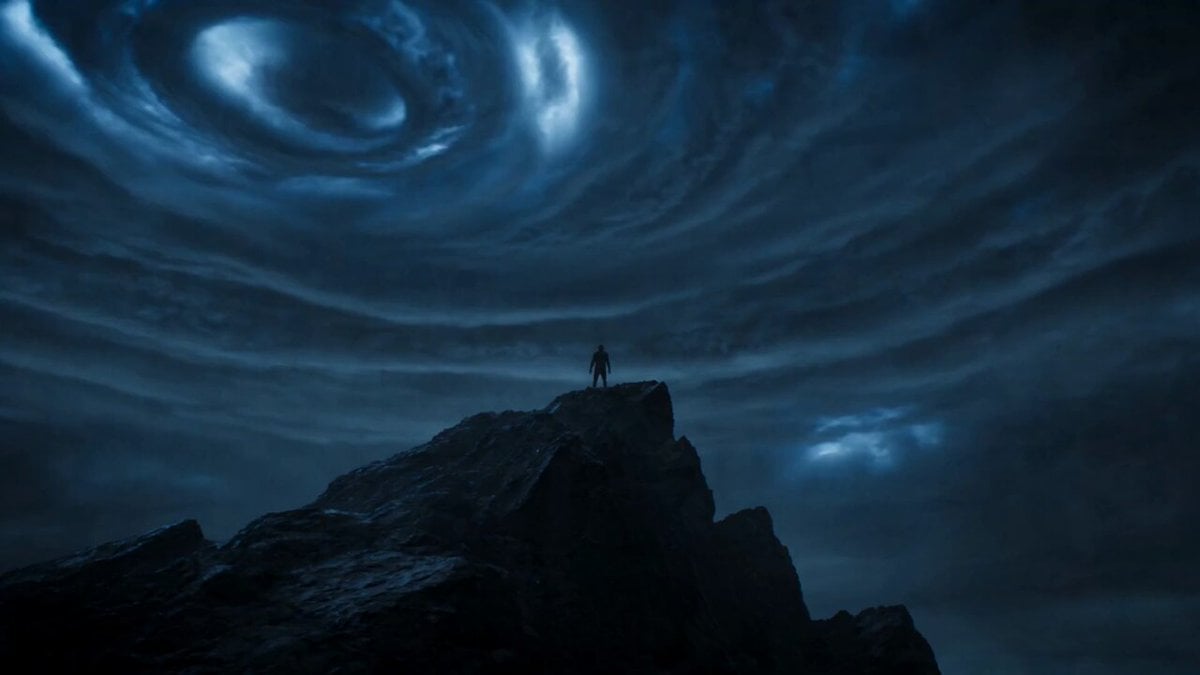
Cinematic Lightning Avatar Transformation Sequence
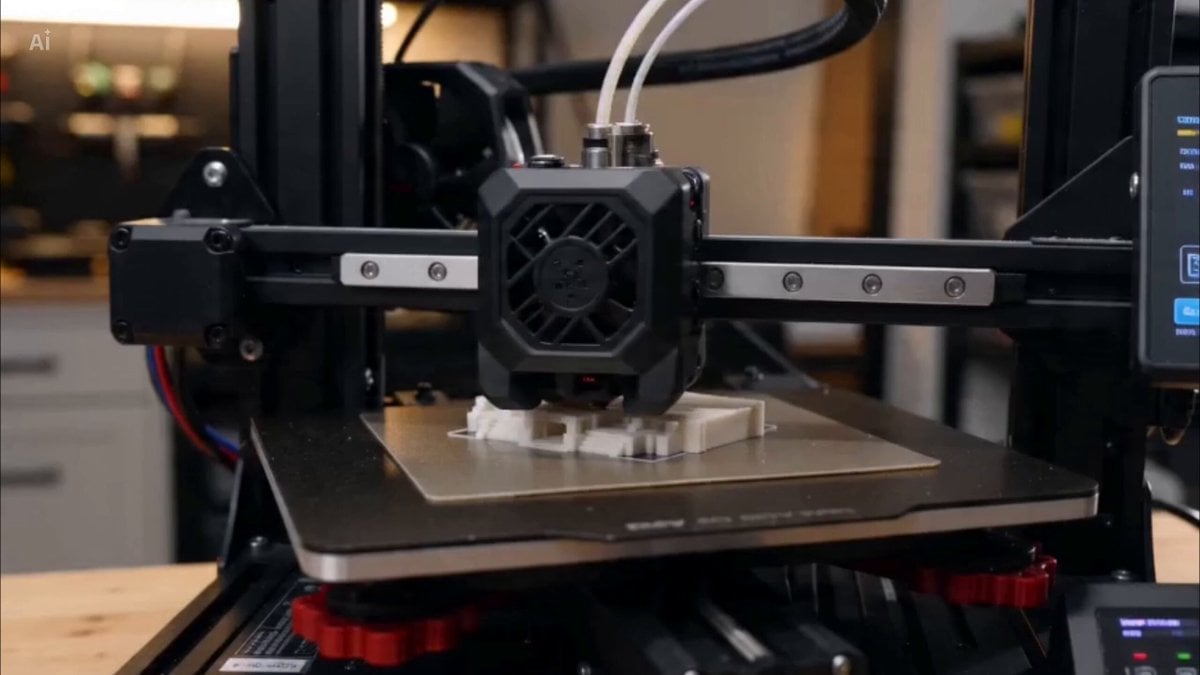
3D Printer Time-lapse Prompt
Browse template categories
Samurai Duel on Dark Lake questions
How do I use the Samurai Duel on Dark Lake template?
Add your photo if the template asks for one, edit the prompt if you like — the template's model and format are already selected — and press Generate. Your version opens in PicX Studio.
Can I customize the Samurai Duel on Dark Lake template?
Yes. You can change the subject, setting, lighting, mood, format, and available model controls before creating your video.
Is the Samurai Duel on Dark Lake template free?
Opening and editing this template is free. Generating uses credits, shown on the Generate button when you are signed in.
Which AI model should I use?
Start with Seedance 2.0, which is the model associated with this template. You can compare another compatible model for a different finish.
Looking for something else? Browse all templates.

Your photo, any look
Thousands of ready templates for every top image and video model, from one credit balance.