
T-Rex vs Military Cargo Plane Action Scene
A high-octane multi-shot action sequence featuring a T-Rex chasing a military cargo plane down a runway with a explosive payoff.
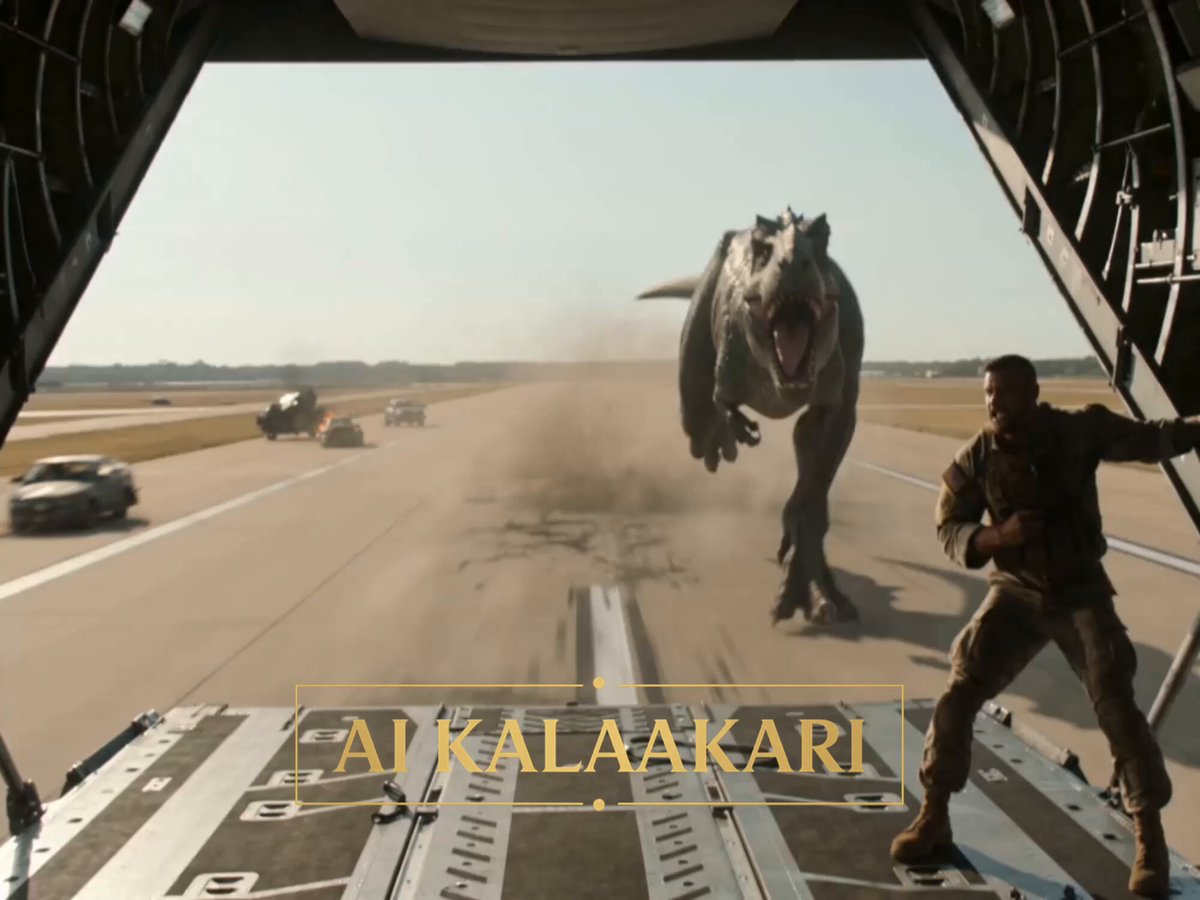
- Prompt included
- Model and format preset
- Free template
The prompt behind this video
Copy the exact prompt behind T-Rex vs Military Cargo Plane Action Scene, or open it in the studio and make it yours.
A T-rex-scale giant lizard is chasing a military cargo plane down a long runway at full takeoff speed in bright harsh daylight. Heat shimmer, dust clouds, scattered burning vehicles along the airstrip. Sound: screaming turboprops, thundering footsteps, roaring, ramp hydraulics, radio chatter. Shot 1 (0–3s) — THE HOOK: Rear tracking shot from inside the open cargo ramp. The colossal lizard sprints down the runway behind the accelerating plane, head low, jaws snapping shut meters from the ramp where a lone soldier stands braced against the wind. Its footsteps crater the tarmac. The soldier screams into his headset: "IT'S FASTER THAN US! WE'RE NOT GONNA MAKE ROTATION!" Shot 2 (3–6s): Cockpit shot. Pilots shoving throttles to the wall, runway end markers rushing closer in the windshield, the airframe shaking. Pilot: "Dump the load! DUMP EVERYTHING!" Behind them through the fuselage, the soldier slashes the cargo straps on a parked humvee with his knife. Shot 3 (6–9s): Low side tracking shot at wheel height. The lizard lunges, jaws closing on the ramp edge — steel shrieks and buckles — the plane's tail dips. The soldier kicks the final strap loose and throws his whole body against the humvee as the deck tilts: "EAT THIS!" Shot 4 (9–13s) — BULLET TIME PAYOFF: The humvee rolls off the ramp. Bullet time — it tumbles through the air in slow motion straight into the lizard's open mouth mid-stride. The monster bites down on three tons of steel, its sprint breaks, legs tangling — it trips at full speed, and the humvee's fuel tank detonates between its jaws. The giant body cartwheels down the runway inside a rolling fireball, tarmac chunks and flame suspended around it. Shot 5 (13–15s): Time snaps back. The cargo plane lifts off at the runway's last meter, climbing steeply over the burning, tumbling carcass below. The soldier hangs onto the mangled ramp, wind howling, laughing like a madman. The wreck burns down the runway behind them. Cut.
How to use T-Rex vs Military Cargo Plane Action Scene in 3 steps
- 1
Open
The prompt is already in the box next to the preview, with the template's model and format selected.
- 2…a portrait of your subject in softgolden-hour light, 85mm…
Personalize
Edit the subject and creative details for your destination.
- 3Generate
Generate
Press Generate — your video is created in PicX Studio, so you can compare it with the original and refine one variable at a time.
More like this
Templates with the same subject, style or setup. Open one to see its prompt.
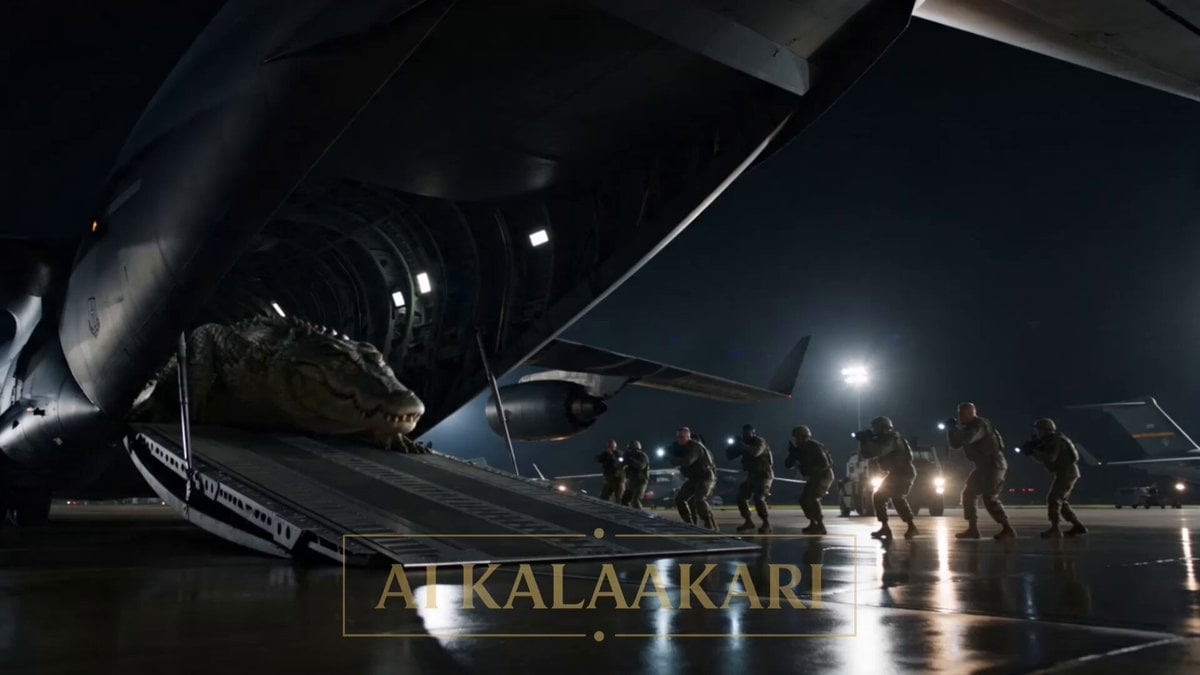
Mega Crocodile Cargo Plane Action
Futuristic Spy Action Cargo Plane Combat
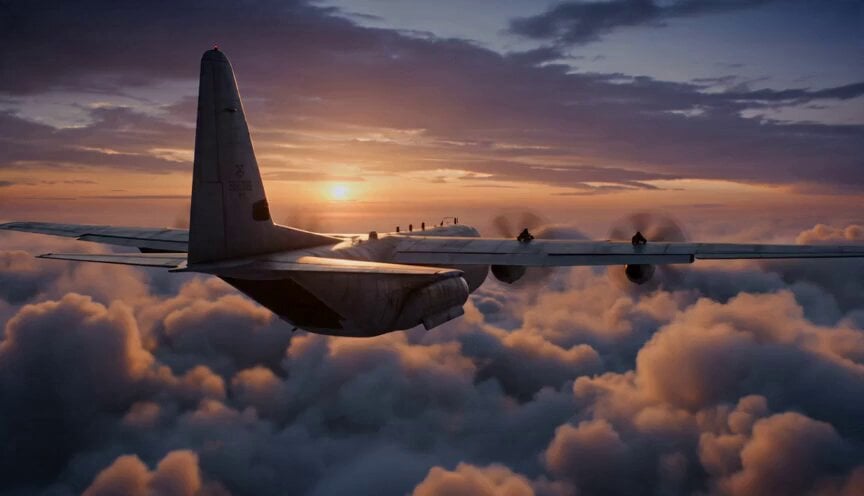
Cargo Plane Action Sequence
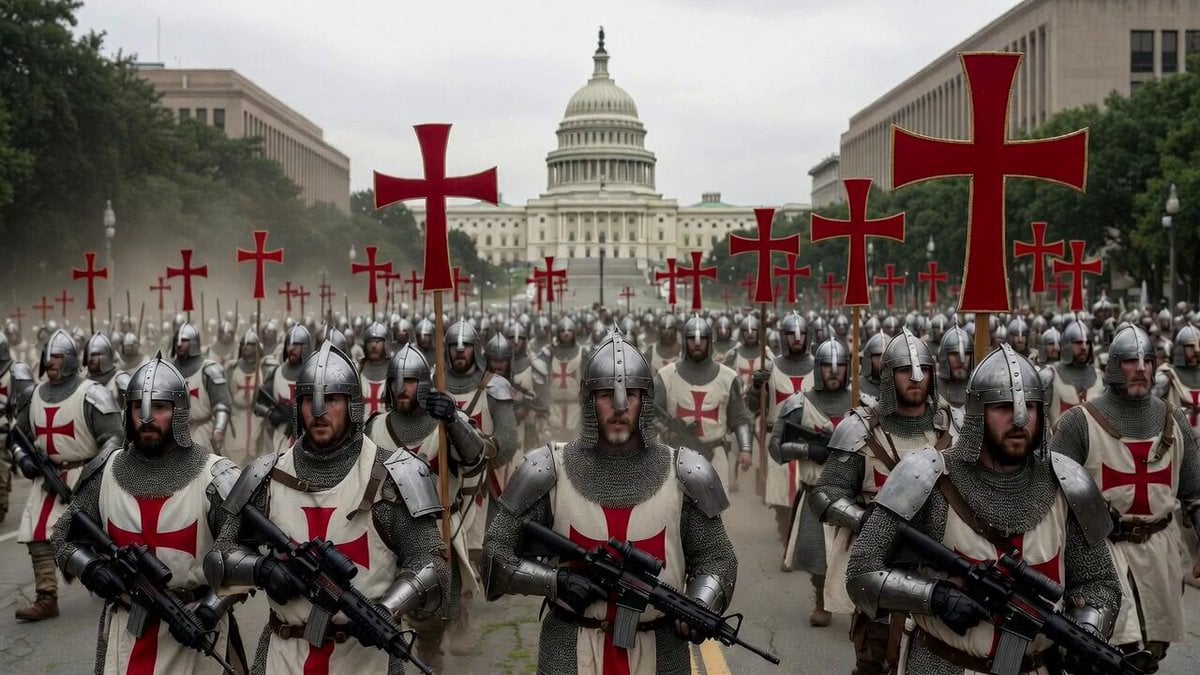
Action-packed military fantasy video prompt

Walking Factory with Rebel on Hoverbike - Wasteland
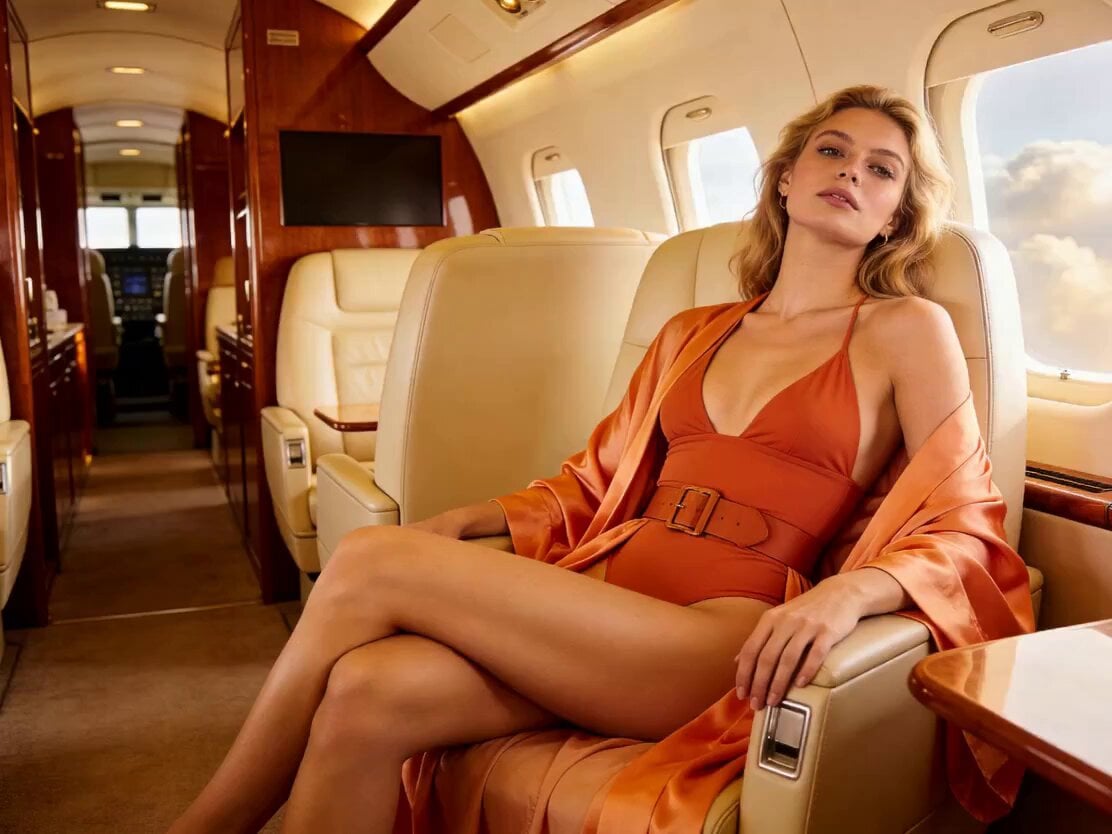
Action Movie Plane Scene
Thornmaw Monarch — Crimson Glass Desert Beast
Warhorse Sprint on Cliff Aqueduct
Parametric Fight Scenes Seedance

Nano Banana Seedance Time Control Streets
Colossal Sea Creature — Stormy Shore Charge (Seedance)
Skybridge Rescue — Supertall Tower Collapse (Seedance)
Make it yours
T-Rex vs Military Cargo Plane Action Scene works as-is. These are the safest ways to change it without losing the look.
Change one field
Copy a single group, rewrite it, and generate again so you can see what that field is doing.
Keep the frame, change the subject
Hold the composition and light of T-Rex vs Military Cargo Plane Action Scene, then swap wardrobe, props or the person for a new take.
| If the result… | Why | Fix |
|---|---|---|
| The result drifts from the preview | Too many fields changed at once. | Reuse T-Rex vs Military Cargo Plane Action Scene as-is first, then change one group — subject, light, or setting. |
| The model over-stylizes the scene | The prose prompt leaves finish and camera underspecified. | Add one camera or lighting sentence and stay on Seedance 2.0. |
More Seedance 2.0 templates
Other prompts made for Seedance 2.0.

Comical Martial Arts Punch Scene

Maglev Train Action Sequence

Martial Arts Fight Sequence

Wuxia Protection and Trust Script

Vintage Korean Arcade MiniDV Vlog

Mercedes 190 SL Luxury Ad

Rainy Night Supernatural Reverse Comedy Video Script

Amazon Civilization Discovery

Futuristic South Asian City Transformation

Cozy Luxury Cafe Commercial
More video prompts
Fresh picks from across the catalog.

Dunhuang Mural Dance Transition

Grok Imagine prompt: Woman Chasing Away Small People

Cinematic Character Sequence Montage

Astronaut Anime Style Mission

Cinematic Tokyo Travel Vlog Montage

Seedance 2.0 Ancient Style Transformation Video Prompt
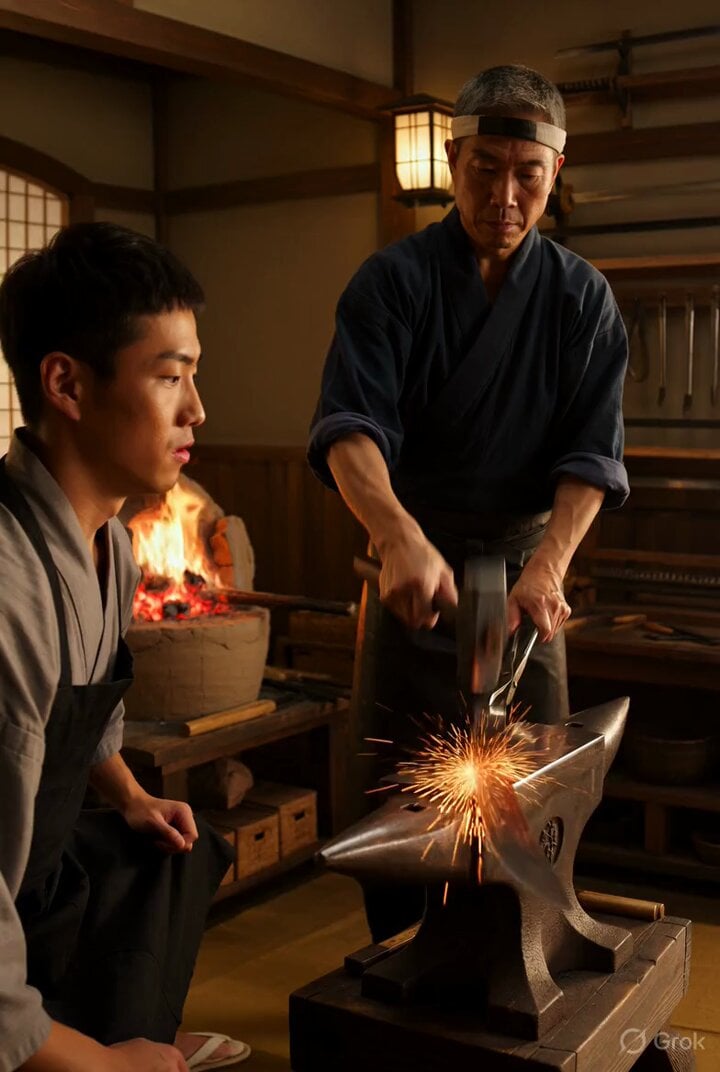
Video prompt for a traditional Japanese katana shop scene
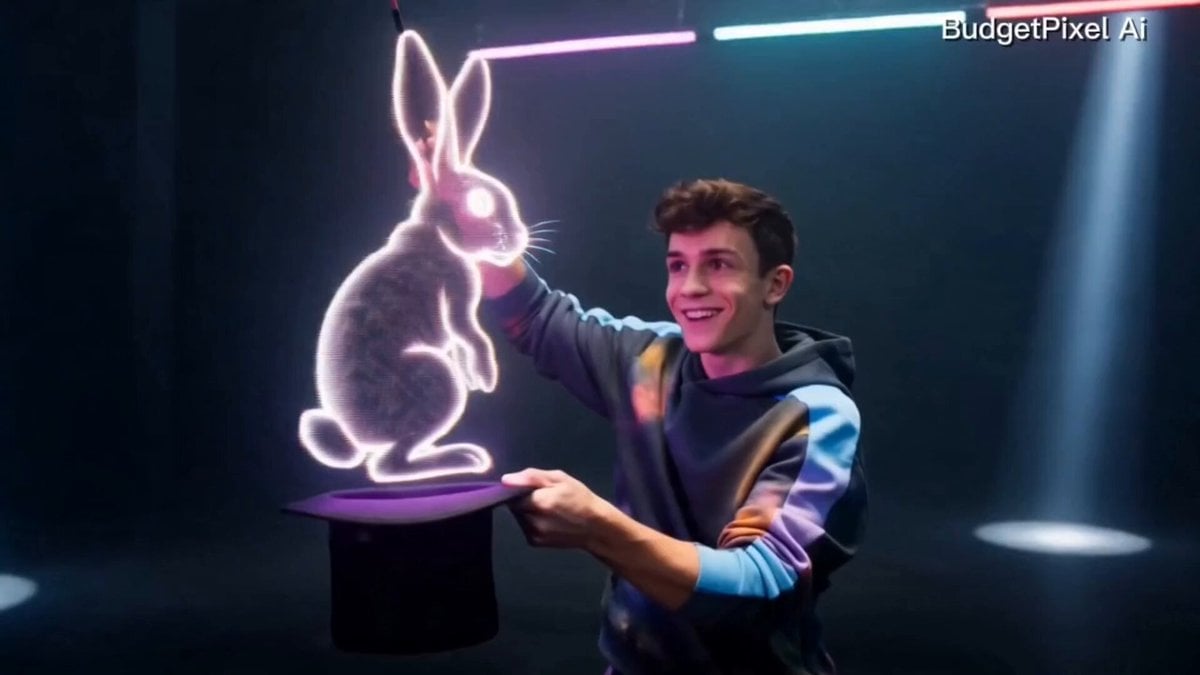
Modern Magician Rapid Fire Magic Sequence

Authentic Italy Travel Vlog Collage
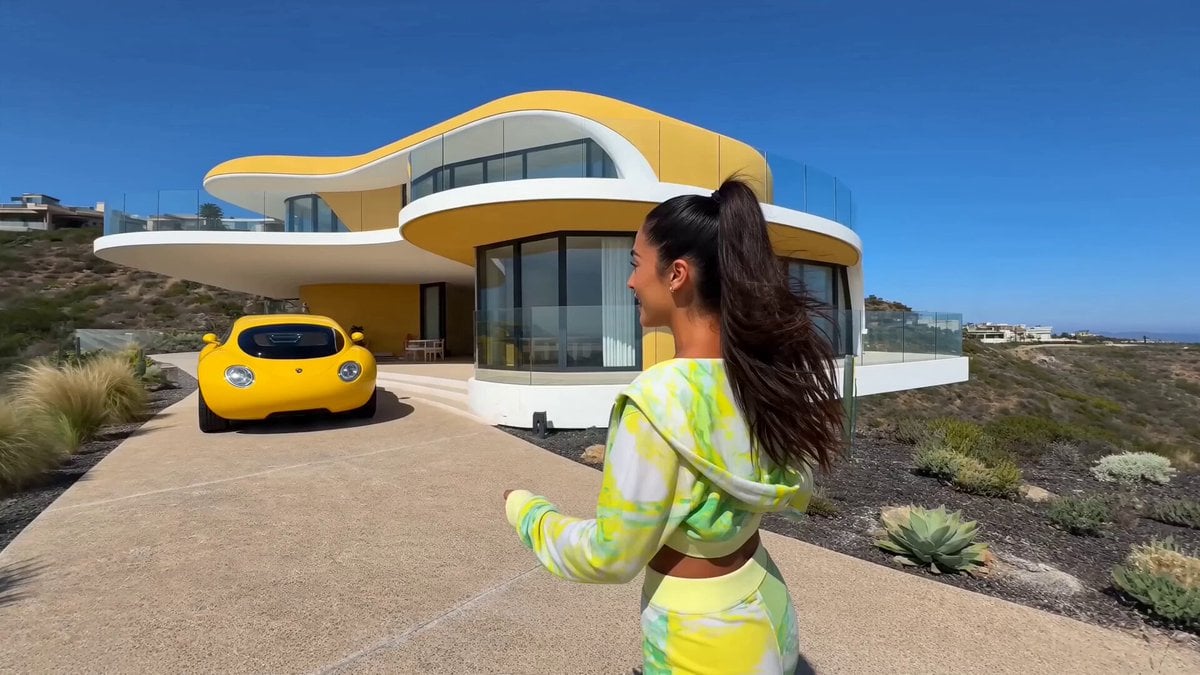
Influencer Luxury Villa Tour
Browse template categories
T-Rex vs Military Cargo Plane Action Scene questions
How do I use the T-Rex vs Military Cargo Plane Action Scene template?
Add your photo if the template asks for one, edit the prompt if you like — the template's model and format are already selected — and press Generate. Your version opens in PicX Studio.
Can I customize the T-Rex vs Military Cargo Plane Action Scene template?
Yes. You can change the subject, setting, lighting, mood, format, and available model controls before creating your video.
Is the T-Rex vs Military Cargo Plane Action Scene template free?
Opening and editing this template is free. Generating uses credits, shown on the Generate button when you are signed in.
Which AI model should I use?
Start with Seedance 2.0, which is the model associated with this template. You can compare another compatible model for a different finish.
Looking for something else? Browse all templates.

Your photo, any look
Thousands of ready templates for every top image and video model, from one credit balance.