How do I use the Mega Crocodile Cargo Plane Action template?
Edit the prompt in the box under the preview — the template's model and format are already selected — and press Generate. Your version appears right on this page.
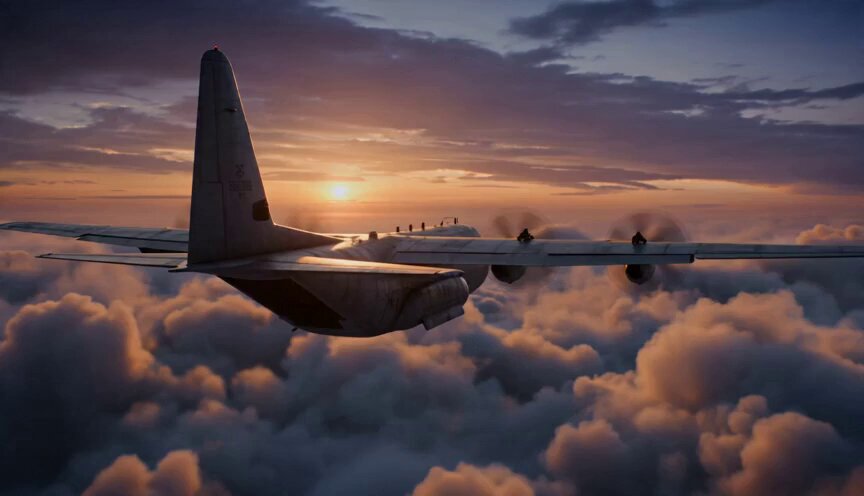
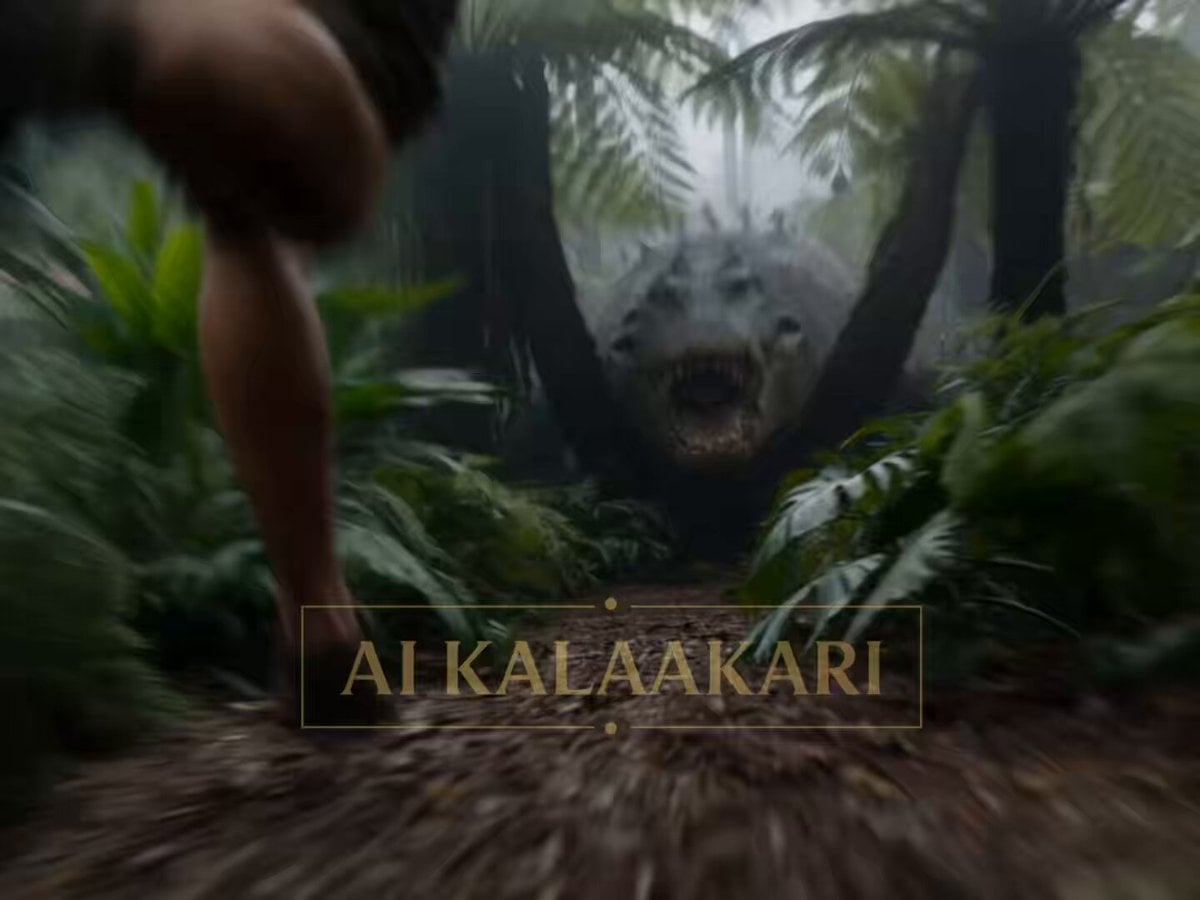
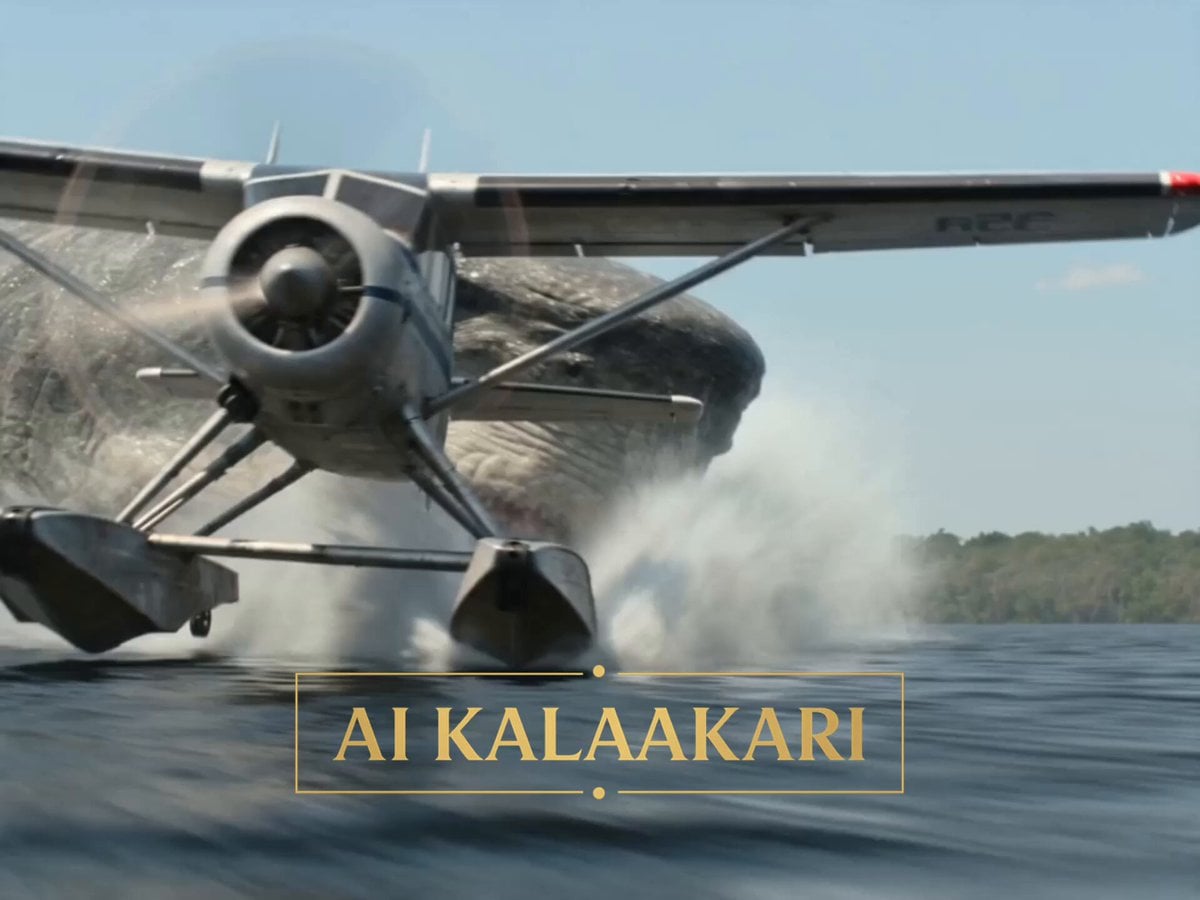
A detailed multi-shot cinematic video prompt for Seedance 2 featuring a massive crocodile blocking an army cargo plane ramp and being dropped in slow motion.
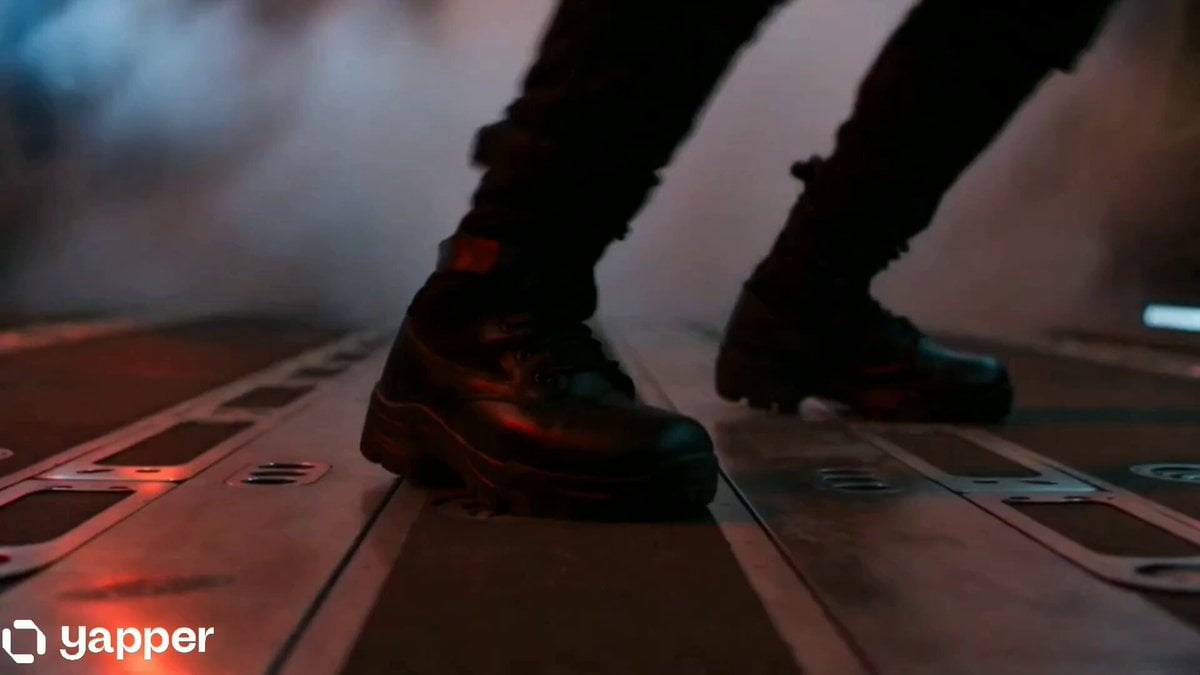
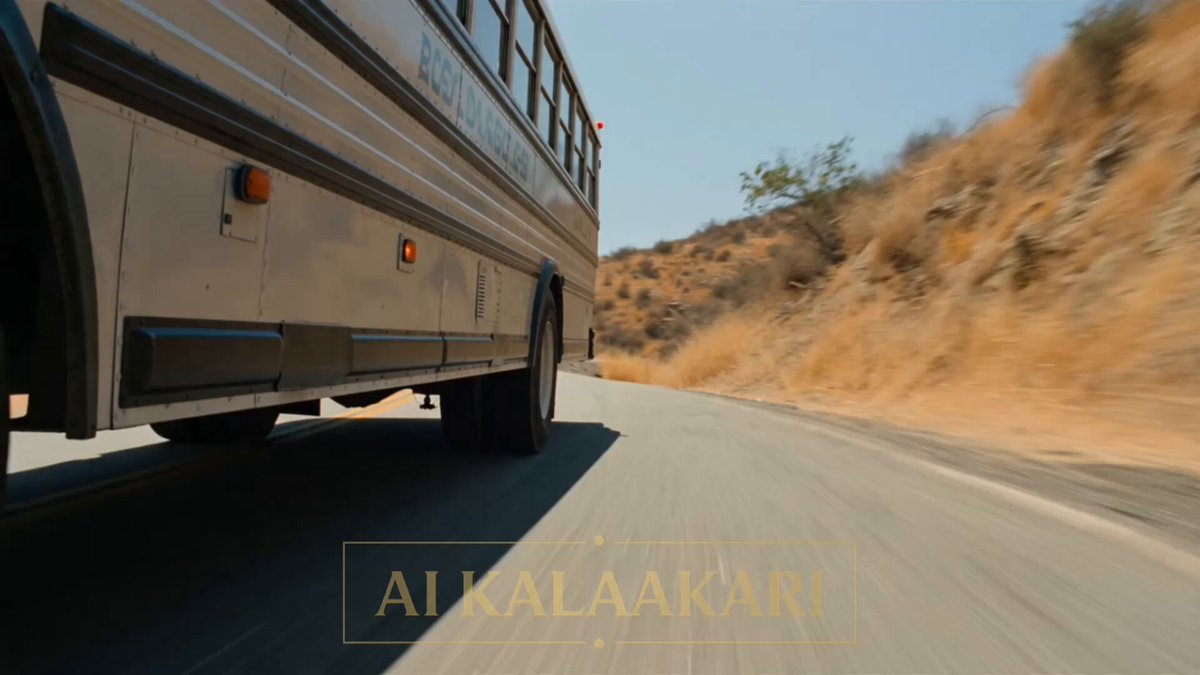
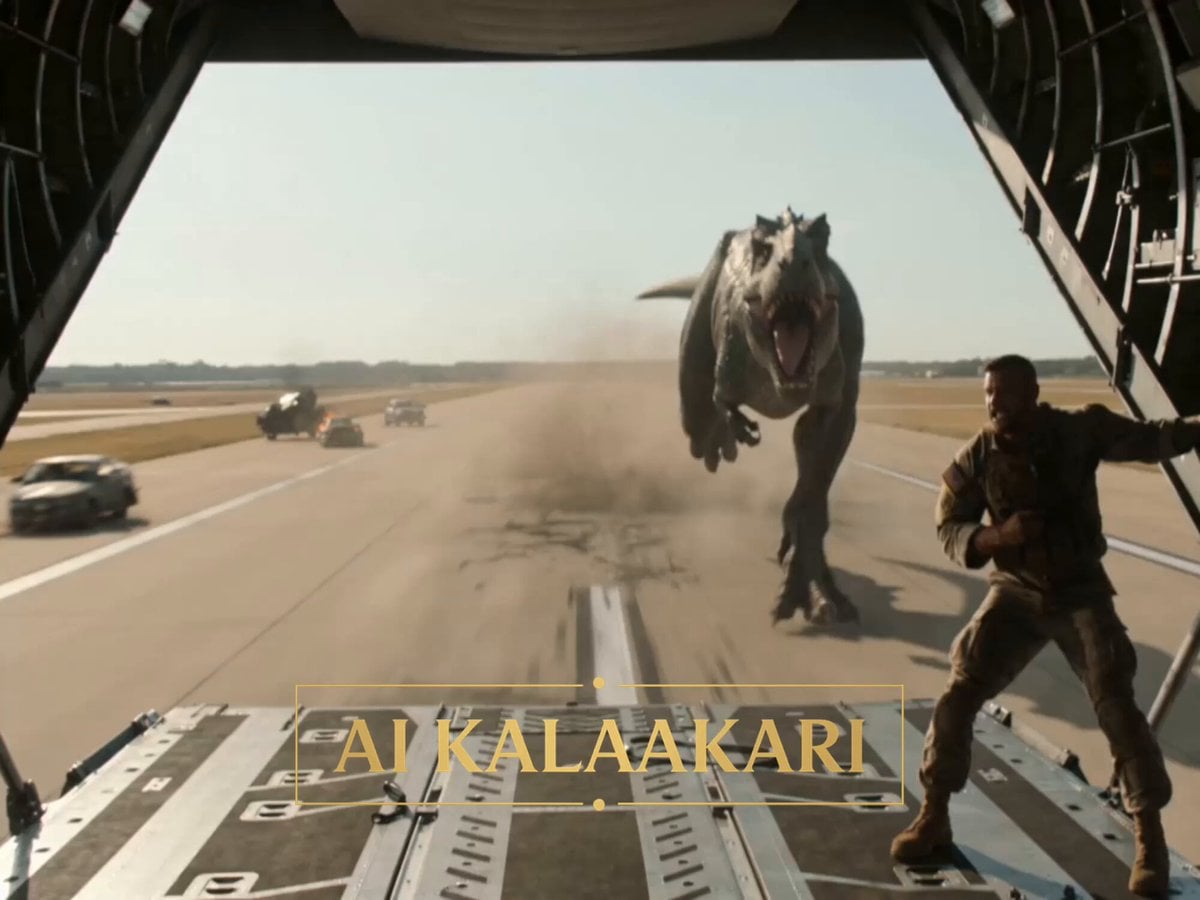
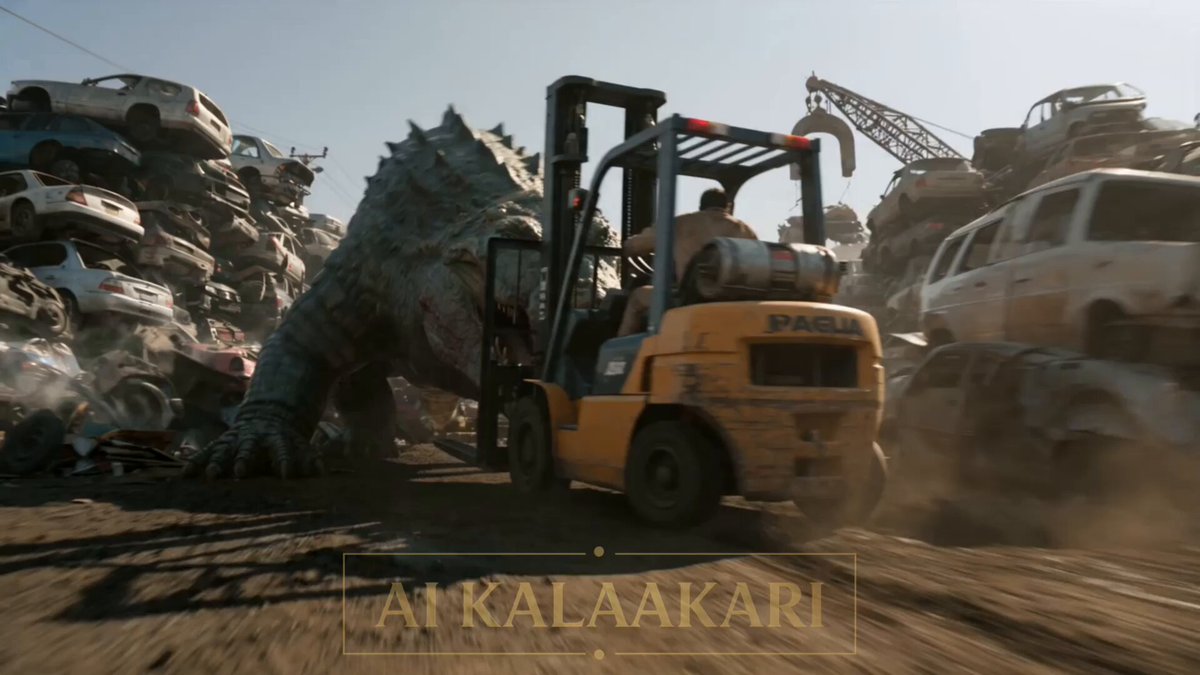
An army cargo plane sits on a runway at night, its loading ramp lowered to the ground, floodlights lighting up the tarmac. A mega crocodile, huge as a truck, has climbed halfway up the ramp, blocking soldiers from boarding. Inside, the loadmaster stands at the ramp controls — the same controls he uses to raise and lower this ramp on every single flight. Sound: groaning hydraulics, croc hissing, shouting, engines idling, radio voices.\n\nShot 1 (0–3s) — THE HOOK: Low shot up the ramp. The mega crocodile drags itself further up the metal ramp, blocking the way in, its claws scraping the surface. Soldiers back away below, one shouting into his radio: "IT'S BLOCKING THE RAMP! WE CAN'T BOARD!"\n\nShot 2 (3–6s): Inside the plane, the loadmaster stands at the hydraulic controls, watching the crocodile climb further onto the ramp. He calls on the radio: "Let it come all the way up! I've got this!"\n\nShot 3 (6–9s): The crocodile drags its whole body fully onto the ramp now, no longer touching the ground below. The loadmaster's hand grips the release lever, eyes locked on the crocodile's position, waiting for the right moment.\n\nShot 4 (9–13s) — BIG SLOW-MOTION MOMENT: He hits the release. Bullet time — the ramp drops fast in slow motion, tilting sharply downward, the crocodile's huge body sliding and flipping off the back edge, claws scraping uselessly at the metal as it falls through the air.\n\nShot 5 (13–15s): Time snaps back. The crocodile crashes hard onto the runway below, skidding across the tarmac. The ramp locks back into place, soldiers boarding safely up into the plane. Cut.
An army cargo plane sits on a runway at night, its loading ramp lowered to the ground, floodlights lighting up the tarmac. A mega crocodile, huge as a truck, has climbed halfway up the ramp, blocking soldiers from boarding. Inside, the loadmaster stands at the ramp controls — the same controls he uses to raise and lower this ramp on every single flight. Sound: groaning hydraulics, croc hissing, shouting, engines idling, radio voices.\n\nShot 1 (0–3s) — THE HOOK: Low shot up the ramp. The mega crocodile drags itself further up the metal ramp, blocking the way in, its claws scraping the surface. Soldiers back away below, one shouting into his radio: "IT'S BLOCKING THE RAMP! WE CAN'T BOARD!"\n\nShot 2 (3–6s): Inside the plane, the loadmaster stands at the hydraulic controls, watching the crocodile climb further onto the ramp. He calls on the radio: "Let it come all the way up! I've got this!"\n\nShot 3 (6–9s): The crocodile drags its whole body fully onto the ramp now, no longer touching the ground below. The loadmaster's hand grips the release lever, eyes locked on the crocodile's position, waiting for the right moment.\n\nShot 4 (9–13s) — BIG SLOW-MOTION MOMENT: He hits the release. Bullet time — the ramp drops fast in slow motion, tilting sharply downward, the crocodile's huge body sliding and flipping off the back edge, claws scraping uselessly at the metal as it falls through the air.\n\nShot 5 (13–15s): Time snaps back. The crocodile crashes hard onto the runway below, skidding across the tarmac. The ramp locks back into place, soldiers boarding safely up into the plane. Cut.
Edit the prompt in the box under the preview — the template's model and format are already selected — and press Generate. Your version appears right on this page.
Yes. You can change the subject, setting, lighting, mood, format, and available model controls before creating your video.
Opening and editing this template is free. Generating uses credits, shown on the Generate button when you are signed in.
Start with Seedance 2.0, which is the model associated with this template. You can compare another compatible model for a different finish.
Follow a topic to a crawlable collection of related PicX Studio templates.