
Modern Magician Rapid Fire Magic Sequence
A detailed 15-second cinematic sequence featuring a young magician performing 8 rapid magic tricks with high-end VFX.
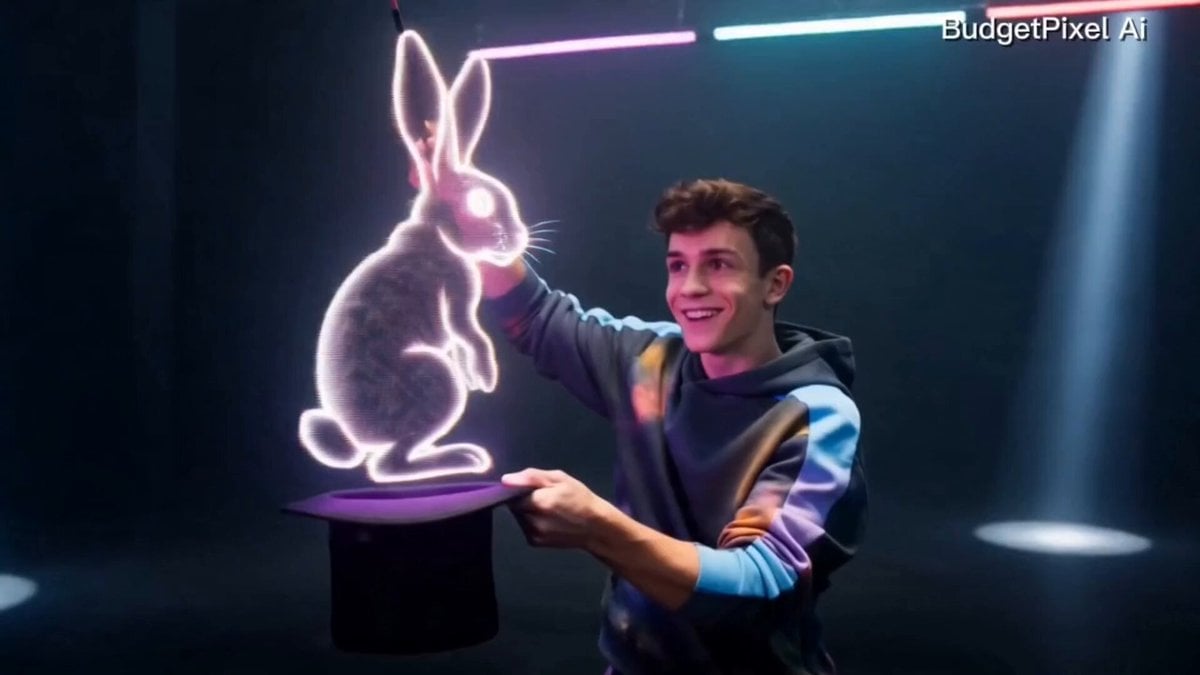
- Prompt included
- Model and format preset
- Free template
The prompt behind this video
Copy the exact prompt behind Modern Magician Rapid Fire Magic Sequence, or open it in the studio and make it yours.
A charismatic young magician with a modern Gen Z aesthetic performs 8 rapid-fire, mind-blowing magic tricks in a seamless 15-second cinematic sequence. Ultra-realistic, energetic, highly detailed, premium VFX, social-media viral style, fast pacing with perfect transitions. Magic sequence (8 tricks): 1. Snaps fingers and a glowing deck of cards explodes into the air. 2. Cards instantly transform into colorful butterflies. 3. Pulls a neon holographic rabbit out of an empty hat. 4. Waves a wand and levitates several floating crystal spheres. 5. Opens a portal that releases sparkling cosmic energy. 6. Turns a silk scarf into a white dove mid-air. 7. Multiplies into three identical versions performing synchronized magic. 8. Final grand illusion: the magician disappears in golden particles and instantly reappears standing on a glowing floating platform with fireworks and magical energy swirling around. Style: Modern luxury streetwear magician, confident Gen Z vibe, expressive facial reactions, playful charisma, clean choreography, premium cinematic lighting, vibrant neon accents, magical particle simulations, volumetric lighting, realistic physics, ultra-sharp 8K look. Camera: 24mm + 50mm cinematic lenses, dynamic gimbal tracking, orbit shots, push-ins, whip pans, slow-motion accents, seamless match cuts, smooth transitions, shallow depth of field. Settings: 15 seconds, 24fps, HDR, photorealistic, Hollywood-grade CGI, high detail, viral TikTok/Reels pacing, no glitches, no text, no watermark, perfectly consistent character throughout.
How to use Modern Magician Rapid Fire Magic Sequence in 3 steps
- 1
Open
The prompt is already in the box next to the preview, with the template's model and format selected.
- 2…a portrait of your subject in softgolden-hour light, 85mm…
Personalize
Edit the subject and creative details for your destination.
- 3Generate
Generate
Press Generate — your video is created in PicX Studio, so you can compare it with the original and refine one variable at a time.
More like this
Templates with the same subject, style or setup. Open one to see its prompt.
Viking in Modern America Comedy - Seedance 2.5

Forest Fantasy Girl Short Film

Live-Action Firefighter Rescue Night Scene
Magical Transformation Sequence
Magical Academy Storyboard Sequence
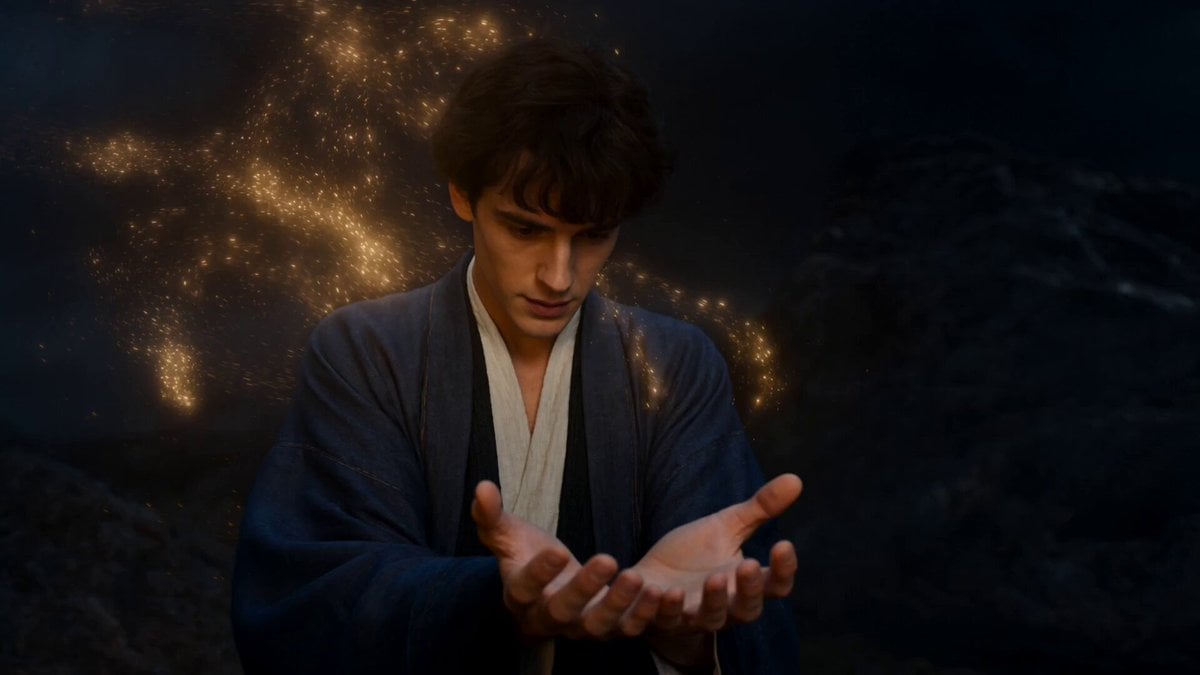
Elemental Magic Fire Dance
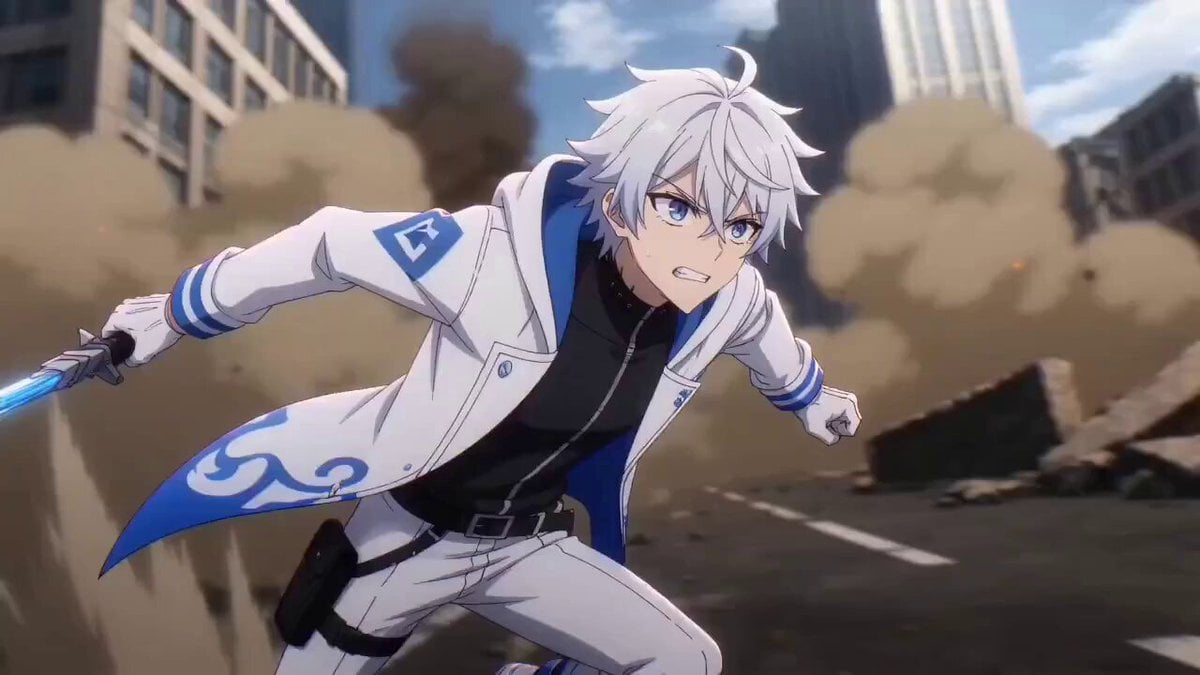
JSON Prompt for Modern Anime Sakuga Fight Sequence
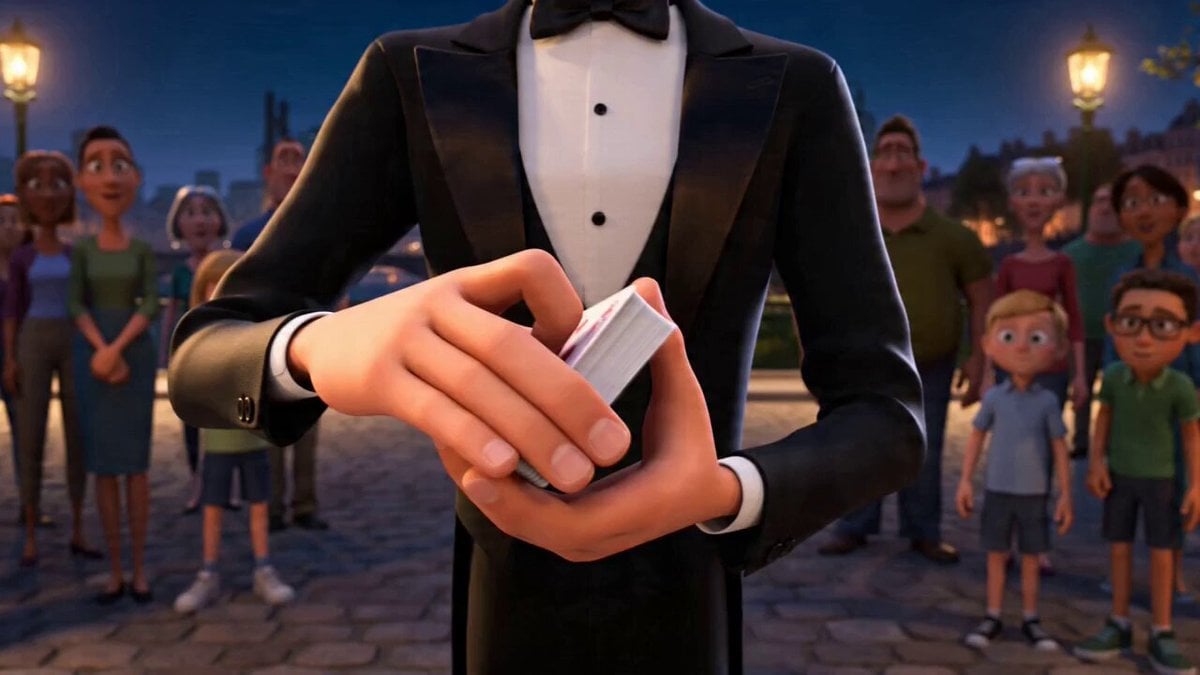
Stylized Magician Performance Video Prompt

Firefighter Rescue Cinematic Sequence
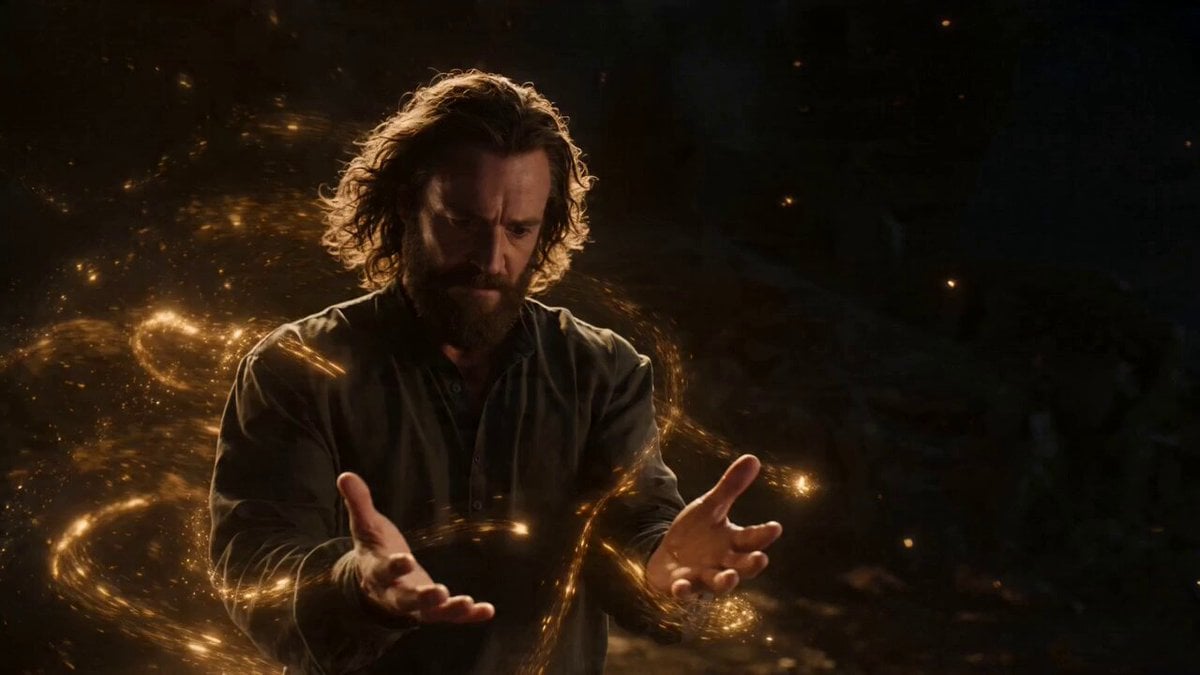
Two-Scene Narrative of Elemental Magic and Fire Dance
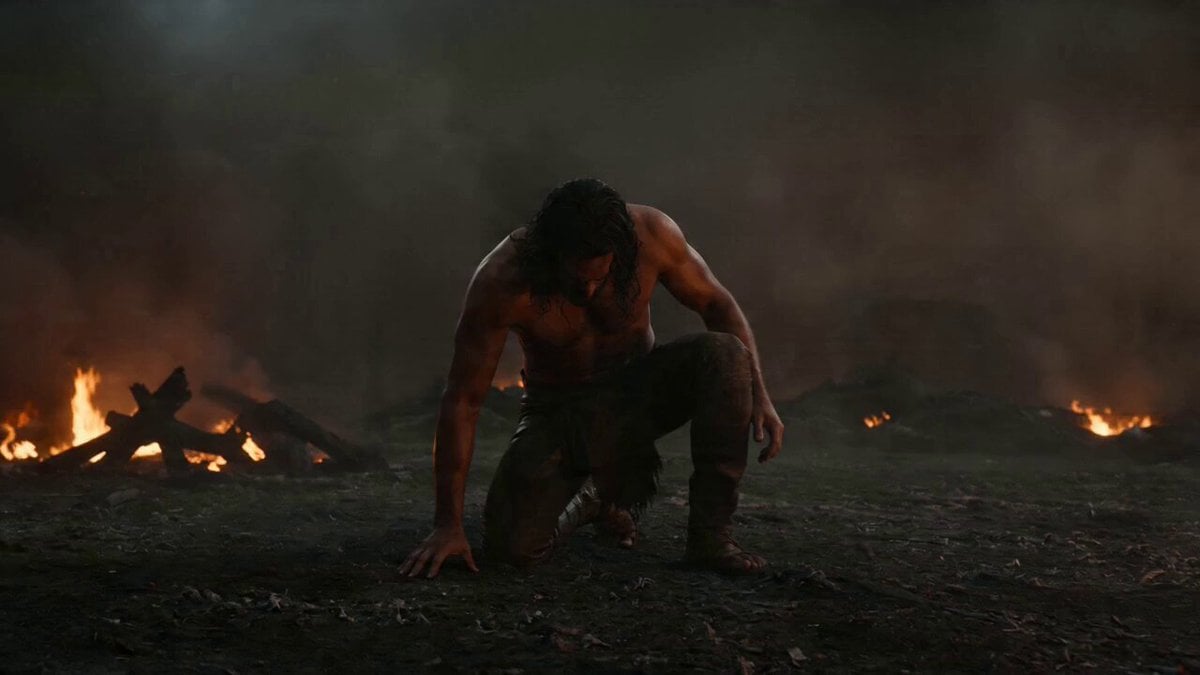
Warrior Fire Ignition Sequence
Dragon Rescue — Volcanic Kingdom Collapse (Seedance)
Make it yours
Modern Magician Rapid Fire Magic Sequence works as-is. These are the safest ways to change it without losing the look.
Change one field
Copy a single group, rewrite it, and generate again so you can see what that field is doing.
Keep the frame, change the subject
Hold the composition and light of Modern Magician Rapid Fire Magic Sequence, then swap wardrobe, props or the person for a new take.
| If the result… | Why | Fix |
|---|---|---|
| The result drifts from the preview | Too many fields changed at once. | Reuse Modern Magician Rapid Fire Magic Sequence as-is first, then change one group — subject, light, or setting. |
| The model over-stylizes the scene | The prose prompt leaves finish and camera underspecified. | Add one camera or lighting sentence and stay on Seedance 2.0. |
More Seedance 2.0 templates
Other prompts made for Seedance 2.0.

Comical Martial Arts Punch Scene

Wuxia Protection and Trust Script

Vintage Korean Arcade MiniDV Vlog

Mercedes 190 SL Luxury Ad

Rainy Night Supernatural Reverse Comedy Video Script

Amazon Civilization Discovery

Futuristic South Asian City Transformation

Cozy Luxury Cafe Commercial

Cyber Ronin Nanotech Transformation Video

Desert Courier and Sandstorm Leviathan Chase
More video prompts
Fresh picks from across the catalog.
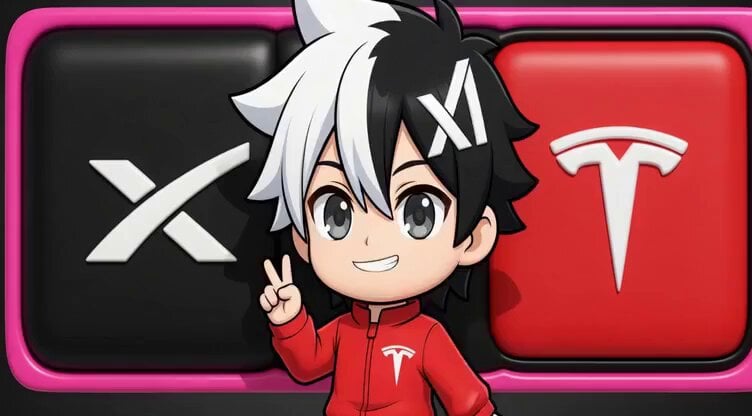
Chibi Concept Logo for SpaceX, xAI, and Tesla
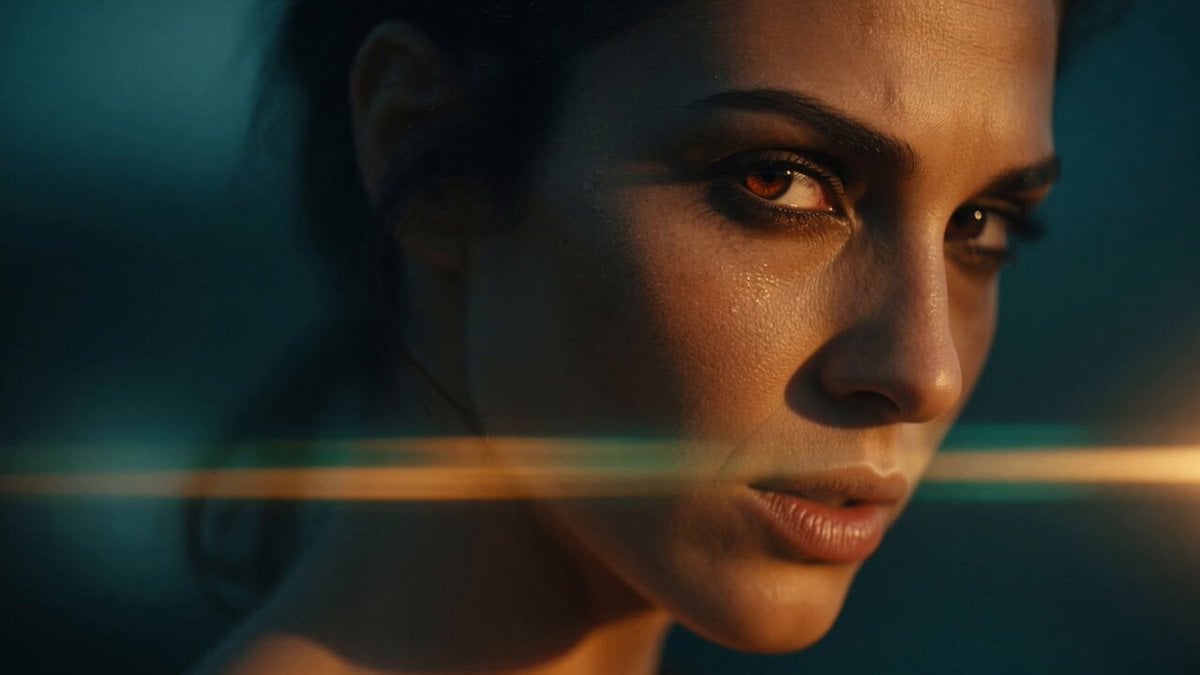
Neruda Poetry Cinematic Dolly Zoom
Cyberpunk Neon City Bike Ride
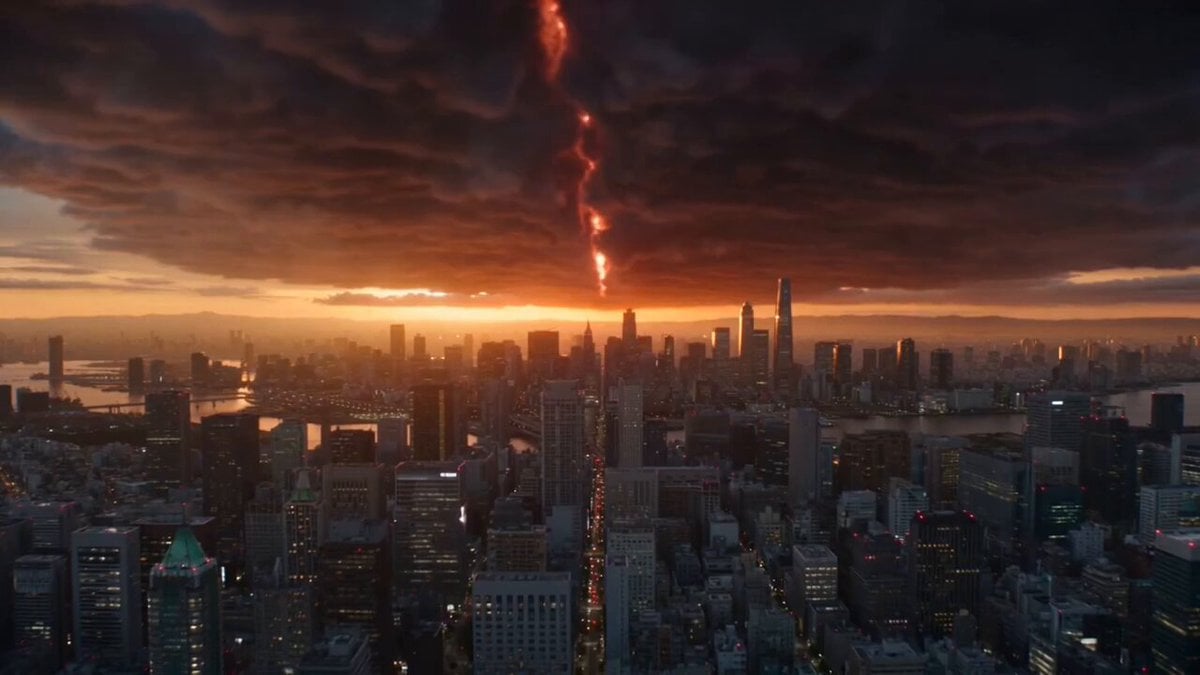
Hollywood Blockbuster Style - Blue Cat vs. Giant Dragon
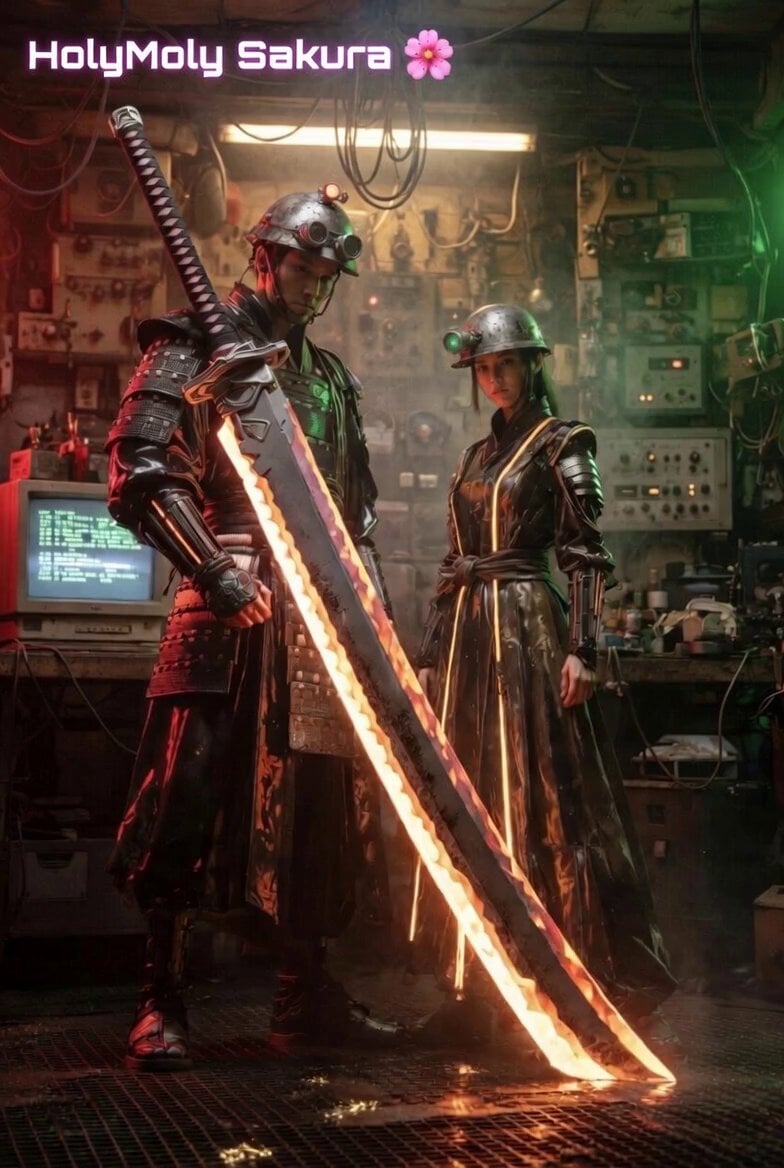
La Bamba dance with samurai props
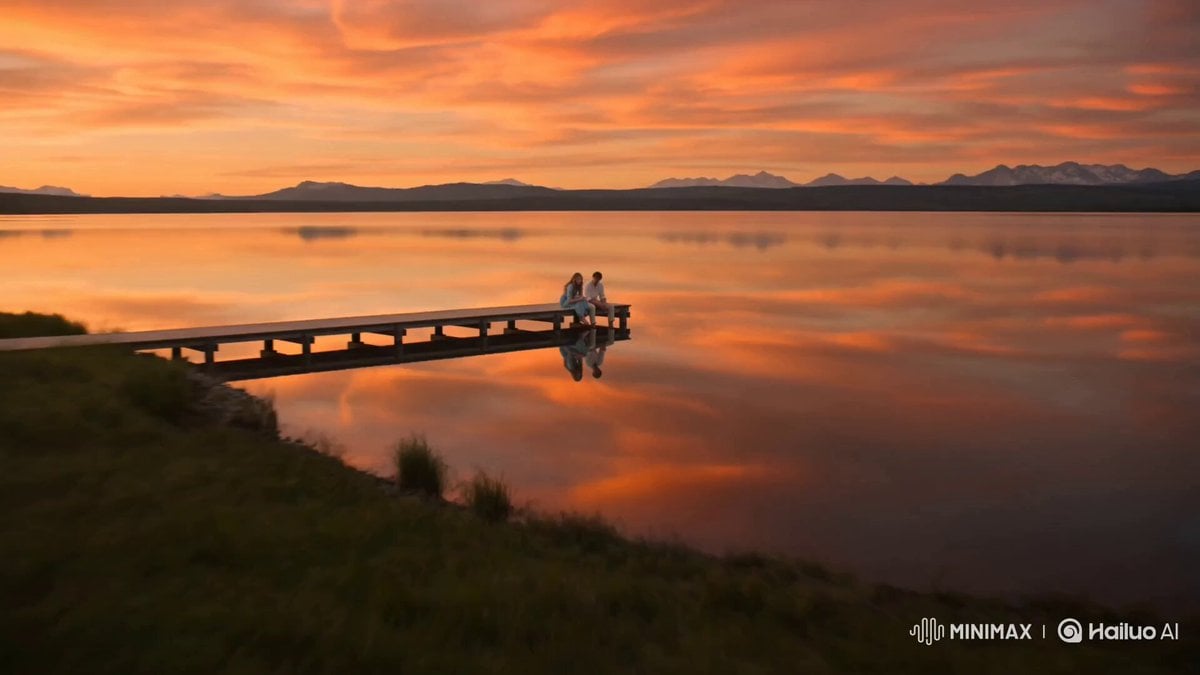
Alpine Lake Golden Hour Couple

Realistic AI Influencer GRWM Beauty Video
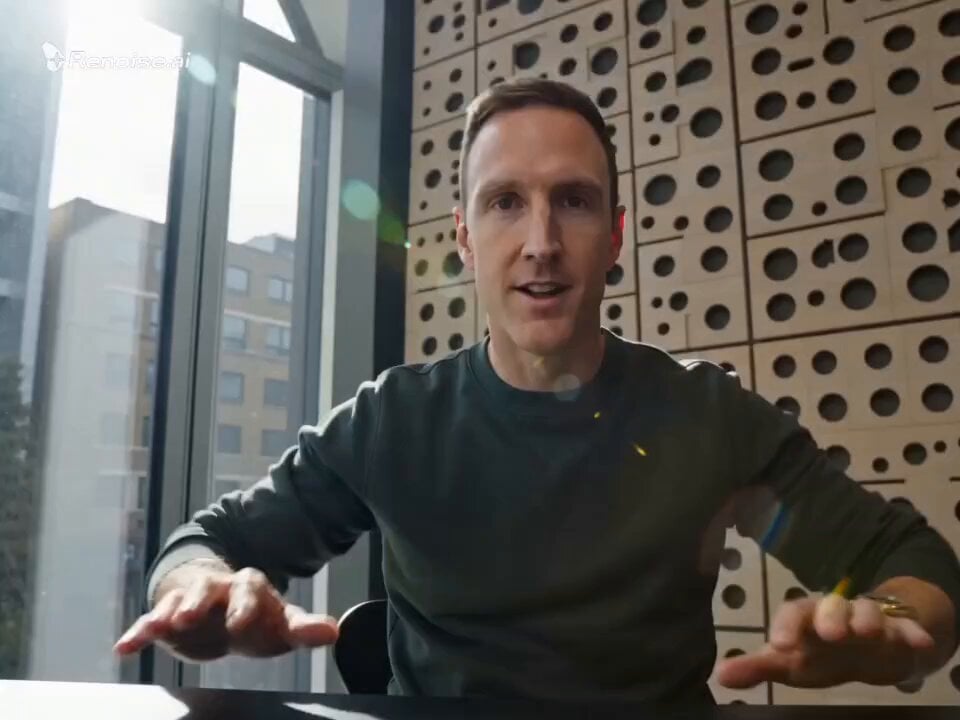
Motivational Speaker Studio Scene
Seedance 2.0 Stand-up Comedy Video Prompt
Witch Library Spellbook Summoning
Browse template categories
Modern Magician Rapid Fire Magic Sequence questions
How do I use the Modern Magician Rapid Fire Magic Sequence template?
Add your photo if the template asks for one, edit the prompt if you like — the template's model and format are already selected — and press Generate. Your version opens in PicX Studio.
Can I customize the Modern Magician Rapid Fire Magic Sequence template?
Yes. You can change the subject, setting, lighting, mood, format, and available model controls before creating your video.
Is the Modern Magician Rapid Fire Magic Sequence template free?
Opening and editing this template is free. Generating uses credits, shown on the Generate button when you are signed in.
Which AI model should I use?
Start with Seedance 2.0, which is the model associated with this template. You can compare another compatible model for a different finish.
Looking for something else? Browse all templates.

Your photo, any look
Thousands of ready templates for every top image and video model, from one credit balance.