
Motivational Speaker Studio Scene
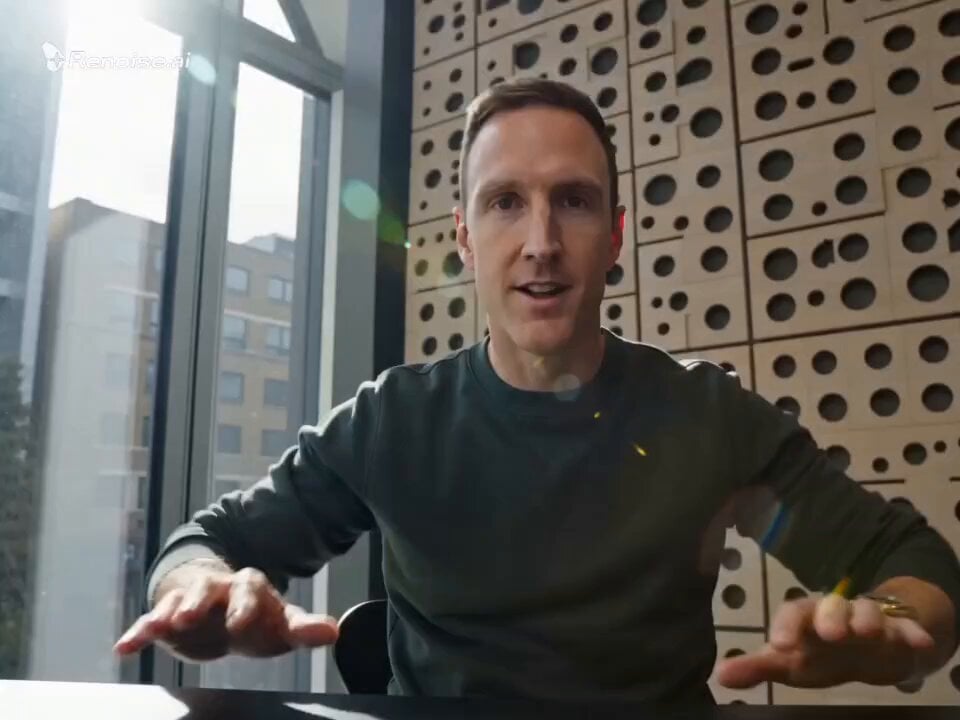
A multi-shot prompt for creating a motivational speech video, focusing on natural movements, micro-expressions, and professional studio lighting.
- Prompt included
- Model and format preset
- Free template
The prompt behind this video
Copy the exact prompt behind Motivational Speaker Studio Scene, or open it in the studio and make it yours.
00-03s [The Hook]: Close-up of a person in a modern, sun-lit studio. They lean into the camera, hands resting on a desk. Natural lighting with slight lens flare. Voiceover: "Stop trying to be loud. In a world of noise, volume isn't an advantage." 03-09s [The Core Message]: Mid-shot. The speaker stands up and walks toward a large window overlooking a realistic city street. They gesture naturally, no robotic movements. Voiceover: "Advertising isn't about buying attention; it’s about earning trust. Your brand isn't what you say it is—it’s the promise you actually keep." 09-13s [The Shift]: Low-angle shot, looking up at the speaker. They look confident but approachable, with natural micro-expressions (a slight blink, a small nod). Voiceover: "If you want to build something that lasts, stop selling features. Start solving human problems." 13-15s [The Finisher]: Extreme close-up on the speaker’s face. High detail on skin texture and eyes. They give a sharp, knowing look. Voiceover: "Build the signal. Let them find you."
How to use Motivational Speaker Studio Scene in 3 steps
- 1
Open
The prompt is already in the box next to the preview, with the template's model and format selected.
- 2…a portrait of your subject in softgolden-hour light, 85mm…
Personalize
Edit the subject and creative details for your destination.
- 3Generate
Generate
Press Generate — your video is created in PicX Studio, so you can compare it with the original and refine one variable at a time.
More like this
Templates with the same subject, style or setup. Open one to see its prompt.
Motivational Work Ethic Video

Theatrical Mascot Motivational Message
Motivational Staircase Success Journey
Motivational Noir Silhouette Run

Motivational/secretive phrase prompt
Motivational rap lyrics video
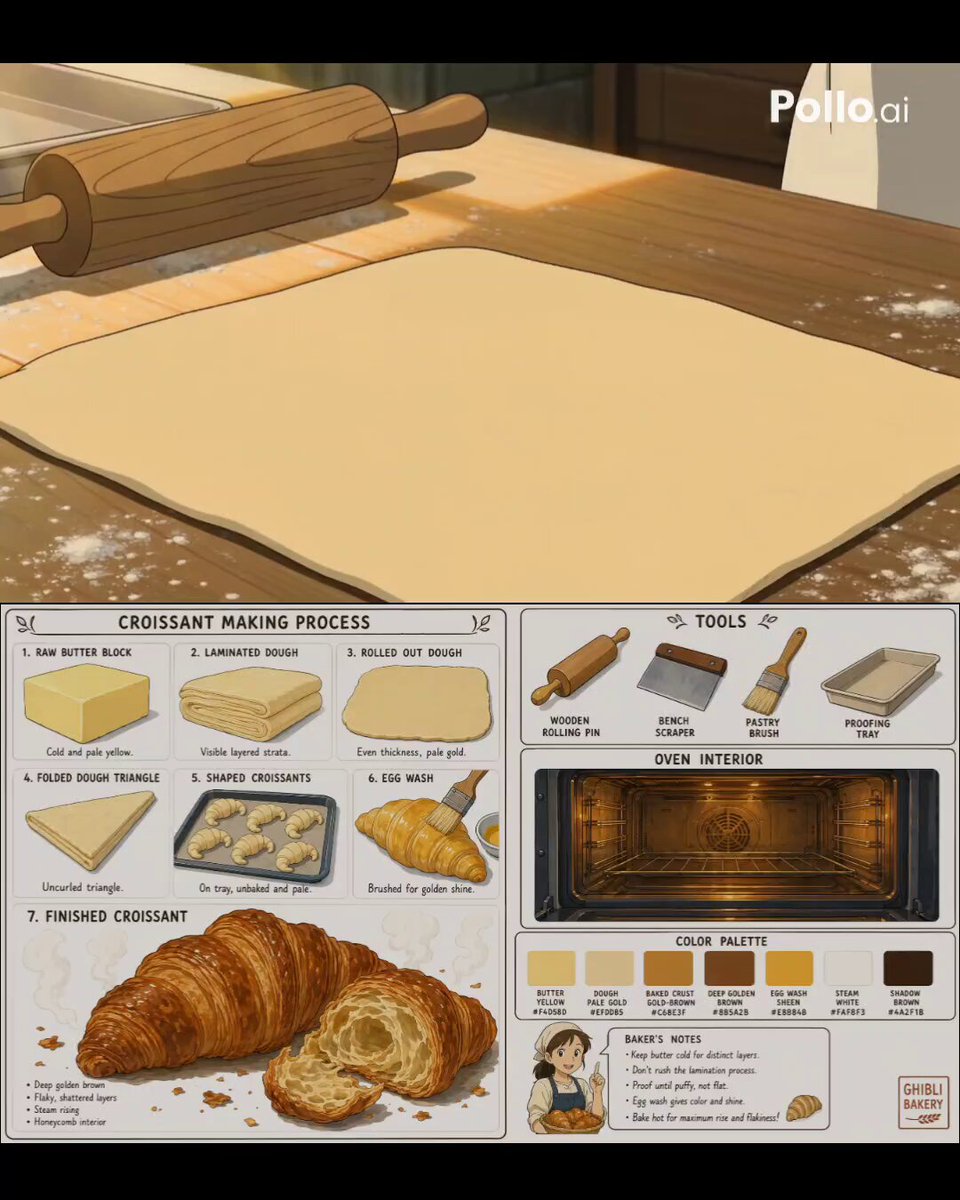
Studio Ghibli Style Croissant Bakery

Studio Ghibli Inspired Bamboo Soup Scene
Premium Game Studio Logo Intro
Infinity Studio Rap Video Lipsync
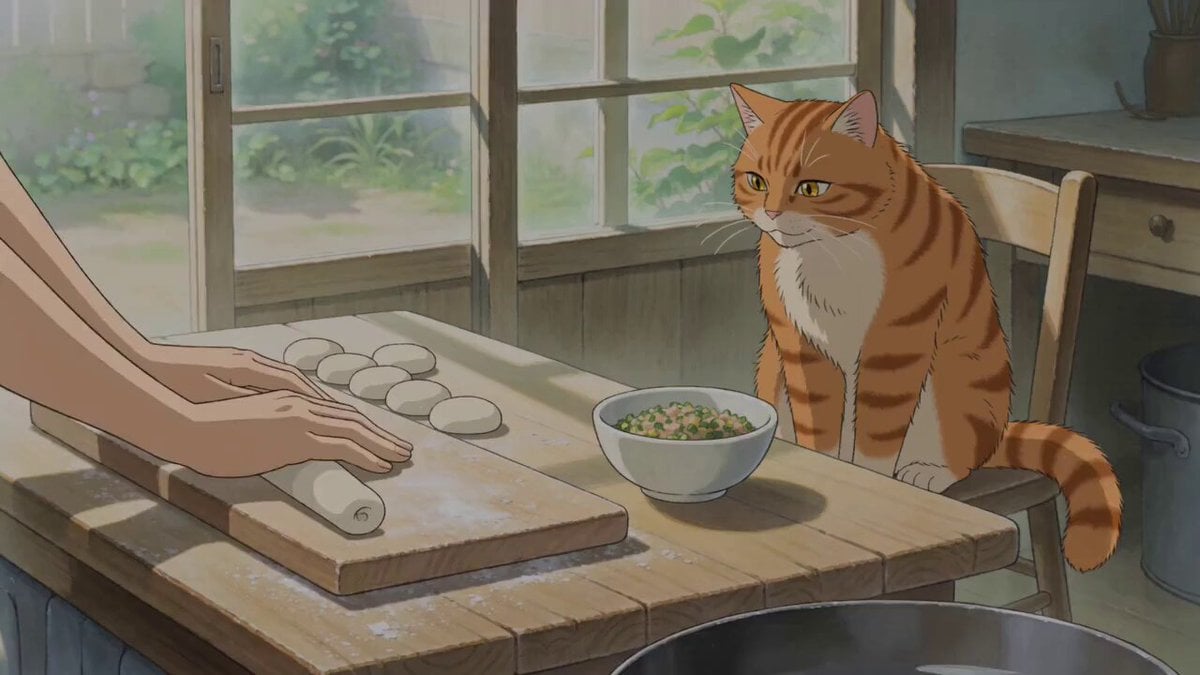
Studio Ghibli Style Cooking Animation
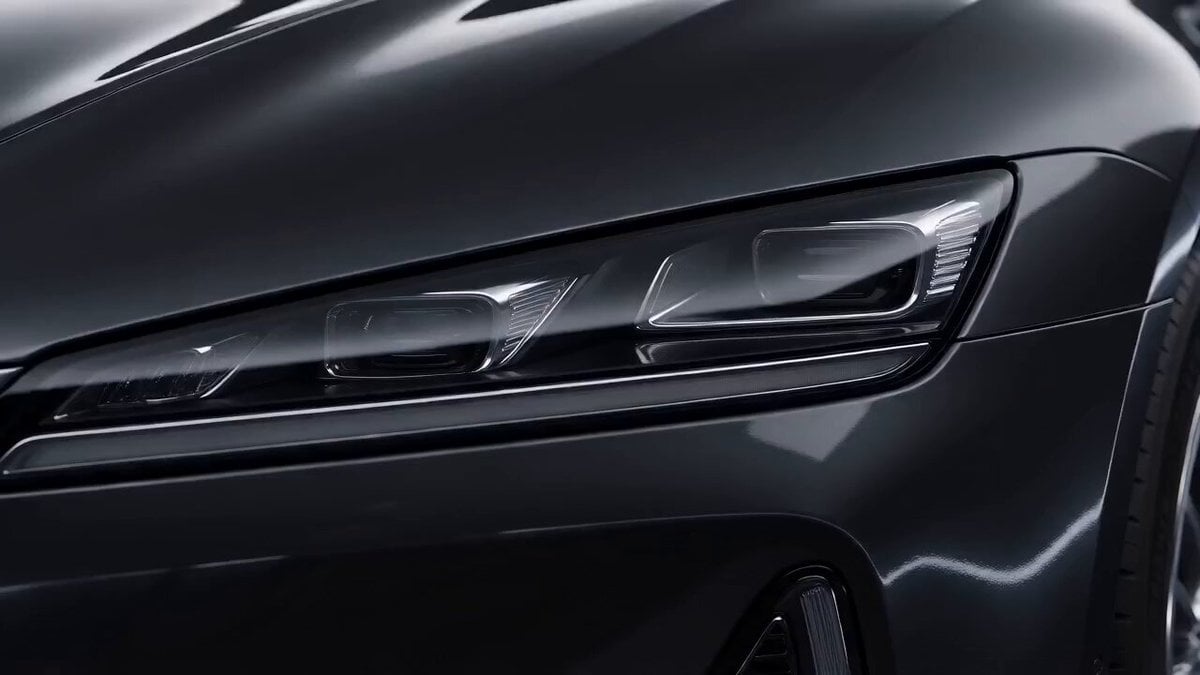
Luxury Sports Sedan Studio Commercial
Make it yours
Motivational Speaker Studio Scene works as-is. These are the safest ways to change it without losing the look.
Change one field
Copy a single group, rewrite it, and generate again so you can see what that field is doing.
Keep the frame, change the subject
Hold the composition and light of Motivational Speaker Studio Scene, then swap wardrobe, props or the person for a new take.
| If the result… | Why | Fix |
|---|---|---|
| The result drifts from the preview | Too many fields changed at once. | Reuse Motivational Speaker Studio Scene as-is first, then change one group — subject, light, or setting. |
| The model over-stylizes the scene | The prose prompt leaves finish and camera underspecified. | Add one camera or lighting sentence and stay on Seedance 2.0. |
More Seedance 2.0 templates
Other prompts made for Seedance 2.0.

Comical Martial Arts Punch Scene

Maglev Train Action Sequence

Martial Arts Fight Sequence

Wuxia Protection and Trust Script

Vintage Korean Arcade MiniDV Vlog

Mercedes 190 SL Luxury Ad

Rainy Night Supernatural Reverse Comedy Video Script

Amazon Civilization Discovery

Futuristic South Asian City Transformation

Cozy Luxury Cafe Commercial
More video prompts
Fresh picks from across the catalog.
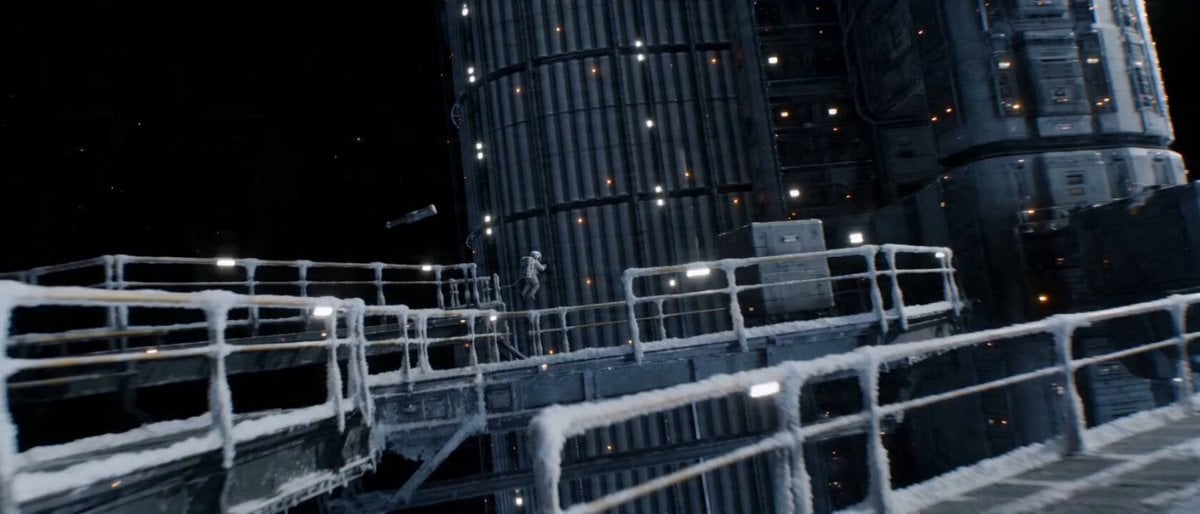
Continuous Shot Astronaut Video Prompt (Seedance 2.0 Omni)
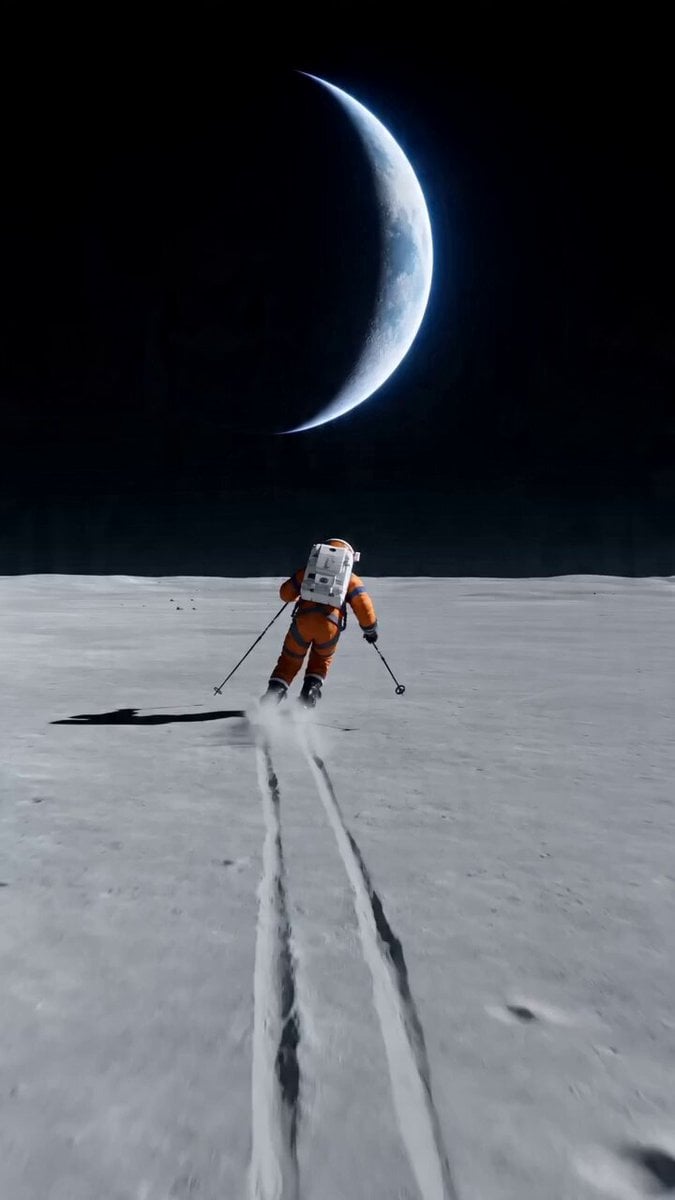
Wide shot of an astronaut skiing on a lunar plain
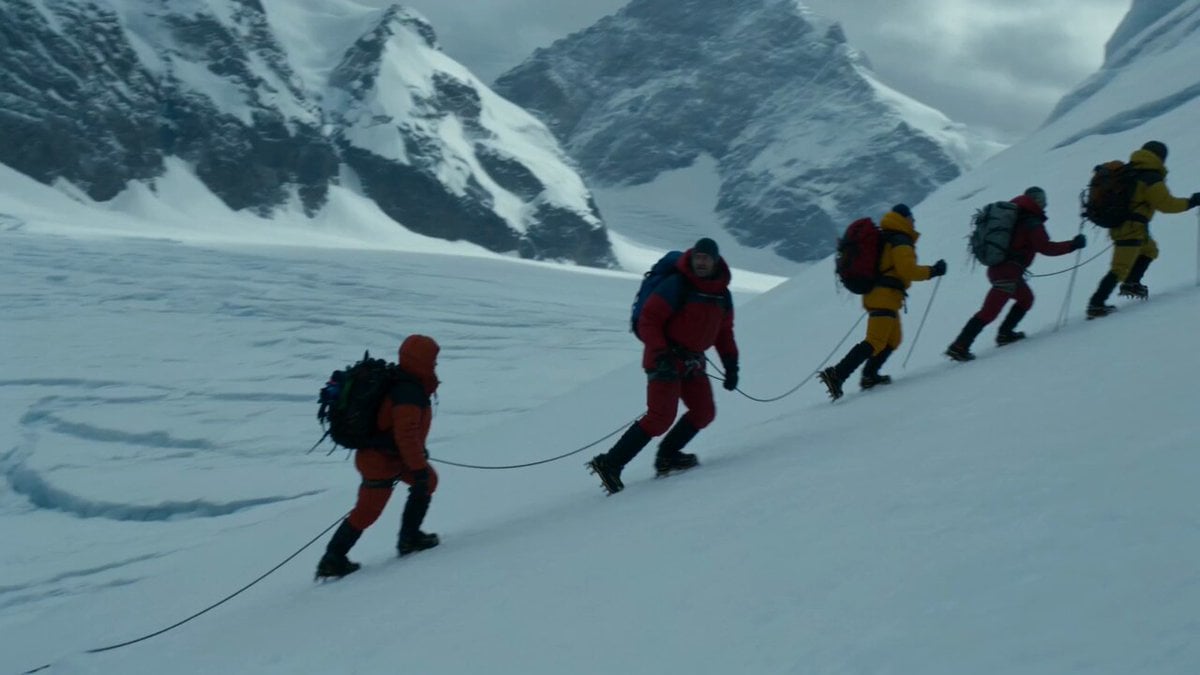
Glacier Avalanche Disaster Sequence
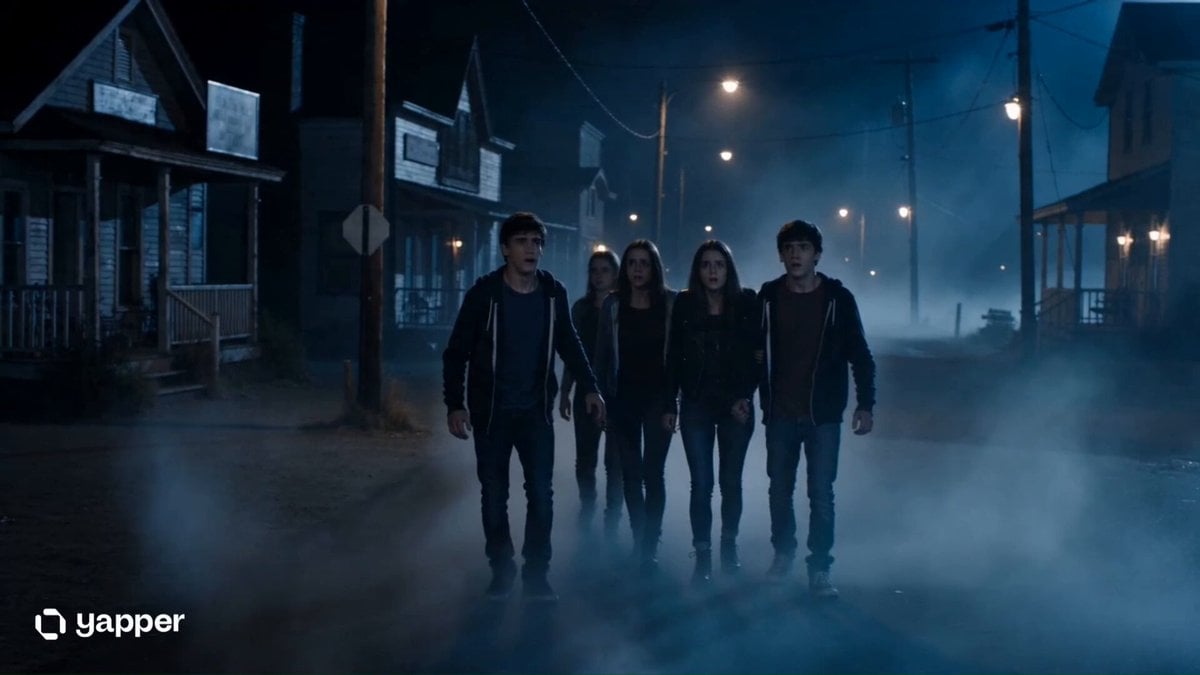
Supernatural Horror Thriller Scene
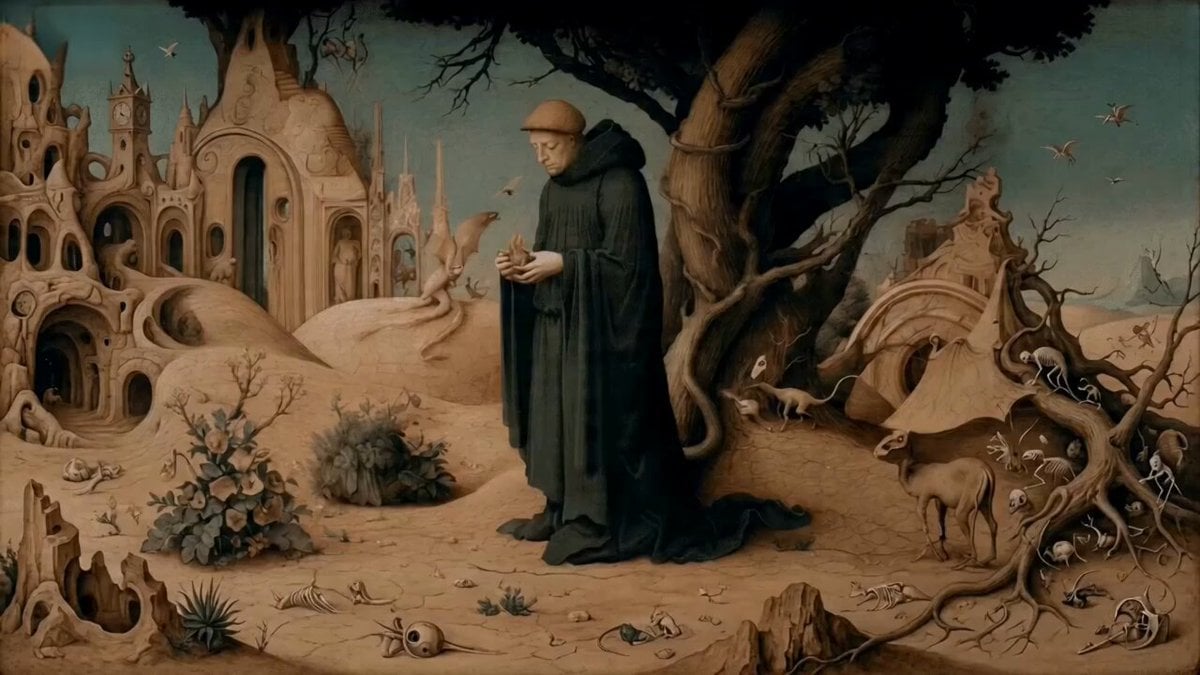
Monk Placing a Glowing Flame in Hieronymus Bosch Style
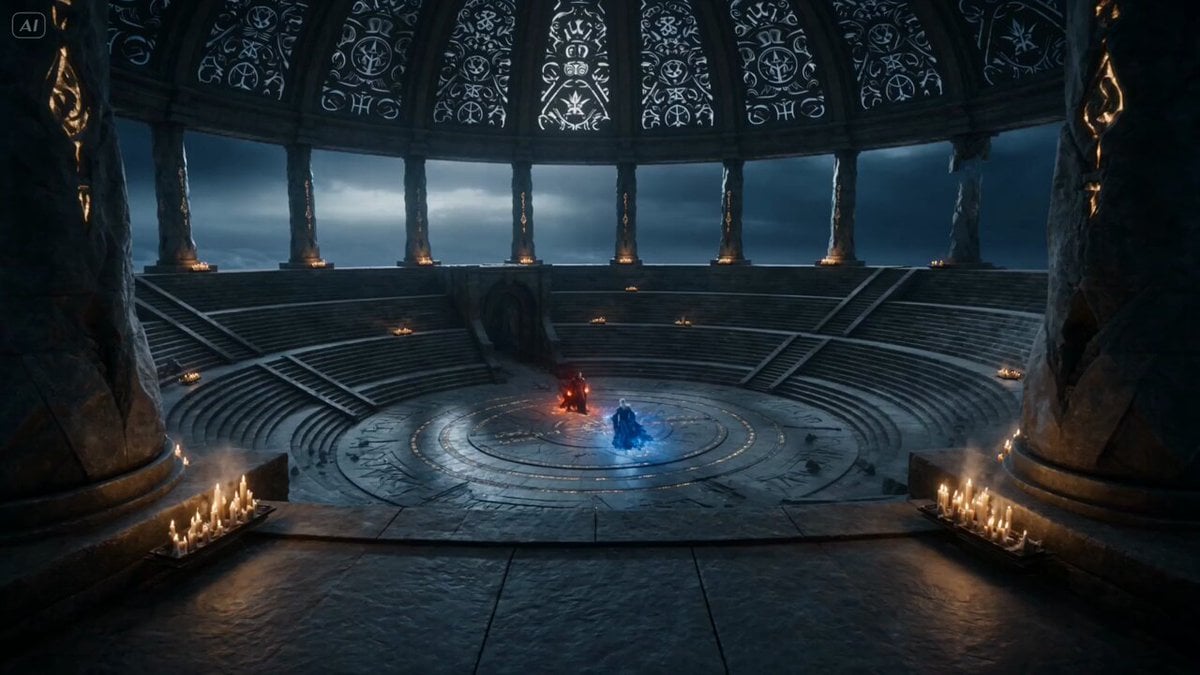
Dark Fantasy Mage Duel
Nostalgic 2000s DV Camcorder Rural China
Idol Airport Arrival Cinematic Video
Highly Detailed Digital Painting of a Serene Woman Playing a Violin in Klimt's Golden Mosaic Style
Children Building Blocks Animation
Browse template categories
Motivational Speaker Studio Scene questions
How do I use the Motivational Speaker Studio Scene template?
Add your photo if the template asks for one, edit the prompt if you like — the template's model and format are already selected — and press Generate. Your version opens in PicX Studio.
Can I customize the Motivational Speaker Studio Scene template?
Yes. You can change the subject, setting, lighting, mood, format, and available model controls before creating your video.
Is the Motivational Speaker Studio Scene template free?
Opening and editing this template is free. Generating uses credits, shown on the Generate button when you are signed in.
Which AI model should I use?
Start with Seedance 2.0, which is the model associated with this template. You can compare another compatible model for a different finish.
Looking for something else? Browse all templates.

Your photo, any look
Thousands of ready templates for every top image and video model, from one credit balance.