
Infinity Studio Rap Video Lipsync
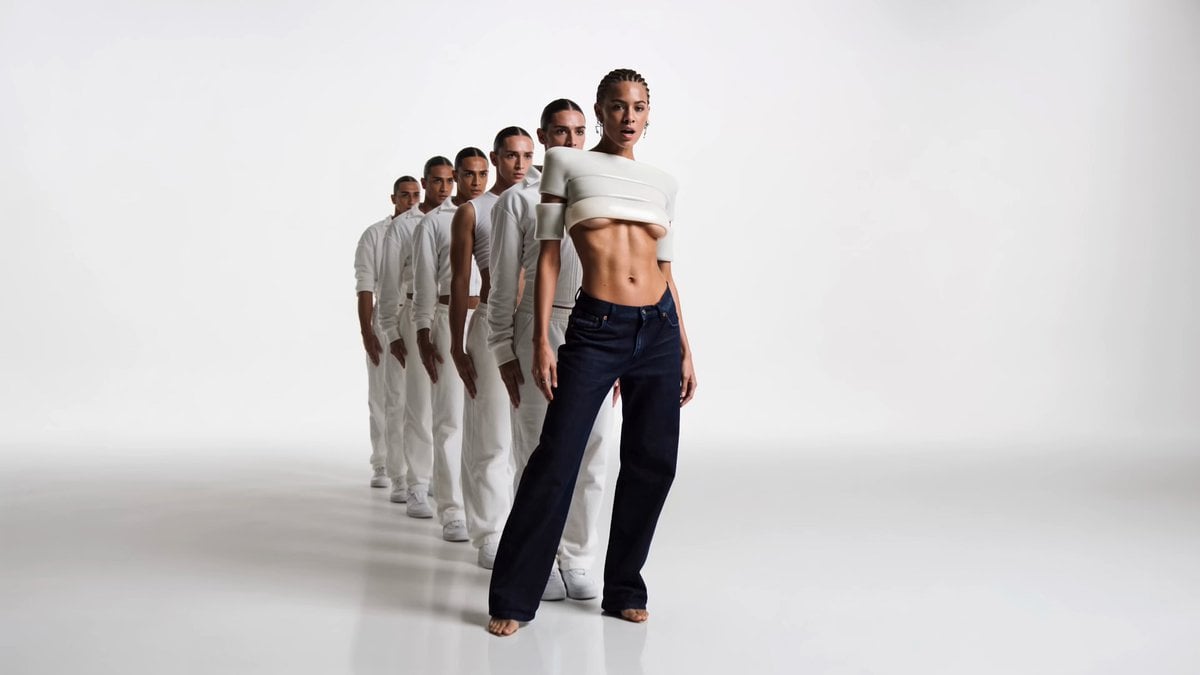
A meticulous music video prompt for a rap performance in a white infinity studio, focusing on perfect lipsync and mirrored choreography.
- Prompt included
- Model and format preset
- Premium template
The prompt behind this video
Copy the exact prompt behind Infinity Studio Rap Video Lipsync, or open it in the studio and make it yours.
(Image1) is the performer — preserve her exact identity: cornrow braids, septum ring, statement earrings, sculptural white designer top, dark indigo denim. (Audio1) is the finished master track — the only audio; no invented music, no new vocals. SHE RAPS THE VOCAL ON CAMERA — PRECISE LIPSYNC IS THE TOP PRIORITY. Mouth articulates every syllable of (Audio1) exactly on time; face visible and sharp through every vocal line, no cutaways mid-word. LIPSYNC MAP: 0.0–0.5 instrumental. 0.5–2.8 "I'm standing on the edge / Say it with your chest / Or keep it on the deck" + "Hey!" 3.2–6.7 "I walk in, whole room gets tense / I don't need luck, I'm the consequence / If you really want to test my intent / Come correct, come correct or get bent" + "Woo!" 7.5–13.7 same hook verbatim second time, escalated. 14.5–15.0 instrumental hold. Music-video route: performance with mirrored echoes. Director thesis: white infinity studio — she raps at the lens while five dancers in white repeat her last pose one beat late, a human delay effect behind her voice. Visual world: white cyclorama infinity studio, seamless floor and walls, one hard fashion key light with clean shadows, subtle floor reflections. 5 female background dancers in all-white utilitarian streetwear, hair slicked, deliberately similar but never identical to her; her indigo denim makes her instantly readable. Palette: white on white, skin tones, indigo. No neon, no particles. Shot flow: 0–2.8s symmetrical wide-to-medium push-in: she raps the opening lines at the apex of a tight wedge, the five echoes frozen in her exact stance behind her. 2.8–3.2s on "Hey!" all five snap chins up in unison. 3.2–6.7s medium: she raps while throwing an angular vogue accent at the end of each line, and the echoes replay that exact accent one beat later, rippling backward through the wedge; camera slowly orbits 45 degrees keeping her mouth front and center; finger to lens on "come correct". 7.5–10s cut on the kick to a chest-up close frame: second hook with doubled intensity, the echoes now a soft-focus rhythmic blur behind her articulation. 10–13.7s the echoes carousel slowly around her while she stands still at center rapping the final lines, camera counter-rotating, her face never leaving focus. 13.7–15s on "Woo!" she freezes arm high; the five echoes freeze in five different mid-move poses around her — she is the only resolved image; micro push-in, hold. Loopable. Performance rules: dominant, stoic, immaculate diction; echoes expressionless and precise, never mouth the words — only she raps. Continuity: same six women, same wardrobe, same white studio. Audio intent: (Audio1) only, her mouth locked to it; faint studio room tone. Quality bar: expensive fashion-campaign rap video, no AI gloss, no glow.
How to use Infinity Studio Rap Video Lipsync in 3 steps
- 1
Open
The prompt is already in the box next to the preview, with the template's model and format selected.
- 2…a portrait of your subject in softgolden-hour light, 85mm…
Personalize
Edit the subject and creative details for your destination.
- 3Generate
Generate
Press Generate — your video is created in PicX Studio, so you can compare it with the original and refine one variable at a time.
More like this
Templates with the same subject, style or setup. Open one to see its prompt.
Cinematic Studio Photograph of a Sleek, Glowing Humanoid Figure
Female Rapper Performance Music Video
Surreal Rap Battle Animation

Cinematic Rap Music Video Performance
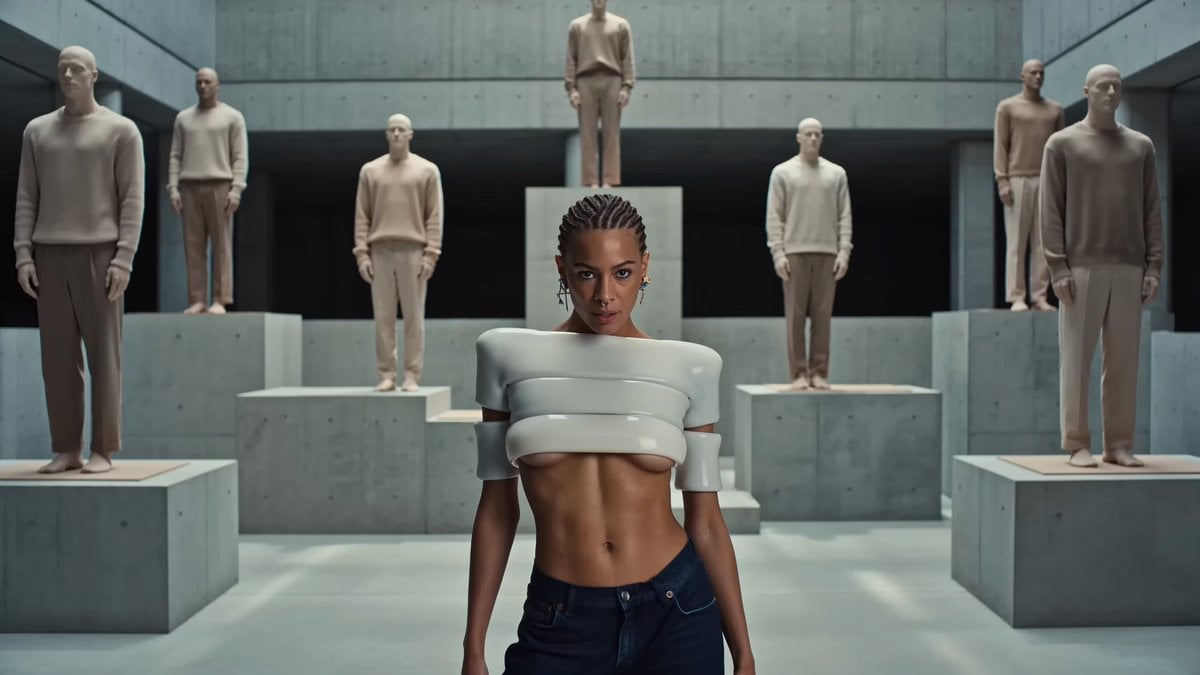
Brutalist Sculpture Atrium Rap Video
NYC Rap Music Video Segment
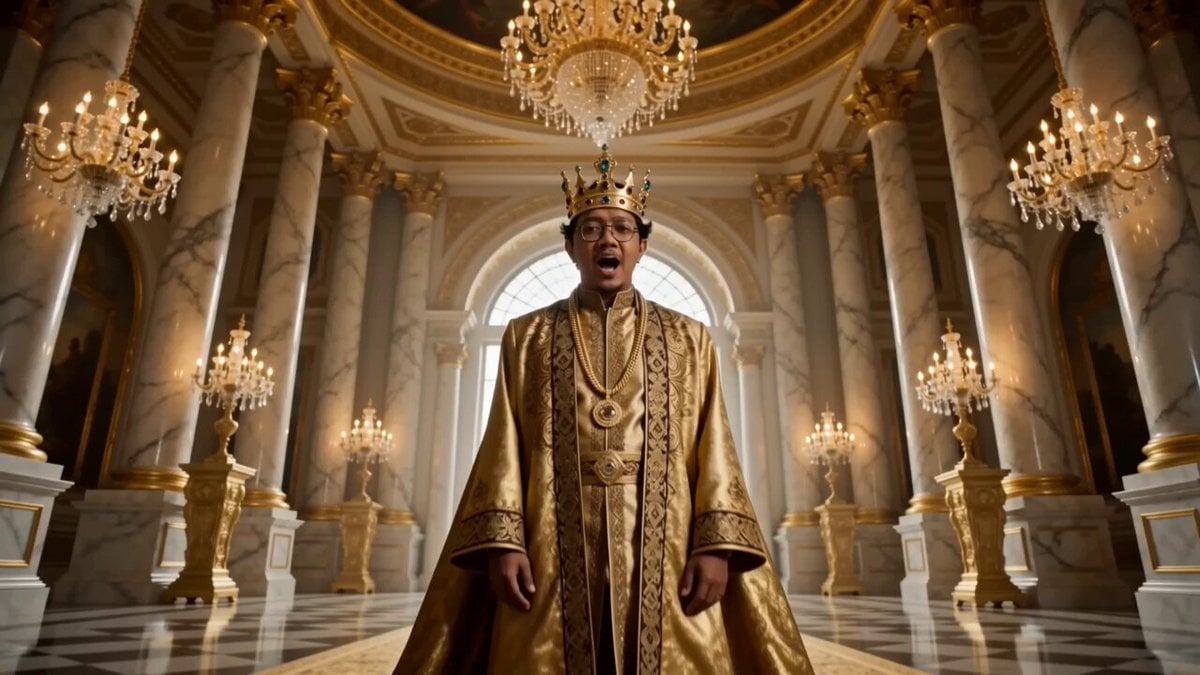
Golden Royal King Rap Music Video
East Asian Woman Rap Scene

Good Friday Rap Song Generation
Motivational rap lyrics video
Seedance 2.0: 80-Year-Old Rapper MV
Ramadan to Eid Infinity Zoom Hyperlapse
Make it yours
Infinity Studio Rap Video Lipsync works as-is. These are the safest ways to change it without losing the look.
Change one field
Copy a single group, rewrite it, and generate again so you can see what that field is doing.
Keep the frame, change the subject
Hold the composition and light of Infinity Studio Rap Video Lipsync, then swap wardrobe, props or the person for a new take.
| If the result… | Why | Fix |
|---|---|---|
| The result drifts from the preview | Too many fields changed at once. | Reuse Infinity Studio Rap Video Lipsync as-is first, then change one group — subject, light, or setting. |
| The model over-stylizes the scene | The prose prompt leaves finish and camera underspecified. | Add one camera or lighting sentence and stay on Seedance 2.0. |
More Seedance 2.0 templates
Other prompts made for Seedance 2.0.

Comical Martial Arts Punch Scene

Maglev Train Action Sequence

Martial Arts Fight Sequence

Wuxia Protection and Trust Script

Vintage Korean Arcade MiniDV Vlog

Mercedes 190 SL Luxury Ad

Rainy Night Supernatural Reverse Comedy Video Script

Amazon Civilization Discovery

Futuristic South Asian City Transformation

Cozy Luxury Cafe Commercial
More video prompts
Fresh picks from across the catalog.
Dark Fantasy Anime Swordsman vs Demon

Surreal Material-Shifting Anime Run
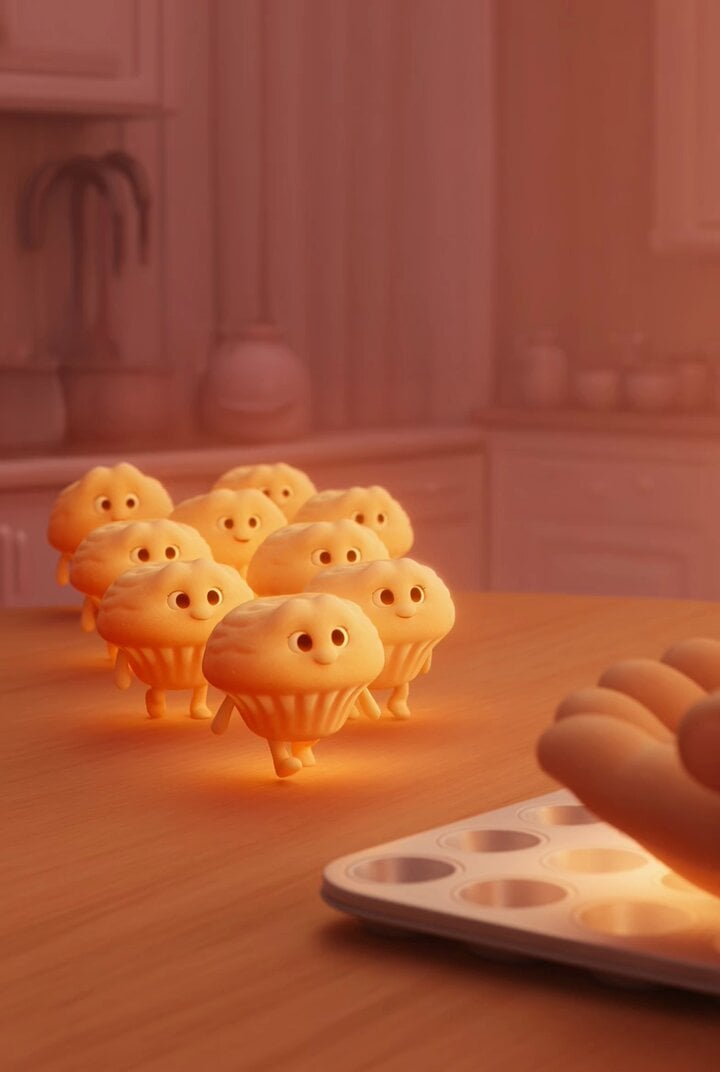
Pixar-Style Cosmic Dough Animation Video Prompt
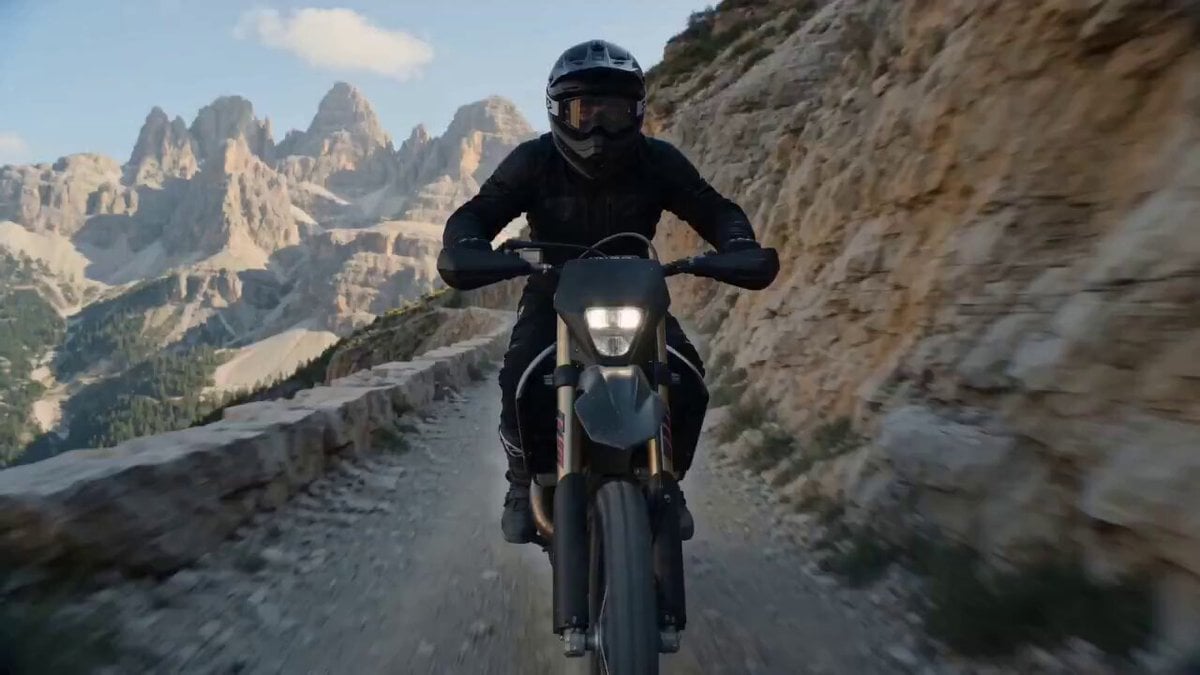
Cinematic Cliff Trail Motorcycle Action

Handheld Running Shot with Gold Coins

Cinematic Samurai Fight Scene Camera Sequence
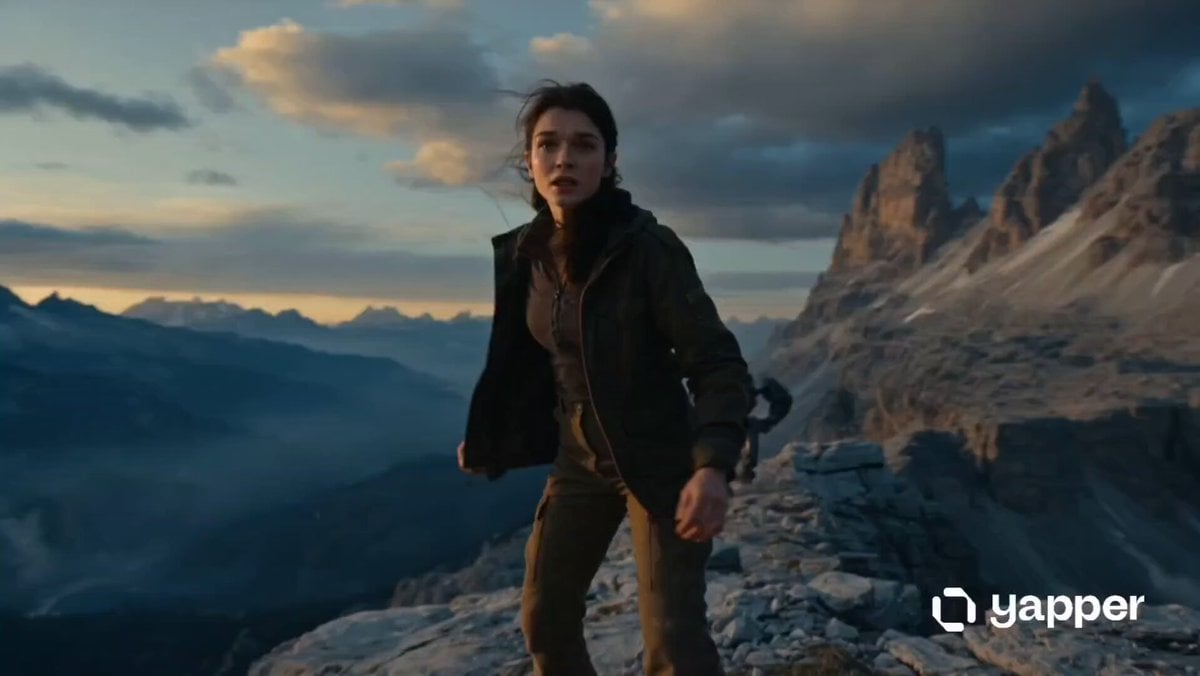
Woman vs Combat Robot Battle
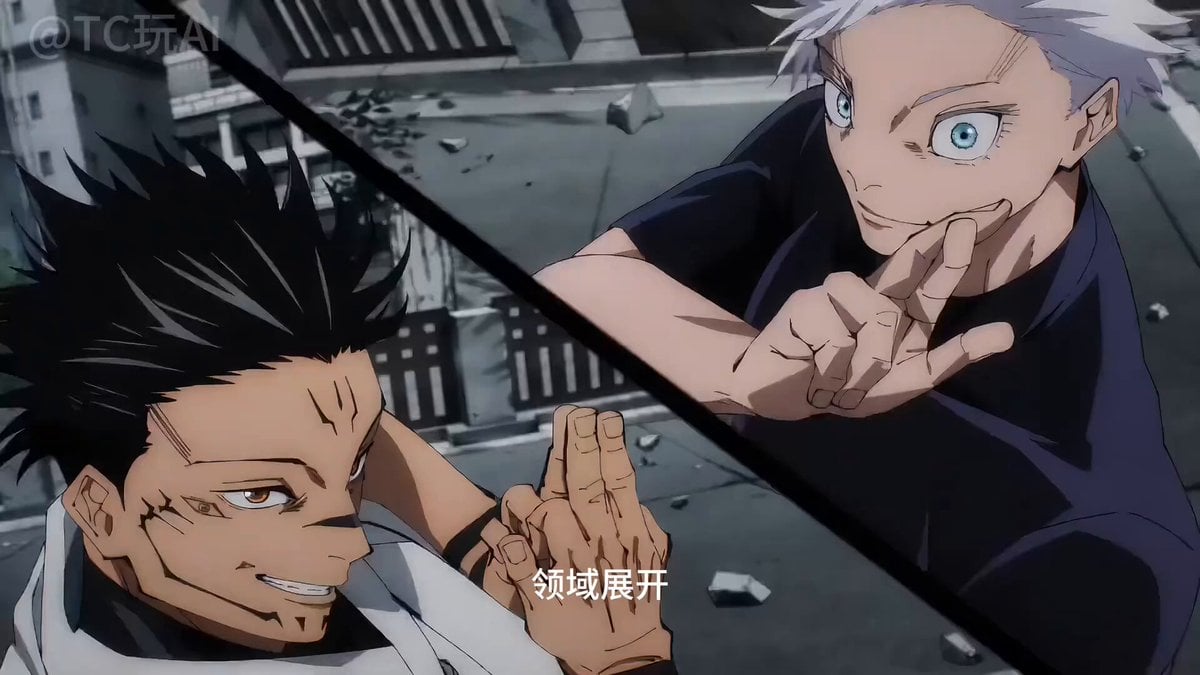
Gojo vs. Sukuna Animation with Seedance 2
Novel Expansion: Husband Reports Gatekeeper

Cyberpunk RPG Anime Action
Browse template categories
Infinity Studio Rap Video Lipsync questions
How do I use the Infinity Studio Rap Video Lipsync template?
Add your photo if the template asks for one, edit the prompt if you like — the template's model and format are already selected — and press Generate. Your version opens in PicX Studio.
Can I customize the Infinity Studio Rap Video Lipsync template?
Yes. You can change the subject, setting, lighting, mood, format, and available model controls before creating your video.
Is the Infinity Studio Rap Video Lipsync template free?
Opening and editing this template is free. Generating uses credits, shown on the Generate button when you are signed in.
Which AI model should I use?
Start with Seedance 2.0, which is the model associated with this template. You can compare another compatible model for a different finish.
Looking for something else? Browse all templates.

Your photo, any look
Thousands of ready templates for every top image and video model, from one credit balance.