
Cinematic Samurai Fight Scene Camera Sequence
A detailed cinematic camera instruction for a samurai duel scene, specifying lens choice, aperture, and dolly movements for Seedance 2.0.
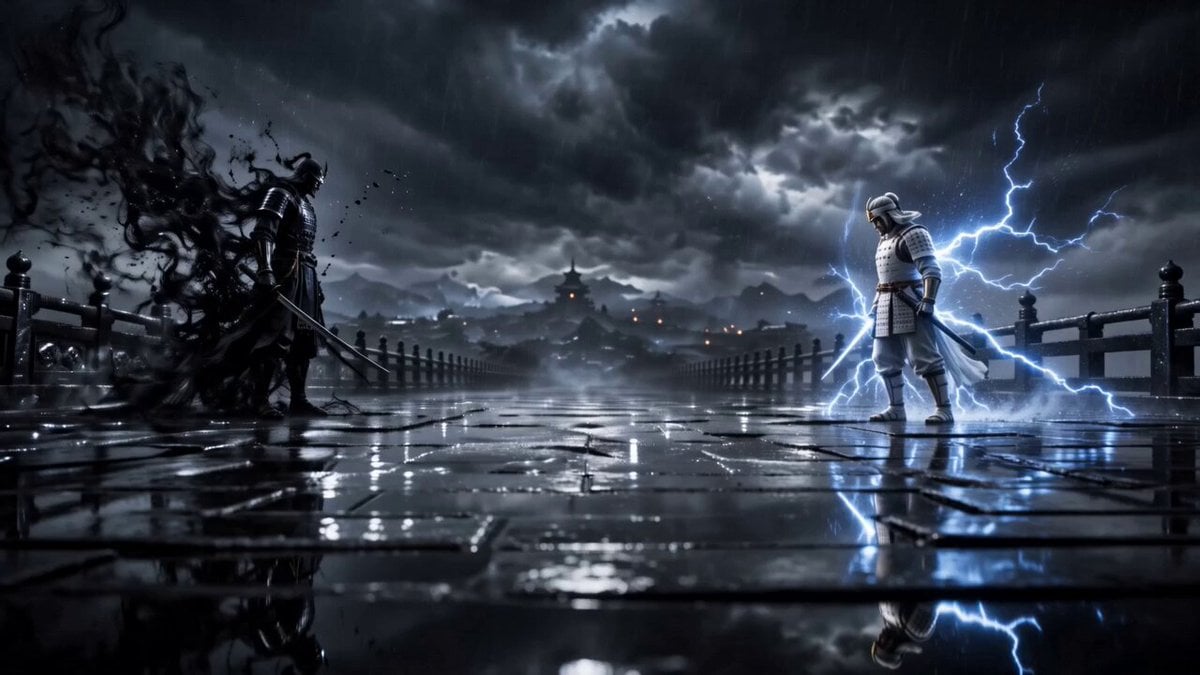
- Prompt included
- Model and format preset
- Free template
The prompt behind this video
Copy the exact prompt behind Cinematic Samurai Fight Scene Camera Sequence, or open it in the studio and make it yours.
Frame 1: 28mm anamorphic Zeiss Master Prime lens, f/2.8 aperture, 1:16 contrast ratio, slow 6-inch dolly push-in camera movement, ND0.9 filter for natural motion blur, two warriors slowly approaching each other on ancient wet stone bridge, KAGE dark smoke
How to use Cinematic Samurai Fight Scene Camera Sequence in 3 steps
- 1
Open
The prompt is already in the box next to the preview, with the template's model and format selected.
- 2…a portrait of your subject in softgolden-hour light, 85mm…
Personalize
Edit the subject and creative details for your destination.
- 3Generate
Generate
Press Generate — your video is created in PicX Studio, so you can compare it with the original and refine one variable at a time.
More like this
Templates with the same subject, style or setup. Open one to see its prompt.

Cinematic Istanbul Night Fight - Seedance 2.5
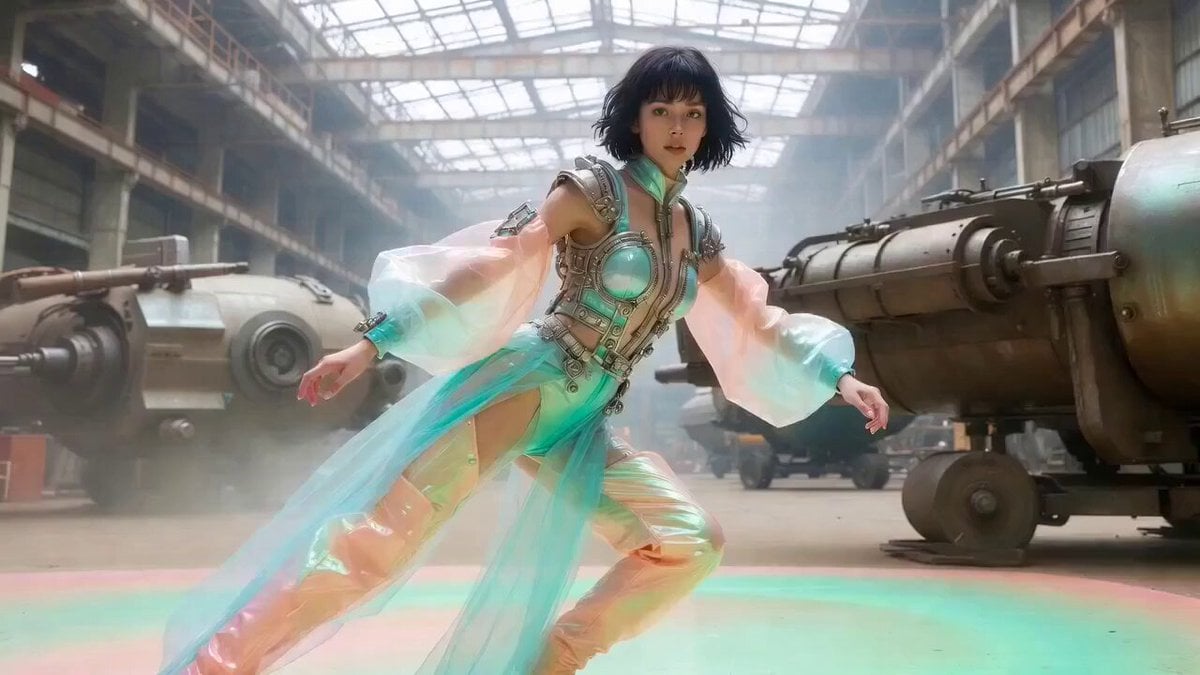
Cinematic Acrobatic Fight Sequence
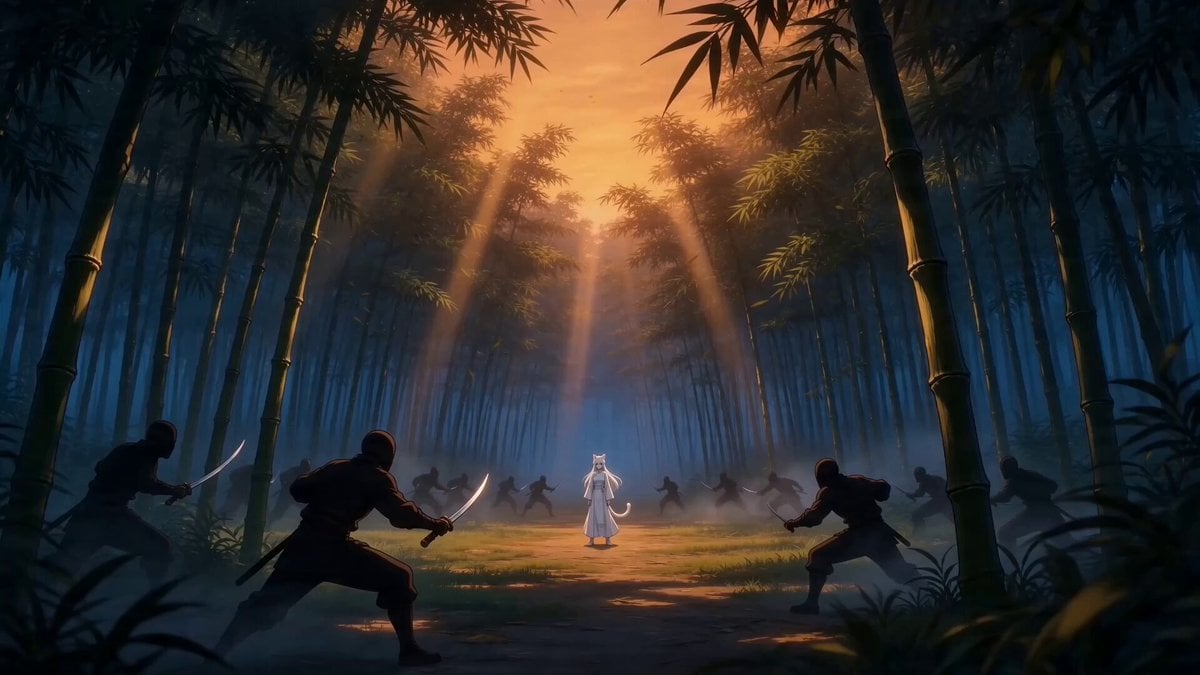
Taiqi Martial Arts Fight Sequence
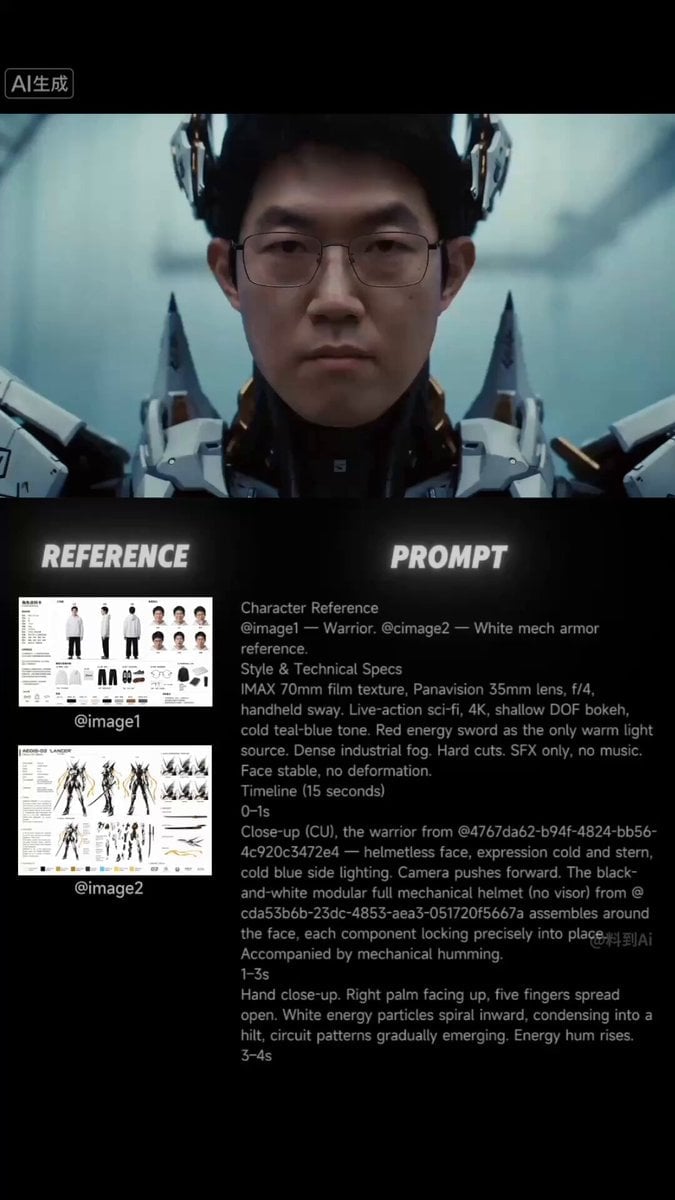
Sci-Fi Samurai Combat Sequence
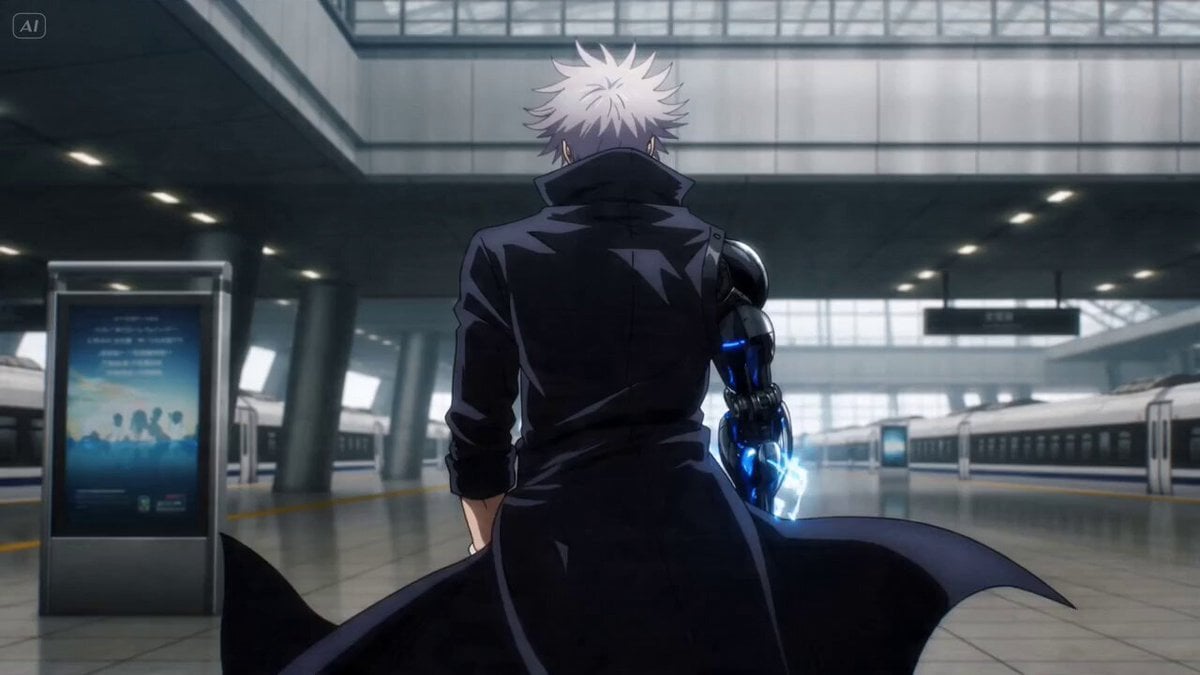
Anime Bounty Hunter Fight Sequence
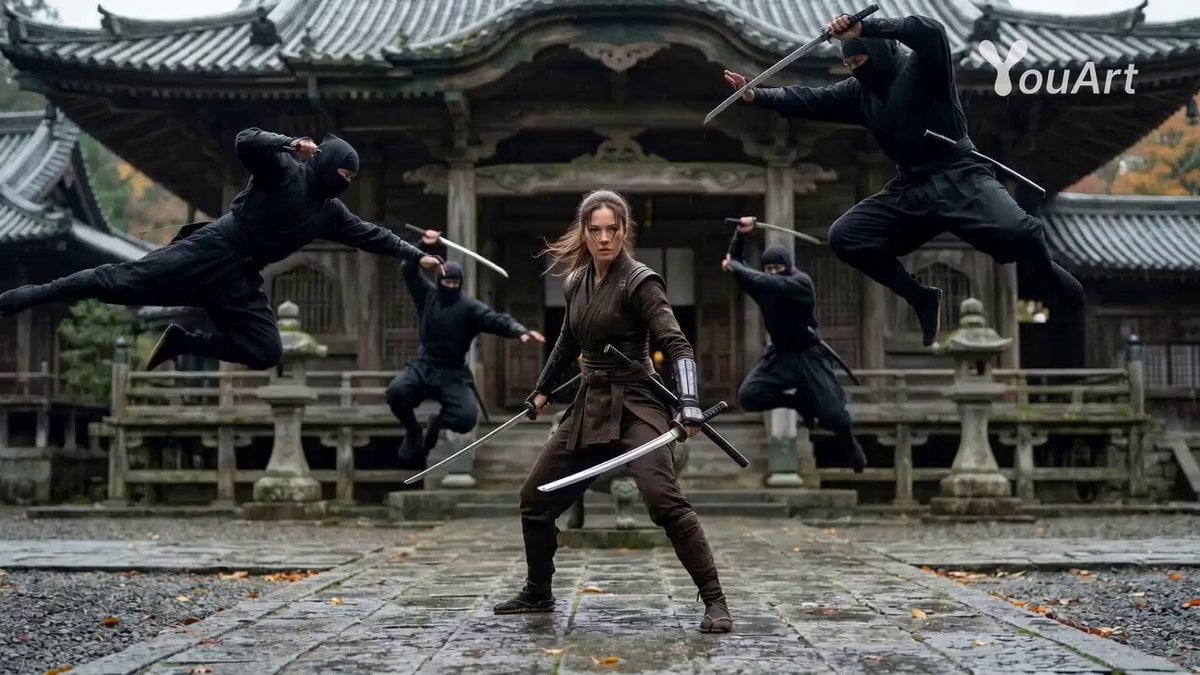
Cinematic Female Ninja Fight Sequence
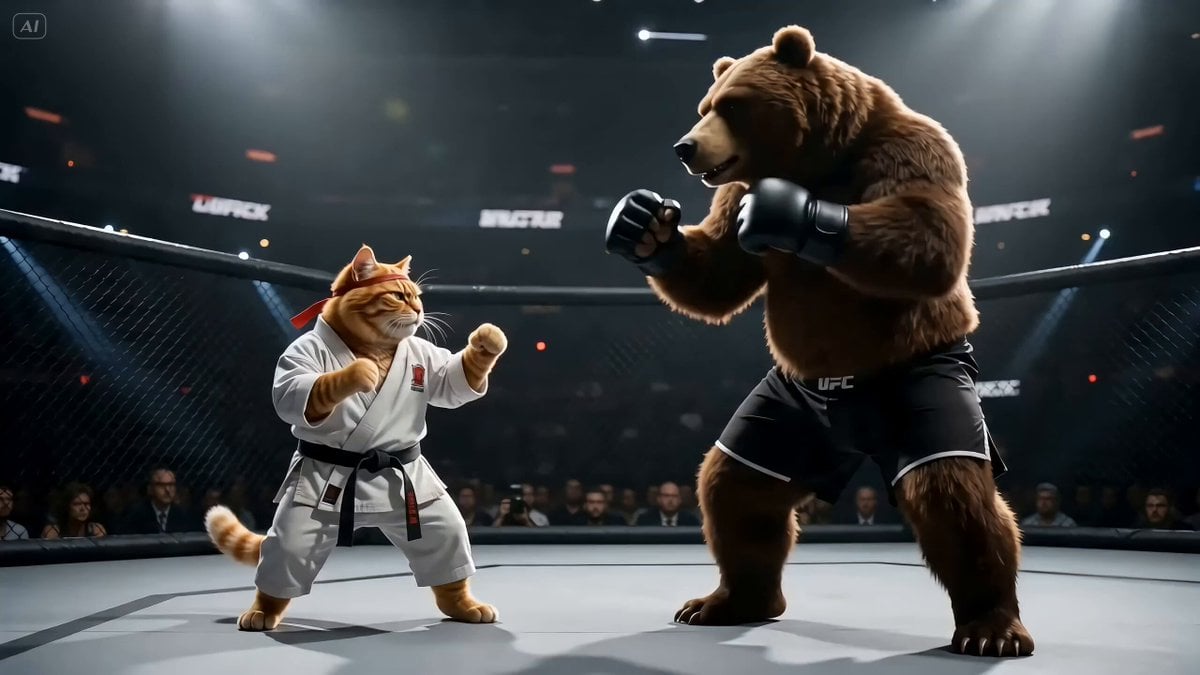
Fighting Game Uppercut Sequence from Reference Image
Swordsman vs Shadow Monster — Bamboo Forest Battle
Futuristic Samurai Cinematic Action
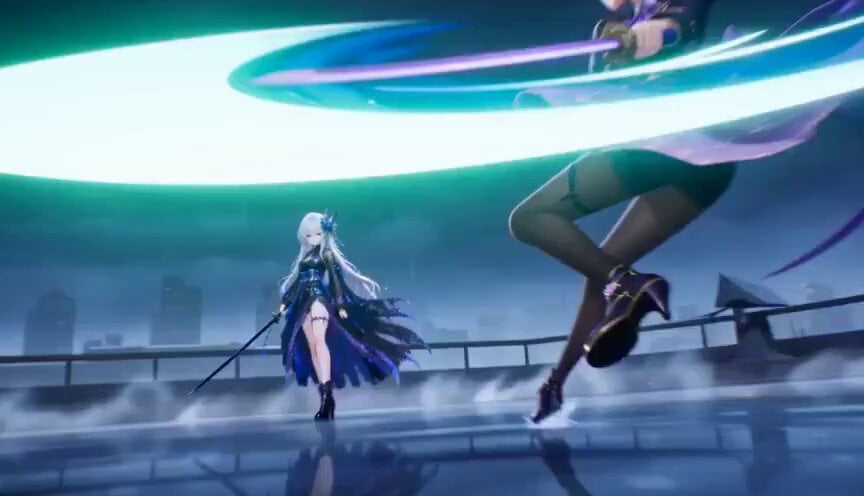
Cinematic Futuristic Anime Sword Fight
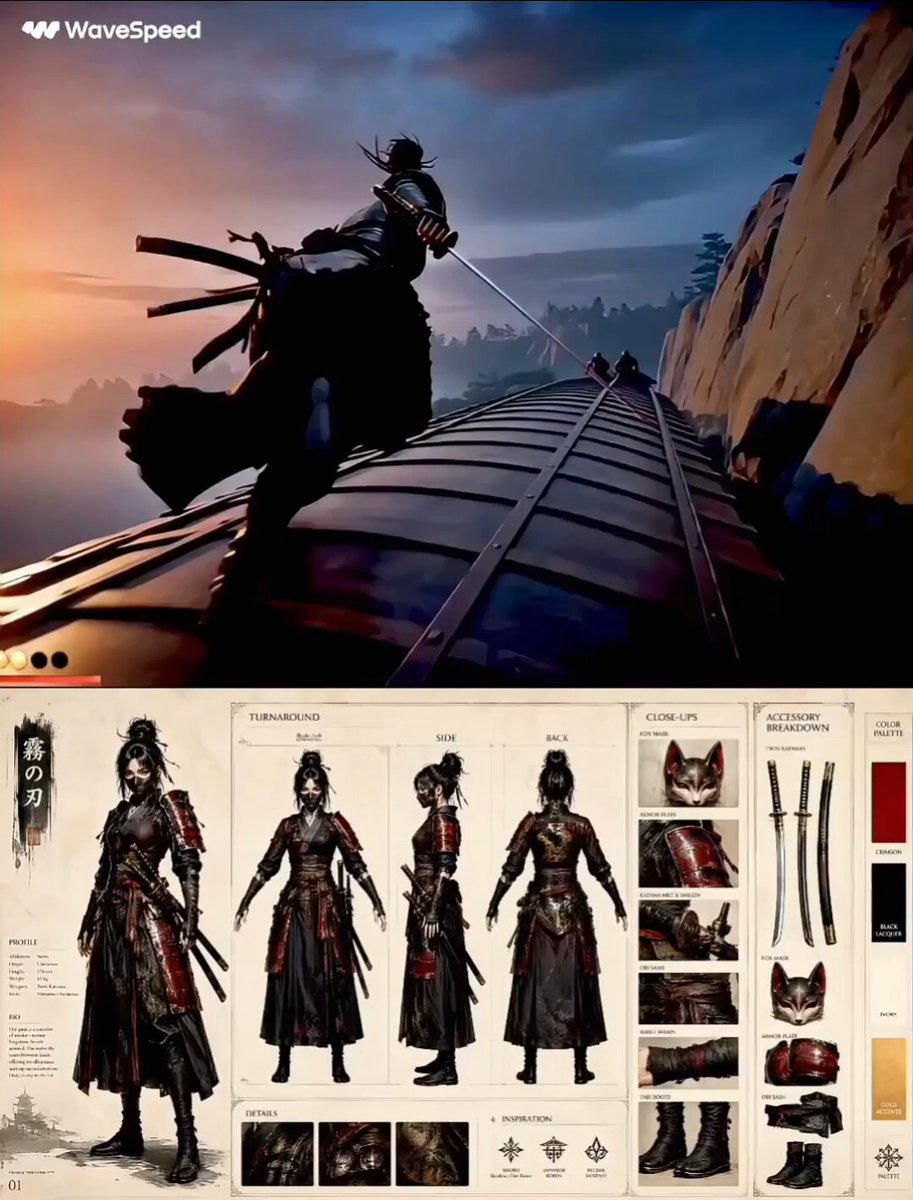
Feudal Japan Samurai War Train
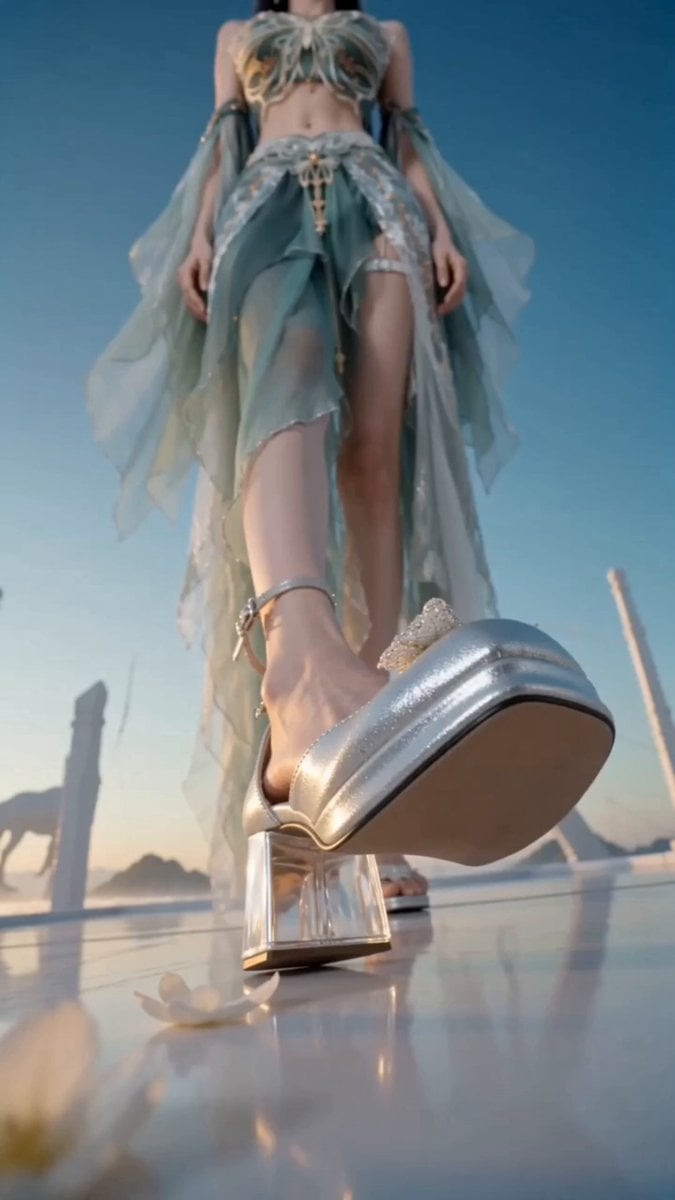
Thunder Camera Rotation Xianxia Fashion Video
Make it yours
Cinematic Samurai Fight Scene Camera Sequence works as-is. These are the safest ways to change it without losing the look.
Change one field
Copy a single group, rewrite it, and generate again so you can see what that field is doing.
Keep the frame, change the subject
Hold the composition and light of Cinematic Samurai Fight Scene Camera Sequence, then swap wardrobe, props or the person for a new take.
| If the result… | Why | Fix |
|---|---|---|
| The result drifts from the preview | Too many fields changed at once. | Reuse Cinematic Samurai Fight Scene Camera Sequence as-is first, then change one group — subject, light, or setting. |
| The model over-stylizes the scene | The prose prompt leaves finish and camera underspecified. | Add one camera or lighting sentence and stay on Seedance 2.0. |
More Seedance 2.0 templates
Other prompts made for Seedance 2.0.
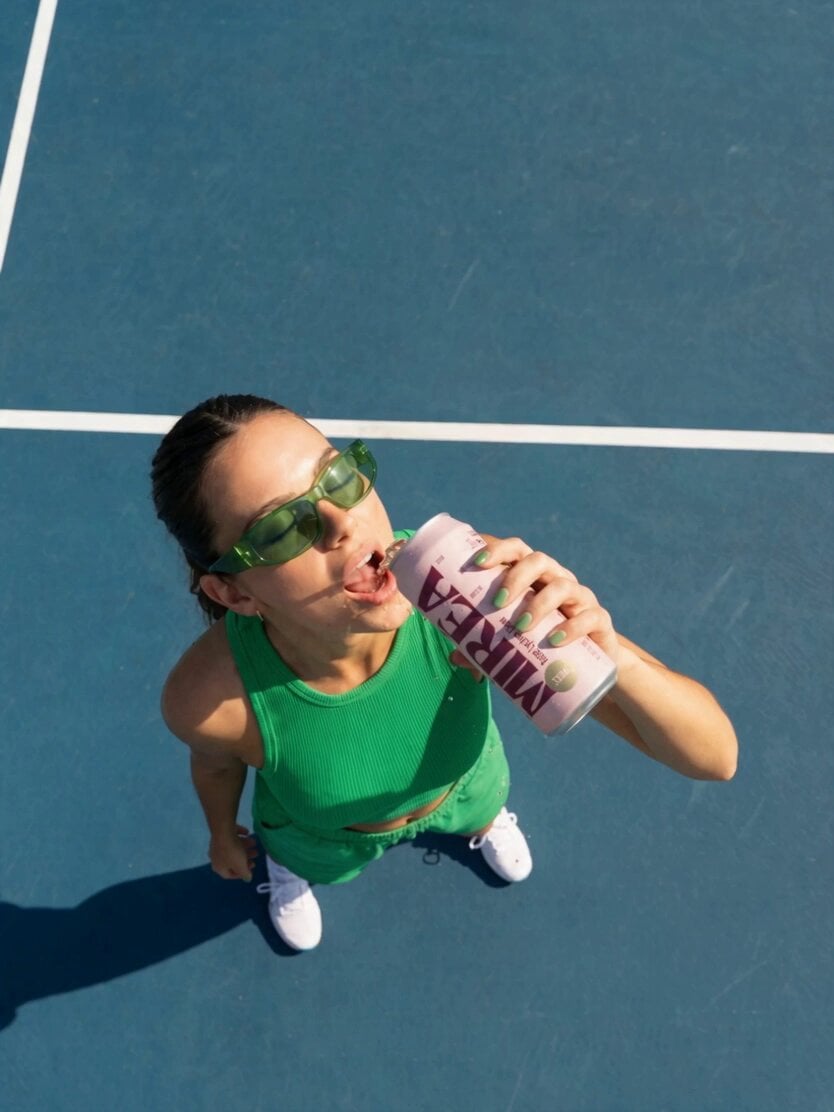
Frozen Time Handycam Diorama

Mercedes 190 SL Luxury Ad

Rainy Night Supernatural Reverse Comedy Video Script
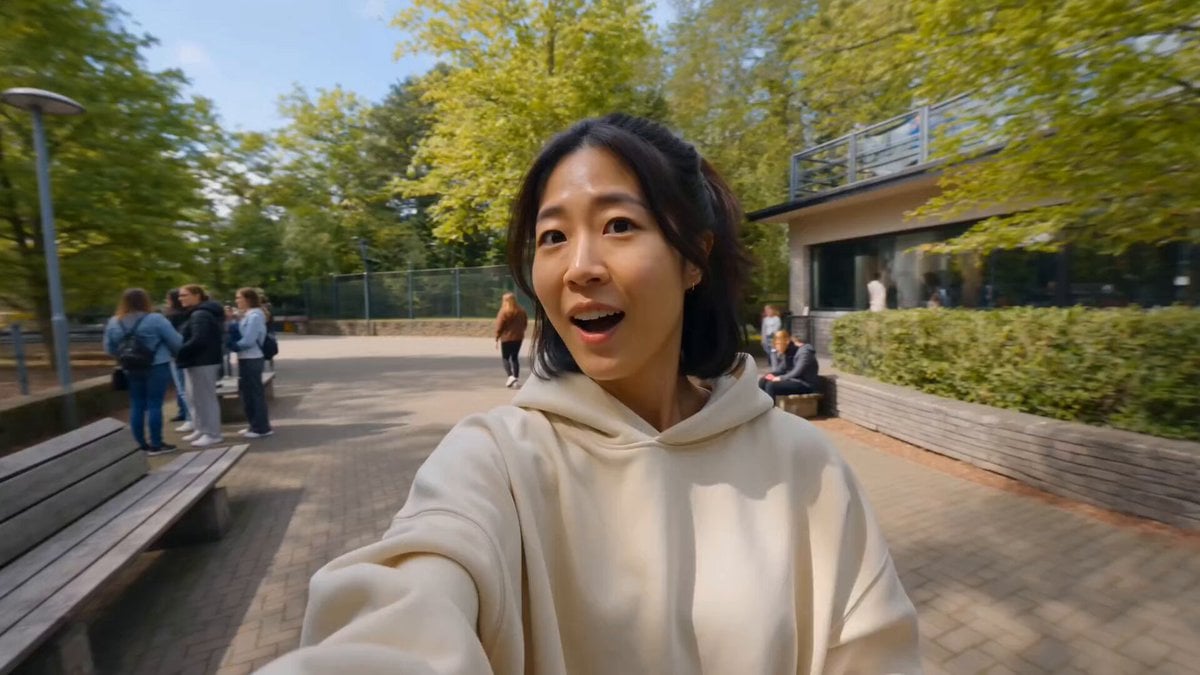
Tiger Zoo Selfie Vlog

Realistic UGC Lipstick Review Video
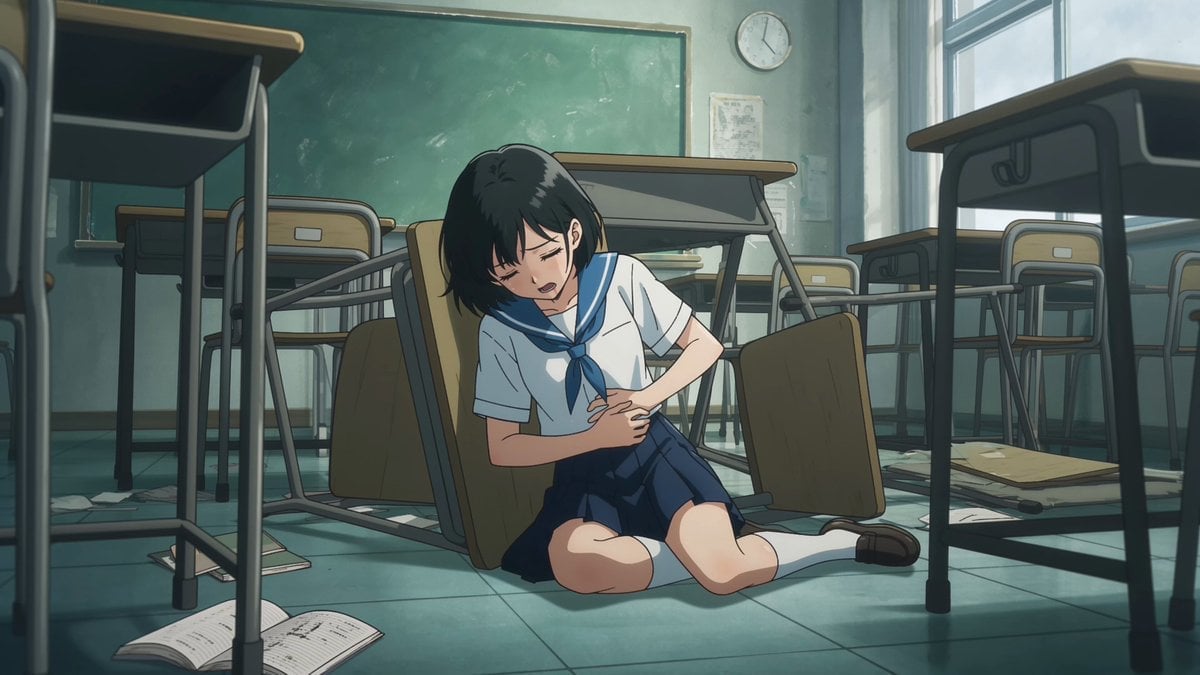
Anime Monster Classroom Battle
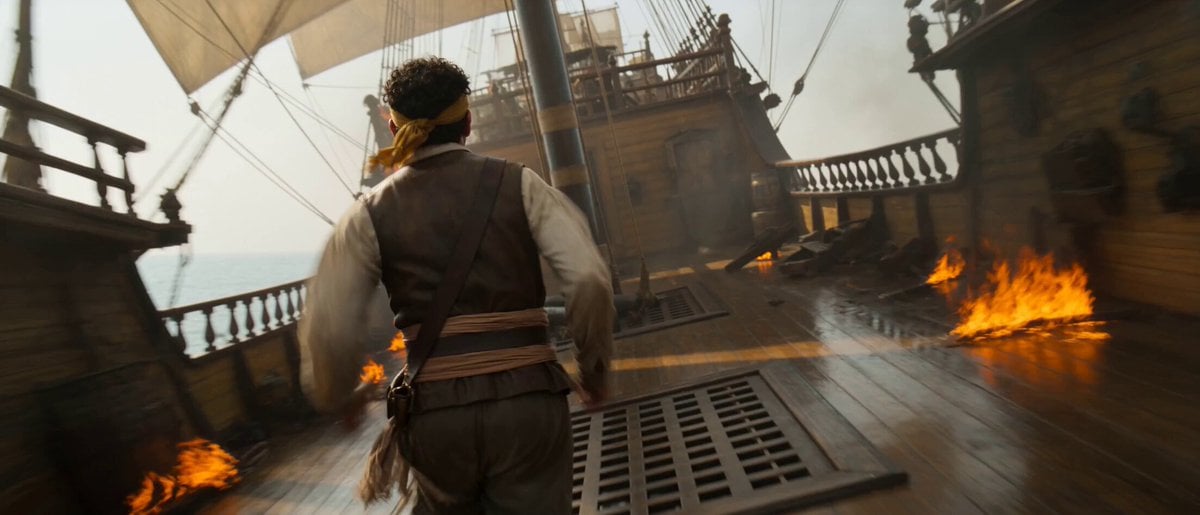
Pirate Ship To Desert Transition
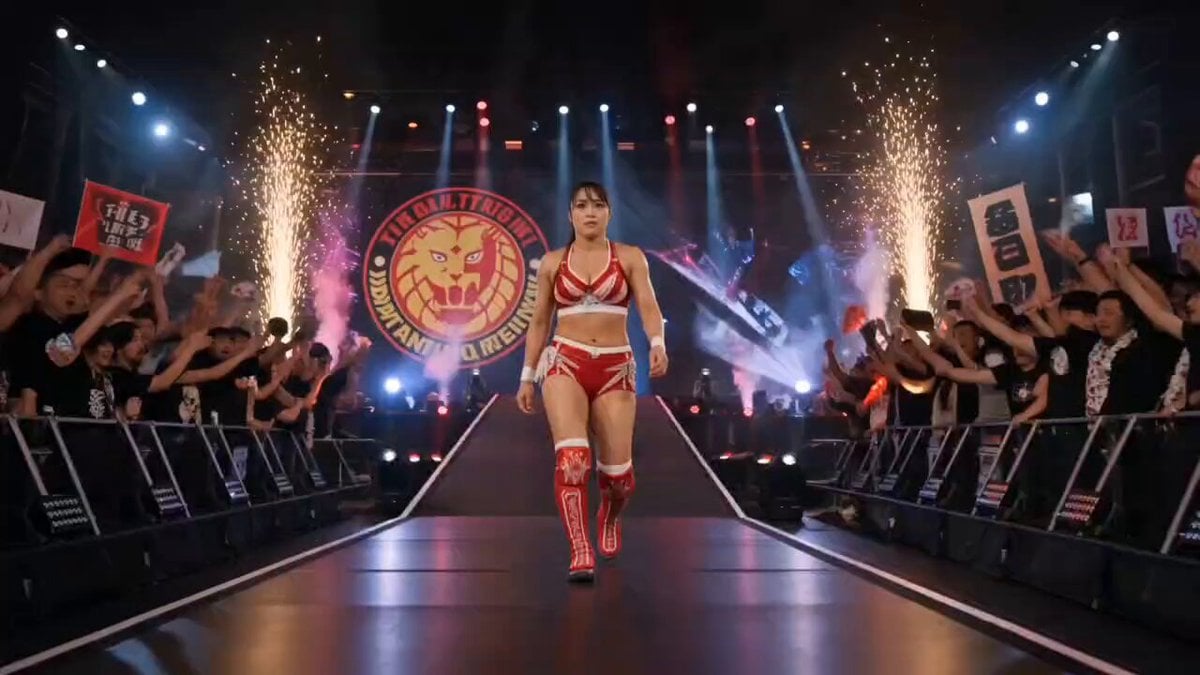
NJPW Women's Championship Match
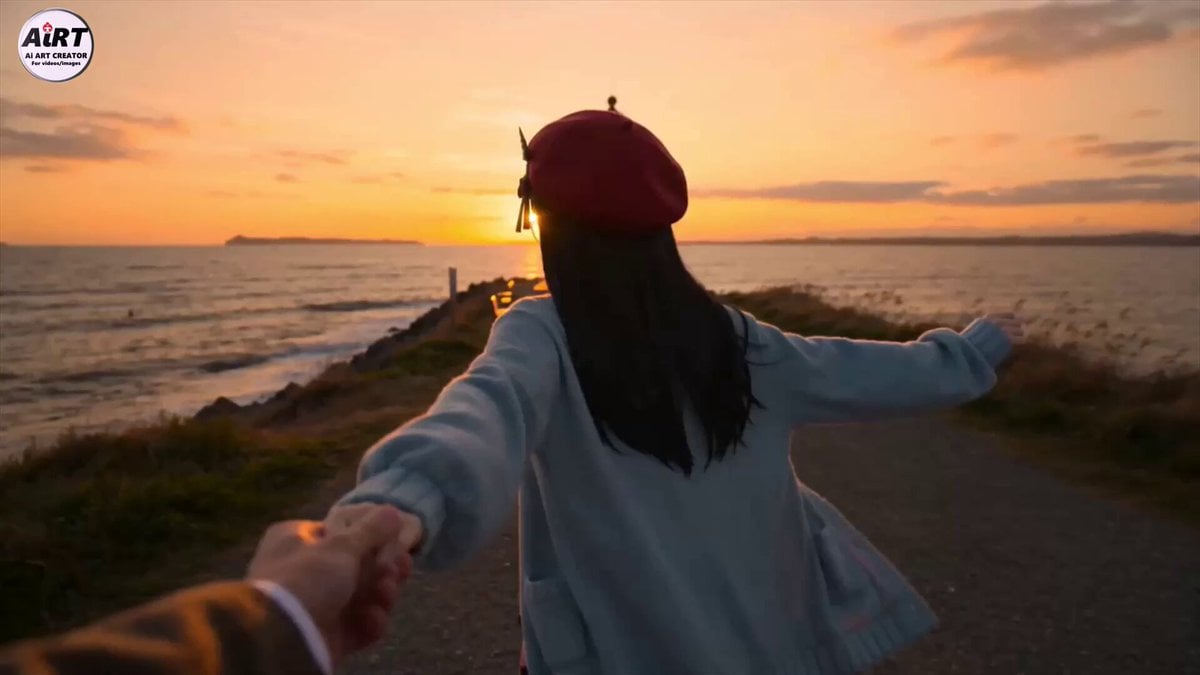
Anime Character Dating FPV Scene
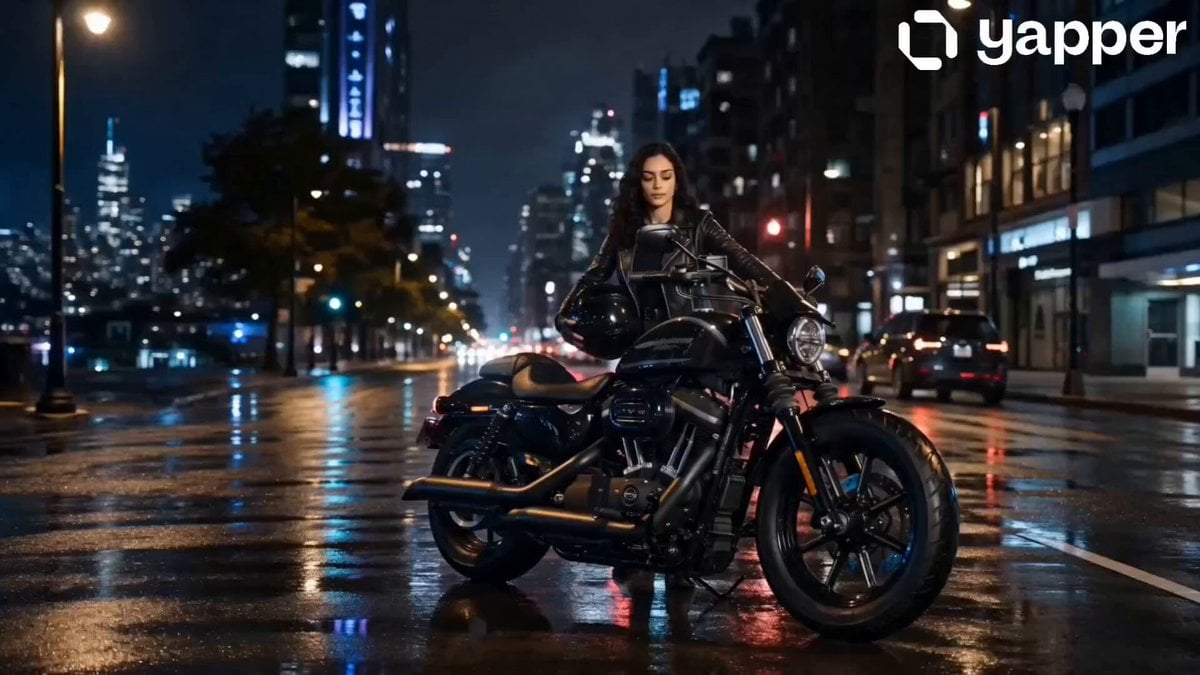
Neon City Heavy Bike Ride
More video prompts
Fresh picks from across the catalog.
Action adventure/sci-fi scene with a soldier
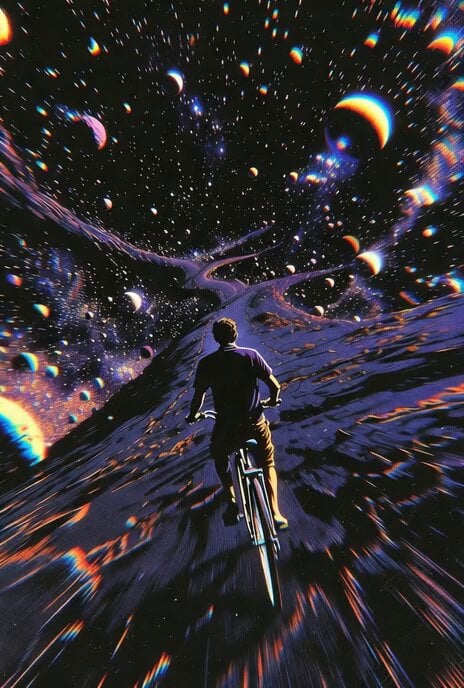
Seamless Transformation: Bicycle to Horse, Boy to Cowgirl
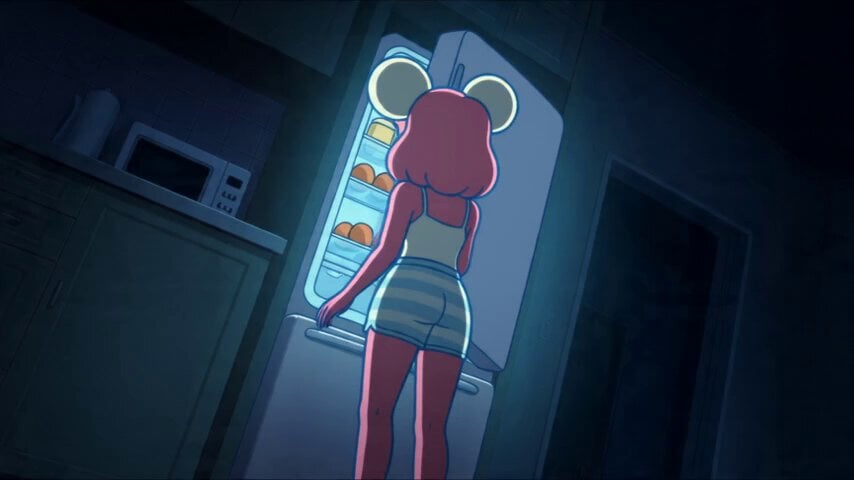
Anime Souffle Pancake Cooking Sequence
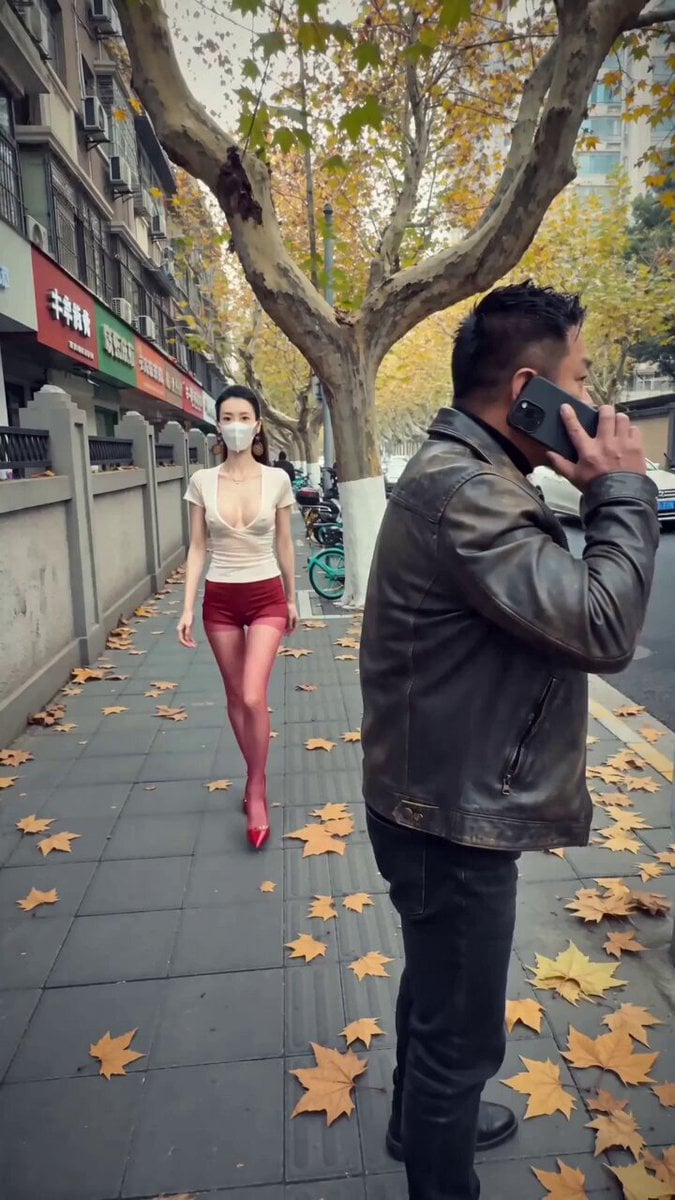
iPhone Handheld Street Encounter Video
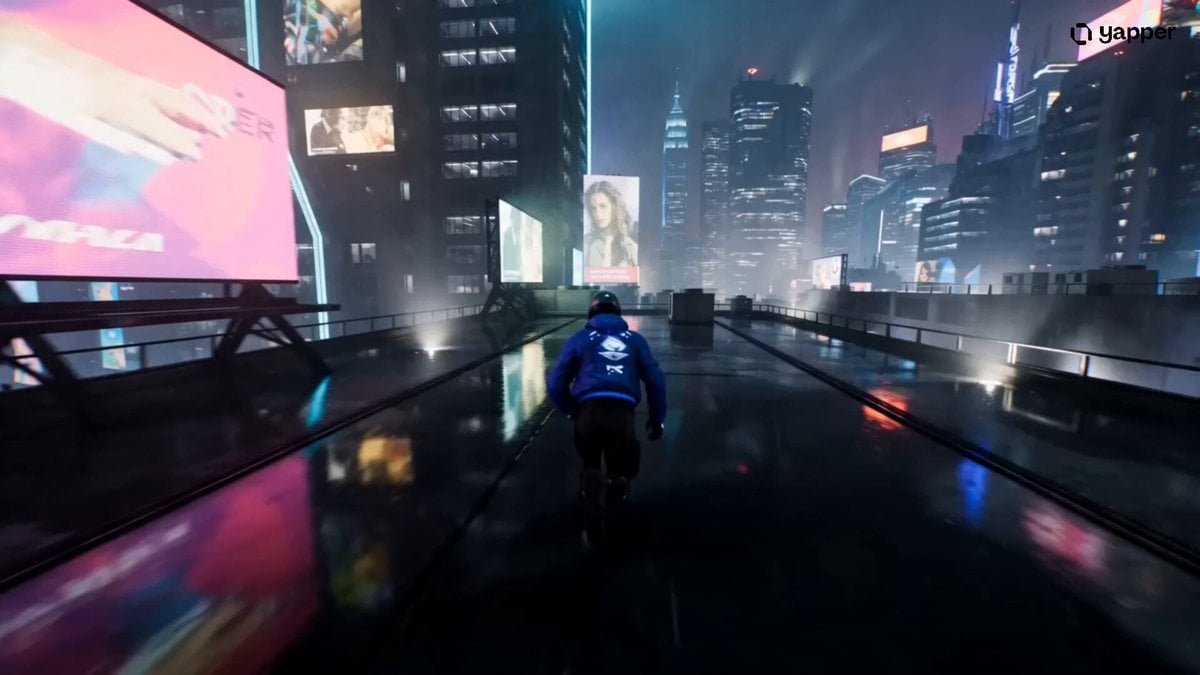
Cyberpunk Rooftop Chase Cinematic Prompt
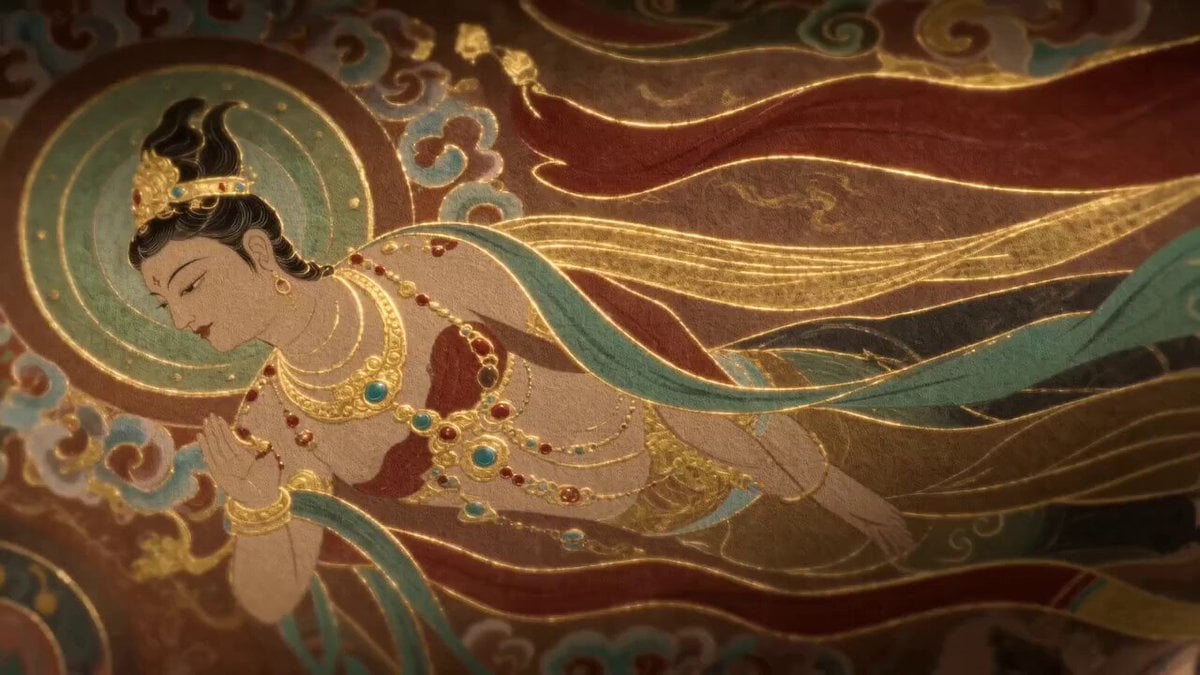
Dunhuang Flying Apsara Video Generation Prompt
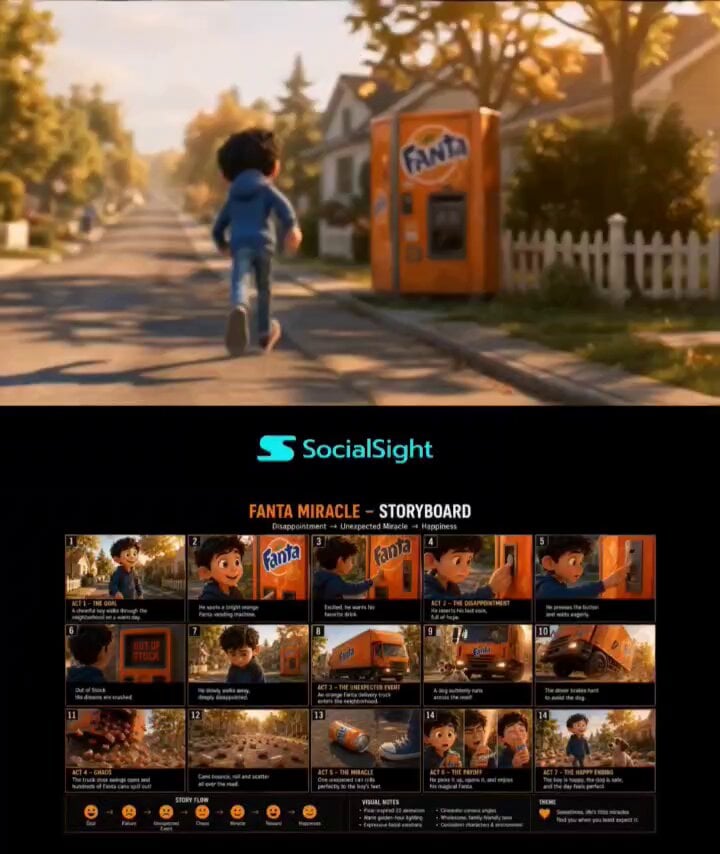
Pixar-Style Boy and Fanta Machine Story
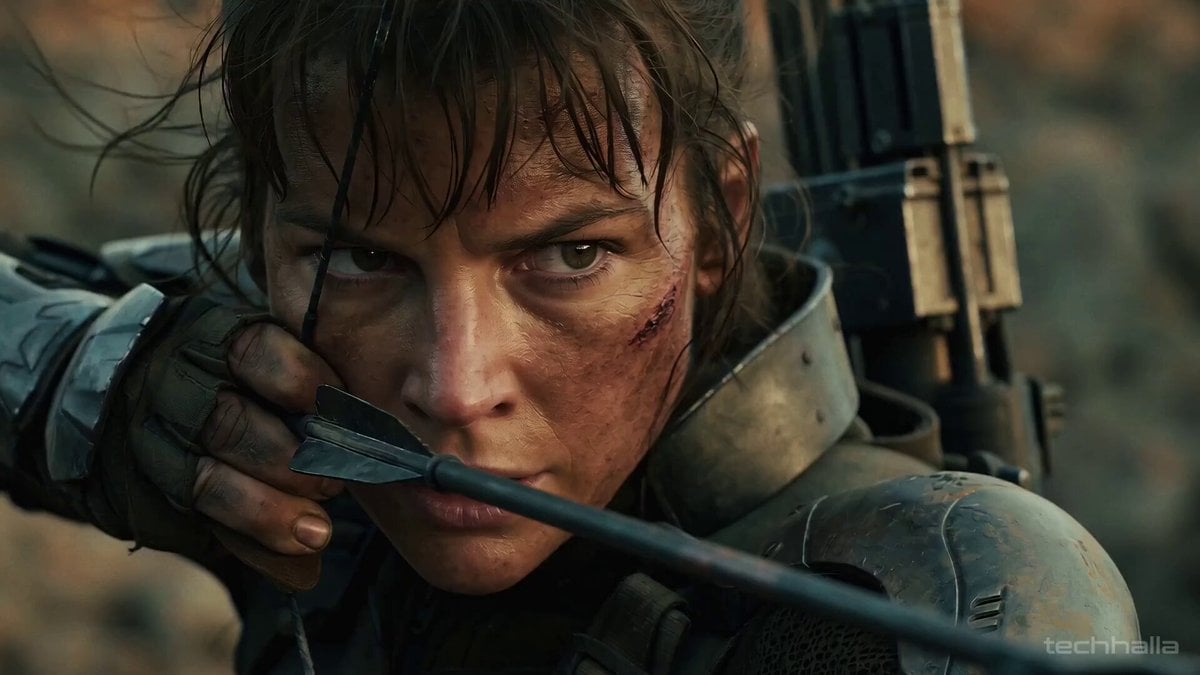
Cinematic Post-Apocalyptic Survival Sequence
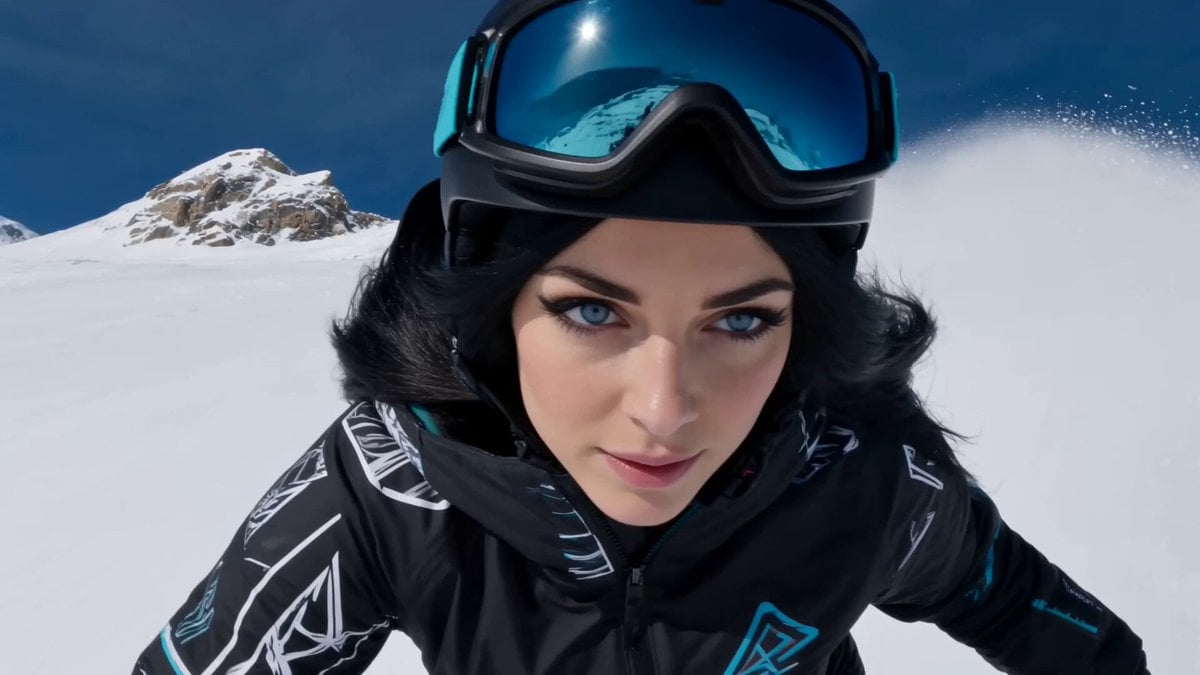
Cinematic Snowboarding Action Video
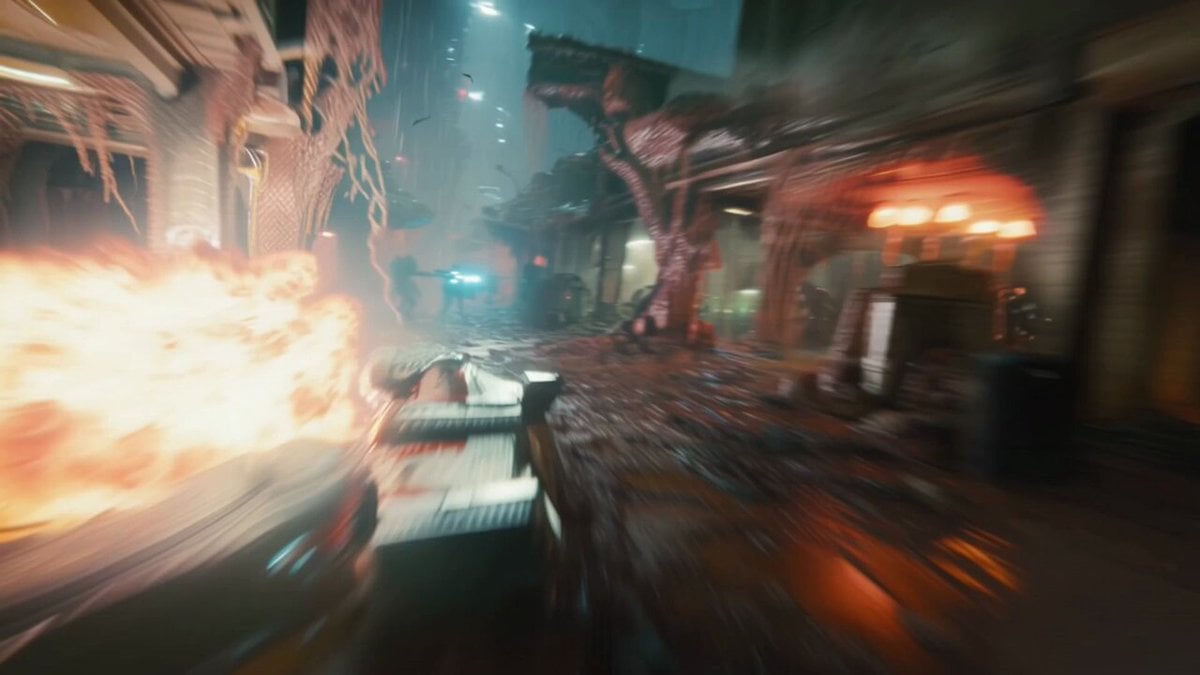
Hyperspeed FPV Through Ruined Biotech City
Browse template categories
Cinematic Samurai Fight Scene Camera Sequence questions
How do I use the Cinematic Samurai Fight Scene Camera Sequence template?
Add your photo if the template asks for one, edit the prompt if you like — the template's model and format are already selected — and press Generate. Your version opens in PicX Studio.
Can I customize the Cinematic Samurai Fight Scene Camera Sequence template?
Yes. You can change the subject, setting, lighting, mood, format, and available model controls before creating your video.
Is the Cinematic Samurai Fight Scene Camera Sequence template free?
Opening and editing this template is free. Generating uses credits, shown on the Generate button when you are signed in.
Which AI model should I use?
Start with Seedance 2.0, which is the model associated with this template. You can compare another compatible model for a different finish.
Looking for something else? Browse all templates.

Your photo, any look
Thousands of ready templates for every top image and video model, from one credit balance.