
Anime Bounty Hunter Fight Sequence
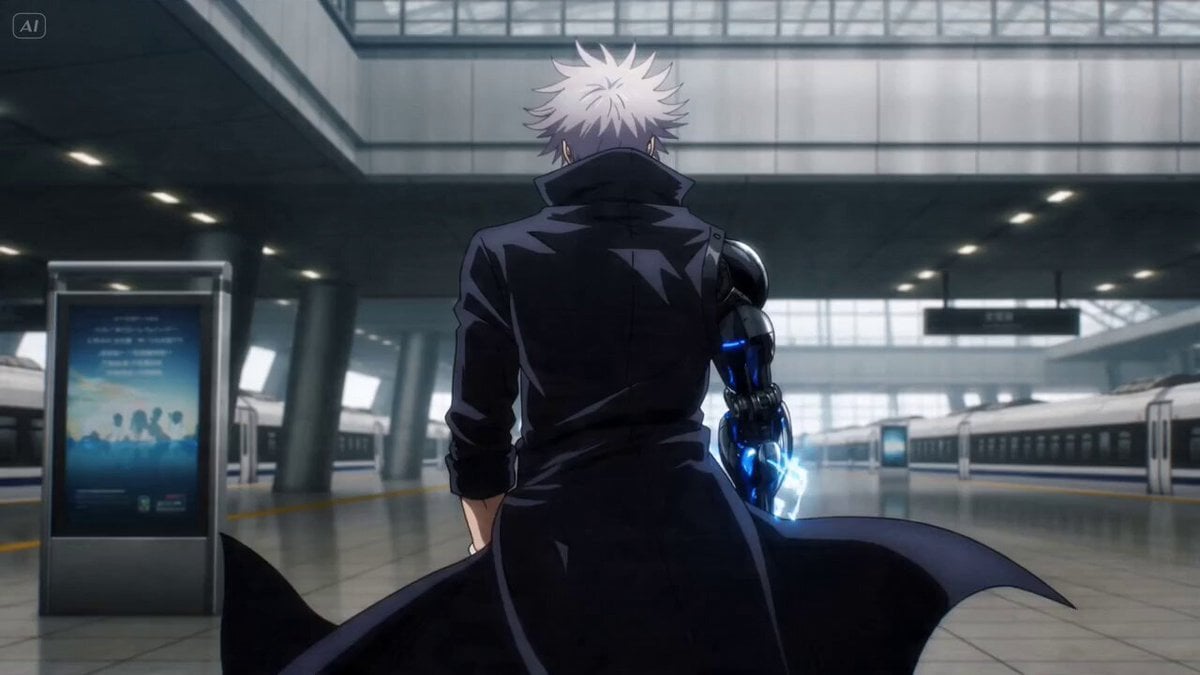
A high-energy anime prompt for a bounty hunter fight scene in a futuristic train station, emphasizing fluidity, speed ramps, and explosive choreography.
- Prompt included
- Model and format preset
- Premium template
The prompt behind this video
Copy the exact prompt behind Anime Bounty Hunter Fight Sequence, or open it in the studio and make it yours.
Legendary anime bounty hunter with messy silver hair, glowing crimson eyes and a long black trench coat whipping violently in the wind, cybernetic arm crackling with unstable energy Walks calmly through a futuristic train station before suddenly erupting into an insane close-quarters fight against elite assassins, sliding beneath bullets, teleporting between explosions and unleashing devastating energy punches that shatter entire platforms Massive futuristic station in broad daylight with shattered holograms, collapsing trains, sparks and debris flooding the environment + Starts with slow cinematic push-in toward his glowing eyes, sudden Epic anime-style speed ramp into explosive combat, ultra-dynamic whip pans linking impossible attacks, FPV-inspired tracking through destruction, orbit shots around energy impacts, exaggerated anime smears and violent camera tilts amplifying speed, debris and sparks exploding toward the frame, ending with the bounty hunter standing alone on the destroyed station platform while burning trains derail behind him and surviving enemies collapse simultaneously, camera pulling upward through smoke and sunlight revealing total destruction
How to use Anime Bounty Hunter Fight Sequence in 3 steps
- 1
Open
The prompt is already in the box next to the preview, with the template's model and format selected.
- 2…a portrait of your subject in softgolden-hour light, 85mm…
Personalize
Edit the subject and creative details for your destination.
- 3Generate
Generate
Press Generate — your video is created in PicX Studio, so you can compare it with the original and refine one variable at a time.
More like this
Templates with the same subject, style or setup. Open one to see its prompt.
Bounty Hunter Neon Action Sequence

Martial Arts Fight Sequence

Cinematic Istanbul Night Fight - Seedance 2.5

MiniMax H3 Character Introduction

Japanese Pure Love Short Film
Neo-Noir Alleyway Fight Sequence
Taiqi Martial Arts Fight Sequence

Studio Ghibli Dumpling Kitchen Cooking Scene
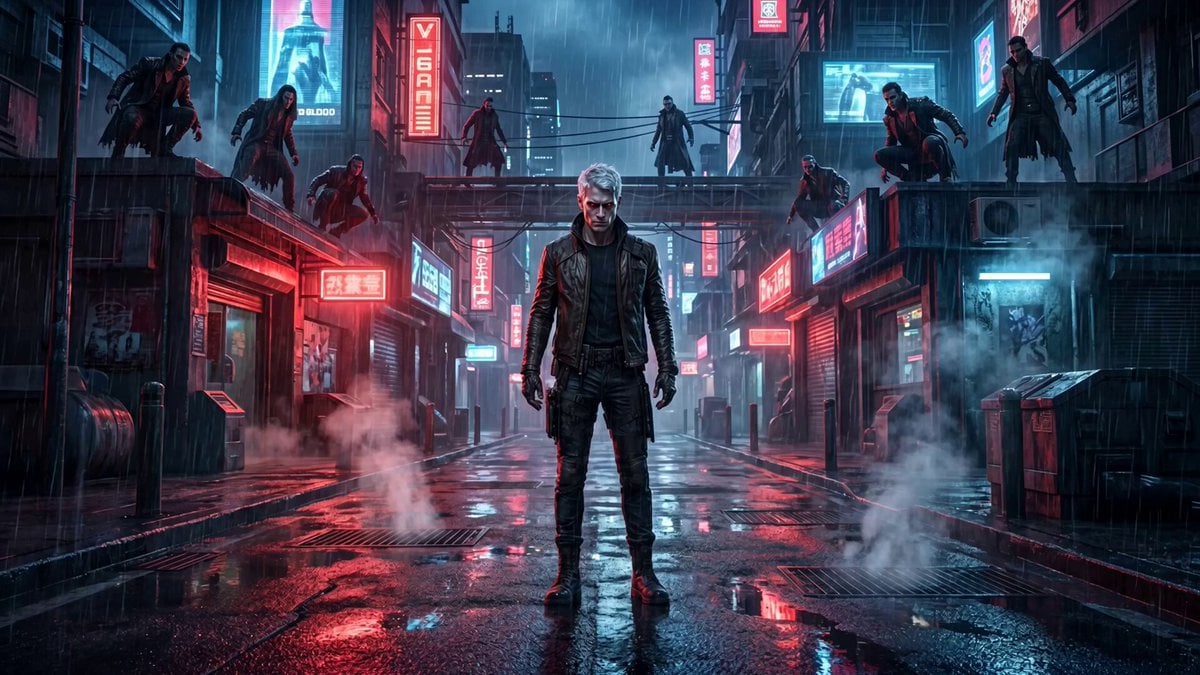
Cinematic vampire alley fight sequence
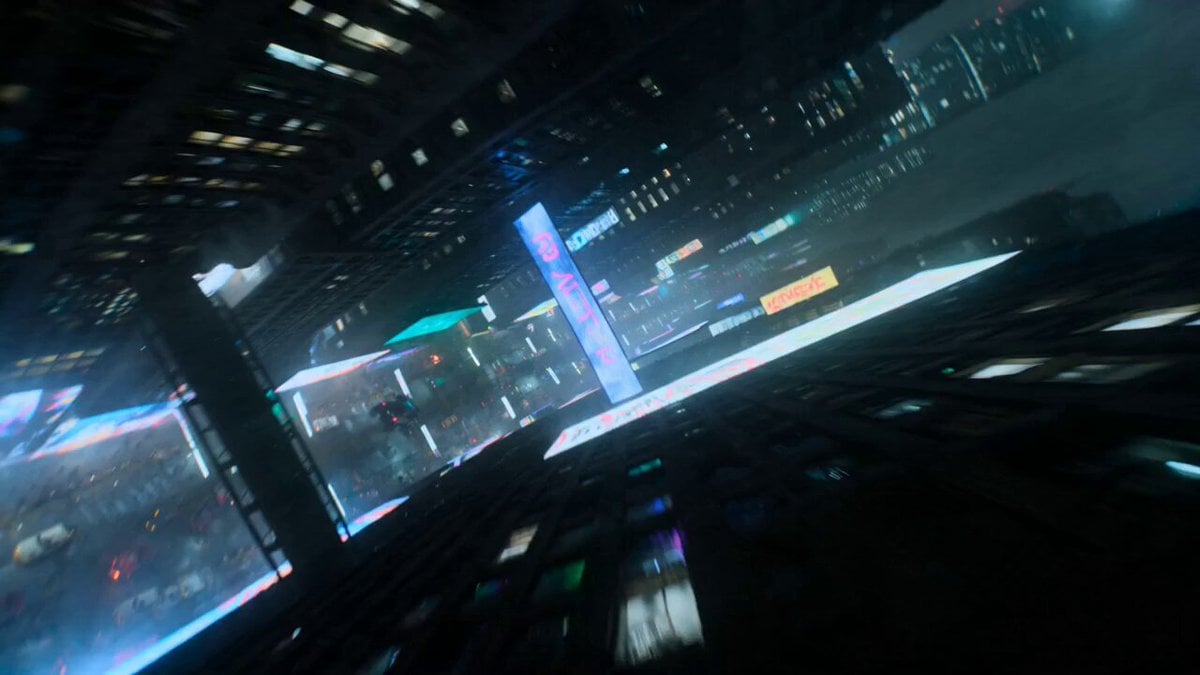
Cyberpunk Bounty Hunter Chase
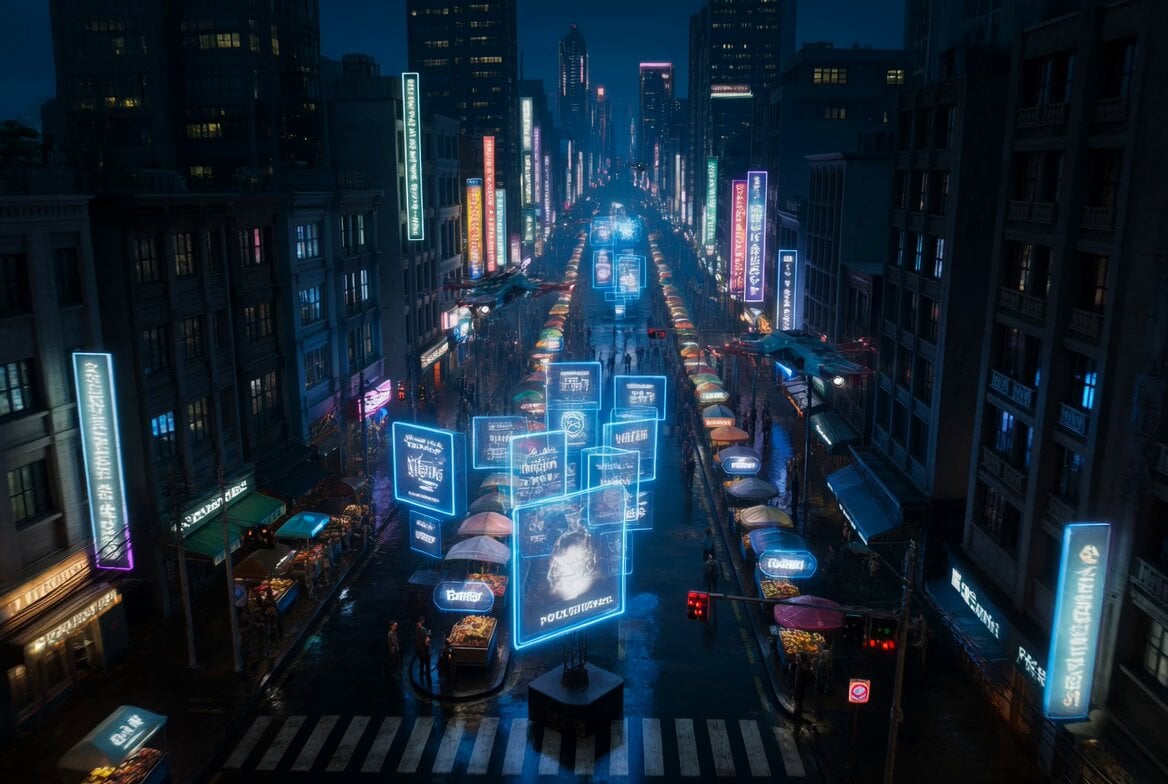
Cyberpunk Bounty Hunter Neon Chase
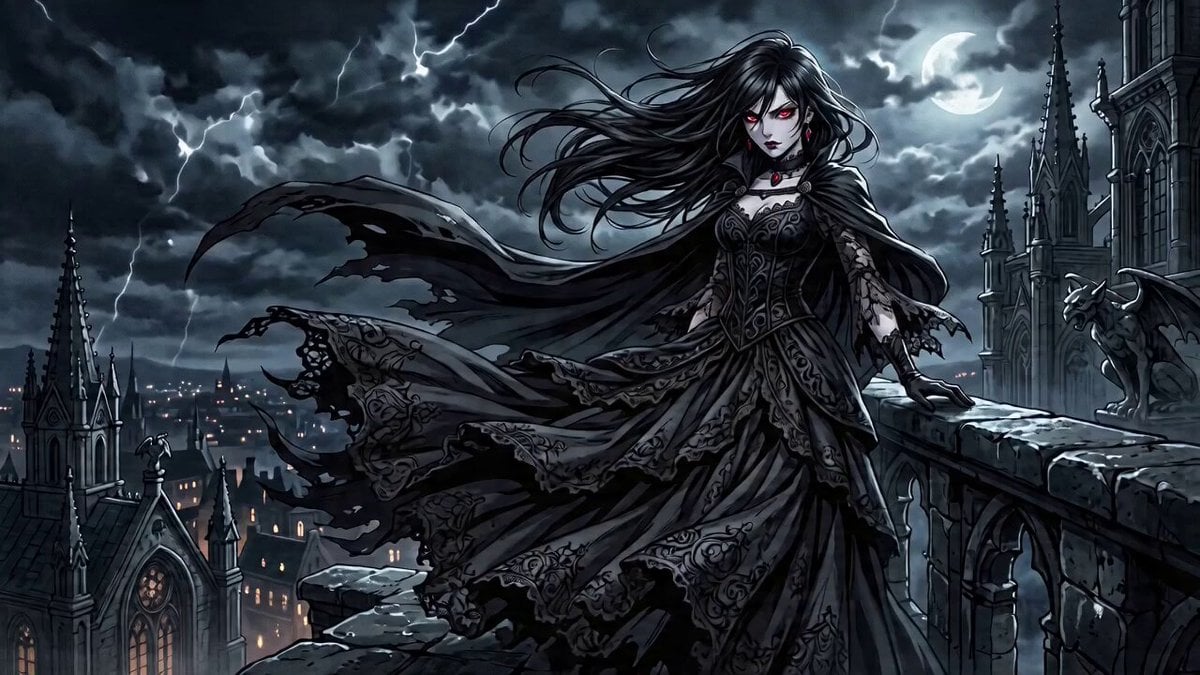
Anime-Style Rooftop Fight Scene Prompt for Seedance 2.0
Make it yours
Anime Bounty Hunter Fight Sequence works as-is. These are the safest ways to change it without losing the look.
Change one field
Copy a single group, rewrite it, and generate again so you can see what that field is doing.
Keep the frame, change the subject
Hold the composition and light of Anime Bounty Hunter Fight Sequence, then swap wardrobe, props or the person for a new take.
| If the result… | Why | Fix |
|---|---|---|
| The result drifts from the preview | Too many fields changed at once. | Reuse Anime Bounty Hunter Fight Sequence as-is first, then change one group — subject, light, or setting. |
| The model over-stylizes the scene | The prose prompt leaves finish and camera underspecified. | Add one camera or lighting sentence and stay on Seedance 2.0. |
More Seedance 2.0 templates
Other prompts made for Seedance 2.0.

Comical Martial Arts Punch Scene

Wuxia Protection and Trust Script

Vintage Korean Arcade MiniDV Vlog

Mercedes 190 SL Luxury Ad

Rainy Night Supernatural Reverse Comedy Video Script

Amazon Civilization Discovery

Futuristic South Asian City Transformation

Cozy Luxury Cafe Commercial

Cyber Ronin Nanotech Transformation Video

Desert Courier and Sandstorm Leviathan Chase
More video prompts
Fresh picks from across the catalog.

Jane Austen Transformation
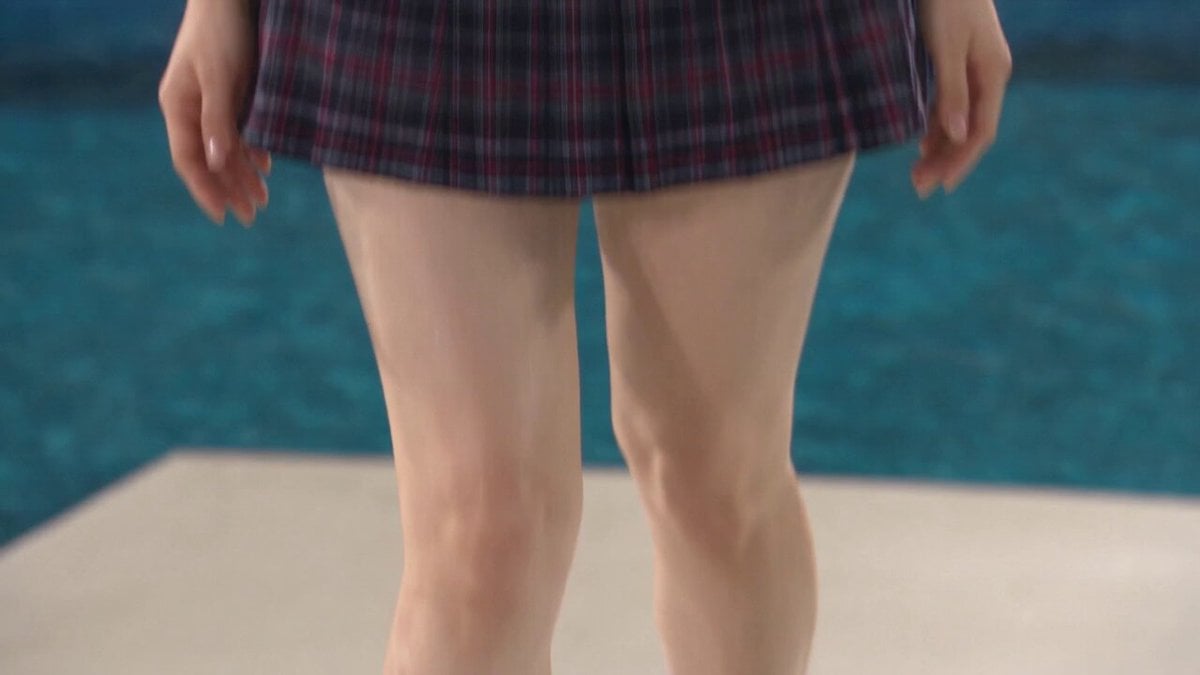
Reality TV Water Obstacle Competition
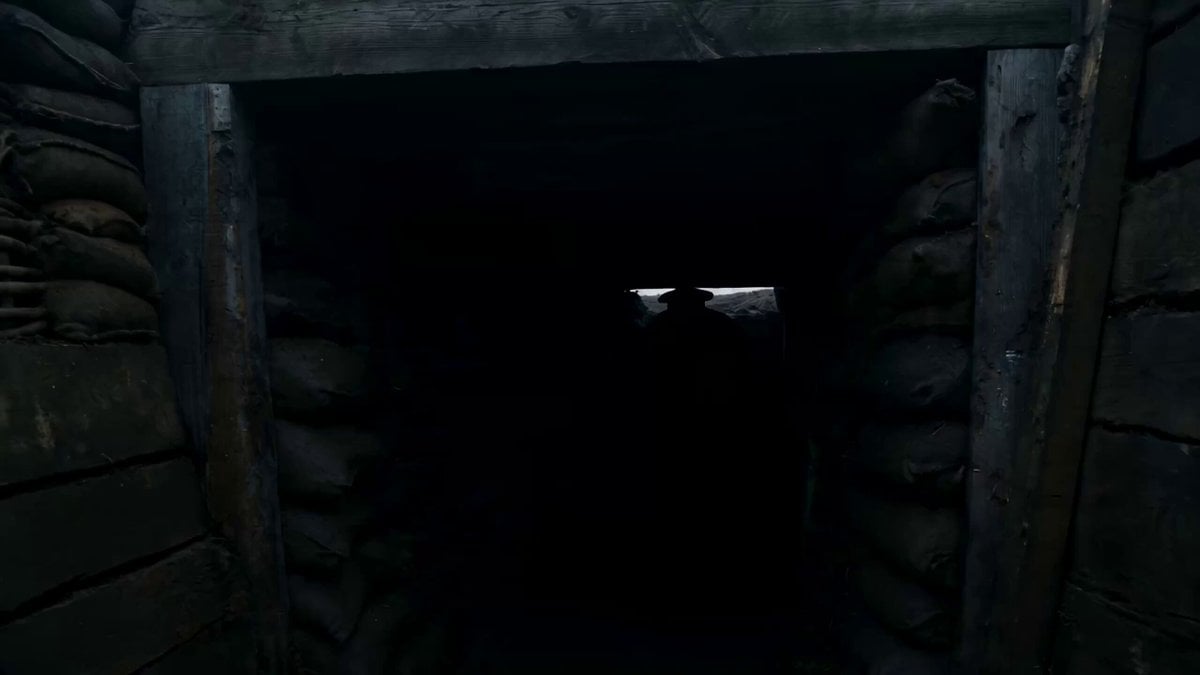
Wartime Disaster Movie Scene, One-Shot
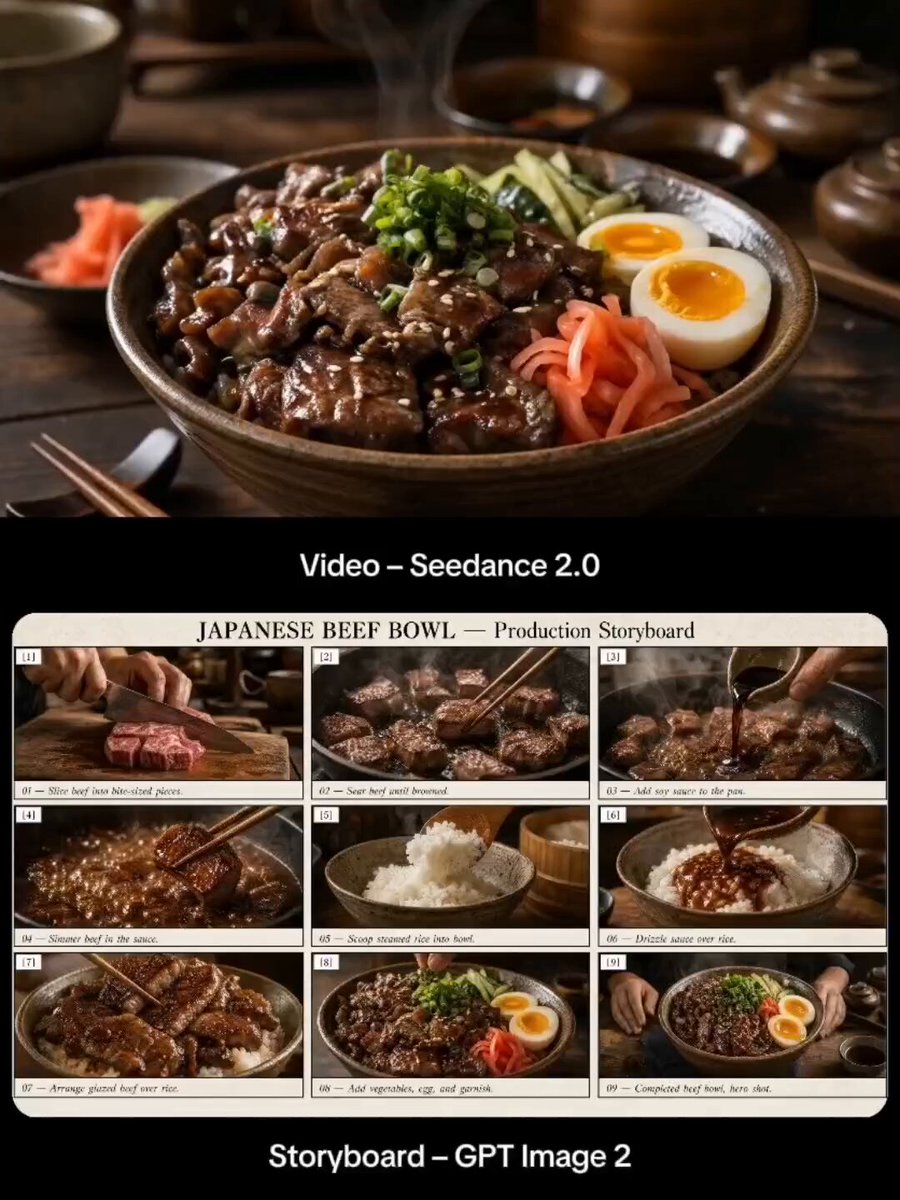
Japanese Beef Bowl Cooking Storyboard
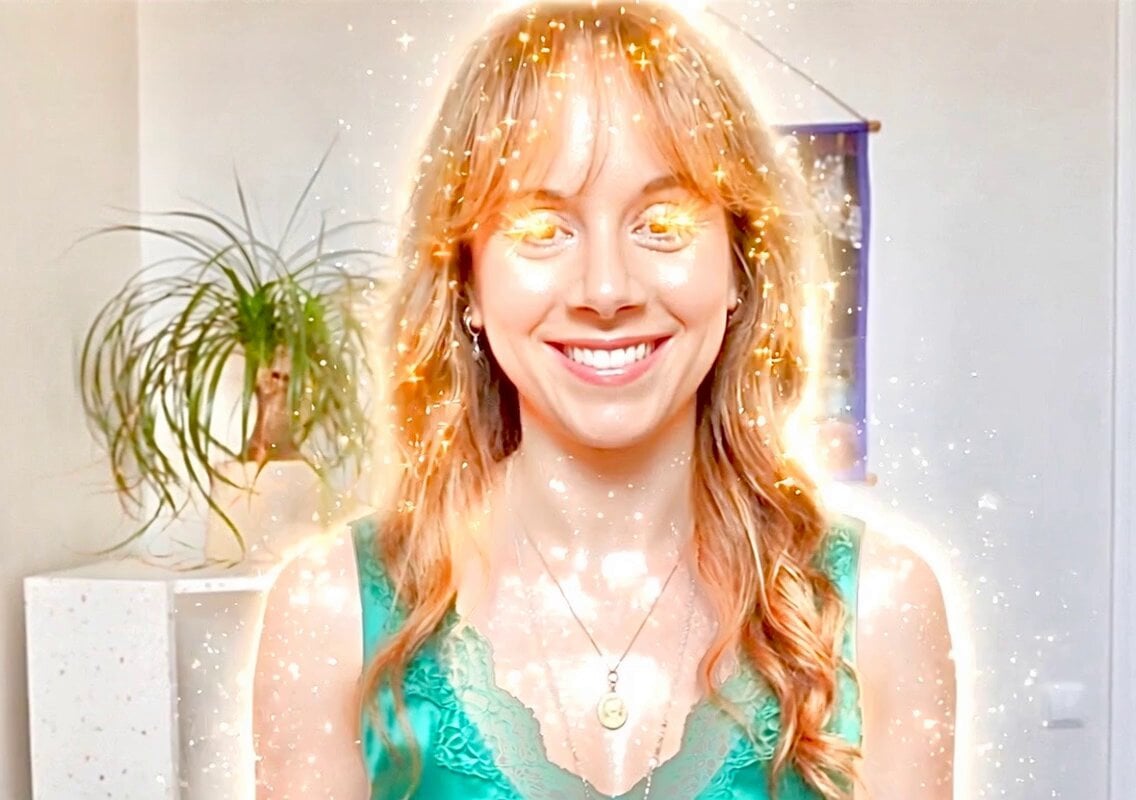
Mocking Smile Video Prompt
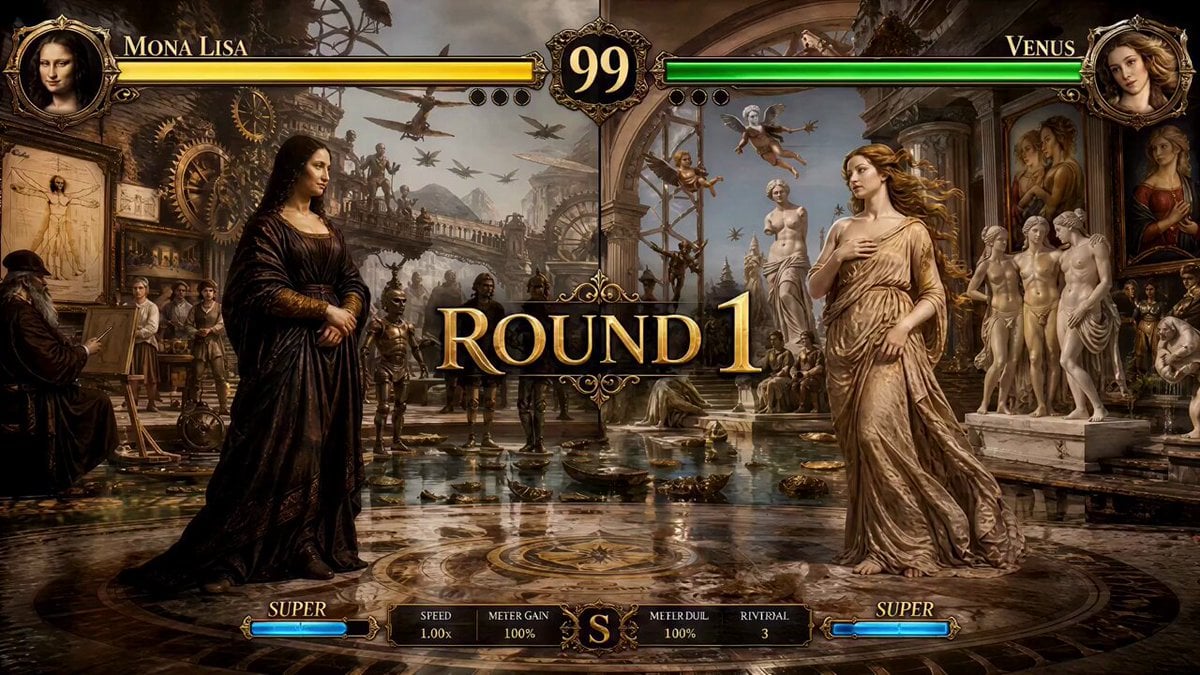
Mona Lisa vs Venus Fighting Game Style
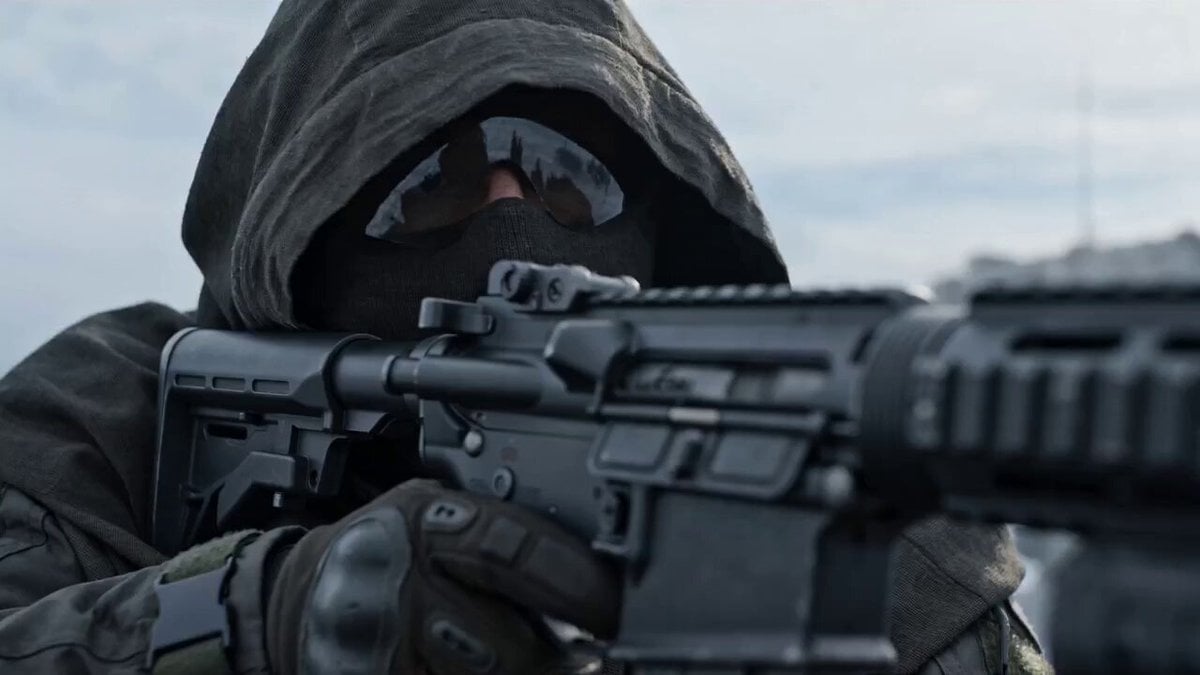
Video Prompt: Hyper-realistic Military CGI Scene
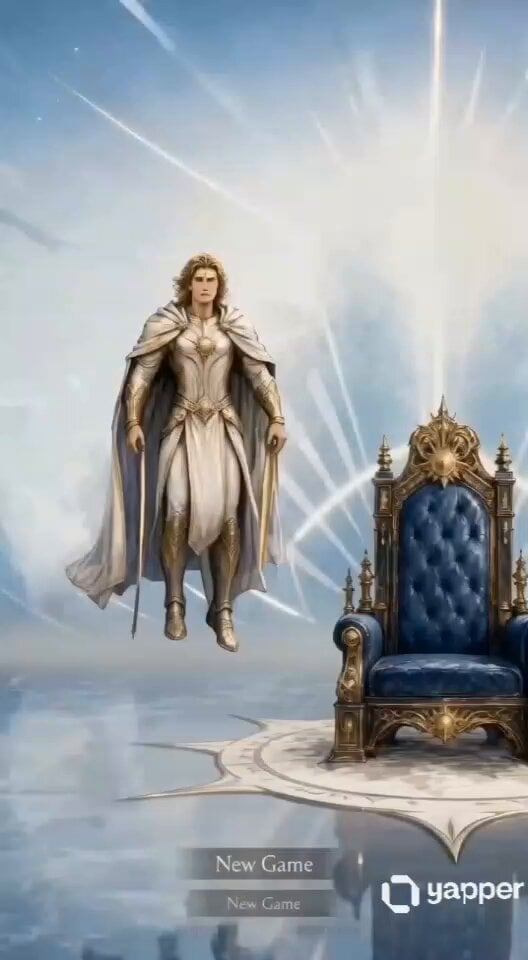
Fantasy Gaming Quest Scene
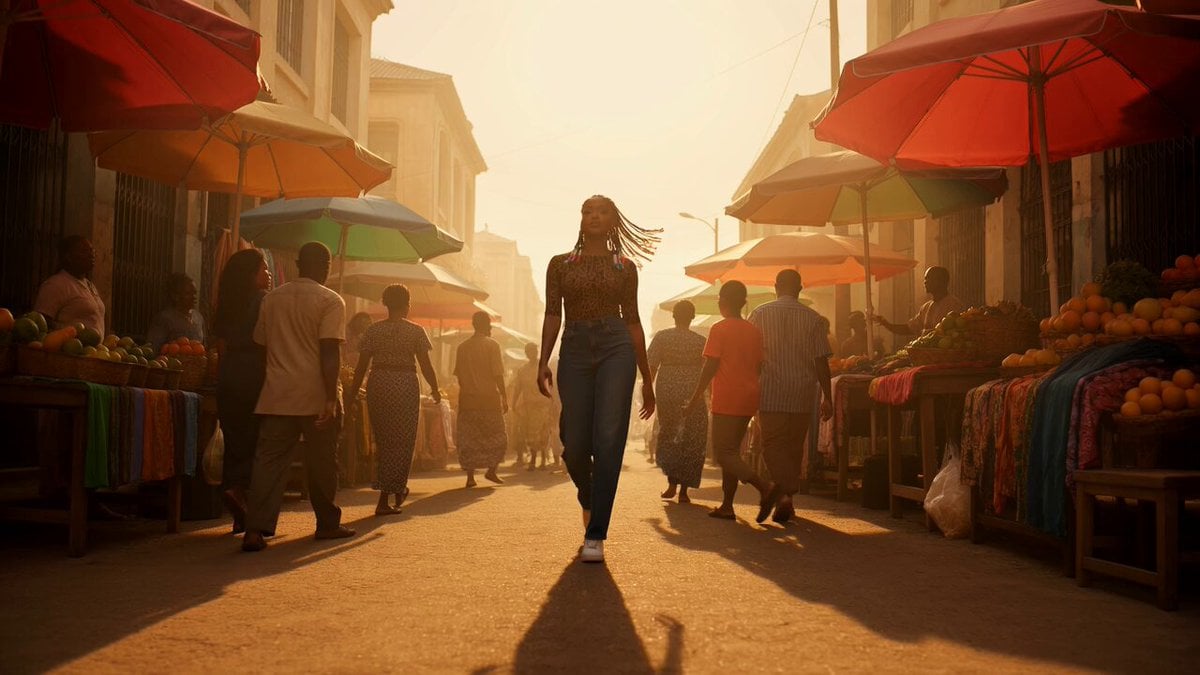
Vibrant Cinematic Video Prompt for Nigerian Woman
Seedance 2.0 Storyboard-to-Animation Prompt
Browse template categories
Anime Bounty Hunter Fight Sequence questions
How do I use the Anime Bounty Hunter Fight Sequence template?
Add your photo if the template asks for one, edit the prompt if you like — the template's model and format are already selected — and press Generate. Your version opens in PicX Studio.
Can I customize the Anime Bounty Hunter Fight Sequence template?
Yes. You can change the subject, setting, lighting, mood, format, and available model controls before creating your video.
Is the Anime Bounty Hunter Fight Sequence template free?
Opening and editing this template is free. Generating uses credits, shown on the Generate button when you are signed in.
Which AI model should I use?
Start with Seedance 2.0, which is the model associated with this template. You can compare another compatible model for a different finish.
Looking for something else? Browse all templates.

Your photo, any look
Thousands of ready templates for every top image and video model, from one credit balance.