
Seedance 2.0 Storyboard-to-Animation Prompt
A structured prompt for generating a 15-second 3D animated video by referencing a specific storyboard image for composition and narrative flow.
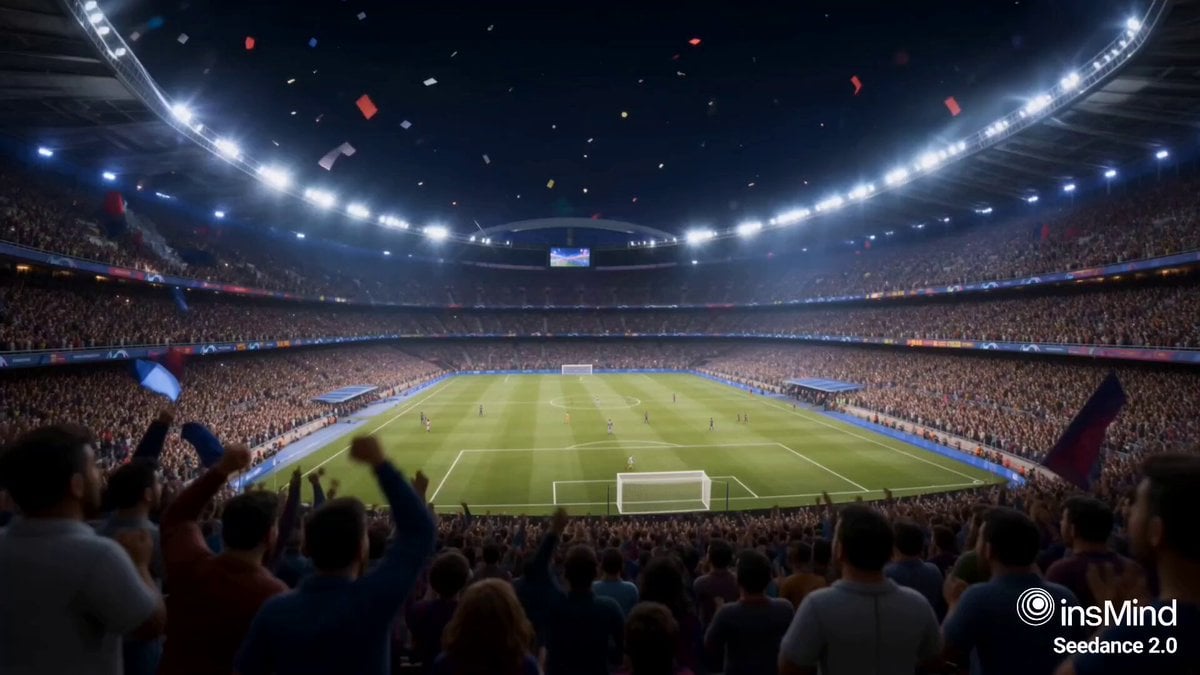
- Prompt included
- Model and format preset
- Free template
The prompt behind this video
Copy the exact prompt behind Seedance 2.0 Storyboard-to-Animation Prompt, or open it in the studio and make it yours.
Use the provided storyboard image @image1 as the primary visual reference for composition, framing, and scene progression. Generate a 15-second stylized 3D animated cinematic video that follows the exact sequence and visual storytelling of the storyboard.
How to use Seedance 2.0 Storyboard-to-Animation Prompt in 3 steps
- 1
Open
The prompt is already in the box next to the preview, with the template's model and format selected.
- 2…a portrait of your subject in softgolden-hour light, 85mm…
Personalize
Edit the subject and creative details for your destination.
- 3Generate
Generate
Press Generate — your video is created in PicX Studio, so you can compare it with the original and refine one variable at a time.
More like this
Templates with the same subject, style or setup. Open one to see its prompt.

Dragon Rider Cinematic Flight — Seedance 2.5

Gpt2 Gpt2 Seedance Storyboard to Video
Multi Panel Storyboard Sheet

Pigeon Nemesis Pixar Animation Storyboard
Apartment Arrival Storyboard Animation
Wholesome Puppy and Kitten Story - Seedance 2.5

Sci-Fi Disaster Movie Scene - Seedance 2.5

Mysterious Home Exploration Vlog - Seedance 2.5

Dark Tokusatsu Transformation - Seedance 2.5
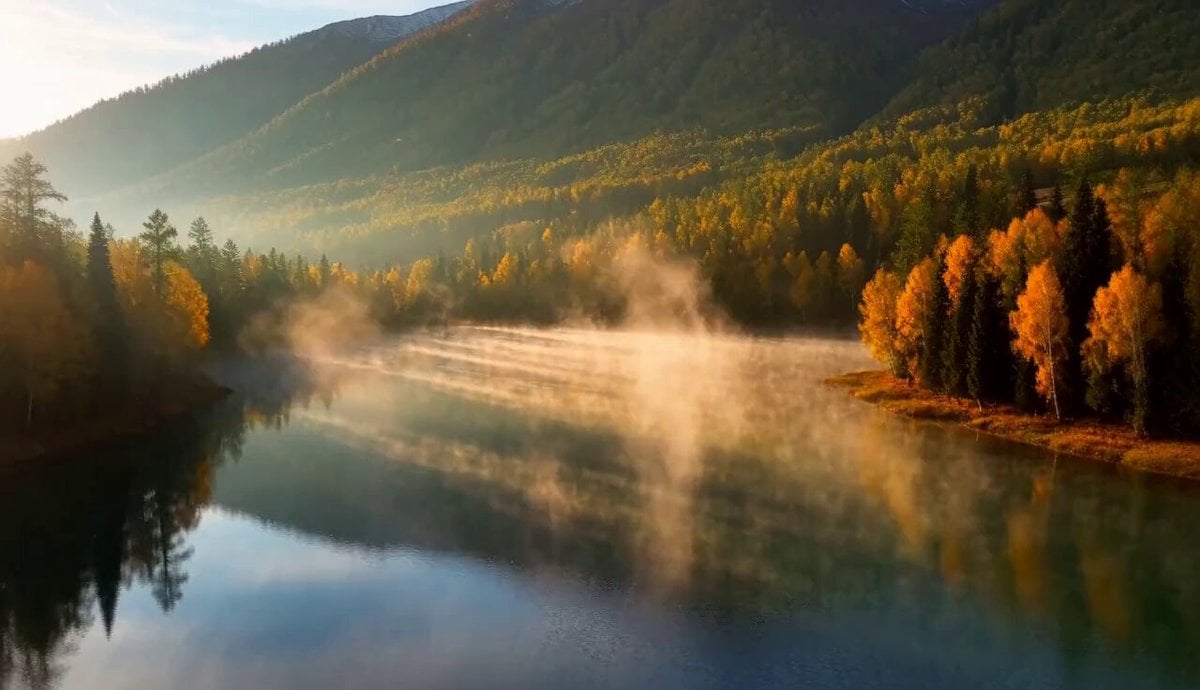
Cinematic Xinjiang Drone Landscapes - Seedance 2.5
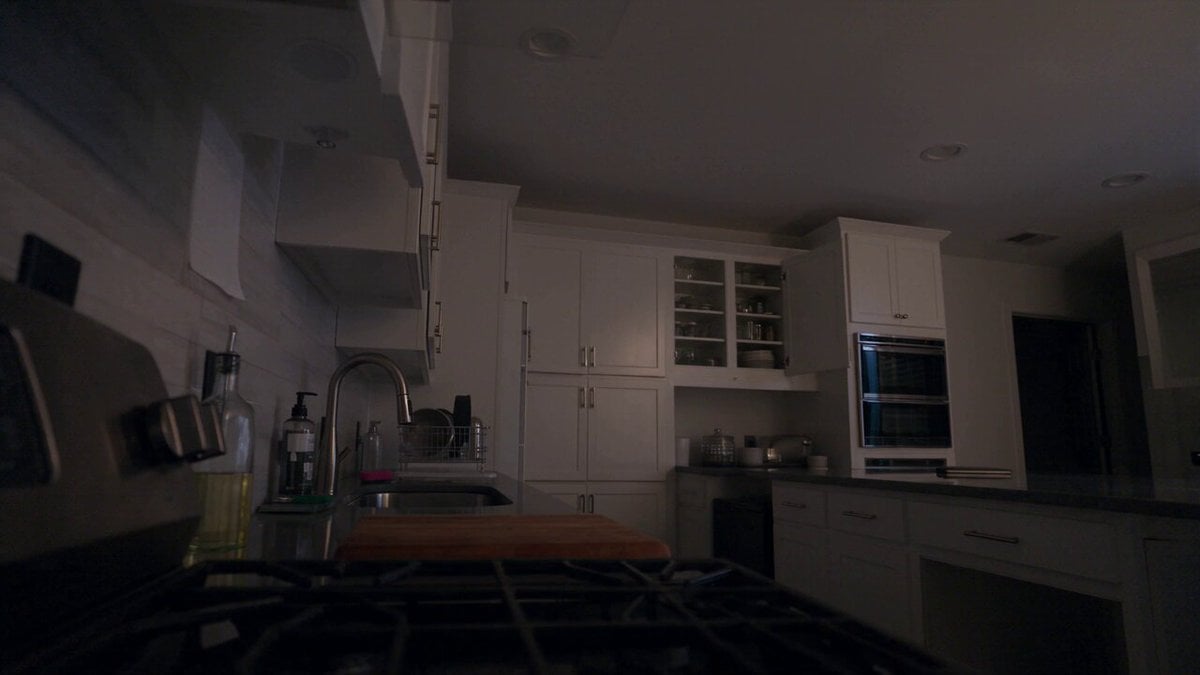
Late Night Kitchen Phone Recording - Seedance 2.5

3D Animated Cat and Old Man - Seedance
Make it yours
Seedance 2.0 Storyboard-to-Animation Prompt works as-is. These are the safest ways to change it without losing the look.
Change one field
Copy a single group, rewrite it, and generate again so you can see what that field is doing.
Keep the frame, change the subject
Hold the composition and light of Seedance 2.0 Storyboard-to-Animation Prompt, then swap wardrobe, props or the person for a new take.
| If the result… | Why | Fix |
|---|---|---|
| The result drifts from the preview | Too many fields changed at once. | Reuse Seedance 2.0 Storyboard-to-Animation Prompt as-is first, then change one group — subject, light, or setting. |
| The model over-stylizes the scene | The prose prompt leaves finish and camera underspecified. | Add one camera or lighting sentence and stay on Seedance 2.0. |
More Seedance 2.0 templates
Other prompts made for Seedance 2.0.

Comical Martial Arts Punch Scene

Maglev Train Action Sequence

Martial Arts Fight Sequence

Wuxia Protection and Trust Script

Vintage Korean Arcade MiniDV Vlog

Mercedes 190 SL Luxury Ad

Rainy Night Supernatural Reverse Comedy Video Script

Amazon Civilization Discovery

Futuristic South Asian City Transformation

Cozy Luxury Cafe Commercial
More video prompts
Fresh picks from across the catalog.

Wingsuit Flying Extreme Sports Video Prompt
City Timelapse Growth — Seedance 2.0
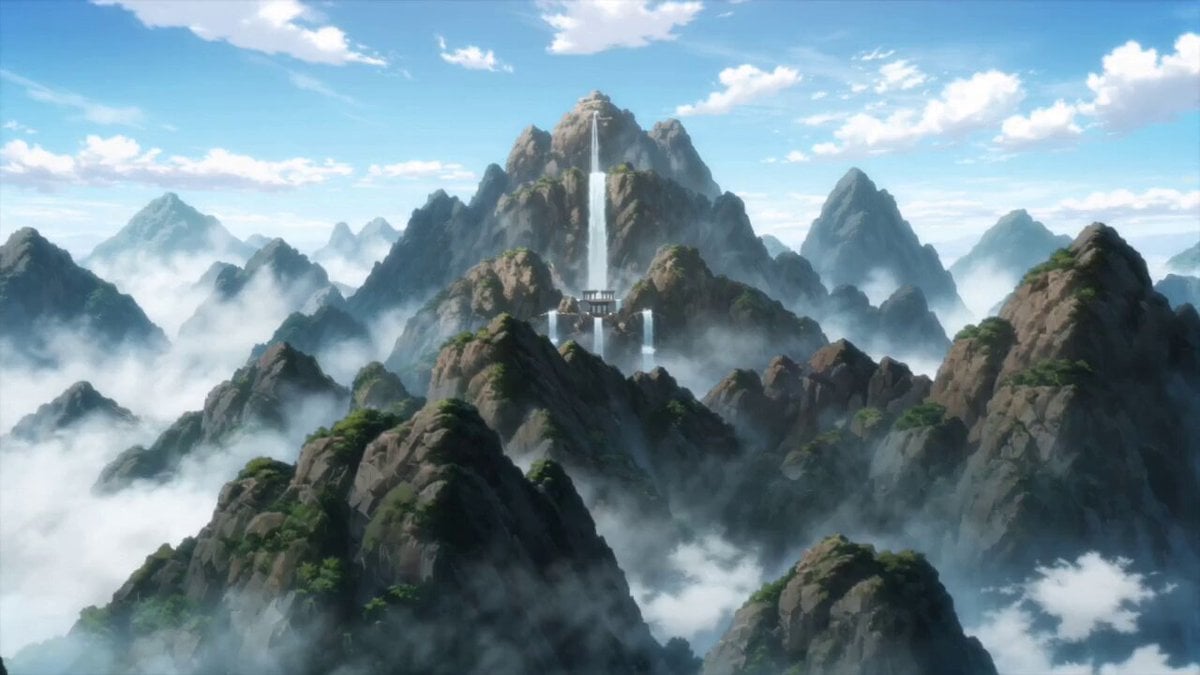
Anime Monk Temple Battle
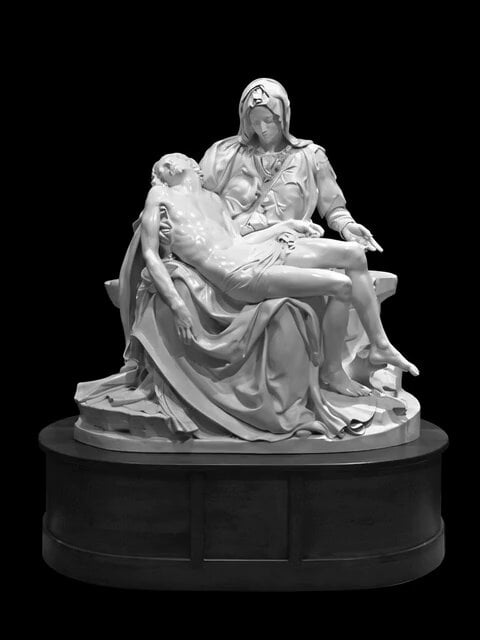
Jesus is dead statue rotation with tears
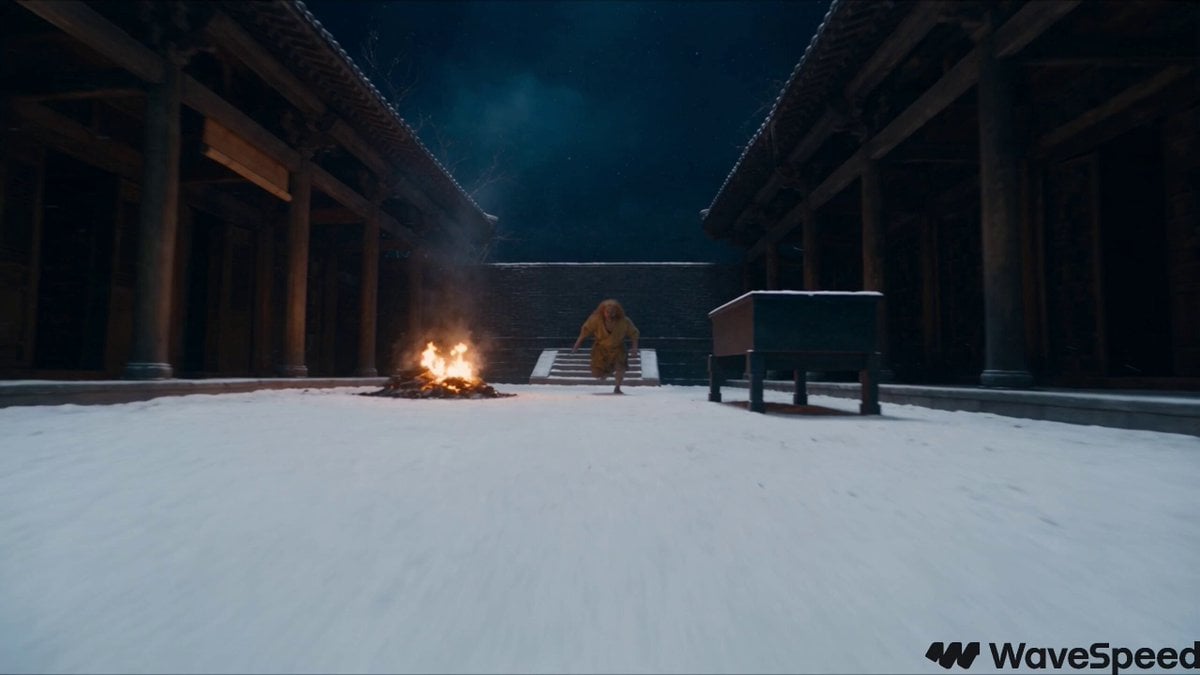
Snowy Night Xianxia Combat Sequence
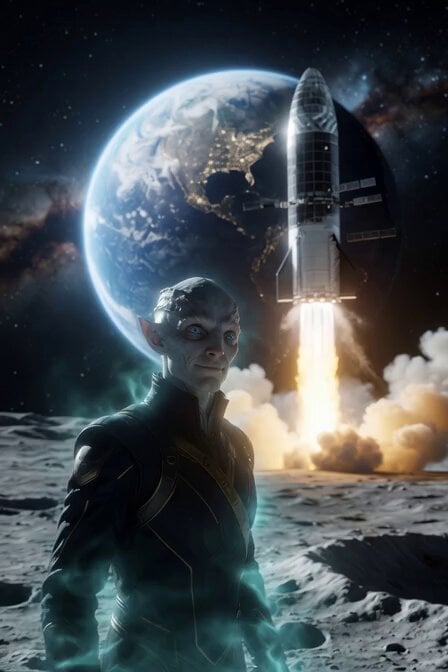
Alien Anthropologist Data Cube Video
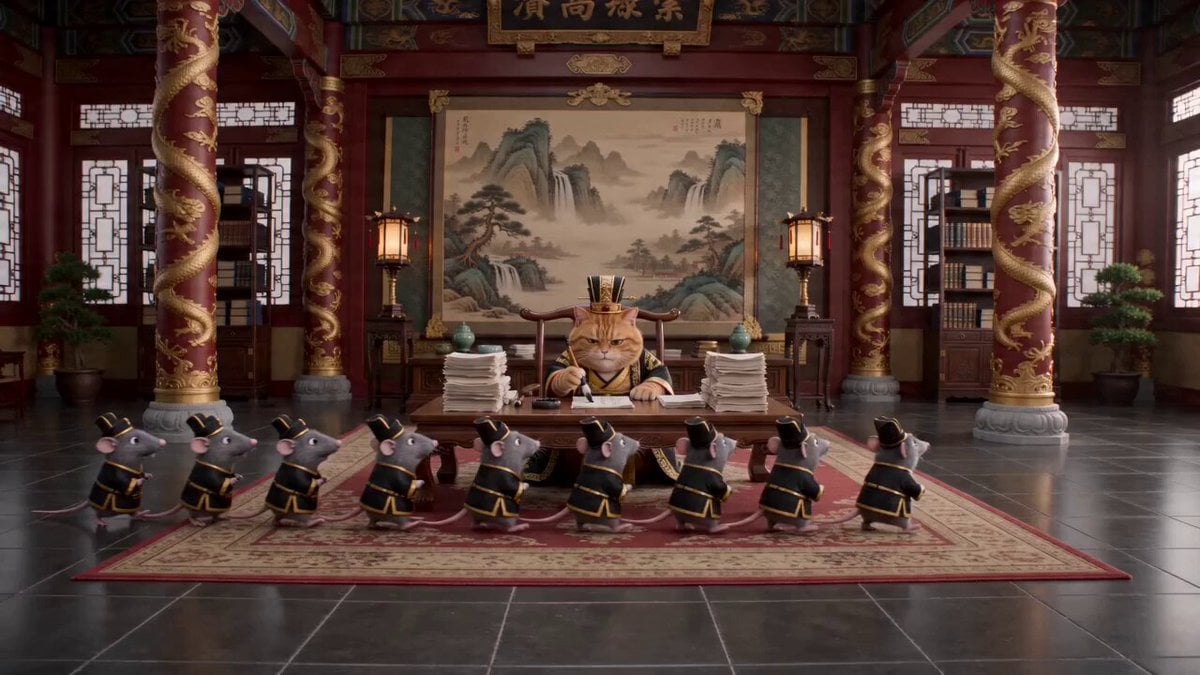
Cat Emperor Micro-Drama

Chinese Street Drama Buns Shop Scene
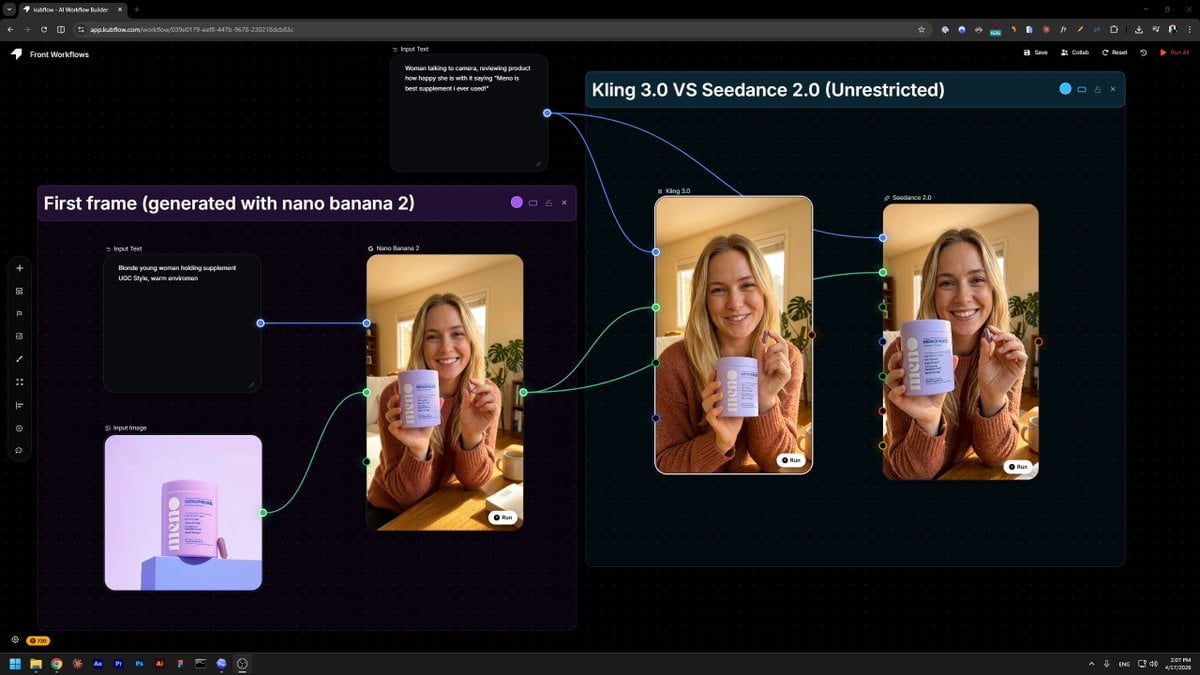
Product Review UGC Prompt
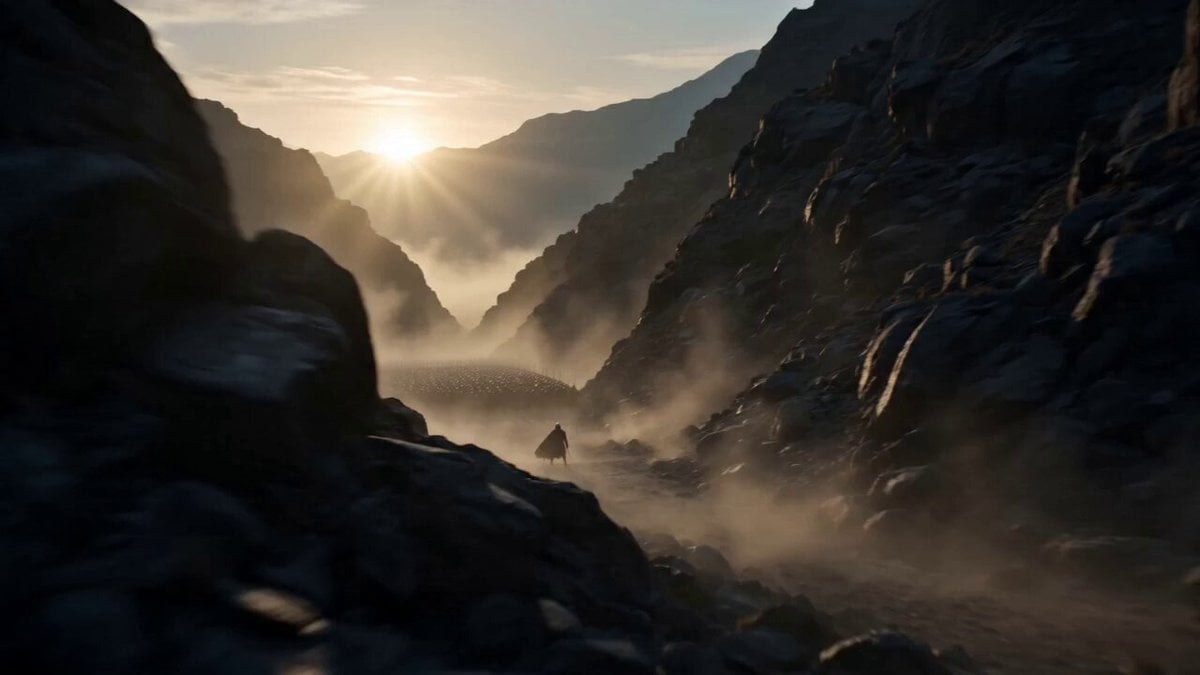
Medieval Warrior Last Stand Cinematic Video
Browse template categories
Seedance 2.0 Storyboard-to-Animation Prompt questions
How do I use the Seedance 2.0 Storyboard-to-Animation Prompt template?
Add your photo if the template asks for one, edit the prompt if you like — the template's model and format are already selected — and press Generate. Your version opens in PicX Studio.
Can I customize the Seedance 2.0 Storyboard-to-Animation Prompt template?
Yes. You can change the subject, setting, lighting, mood, format, and available model controls before creating your video.
Is the Seedance 2.0 Storyboard-to-Animation Prompt template free?
Opening and editing this template is free. Generating uses credits, shown on the Generate button when you are signed in.
Which AI model should I use?
Start with Seedance 2.0, which is the model associated with this template. You can compare another compatible model for a different finish.
Looking for something else? Browse all templates.

Your photo, any look
Thousands of ready templates for every top image and video model, from one credit balance.