
Anime Monk Temple Battle
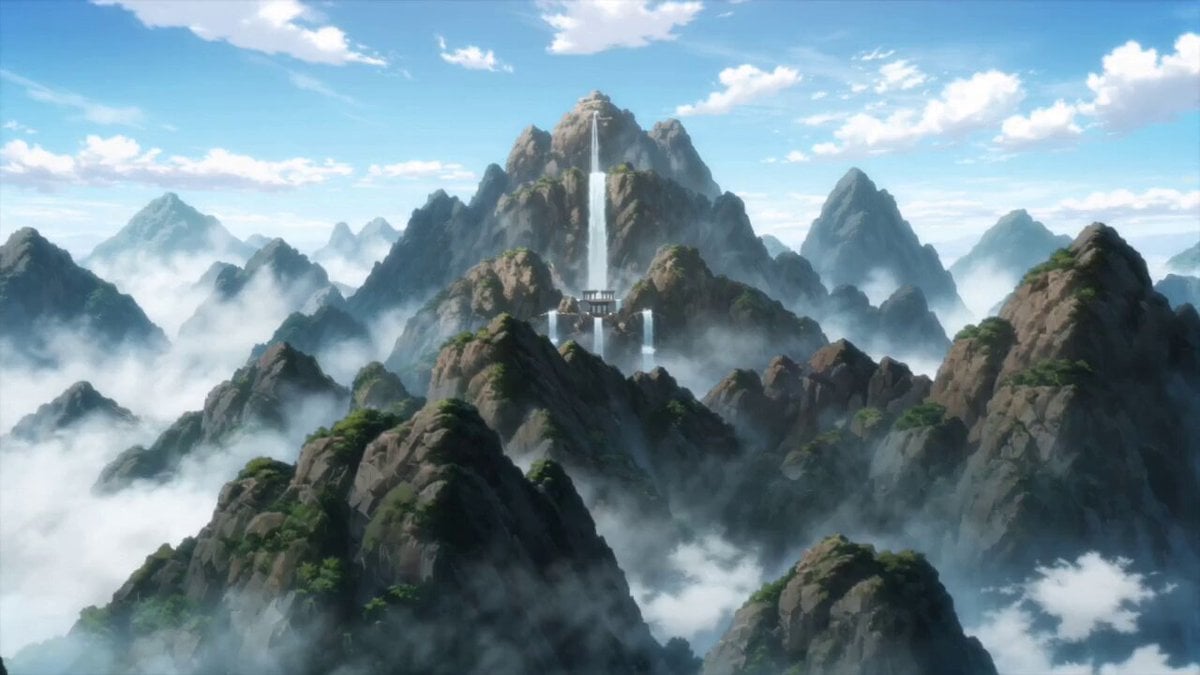
An intense anime-style battle prompt featuring a monk with glowing tattoos fighting colossal stone guardians in a collapsing mountain temple.
- Prompt included
- Model and format preset
- Premium template
The prompt behind this video
Copy the exact prompt behind Anime Monk Temple Battle, or open it in the studio and make it yours.
A fearless anime warrior monk with long dark braided hair, glowing golden tattoos across his body and a giant staff radiating ancient energy Battles gigantic stone guardians inside a collapsing mountain temple, sprinting across falling debris, redirecting massive attacks with fluid martial arts and unleashing shockwaves powerful enough to split the ground apart Ancient temple high in the mountains during bright daylight with waterfalls, shattered statues, dust clouds and sunlight piercing through collapsing structures Begins with dramatic wide shot above the mountains, rapid crash zoom into combat, whip pans following impossible acrobatics and spinning staff attacks, orbit shots around giant shockwave impacts, Epic anime-style impact frames and dynamic perspective distortion, debris and sunlight flooding the frame, the monk vaulting between collapsing pillars and running across airborne boulders while trading devastating blows with multiple colossal guardians, each strike generating expanding energy rings and cracking the mountain itself, ending with the monk ascending high above the battlefield in a burst of golden light before bringing his staff down in a godlike final strike that sends a colossal shockwave across the entire temple complex, vaporizing the remaining stone guardians instantly, shattering mountainsides and freezing the world in a moment of silence, dust clouds clearing to reveal the monk standing alone at the center of a massive crater while the shattered remains of every guardian collapse around him, sunlight breaking through the clouds as the camera slowly pulls back to reveal his absolute victory and the temple restored to calm beneath the mountains
How to use Anime Monk Temple Battle in 3 steps
- 1
Open
The prompt is already in the box next to the preview, with the template's model and format selected.
- 2…a portrait of your subject in softgolden-hour light, 85mm…
Personalize
Edit the subject and creative details for your destination.
- 3Generate
Generate
Press Generate — your video is created in PicX Studio, so you can compare it with the original and refine one variable at a time.
More like this
Templates with the same subject, style or setup. Open one to see its prompt.
Mecha Transformation vs Kaiju — 4-Scene Epic

MiniMax H3 Character Introduction

Japanese Pure Love Short Film
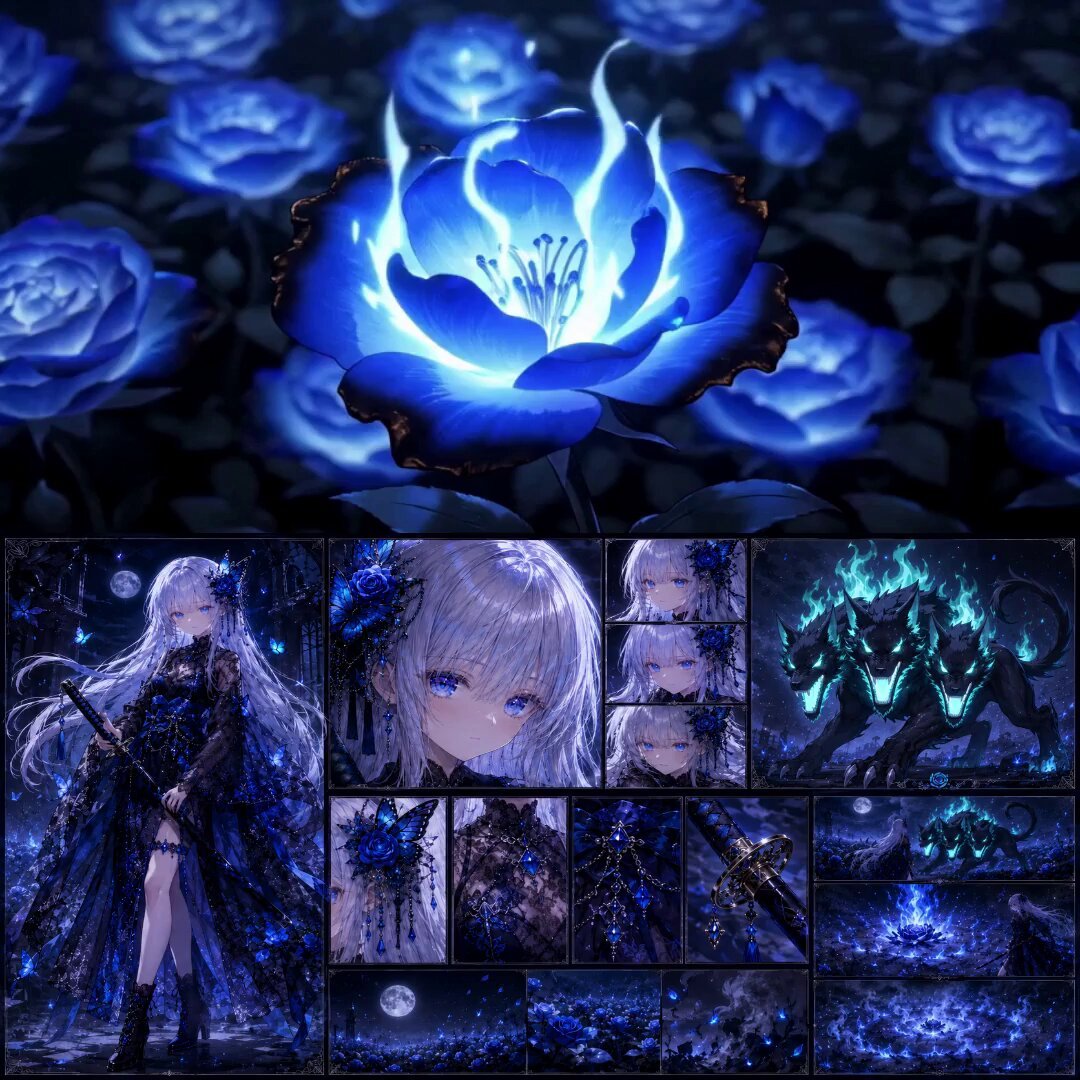
High-End Anime Dark Fantasy Cerberus Battle
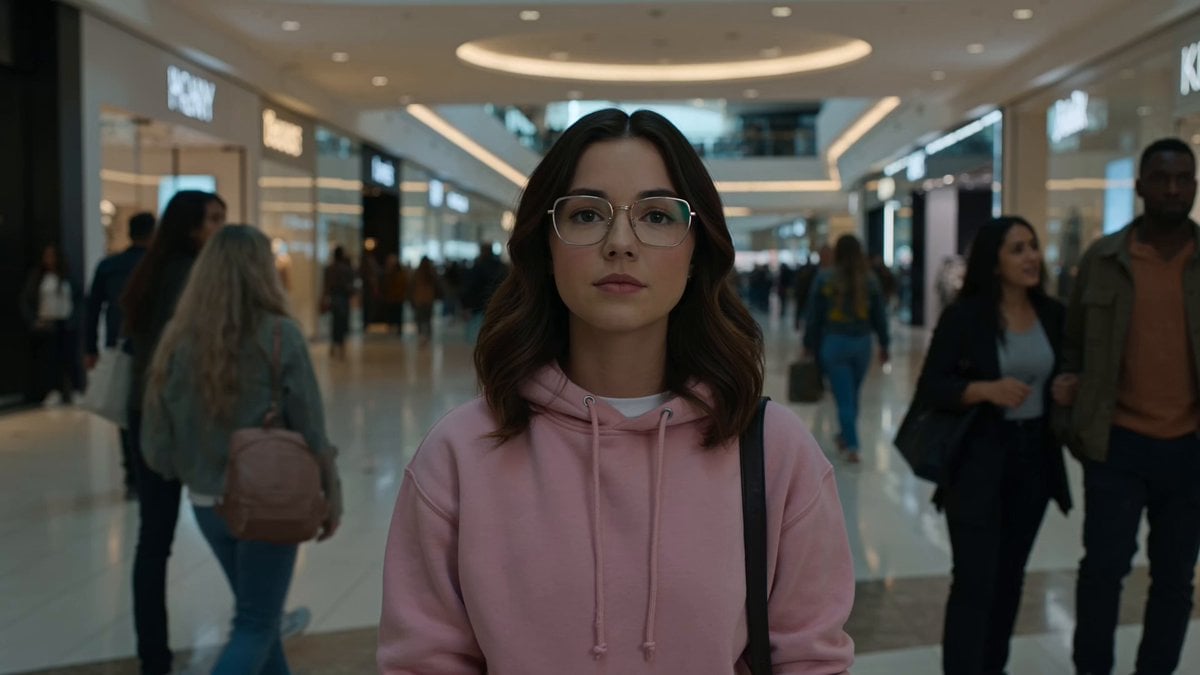
Cinematic Anime Battle in Modern Mall

Theatrical Anime Action Market Battle
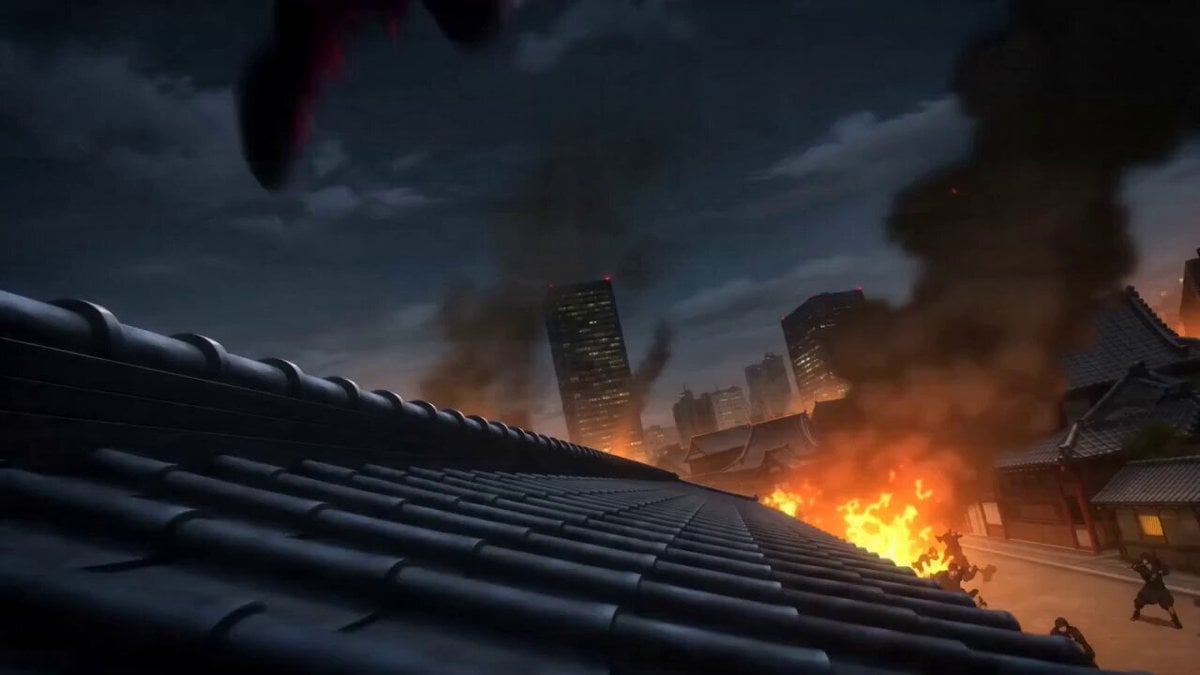
Anime Kunoichi Rooftop Battle
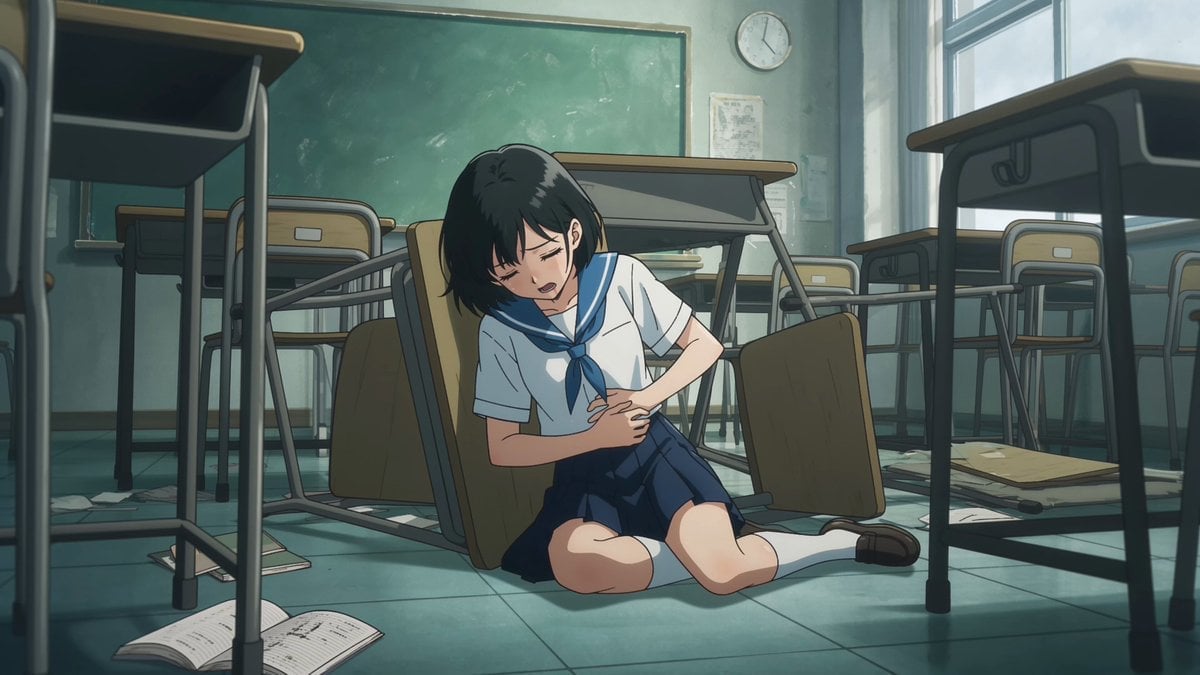
Anime Monster Classroom Battle
Valkyrie Anime Battle Sakuga
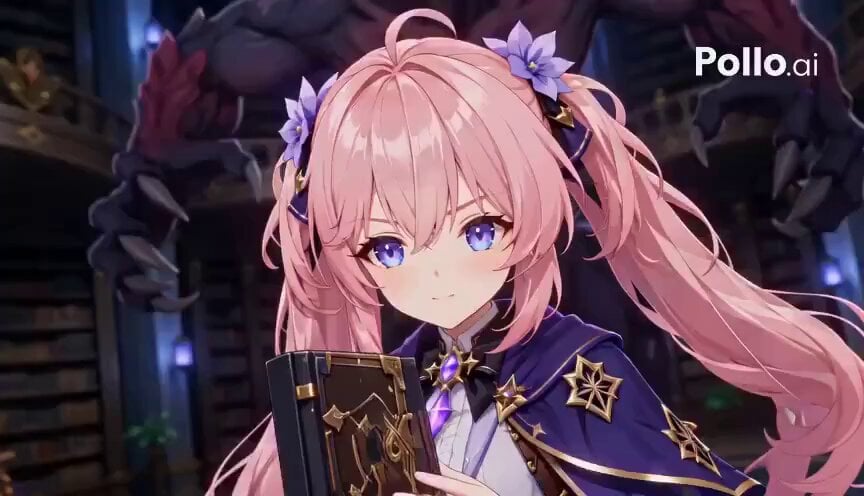
Anime RPG Magic Library Battle
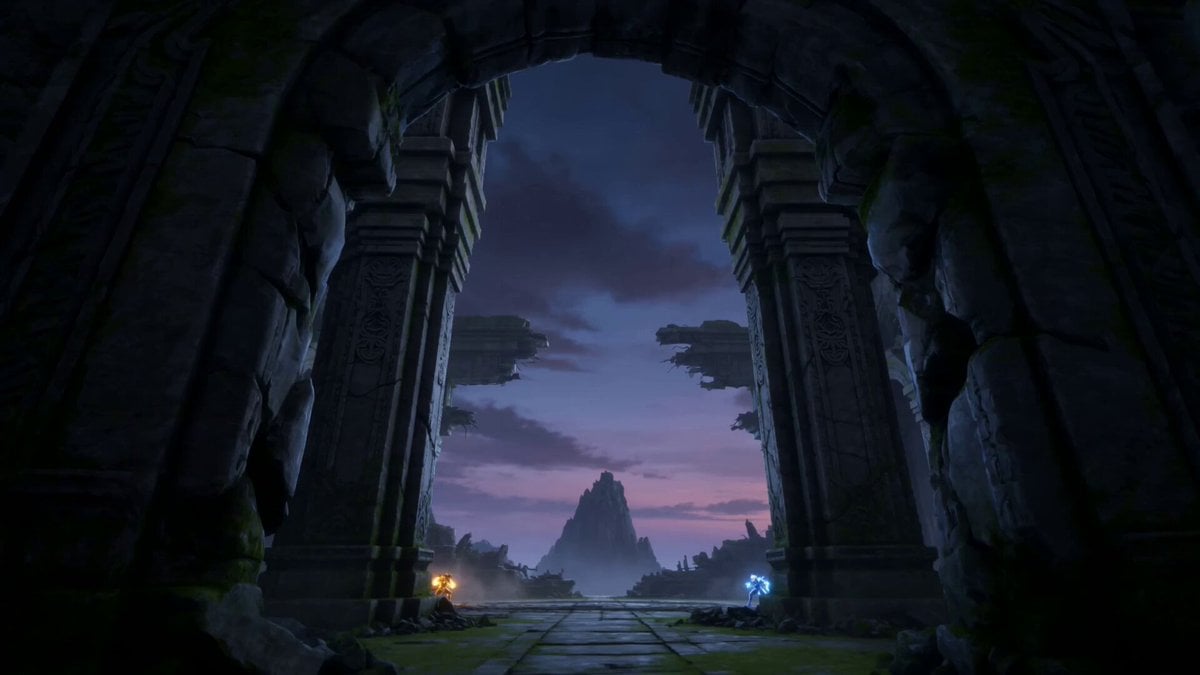
Dragon Energy Battle Anime Video

Studio Ghibli Dumpling Kitchen Cooking Scene
Make it yours
Anime Monk Temple Battle works as-is. These are the safest ways to change it without losing the look.
Change one field
Copy a single group, rewrite it, and generate again so you can see what that field is doing.
Keep the frame, change the subject
Hold the composition and light of Anime Monk Temple Battle, then swap wardrobe, props or the person for a new take.
| If the result… | Why | Fix |
|---|---|---|
| The result drifts from the preview | Too many fields changed at once. | Reuse Anime Monk Temple Battle as-is first, then change one group — subject, light, or setting. |
| The model over-stylizes the scene | The prose prompt leaves finish and camera underspecified. | Add one camera or lighting sentence and stay on Seedance 2.0. |
More Seedance 2.0 templates
Other prompts made for Seedance 2.0.

Comical Martial Arts Punch Scene

Maglev Train Action Sequence

Martial Arts Fight Sequence

Wuxia Protection and Trust Script

Vintage Korean Arcade MiniDV Vlog

Mercedes 190 SL Luxury Ad

Rainy Night Supernatural Reverse Comedy Video Script

Amazon Civilization Discovery

Futuristic South Asian City Transformation

Cozy Luxury Cafe Commercial
More video prompts
Fresh picks from across the catalog.
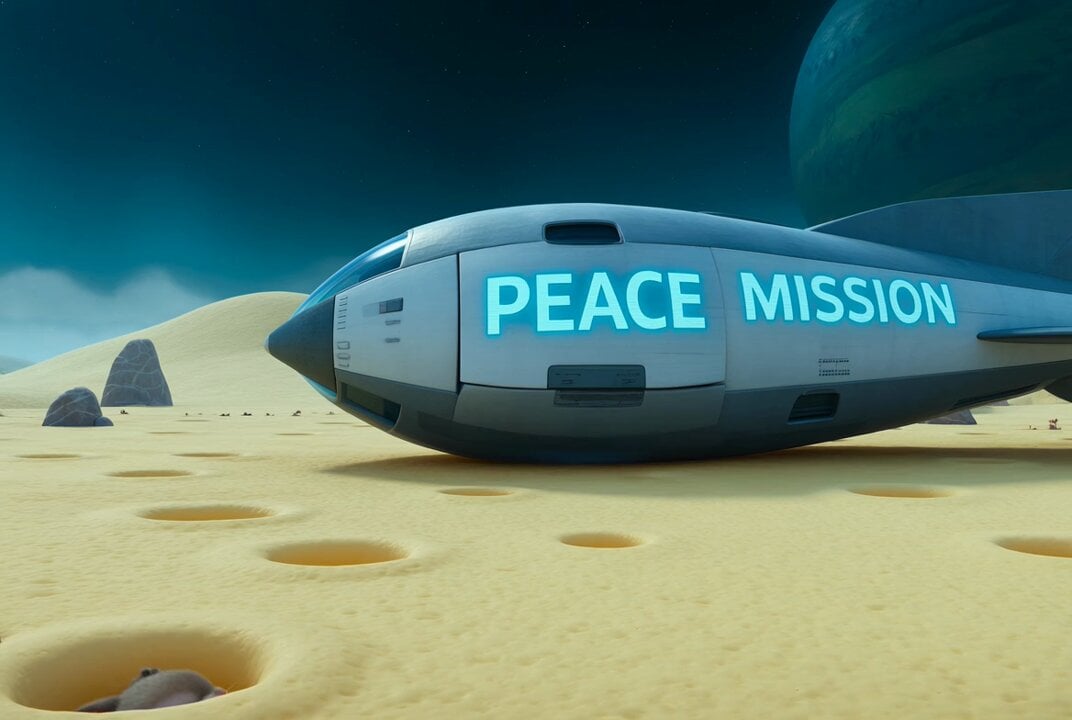
Video prompt for alien mice meeting cats in space suits on a cheese moon
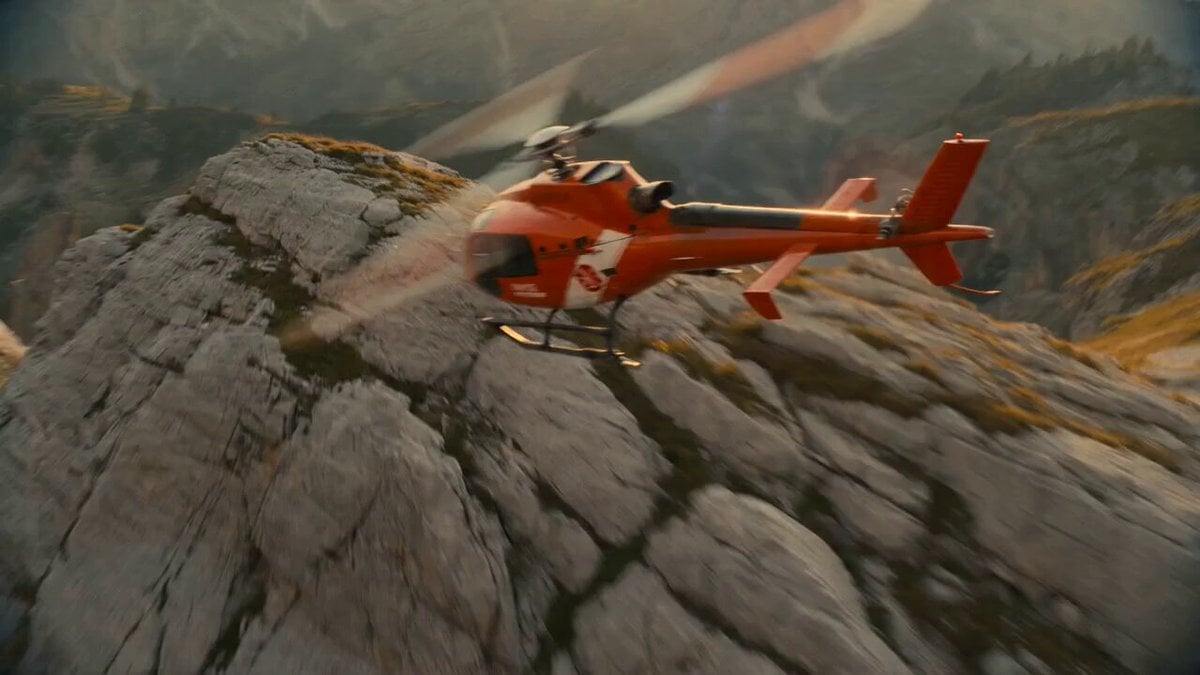
EC135 Helicopter Alpine Rescue Flight

3x3 Grid Storyboard Racing — Kling 3.0 O3 Pro
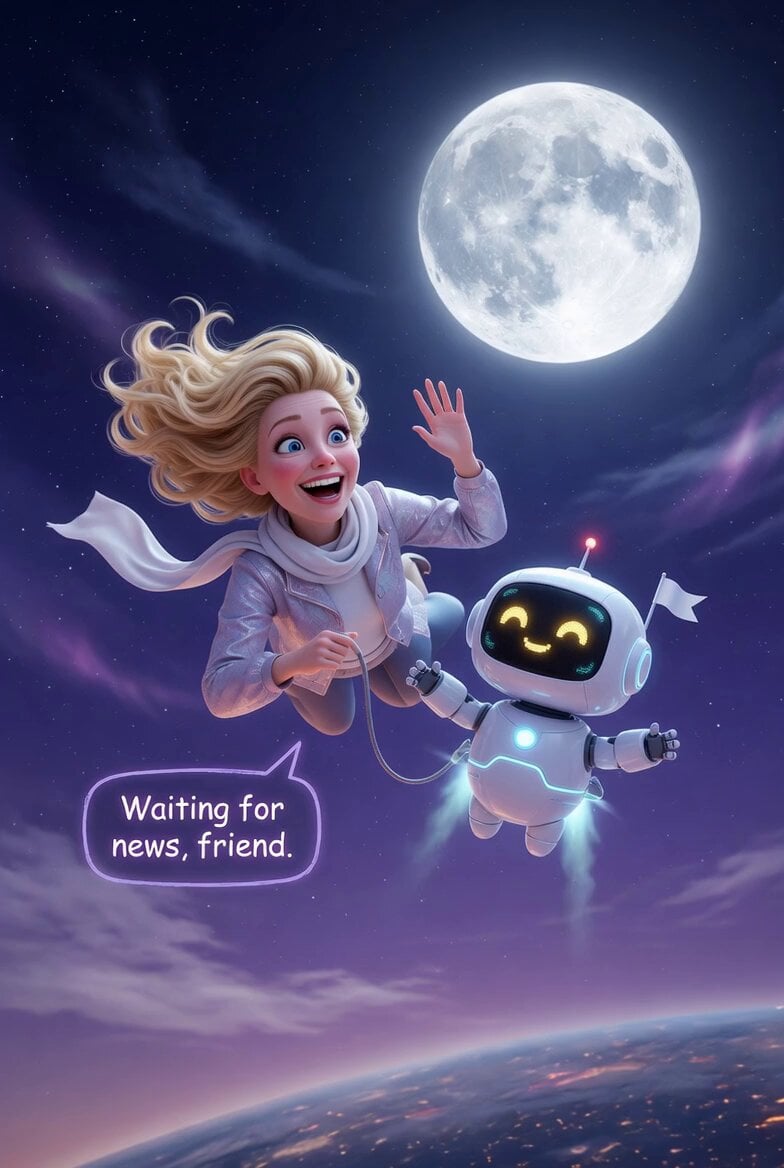
Woman and Robot in Space
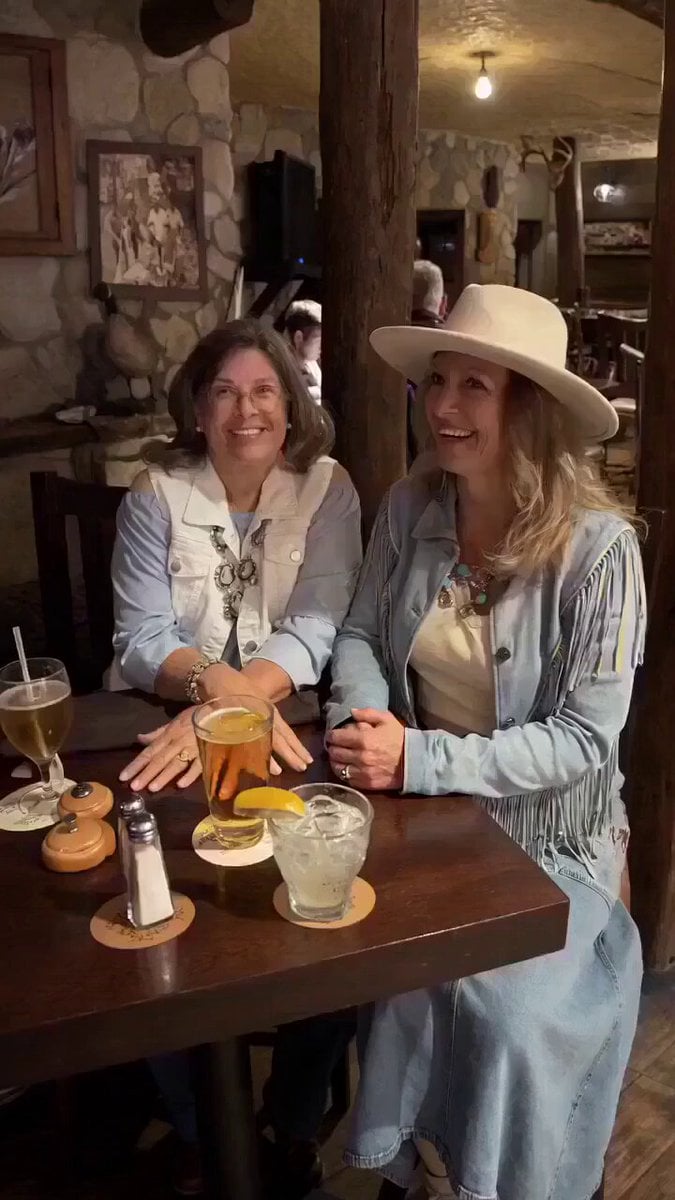
Celebratory Hat Flip Video
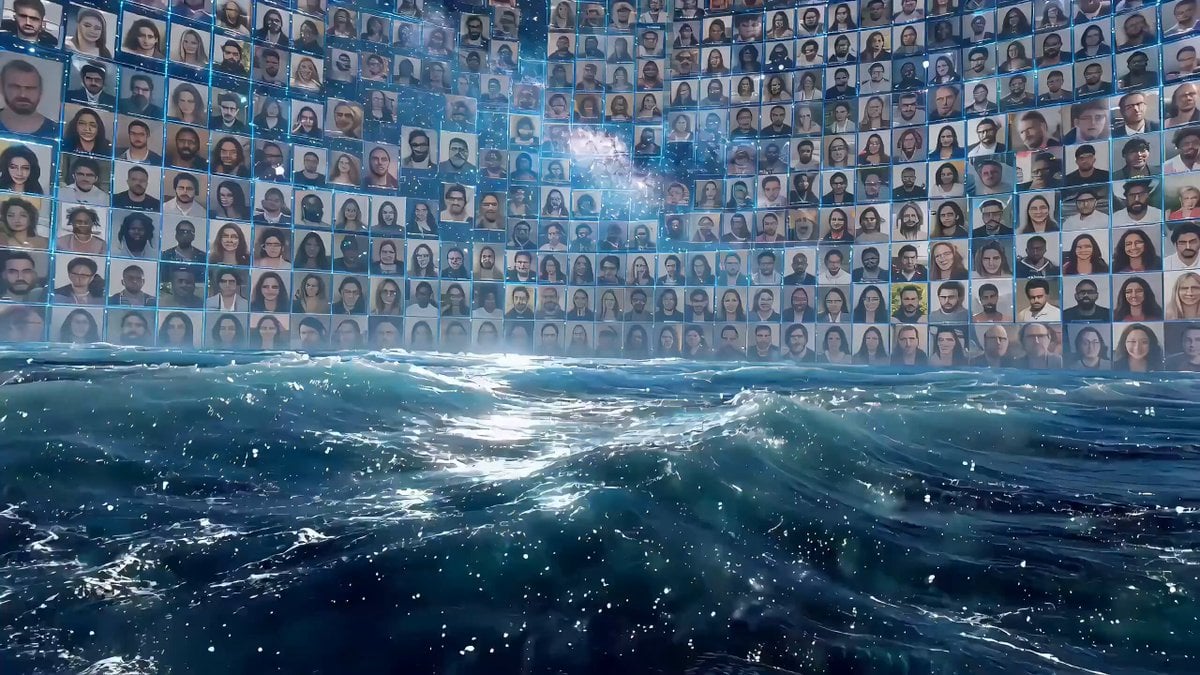
Cyberpunk Allegory of AI Captivity (Multi-Shot Prompt)

RX-7 to Mech Transformation Cyberpunk
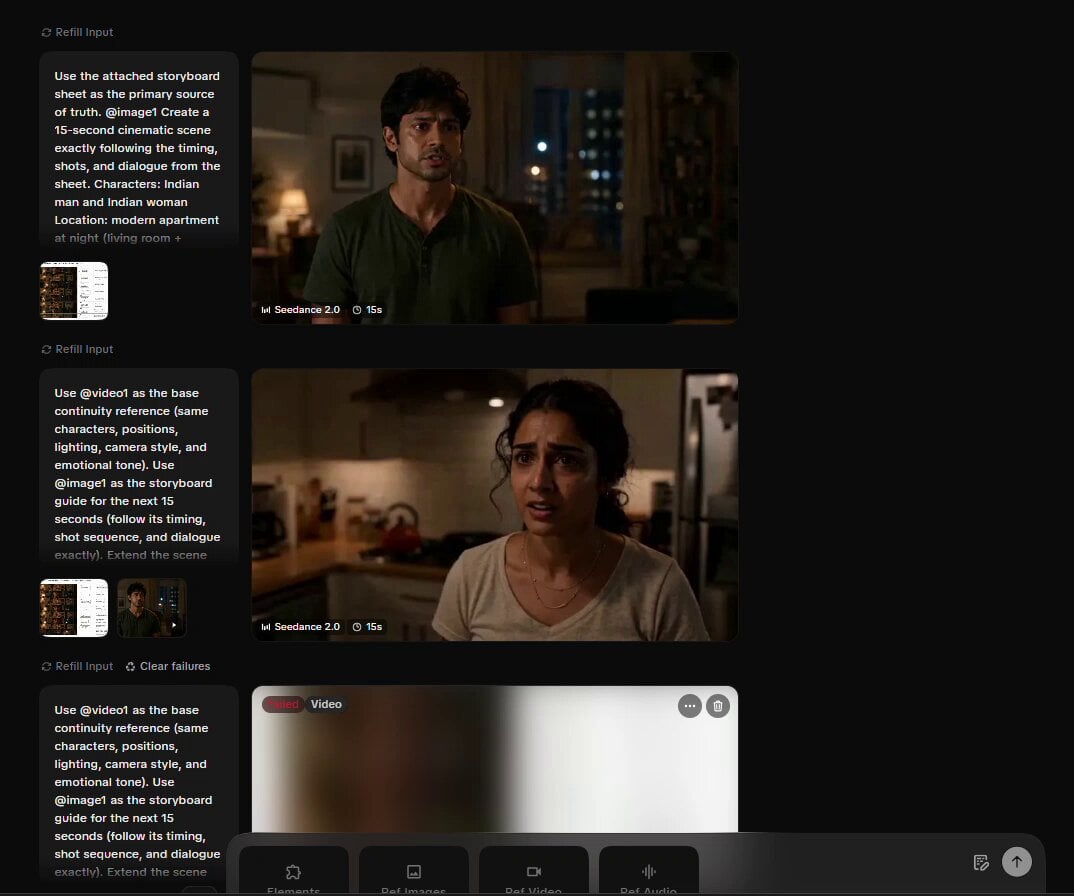
Cinematic Storyboard Video Extension
Toy Battle Macro Cinematography
Live Sports News Crowd Surge Report
Browse template categories
Anime Monk Temple Battle questions
How do I use the Anime Monk Temple Battle template?
Add your photo if the template asks for one, edit the prompt if you like — the template's model and format are already selected — and press Generate. Your version opens in PicX Studio.
Can I customize the Anime Monk Temple Battle template?
Yes. You can change the subject, setting, lighting, mood, format, and available model controls before creating your video.
Is the Anime Monk Temple Battle template free?
Opening and editing this template is free. Generating uses credits, shown on the Generate button when you are signed in.
Which AI model should I use?
Start with Seedance 2.0, which is the model associated with this template. You can compare another compatible model for a different finish.
Looking for something else? Browse all templates.

Your photo, any look
Thousands of ready templates for every top image and video model, from one credit balance.