How do I use the Cyberpunk Bounty Hunter Neon Chase template?
Edit the prompt in the box under the preview — the template's model and format are already selected — and press Generate. Your version appears right on this page.
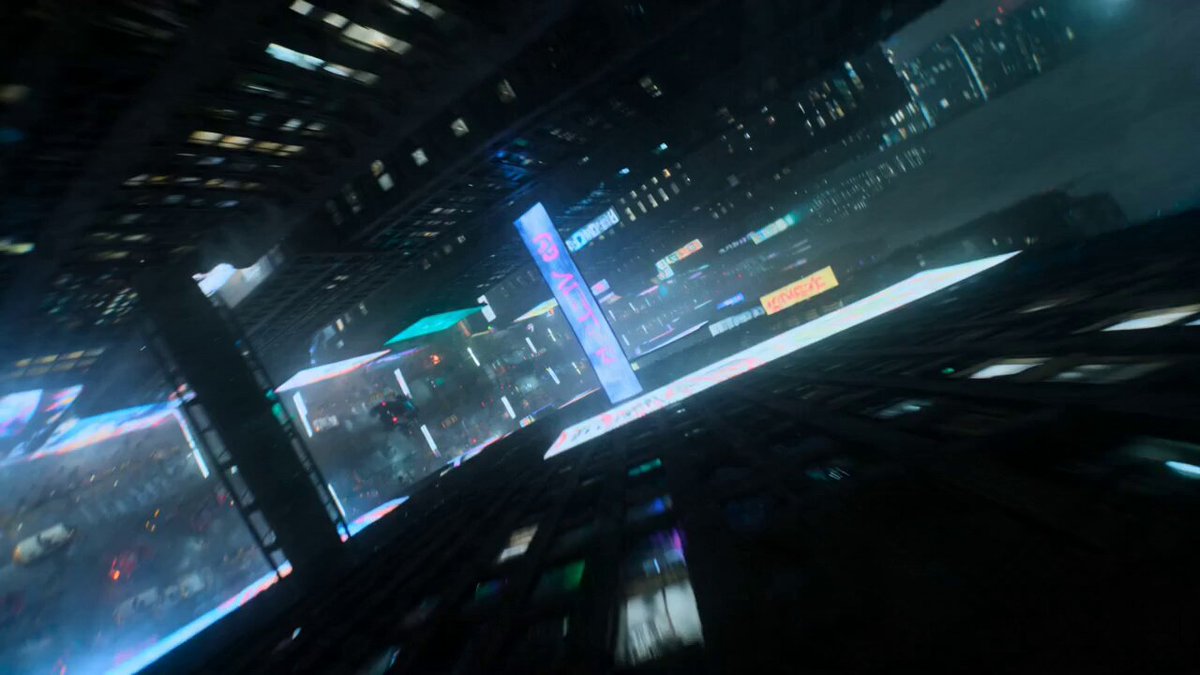
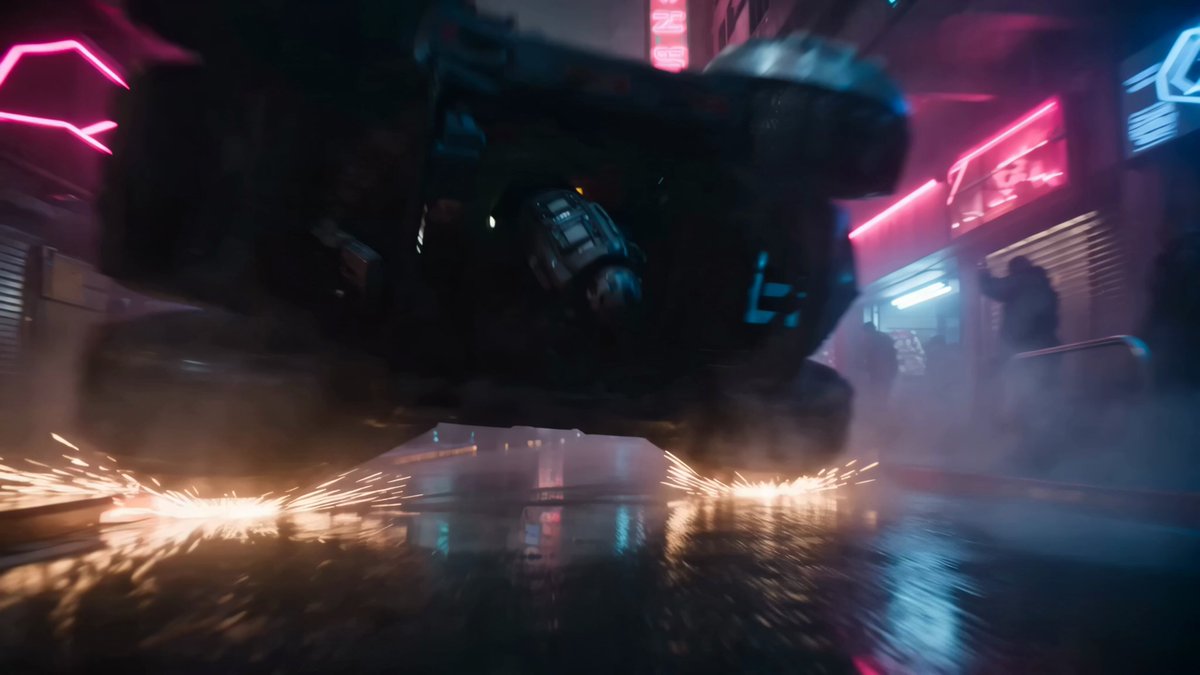
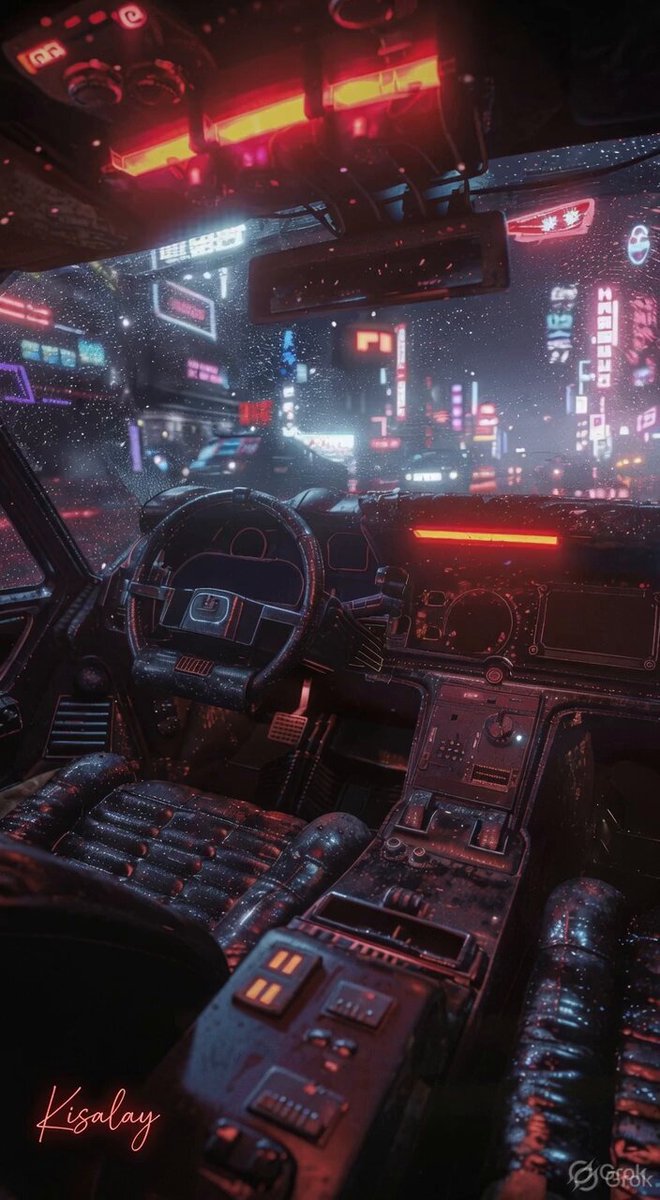
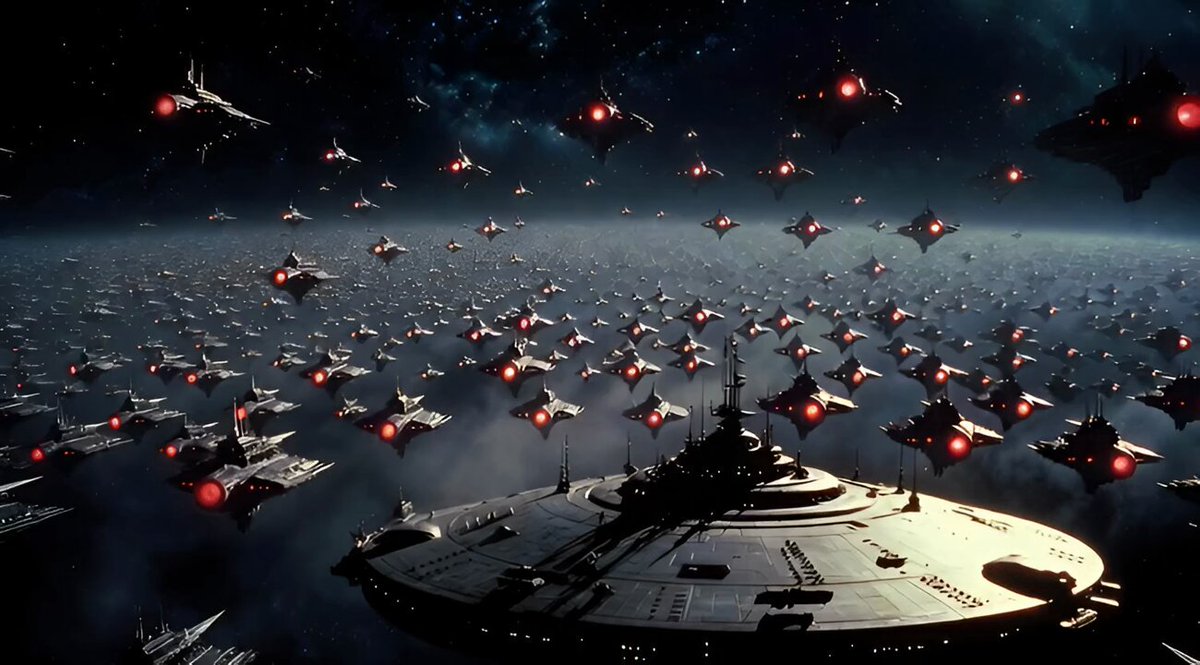
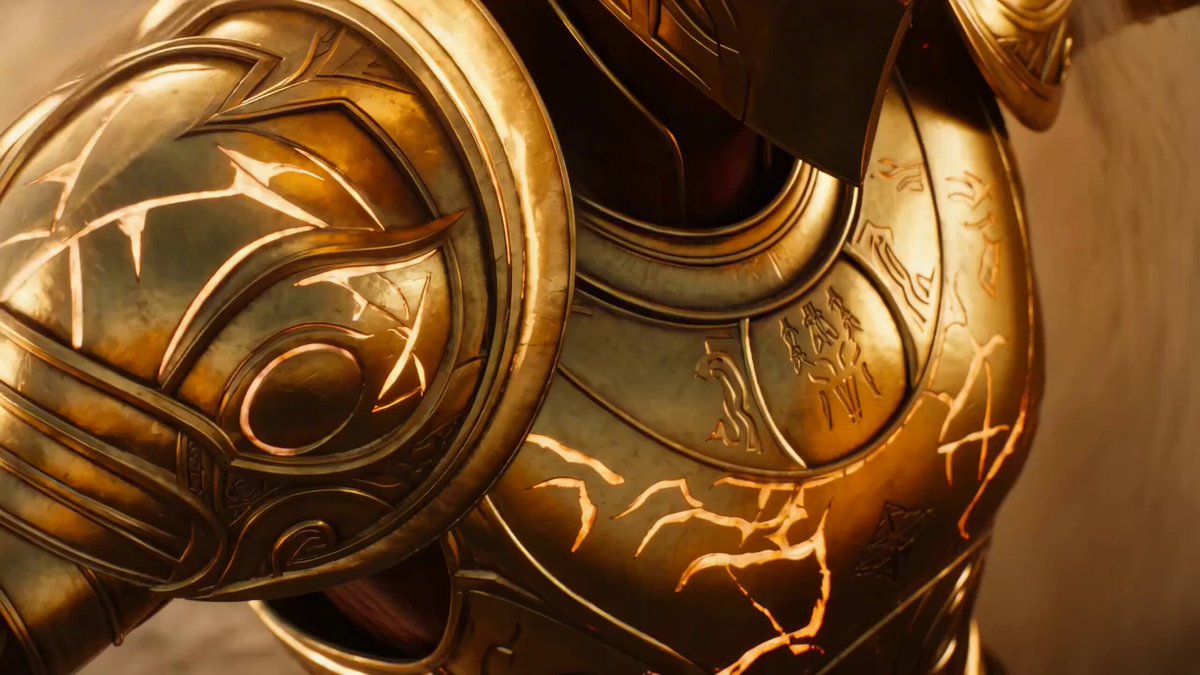
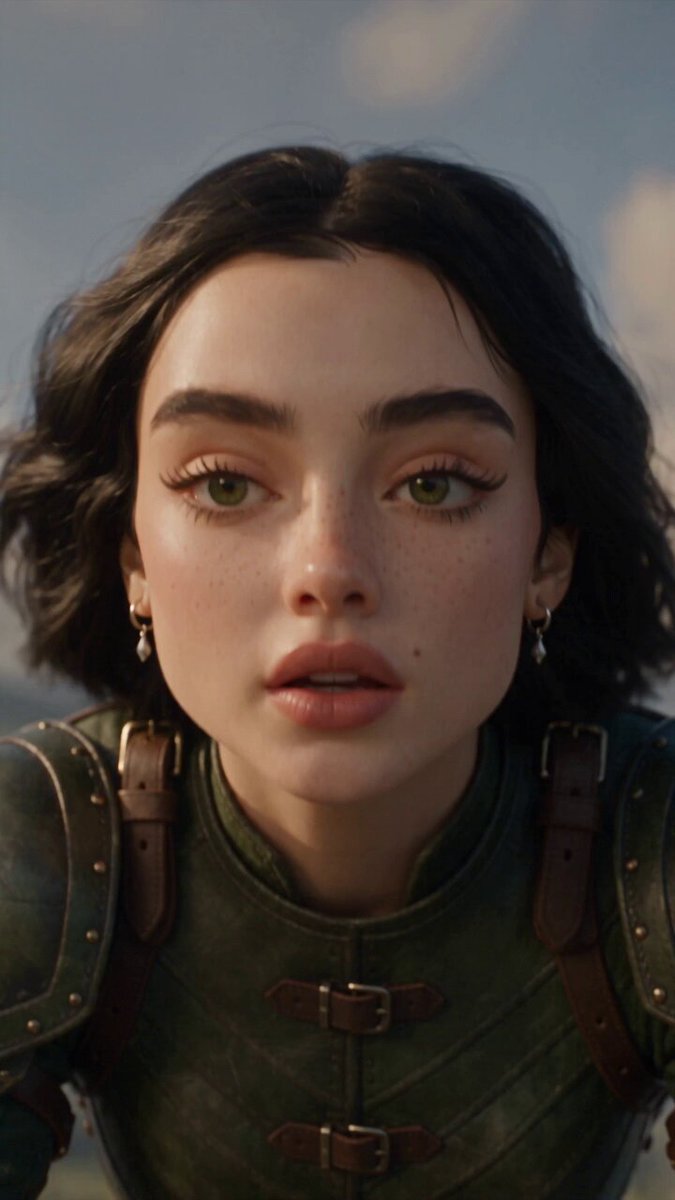
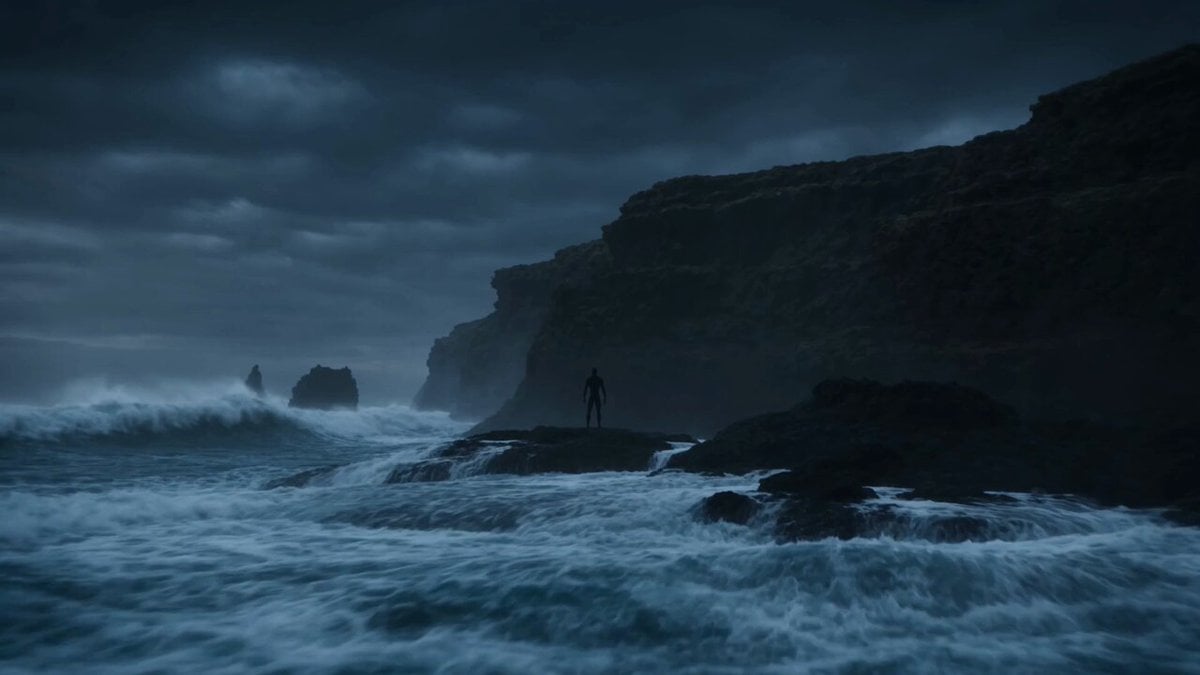
A cinematic action sequence featuring a futuristic bounty hunter in cybernetic armor pursuing a rogue android through a rainy, neon-lit cyberpunk market.
A futuristic bounty hunter in sleek cybernetic armor, glowing visor scanning targets in real time, dual plasma pistols spinning in his hands Hunts a rogue android through a crowded cyberpunk market, exchanging high-speed gunfire while civilians scatter and holograms explode into digital fragments Dense neon megacity market at night with rain, holographic signs, sparks, smoke and flying vehicles overhead Starts with aerial drone dive through holograms into street level, ultra-low tracking beside the hunter sprinting through crowds, whip pans following plasma shots, FPV chase weaving through market stalls, glitch VFX and sparks flooding frame, ending with the android crashing through a giant holographic billboard and exploding into glowing fragments while the hunter walks away through the rain, neon reflections flickering across his armor
A futuristic bounty hunter in sleek cybernetic armor, glowing visor scanning targets in real time, dual plasma pistols spinning in his hands Hunts a rogue android through a crowded cyberpunk market, exchanging high-speed gunfire while civilians scatter and holograms explode into digital fragments Dense neon megacity market at night with rain, holographic signs, sparks, smoke and flying vehicles overhead Starts with aerial drone dive through holograms into street level, ultra-low tracking beside the hunter sprinting through crowds, whip pans following plasma shots, FPV chase weaving through market stalls, glitch VFX and sparks flooding frame, ending with the android crashing through a giant holographic billboard and exploding into glowing fragments while the hunter walks away through the rain, neon reflections flickering across his armor
Edit the prompt in the box under the preview — the template's model and format are already selected — and press Generate. Your version appears right on this page.
Yes. You can change the subject, setting, lighting, mood, format, and available model controls before creating your video.
Opening and editing this template is free. Generating uses credits, shown on the Generate button when you are signed in.
Start with Grok Imagine, which is the model associated with this template. You can compare another compatible model for a different finish.
Follow a topic to a crawlable collection of related PicX Studio templates.