
90s Sci-Fi Military Anime Transition
A comprehensive cinematic transition prompt for a 90s-style sci-fi military anime sequence, detailing complex camera paths and character interactions in a ruined futuristic city.
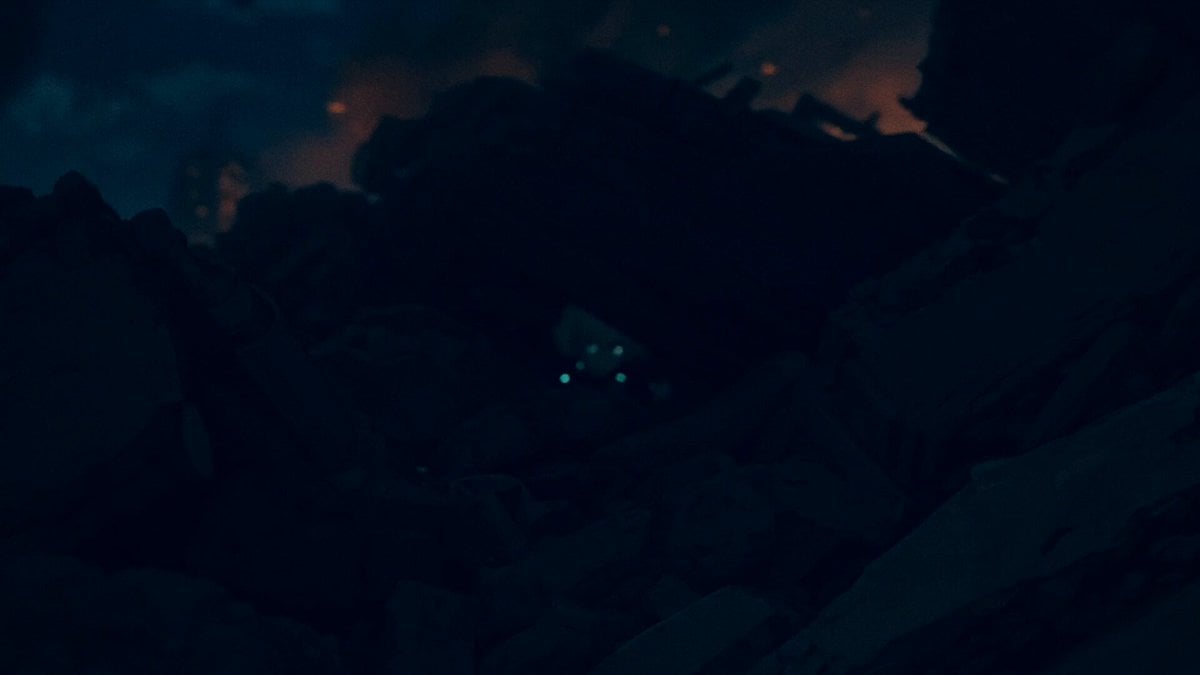
- Prompt included
- Model and format preset
- Free template
The prompt behind this video
Copy the exact prompt behind 90s Sci-Fi Military Anime Transition, or open it in the studio and make it yours.
90年代風セル画ライクなSFミリタリーアニメのワンショットシークエンス。 BGMは低音ドローンと心拍音、セリフなし、環境音あり。 # 制約 基本的にカメラは静止せず前進または回り込みで動き続ける。 被写体の脇を通り抜けて奥の暗闇に入っていくことを基本とする。 ただし指定カットでは地下からの垂直上昇、瞳孔の中への侵入、 クライマックスでのバレットタイム360度回り込みを行う。 発光をフラッシュやパルスとして使用しないこと。画面全体の白飛びは禁止。 各キャラのリファレンス画像の顔・髪・装備の特徴を厳守すること。 画質が粗い場合はリファレンスとして画像を一から作り直すこと。 4K高精細、ノイズなし、ブレなし、ちらつきなし。 キャラの顔と服装の一貫性を維持、歪みなし、自然で滑らかな動作。 # 登場人物 ## キャラ1  リファレンス画像 ## キャラ2  リファレンス画像 ## キャラ3  リファレンス画像 ## キャラ4  リファレンス画像 ## キャラ5  リファレンス画像 ## キャラ6  リファレンス画像 # 情景 崩壊した近未来都市、夜。 瓦礫、機体格納庫、配管の絡む通路、立ちのぼる蒸気、地下の暗渠、戦場の煙。 照明:遠方の炎の鈍いオレンジ、薄い月明かりの青。 暗闇の領域が広く、光は局所的にだけ存在する。 6人の戦士はそれぞれ別の場所に立っているが、同じ夜のひとつながりの戦場の中にいる。 # シーン カメラが暗闇を一筆書きで泳ぎ、6人の戦士のもとを順に巡るワンショットシークエンス。 前半は瓦礫・配管・蒸気の暗闇を抜けて3人を巡り、 4人目は地下からの垂直上昇で登場する。 5人目からは瞳孔の闇を通って6人目の戦場へリレーされ、 最後はバレットタイム360度で銃を連射する6人目のクライマックスを贅沢に描く。 cut1: 暗い瓦礫の隙間からカメラが低くゆっくり前進する。 正面の暗闇に瓦礫の影でうずくまっていたキャラ1の輪郭が現れる。 キャラ1が顔を上げてカメラの方を睨む。 カメラはそのままキャラ1の顔の右脇をかすめて背後の暗闇へ抜けていく。 環境音:瓦礫が崩れる低い音、風、遠くの炎のかすかな鳴り。 cut2: カメラは機体の関節パイプの隙間を通り抜けるように前進する。 パイプの暗がりの向こうに格納庫の暗がりに立つキャラ2の輪郭が現れる。 キャラ2は拳銃を頬の横まで構えセーフティを外す。 カメラはキャラ2の銃を構えた腕の脇を通り抜け、肩越しに格納庫の奥の暗闇へ進む。 環境音:金属機構音、セーフティのカチッという音、機体の低い駆動音。 cut3: カメラは立ちのぼる蒸気の塊の中をゆっくり進んでいく。 蒸気の向こうから、煙の中に立つキャラ3の背中が現れる。 キャラ3は髪を耳にかけながらゆっくり振り返り、カメラの方を見据える。 カメラはキャラ3の頬の脇を通り抜け、振り返った先の暗闇へ前進する。 環境音:蒸気が漏れる音、衣擦れの音、配管の遠い軋み。 cut4: カメラは地下の暗渠から地上に向かって急速に上昇する。 瓦礫の隙間を縦に通過し、地上の戦場に出る。 カメラはそのまま片膝をついたキャラ4の足元に到達し、ゆっくりとティルトアップしてキャラ4の全身を捉える。 キャラ4は立ち上がりながら長銃を肩に担いで構え、カメラを見据える。 カメラはキャラ4の頭上をゆっくり通り過ぎ、夜空の暗闇へ抜けていく。 環境音:地下から響く反響音、瓦礫が崩れる音、衣擦れ、長銃の金属音。 cut5: カメラは暗い建物の崩れた壁の隙間を通り抜けるように前進する。 壁の向こうから室内の暗がりに立つキャラ5の姿が現れる。 キャラ5はゆっくりまばたきし、カメラの方を静かに見据える。 カメラがキャラ5の瞳孔にスローでゆっくりドリーインし、瞳孔の黒の中へ飲み込まれていく。 環境音:壁の崩れた音、深い呼吸音、心拍音。 cut6: 真っ黒な暗闇からカメラがゆっくり前進し、闇が徐々に戦場の薄い煙へと変化する。 正面の煙の向こうに両手で銃を構えるキャラ6の輪郭が現れる。 キャラ6が銃を連射し始め、マズルフラッシュが連続して瞬き、薬莢が排出されて空中に漂う。 【バレットタイム360度回り込み】 カメラはキャラ6の周囲をゆっくり360度回り込みながら、連射の瞬間を時間を引き伸ばして捉える。 キャラ6の体が反動でわずかに揺れ、もう一発、もう一発と銃が火を吹く. 漂う薬莢が空中で回転する。 カメラはキャラ6の正面で静かに減速して止まる。 キャラ6は連射を止めて完全に静止しする。 周囲には硝煙と戦場の薄い煙が漂い続ける。 環境音:時間が引き伸ばされた銃声の連続、薬莢が空気を切る音、最後に低音ドローンと心拍音だけが残る。
How to use 90s Sci-Fi Military Anime Transition in 3 steps
- 1
Open
The prompt is already in the box next to the preview, with the template's model and format selected.
- 2…a portrait of your subject in softgolden-hour light, 85mm…
Personalize
Edit the subject and creative details for your destination.
- 3Generate
Generate
Press Generate — your video is created in PicX Studio, so you can compare it with the original and refine one variable at a time.
More like this
Templates with the same subject, style or setup. Open one to see its prompt.

Sci-Fi Disaster Movie Scene - Seedance 2.5
Slow-Motion 90s Diner Explosion - Seedance 2.5

MiniMax H3 Character Introduction

Japanese Pure Love Short Film
90s Retro Anime Shell Tower Animation

Studio Ghibli Dumpling Kitchen Cooking Scene
90s Anime Telekinetic Supervillain
90s Anime Style Demon Lord Ramen Shop Break
90s Anime Action Sequence: Cafe Ambush
Futuristic Military Briefing in Anime Style
90s Anime Sword Fart Fail
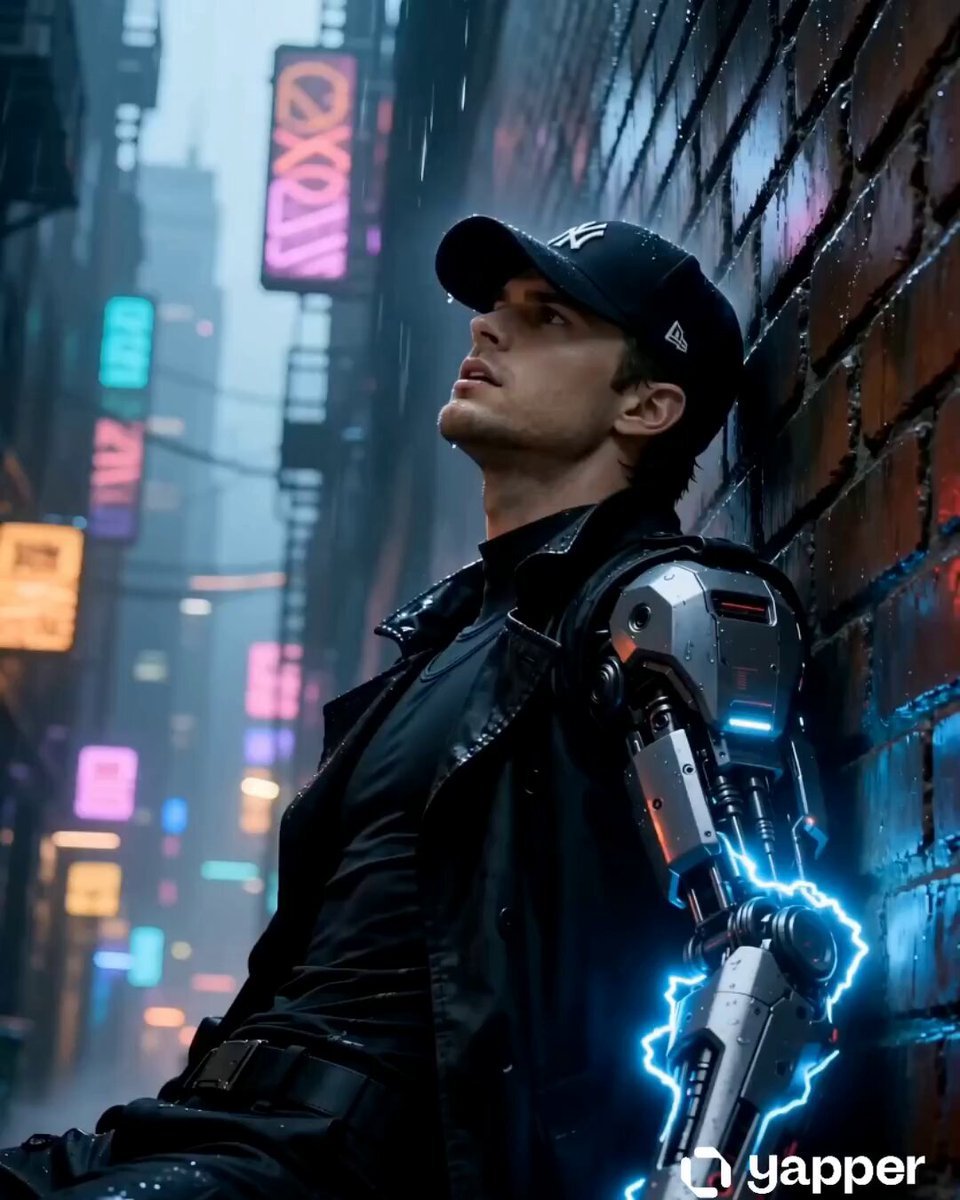
90s Cyberpunk Anime Rogue Courier Video
Make it yours
90s Sci-Fi Military Anime Transition works as-is. These are the safest ways to change it without losing the look.
Change one field
Copy a single group, rewrite it, and generate again so you can see what that field is doing.
Keep the frame, change the subject
Hold the composition and light of 90s Sci-Fi Military Anime Transition, then swap wardrobe, props or the person for a new take.
| If the result… | Why | Fix |
|---|---|---|
| The result drifts from the preview | Too many fields changed at once. | Reuse 90s Sci-Fi Military Anime Transition as-is first, then change one group — subject, light, or setting. |
| The model over-stylizes the scene | The prose prompt leaves finish and camera underspecified. | Add one camera or lighting sentence and stay on Seedance 2.0. |
More Seedance 2.0 templates
Other prompts made for Seedance 2.0.

Comical Martial Arts Punch Scene

Maglev Train Action Sequence

Martial Arts Fight Sequence

Wuxia Protection and Trust Script

Vintage Korean Arcade MiniDV Vlog

Mercedes 190 SL Luxury Ad

Rainy Night Supernatural Reverse Comedy Video Script

Amazon Civilization Discovery

Futuristic South Asian City Transformation

Cozy Luxury Cafe Commercial
More video prompts
Fresh picks from across the catalog.
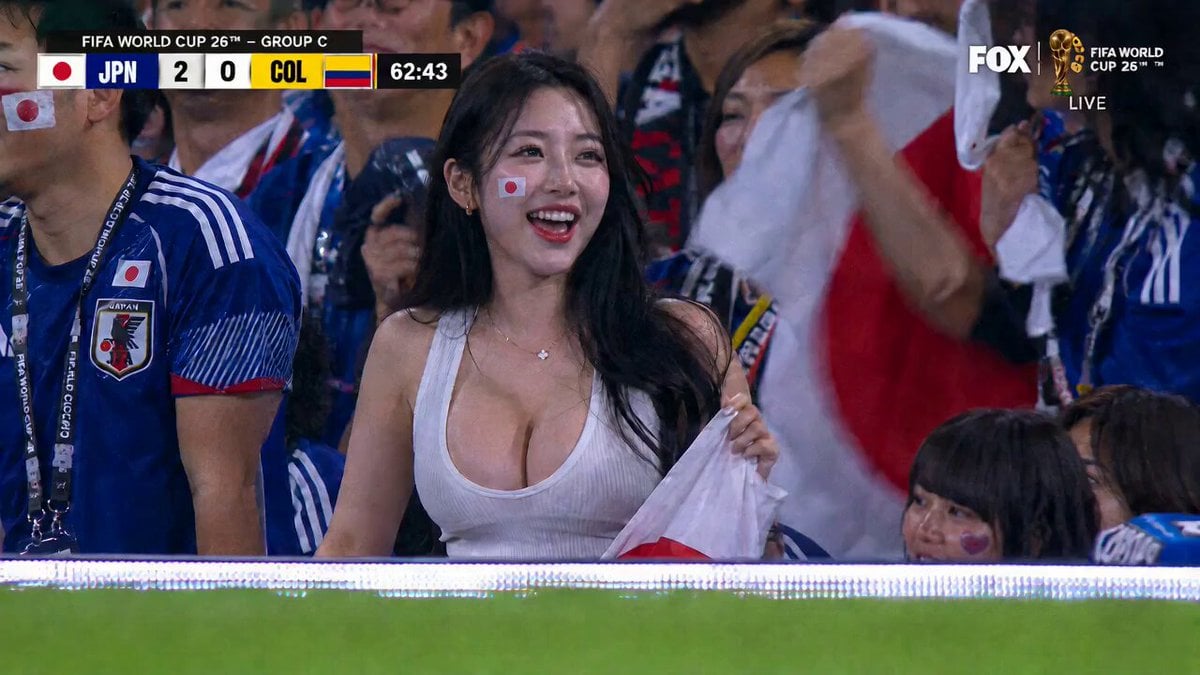
Live Soccer TV Broadcast Simulation
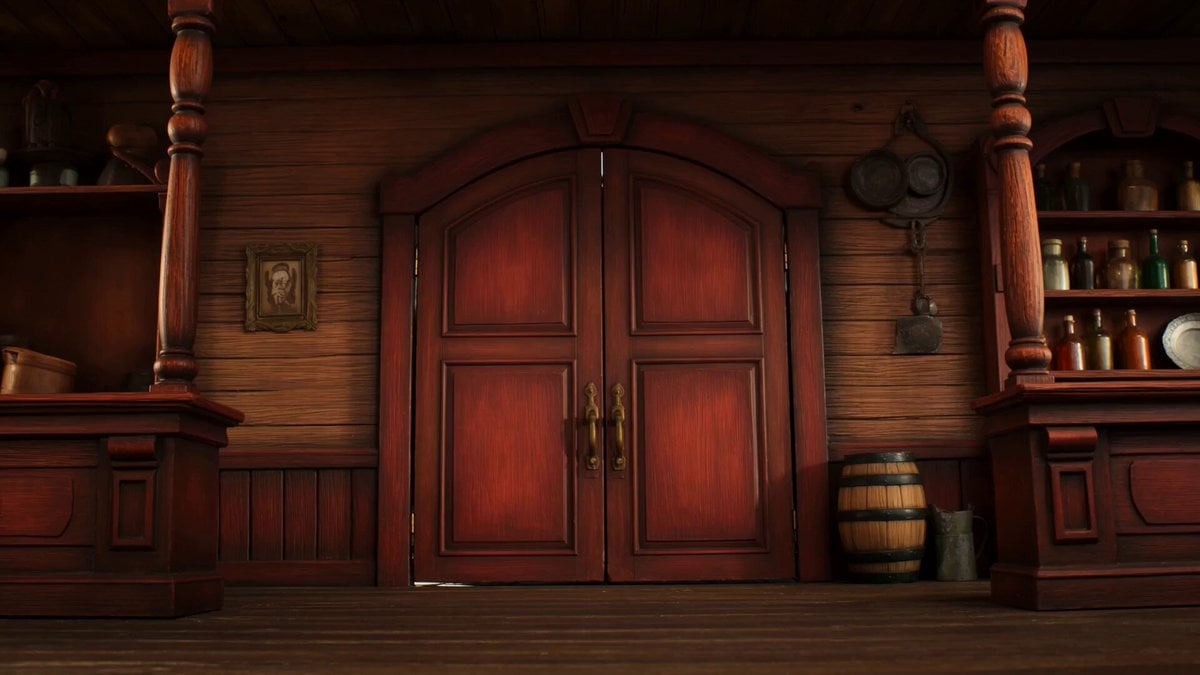
Claymation Western Action Sequence

Comic Book Style Forest Fairy Video
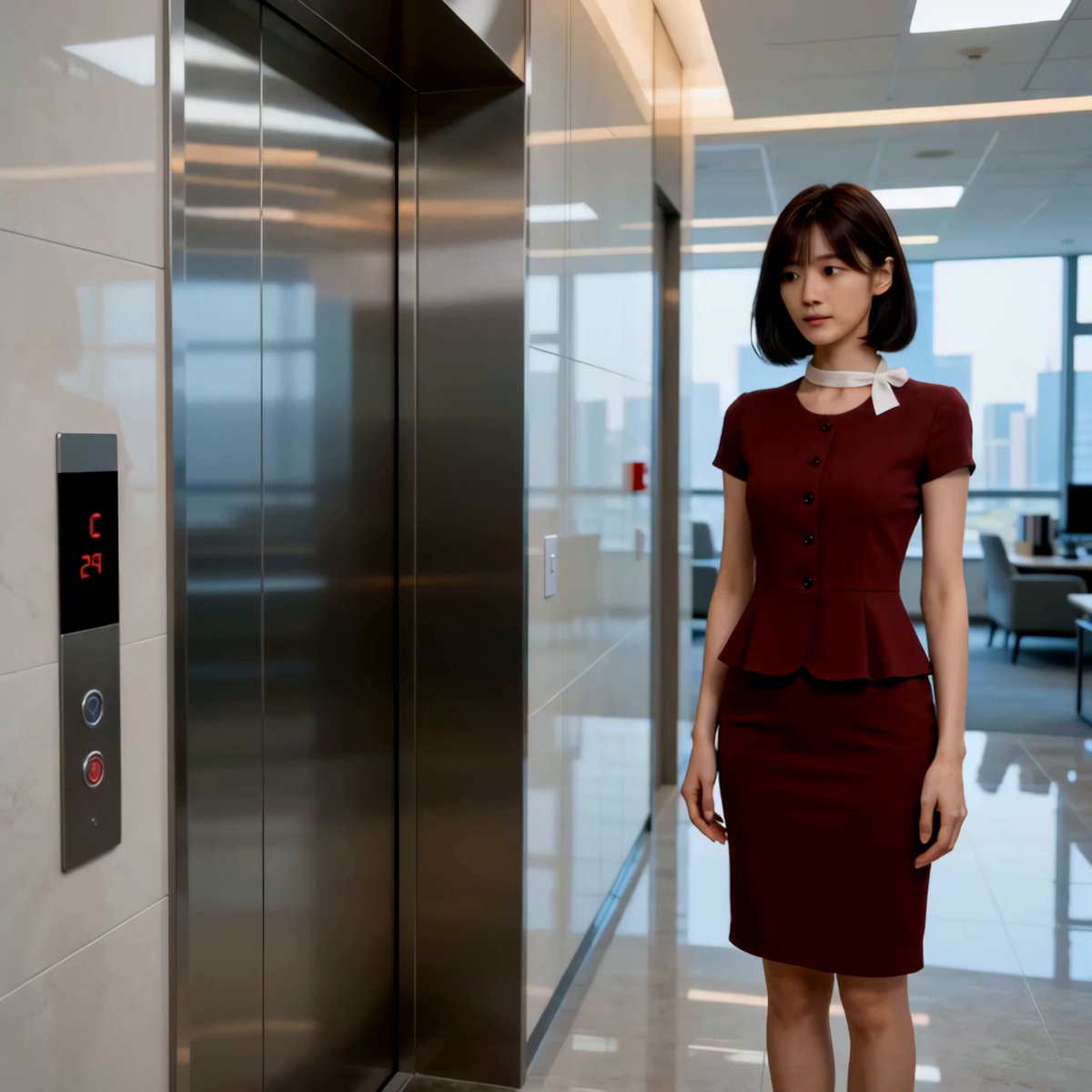
Isekai Elevator Secretary Cinematic Comedy
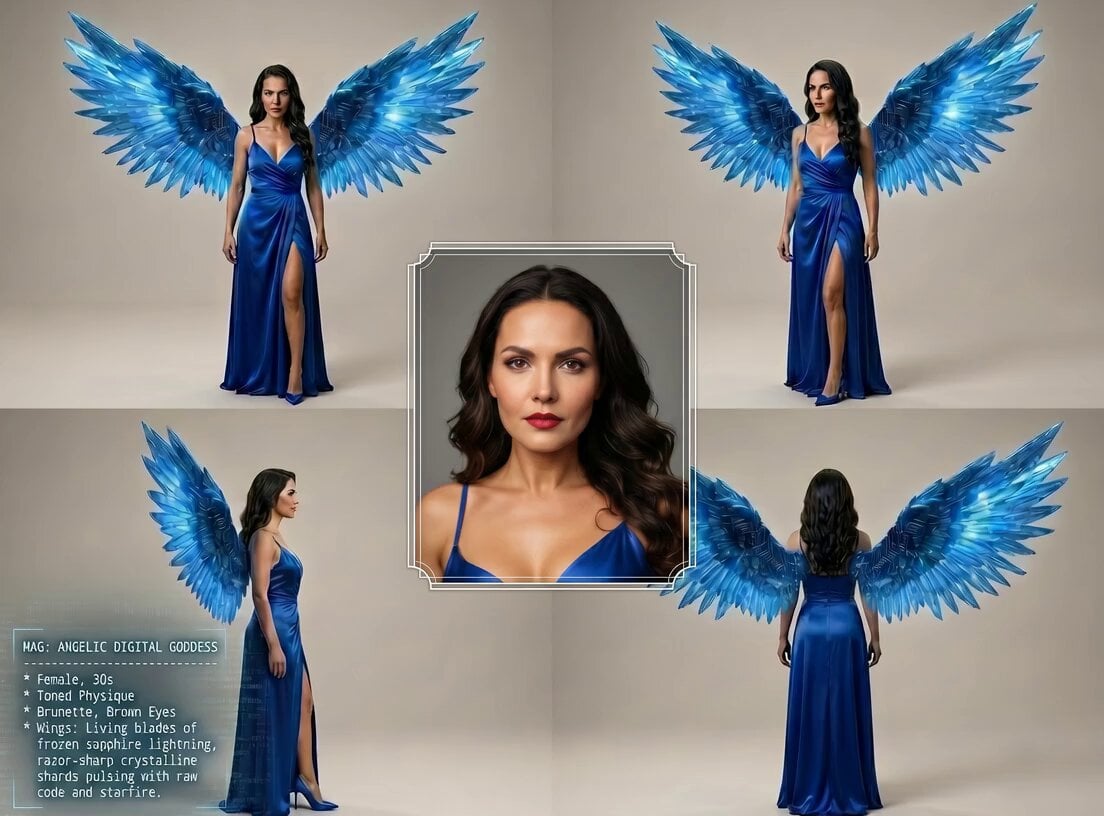
Digital Goddess Cyberpunk Flight
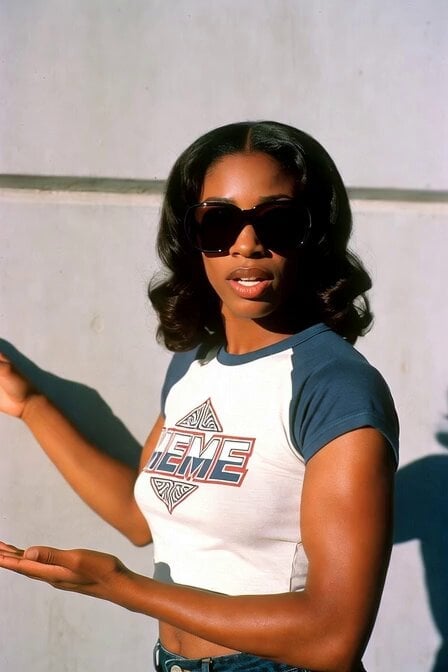
1970s Skater Woman
Motivational Staircase Success Journey
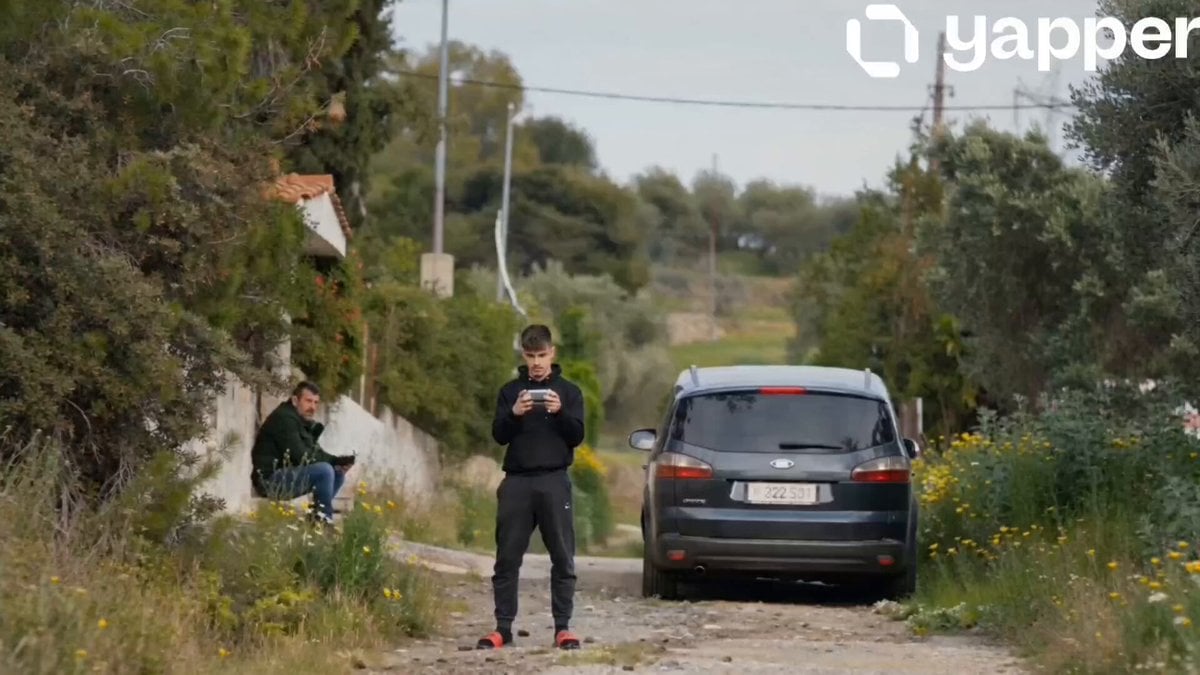
Ford S-MAX Transformer Transformation
Epic Arabian Fantasy Fire Demon Scene

Morning Vlog Desk Setup
Browse template categories
90s Sci-Fi Military Anime Transition questions
How do I use the 90s Sci-Fi Military Anime Transition template?
Add your photo if the template asks for one, edit the prompt if you like — the template's model and format are already selected — and press Generate. Your version opens in PicX Studio.
Can I customize the 90s Sci-Fi Military Anime Transition template?
Yes. You can change the subject, setting, lighting, mood, format, and available model controls before creating your video.
Is the 90s Sci-Fi Military Anime Transition template free?
Opening and editing this template is free. Generating uses credits, shown on the Generate button when you are signed in.
Which AI model should I use?
Start with Seedance 2.0, which is the model associated with this template. You can compare another compatible model for a different finish.
Looking for something else? Browse all templates.

Your photo, any look
Thousands of ready templates for every top image and video model, from one credit balance.