
Retro HK Wuxia Film Aesthetic
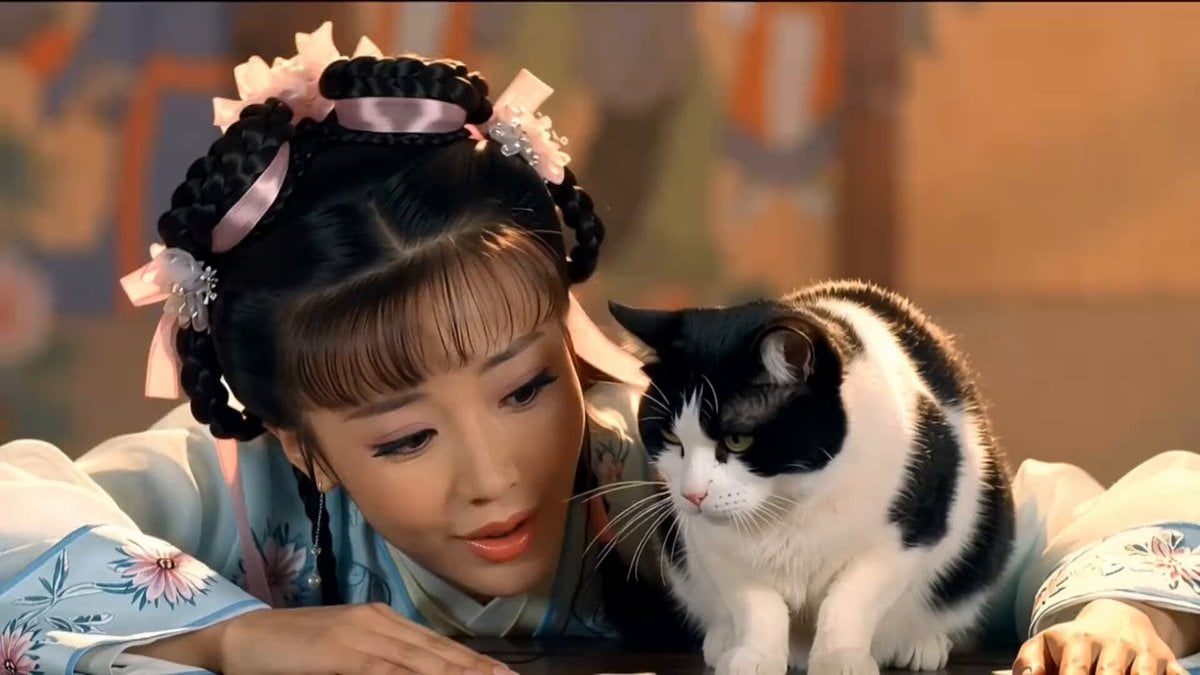
A complex multi-part video prompt recreating 80s-90s Hong Kong Wuxia film aesthetics, featuring a character transformation from a cat to a human with stylized shots.
- Prompt included
- Model and format preset
- Premium template
The prompt behind this video
Copy the exact prompt behind Retro HK Wuxia Film Aesthetic, or open it in the studio and make it yours.
core_style, 80到90年代邵氏兄弟电影风格 早期香港武侠剧美学 怀旧中国武侠电影 复古电视画质 暖色调高饱和度调色板 复古胶片颗粒质感 轻微的特艺色彩色像差 经典摄影棚背景幕布感 柔和的舞台灯光 visual_quality, 35毫米胶片摄影 物理胶片缺陷 复古胶片质感 微妙的色差(色散) 柔焦效果 轻微的灯光闪烁 高光表面的强烈泛光 character_modeling, female_character, 经典的80年代年代剧妆容 黑色眼线 蜜桃粉色润唇膏 带有粉色丝带和花朵配饰的精美发辫 带有花卉刺绣和丝绸质感的传统浅蓝白色汉服 male_character, 经典武侠年轻书生外貌 用白色丝带绑至腰间的长发 标志性鬓角 刮得干净的脸庞 纯白色的书生/侠客长袍(直裰) script_and_storyboard, logic, 带有早期物理转场效果的情景喜剧剪辑逻辑 scenes, shot_1, 「特写,一位年轻女子深情地看着木桌上一只黑白相间的奶牛猫。台词,'要是你能变成个帅哥就好了。'」 shot_2, 「中景,奶牛猫正在舔爪子,随后屏幕中央爆发出一阵复古的白色物理烟雾效果。」 shot_3, 「变身,烟雾散去,一个穿着白袍的英俊男子出现在猫原来所在的位置。」 shot_4, 「过肩镜头,女子看起来又惊又喜,伸出手去触摸男子的肩膀或胸膛。台词,'哇,你真的变成了帅哥!'」 shot_5, 「中景,男子表情严肃,用兰花指比划着,并用迷人的语气说话。台词,'你忘了你已经把我绝育了吗?我现在变了,我是你姐姐!'」 shot_6, 「特写,女子惊呆在原地,表情震惊。台词,'啊!?'」 audio_and_post_production, 「噗」的变身音效 怀旧香港背景音乐 带有「老电影」或「TVB配音风格」口音的AI画外音,时长 00:30
How to use Retro HK Wuxia Film Aesthetic in 3 steps
- 1
Open
The prompt is already in the box next to the preview, with the template's model and format selected.
- 2…a portrait of your subject in softgolden-hour light, 85mm…
Personalize
Edit the subject and creative details for your destination.
- 3Generate
Generate
Press Generate — your video is created in PicX Studio, so you can compare it with the original and refine one variable at a time.
More like this
Templates with the same subject, style or setup. Open one to see its prompt.
Wuxia Comedy Short Film Prompt

Retro GRWM Film Vlog
Hospital Car Park Dialogue Lip Sync
Global Flower Thank-You Film
Youth Racing Short Film

Mechanical Flower Bloom Brand Film

Oceanic Civilization Epic Sci-Fi Film

Floating Desert Museum Cinematic Film
Haute Couture Dream Bokeh Film
Window-to-Eye Concept Film

Crystal Ball Match-Cut Brand Film
King Hu Style Wuxia Film Aesthetic Video Prompt
Make it yours
Retro HK Wuxia Film Aesthetic works as-is. These are the safest ways to change it without losing the look.
Change one field
Copy a single group, rewrite it, and generate again so you can see what that field is doing.
Keep the frame, change the subject
Hold the composition and light of Retro HK Wuxia Film Aesthetic, then swap wardrobe, props or the person for a new take.
| If the result… | Why | Fix |
|---|---|---|
| The result drifts from the preview | Too many fields changed at once. | Reuse Retro HK Wuxia Film Aesthetic as-is first, then change one group — subject, light, or setting. |
| The model over-stylizes the scene | The prose prompt leaves finish and camera underspecified. | Add one camera or lighting sentence and stay on Seedance 2.0. |
More Seedance 2.0 templates
Other prompts made for Seedance 2.0.

Comical Martial Arts Punch Scene

Maglev Train Action Sequence

Martial Arts Fight Sequence

Vintage Korean Arcade MiniDV Vlog

Mercedes 190 SL Luxury Ad

Rainy Night Supernatural Reverse Comedy Video Script

Amazon Civilization Discovery

Futuristic South Asian City Transformation

Cozy Luxury Cafe Commercial

Cyber Ronin Nanotech Transformation Video
More video prompts
Fresh picks from across the catalog.
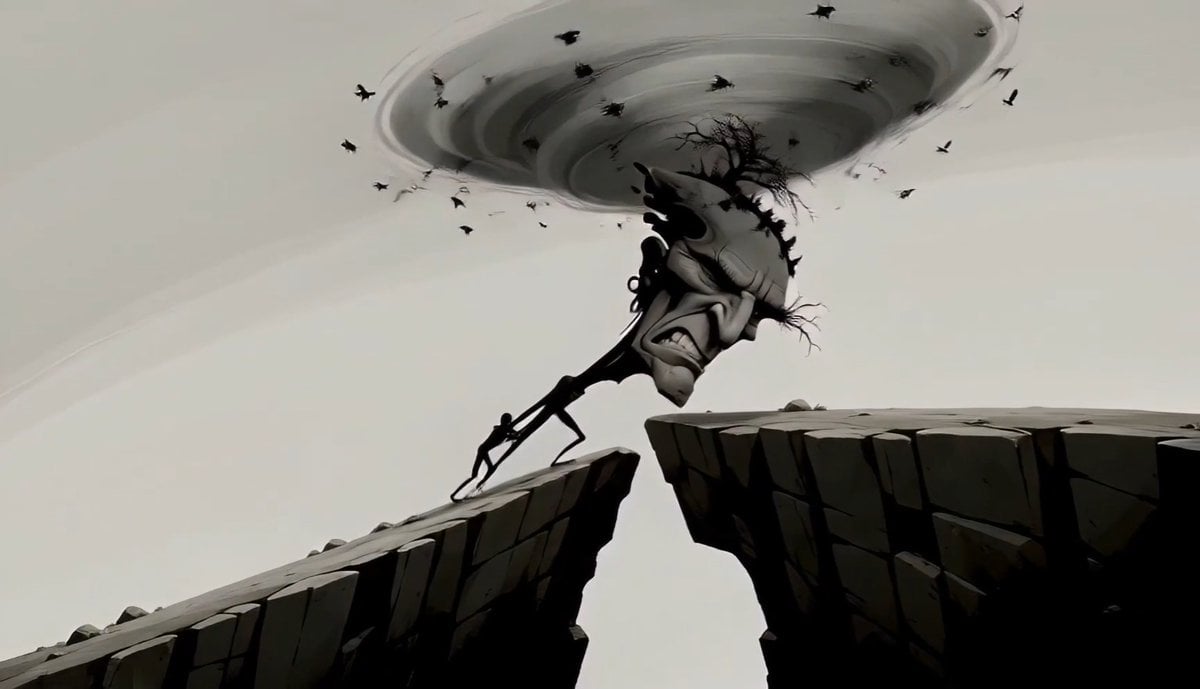
Surreal Tree Head Character Animation

Bunny hopping and stamping hearts
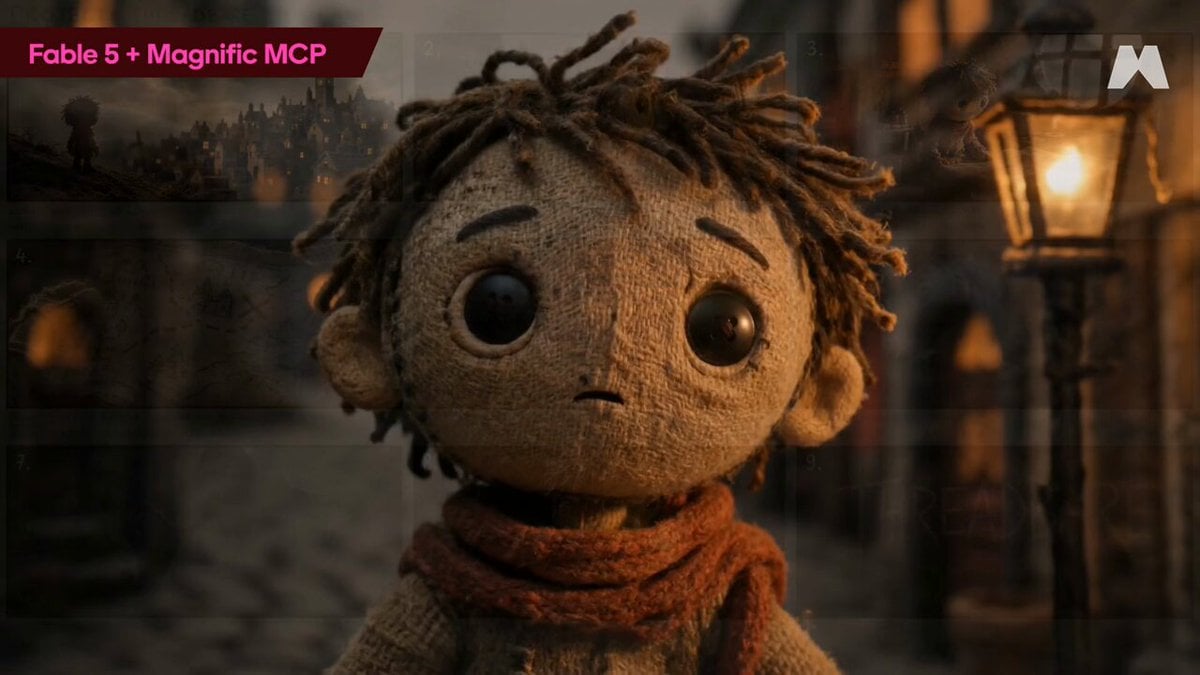
Stop-Motion Burlap Animation
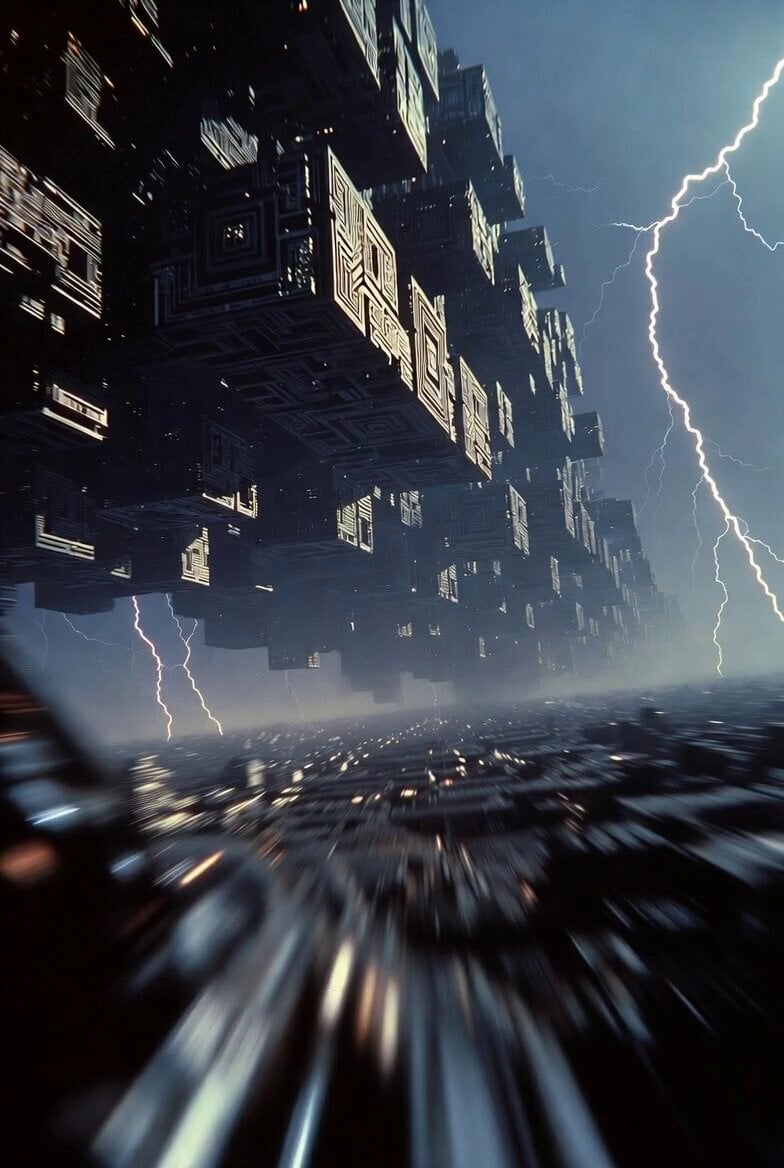
Cybernetic Megacity First Person Flight
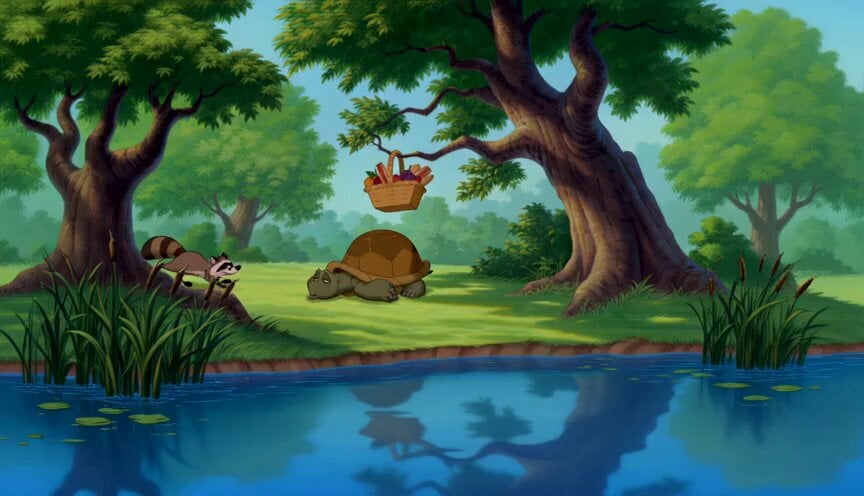
90s Disney Forest Animation
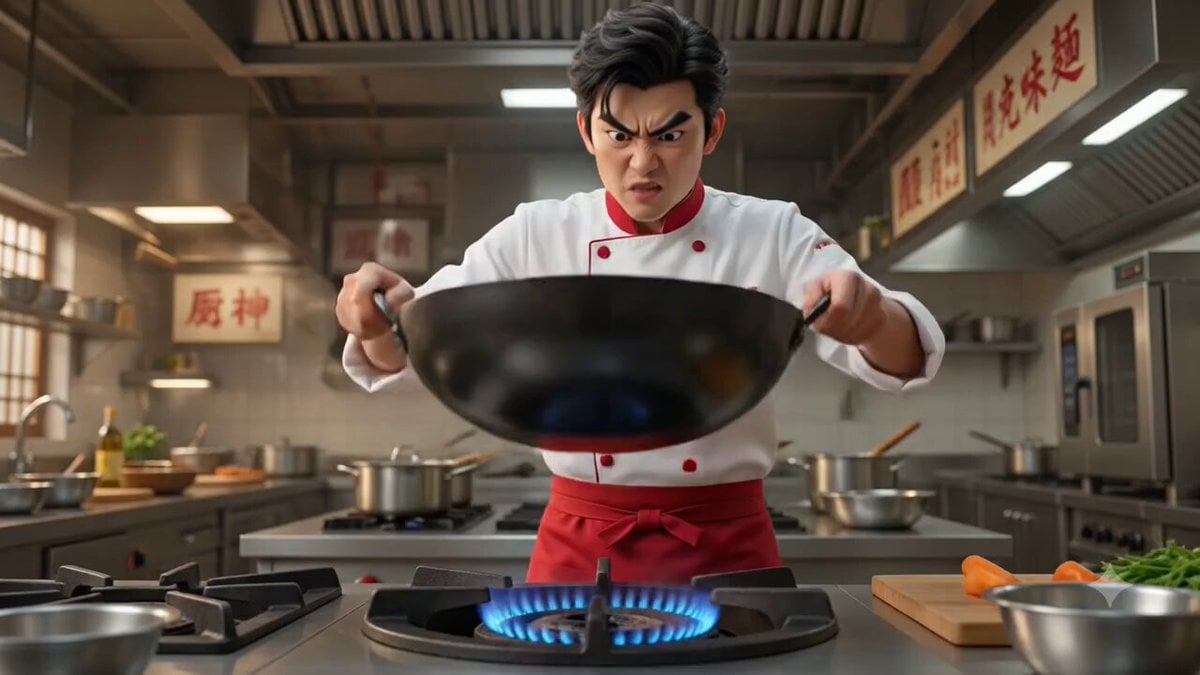
Cinematic Action Cooking Scene

Detailed Grok Imagine prompt for an underwater anime scene
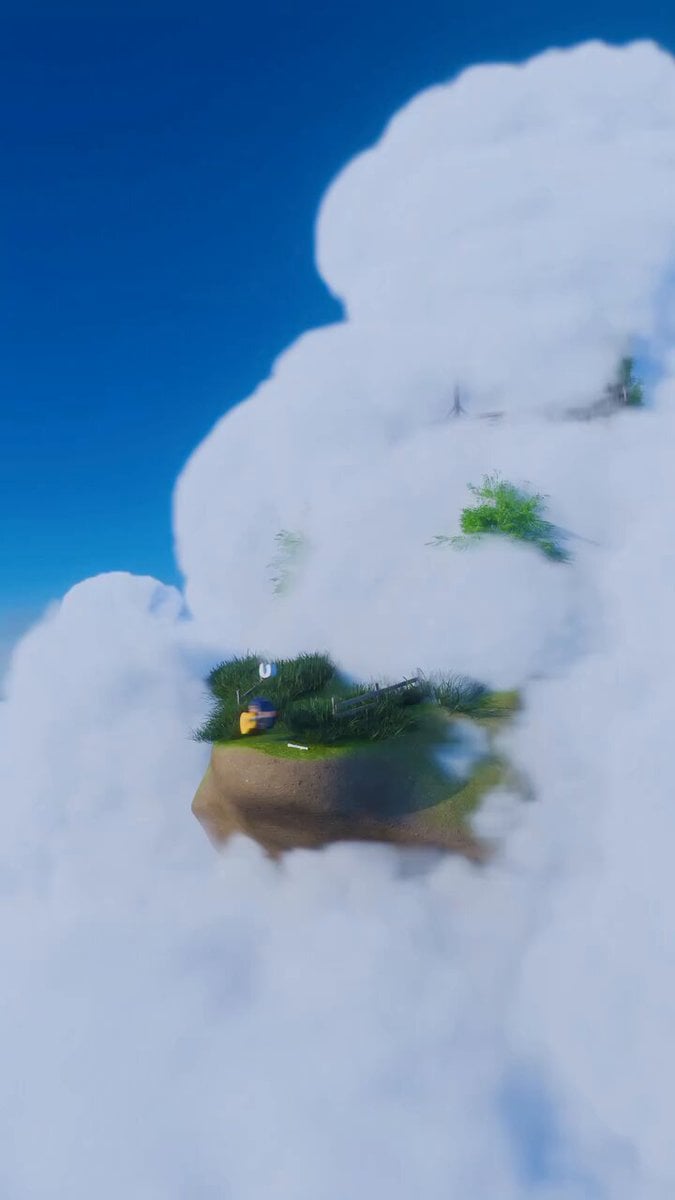
Cat Spinning and Singing Gorillaz
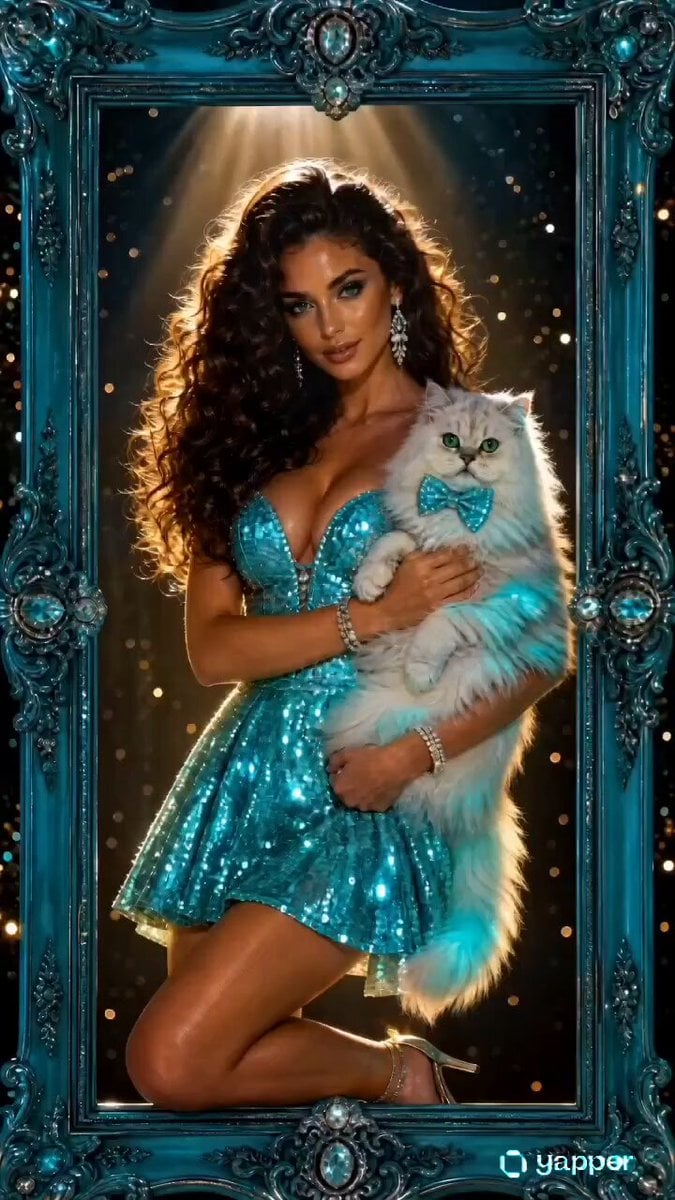
Magical Living Painting Fashion Video
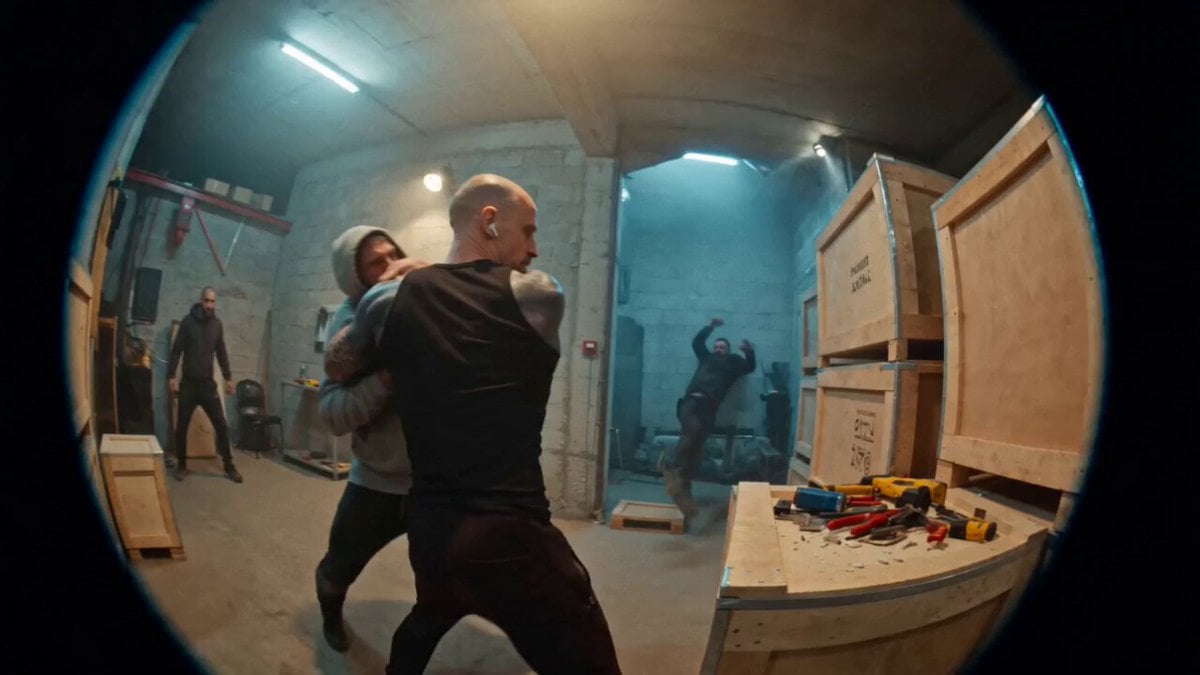
Urban Warehouse Street Fight Sequence
Browse template categories
Retro HK Wuxia Film Aesthetic questions
How do I use the Retro HK Wuxia Film Aesthetic template?
Add your photo if the template asks for one, edit the prompt if you like — the template's model and format are already selected — and press Generate. Your version opens in PicX Studio.
Can I customize the Retro HK Wuxia Film Aesthetic template?
Yes. You can change the subject, setting, lighting, mood, format, and available model controls before creating your video.
Is the Retro HK Wuxia Film Aesthetic template free?
Opening and editing this template is free. Generating uses credits, shown on the Generate button when you are signed in.
Which AI model should I use?
Start with Seedance 2.0, which is the model associated with this template. You can compare another compatible model for a different finish.
Looking for something else? Browse all templates.

Your photo, any look
Thousands of ready templates for every top image and video model, from one credit balance.