
Minimalist Menswear Editorial GRWM
A comprehensive video prompt for a minimalist menswear editorial, focusing on specific timeline actions, outfit layers, and high-end aesthetic transitions.

- Prompt included
- Model and format preset
- Premium template
The prompt behind this video
Copy the exact prompt behind Minimalist Menswear Editorial GRWM, or open it in the studio and make it yours.
REFERENCE IMAGE: Use the provided 4×4 male storyboard collage as visual guide for framing, pacing, outfit flow, and transitions. CONCEPT: Get Ready With Me — Modern Minimal Menswear (Clean, Sharp Look) TIMELINE: 0:00–0:04 Dark fitted tee (espresso / charcoal tone) Ivory tailored trousers Clean tuck-in adjustment Mirror check, subtle posture shift 0:04–0:08 Light blue shirt layering (open, relaxed fit) Beige blazer on shoulders Sleeve adjustment (watch visible) Body turn, confident stance 0:08–0:12 Leather strap watch close-up Minimal pendant necklace placement Brown belt fastening (crisp motion) Sunglasses on, sharp expression 0:12–0:15 White sneakers step-in Walking shot (slow, editorial stride) Leather tote bag grab Final full look pose, composed and confident STYLE: Neutral menswear palette (espresso, ivory, beige, soft blue), Soft natural indoor lighting, Warm tones, clean aesthetic interior, Luxury editorial, minimal and sharp. MODEL: Single male subject, Modern hairstyle, slightly textured, Calm, confident, effortless expressions, Editorial posture, no exaggeration. CAMERA: Close-ups + mid shots, Shallow depth of field, Steady framing, subtle handheld realism, Focus on fabric, tailoring, and textures. TRANSITIONS: Match cuts (tuck → belt → blazer), Fabric motion transitions, Clean jump cuts synced with movement, Smooth pacing, visually satisfying flow. OUTPUT: 4:5 vertical video, Loopable ending (final pose blends into start), Pinterest-style luxury aesthetic, Clean, smooth, premium GRWM
How to use Minimalist Menswear Editorial GRWM in 3 steps
- 1Upload ImagePNG, JPG or paste
Add your photo
Upload the photo the template builds on. The prompt, model and format are already set.
- 2…a portrait of your subject in softgolden-hour light, 85mm…
Personalize
Edit the subject and creative details for your destination.
- 3Generate
Generate
Press Generate — your video is created in PicX Studio, so you can compare it with the original and refine one variable at a time.
More like this
Templates with the same subject, style or setup. Open one to see its prompt.
Cinematic GRWM Fashion Editorial
High Fashion Editorial Video

Fashion GRWM Smartphone Vlog
Anime Editorial Fashion Film
Minimalist Photography Studio Golden Hour
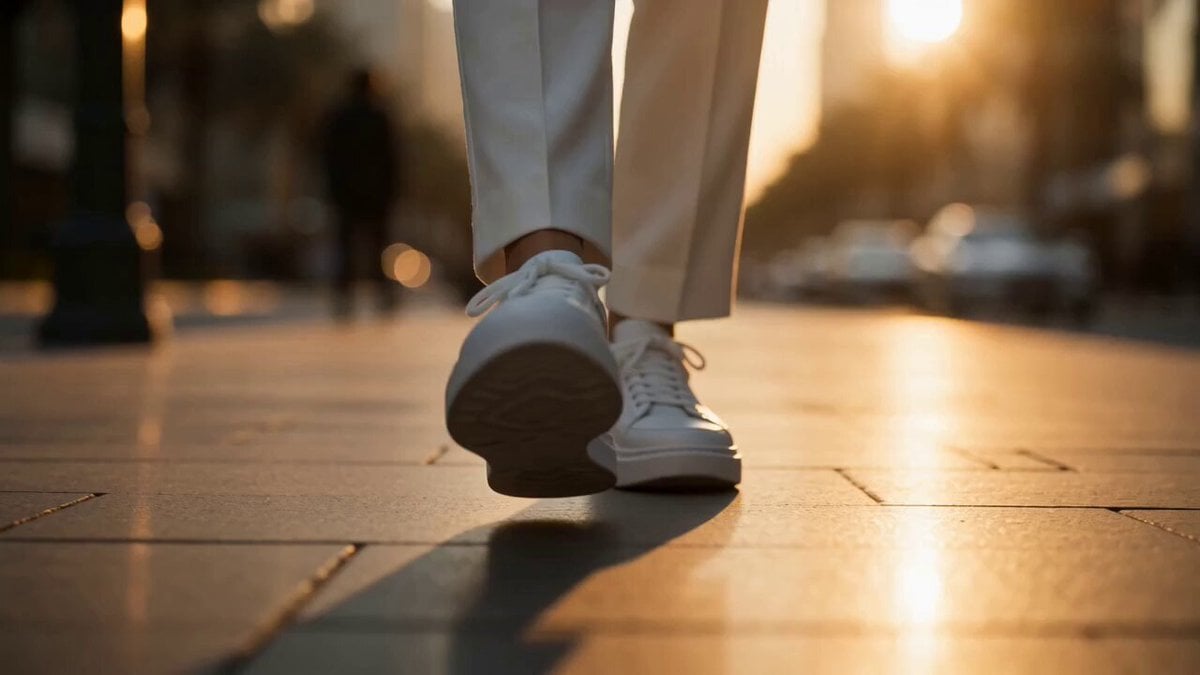
Minimalist Fashion City Walk
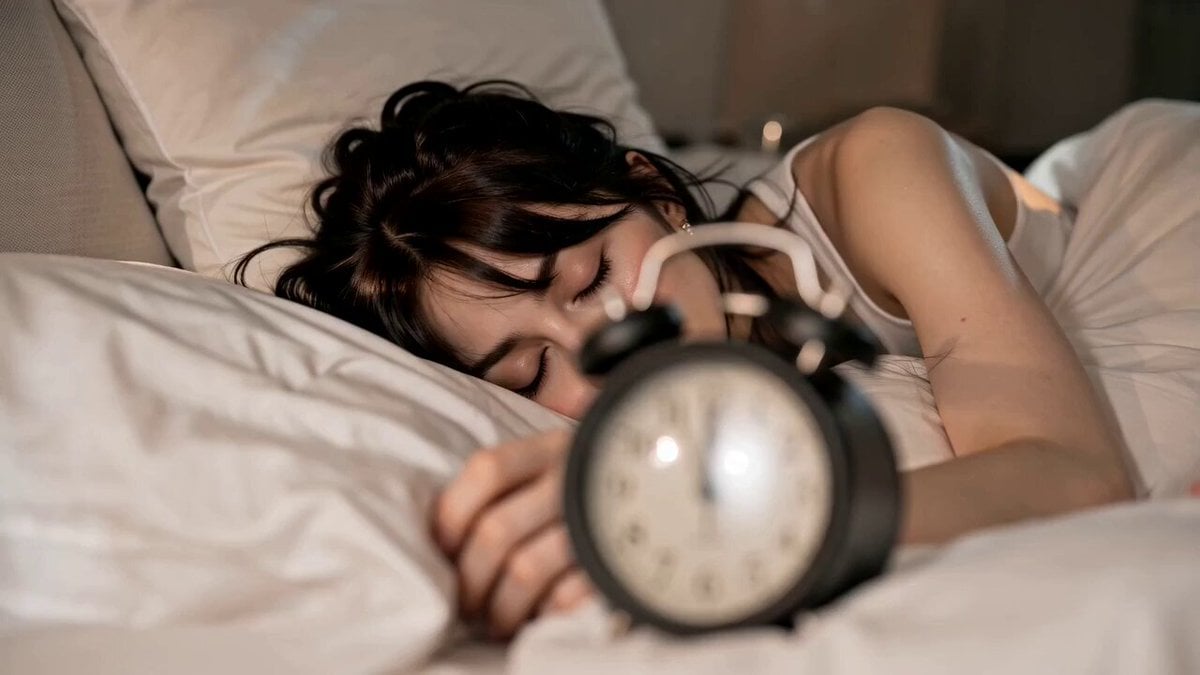
Cinematic GRWM Office Routine
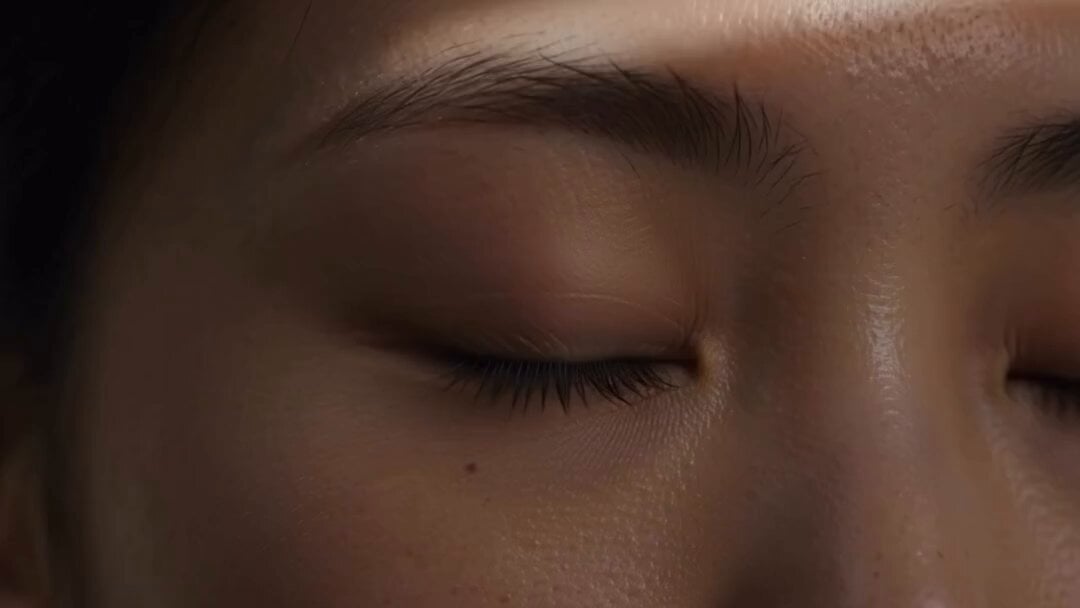
Minimalist Skincare Video Commercial
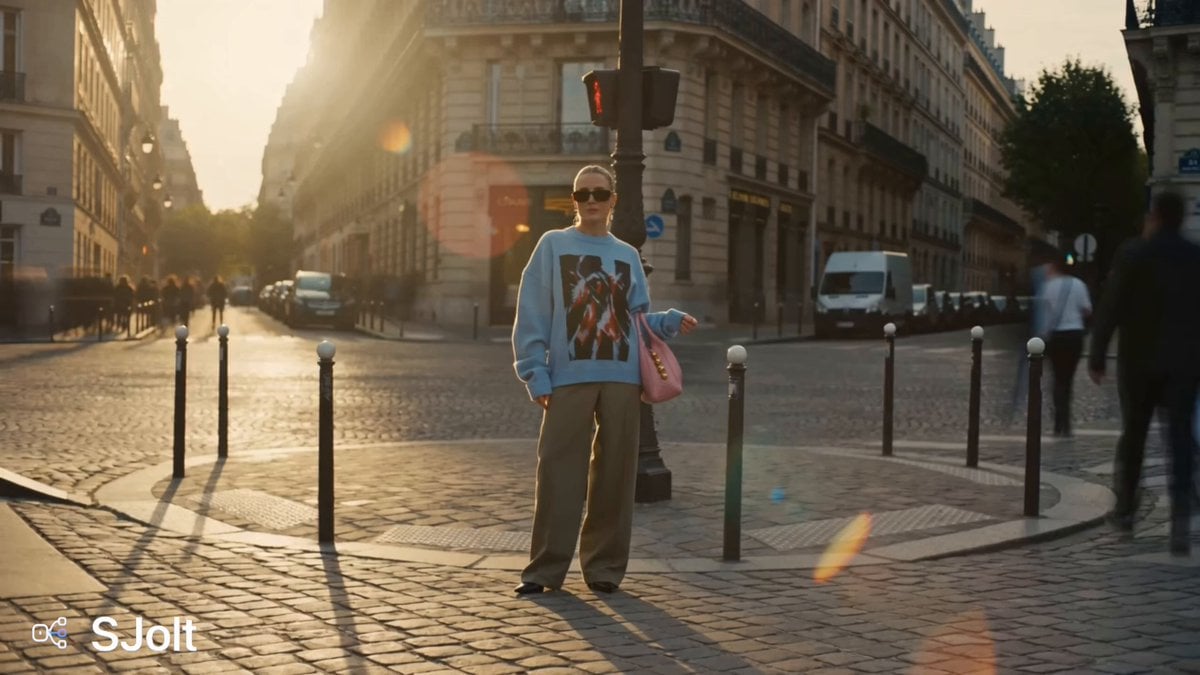
Parisian Fashion Campaign Streetwear Editorial
Editorial Street Fashion Cinema Film

Retro GRWM Film Vlog
Luxury Honey Editorial Product Film
Make it yours
Minimalist Menswear Editorial GRWM works as-is. These are the safest ways to change it without losing the look.
Change one field
Copy a single group, rewrite it, and generate again so you can see what that field is doing.
Keep the frame, change the subject
Hold the composition and light of Minimalist Menswear Editorial GRWM, then swap wardrobe, props or the person for a new take.
| If the result… | Why | Fix |
|---|---|---|
| The result drifts from the preview | Too many fields changed at once. | Reuse Minimalist Menswear Editorial GRWM as-is first, then change one group — subject, light, or setting. |
| The model over-stylizes the scene | The prose prompt leaves finish and camera underspecified. | Add one camera or lighting sentence and stay on Seedance 2.0. |
More Seedance 2.0 templates
Other prompts made for Seedance 2.0.

Comical Martial Arts Punch Scene

Maglev Train Action Sequence

Martial Arts Fight Sequence

Wuxia Protection and Trust Script

Vintage Korean Arcade MiniDV Vlog

Mercedes 190 SL Luxury Ad

Rainy Night Supernatural Reverse Comedy Video Script

Amazon Civilization Discovery

Futuristic South Asian City Transformation

Cozy Luxury Cafe Commercial
More video prompts
Fresh picks from across the catalog.
Cinematic Dragon Fantasy Reel
Deep-Sea Leviathan Transformation
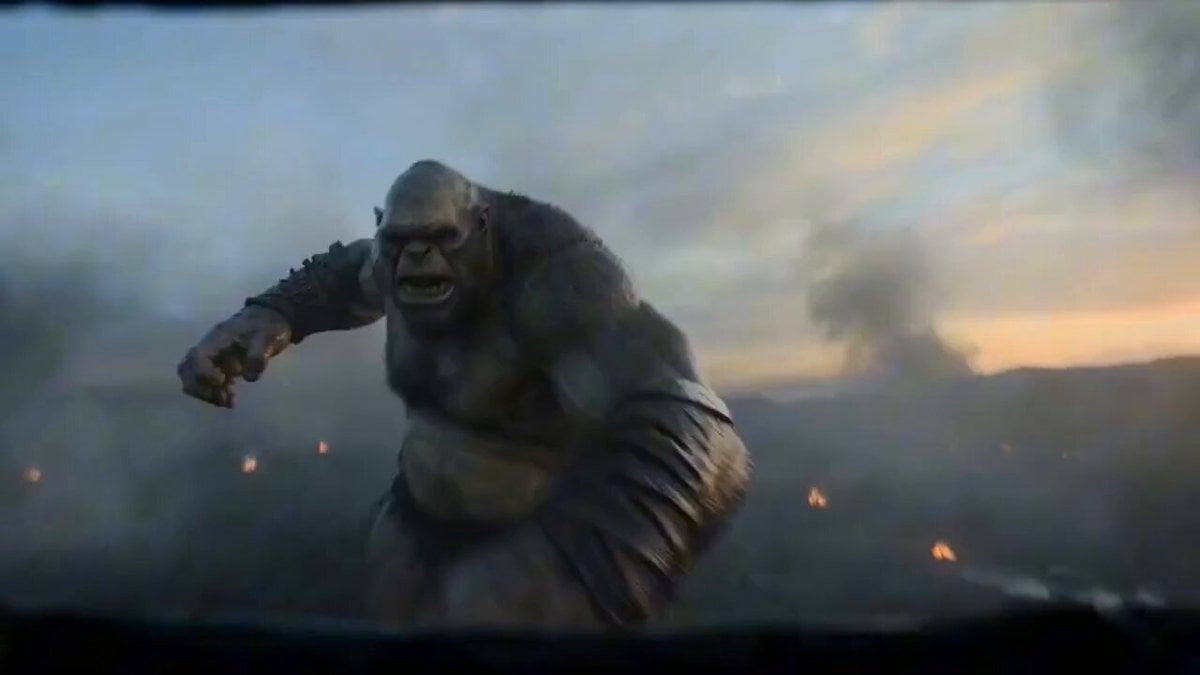
First-Person POV Battlefield Scene Prompt
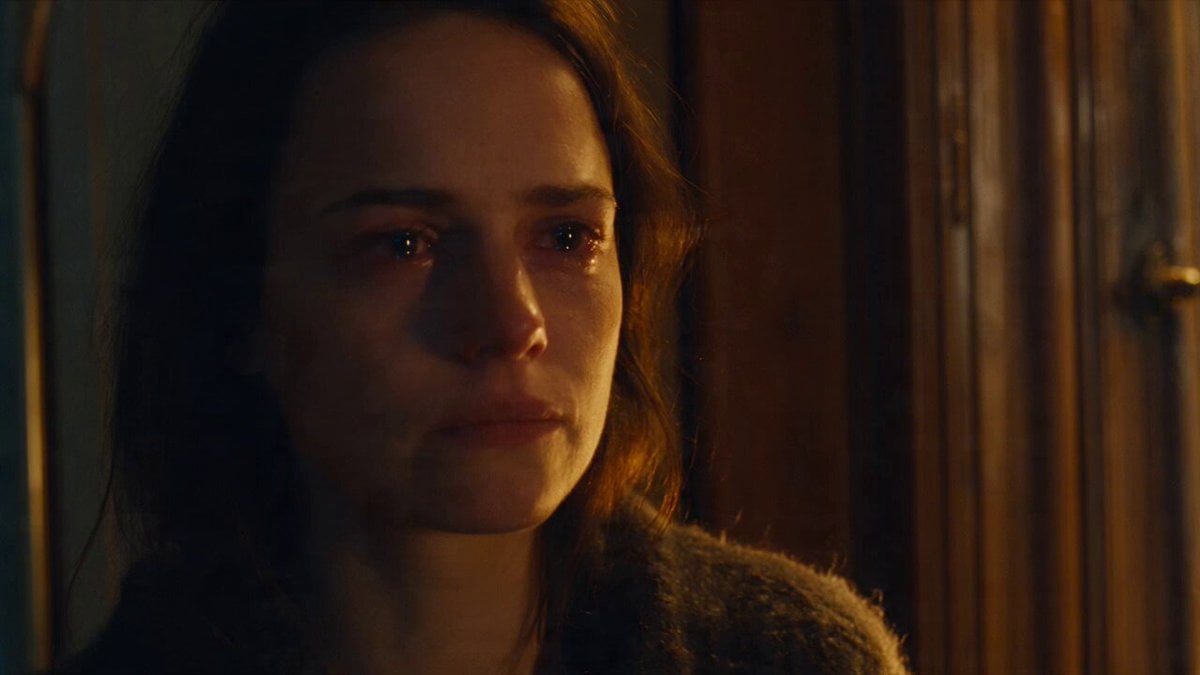
Emotional Parisian Apartment Drama
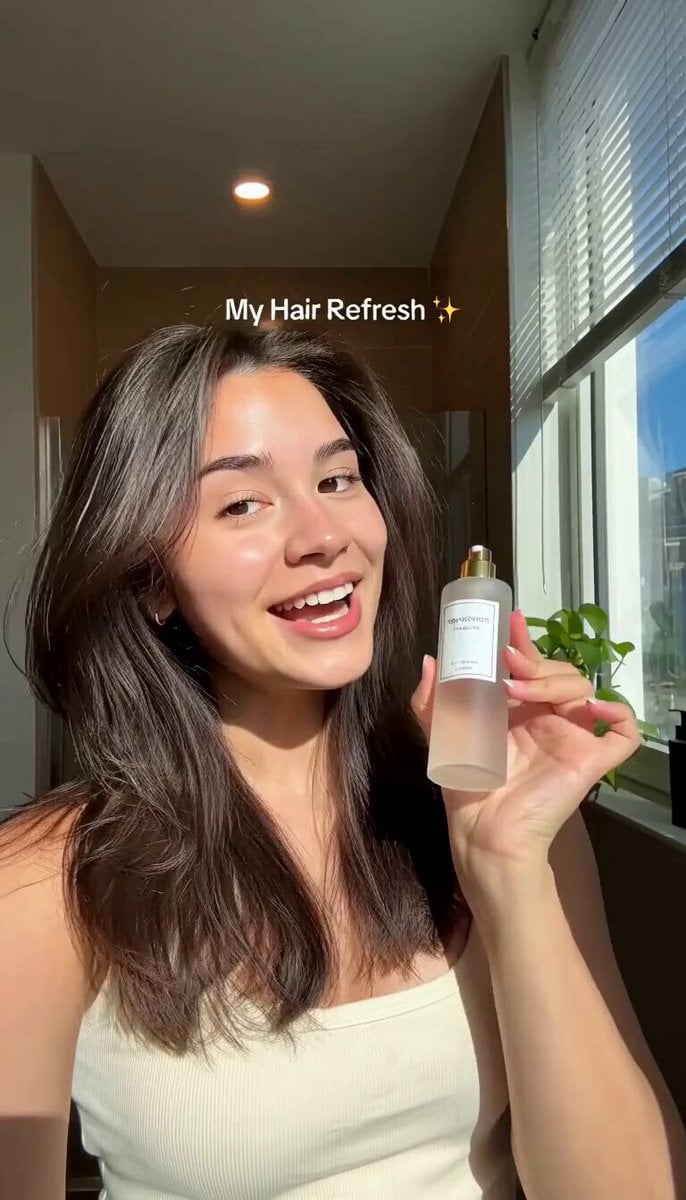
Hair Refresh Beauty Advertisement
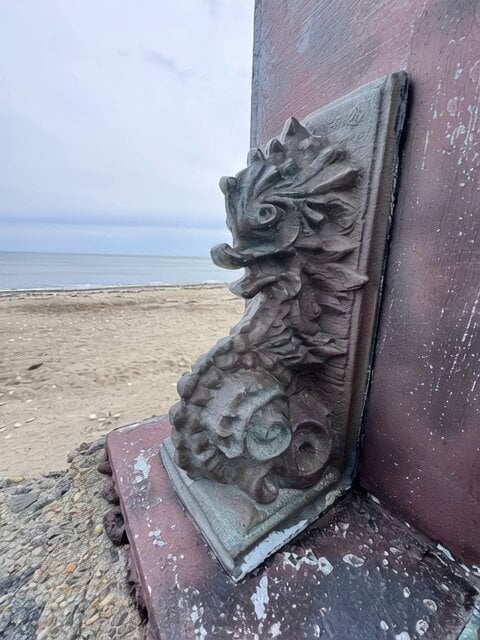
Seahorse Sculpture Transformation Video Prompt
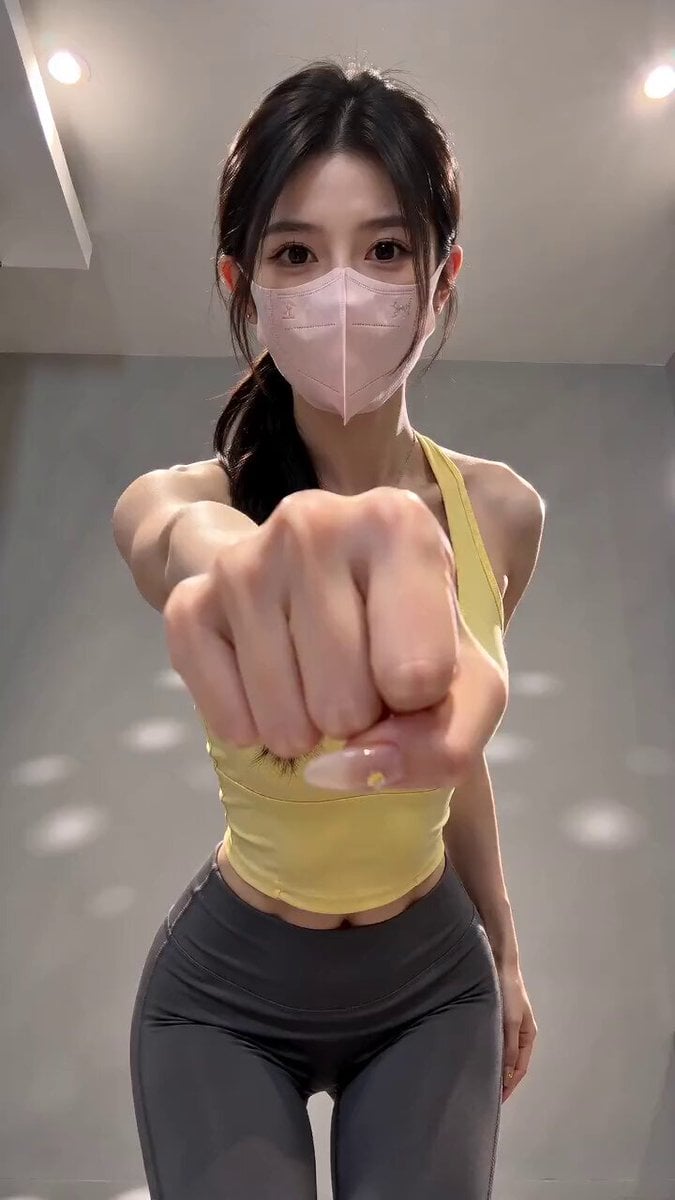
Viral Masked Dancer Tutorial
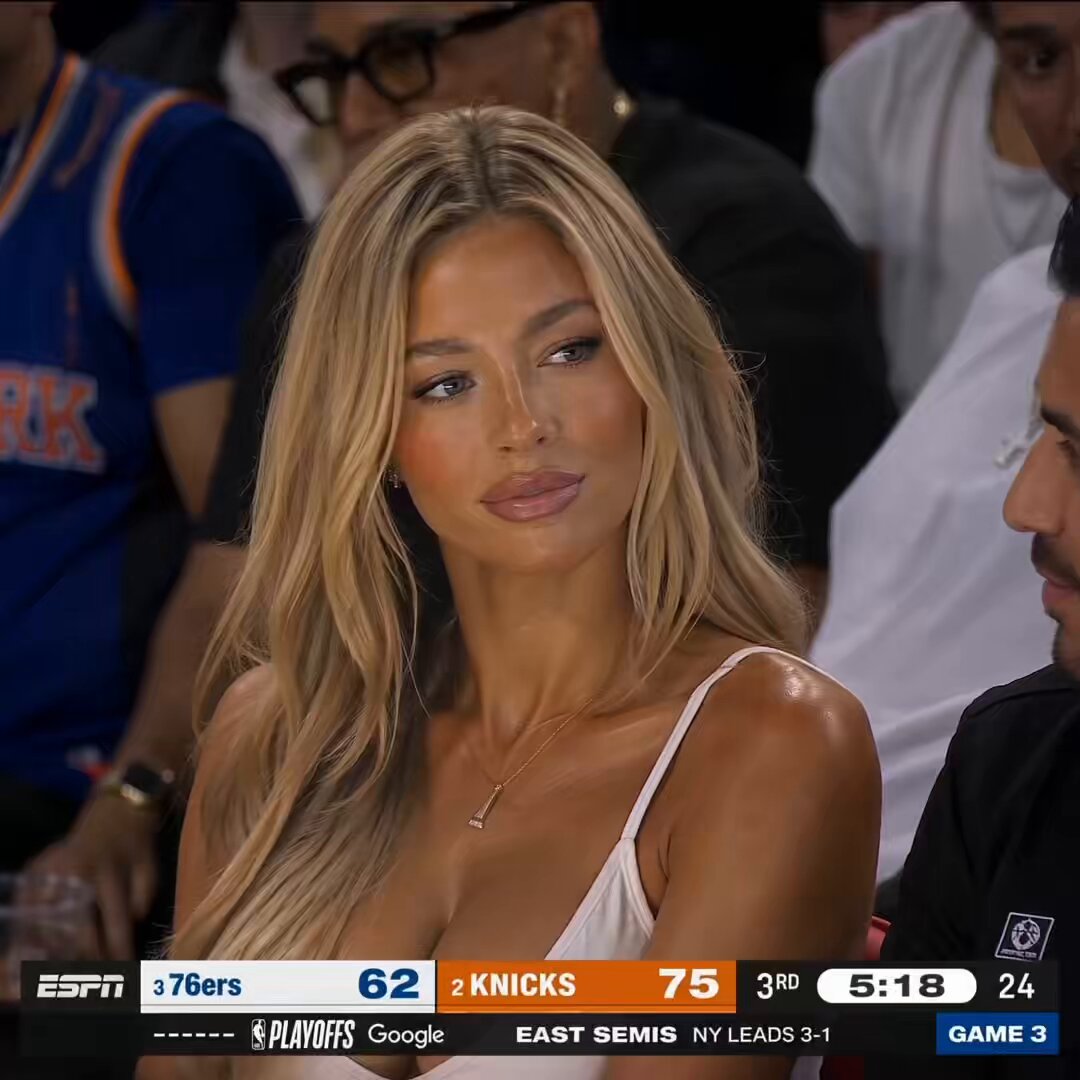
NBA Courtside Live Broadcast
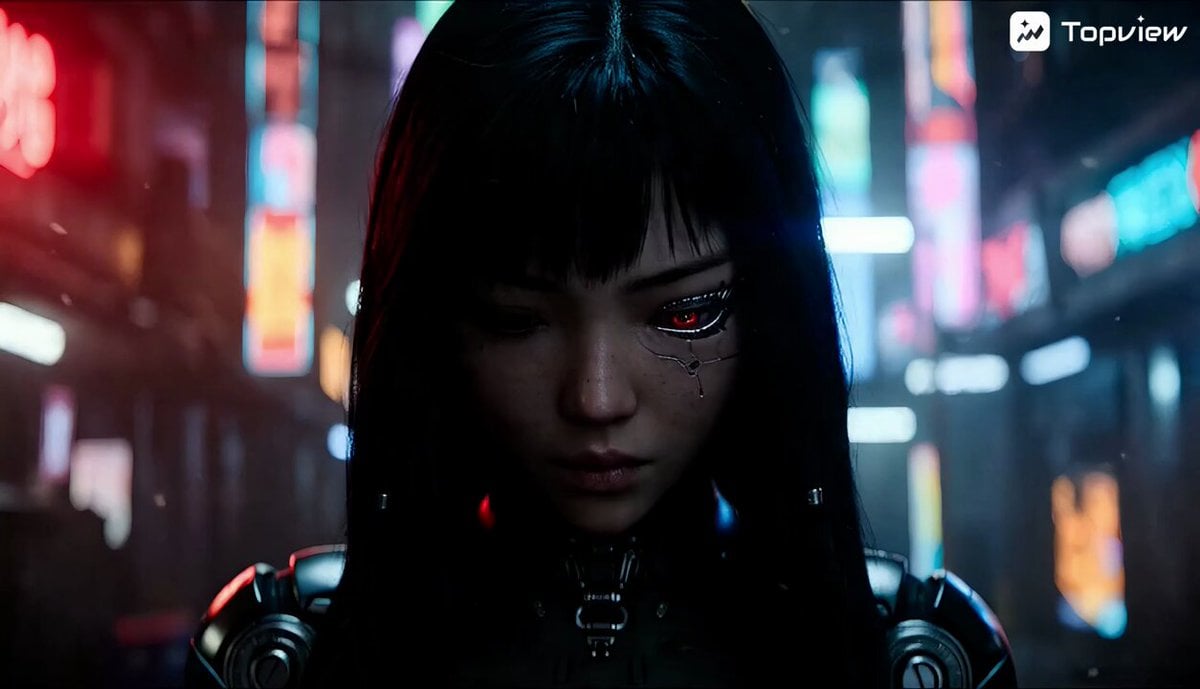
Cinematic Sci-Fi Action Video Prompt on Train Tracks
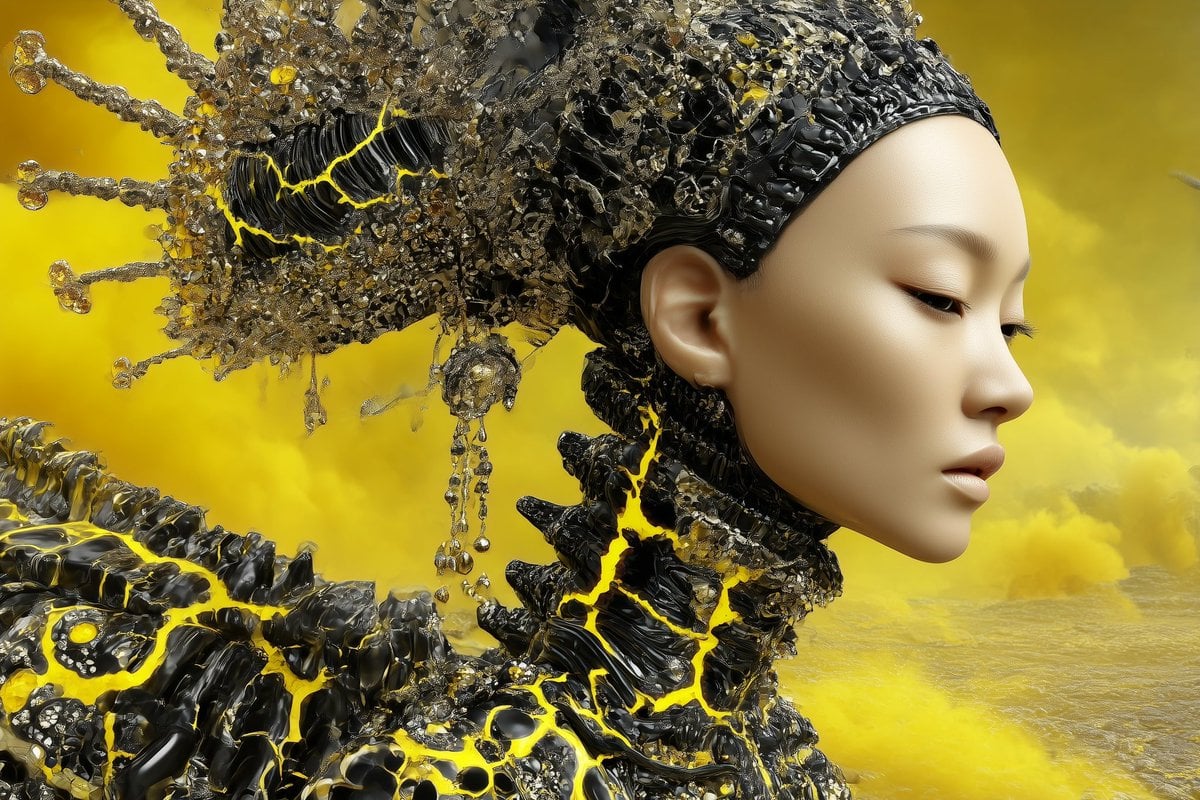
Cinematic Night Scene with Giant Bioluminescent Jellyfish
Browse template categories
Minimalist Menswear Editorial GRWM questions
How do I use the Minimalist Menswear Editorial GRWM template?
Add your photo if the template asks for one, edit the prompt if you like — the template's model and format are already selected — and press Generate. Your version opens in PicX Studio.
Can I customize the Minimalist Menswear Editorial GRWM template?
Yes. You can change the subject, setting, lighting, mood, format, and available model controls before creating your video.
Is the Minimalist Menswear Editorial GRWM template free?
Opening and editing this template is free. Generating uses credits, shown on the Generate button when you are signed in.
Which AI model should I use?
Start with Seedance 2.0, which is the model associated with this template. You can compare another compatible model for a different finish.
Looking for something else? Browse all templates.

Your photo, any look
Thousands of ready templates for every top image and video model, from one credit balance.