
Cyberpunk Bounty Hunter Chase
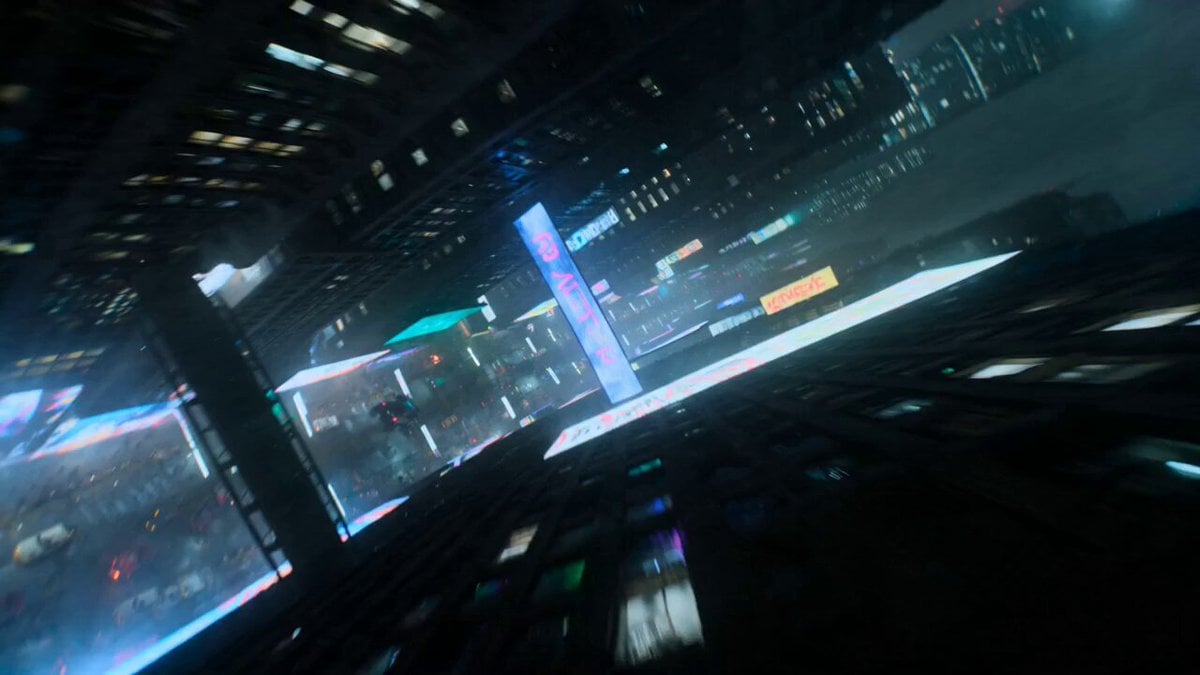
A high-energy video prompt featuring a cybernetic bounty hunter chasing an android through a rain-slicked, neon-lit market in a futuristic megacity.
- Prompt included
- Model and format preset
- Premium template
The prompt behind this video
Copy the exact prompt behind Cyberpunk Bounty Hunter Chase, or open it in the studio and make it yours.
A futuristic bounty hunter in sleek cybernetic armor, glowing visor scanning targets in real time, dual plasma pistols spinning in his hands Hunts a rogue android through a crowded cyberpunk market, exchanging high-speed gunfire while civilians scatter and holograms explode into digital fragments Dense neon megacity market at night with rain, holographic signs, sparks, smoke and flying vehicles overhead Starts with aerial drone dive through holograms into street level, ultra-low tracking beside the hunter sprinting through crowds, whip pans following plasma shots, FPV chase weaving through market stalls, glitch VFX and sparks flooding frame, ending with the android crashing through a giant holographic billboard and exploding into glowing fragments while the hunter walks away through the rain, neon reflections flickering across his armor
How to use Cyberpunk Bounty Hunter Chase in 3 steps
- 1
Open
The prompt is already in the box next to the preview, with the template's model and format selected.
- 2…a portrait of your subject in softgolden-hour light, 85mm…
Personalize
Edit the subject and creative details for your destination.
- 3Generate
Generate
Press Generate — your video is created in PicX Studio, so you can compare it with the original and refine one variable at a time.
More like this
Templates with the same subject, style or setup. Open one to see its prompt.
Cyberpunk Bounty Hunter Neon Chase

Cyberpunk Holographic Dance Performance - Seedance 2.5

RX-7 to Mech Transformation Cyberpunk
Cyberpunk K-Pop Demon Hunter Teaser
Cyberpunk Tokyo Rainy Car Chase

Cartoon Donut Heist Bakery Chase
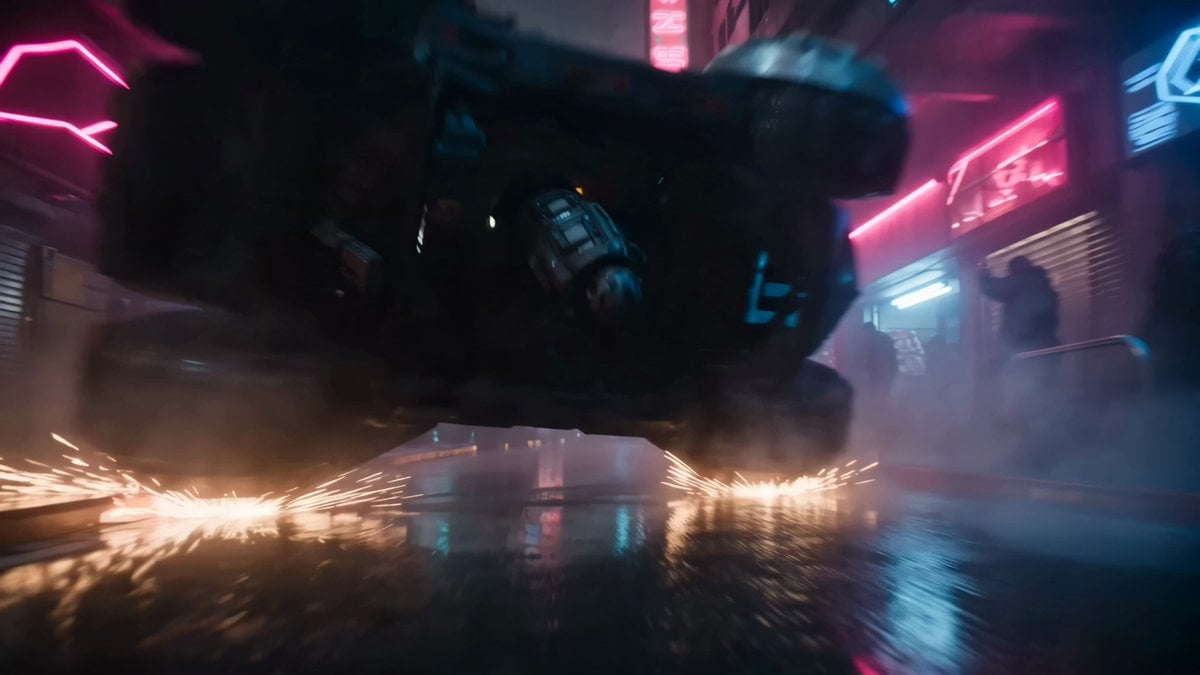
Bounty Hunter Neon Action Sequence
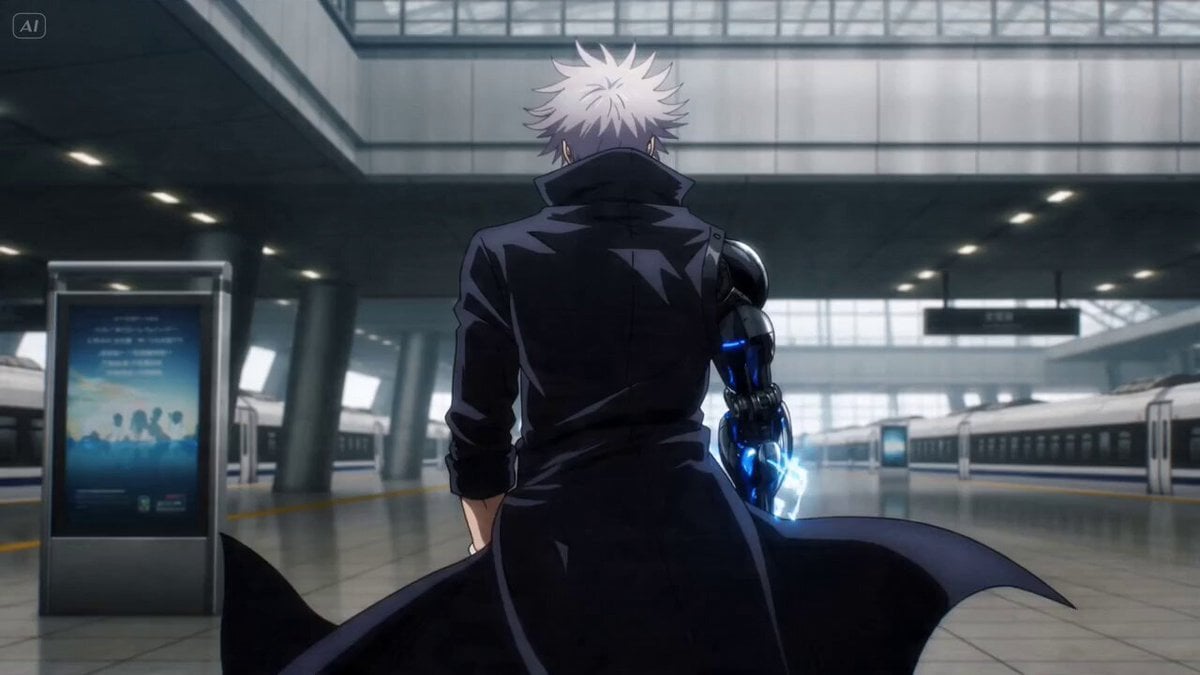
Anime Bounty Hunter Fight Sequence

Walking Factory with Rebel on Hoverbike - Wasteland

Surreal Japanese Scene with Bounty Hunters Prompt
Amazon FPV Drone Chase — Seedance 2.0
Dim Sum Chase — Shrimp Dumpling Monster
Make it yours
Cyberpunk Bounty Hunter Chase works as-is. These are the safest ways to change it without losing the look.
Change one field
Copy a single group, rewrite it, and generate again so you can see what that field is doing.
Keep the frame, change the subject
Hold the composition and light of Cyberpunk Bounty Hunter Chase, then swap wardrobe, props or the person for a new take.
| If the result… | Why | Fix |
|---|---|---|
| The result drifts from the preview | Too many fields changed at once. | Reuse Cyberpunk Bounty Hunter Chase as-is first, then change one group — subject, light, or setting. |
| The model over-stylizes the scene | The prose prompt leaves finish and camera underspecified. | Add one camera or lighting sentence and stay on Seedance 2.0. |
More Seedance 2.0 templates
Other prompts made for Seedance 2.0.

Comical Martial Arts Punch Scene

Maglev Train Action Sequence

Martial Arts Fight Sequence

Wuxia Protection and Trust Script

Vintage Korean Arcade MiniDV Vlog

Mercedes 190 SL Luxury Ad

Rainy Night Supernatural Reverse Comedy Video Script

Amazon Civilization Discovery

Futuristic South Asian City Transformation

Cozy Luxury Cafe Commercial
More video prompts
Fresh picks from across the catalog.
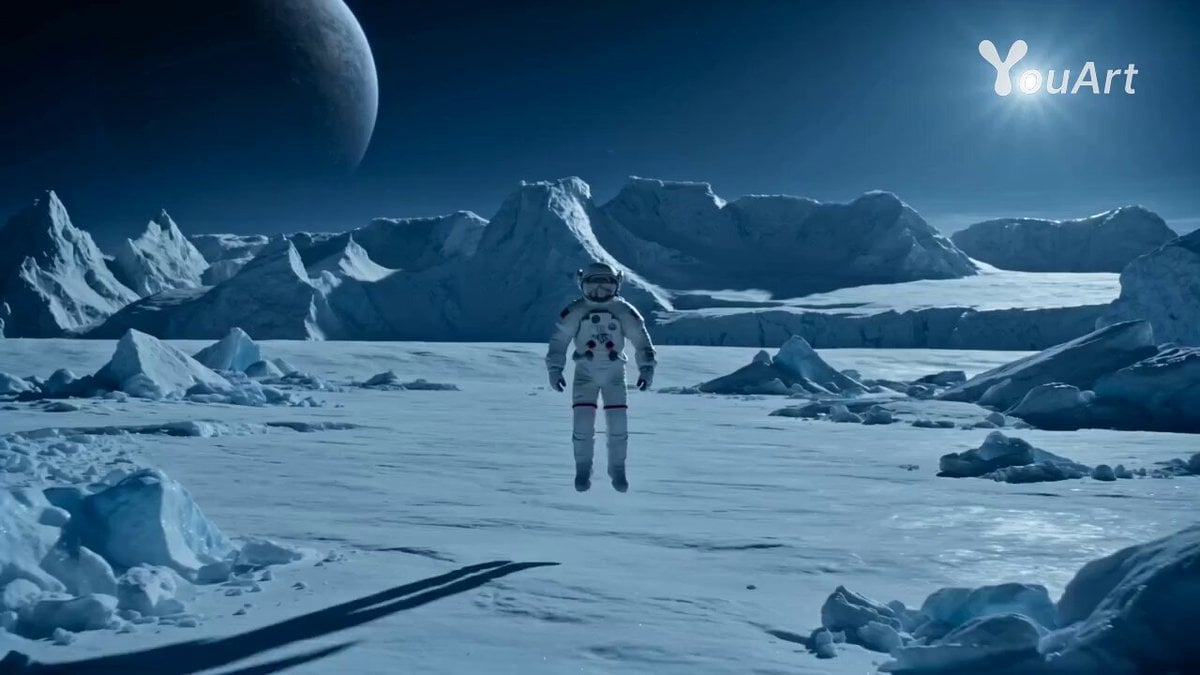
Astronaut Transforms into Ice-Adapted Humanoid on Frozen Exoplanet
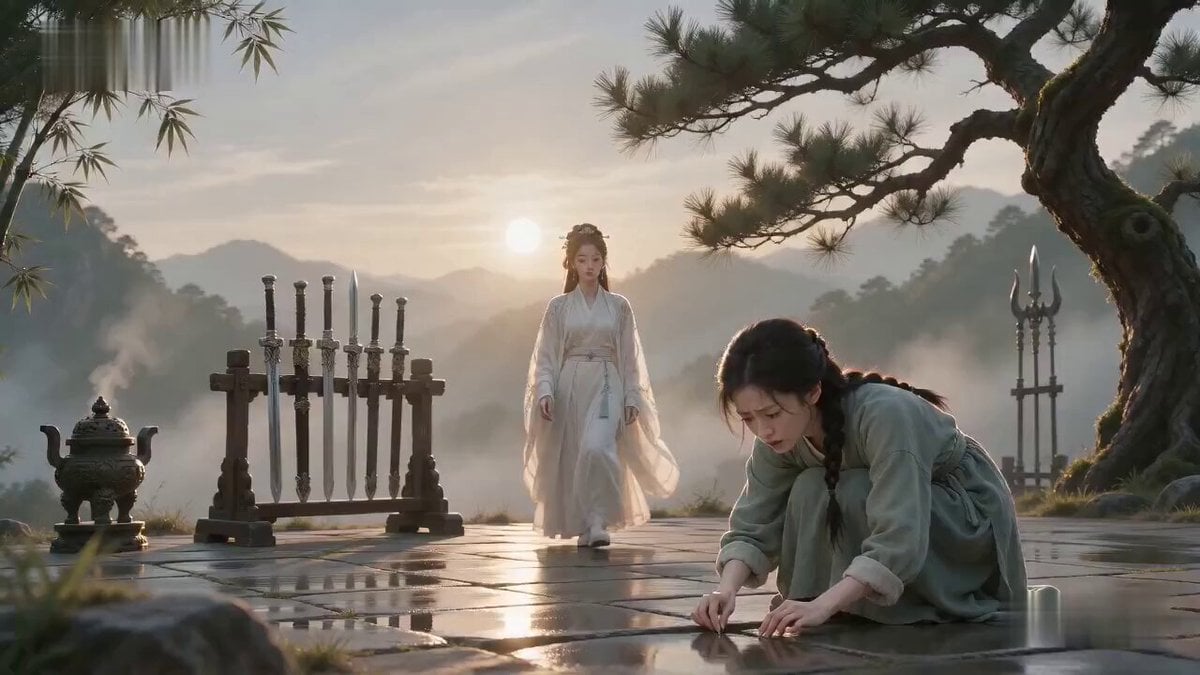
Xianxia Comedy Needle Search Magic
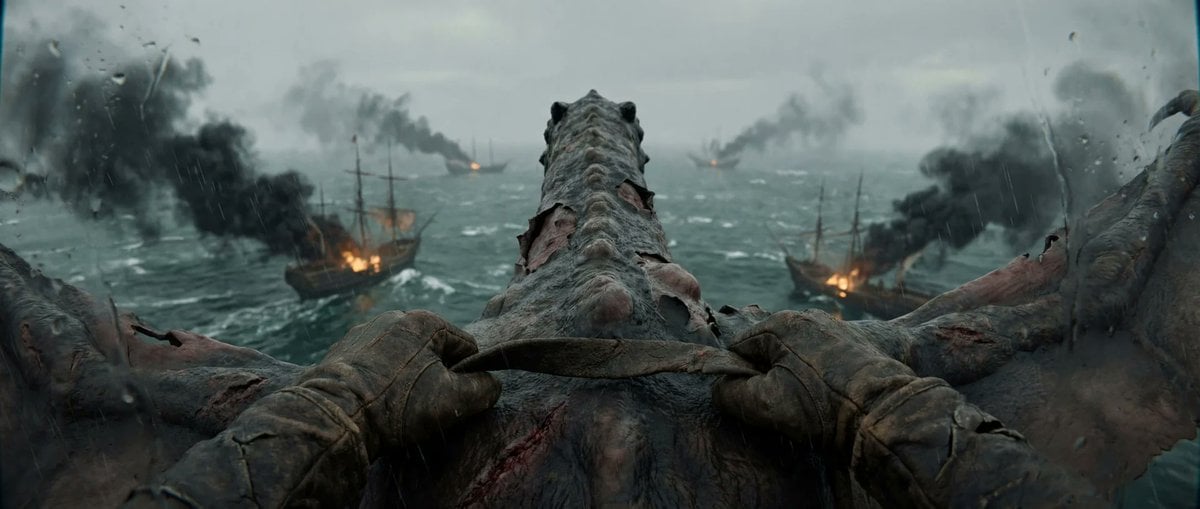
First-Person Dragon Rider Attack
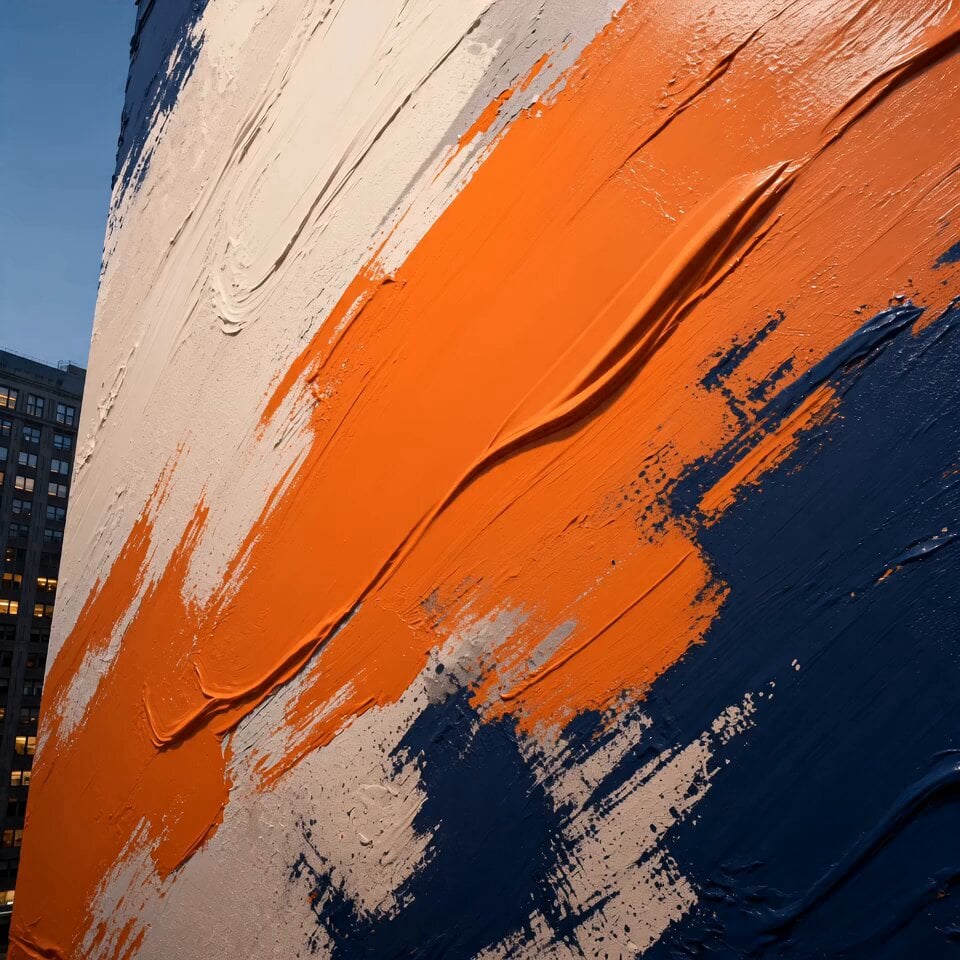
Cinematic Urban Billboard Liquid Paint
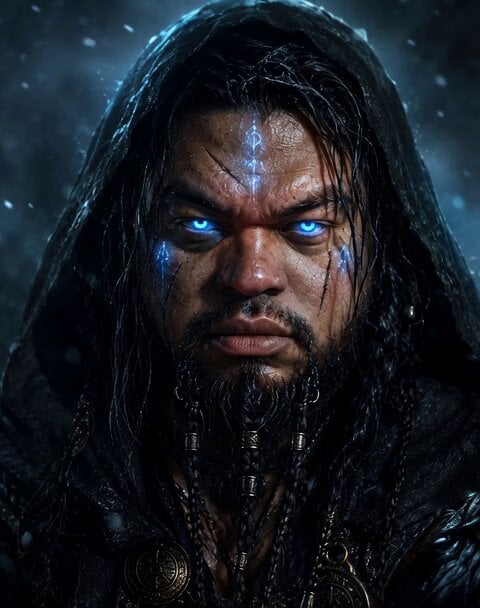
Norse God Warrior Cinematic Video

Forest Queen Paper Sculpture Video

Lord Ganesha Sliding Down Snowy Slope
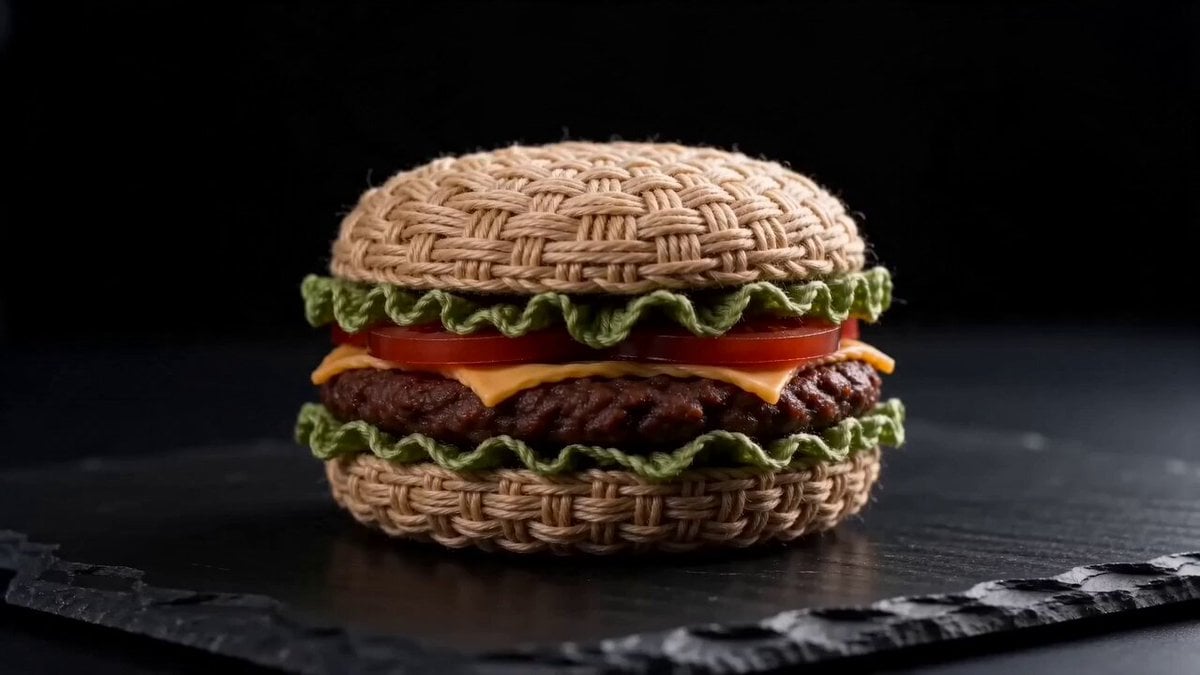
Woven Hamburger ASMR
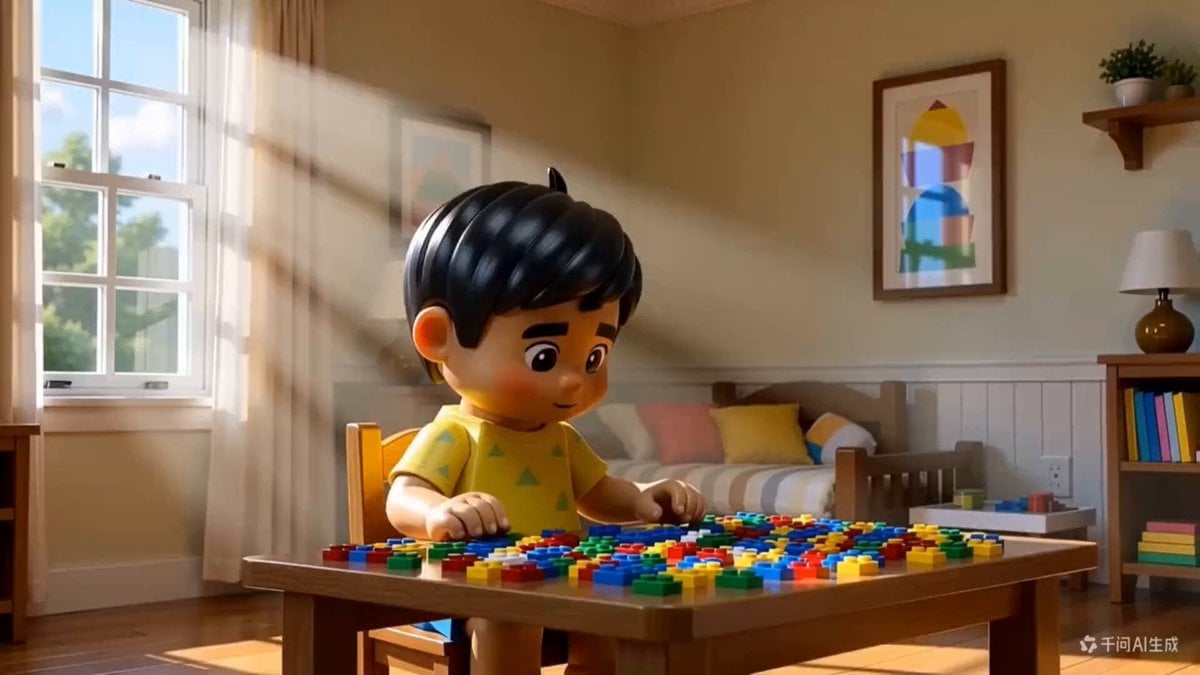
3D Animated Boy Building Lego
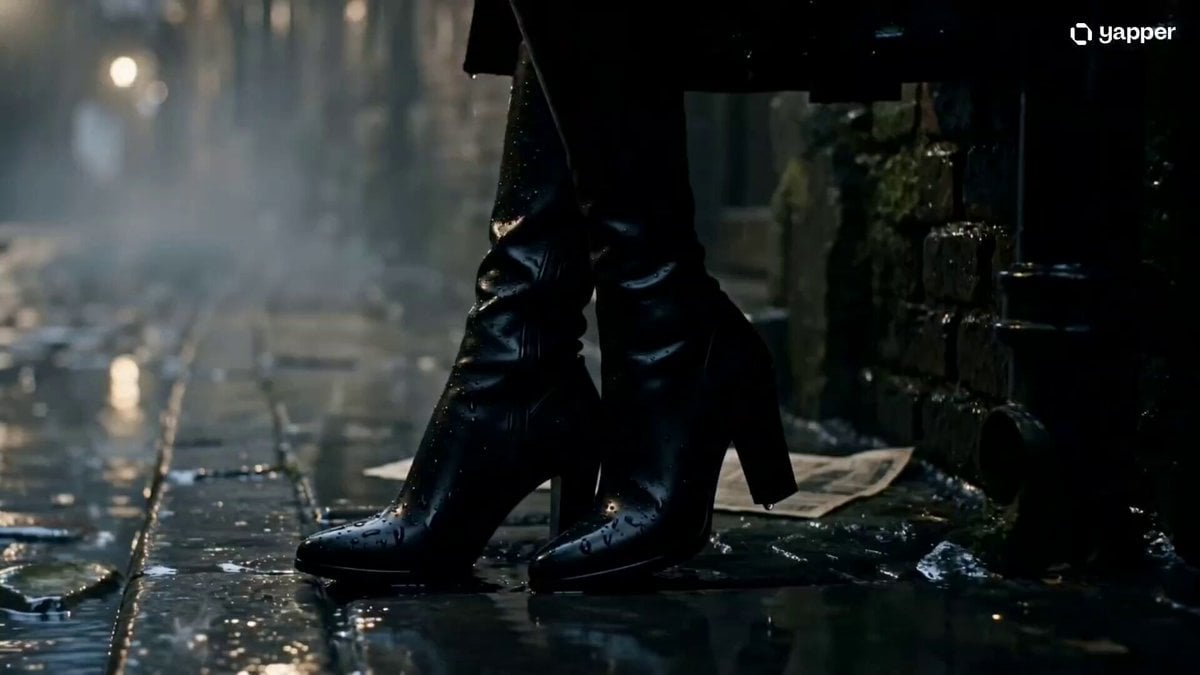
Cinematic Gothic Vampire Reveal
Browse template categories
Cyberpunk Bounty Hunter Chase questions
How do I use the Cyberpunk Bounty Hunter Chase template?
Add your photo if the template asks for one, edit the prompt if you like — the template's model and format are already selected — and press Generate. Your version opens in PicX Studio.
Can I customize the Cyberpunk Bounty Hunter Chase template?
Yes. You can change the subject, setting, lighting, mood, format, and available model controls before creating your video.
Is the Cyberpunk Bounty Hunter Chase template free?
Opening and editing this template is free. Generating uses credits, shown on the Generate button when you are signed in.
Which AI model should I use?
Start with Seedance 2.0, which is the model associated with this template. You can compare another compatible model for a different finish.
Looking for something else? Browse all templates.

Your photo, any look
Thousands of ready templates for every top image and video model, from one credit balance.