
Anime Character Dating FPV Scene
A multi-scene detailed prompt for creating a first-person perspective dating experience with an anime character in a park and at a sunset beach.
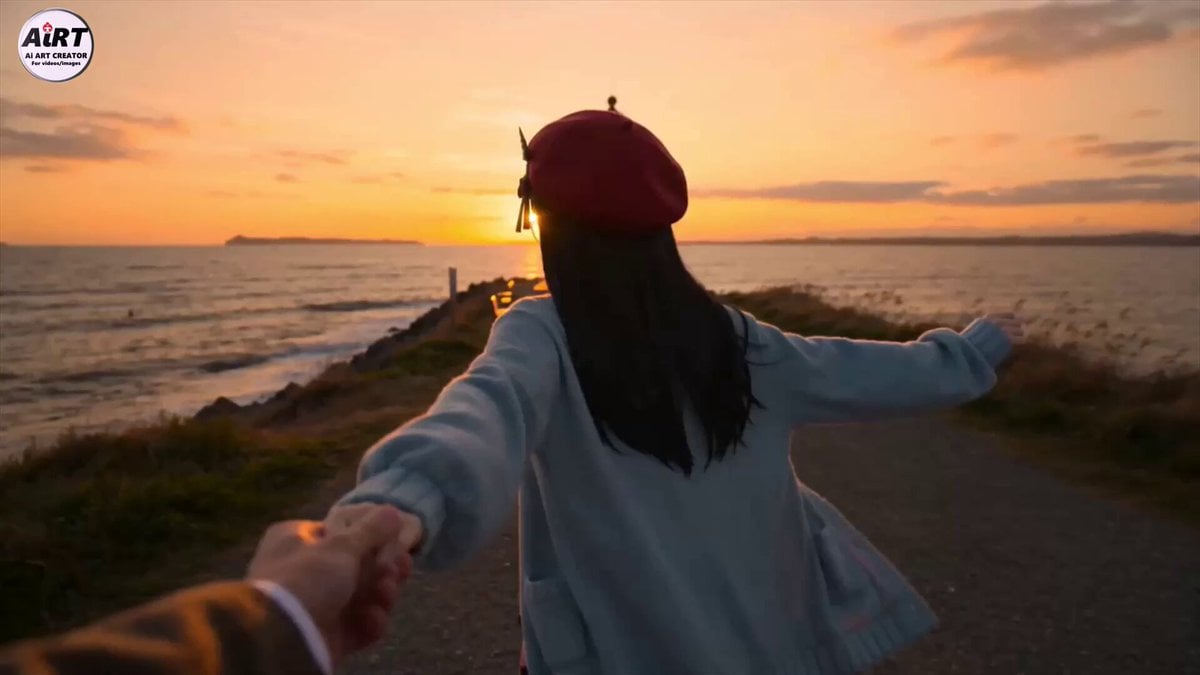
- Prompt included
- Model and format preset
- Free template
The prompt behind this video
Copy the exact prompt behind Anime Character Dating FPV Scene, or open it in the studio and make it yours.
撮影者の視点から見たFPVビデオ。 桜が舞い散る公園の散歩道を歩いている。 ■全体シーン説明 夕日の海辺の丘、奥の方に白い灯台が見える。潮騒の音が聞こえる。 ■シナリオ 1)<推しキャラ> が撮影者の片手をしっかりと握り、「早く、こっち!」と言いながら手を強く引っ張りつつ奥の方に走っていく。 2)<推しキャラ> は楽しそうに振り返り、「ほおら、早く!」と言いながら両手で撮影者の手を握ったまま引っ張り、急かすように走る。手は離さない。 3)手をつないでるシーンのアップ。その向こう側に夕日が見える。 4)<推しキャラ> は再び撮影者の片手をしっかりと握り、手を強く引っ張りつつ奥の方に見える灯台に向かって走っていく。楽しそうに笑っている。
How to use Anime Character Dating FPV Scene in 3 steps
- 1
Open
The prompt is already in the box next to the preview, with the template's model and format selected.
- 2…a portrait of your subject in softgolden-hour light, 85mm…
Personalize
Edit the subject and creative details for your destination.
- 3Generate
Generate
Press Generate — your video is created in PicX Studio, so you can compare it with the original and refine one variable at a time.
More like this
Templates with the same subject, style or setup. Open one to see its prompt.
FPV Drone Skier Tracking — Kling 3.0 O3 Pro

MiniMax H3 Character Introduction
FPV Multilingual Landscape Flight

Japanese Pure Love Short Film

Studio Ghibli Dumpling Kitchen Cooking Scene
Pearl Harbor Attack — Seedance 2.0 FPV
Amazon FPV Drone Chase — Seedance 2.0
FPV Ancient Kuru Kingdom — Hastinapura Golden Hour (Seedance)
Mecha Transformation vs Kaiju — 4-Scene Epic
Cinematic Anime Cyborg Running Scene
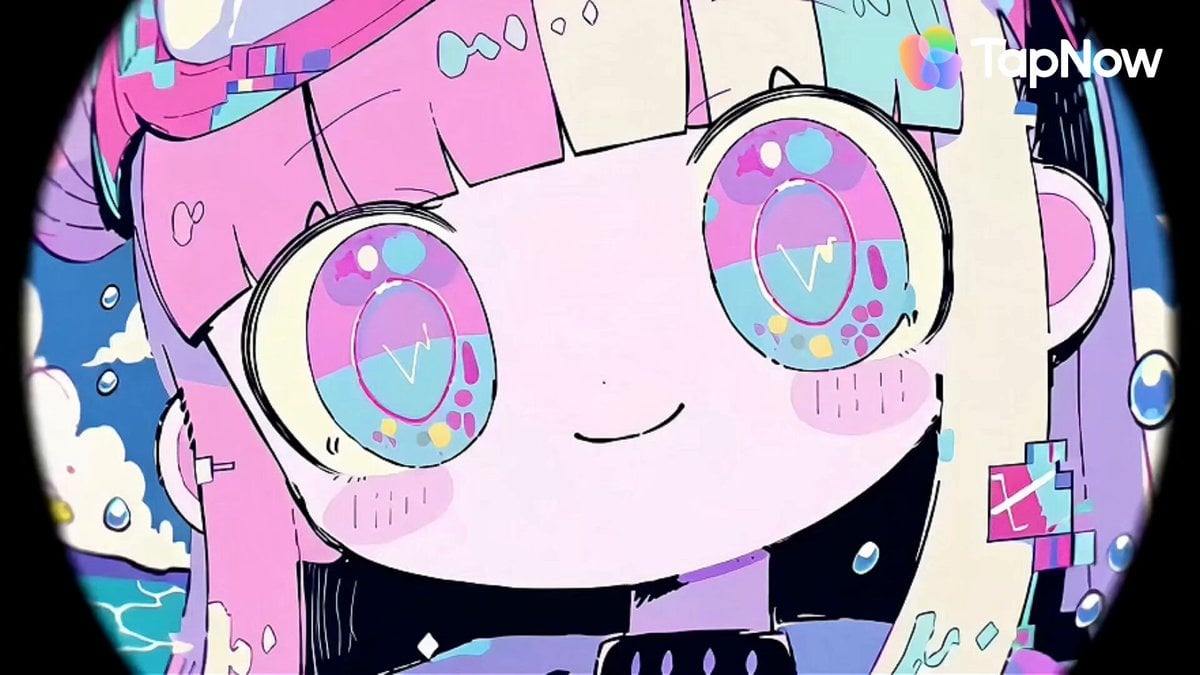
Pastel Beach Anime MV
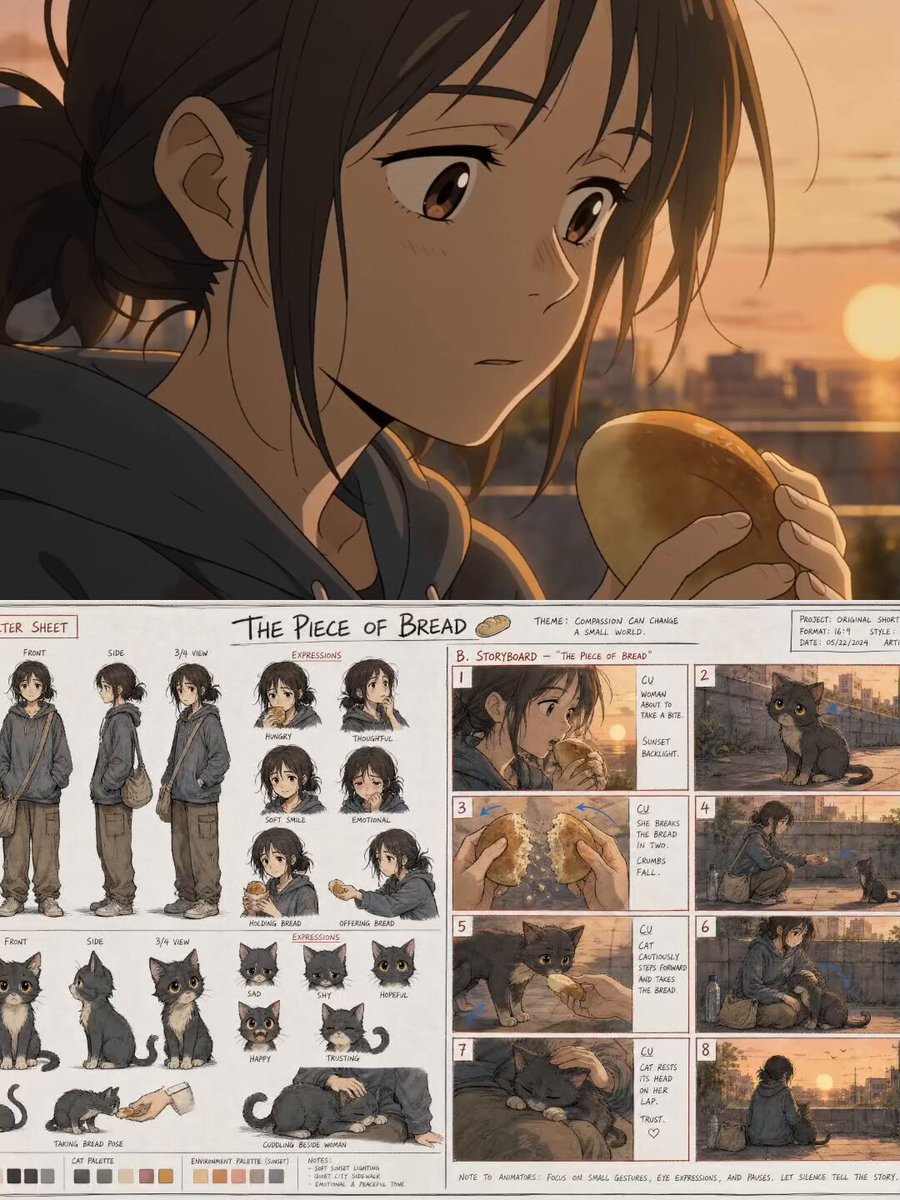
The Piece of Bread: Anime Short Film
Make it yours
Anime Character Dating FPV Scene works as-is. These are the safest ways to change it without losing the look.
Change one field
Copy a single group, rewrite it, and generate again so you can see what that field is doing.
Keep the frame, change the subject
Hold the composition and light of Anime Character Dating FPV Scene, then swap wardrobe, props or the person for a new take.
| If the result… | Why | Fix |
|---|---|---|
| The result drifts from the preview | Too many fields changed at once. | Reuse Anime Character Dating FPV Scene as-is first, then change one group — subject, light, or setting. |
| The model over-stylizes the scene | The prose prompt leaves finish and camera underspecified. | Add one camera or lighting sentence and stay on Seedance 2.0. |
More Seedance 2.0 templates
Other prompts made for Seedance 2.0.

Comical Martial Arts Punch Scene

Maglev Train Action Sequence

Martial Arts Fight Sequence

Wuxia Protection and Trust Script

Vintage Korean Arcade MiniDV Vlog

Mercedes 190 SL Luxury Ad

Rainy Night Supernatural Reverse Comedy Video Script

Amazon Civilization Discovery

Futuristic South Asian City Transformation

Cozy Luxury Cafe Commercial
More video prompts
Fresh picks from across the catalog.
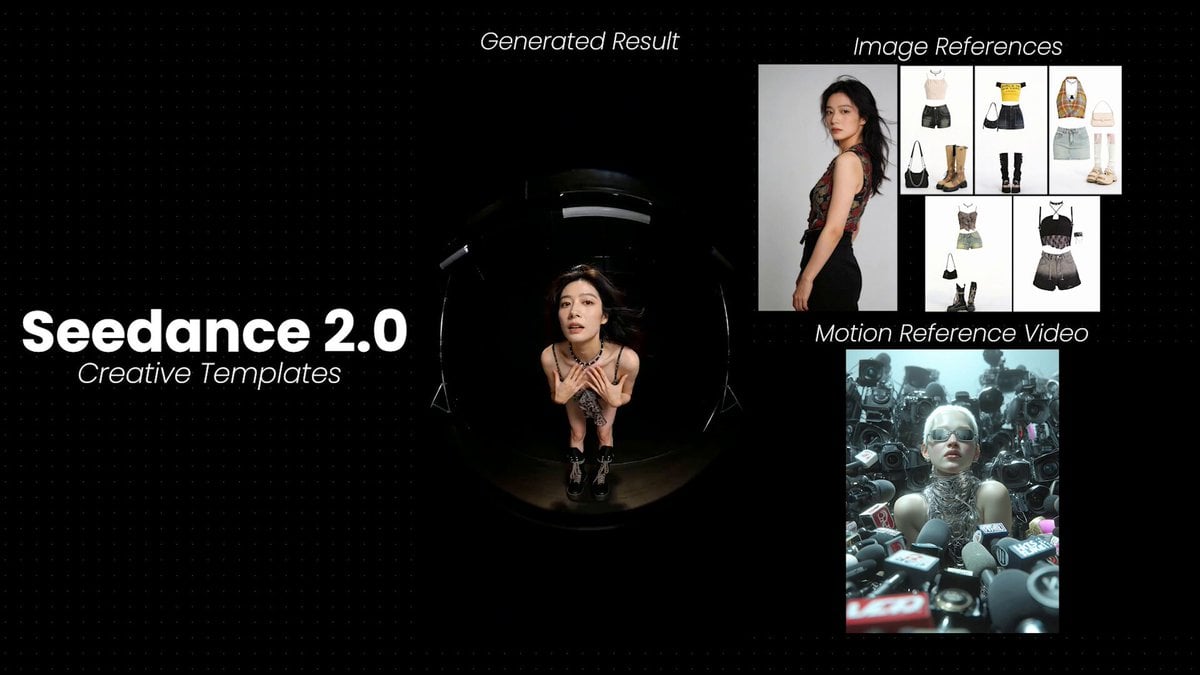
Model Posing with Multiple Outfits

Greenhouse Door Wind Chimes
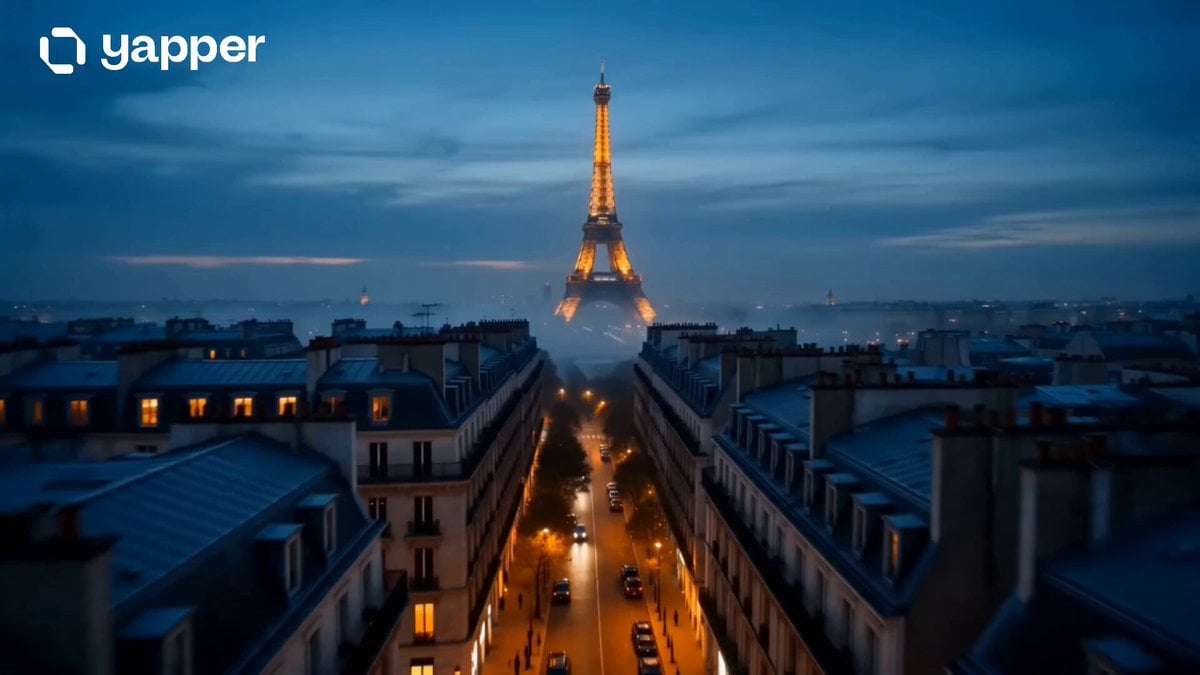
Cinematic Paris Travel Sequence
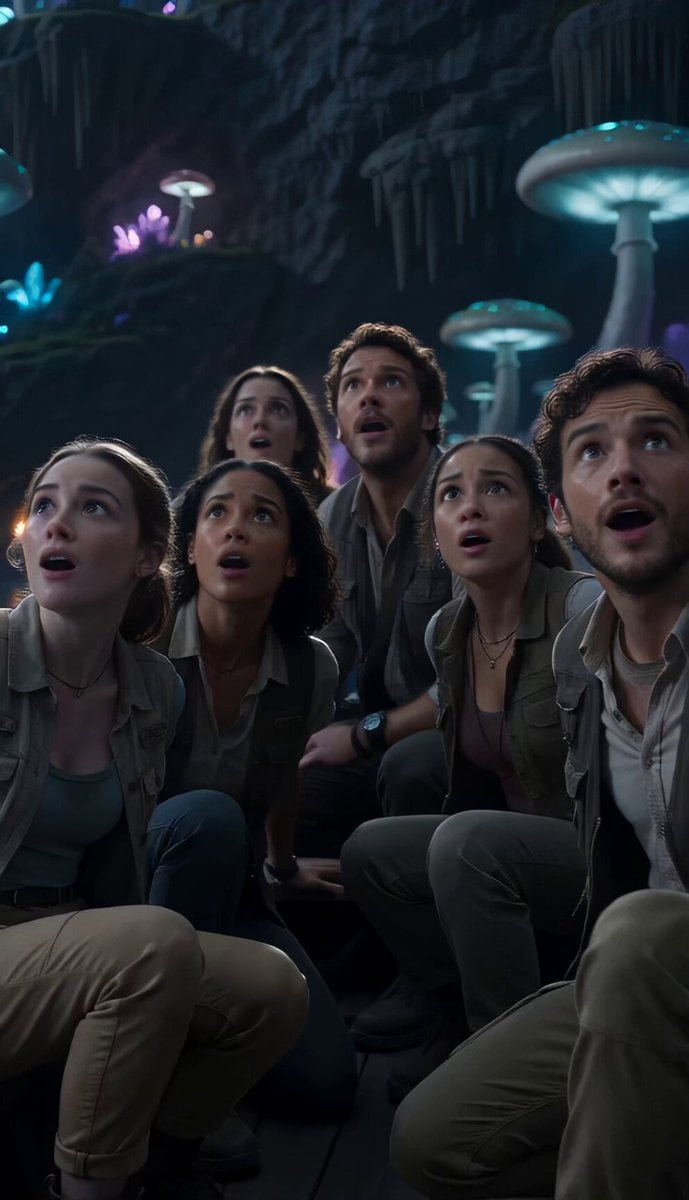
Underground Ocean Fantasy Journey
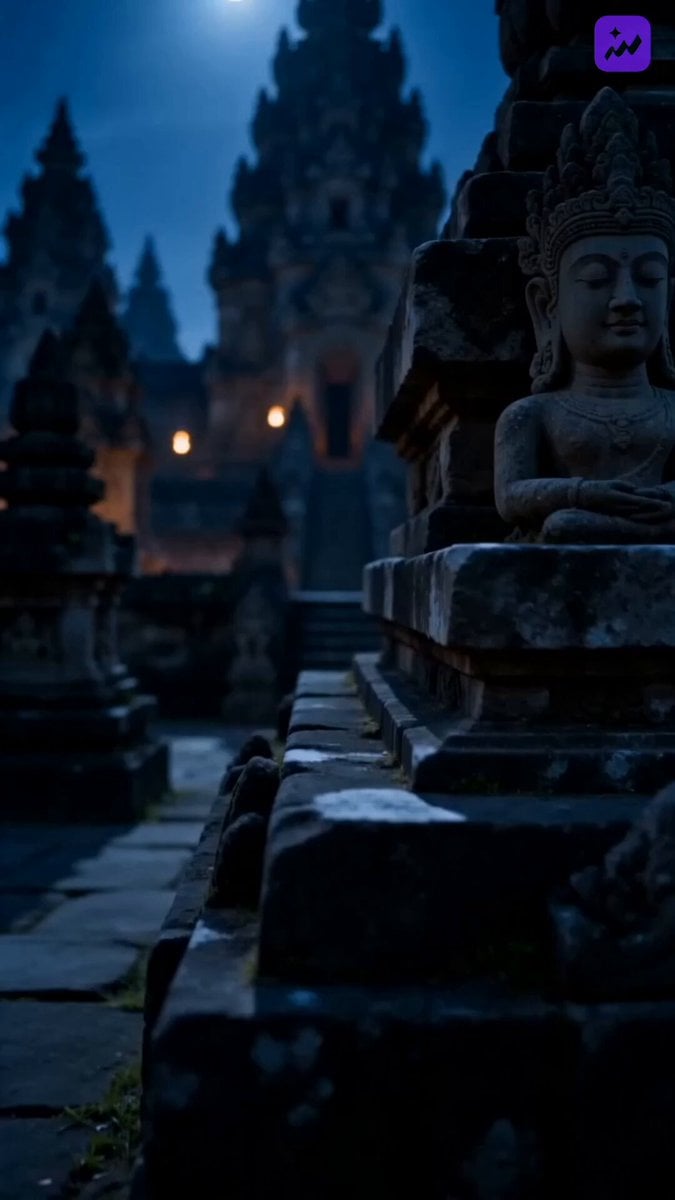
Indonesian Folklore Cinematic Short Drama
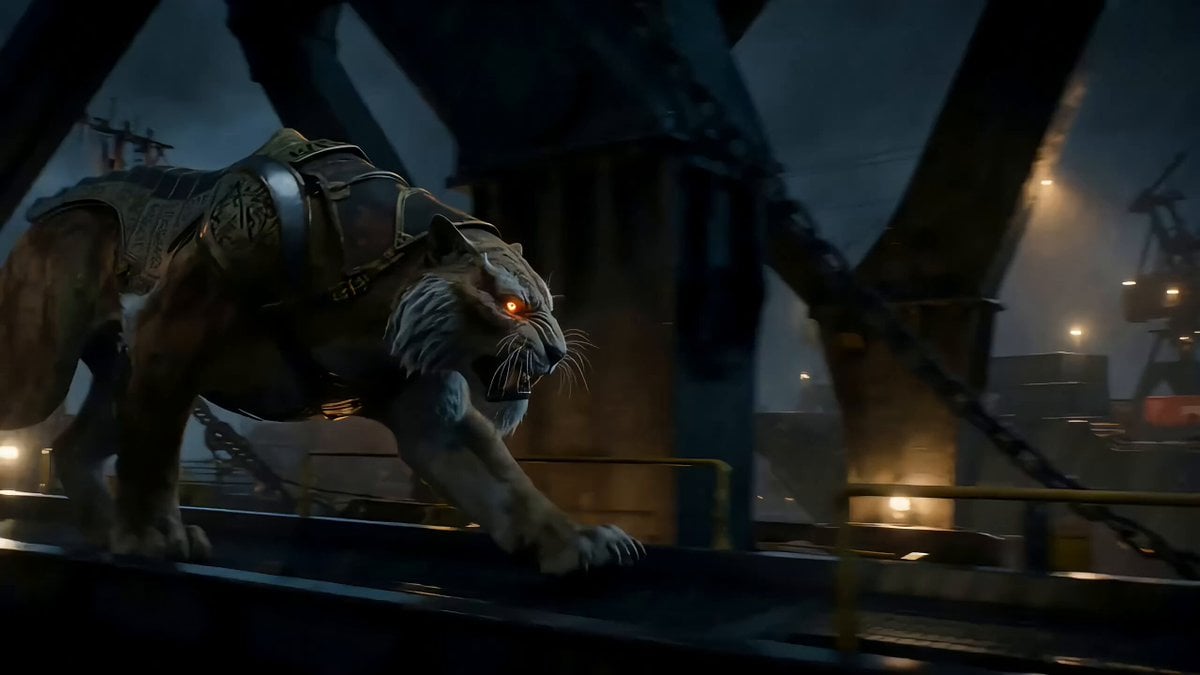
Armored Sabertooth Cat in Shipyard
Cinematic Beast Transformation Sequence
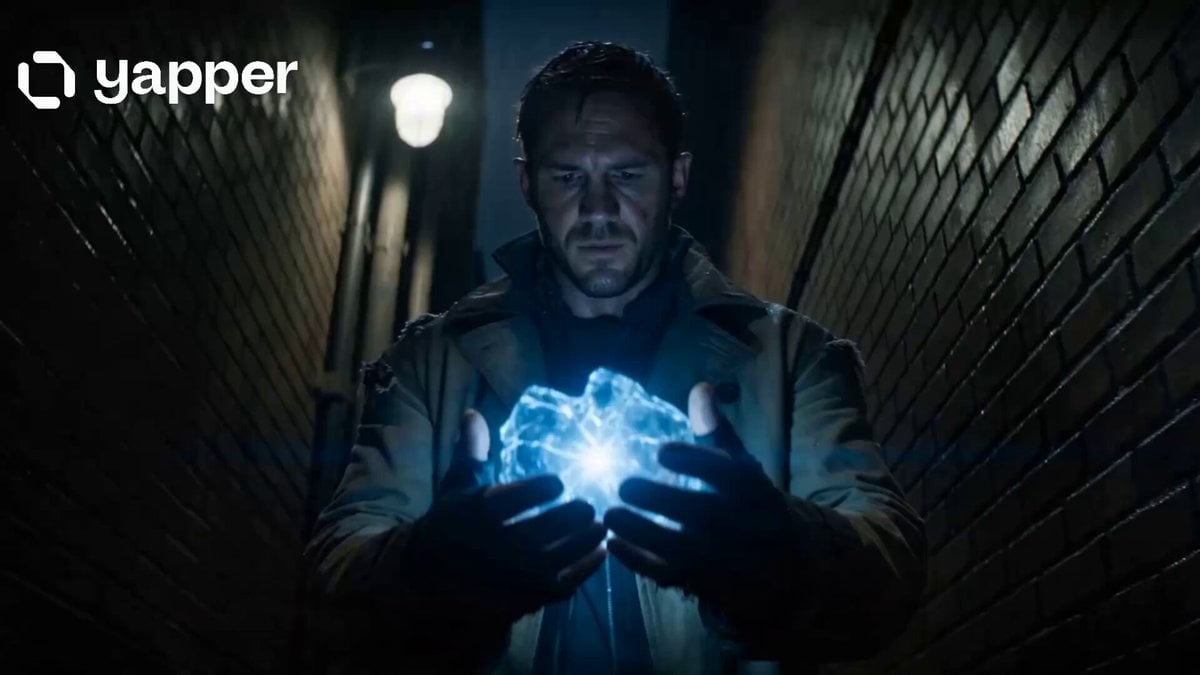
Time Traveler 2050 Reveal
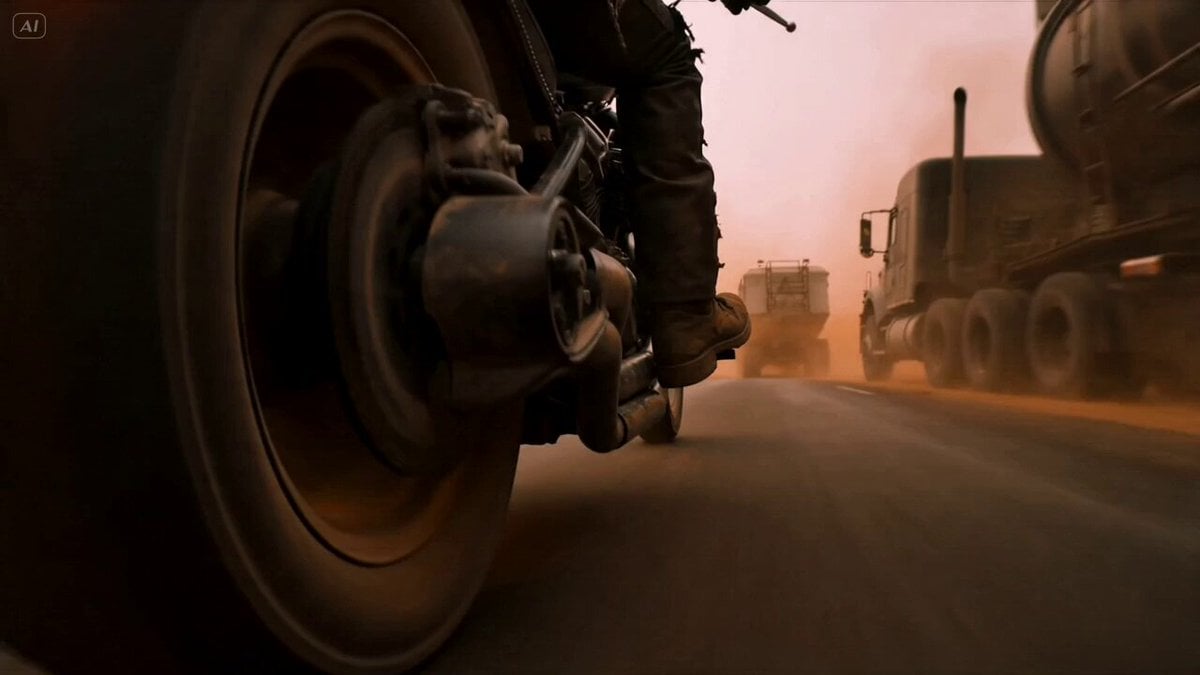
Mad Max Cybernetic Biker Action Sequence
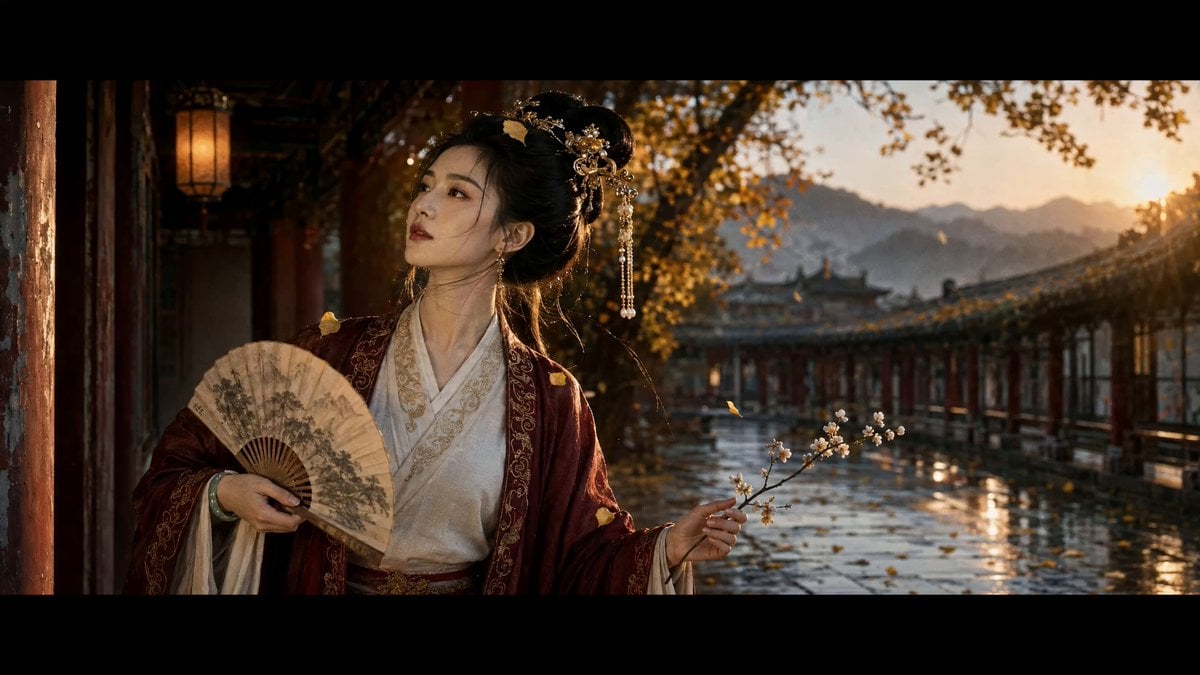
Ancient Chinese Beauty Ginkgo Corridor Scene
Browse template categories
Anime Character Dating FPV Scene questions
How do I use the Anime Character Dating FPV Scene template?
Add your photo if the template asks for one, edit the prompt if you like — the template's model and format are already selected — and press Generate. Your version opens in PicX Studio.
Can I customize the Anime Character Dating FPV Scene template?
Yes. You can change the subject, setting, lighting, mood, format, and available model controls before creating your video.
Is the Anime Character Dating FPV Scene template free?
Opening and editing this template is free. Generating uses credits, shown on the Generate button when you are signed in.
Which AI model should I use?
Start with Seedance 2.0, which is the model associated with this template. You can compare another compatible model for a different finish.
Looking for something else? Browse all templates.

Your photo, any look
Thousands of ready templates for every top image and video model, from one credit balance.