
Time Traveler 2050 Reveal
A cinematic sci-fi video prompt depicting a transition from a dark alley in 2025 to a massive futuristic megacity in 2050.
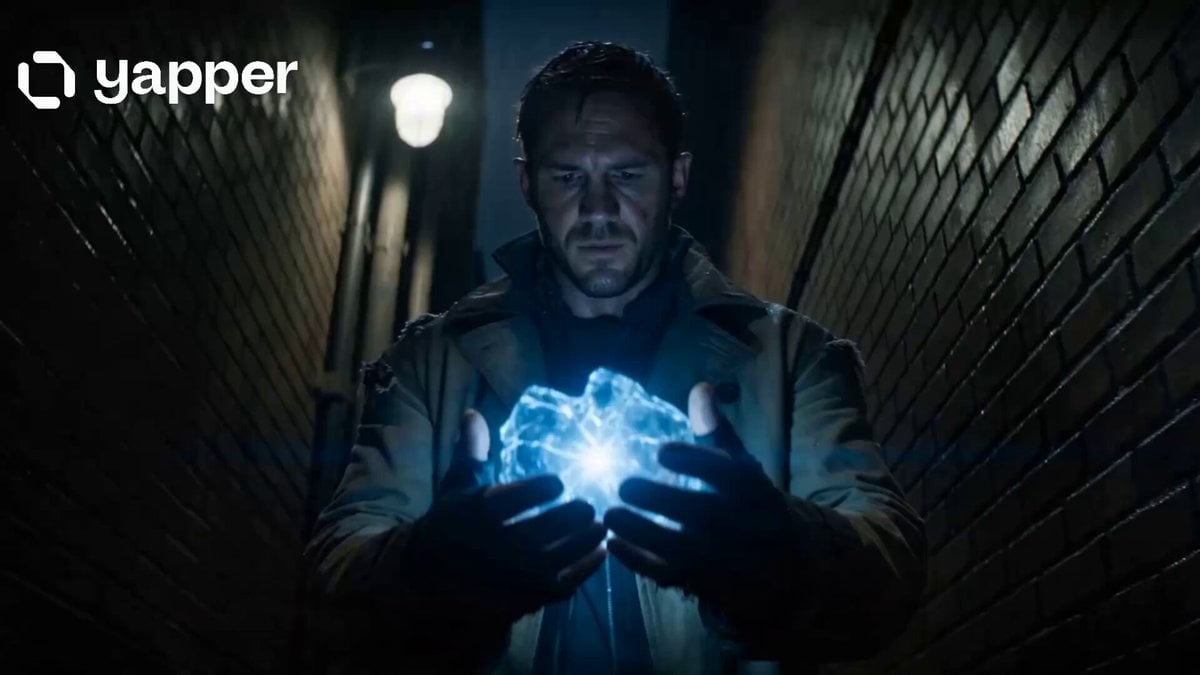
- Prompt included
- Model and format preset
- Premium template
The prompt behind this video
Copy the exact prompt behind Time Traveler 2050 Reveal, or open it in the studio and make it yours.
A cinematic 15-second ultra-realistic sci-fi sequence. The video opens in 2025 with a close-up of a confused time traveler standing in a dark alley wearing a worn coat, holding a glowing broken time device in his hand. The device suddenly activates, emitting a bright blue-white energy pulse. The environment distorts as reality bends and collapses into light. A dramatic transition occurs as he is violently pulled through a wormhole of swirling neon particles, floating debris, and fragmented timelines. Cut to silence and then a breathtaking reveal: the traveler lands in 2050. A massive futuristic megacity stretches infinitely into the sky with glowing vertical skyscrapers, flying vehicles, holographic advertisements, and floating transit bridges between towers. The atmosphere is clean, slightly foggy with glowing neon reflections everywhere. Camera slowly tilts upward from street level as the traveler looks around in shock. People with advanced cybernetic enhancements walk past him, drones scan the air, and holographic signs flicker in unknown languages. Final shot: wide cinematic skyline of the futuristic city with sunset blending into neon night, massive holographic moon in the sky, and the time traveler standing alone in awe. Style: ultra-realistic, cinematic lighting, high detail, 4K, dramatic atmosphere, shallow depth of field, handheld cinematic motion, emotional sci-fi tone.
How to use Time Traveler 2050 Reveal in 3 steps
- 1
Open
The prompt is already in the box next to the preview, with the template's model and format selected.
- 2…a portrait of your subject in softgolden-hour light, 85mm…
Personalize
Edit the subject and creative details for your destination.
- 3Generate
Generate
Press Generate — your video is created in PicX Studio, so you can compare it with the original and refine one variable at a time.
More like this
Templates with the same subject, style or setup. Open one to see its prompt.
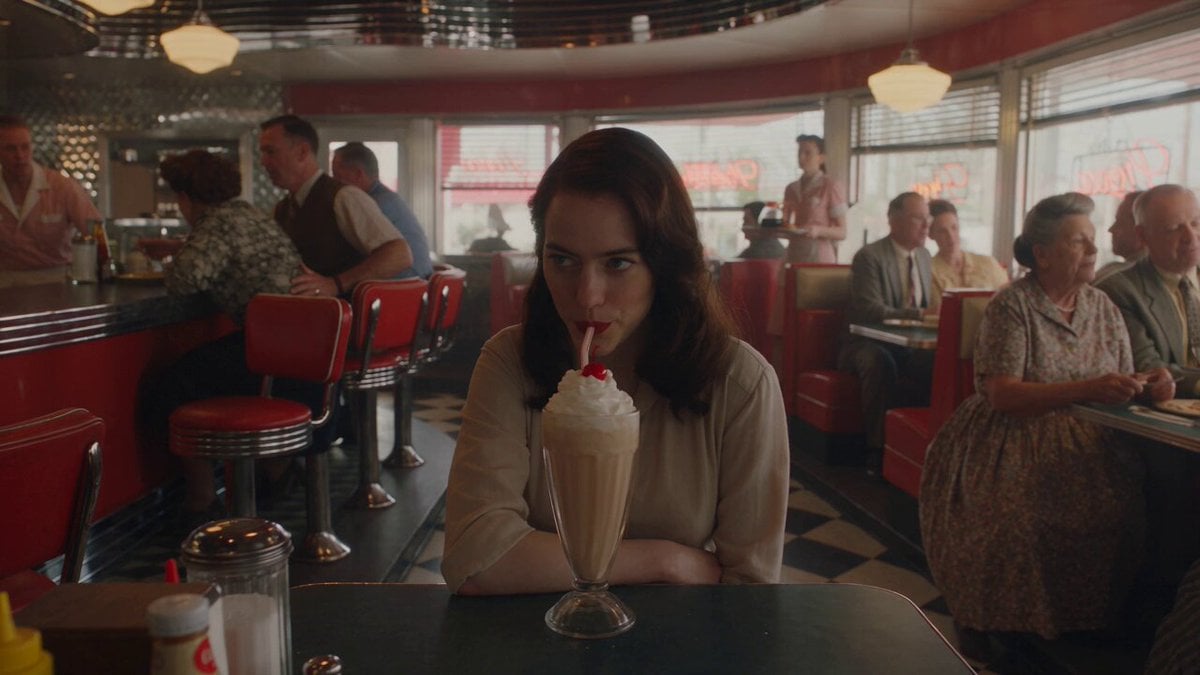
1950s Diner Time Freeze Rewind - Seedance 2.5

Korean Night Market Bullet-Time Scene - Seedance 2.5

Neon Night Market Time Travelers
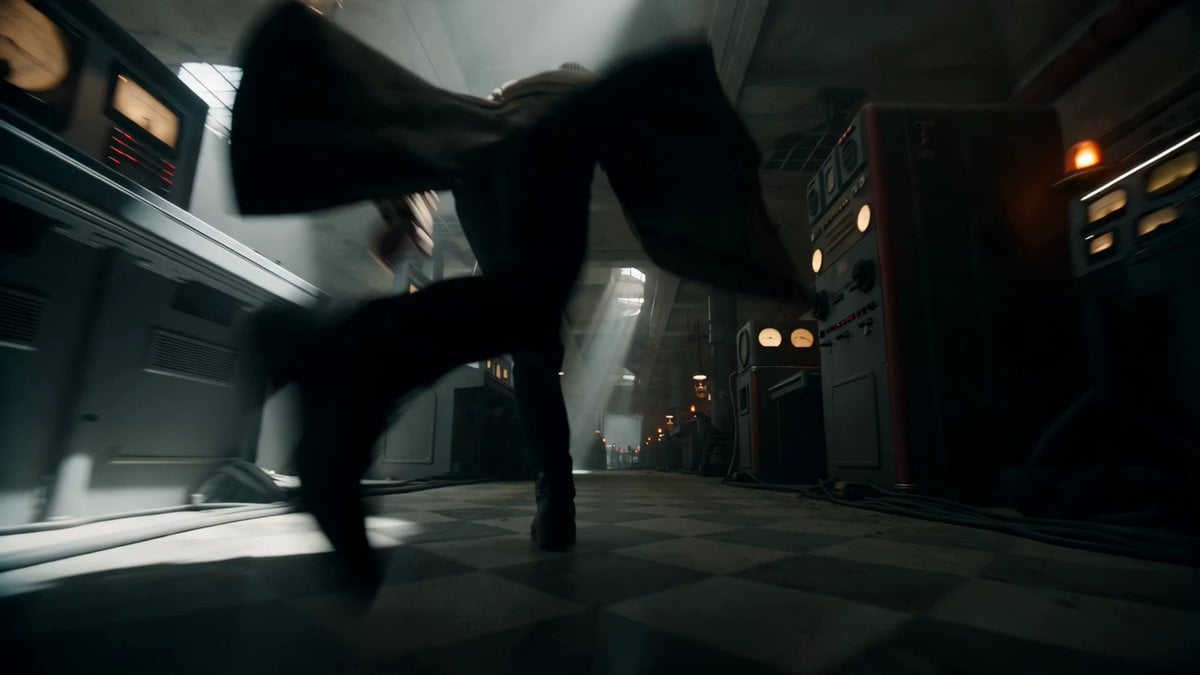
Sci-Fi Time Traveler Cinematic Video Sequence
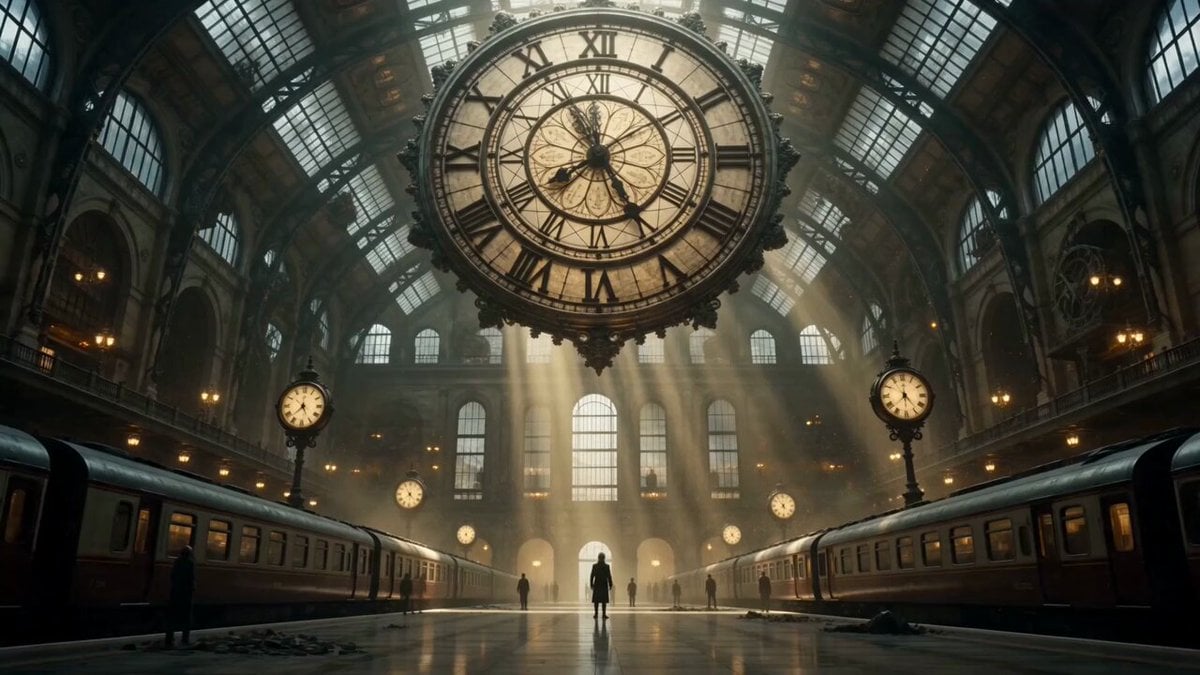
Cinematic Time Traveler Transformation Sequence

Time Traveler's Warning
Time Stealer — Seedance 2.0
Rainforest Thriller — Searching the Unseen
Stone Colossus Desert Riders — Golden Fire Reveal
Civilization Timelapse — Centuries in One Shot

Jack-in-the-Box Horror Reveal
Fantasy Dragon River Reveal
Make it yours
Time Traveler 2050 Reveal works as-is. These are the safest ways to change it without losing the look.
Change one field
Copy a single group, rewrite it, and generate again so you can see what that field is doing.
Keep the frame, change the subject
Hold the composition and light of Time Traveler 2050 Reveal, then swap wardrobe, props or the person for a new take.
| If the result… | Why | Fix |
|---|---|---|
| The result drifts from the preview | Too many fields changed at once. | Reuse Time Traveler 2050 Reveal as-is first, then change one group — subject, light, or setting. |
| The model over-stylizes the scene | The prose prompt leaves finish and camera underspecified. | Add one camera or lighting sentence and stay on Seedance 2.0. |
More Seedance 2.0 templates
Other prompts made for Seedance 2.0.

Comical Martial Arts Punch Scene

Maglev Train Action Sequence

Martial Arts Fight Sequence

Wuxia Protection and Trust Script

Vintage Korean Arcade MiniDV Vlog

Mercedes 190 SL Luxury Ad

Rainy Night Supernatural Reverse Comedy Video Script

Amazon Civilization Discovery

Futuristic South Asian City Transformation

Cozy Luxury Cafe Commercial
More video prompts
Fresh picks from across the catalog.

Seedance 2.0 Storyboard Prompt Structure
Robin Williams Popeye Metamorphosis
Nostalgic 2000s Japanese Boyhood
Seaside Boardwalk Nostalgic Solo Adventure

Realistic Male Influencer Storyboard
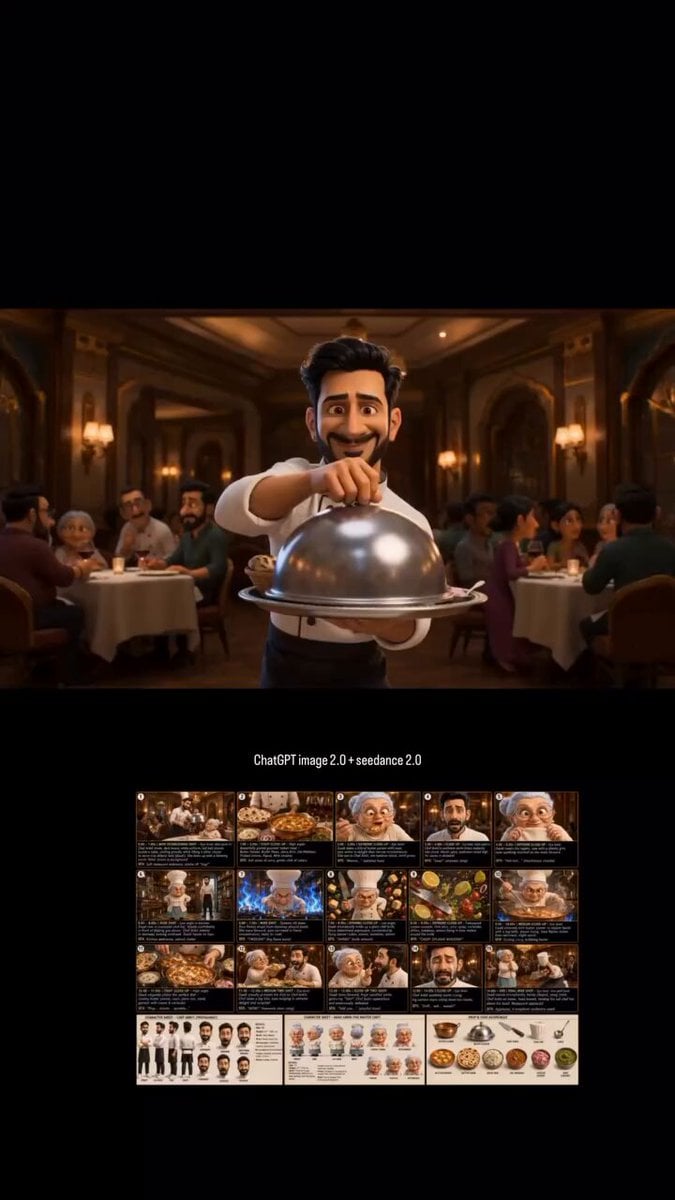
📖HOW TO TURN ONE CHATGPT IMAGE 2 CHARACTER INTO A

GTA 6 never came out in 1 million years
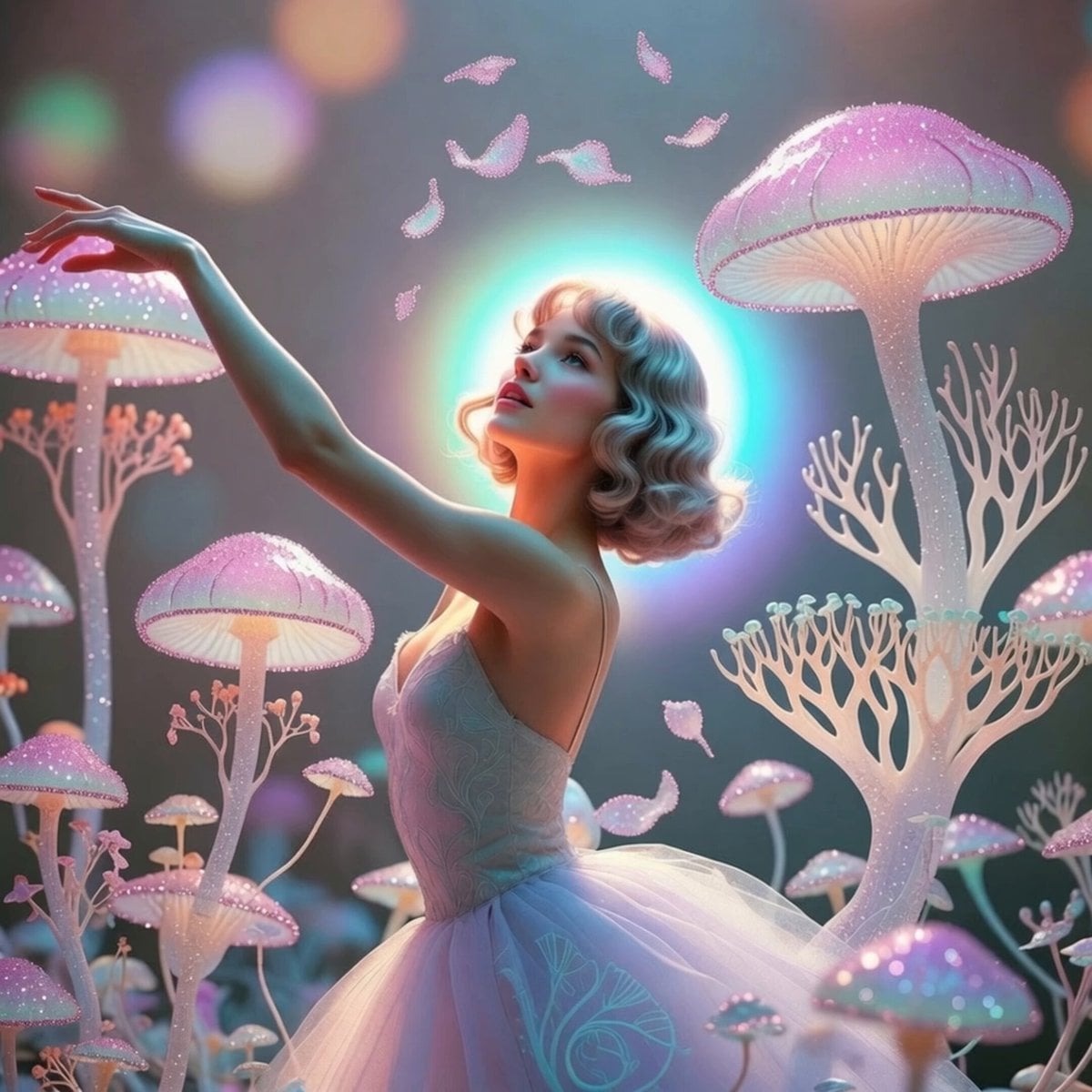
Magical Mushroom Dream
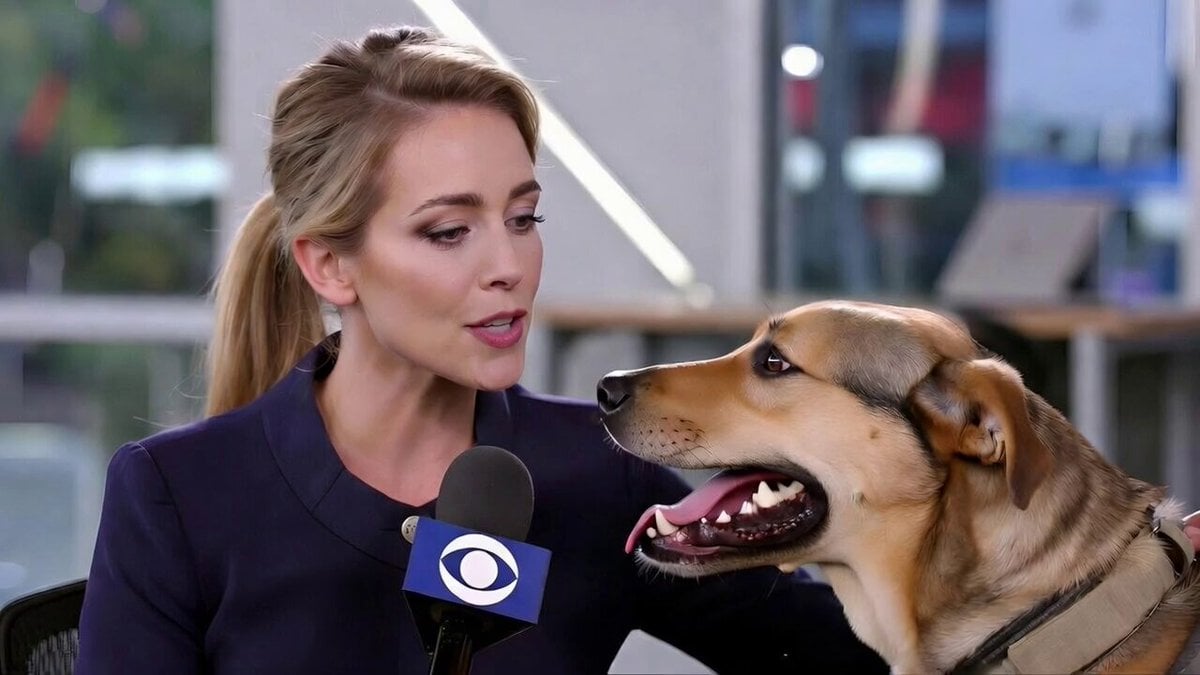
Realistic Dog News Interview
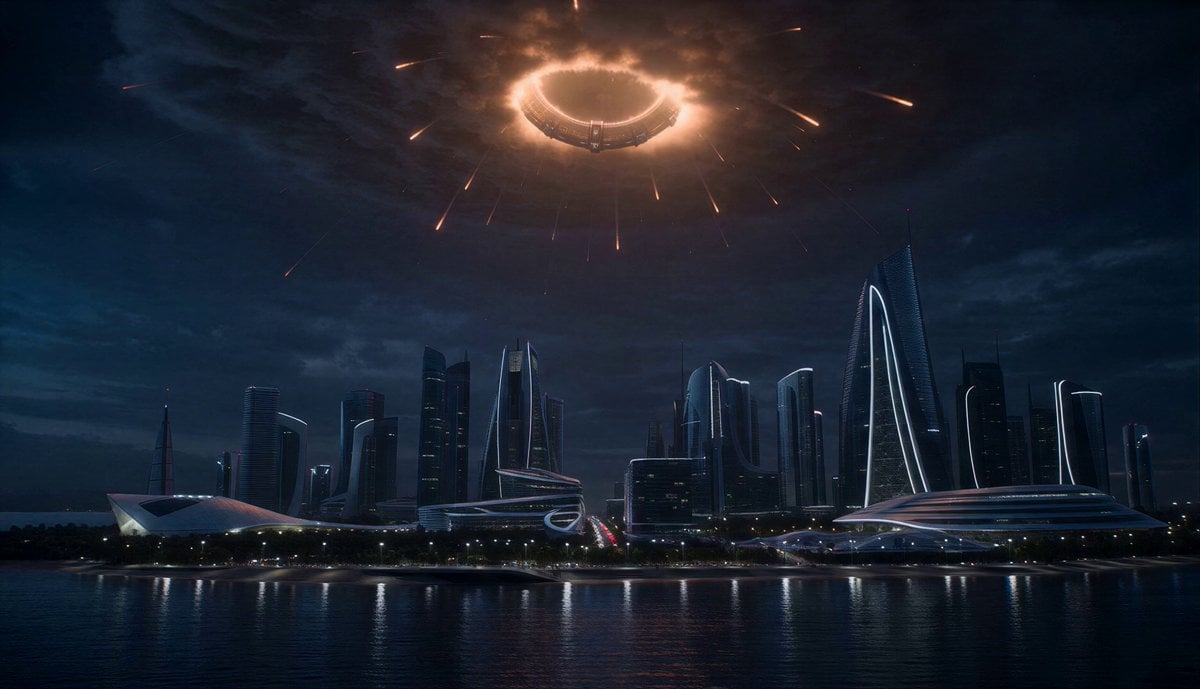
Orbital Ring Disaster Sequence
Browse template categories
Time Traveler 2050 Reveal questions
How do I use the Time Traveler 2050 Reveal template?
Add your photo if the template asks for one, edit the prompt if you like — the template's model and format are already selected — and press Generate. Your version opens in PicX Studio.
Can I customize the Time Traveler 2050 Reveal template?
Yes. You can change the subject, setting, lighting, mood, format, and available model controls before creating your video.
Is the Time Traveler 2050 Reveal template free?
Opening and editing this template is free. Generating uses credits, shown on the Generate button when you are signed in.
Which AI model should I use?
Start with Seedance 2.0, which is the model associated with this template. You can compare another compatible model for a different finish.
Looking for something else? Browse all templates.

Your photo, any look
Thousands of ready templates for every top image and video model, from one credit balance.