
Sci-Fi Time Traveler Cinematic Video Sequence
A comprehensive multi-shot prompt for a sci-fi narrative featuring a time traveler in a collapsing laboratory, including specific camera directions like zooms and macro shots for a cinematic feel.
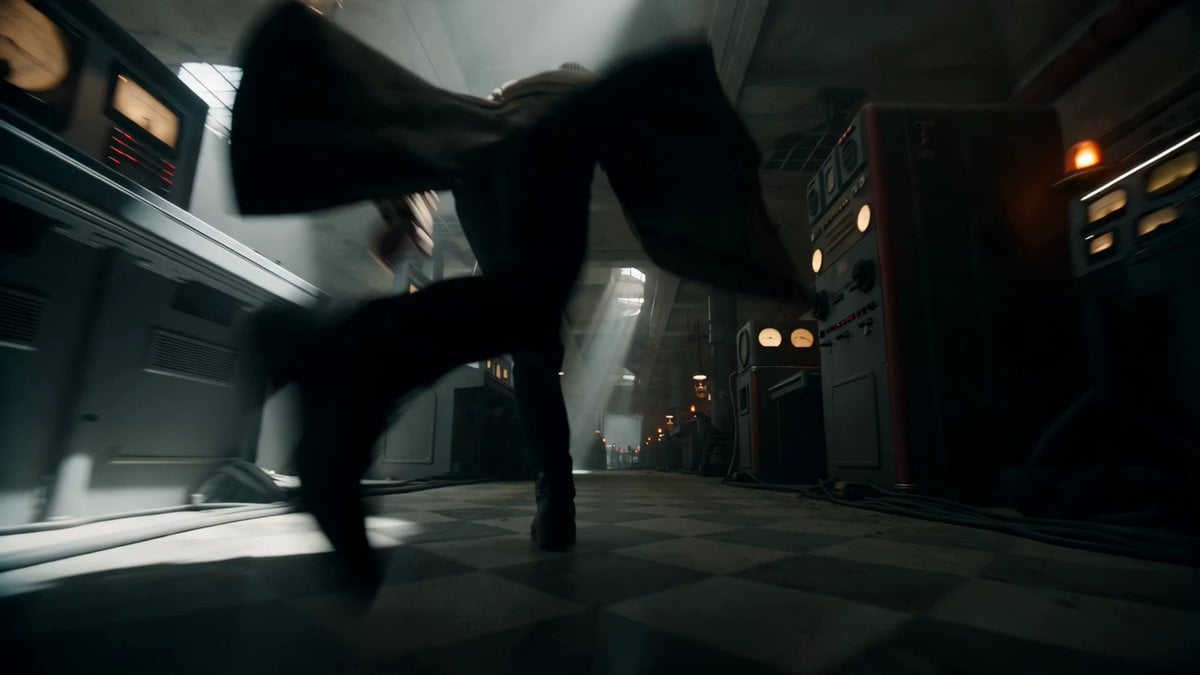
- Prompt included
- Model and format preset
- Free template
The prompt behind this video
Copy the exact prompt behind Sci-Fi Time Traveler Cinematic Video Sequence, or open it in the studio and make it yours.
Traveler running slowly into a crumbling lab as machinery sparks and ceiling beams fall, dust in shafts of light, camera zooming out, cinematic entrance, shallow depth of field. Traveler cranking a brass dial as gauges spike into the red, hands burning on hot metal, amber alarms flashing, cinematic close-up. Extreme close-up of a chronometer spinning out of control, gears glowing and grinding, energy overloading, macro lens. A ring of light tearing open violently, lightning arcing across the room, debris sucked toward it, dramatic backlight, extreme slow motion. The portal destabilizing slowly, swirling energy spitting bolts that scorch the walls, room shaking apart, cinematic slow motion. Traveler bracing against the pull, jaw clenched, hair and coat whipping in the storm, cinematic portrait. Traveler lunging a hand toward the portal as a falling beam crashes behind them, ripples bursting from fingertips, dramatic spotlight, cinematic close-up. Traveler diving slowly through the threshold as the lab collapses, swallowed by blinding light, cinematic reveal, volumetric light. Traveler standing tall on the far side as the portal violently seals behind them, slow cinematic zoom out, hero moment, anamorphic look. Extreme close-up of the portal imploding into a single point, sparks dying, slow cinematic push forward, glittering detail, dramatic light.
How to use Sci-Fi Time Traveler Cinematic Video Sequence in 3 steps
- 1
Open
The prompt is already in the box next to the preview, with the template's model and format selected.
- 2…a portrait of your subject in softgolden-hour light, 85mm…
Personalize
Edit the subject and creative details for your destination.
- 3Generate
Generate
Press Generate — your video is created in PicX Studio, so you can compare it with the original and refine one variable at a time.
More like this
Templates with the same subject, style or setup. Open one to see its prompt.
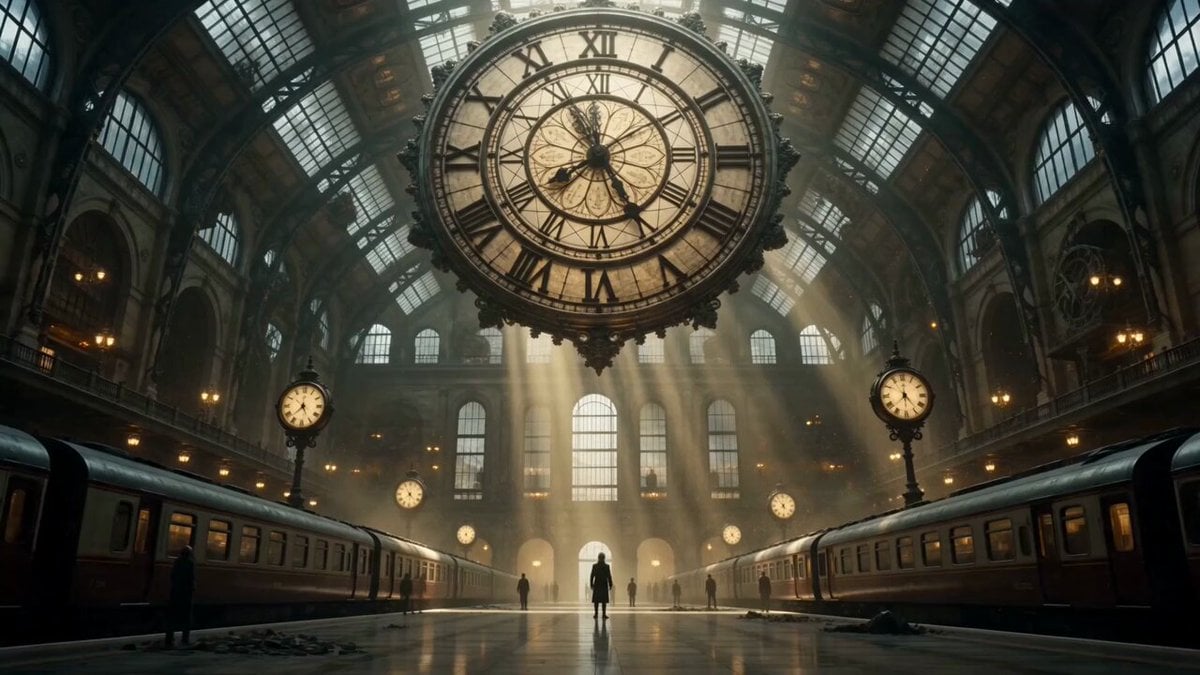
Cinematic Time Traveler Transformation Sequence

Sci-Fi Disaster Movie Scene - Seedance 2.5
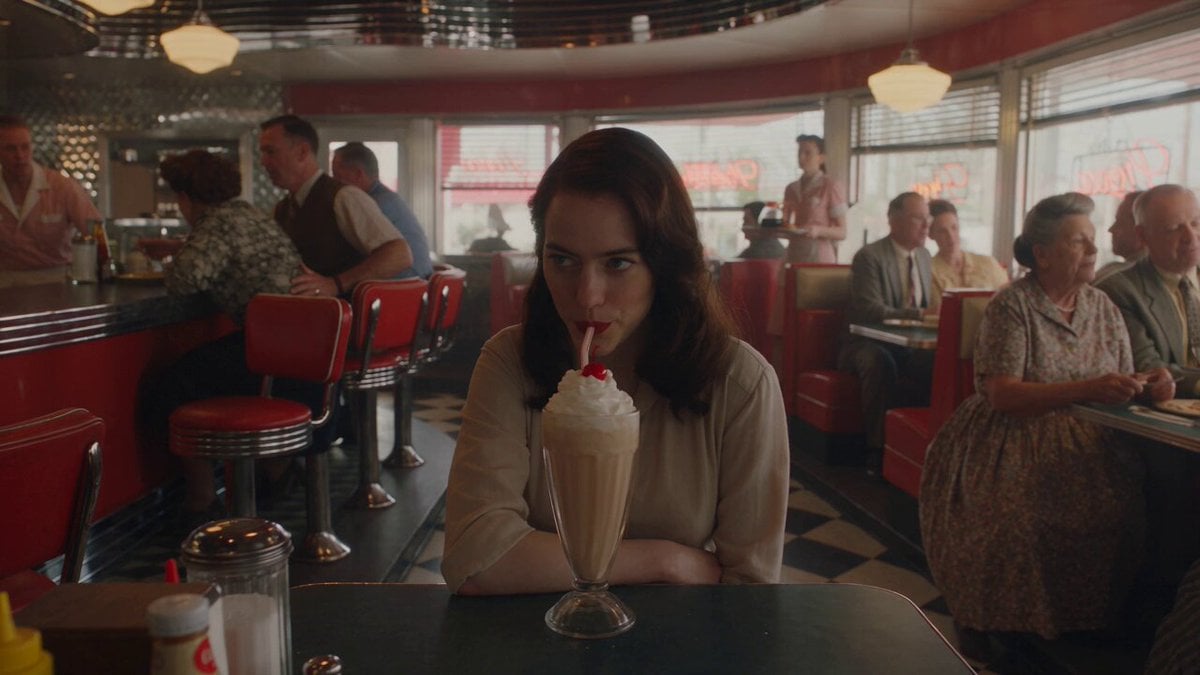
1950s Diner Time Freeze Rewind - Seedance 2.5

Korean Night Market Bullet-Time Scene - Seedance 2.5
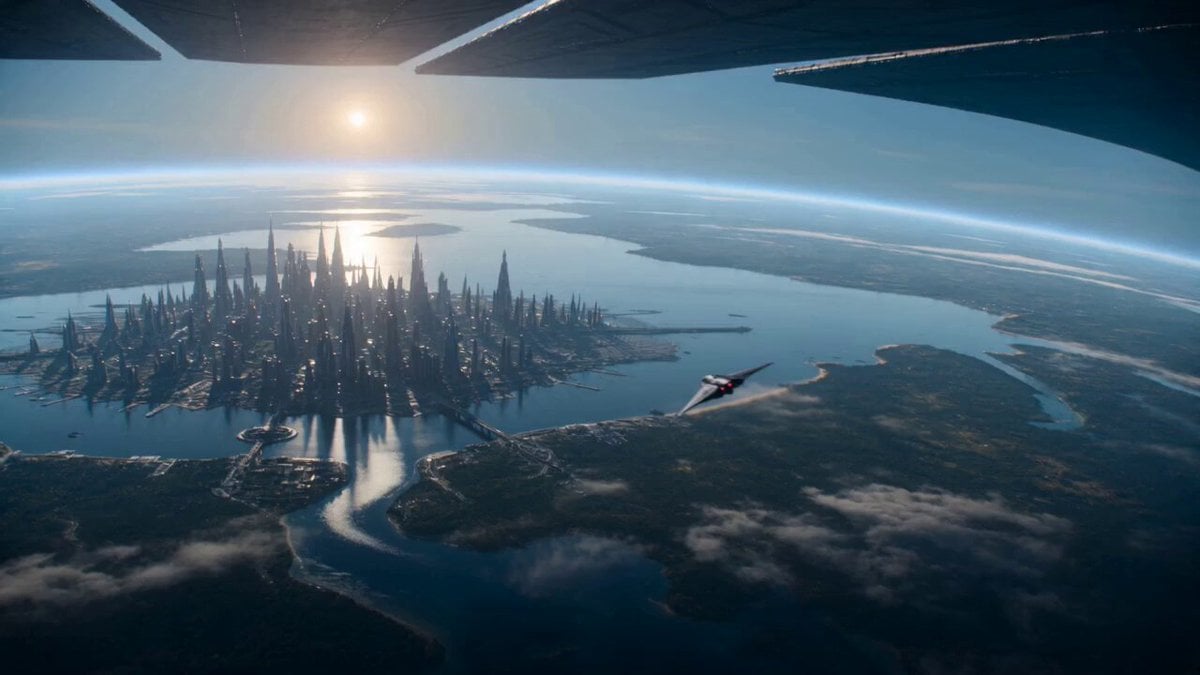
Sci-Fi Planetary Defense Sequence
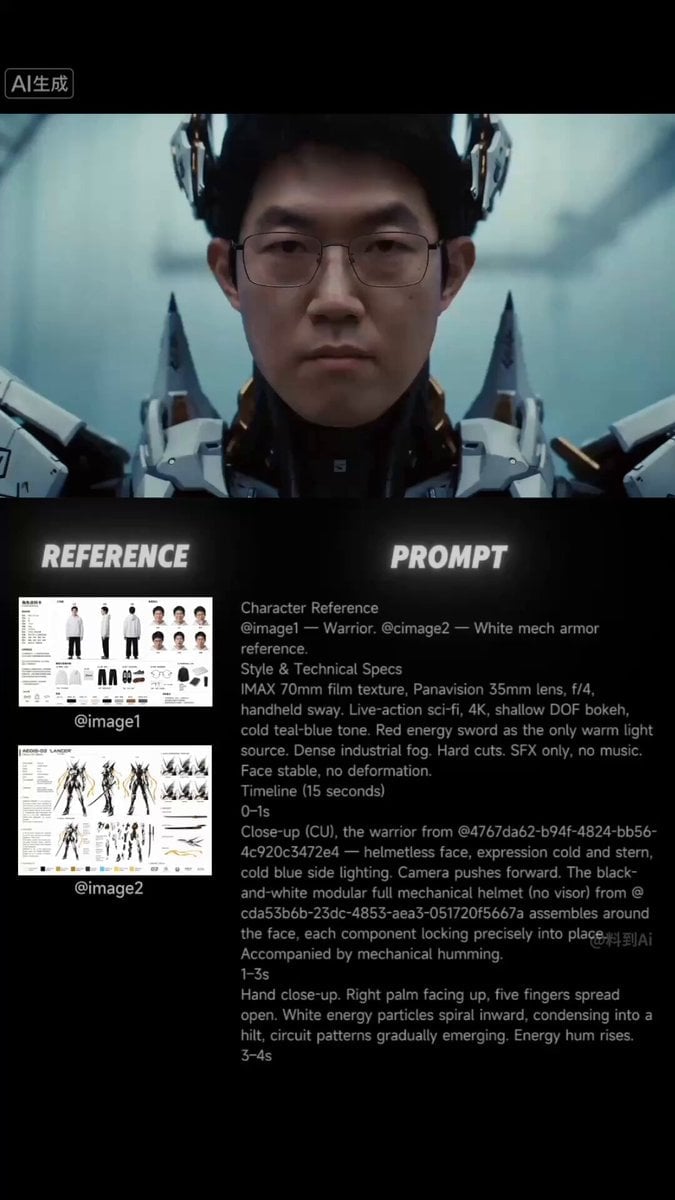
Sci-Fi Samurai Combat Sequence

Neon Night Market Time Travelers
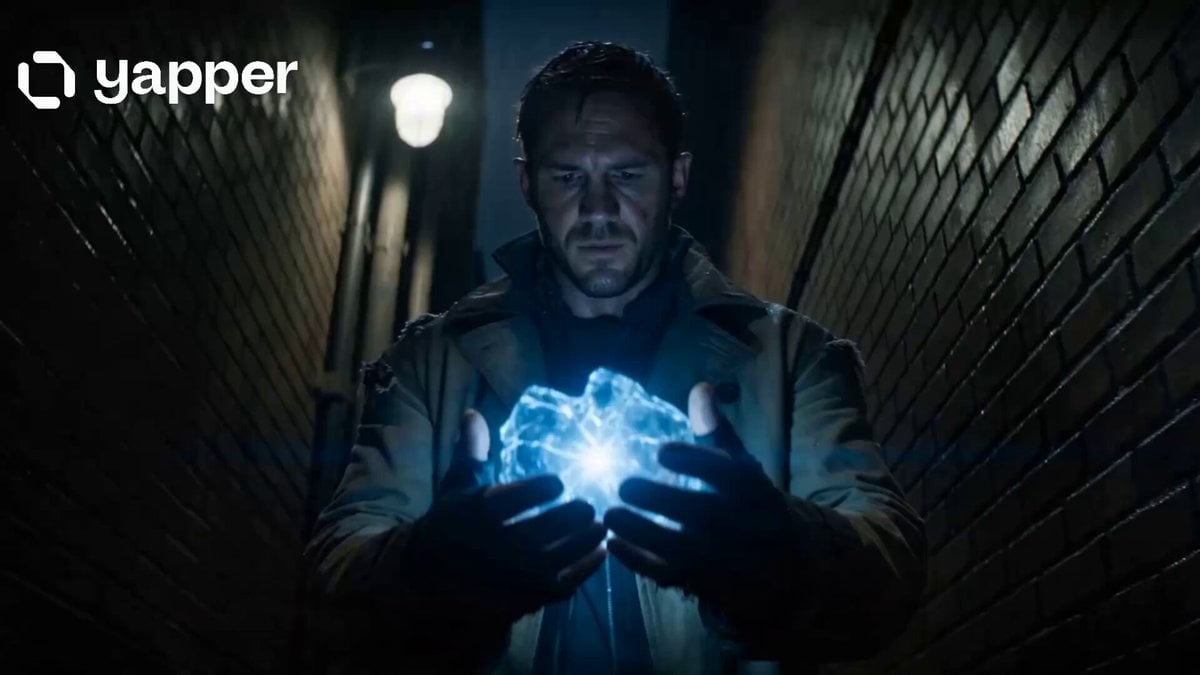
Time Traveler 2050 Reveal

Time Traveler's Warning
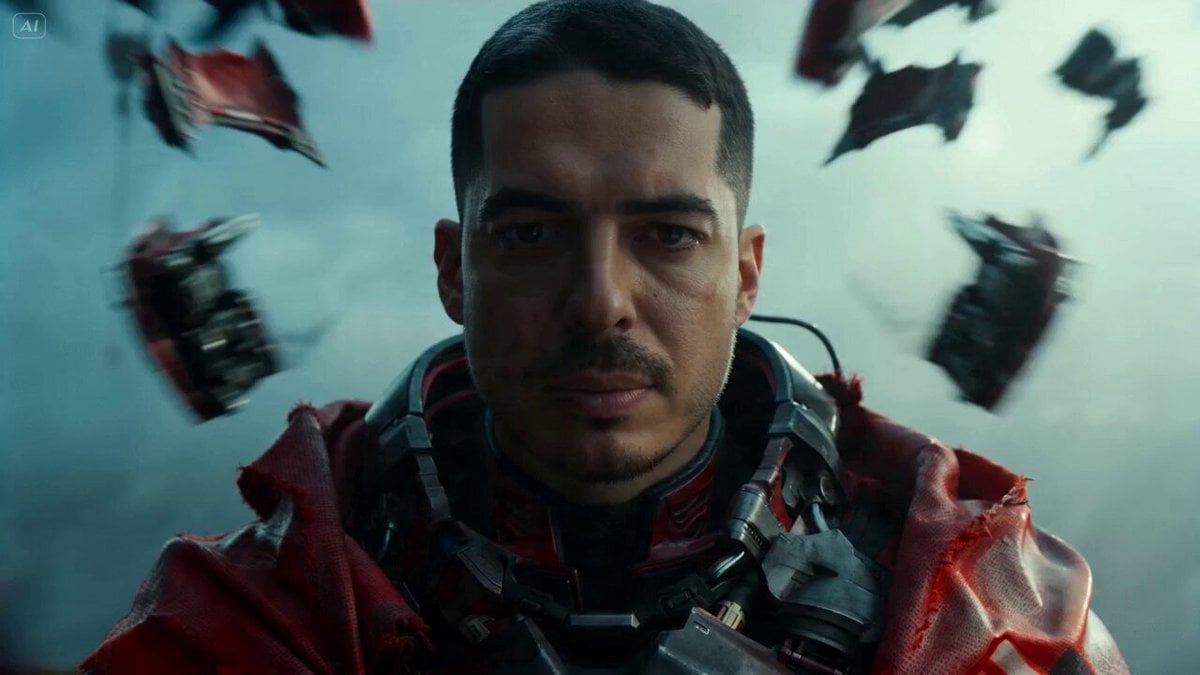
Sci-Fi Warrior Combat Sequence
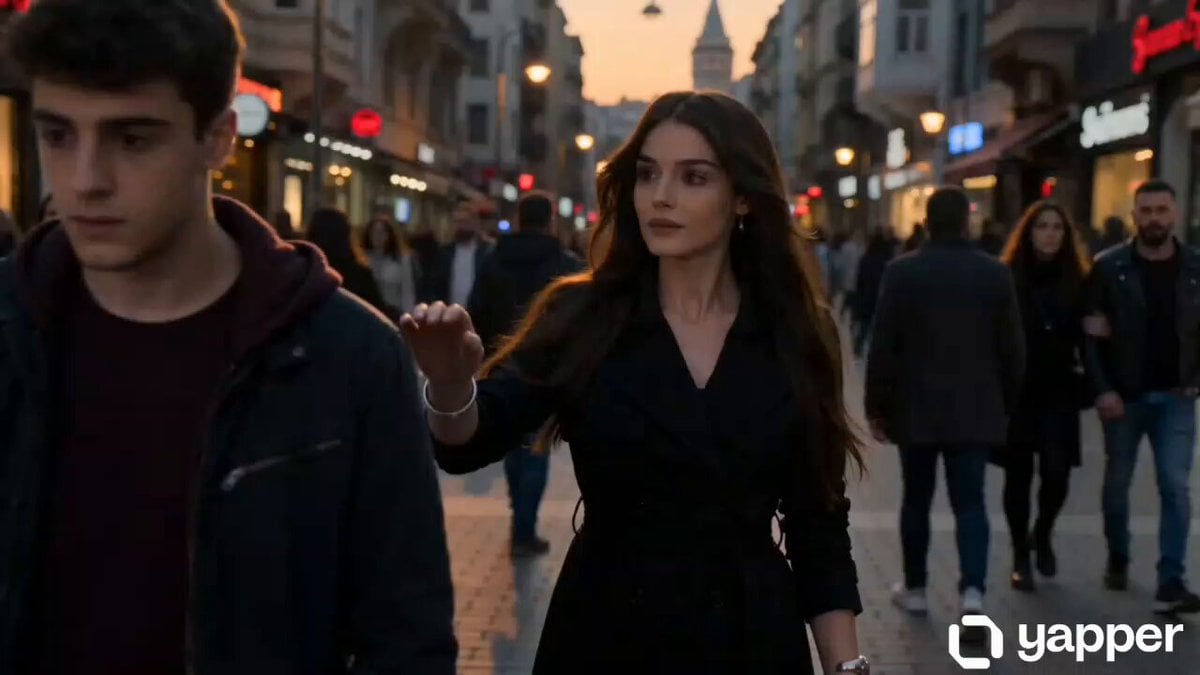
Time-distorting woman cinematic sequence
Time Stealer — Seedance 2.0
Make it yours
Sci-Fi Time Traveler Cinematic Video Sequence works as-is. These are the safest ways to change it without losing the look.
Change one field
Copy a single group, rewrite it, and generate again so you can see what that field is doing.
Keep the frame, change the subject
Hold the composition and light of Sci-Fi Time Traveler Cinematic Video Sequence, then swap wardrobe, props or the person for a new take.
| If the result… | Why | Fix |
|---|---|---|
| The result drifts from the preview | Too many fields changed at once. | Reuse Sci-Fi Time Traveler Cinematic Video Sequence as-is first, then change one group — subject, light, or setting. |
| The model over-stylizes the scene | The prose prompt leaves finish and camera underspecified. | Add one camera or lighting sentence and stay on Seedance 2.0. |
More Seedance 2.0 templates
Other prompts made for Seedance 2.0.

Comical Martial Arts Punch Scene

Wuxia Protection and Trust Script

Vintage Korean Arcade MiniDV Vlog

Mercedes 190 SL Luxury Ad

Rainy Night Supernatural Reverse Comedy Video Script

Amazon Civilization Discovery

Futuristic South Asian City Transformation

Cozy Luxury Cafe Commercial

Cyber Ronin Nanotech Transformation Video

Desert Courier and Sandstorm Leviathan Chase
More video prompts
Fresh picks from across the catalog.

Tentacle Family Breakfast Animation Test
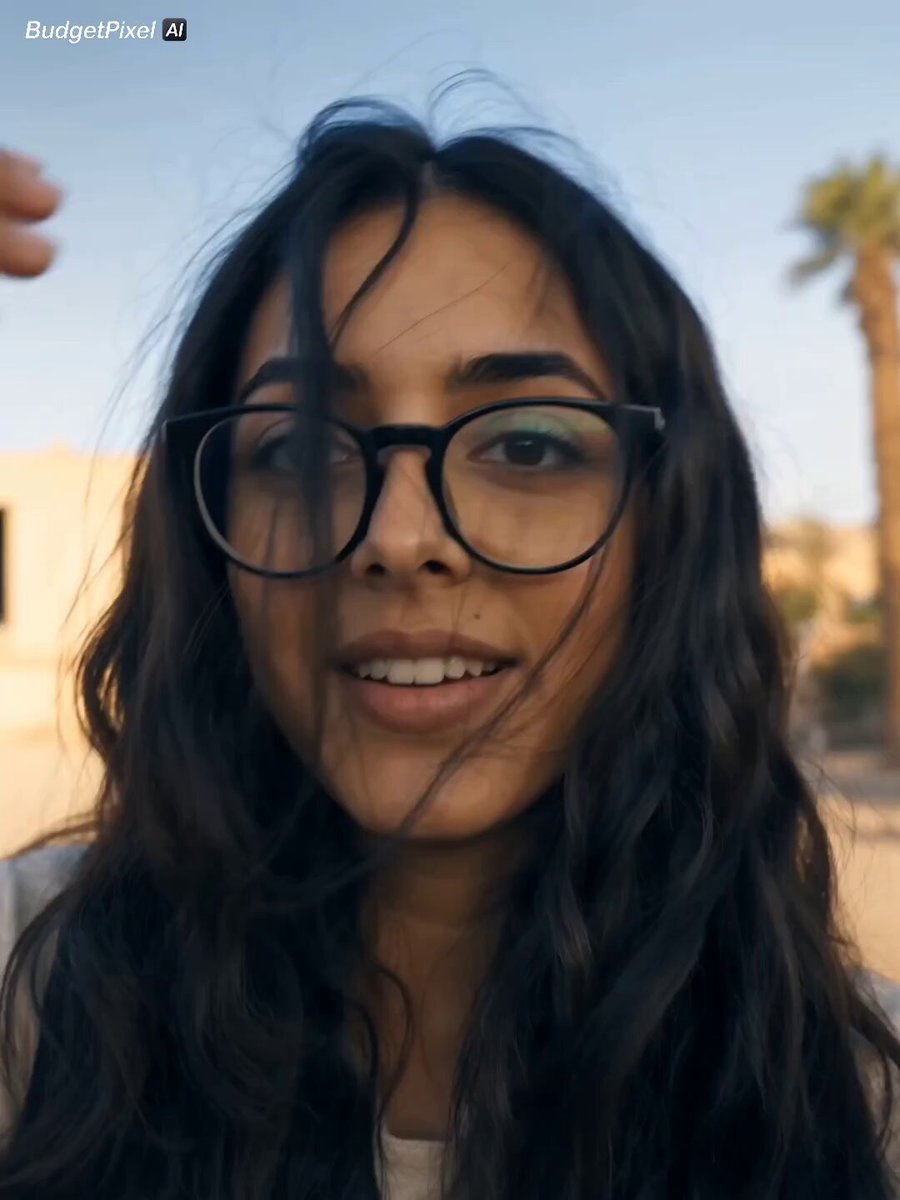
Egypt Cinematic Travel Vlog Video Prompt
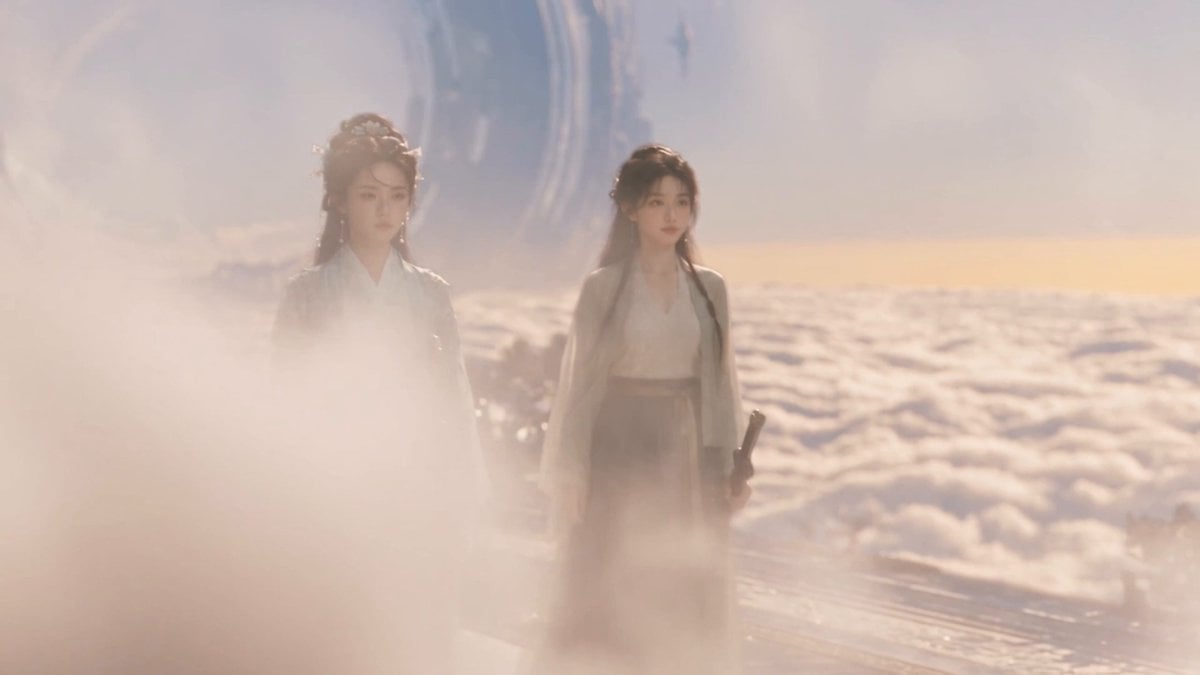
Wuxia micro-expression comedy prompt

Utopian World of Harmony and Peace
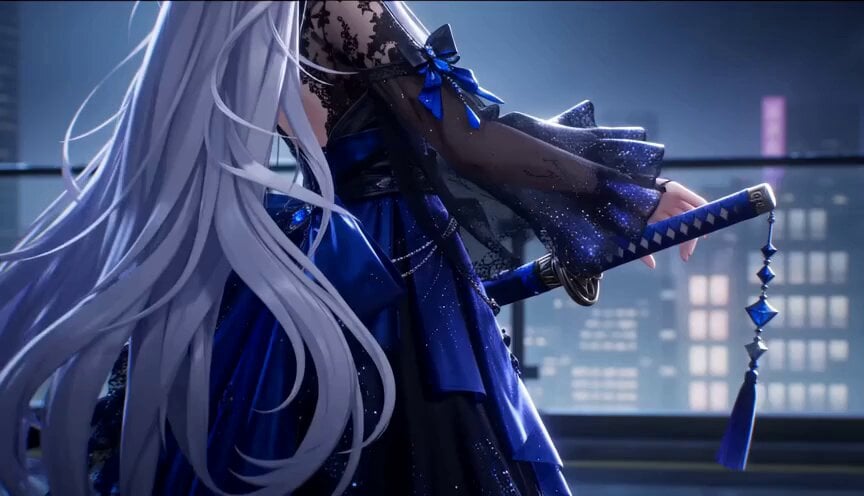
Gothic Anime Sword Slash
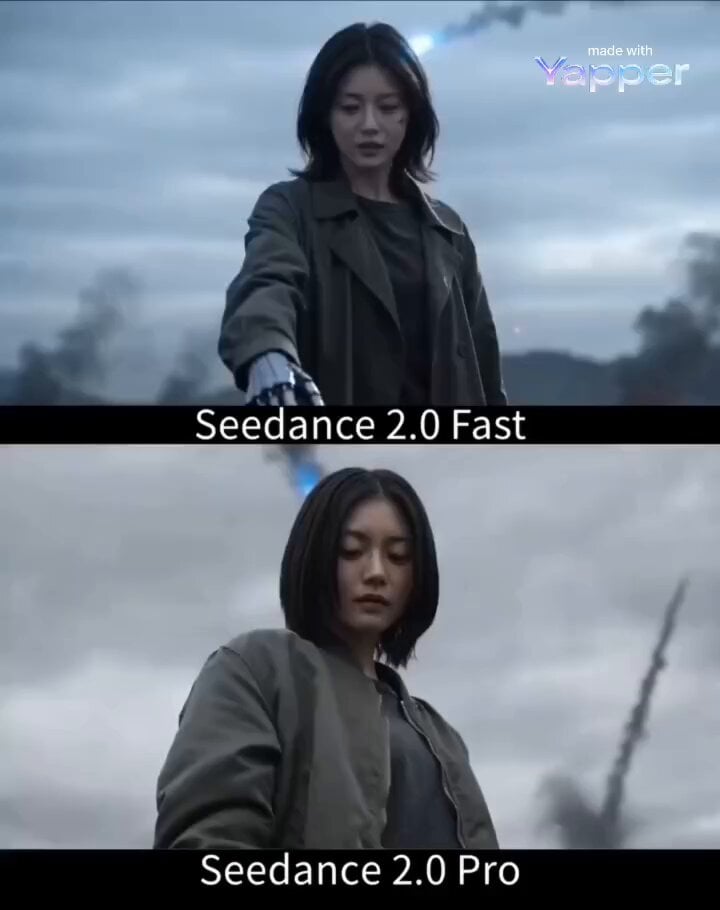
The Awakening: Cybernetic Armor Transformation
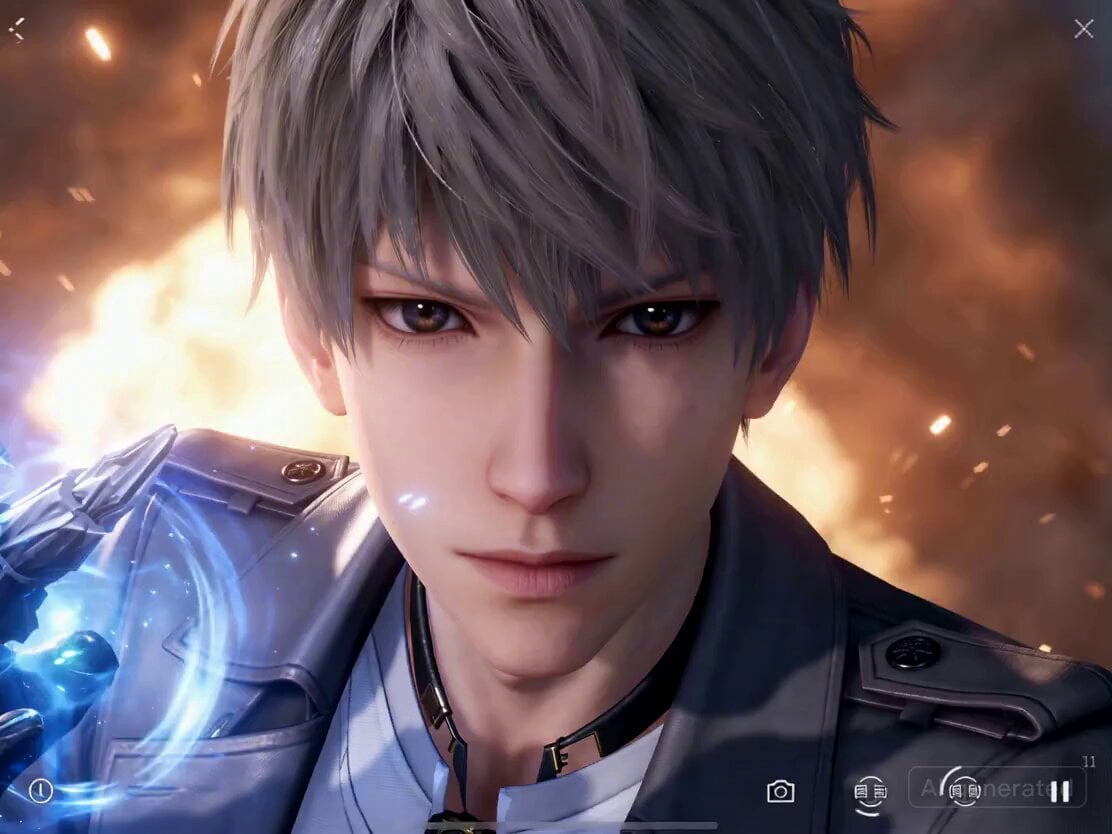
Parkour and Monster Fight Prompt
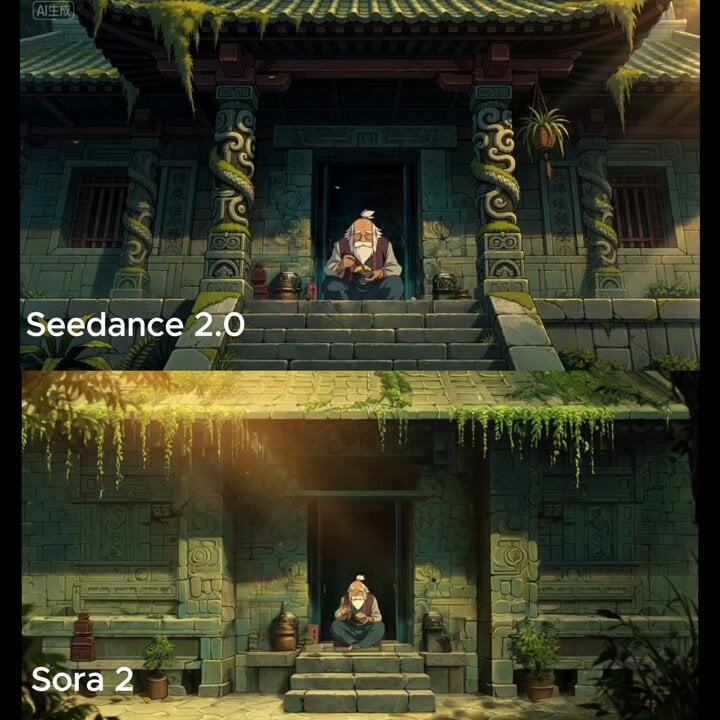
Wide cinematic shot of a temple entrance
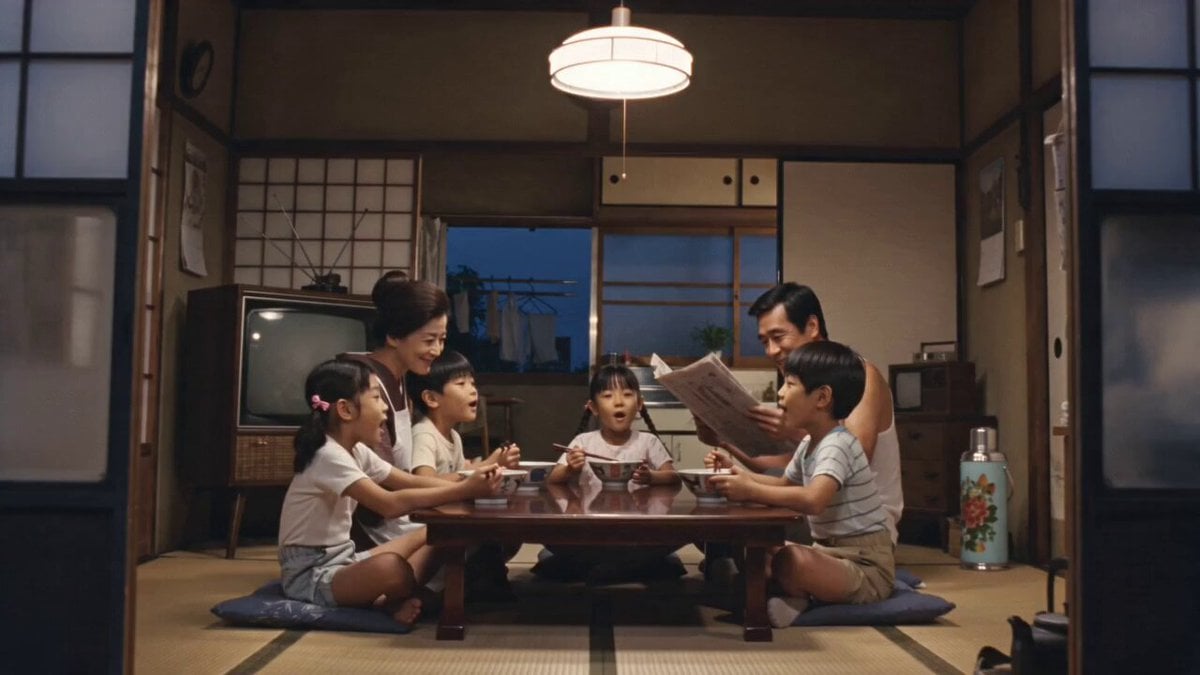
1970s Japanese Ramen Commercial
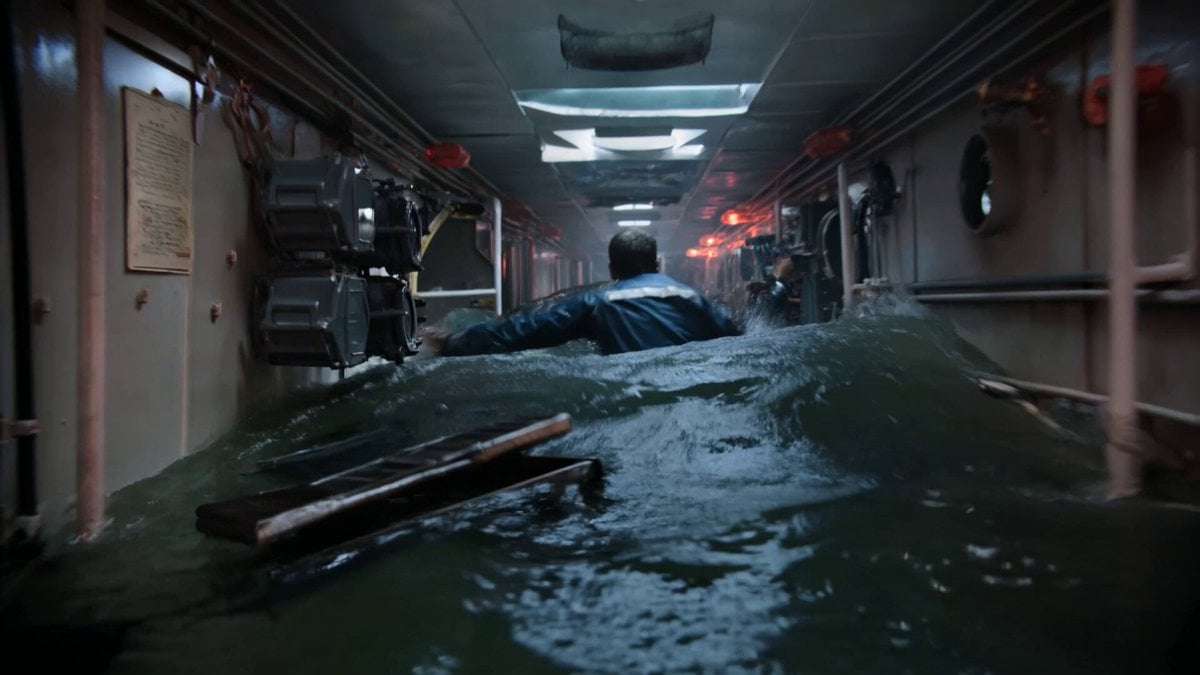
Submarine Flooding Emergency Scene (KLING 3.0)
Browse template categories
Sci-Fi Time Traveler Cinematic Video Sequence questions
How do I use the Sci-Fi Time Traveler Cinematic Video Sequence template?
Add your photo if the template asks for one, edit the prompt if you like — the template's model and format are already selected — and press Generate. Your version opens in PicX Studio.
Can I customize the Sci-Fi Time Traveler Cinematic Video Sequence template?
Yes. You can change the subject, setting, lighting, mood, format, and available model controls before creating your video.
Is the Sci-Fi Time Traveler Cinematic Video Sequence template free?
Opening and editing this template is free. Generating uses credits, shown on the Generate button when you are signed in.
Which AI model should I use?
Start with Seedance 2.0, which is the model associated with this template. You can compare another compatible model for a different finish.
Looking for something else? Browse all templates.

Your photo, any look
Thousands of ready templates for every top image and video model, from one credit balance.