
Orbital Ring Disaster Sequence
A dramatic sci-fi sequence of an orbital ring burning in the atmosphere above a futuristic coastal city.
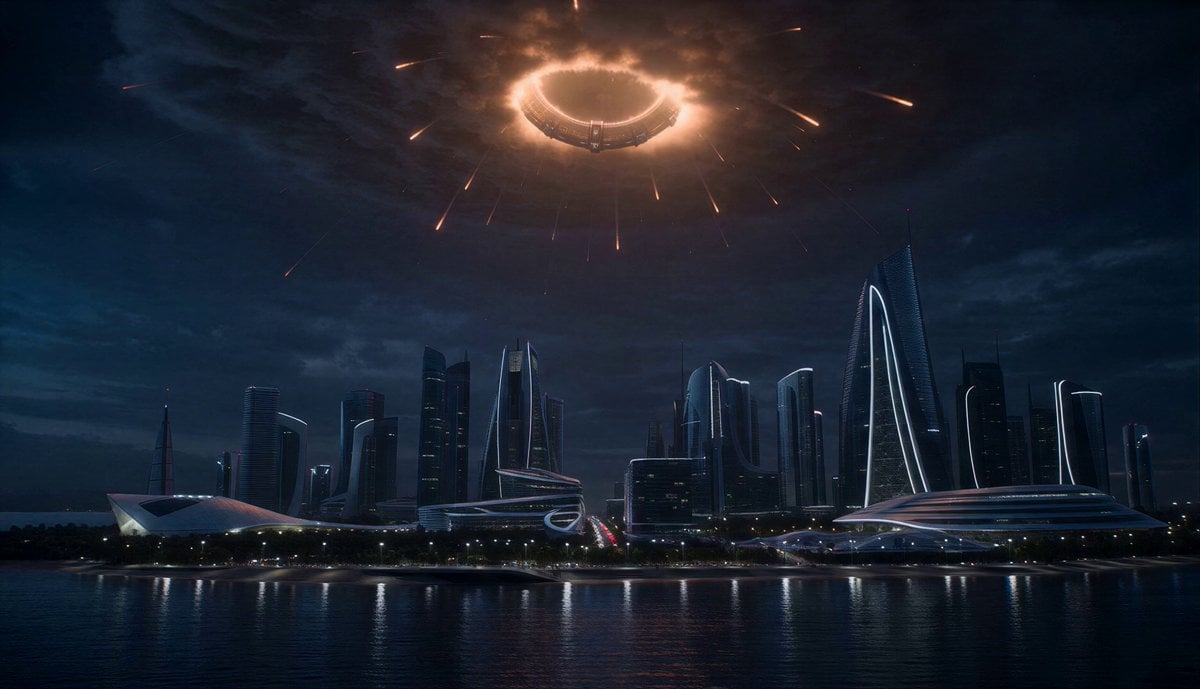
- Prompt included
- Model and format preset
- Premium template
The prompt behind this video
Copy the exact prompt behind Orbital Ring Disaster Sequence, or open it in the studio and make it yours.
Futuristic coastal city at night beside the ocean. Crowds gathered outside watching the sky nervously. High above Earth: a gigantic orbital ring structure burning in the atmosphere. The structure is enormous: thousands of kilometers wide, glowing with fire and debris trails. A young engineer runs through evacuation crowds while overhead: massive fragments begin descending slowly through clouds. Visible danger everywhere: burning debris crossing the sky, shockwaves rattling windows, emergency sirens, collapsing communication towers, panicked traffic jams. One gigantic section of the orbital ring becomes visible descending directly toward downtown. Its glowing structure fills the clouds overhead. The engineer races through streets illuminated by burning debris trails. As tension escalates: ocean tides pull backward unnaturally, sonic booms shake skyscrapers, clouds ignite orange, power grids fail. At climax: the colossal orbital fragment emerges fully through clouds above the city. Its burning metallic surface covers the sky. Then suddenly: its descent stabilizes. Thrusters ignite across the structure. The orbital ring slows and stops high above the ocean. Silence. The burning sky slowly dims. Ultra cinematic hard sci-fi disaster atmosphere, gigantic scale visuals, realistic environmental panic, cinematic clouds, grounded sci-fi realism, intense sky visuals.
How to use Orbital Ring Disaster Sequence in 3 steps
- 1
Open
The prompt is already in the box next to the preview, with the template's model and format selected.
- 2…a portrait of your subject in softgolden-hour light, 85mm…
Personalize
Edit the subject and creative details for your destination.
- 3Generate
Generate
Press Generate — your video is created in PicX Studio, so you can compare it with the original and refine one variable at a time.
More like this
Templates with the same subject, style or setup. Open one to see its prompt.

Sci-Fi Disaster Movie Scene - Seedance 2.5
Orbital Elevator Combat Sequence
Futuristic Collapsing Orbital Ring Chase
Wedding Disaster Cinematic Sequence
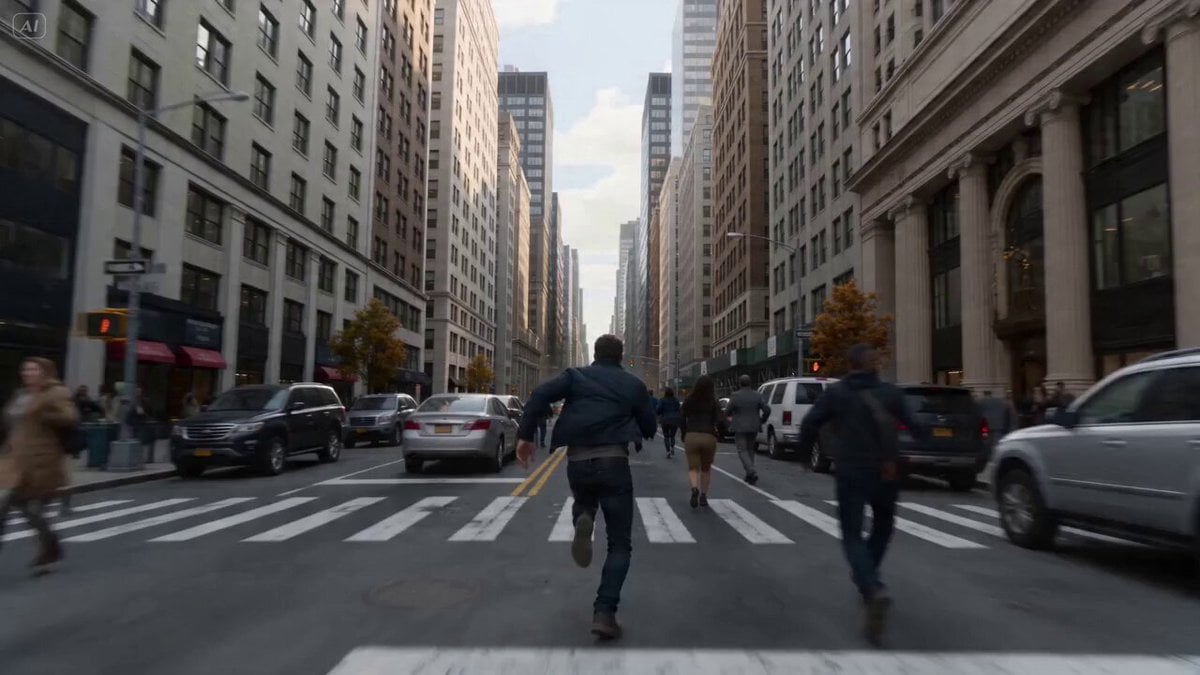
Cinematic Disaster Sequence Prompt for Seedance 2.0 Fast
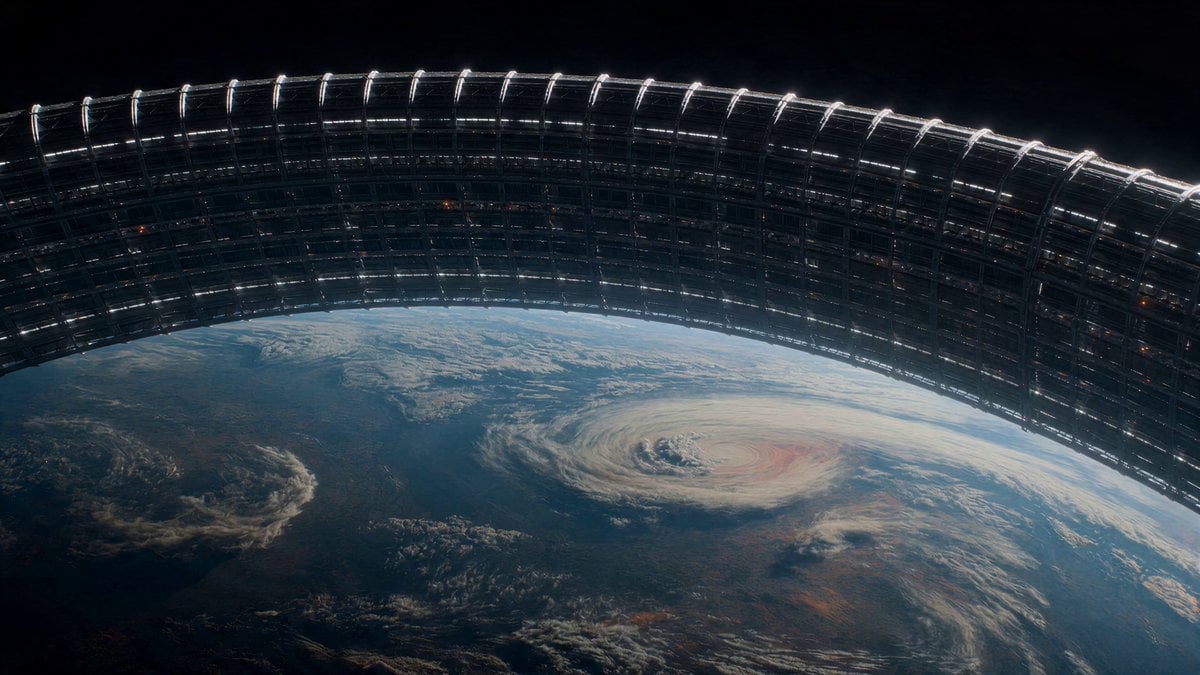
Orbital Ring Structural Failure
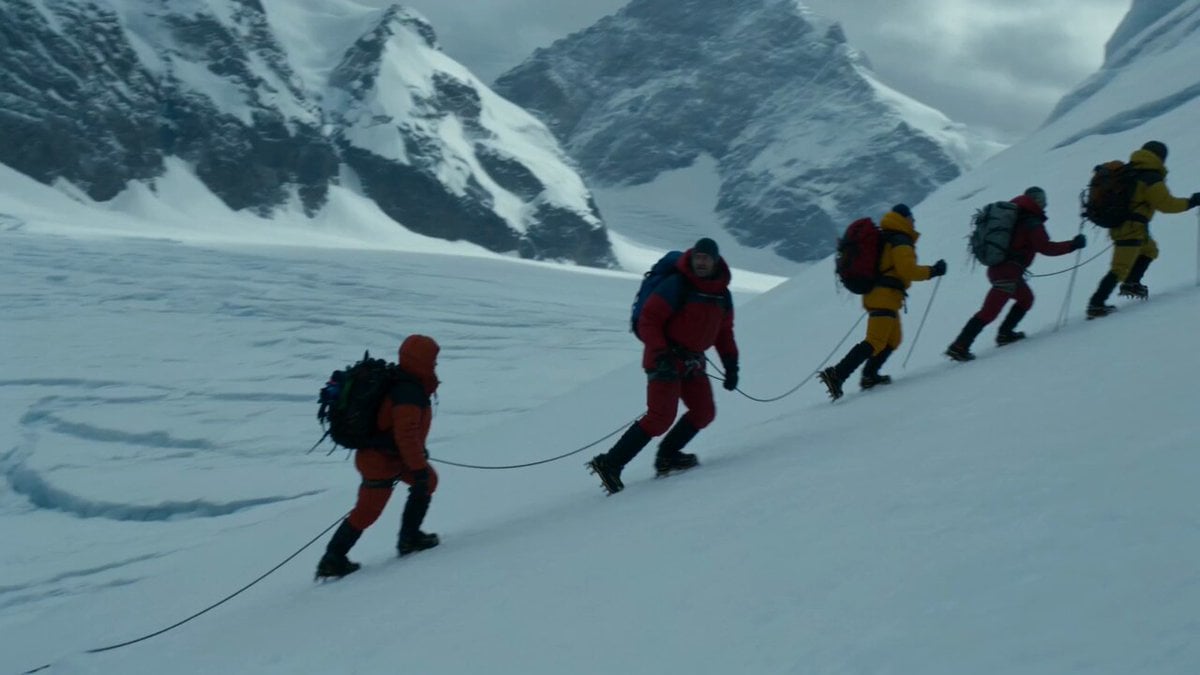
Glacier Avalanche Disaster Sequence
Subway Flood — Epic Tunnel Chaos
Asteroid Impact City Destruction
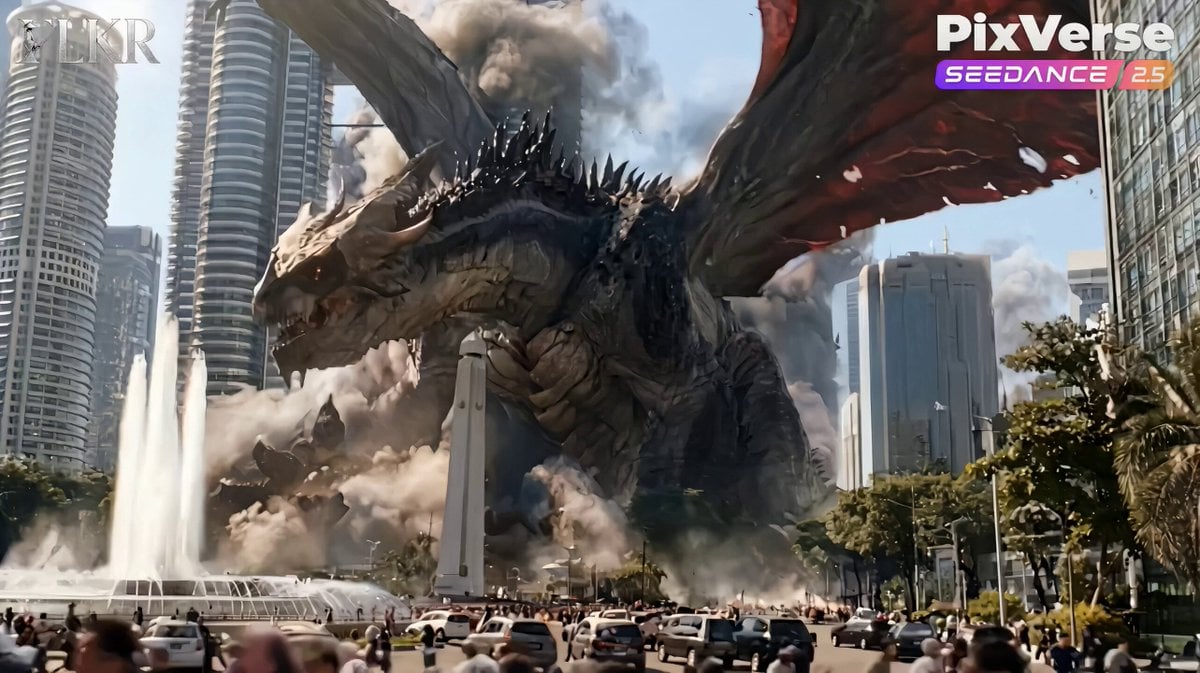
Colossal Dragon Disaster Scene Prompt
Cinematic Sci-Fi Ring World Action

Maglev Train Action Sequence
Make it yours
Orbital Ring Disaster Sequence works as-is. These are the safest ways to change it without losing the look.
Change one field
Copy a single group, rewrite it, and generate again so you can see what that field is doing.
Keep the frame, change the subject
Hold the composition and light of Orbital Ring Disaster Sequence, then swap wardrobe, props or the person for a new take.
| If the result… | Why | Fix |
|---|---|---|
| The result drifts from the preview | Too many fields changed at once. | Reuse Orbital Ring Disaster Sequence as-is first, then change one group — subject, light, or setting. |
| The model over-stylizes the scene | The prose prompt leaves finish and camera underspecified. | Add one camera or lighting sentence and stay on Seedance 2.0. |
More Seedance 2.0 templates
Other prompts made for Seedance 2.0.

Comical Martial Arts Punch Scene

Wuxia Protection and Trust Script

Vintage Korean Arcade MiniDV Vlog

Mercedes 190 SL Luxury Ad

Rainy Night Supernatural Reverse Comedy Video Script

Amazon Civilization Discovery

Futuristic South Asian City Transformation

Cozy Luxury Cafe Commercial

Cyber Ronin Nanotech Transformation Video

Desert Courier and Sandstorm Leviathan Chase
More video prompts
Fresh picks from across the catalog.
Biotech Alien Suit Metamorphosis
Starship fleet space departure cinematic
Luxury Modern Grocery Market Ad

Dragon International Airport
Motorcycle Chase Blockbuster Action Prompt
Nike Street Graffiti Commercial

Video Editing and Animation Prompt
Boss Introduction Sequence

Fearless Warrior Cursed Forest Chase

Dreaming of Divinity Animation
Browse template categories
Orbital Ring Disaster Sequence questions
How do I use the Orbital Ring Disaster Sequence template?
Add your photo if the template asks for one, edit the prompt if you like — the template's model and format are already selected — and press Generate. Your version opens in PicX Studio.
Can I customize the Orbital Ring Disaster Sequence template?
Yes. You can change the subject, setting, lighting, mood, format, and available model controls before creating your video.
Is the Orbital Ring Disaster Sequence template free?
Opening and editing this template is free. Generating uses credits, shown on the Generate button when you are signed in.
Which AI model should I use?
Start with Seedance 2.0, which is the model associated with this template. You can compare another compatible model for a different finish.
Looking for something else? Browse all templates.

Your photo, any look
Thousands of ready templates for every top image and video model, from one credit balance.