How do I use the Futuristic Collapsing Orbital Ring Chase template?
Edit the prompt in the box under the preview — the template's model and format are already selected — and press Generate. Your version appears right on this page.
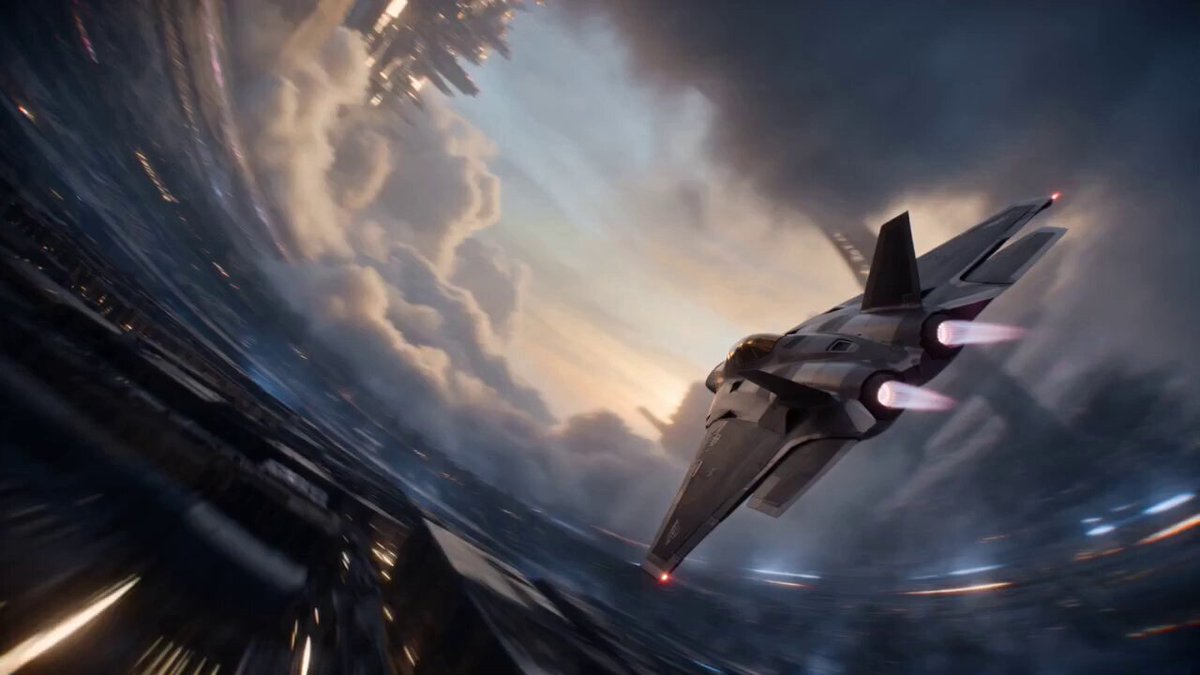
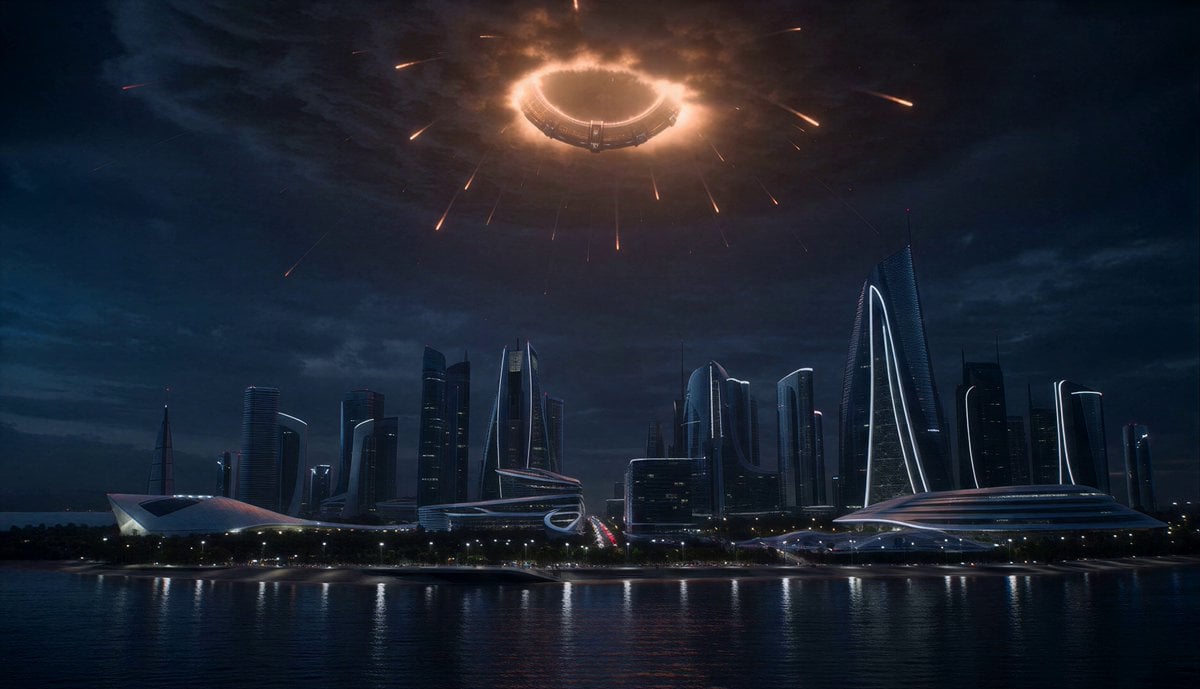
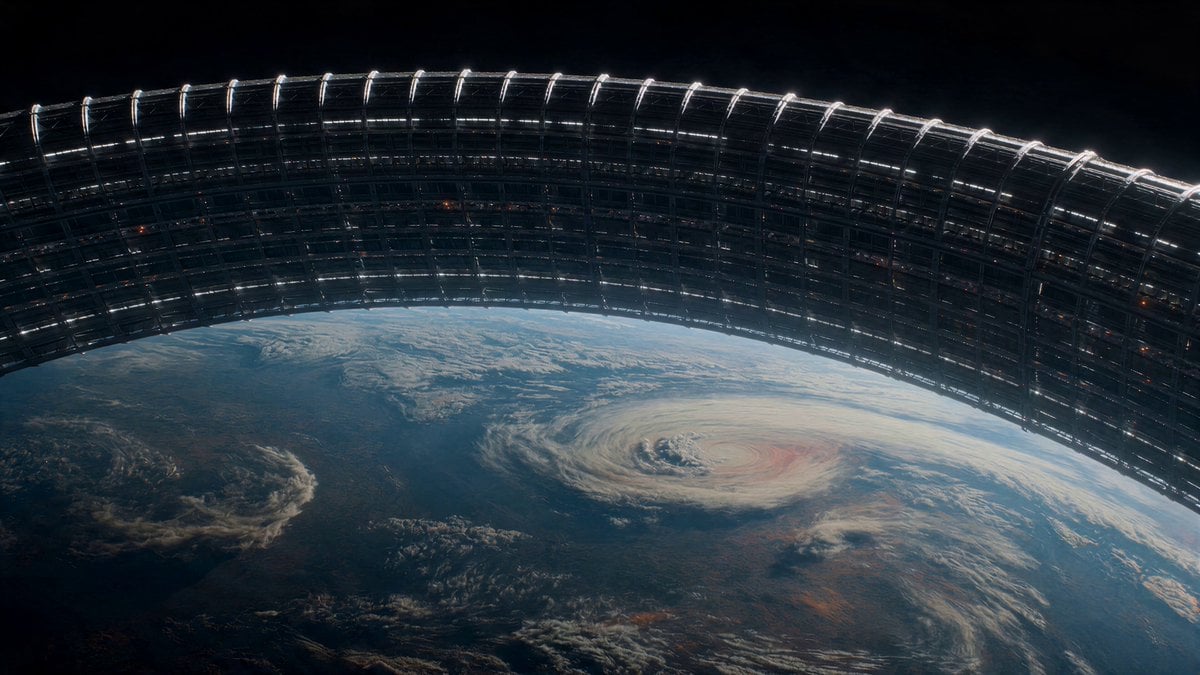
A high-speed cinematic space action sequence of an interceptor navigating a disintegrating orbital ring with IMAX realism and physically believable zero-G motion.
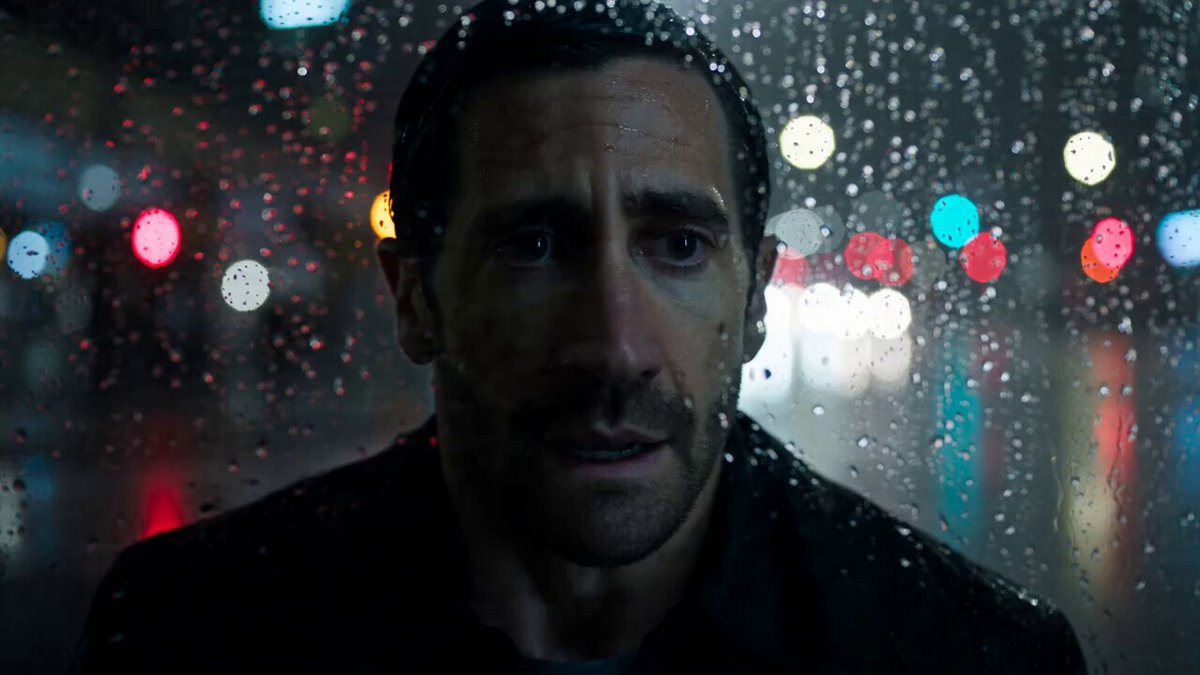
Hyper-realistic cinematic action sequence. A futuristic interceptor races through a collapsing orbital ring above Earth at impossible speed. Every section of the megastructure is breaking apart, sending skyscraper-sized debris spinning through space. The camera constantly shifts between cockpit POV, drone flybys, nose-mounted shots, impossible orbits, and high-speed chase angles. The pilot threads impossibly narrow gaps, skims rotating structures, flies beneath collapsing bridges, dodges exploding reactor sections and tumbling station fragments, then dives through a closing breach only milliseconds before the entire ring tears itself apart behind. Style: IMAX realism, physically believable zero-G motion, cinematic lighting, massive scale, crystal-clear action, relentless speed, no slow motion.
Hyper-realistic cinematic action sequence. A futuristic interceptor races through a collapsing orbital ring above Earth at impossible speed. Every section of the megastructure is breaking apart, sending skyscraper-sized debris spinning through space. The camera constantly shifts between cockpit POV, drone flybys, nose-mounted shots, impossible orbits, and high-speed chase angles. The pilot threads impossibly narrow gaps, skims rotating structures, flies beneath collapsing bridges, dodges exploding reactor sections and tumbling station fragments, then dives through a closing breach only milliseconds before the entire ring tears itself apart behind. Style: IMAX realism, physically believable zero-G motion, cinematic lighting, massive scale, crystal-clear action, relentless speed, no slow motion.
Edit the prompt in the box under the preview — the template's model and format are already selected — and press Generate. Your version appears right on this page.
Yes. You can change the subject, setting, lighting, mood, format, and available model controls before creating your video.
Opening and editing this template is free. Generating uses credits, shown on the Generate button when you are signed in.
Start with Seedance 2.0, which is the model associated with this template. You can compare another compatible model for a different finish.
Follow a topic to a crawlable collection of related PicX Studio templates.