
Swamp Hippo Breach POV
An intense POV video prompt featuring a shaky camera on a swamp deck as a massive hippo suddenly erupts from the water.
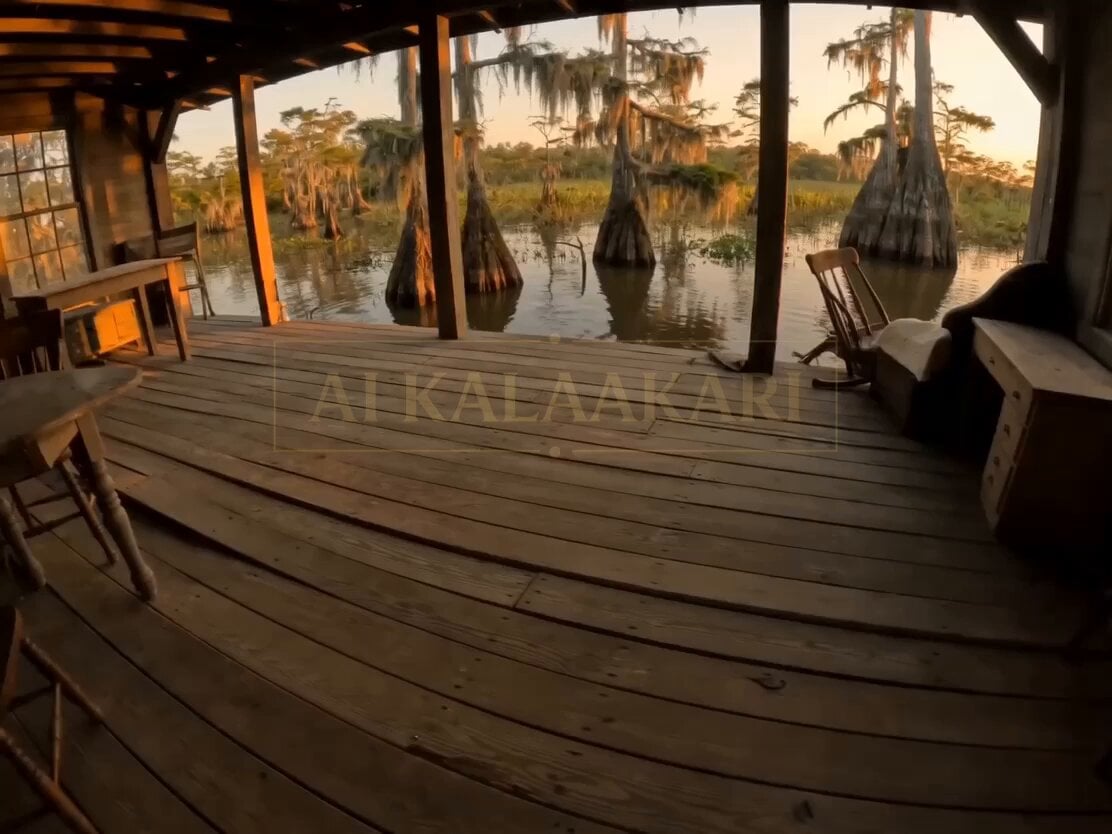
- Prompt included
- Model and format preset
- Free template
The prompt behind this video
Copy the exact prompt behind Swamp Hippo Breach POV, or open it in the studio and make it yours.
POV shot of person standing on a broken swamp wooden porch deck, heavy breathing, camera slightly shaking. Suddenly — a massive hippo ERUPTS upward from the water right in front, mouth wide open. Impact — camera gets knocked backward, falling into murky water. Submerged chaos for a split second.
How to use Swamp Hippo Breach POV in 3 steps
- 1
Open
The prompt is already in the box next to the preview, with the template's model and format selected.
- 2…a portrait of your subject in softgolden-hour light, 85mm…
Personalize
Edit the subject and creative details for your destination.
- 3Generate
Generate
Press Generate — your video is created in PicX Studio, so you can compare it with the original and refine one variable at a time.
More like this
Templates with the same subject, style or setup. Open one to see its prompt.

DV Camcorder POV Gym Montage — Seedance 2.5
DV Camcorder POV Gym Montage — Seedance 2.5
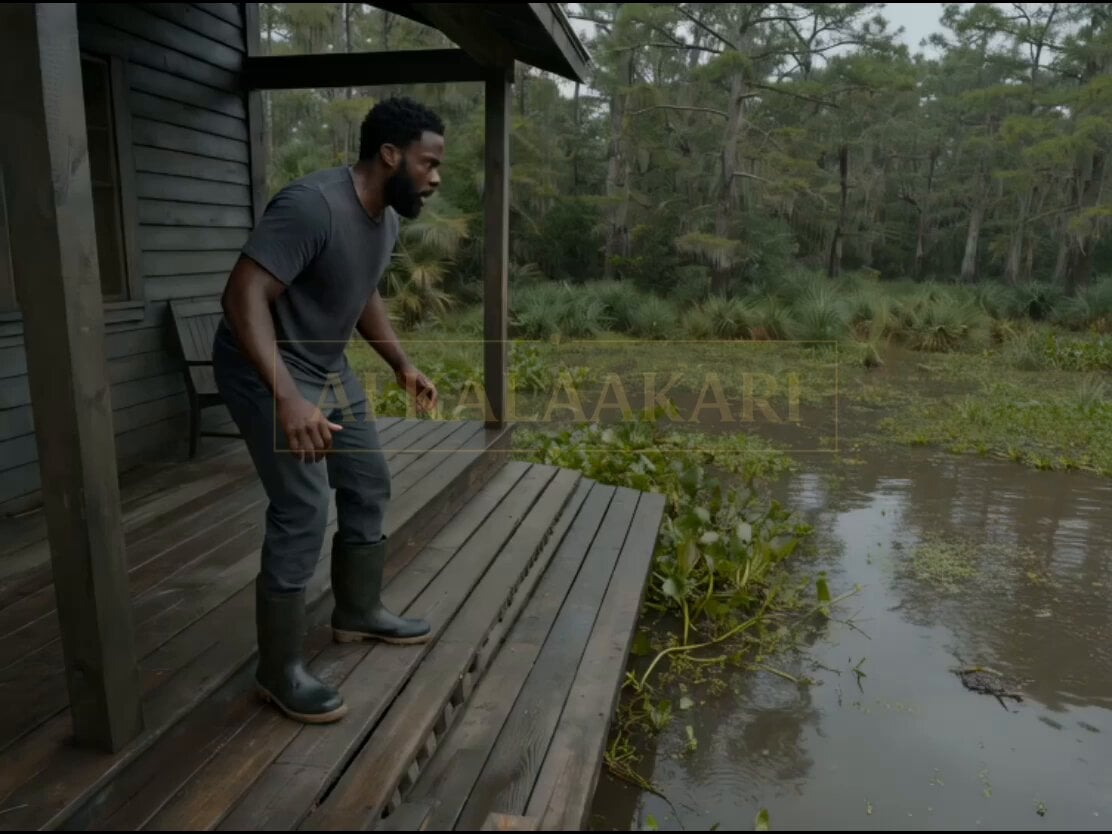
Swamp House Hippo Attack Sequence
Ice Queen — Frozen Battlefield Time Control (Seedance)
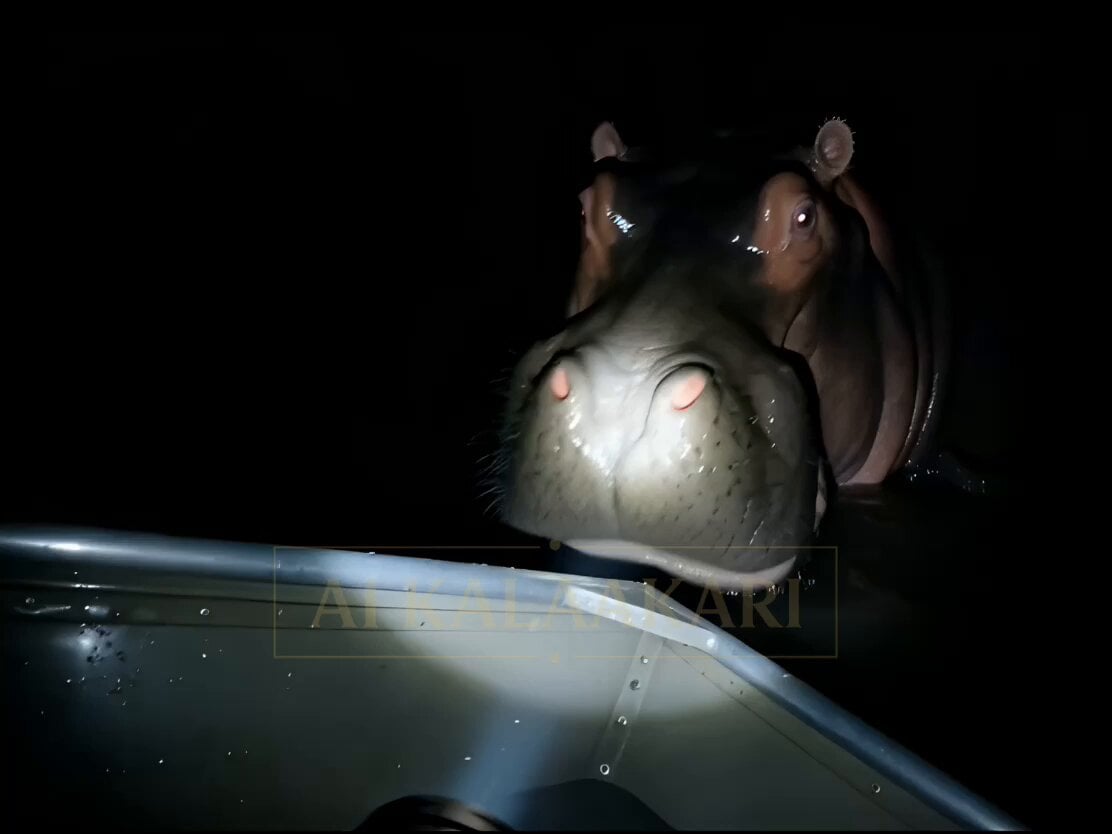
Night Flashlight Hippo Attack POV
Cyberpunk Monitor Screen Breach POV
Whale Breaching Through Rising Tide
Giant Crocodile Dam Breach Sequence
Drowned Megacity Whale Breach
Bayou Hippo Surge Attack
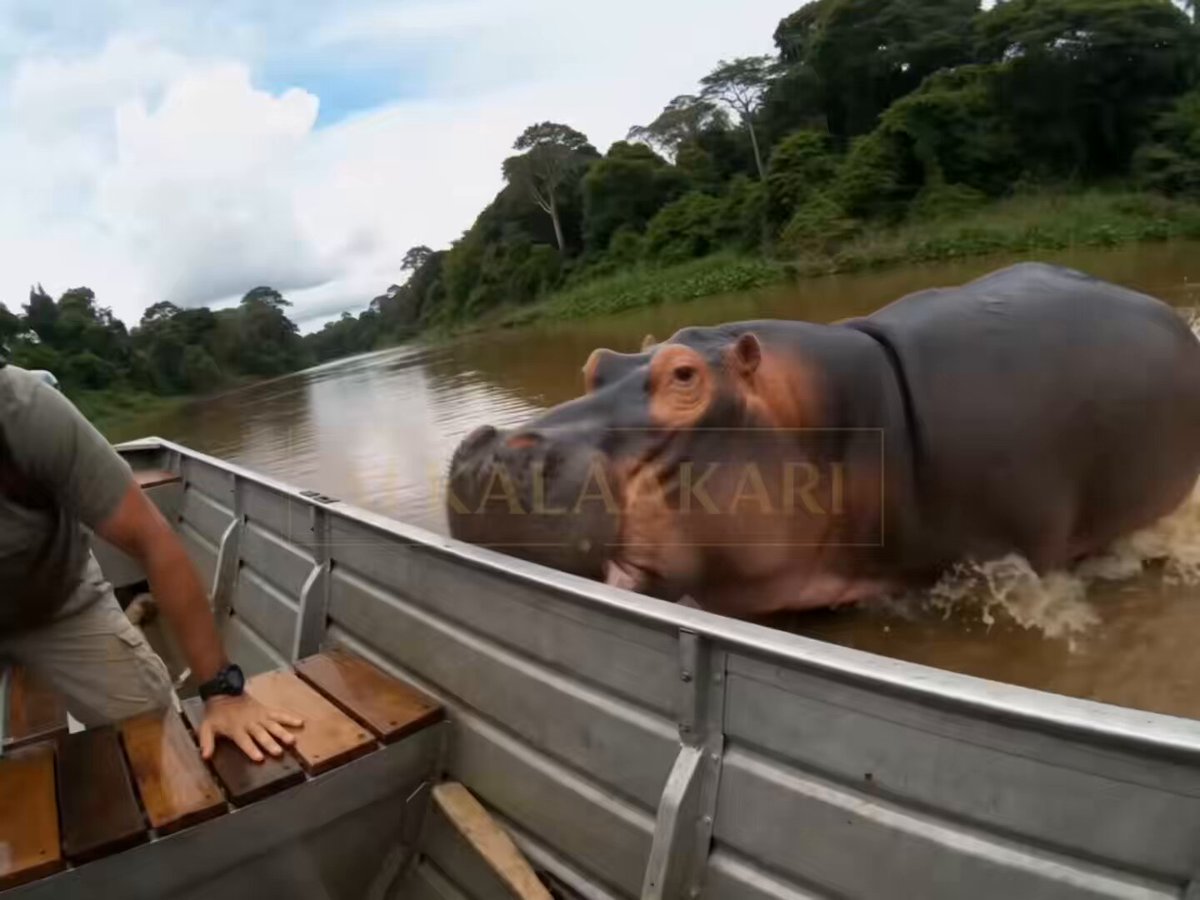
Hippo Boat Split Charge
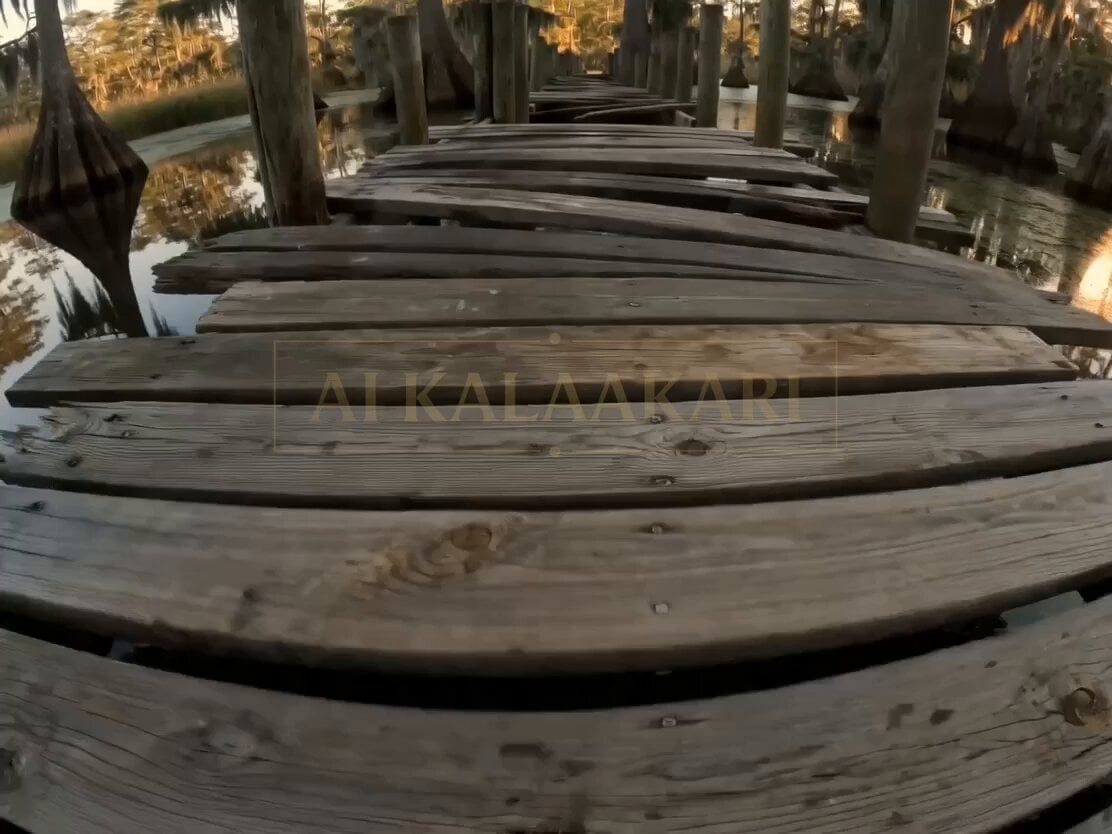
Bayou Dock Hippo Collapse Attack
Make it yours
Swamp Hippo Breach POV works as-is. These are the safest ways to change it without losing the look.
Change one field
Copy a single group, rewrite it, and generate again so you can see what that field is doing.
Keep the frame, change the subject
Hold the composition and light of Swamp Hippo Breach POV, then swap wardrobe, props or the person for a new take.
| If the result… | Why | Fix |
|---|---|---|
| The result drifts from the preview | Too many fields changed at once. | Reuse Swamp Hippo Breach POV as-is first, then change one group — subject, light, or setting. |
| The model over-stylizes the scene | The prose prompt leaves finish and camera underspecified. | Add one camera or lighting sentence and stay on Seedance 2.0. |
More Seedance 2.0 templates
Other prompts made for Seedance 2.0.

Comical Martial Arts Punch Scene

Maglev Train Action Sequence

Martial Arts Fight Sequence

Wuxia Protection and Trust Script

Vintage Korean Arcade MiniDV Vlog

Mercedes 190 SL Luxury Ad

Rainy Night Supernatural Reverse Comedy Video Script

Amazon Civilization Discovery

Futuristic South Asian City Transformation

Cozy Luxury Cafe Commercial
More video prompts
Fresh picks from across the catalog.
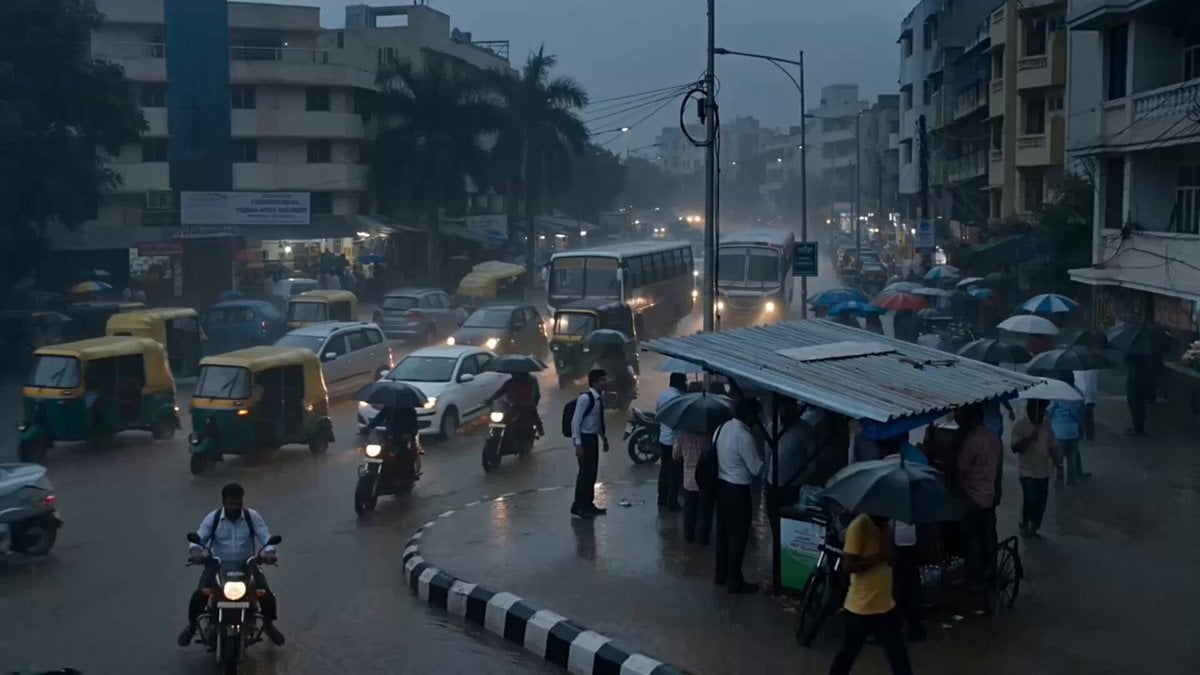
Seedance 2.5 - @Diplomeme - 446818
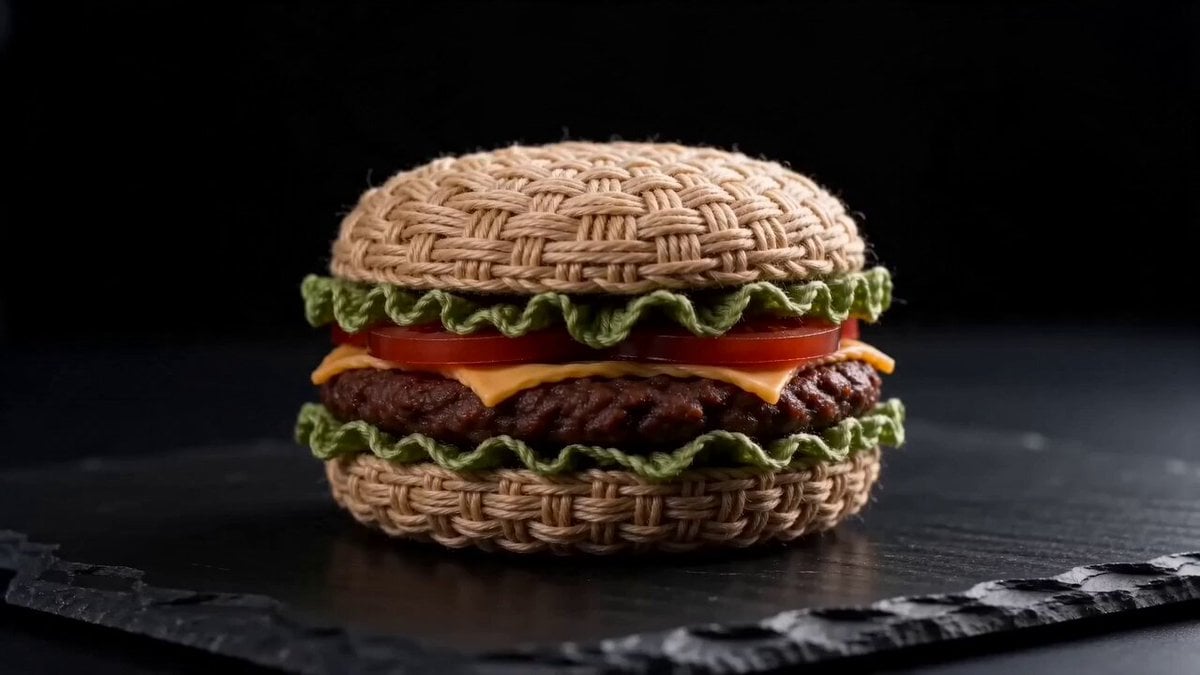
Woven Hamburger ASMR

Overlapping Realities Sci-Fi Video Prompt
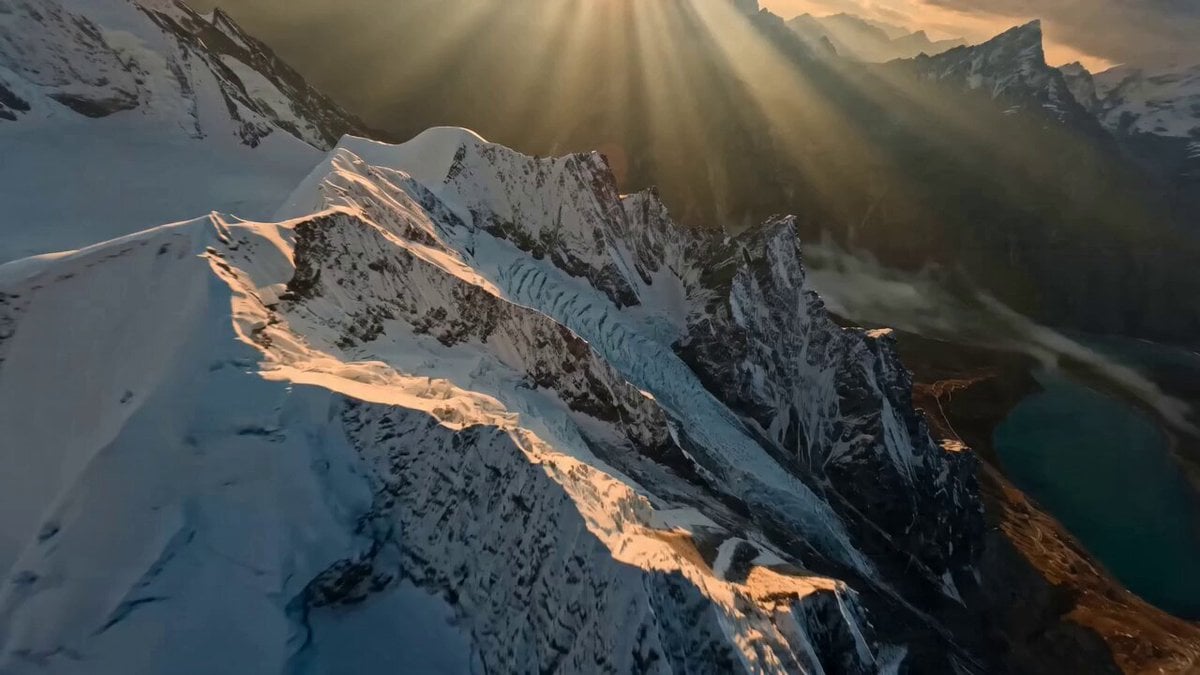
Himalayan FPV Drone Flight
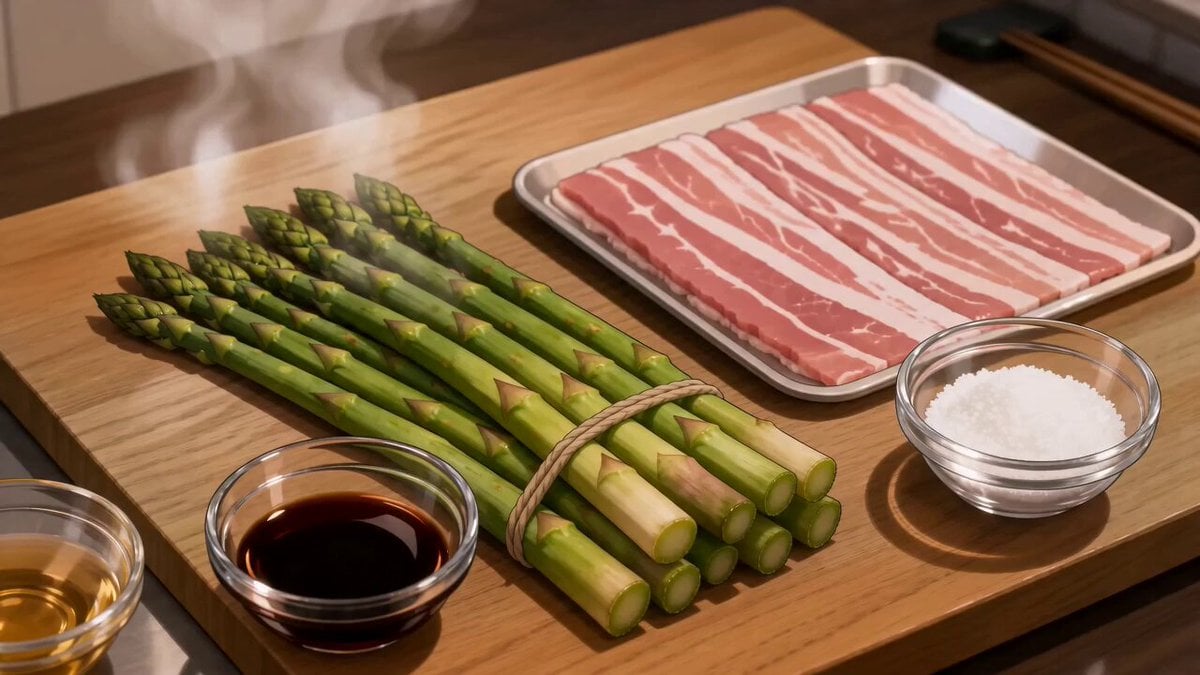
Anime Pork-Wrapped Asparagus Cooking Video
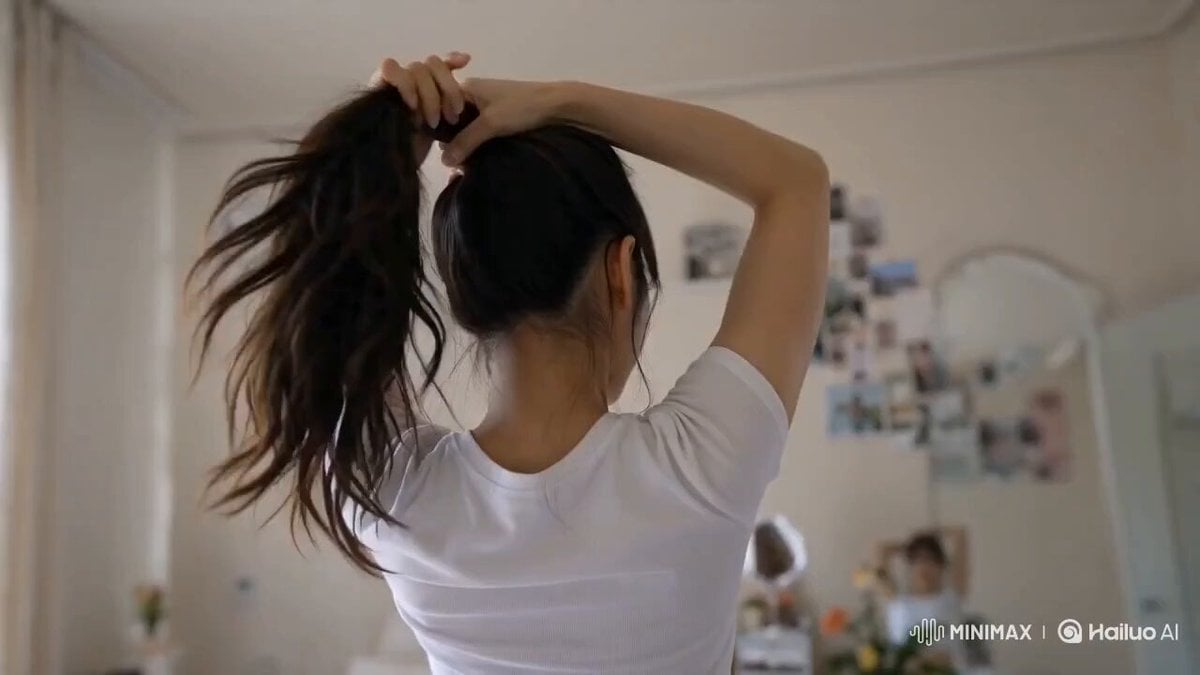
Korean Lifestyle Vlog Selfie Mode
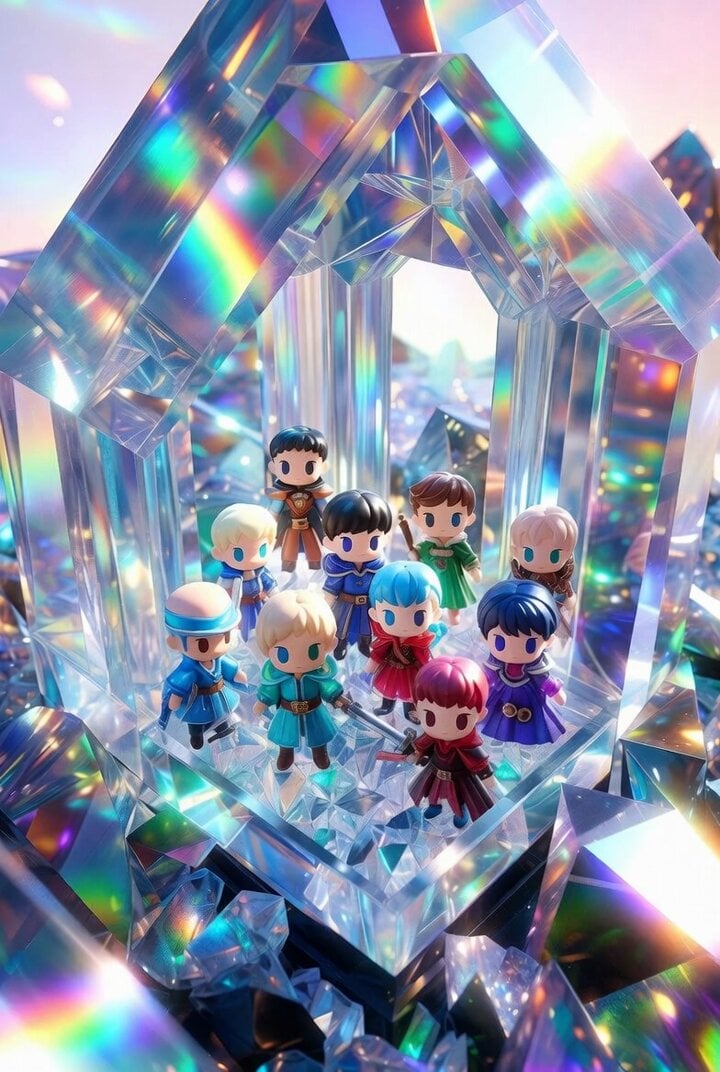
Chibi Heroes in Crystal Palace
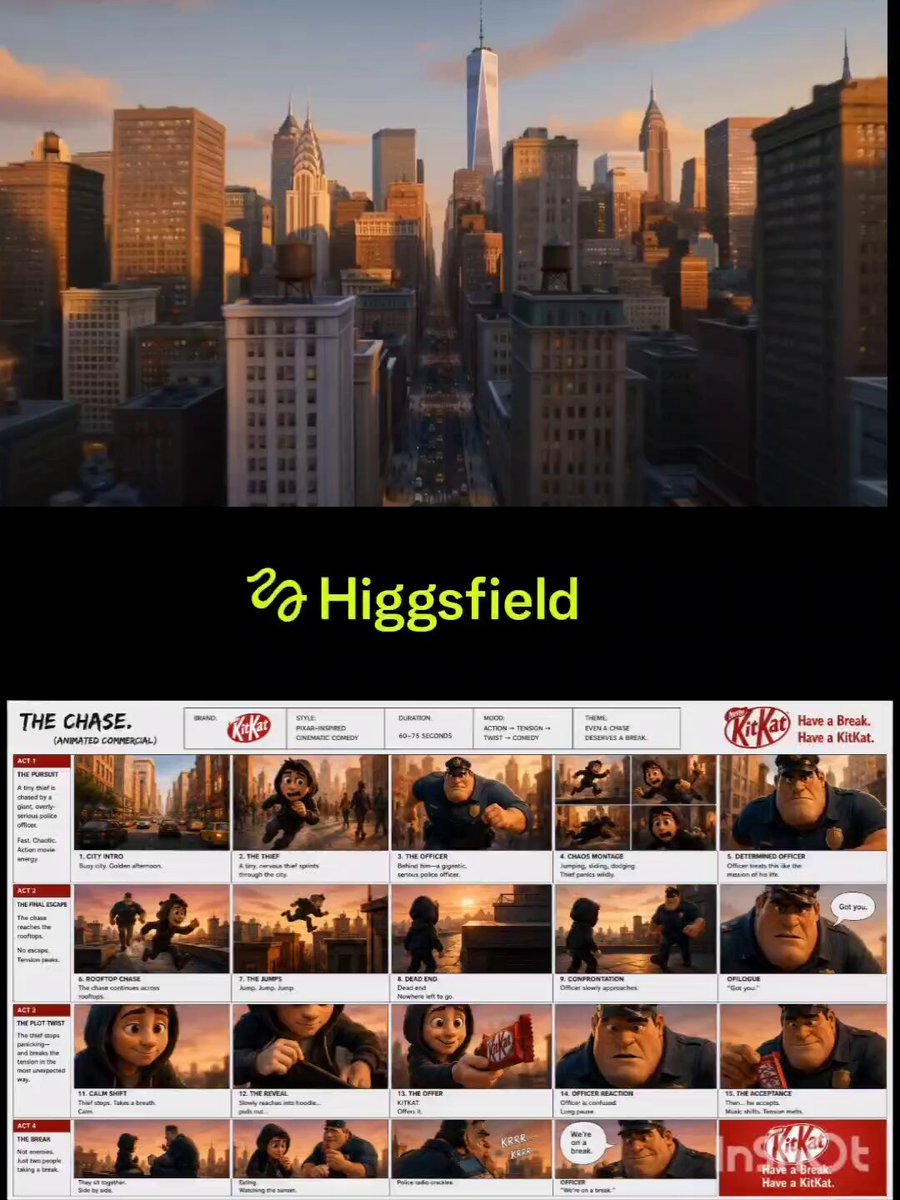
Pixar Style KitKat Commercial Animation
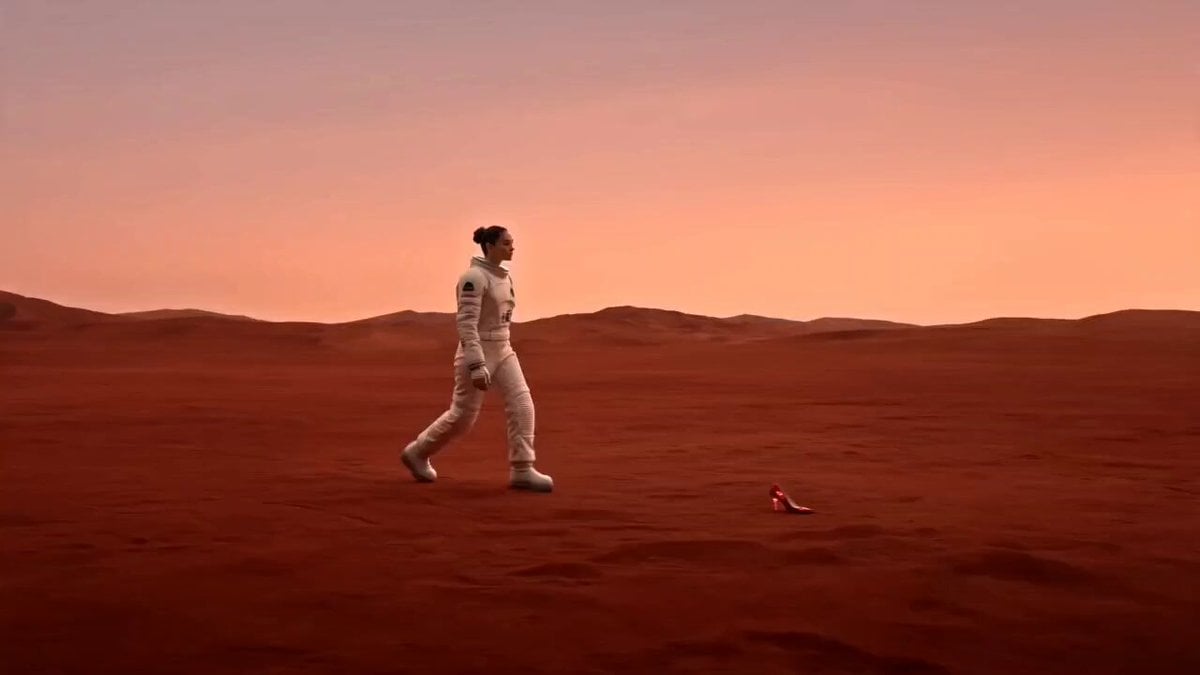
Astronaut Martian High Heels Ad
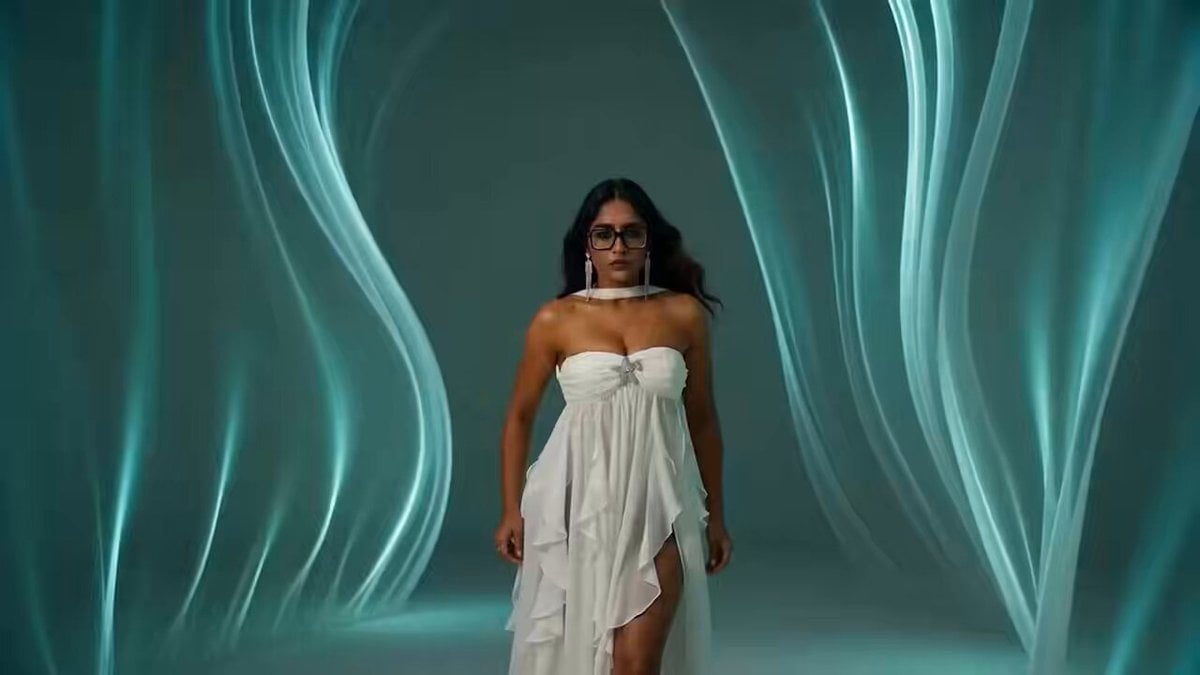
South Asian Woman Dancing in Void
Browse template categories
Swamp Hippo Breach POV questions
How do I use the Swamp Hippo Breach POV template?
Add your photo if the template asks for one, edit the prompt if you like — the template's model and format are already selected — and press Generate. Your version opens in PicX Studio.
Can I customize the Swamp Hippo Breach POV template?
Yes. You can change the subject, setting, lighting, mood, format, and available model controls before creating your video.
Is the Swamp Hippo Breach POV template free?
Opening and editing this template is free. Generating uses credits, shown on the Generate button when you are signed in.
Which AI model should I use?
Start with Seedance 2.0, which is the model associated with this template. You can compare another compatible model for a different finish.
Looking for something else? Browse all templates.

Your photo, any look
Thousands of ready templates for every top image and video model, from one credit balance.