
Pixar Style KitKat Commercial Animation
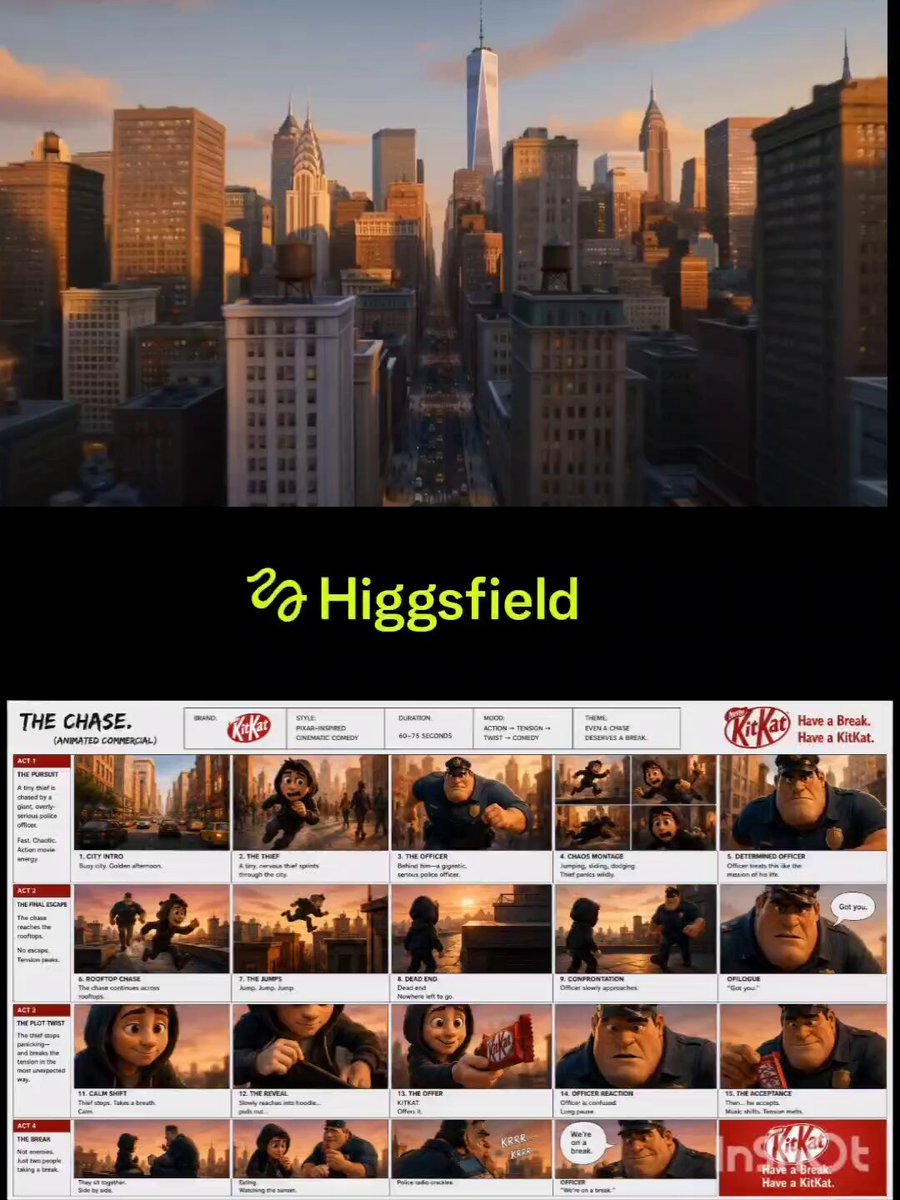
A narrative 3D animated commercial prompt featuring a chase between a tiny thief and a giant police officer, ending in a heartwarming KitKat break.
- Prompt included
- Model and format preset
- Premium template
The prompt behind this video
Copy the exact prompt behind Pixar Style KitKat Commercial Animation, or open it in the studio and make it yours.
Create a Pixar-inspired 3D animated commercial. Golden afternoon in a busy modern city. A tiny nervous thief sprints through crowded streets while a gigantic, ultra-serious police officer chases him with dramatic action-movie intensity. Fast tracking shots, dynamic camera moves, exaggerated expressions, comedic panic, rooftop jumps, cinematic lighting, shallow depth of field, high-end animation quality. The chase reaches glowing sunset rooftops. The thief reaches a dead end. The massive officer slowly approaches. Wind blows. Tension peaks. Close-up on the officer as he says, “Got you.” Long dramatic pause. Suddenly, the thief relaxes, reaches into his hoodie, and pulls out a KitKat. He silently offers it. The officer looks confused, then accepts. Music instantly shifts from epic action to warm, playful calm. Cut to both characters sitting side-by-side on the rooftop at sunset, sharing KitKat while overlooking the city skyline. A police radio crackles. The officer presses the microphone and says, “We’re on a break.” Comedic timing, heartwarming mood, cinematic sunset glow. End with the KitKat pack hero shot and the tagline: “Have a Break. Have a KitKat.” Ultra-detailed Pixar-style animation, expressive character acting, smooth camera transitions, cinematic storytelling, commercial-quality rendering, 16:9.
How to use Pixar Style KitKat Commercial Animation in 3 steps
- 1
Open
The prompt is already in the box next to the preview, with the template's model and format selected.
- 2…a portrait of your subject in softgolden-hour light, 85mm…
Personalize
Edit the subject and creative details for your destination.
- 3Generate
Generate
Press Generate — your video is created in PicX Studio, so you can compare it with the original and refine one variable at a time.
More like this
Templates with the same subject, style or setup. Open one to see its prompt.

Silk Road Pomegranate Folk Animation
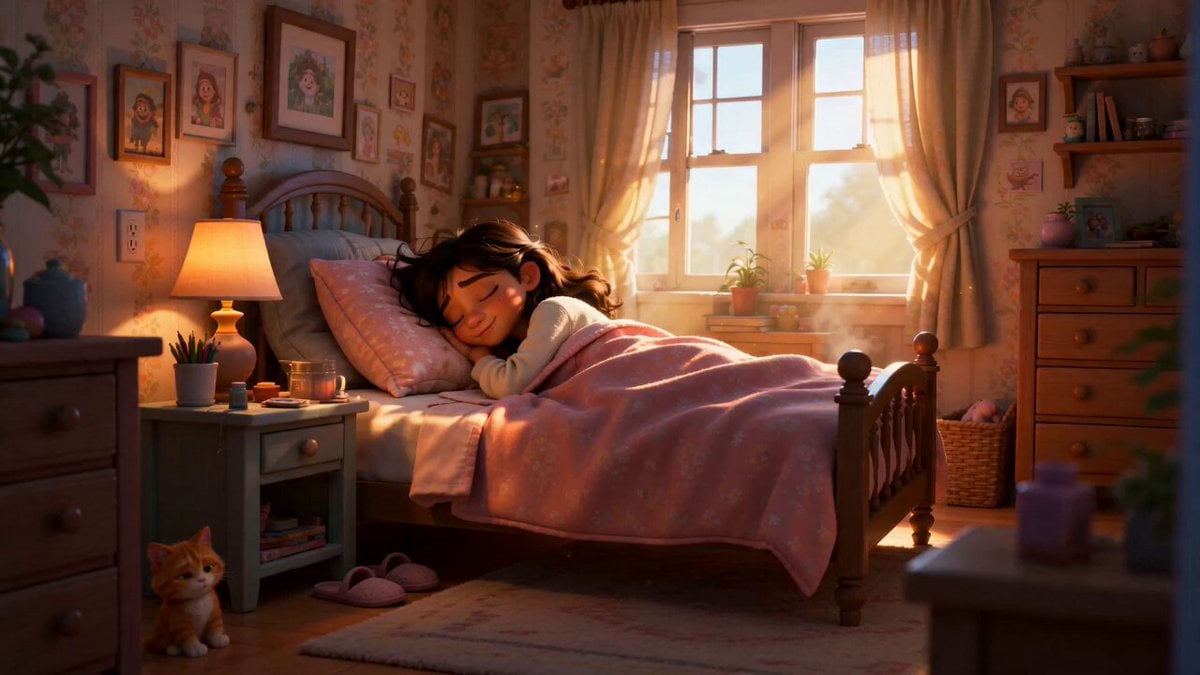
Pixar Style Sleeping Girl Animation

Pixar Style 3D Animation Prompt

Pixar Style Beauty Routine Animation

Pigeon Nemesis Pixar Animation Storyboard

3D Glossy Fairy Animation - Seedance 2.5
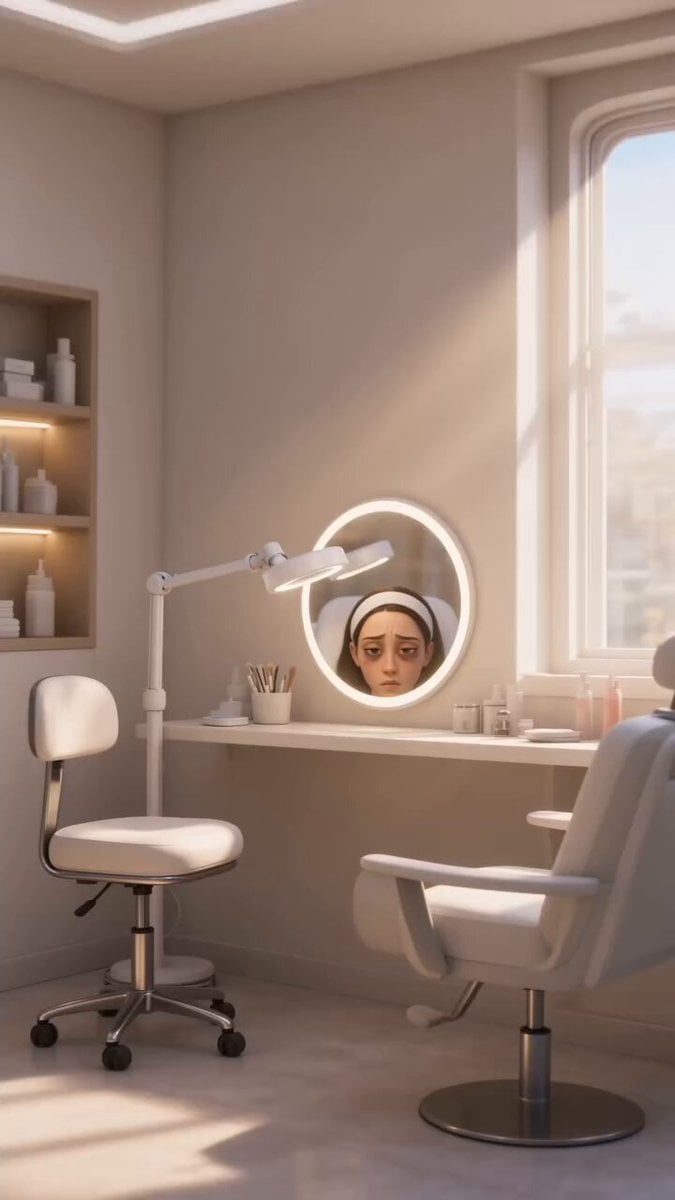
Disney Pixar Skincare Animation
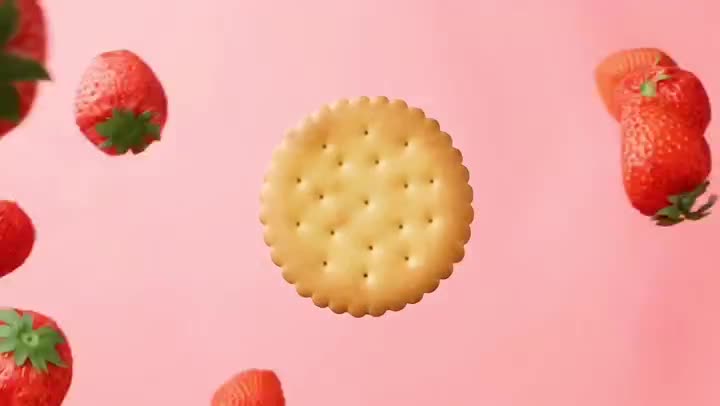
Fruit Cookie Commercial

Mechanical Flower Bloom Brand Film

Multilingual Creative Typography Loop

Crystal Ball Match-Cut Brand Film

Sneaker Product Commercial
Make it yours
Pixar Style KitKat Commercial Animation works as-is. These are the safest ways to change it without losing the look.
Change one field
Copy a single group, rewrite it, and generate again so you can see what that field is doing.
Keep the frame, change the subject
Hold the composition and light of Pixar Style KitKat Commercial Animation, then swap wardrobe, props or the person for a new take.
| If the result… | Why | Fix |
|---|---|---|
| The result drifts from the preview | Too many fields changed at once. | Reuse Pixar Style KitKat Commercial Animation as-is first, then change one group — subject, light, or setting. |
| The model over-stylizes the scene | The prose prompt leaves finish and camera underspecified. | Add one camera or lighting sentence and stay on Seedance 2.0. |
More Seedance 2.0 templates
Other prompts made for Seedance 2.0.

Comical Martial Arts Punch Scene

Maglev Train Action Sequence

Martial Arts Fight Sequence

Wuxia Protection and Trust Script

Vintage Korean Arcade MiniDV Vlog

Mercedes 190 SL Luxury Ad

Rainy Night Supernatural Reverse Comedy Video Script

Amazon Civilization Discovery

Futuristic South Asian City Transformation

Cozy Luxury Cafe Commercial
More video prompts
Fresh picks from across the catalog.
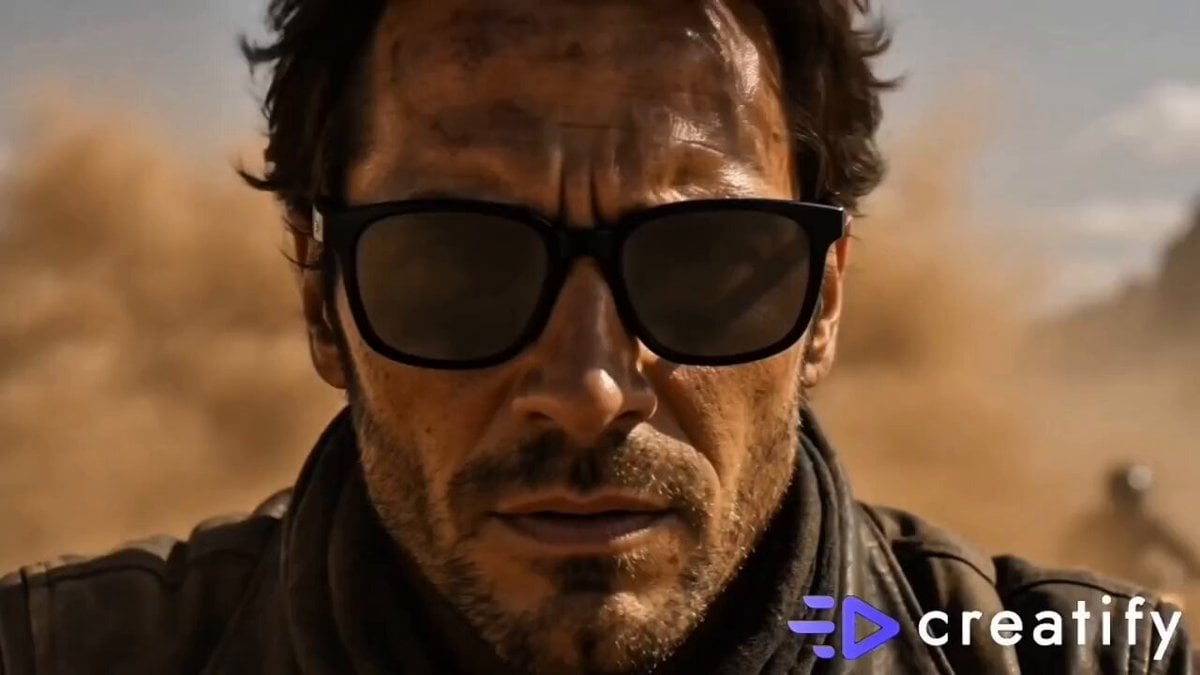
Cinematic Desert Sandstorm Motorcycle Race
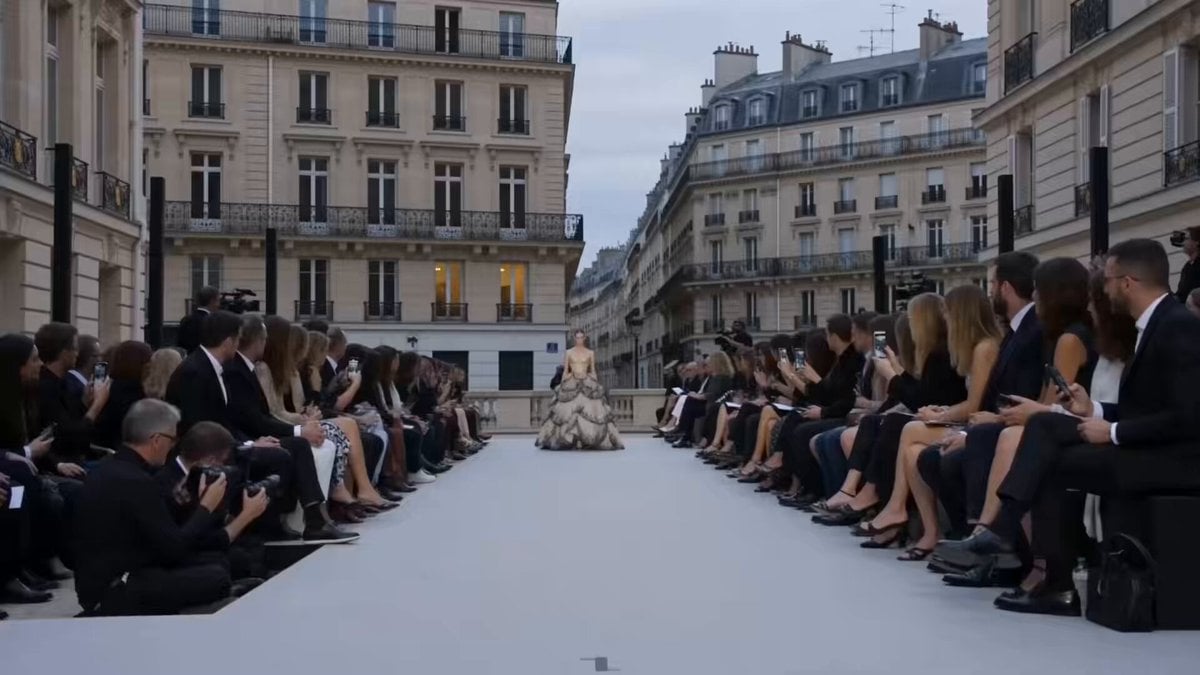
Paris Fashion Runway Footage

Rococo Oil Painting Portrait Video

Moroccan Souk Football Chain Reaction
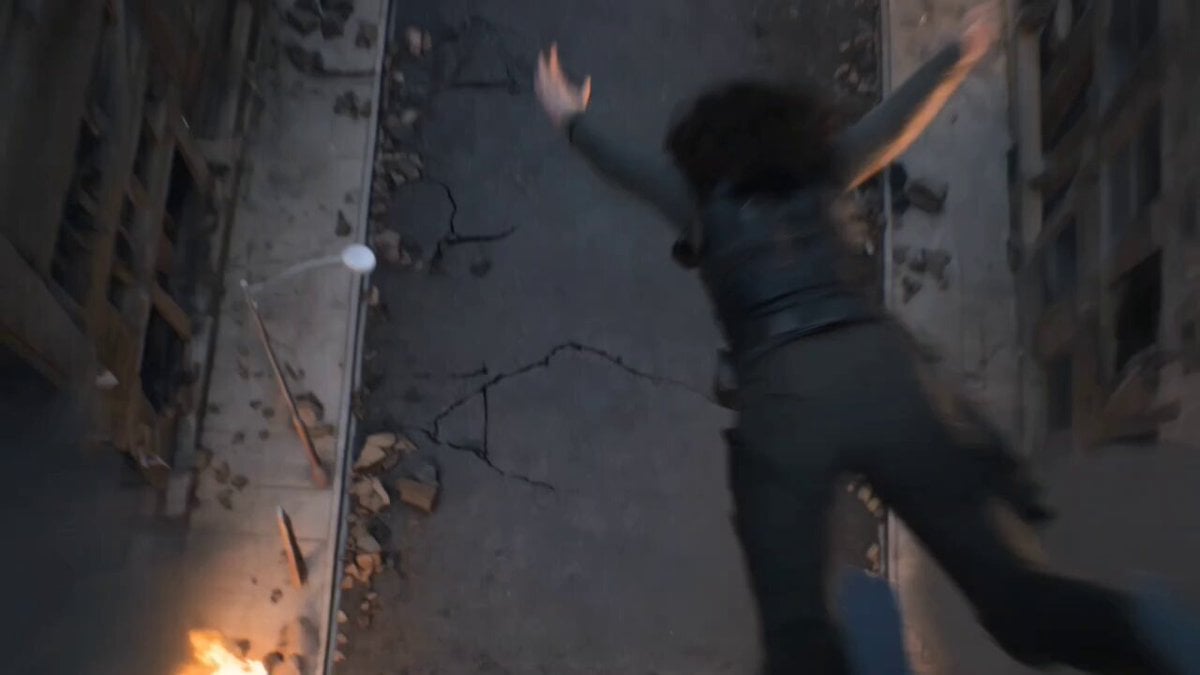
Epic Post-Apocalyptic Warrior Transformation Video Prompt

Energetic India Travel Vlog Sequence
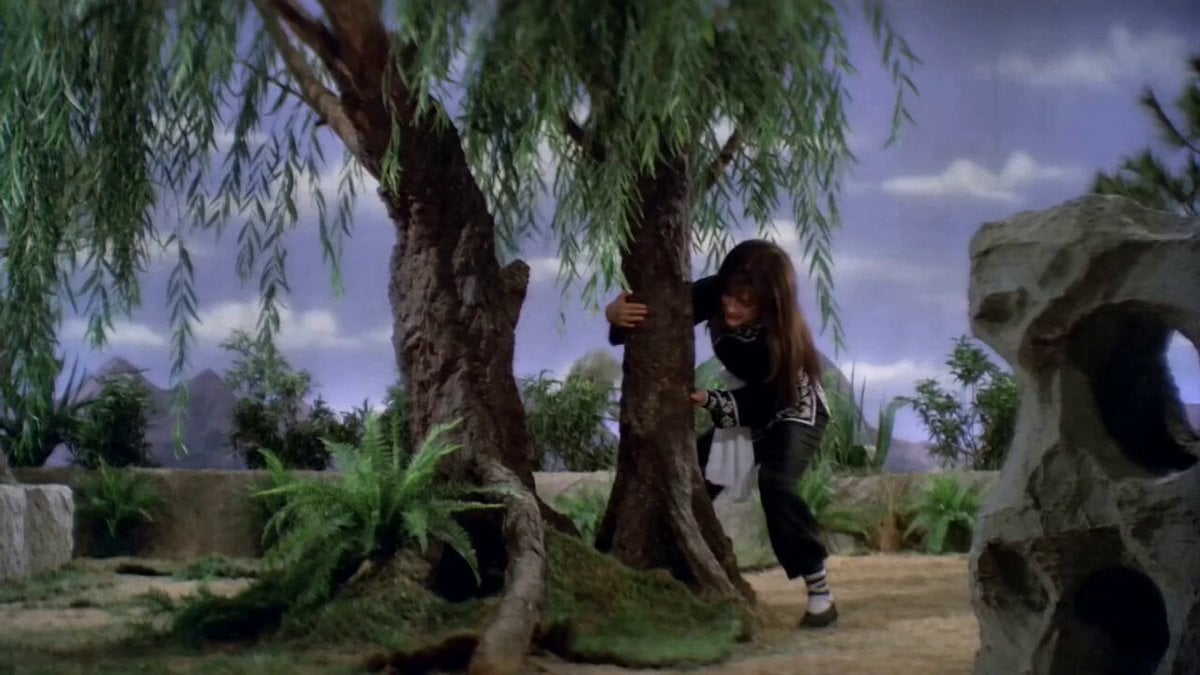
Pupu Pulling Up a Willow Tree: Shaw Brothers Wuxia Style

Jakarta Sunset Cyberpunk Action

Hyper-realistic cyberpunk glitch art prompt for a massive electric tiger
Female Travel Vlogger in London
Browse template categories
Pixar Style KitKat Commercial Animation questions
How do I use the Pixar Style KitKat Commercial Animation template?
Add your photo if the template asks for one, edit the prompt if you like — the template's model and format are already selected — and press Generate. Your version opens in PicX Studio.
Can I customize the Pixar Style KitKat Commercial Animation template?
Yes. You can change the subject, setting, lighting, mood, format, and available model controls before creating your video.
Is the Pixar Style KitKat Commercial Animation template free?
Opening and editing this template is free. Generating uses credits, shown on the Generate button when you are signed in.
Which AI model should I use?
Start with Seedance 2.0, which is the model associated with this template. You can compare another compatible model for a different finish.
Looking for something else? Browse all templates.

Your photo, any look
Thousands of ready templates for every top image and video model, from one credit balance.