
Overlapping Realities Sci-Fi Video Prompt
A cinematic sci-fi prompt featuring a lone explorer in a neon megacity witnessing a cosmic event where a crack in the sky reveals an upside-down universe.

- Prompt included
- Model and format preset
- Premium template
The prompt behind this video
Copy the exact prompt behind Overlapping Realities Sci-Fi Video Prompt, or open it in the studio and make it yours.
Retrofuristic sci-fi, stylized realism, impossible sky phenomena, neon megacity, epic atmosphere. Lone explorer in white tactical cloak with glowing visor. Nighttime city. A thin glowing line appears across the sky from horizon to horizon. The line widens into a gigantic crack. Through it, another universe becomes visible: upside-down cities, alien stars, and impossible geometry. Buildings begin floating toward the crack. The Scout races through streets as gravity bends upward. Camera flies toward the opening. Entire skyscrapers drift through the rift into the other universe. Final wide shot: two realities overlap in the sky, with cities hanging upside down above the Earth like reflections in a cosmic mirror. SFX: dimensional hum, cracking sky, wind distortion, cinematic boom.
How to use Overlapping Realities Sci-Fi Video Prompt in 3 steps
- 1
Open
The prompt is already in the box next to the preview, with the template's model and format selected.
- 2…a portrait of your subject in softgolden-hour light, 85mm…
Personalize
Edit the subject and creative details for your destination.
- 3Generate
Generate
Press Generate — your video is created in PicX Studio, so you can compare it with the original and refine one variable at a time.
More like this
Templates with the same subject, style or setup. Open one to see its prompt.

Sci-Fi Disaster Movie Scene - Seedance 2.5
New Realities and Floating Orbs
80s Sci-Fi Practical Effects Scene Prompt
Sci-Fi Horror Hospital Alien Scene
Evil Space Sci-Fi Power Threshold

Oceanic Civilization Epic Sci-Fi Film
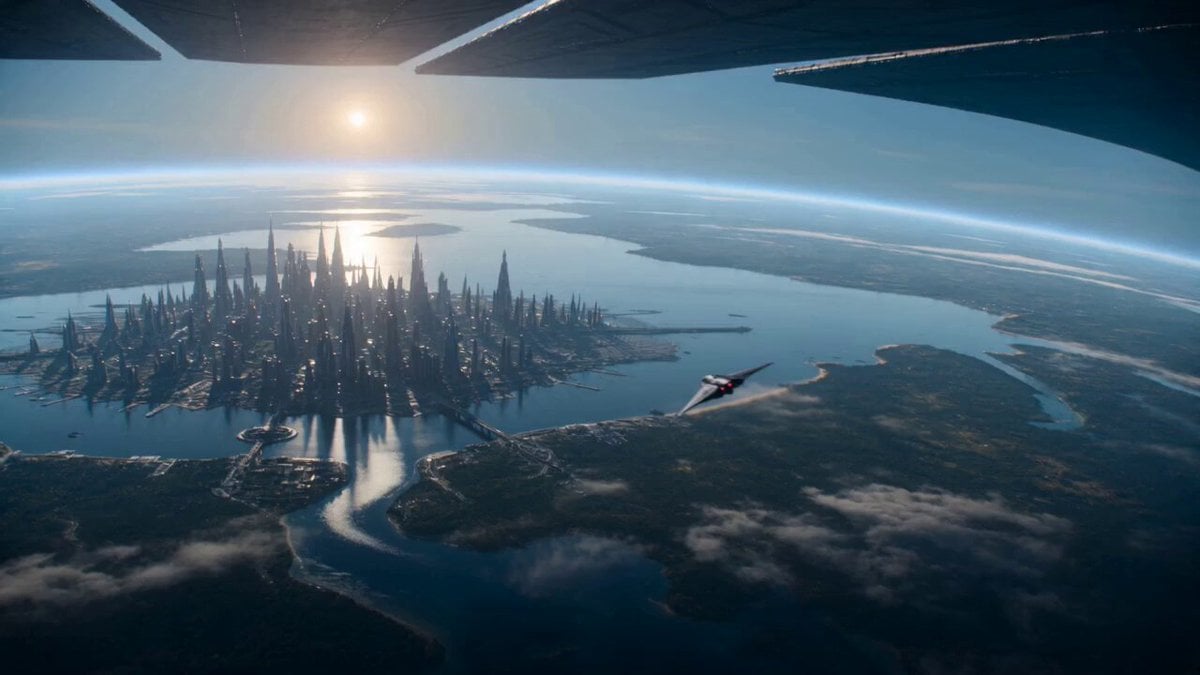
Sci-Fi Planetary Defense Sequence
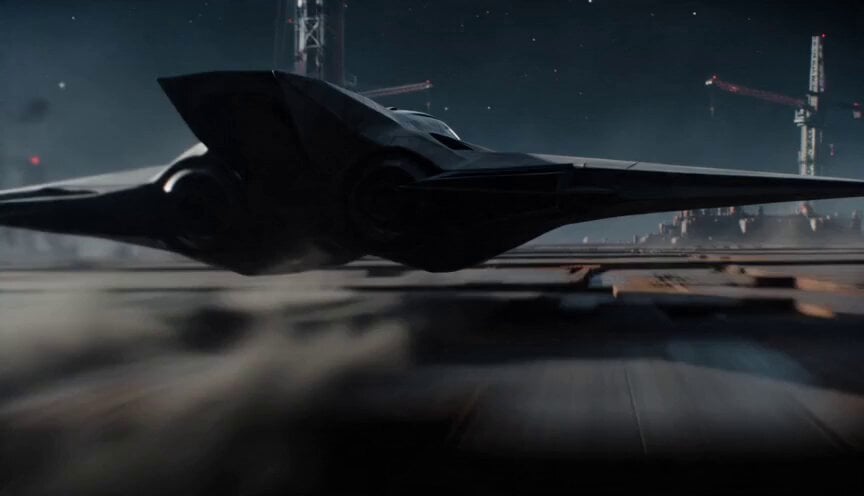
Sci-Fi Interceptor Planet Engine Race
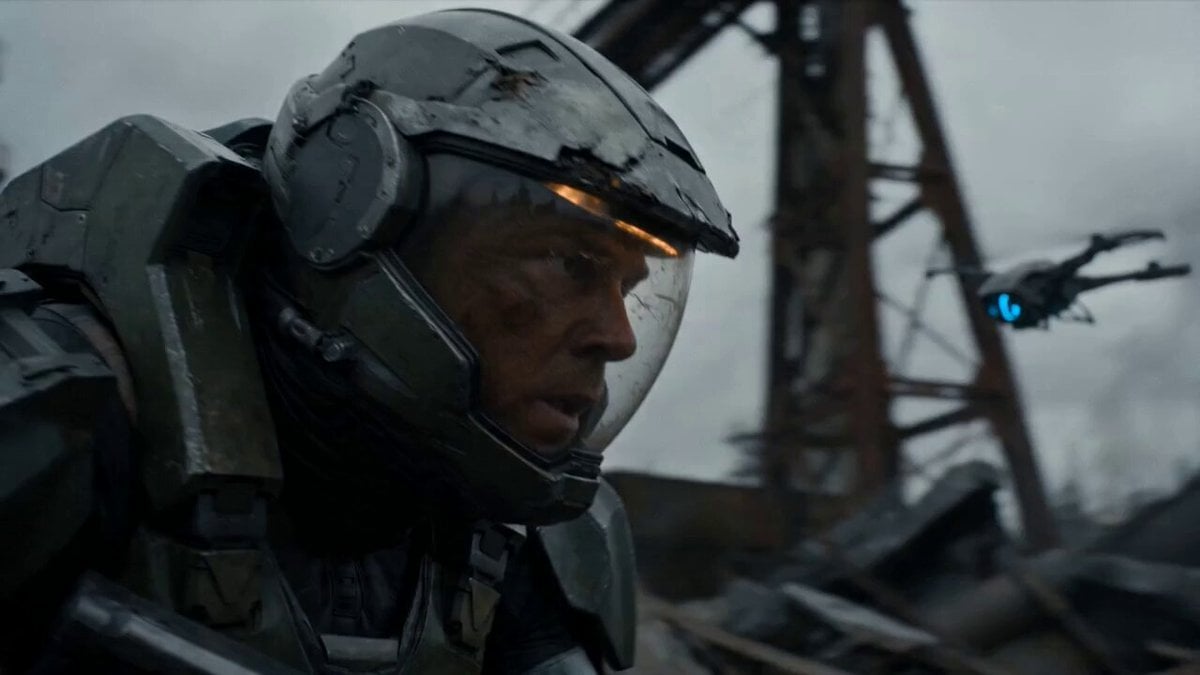
Post-Apocalyptic Sci-Fi Soldier Combat
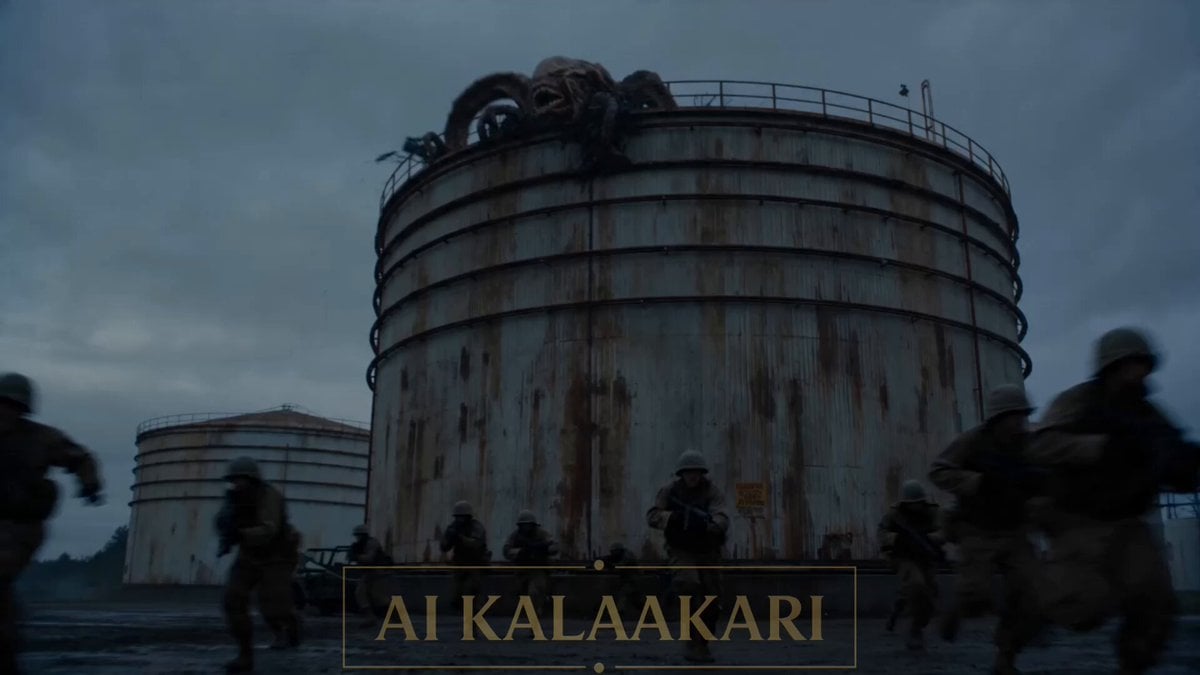
Sci-Fi Alien Attack on Fuel Depot
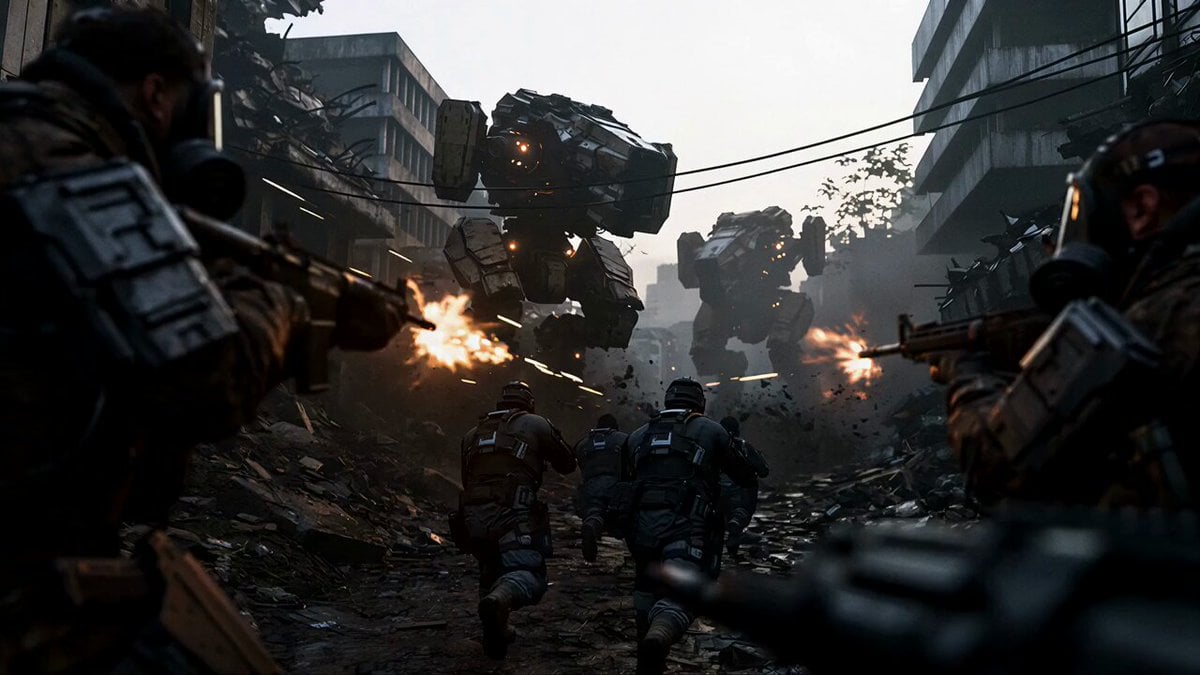
Sci-Fi Urban Warfare Scene
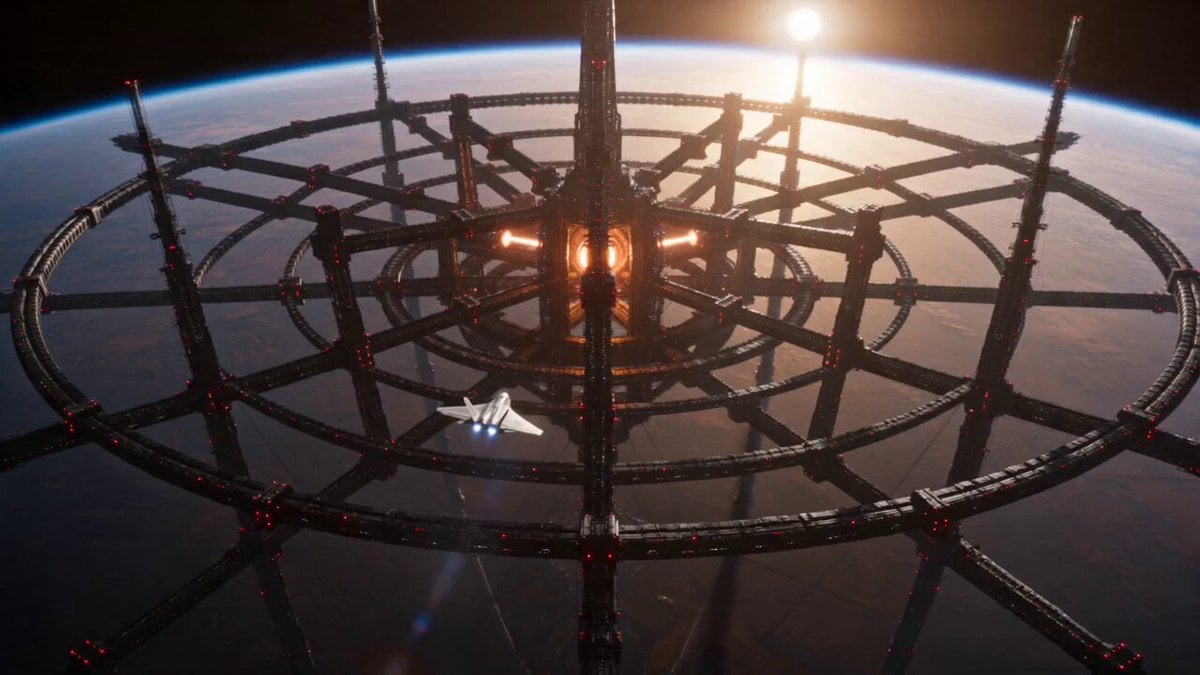
Sci-Fi Stellar Energy Extraction
Make it yours
Overlapping Realities Sci-Fi Video Prompt works as-is. These are the safest ways to change it without losing the look.
Change one field
Copy a single group, rewrite it, and generate again so you can see what that field is doing.
Keep the frame, change the subject
Hold the composition and light of Overlapping Realities Sci-Fi Video Prompt, then swap wardrobe, props or the person for a new take.
| If the result… | Why | Fix |
|---|---|---|
| The result drifts from the preview | Too many fields changed at once. | Reuse Overlapping Realities Sci-Fi Video Prompt as-is first, then change one group — subject, light, or setting. |
| The model over-stylizes the scene | The prose prompt leaves finish and camera underspecified. | Add one camera or lighting sentence and stay on Seedance 2.0. |
More Seedance 2.0 templates
Other prompts made for Seedance 2.0.

Comical Martial Arts Punch Scene

Maglev Train Action Sequence

Martial Arts Fight Sequence

Wuxia Protection and Trust Script

Vintage Korean Arcade MiniDV Vlog

Mercedes 190 SL Luxury Ad

Rainy Night Supernatural Reverse Comedy Video Script

Amazon Civilization Discovery

Futuristic South Asian City Transformation

Cozy Luxury Cafe Commercial
More video prompts
Fresh picks from across the catalog.
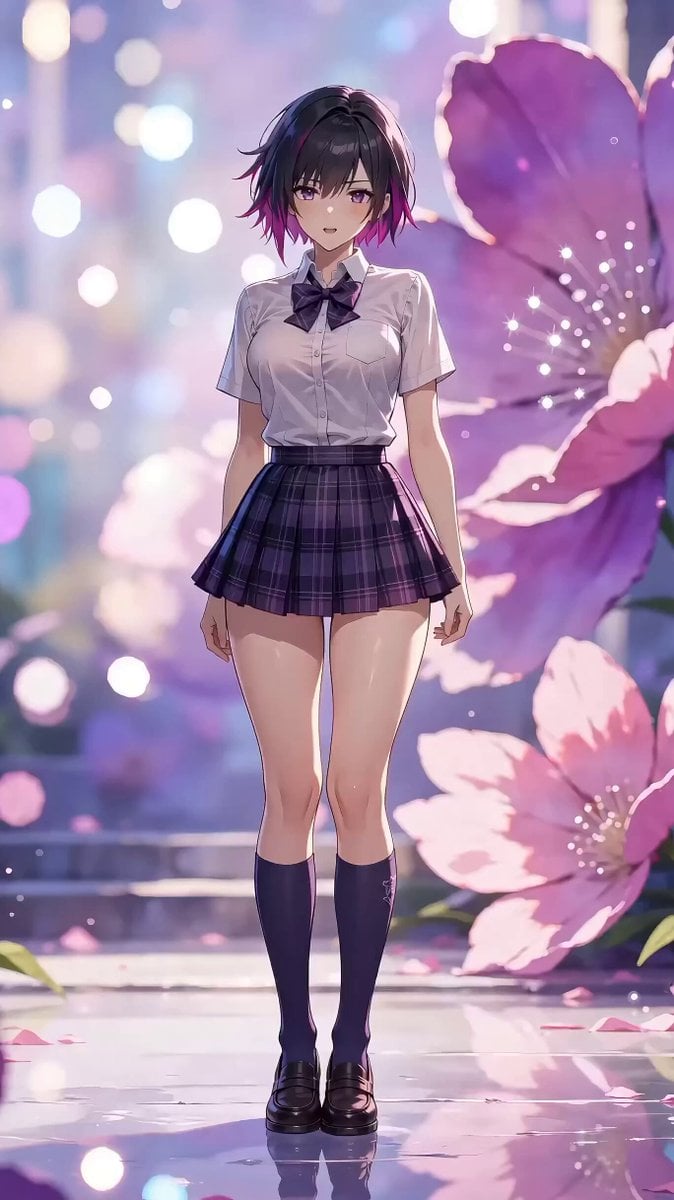
Character Dance MV Master Template

Nezha vs. Monkey King Martial Arts Video Prompt (Seedance 2.0)
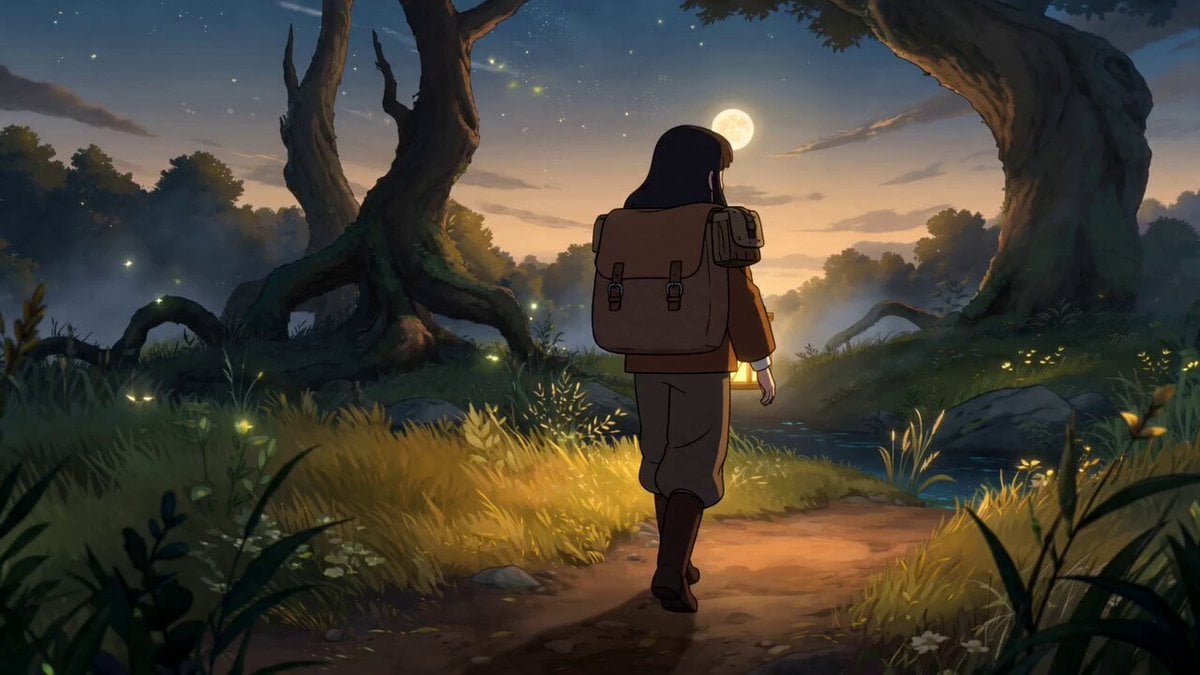
Fantasy Anime Forest Adventure Sequence
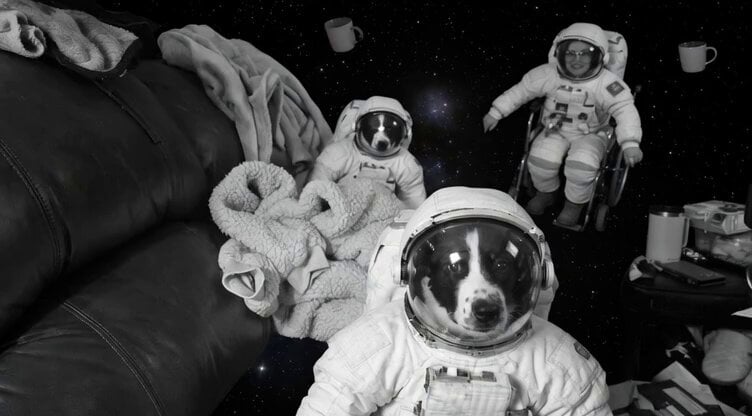
Floating Happily in Space Video Prompt
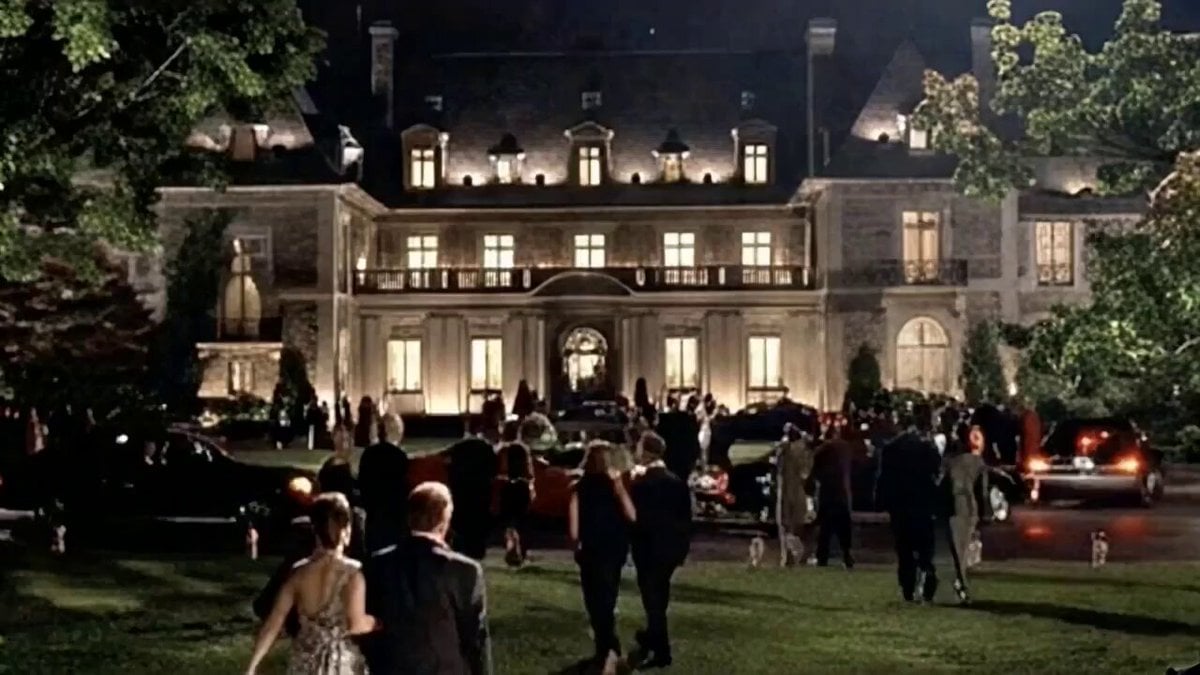
Multi-Camera Opening Scene for Eyes Wide Shut 2

Cat Walking Away After SpaceX Launch Video Prompt
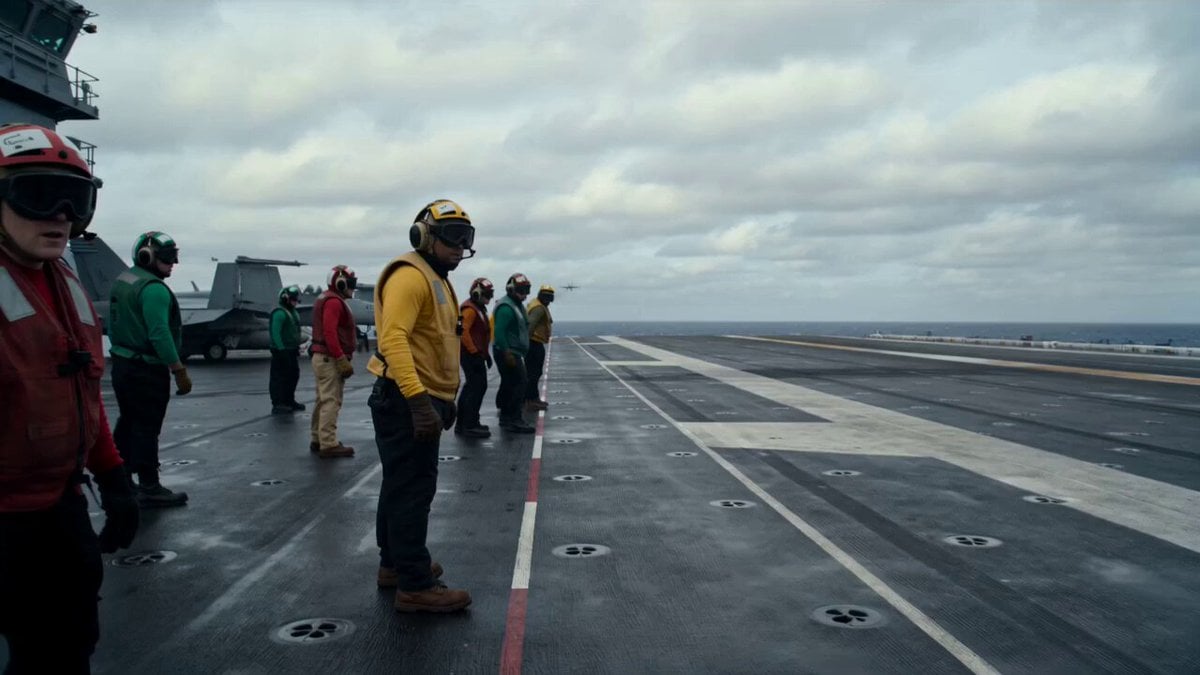
Military Carrier Emergency Documentary Prompt
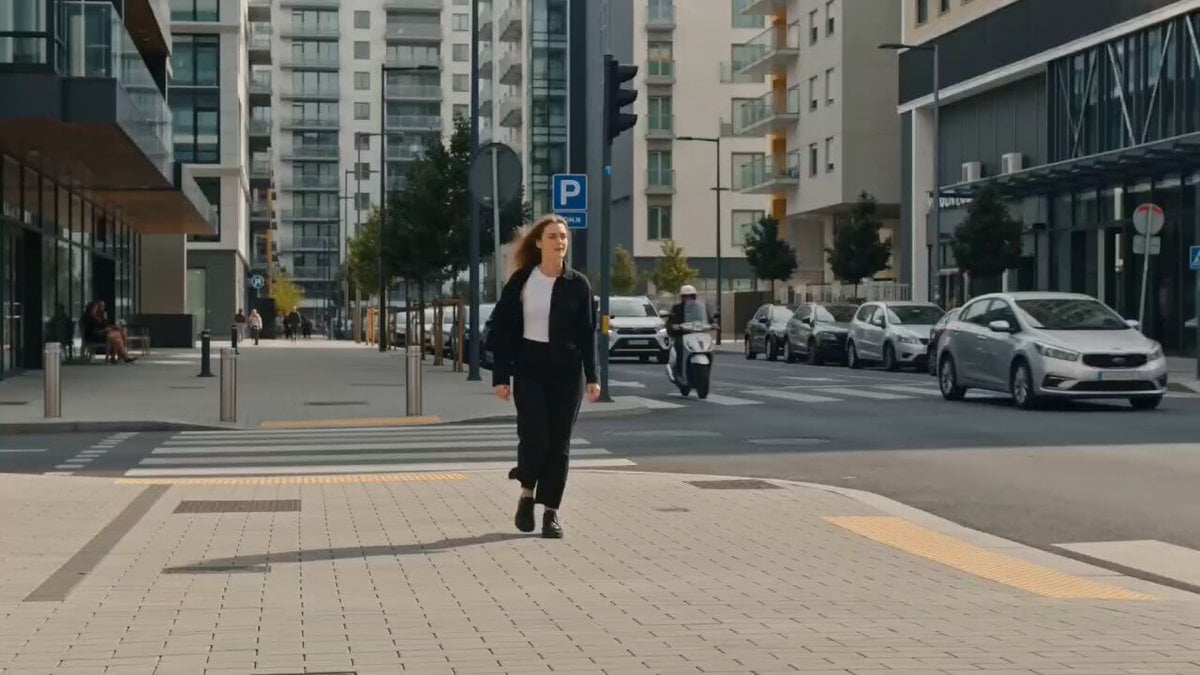
Wind Guided Street Walk
Surreal Floating Mountains Eye Zoom Video Prompt
Japanese Seaside Town MiniDV Documentary
Browse template categories
Overlapping Realities Sci-Fi Video Prompt questions
How do I use the Overlapping Realities Sci-Fi Video Prompt template?
Add your photo if the template asks for one, edit the prompt if you like — the template's model and format are already selected — and press Generate. Your version opens in PicX Studio.
Can I customize the Overlapping Realities Sci-Fi Video Prompt template?
Yes. You can change the subject, setting, lighting, mood, format, and available model controls before creating your video.
Is the Overlapping Realities Sci-Fi Video Prompt template free?
Opening and editing this template is free. Generating uses credits, shown on the Generate button when you are signed in.
Which AI model should I use?
Start with Seedance 2.0, which is the model associated with this template. You can compare another compatible model for a different finish.
Looking for something else? Browse all templates.

Your photo, any look
Thousands of ready templates for every top image and video model, from one credit balance.