How do I use the Sci-Fi Alien Attack on Fuel Depot template?
Edit the prompt in the box under the preview — the template's model and format are already selected — and press Generate. Your version appears right on this page.
A cinematic sci-fi prompt for Seedance 2.0 depicting an alien siege at a fuel depot, including a heroic jeep sacrifice and a massive explosion sequence.
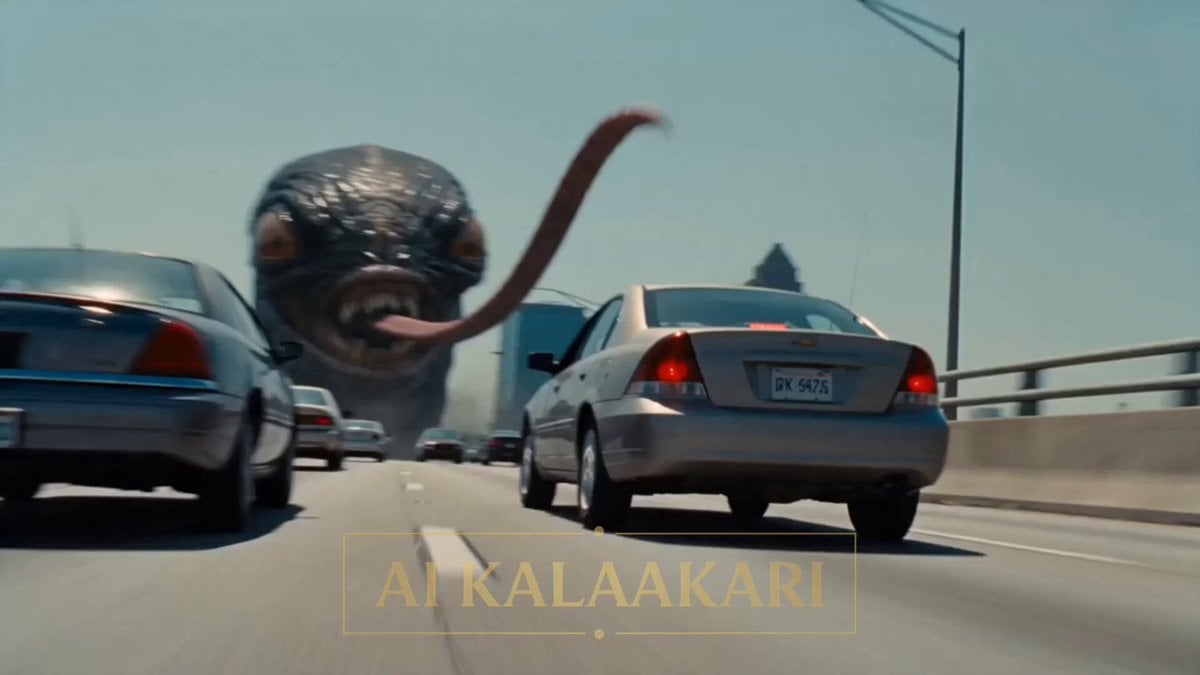
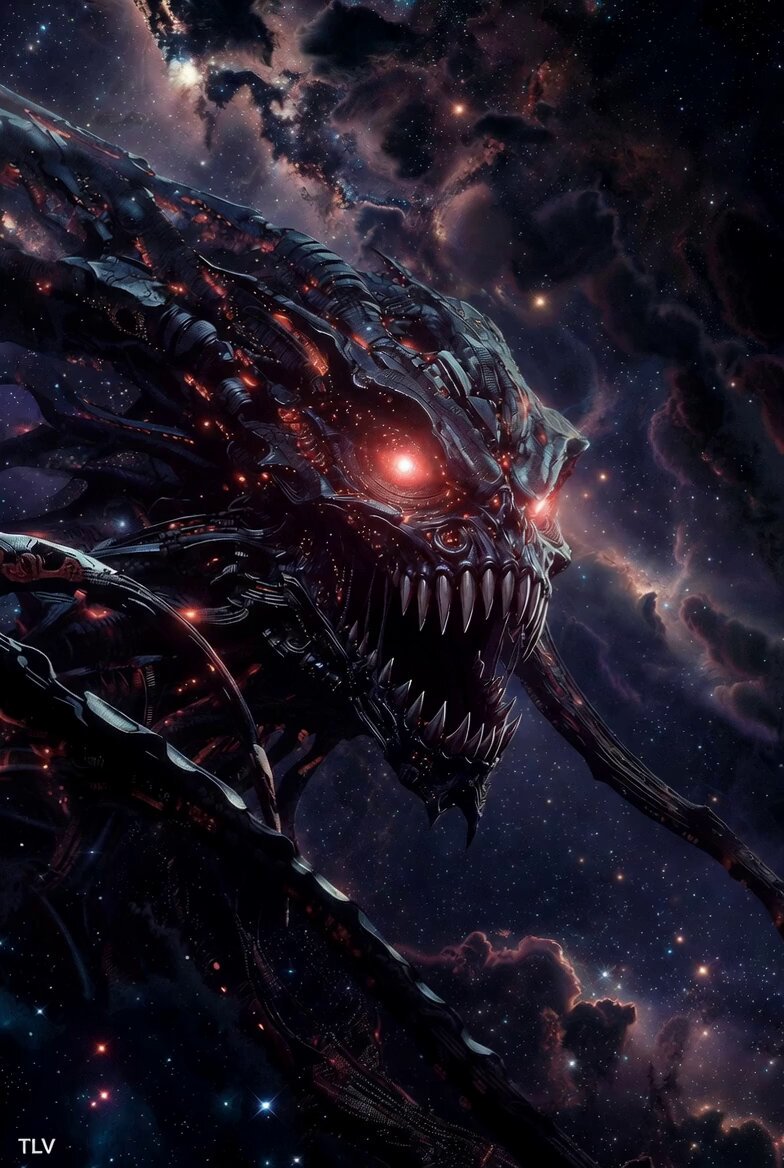
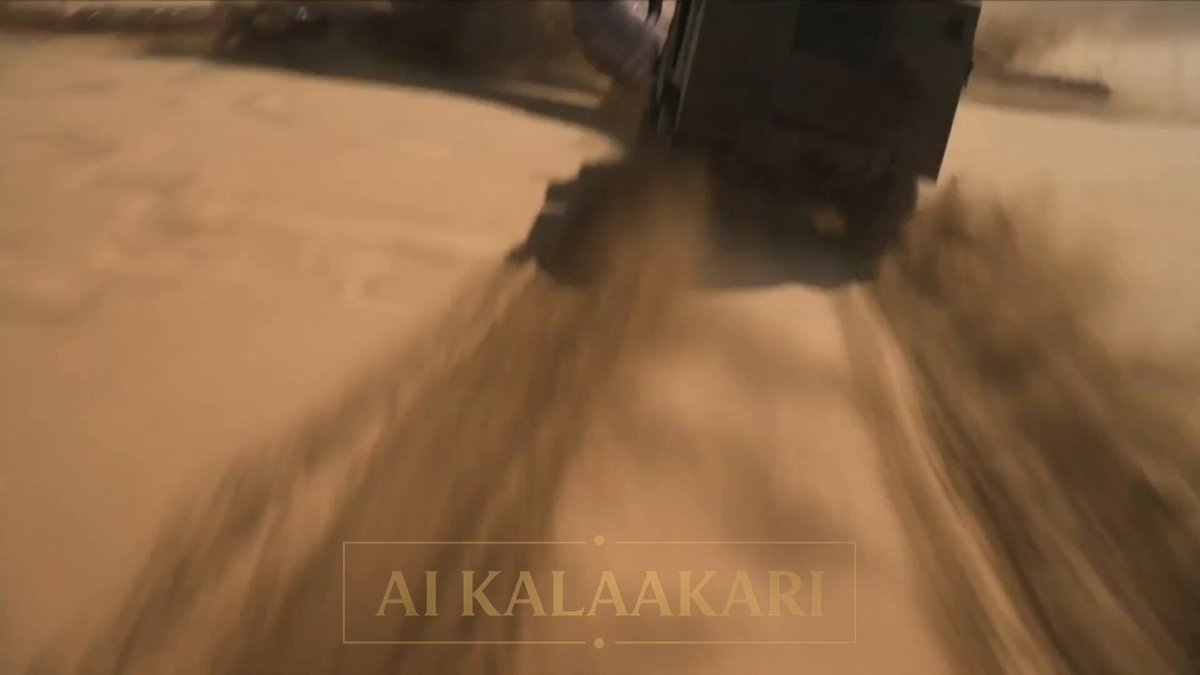
A big alien with long tentacles wraps around a fuel tank at an army depot. The soldiers cannot shoot near it — the fuel could blow up too soon. A soldier gets into a jeep and sets it on fire on purpose. Sounds: fire crackling, alien hissing, shouting, engine roaring. Shot 1 (0–3s) — THE HOOK: The big alien wraps its tentacles around the tall fuel tank, squeezing it hard. Fuel starts leaking out. Soldiers back away fast. One shouts on his radio: "DON'T SHOOT! IT'LL BLOW EARLY!" Shot 2 (3–6s): A soldier jumps into a jeep. He lights a fire on the back of it with a torch. He guns the engine and calls on the radio: "I'm driving it in! Get back!" Shot 3 (6–9s): The burning jeep speeds straight at the fuel tank. Right before it hits, the soldier throws his door open and jumps out, rolling across the ground away from the jeep. Shot 4 (9–13s) — BIG SLOW MOMENT: The jeep smashes into the fuel tank. We see it slow. Fire spreads fast across the leaking fuel, wrapping around the alien still holding on. Shot 5 (13–15s): Everything goes back to normal speed. BOOM! The whole depot explodes in one giant fireball, lighting up the whole sky. The soldier lies safe on the ground, watching the fire go up. Cut.
A big alien with long tentacles wraps around a fuel tank at an army depot. The soldiers cannot shoot near it — the fuel could blow up too soon. A soldier gets into a jeep and sets it on fire on purpose. Sounds: fire crackling, alien hissing, shouting, engine roaring. Shot 1 (0–3s) — THE HOOK: The big alien wraps its tentacles around the tall fuel tank, squeezing it hard. Fuel starts leaking out. Soldiers back away fast. One shouts on his radio: "DON'T SHOOT! IT'LL BLOW EARLY!" Shot 2 (3–6s): A soldier jumps into a jeep. He lights a fire on the back of it with a torch. He guns the engine and calls on the radio: "I'm driving it in! Get back!" Shot 3 (6–9s): The burning jeep speeds straight at the fuel tank. Right before it hits, the soldier throws his door open and jumps out, rolling across the ground away from the jeep. Shot 4 (9–13s) — BIG SLOW MOMENT: The jeep smashes into the fuel tank. We see it slow. Fire spreads fast across the leaking fuel, wrapping around the alien still holding on. Shot 5 (13–15s): Everything goes back to normal speed. BOOM! The whole depot explodes in one giant fireball, lighting up the whole sky. The soldier lies safe on the ground, watching the fire go up. Cut.
Edit the prompt in the box under the preview — the template's model and format are already selected — and press Generate. Your version appears right on this page.
Yes. You can change the subject, setting, lighting, mood, format, and available model controls before creating your video.
Opening and editing this template is free. Generating uses credits, shown on the Generate button when you are signed in.
Start with Seedance 2.0, which is the model associated with this template. You can compare another compatible model for a different finish.
Follow a topic to a crawlable collection of related PicX Studio templates.