
Lunar Catastrophe Sequence
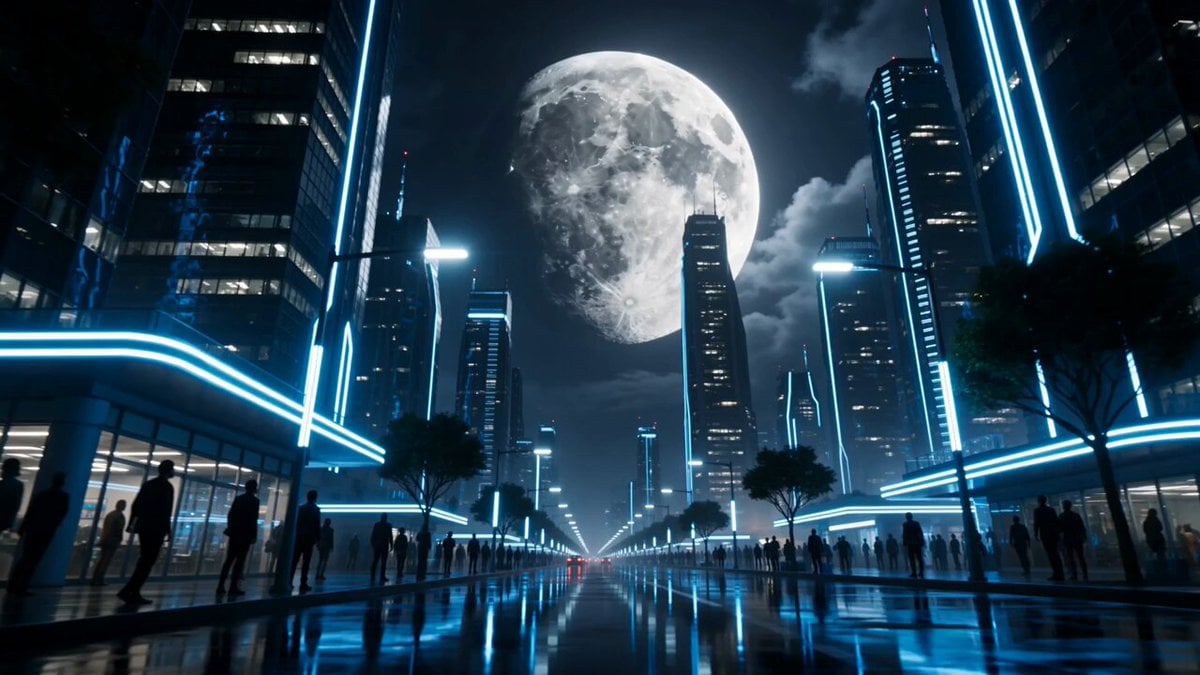
A breathtaking apocalyptic prompt describing the moon shattering above a futuristic city with intense atmospheric effects.
- Prompt included
- Model and format preset
- Free template
The prompt behind this video
Copy the exact prompt behind Lunar Catastrophe Sequence, or open it in the studio and make it yours.
Ultra cinematic apocalyptic sci-fi sequence of a gigantic moon cracking apart above Earth during the middle of the night. The camera begins low over a silent futuristic city illuminated by blue neon reflections and distant thunderclouds. Citizens slowly stop and stare upward as glowing fractures spread across the surface of the moon like molten veins. Massive chunks of lunar crust begin separating in slow motion while brilliant white light leaks from the cracks. Gravity disturbances ripple through the city. Cars lift slightly off the ground, rain reverses upward, glass trembles, and ocean tides rise violently in the distance. The camera pushes upward toward the sky as enormous burning moon fragments descend through the atmosphere trailing fire, debris, and glowing dust. Clouds spiral unnaturally around the collapsing moon while lightning flashes between the fragments. Buildings shake from sonic shockwaves. One gigantic section of the moon breaks completely apart, revealing a blinding celestial core pulsing like a dying star. Debris fields orbit chaotically around the planet while meteors streak across the sky. Reflections of the shattered moon ripple across flooded streets and terrified faces. Final cinematic aerial shot pulls far back into space revealing Earth surrounded by thousands of glowing lunar fragments orbiting like a broken halo while storms engulf the planet beneath swirling clouds and cosmic light. Hyper realistic cinematic style, volumetric clouds, atmospheric scattering, dramatic scale, realistic debris physics, glowing celestial fractures, emotional sci-fi atmosphere, slow-motion destruction, IMAX framing, ultra detailed lighting, epic cinematic composition, dark blue and silver palette, AAA movie quality.
How to use Lunar Catastrophe Sequence in 3 steps
- 1
Open
The prompt is already in the box next to the preview, with the template's model and format selected.
- 2…a portrait of your subject in softgolden-hour light, 85mm…
Personalize
Edit the subject and creative details for your destination.
- 3Generate
Generate
Press Generate — your video is created in PicX Studio, so you can compare it with the original and refine one variable at a time.
More like this
Templates with the same subject, style or setup. Open one to see its prompt.
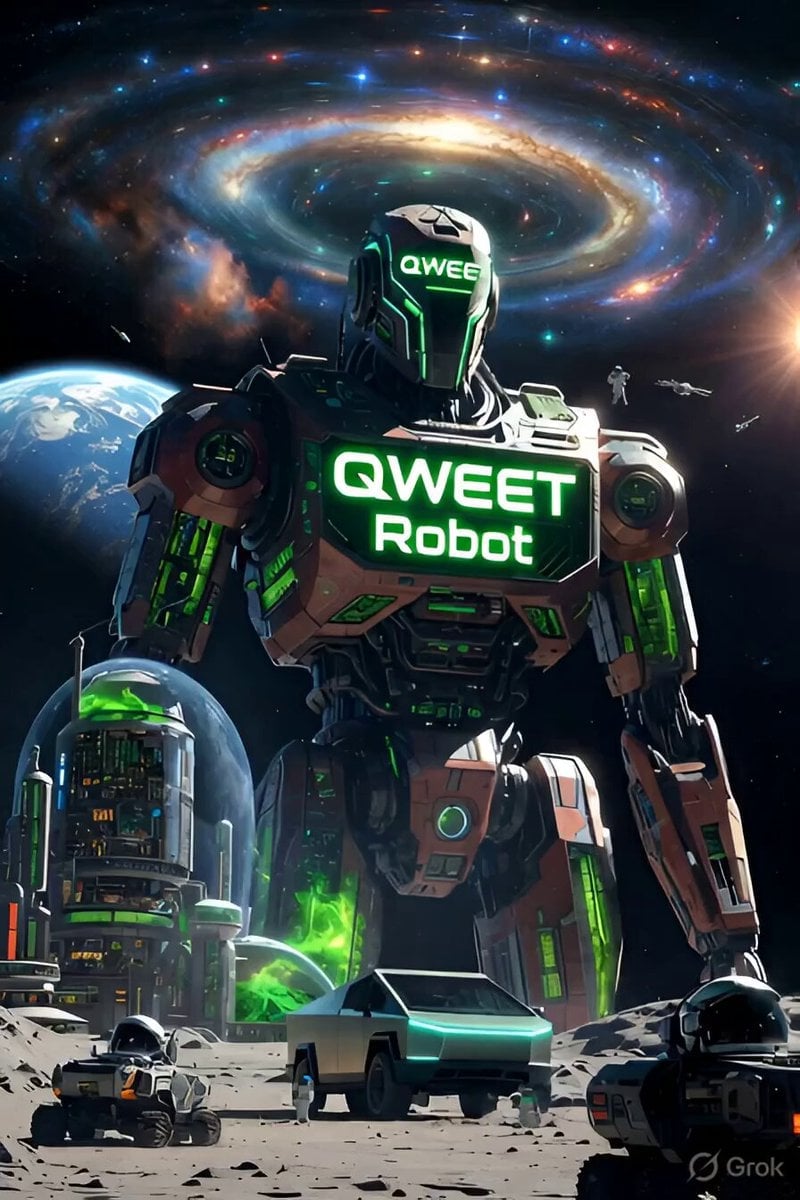
Green Lunar Megacity and Giant Robot
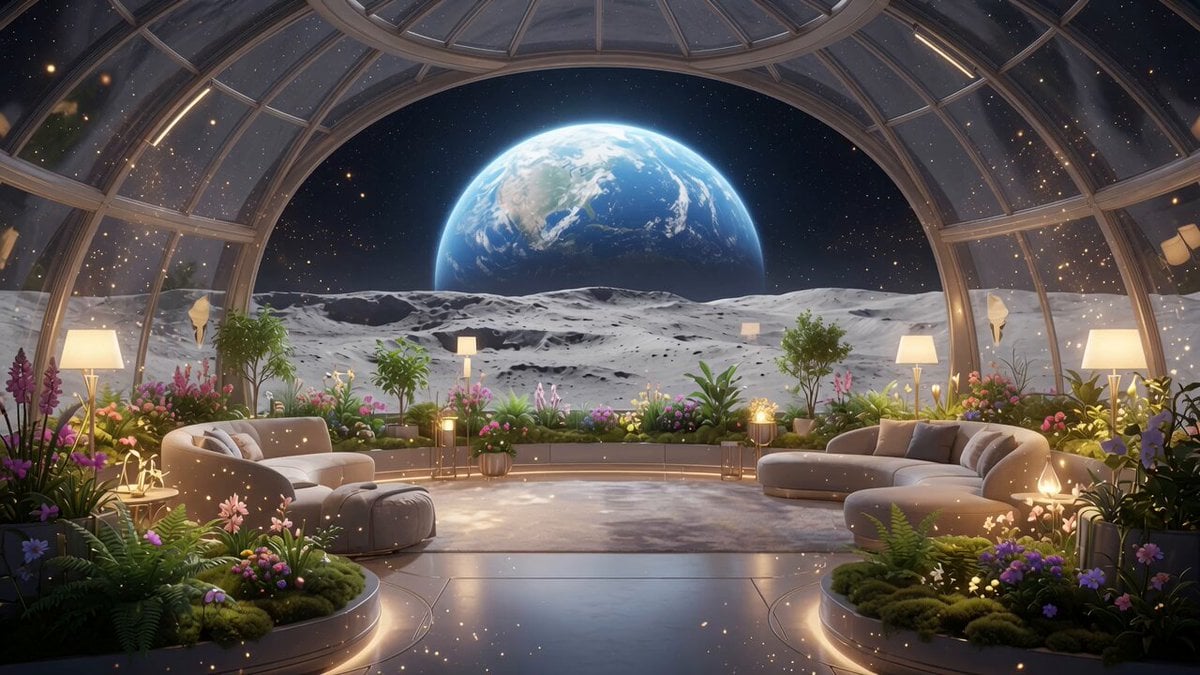
Lunar Home Time-Lapse
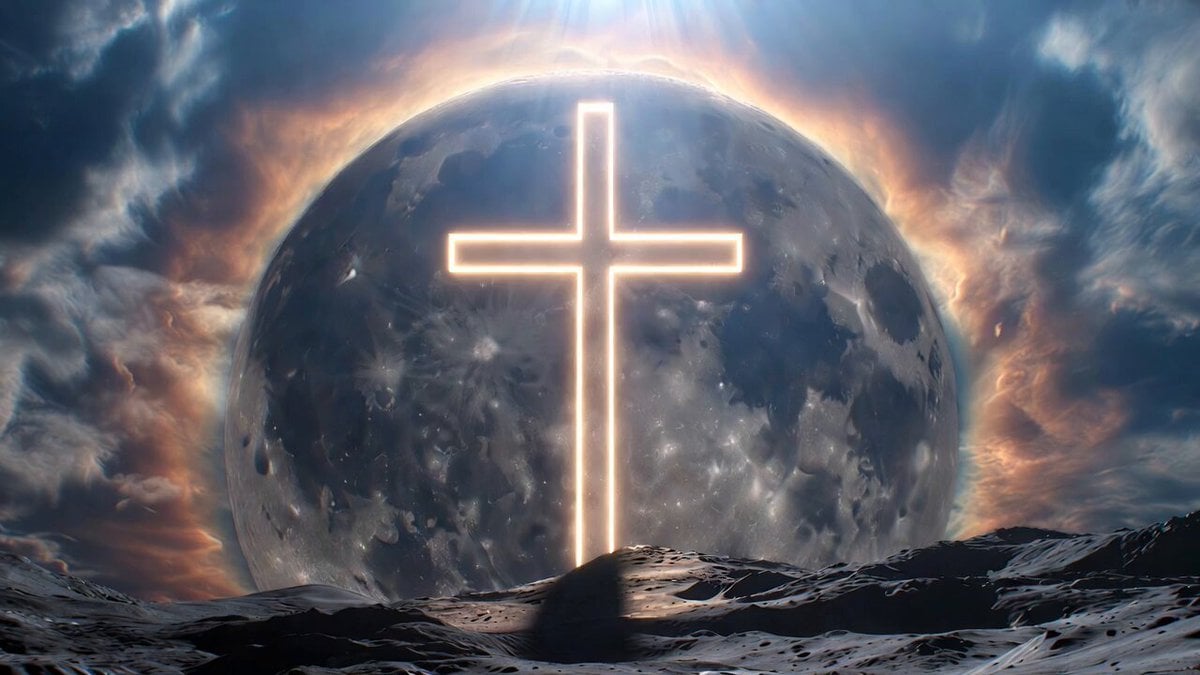
Lunar Cross Monument Video
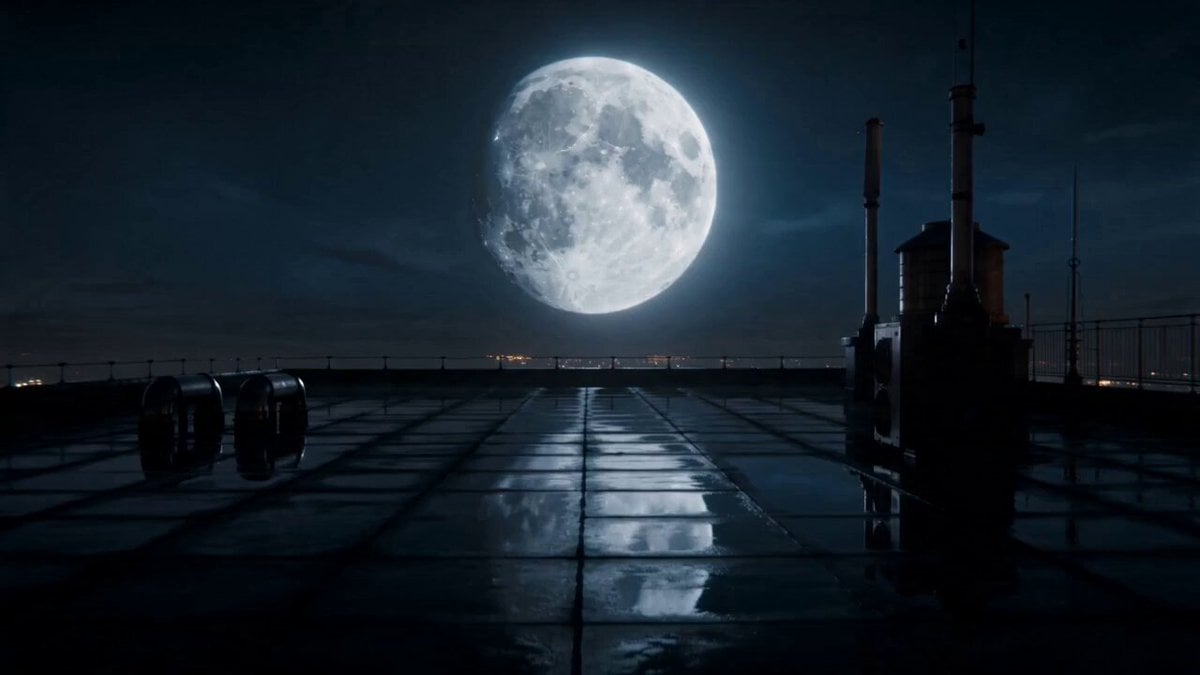
Ethereal Lunar Moth Transformation

second video prompt of a majestic lunar deer

Lunar Realm Portal Animation
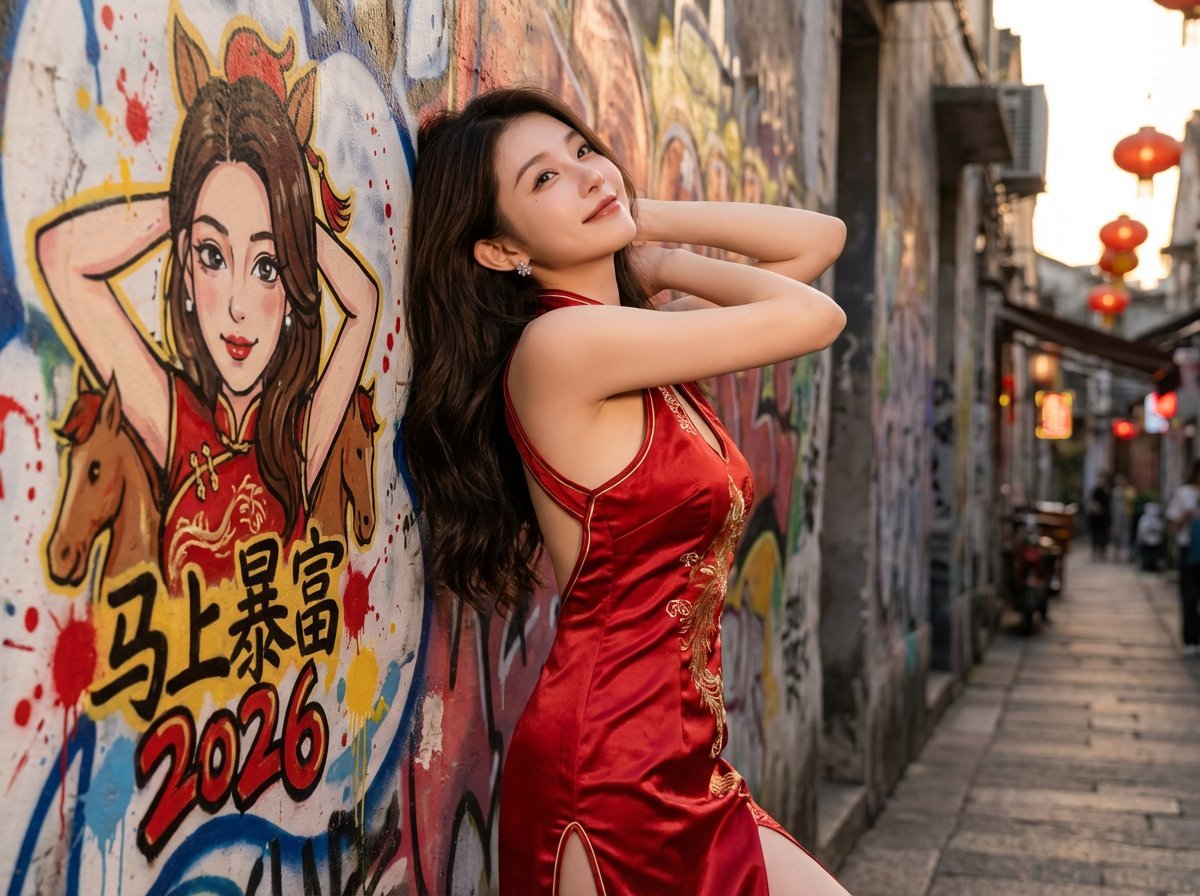
Lunar New Year Street Graffiti Portrait Prompt
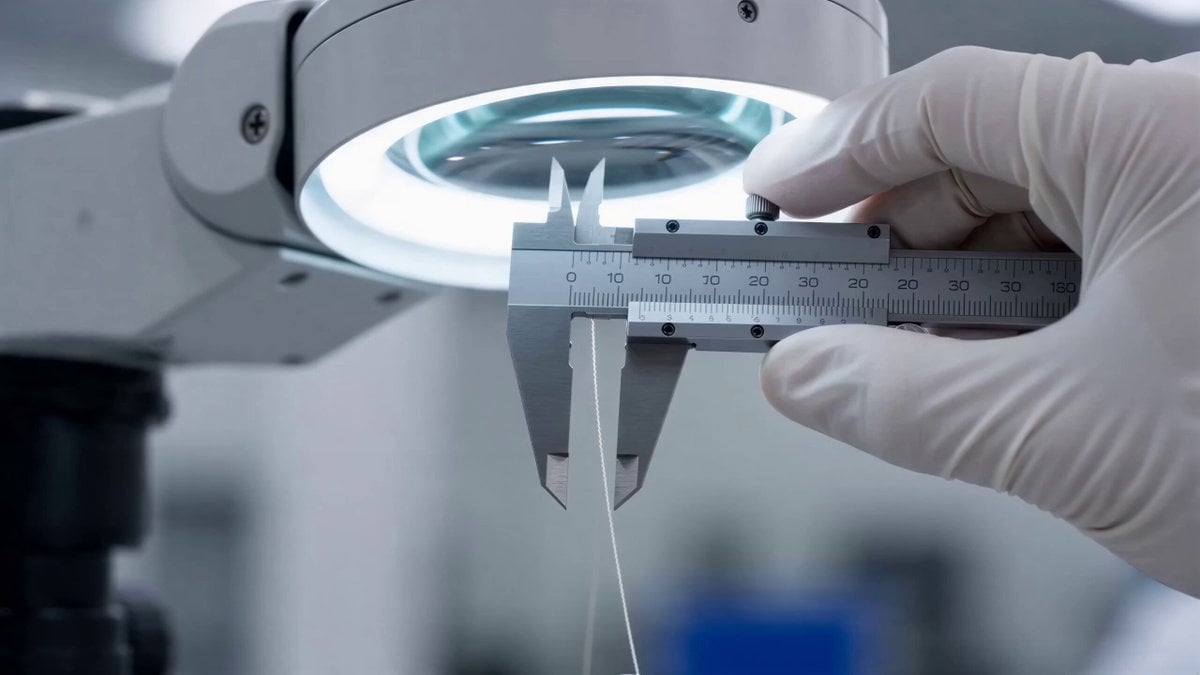
Seedance 2.0 prompt for a lunar landing scene
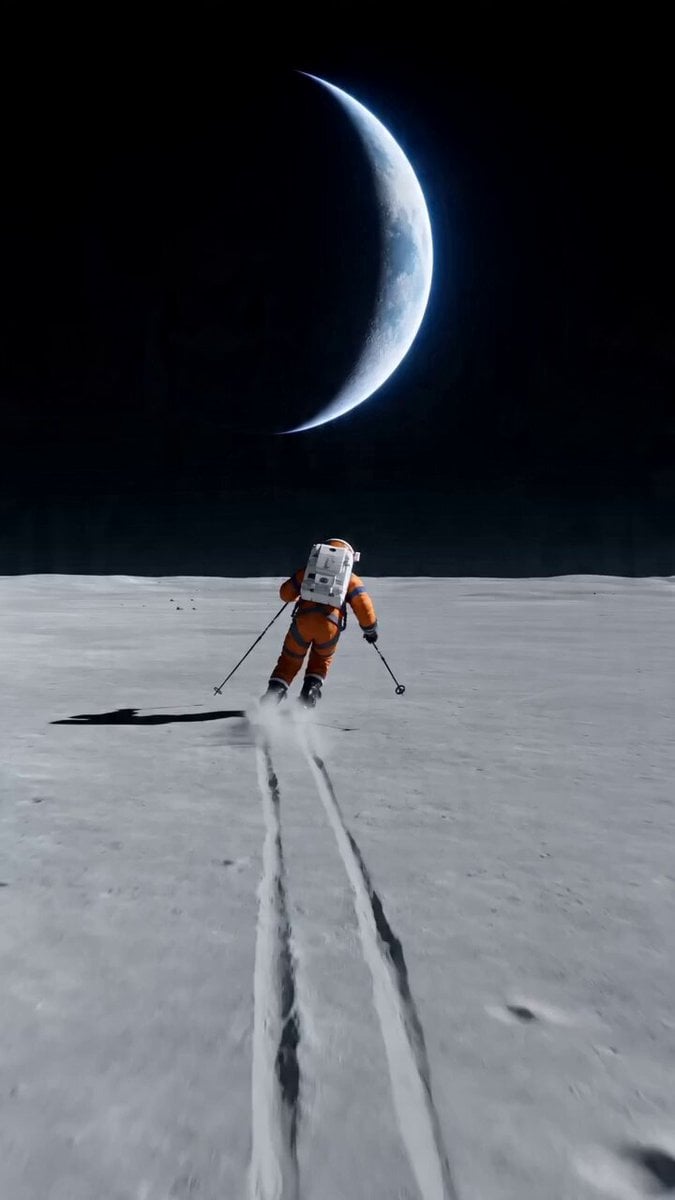
Wide shot of an astronaut skiing on a lunar plain

Maglev Train Action Sequence

Martial Arts Fight Sequence
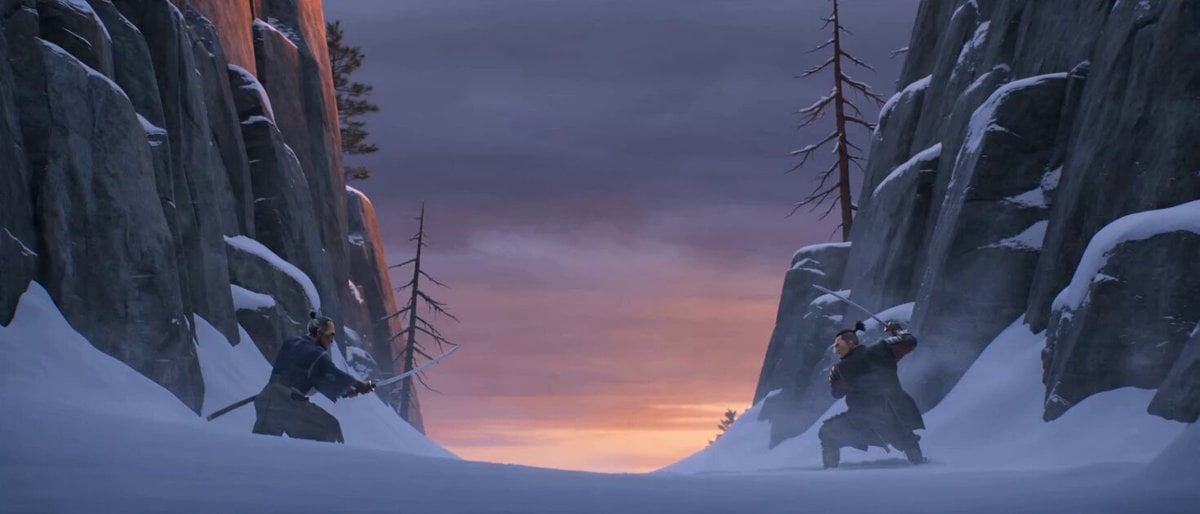
Cinematic Samurai Duel Sequence
Make it yours
Lunar Catastrophe Sequence works as-is. These are the safest ways to change it without losing the look.
Change one field
Copy a single group, rewrite it, and generate again so you can see what that field is doing.
Keep the frame, change the subject
Hold the composition and light of Lunar Catastrophe Sequence, then swap wardrobe, props or the person for a new take.
| If the result… | Why | Fix |
|---|---|---|
| The result drifts from the preview | Too many fields changed at once. | Reuse Lunar Catastrophe Sequence as-is first, then change one group — subject, light, or setting. |
| The model over-stylizes the scene | The prose prompt leaves finish and camera underspecified. | Add one camera or lighting sentence and stay on Seedance 2.0. |
More Seedance 2.0 templates
Other prompts made for Seedance 2.0.

Comical Martial Arts Punch Scene

Wuxia Protection and Trust Script

Vintage Korean Arcade MiniDV Vlog

Mercedes 190 SL Luxury Ad

Rainy Night Supernatural Reverse Comedy Video Script

Amazon Civilization Discovery

Futuristic South Asian City Transformation

Cozy Luxury Cafe Commercial

Cyber Ronin Nanotech Transformation Video

Desert Courier and Sandstorm Leviathan Chase
More video prompts
Fresh picks from across the catalog.
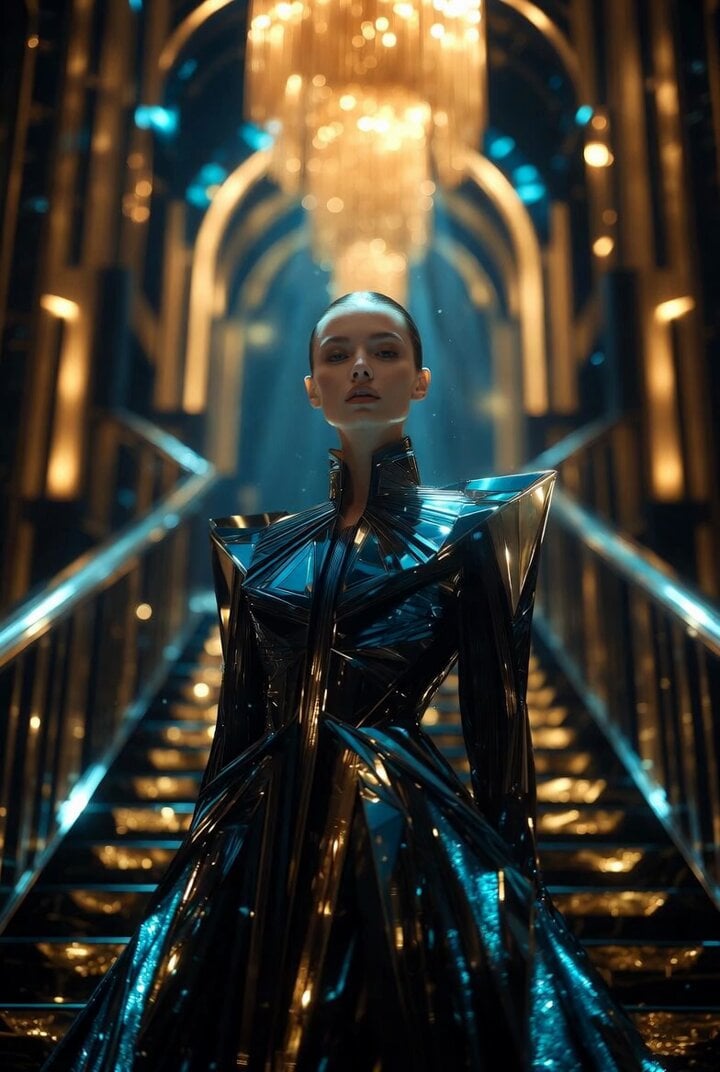
Art Deco Futuristic Royal Scene Video Prompt
Dreamy Yellow Glass House

Wingsuit Flying Extreme Sports Video Prompt
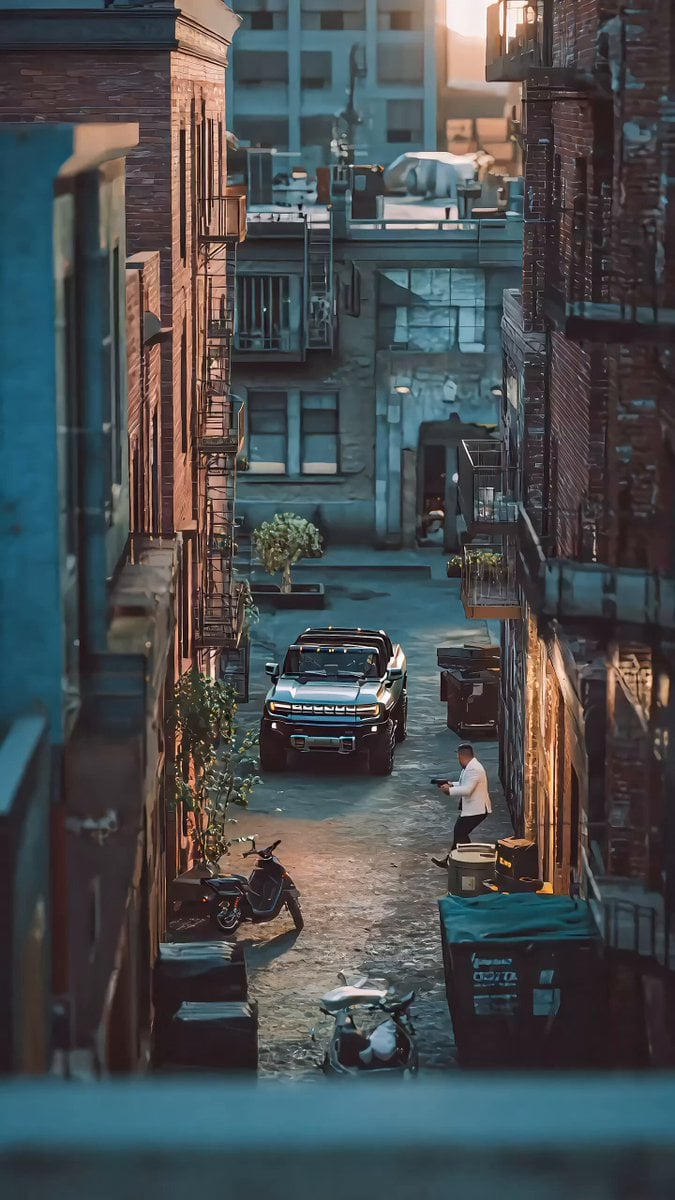
John Woo Style Gunfight Scene Prompt
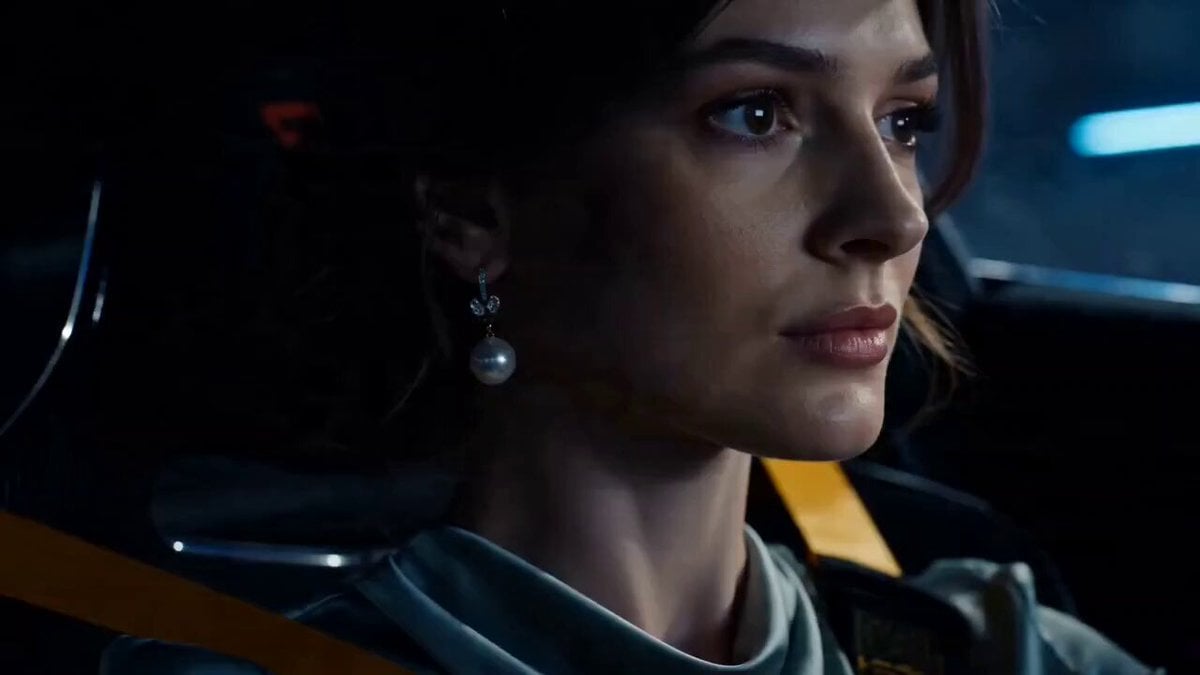
Porsche 911 GT3 RS Night Street Race
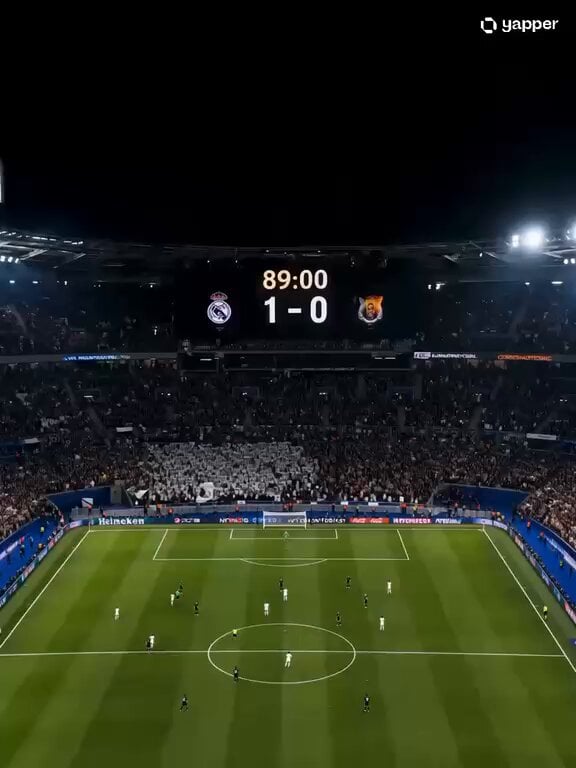
Dramatic Female Football Nutmeg Sequence
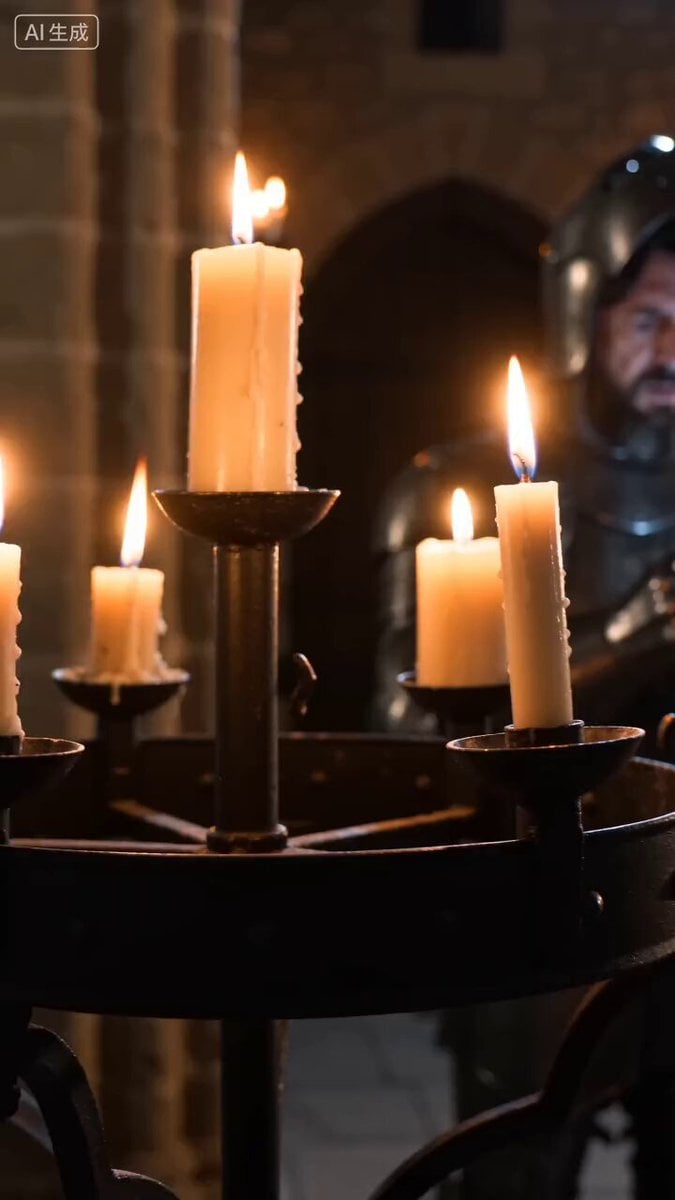
Medieval Knight with Smartphone
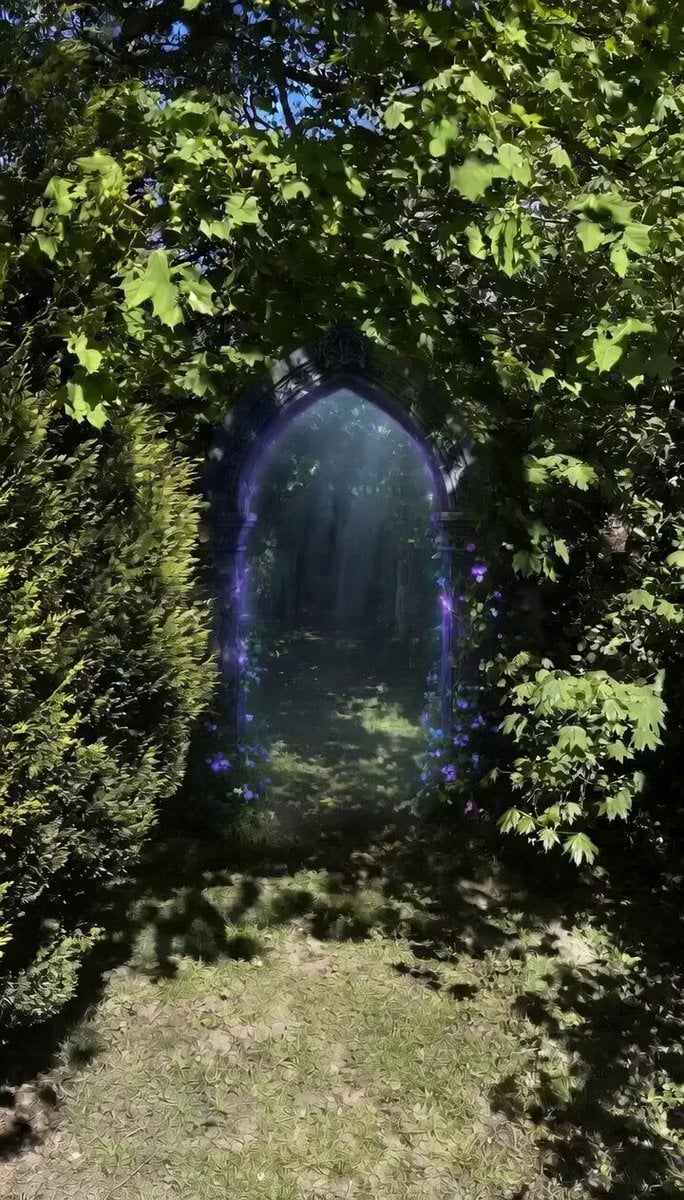
Stone Sundial and Owl Dome
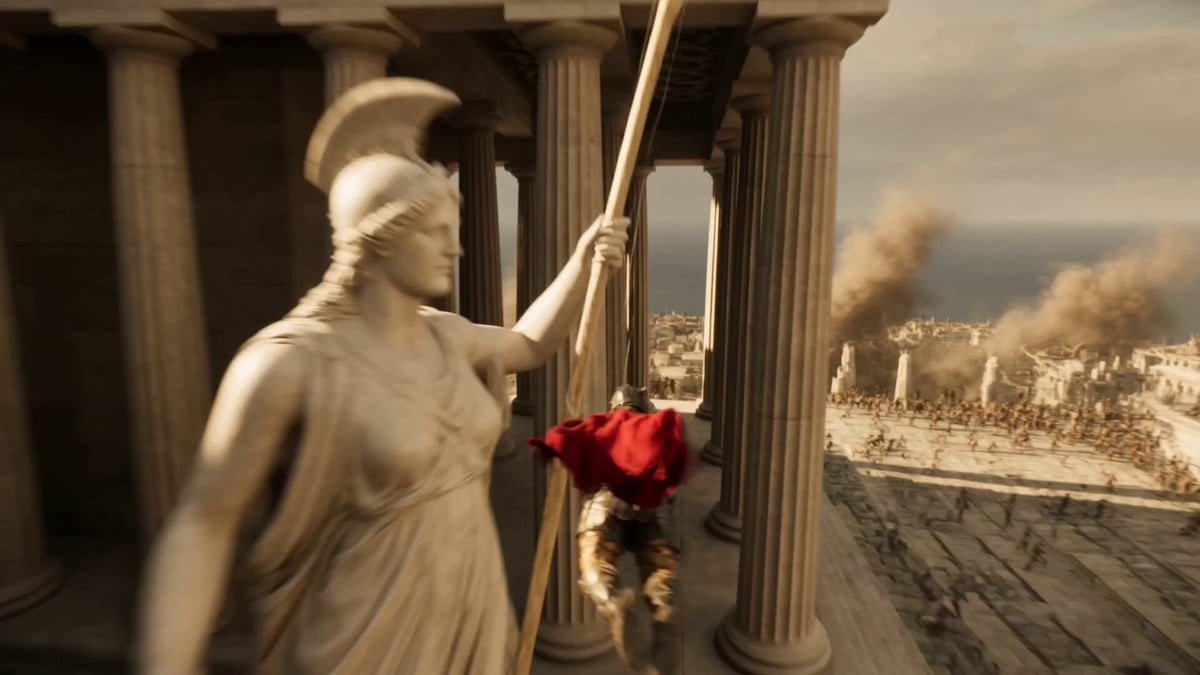
Epic Hero Greek City Ascent
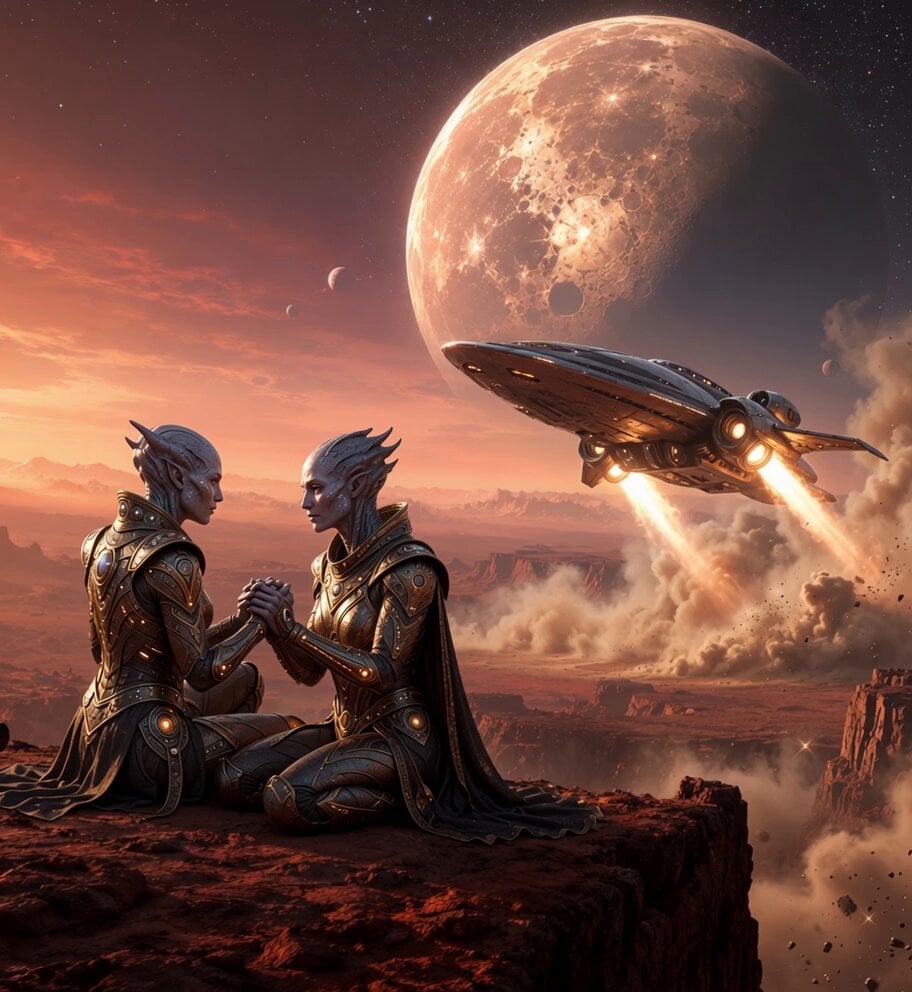
Alien Couple Spaceship Launch
Browse template categories
Lunar Catastrophe Sequence questions
How do I use the Lunar Catastrophe Sequence template?
Add your photo if the template asks for one, edit the prompt if you like — the template's model and format are already selected — and press Generate. Your version opens in PicX Studio.
Can I customize the Lunar Catastrophe Sequence template?
Yes. You can change the subject, setting, lighting, mood, format, and available model controls before creating your video.
Is the Lunar Catastrophe Sequence template free?
Opening and editing this template is free. Generating uses credits, shown on the Generate button when you are signed in.
Which AI model should I use?
Start with Seedance 2.0, which is the model associated with this template. You can compare another compatible model for a different finish.
Looking for something else? Browse all templates.

Your photo, any look
Thousands of ready templates for every top image and video model, from one credit balance.