
Ninja Summoning Technique Action Sequence
A sequence-based video prompt describing a character performing a summoning jutsu with multiple cuts, including hand signs and a giant creature appearing.
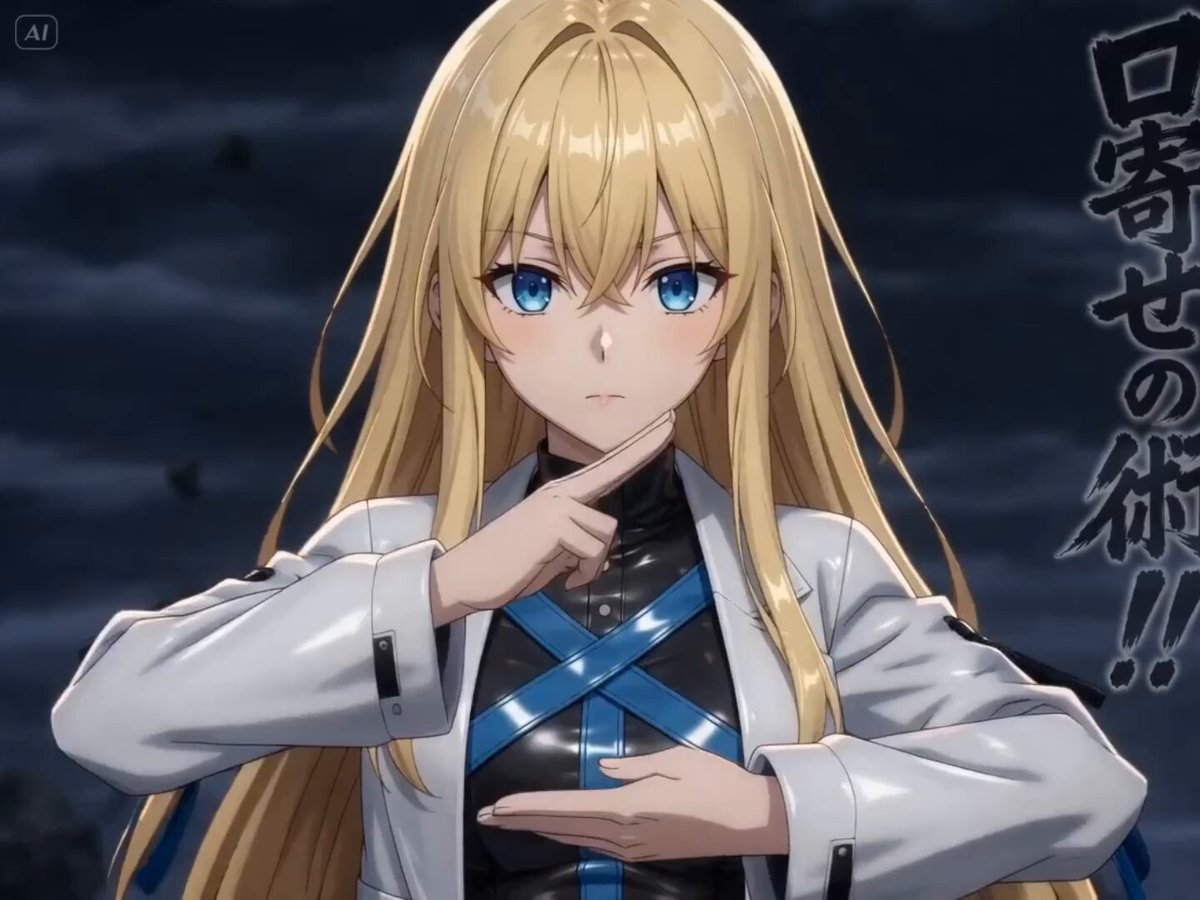
- Prompt included
- Model and format preset
- Premium template
The prompt behind this video
Copy the exact prompt behind Ninja Summoning Technique Action Sequence, or open it in the studio and make it yours.
図1の彼女が図2のように口寄せの術を使う場面。 シーン1:彼女が高速で印をむすぶ、胸から上のアップ。 シーン2:しゃがんで地面に手をつける。全身。 シーン③彼女が地面に手をついている場面のクローズアップ。上からの視点。彼女の手を中心に、呪印が地面に広がる。 シーン4:サークルショット。図1の彼女の横顔のアップから、最後彼女の真正面を下からあおるように。彼女の背後に、地面から巨大な魔人が現れる大迫力のシーン
How to use Ninja Summoning Technique Action Sequence in 3 steps
- 1
Open
The prompt is already in the box next to the preview, with the template's model and format selected.
- 2…a portrait of your subject in softgolden-hour light, 85mm…
Personalize
Edit the subject and creative details for your destination.
- 3Generate
Generate
Press Generate — your video is created in PicX Studio, so you can compare it with the original and refine one variable at a time.
More like this
Templates with the same subject, style or setup. Open one to see its prompt.

Maglev Train Action Sequence
Cinematic Swordswoman Action Sequence
Underwater Glass Tunnel Action Sequence
Cinematic Morgue Action Sequence
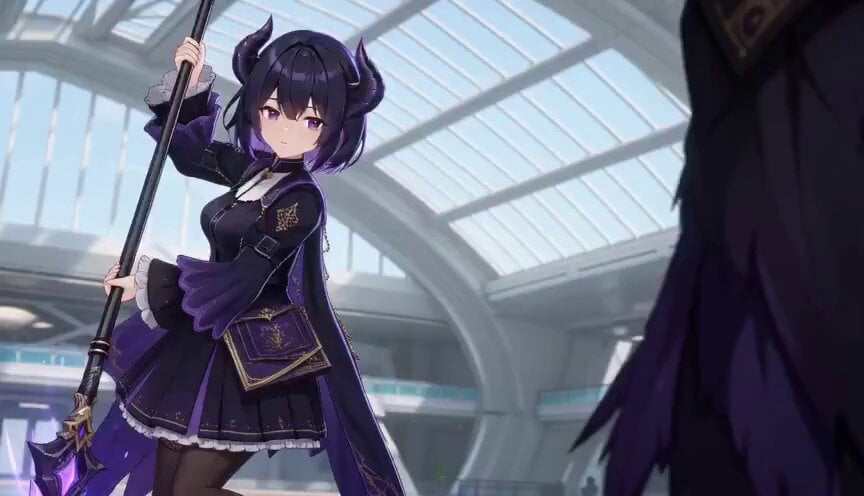
3D Toon Fantasy RPG Action Sequence
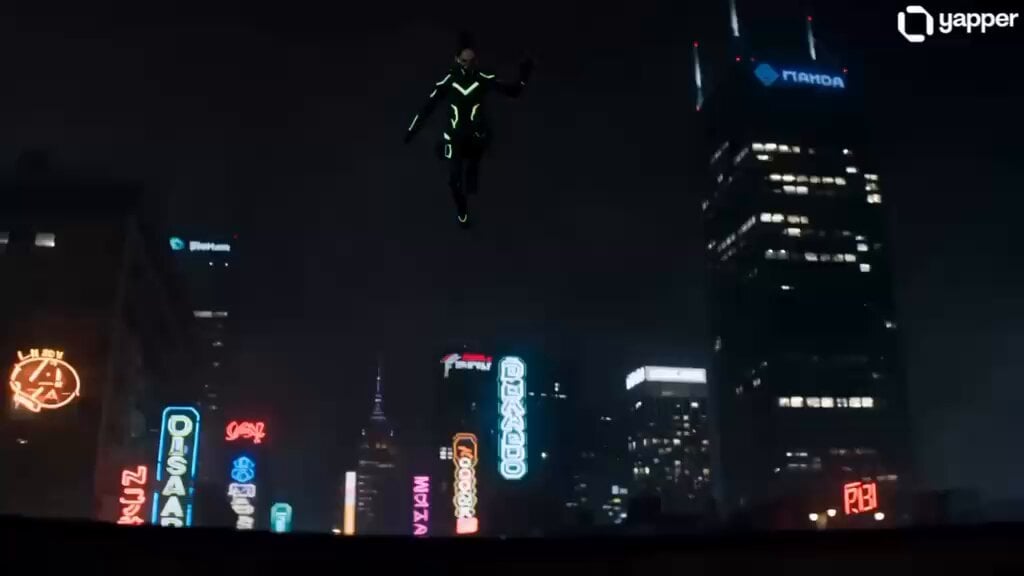
Cyberpunk Ninja TikTok Action
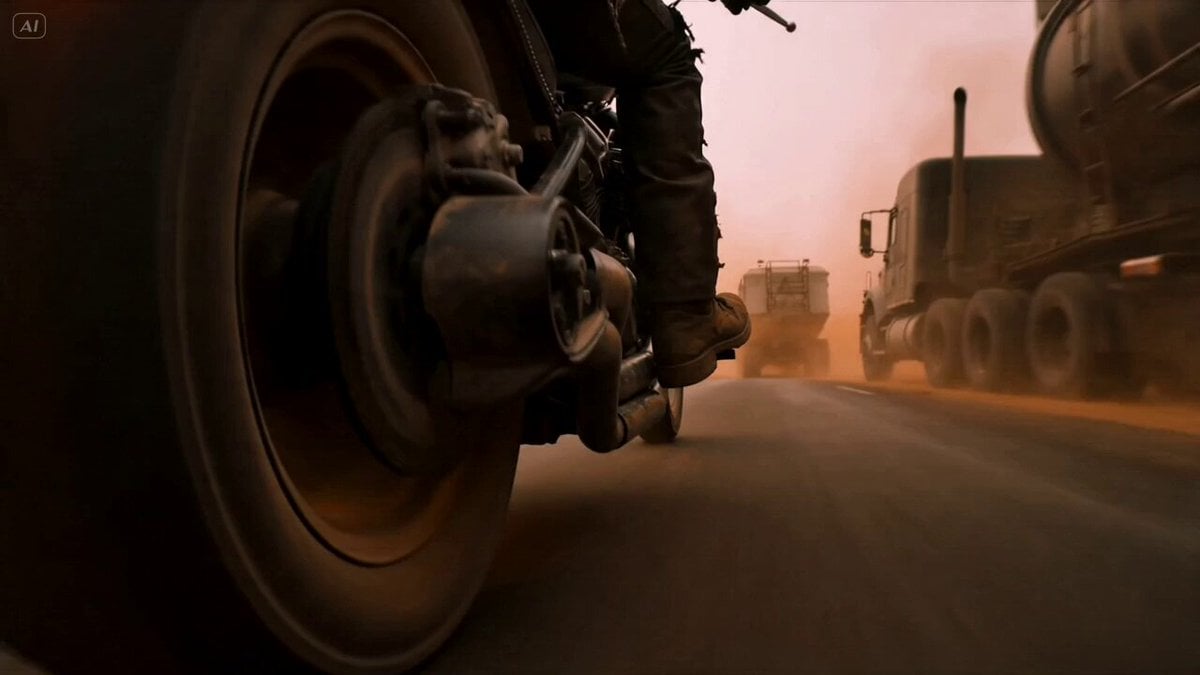
Mad Max Cybernetic Biker Action Sequence
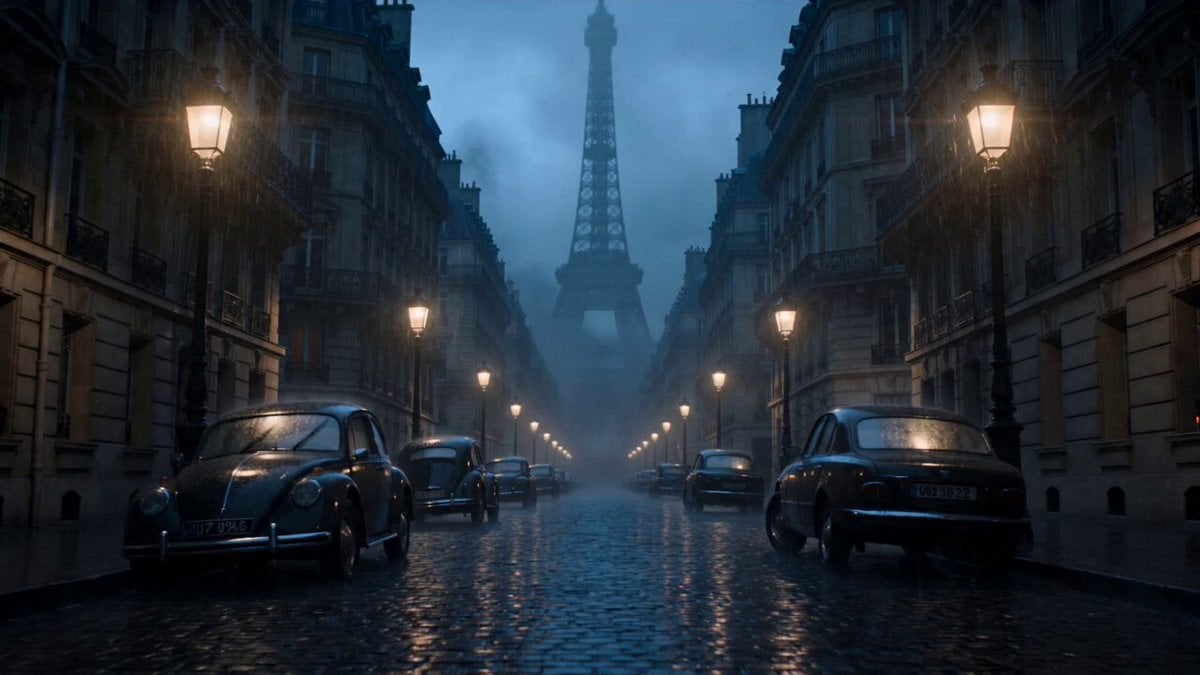
Paris Zombie Summoning Sequence
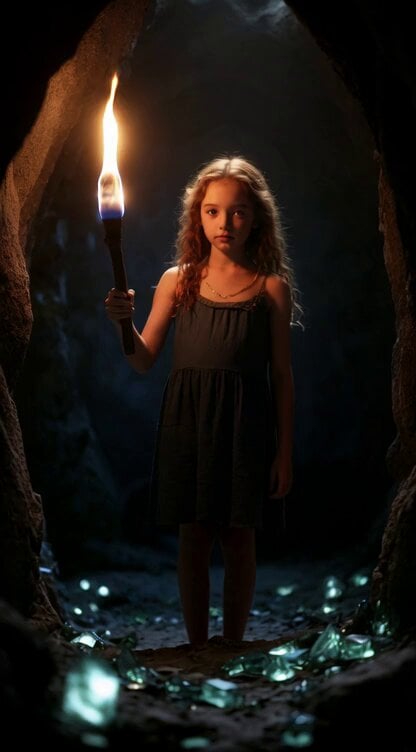
Second Summoning Sequence: Fairy with Wand Summons Deer

Samurai vs Ninjas Action Video

Walking Factory with Rebel on Hoverbike - Wasteland
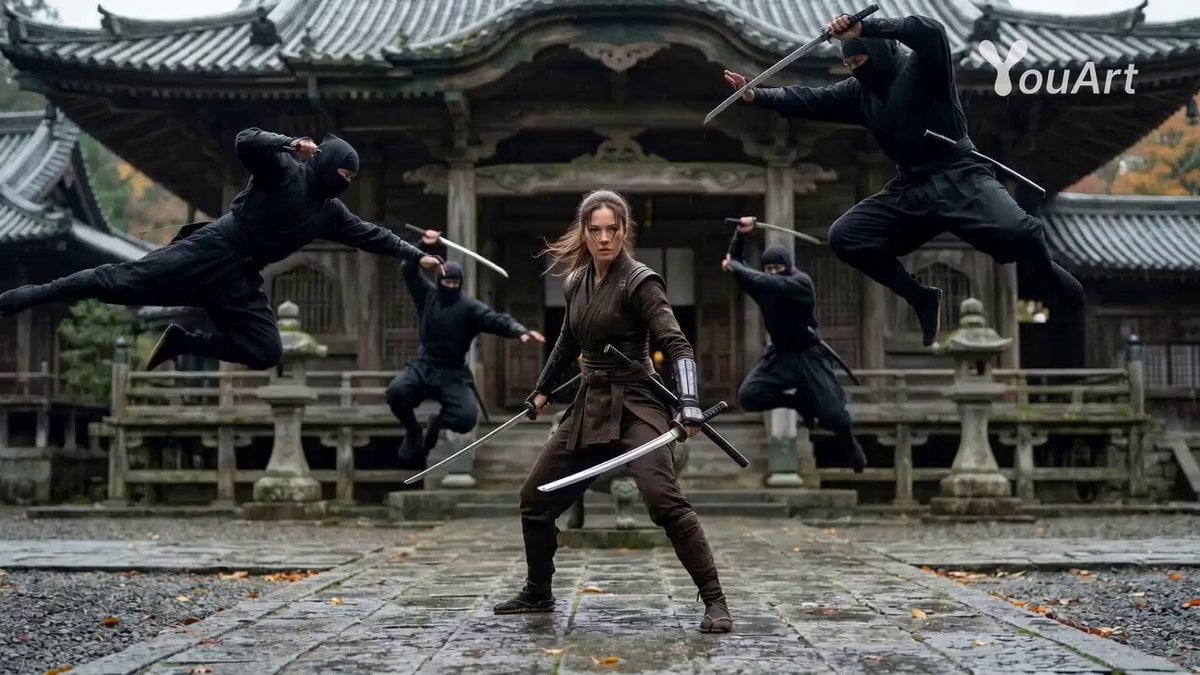
Cinematic Female Ninja Fight Sequence
Make it yours
Ninja Summoning Technique Action Sequence works as-is. These are the safest ways to change it without losing the look.
Change one field
Copy a single group, rewrite it, and generate again so you can see what that field is doing.
Keep the frame, change the subject
Hold the composition and light of Ninja Summoning Technique Action Sequence, then swap wardrobe, props or the person for a new take.
| If the result… | Why | Fix |
|---|---|---|
| The result drifts from the preview | Too many fields changed at once. | Reuse Ninja Summoning Technique Action Sequence as-is first, then change one group — subject, light, or setting. |
| The model over-stylizes the scene | The prose prompt leaves finish and camera underspecified. | Add one camera or lighting sentence and stay on Seedance 2.0. |
More Seedance 2.0 templates
Other prompts made for Seedance 2.0.

Comical Martial Arts Punch Scene

Martial Arts Fight Sequence

Wuxia Protection and Trust Script

Vintage Korean Arcade MiniDV Vlog

Mercedes 190 SL Luxury Ad

Rainy Night Supernatural Reverse Comedy Video Script

Amazon Civilization Discovery

Futuristic South Asian City Transformation

Cozy Luxury Cafe Commercial

Cyber Ronin Nanotech Transformation Video
More video prompts
Fresh picks from across the catalog.

Yoga Forward Fold Motion
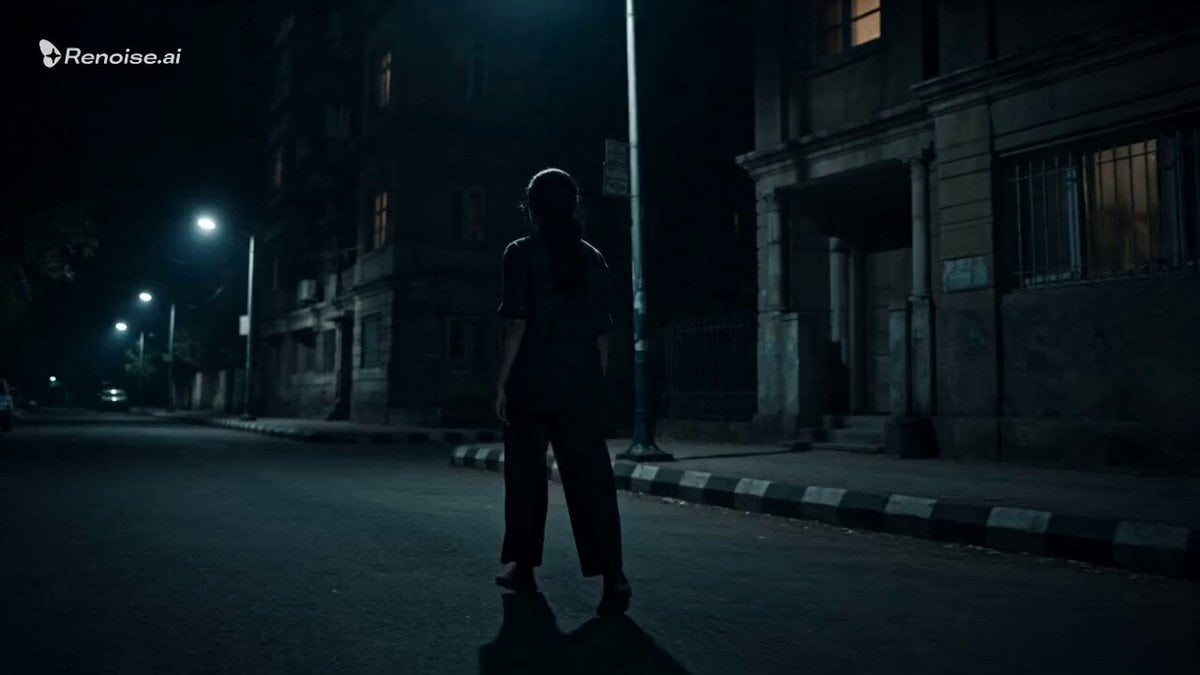
Psychological Horror Window Doppelganger
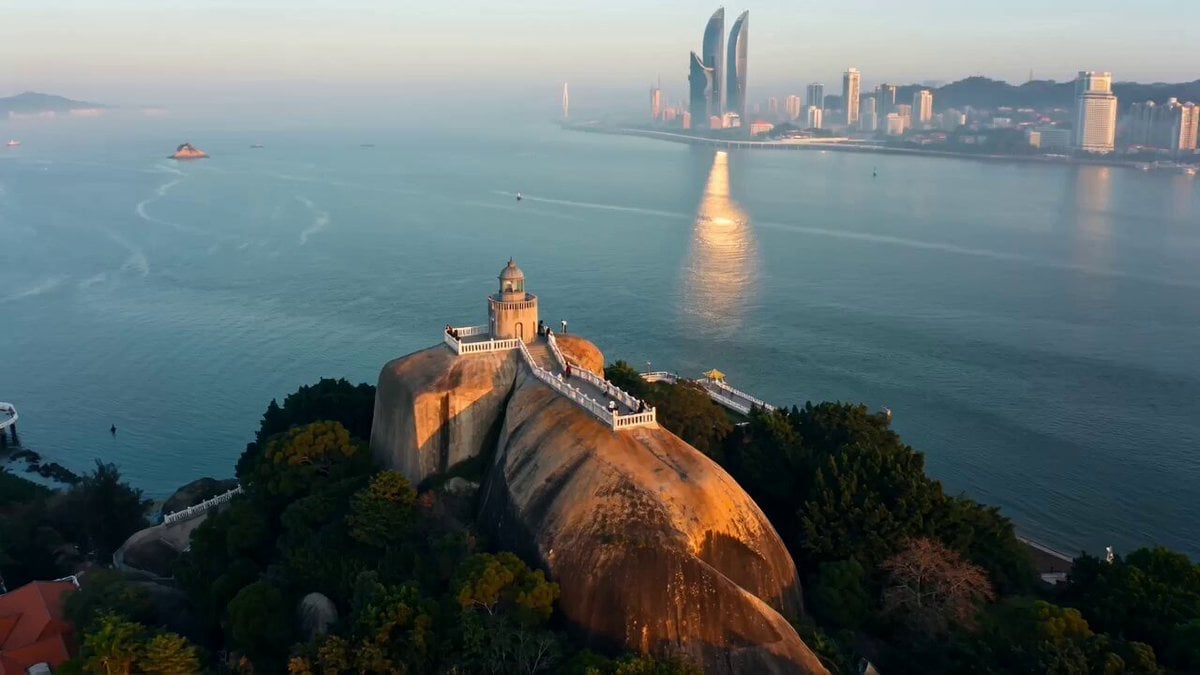
Seedance 2.0 Prompt for Cinematic City Promotional Video
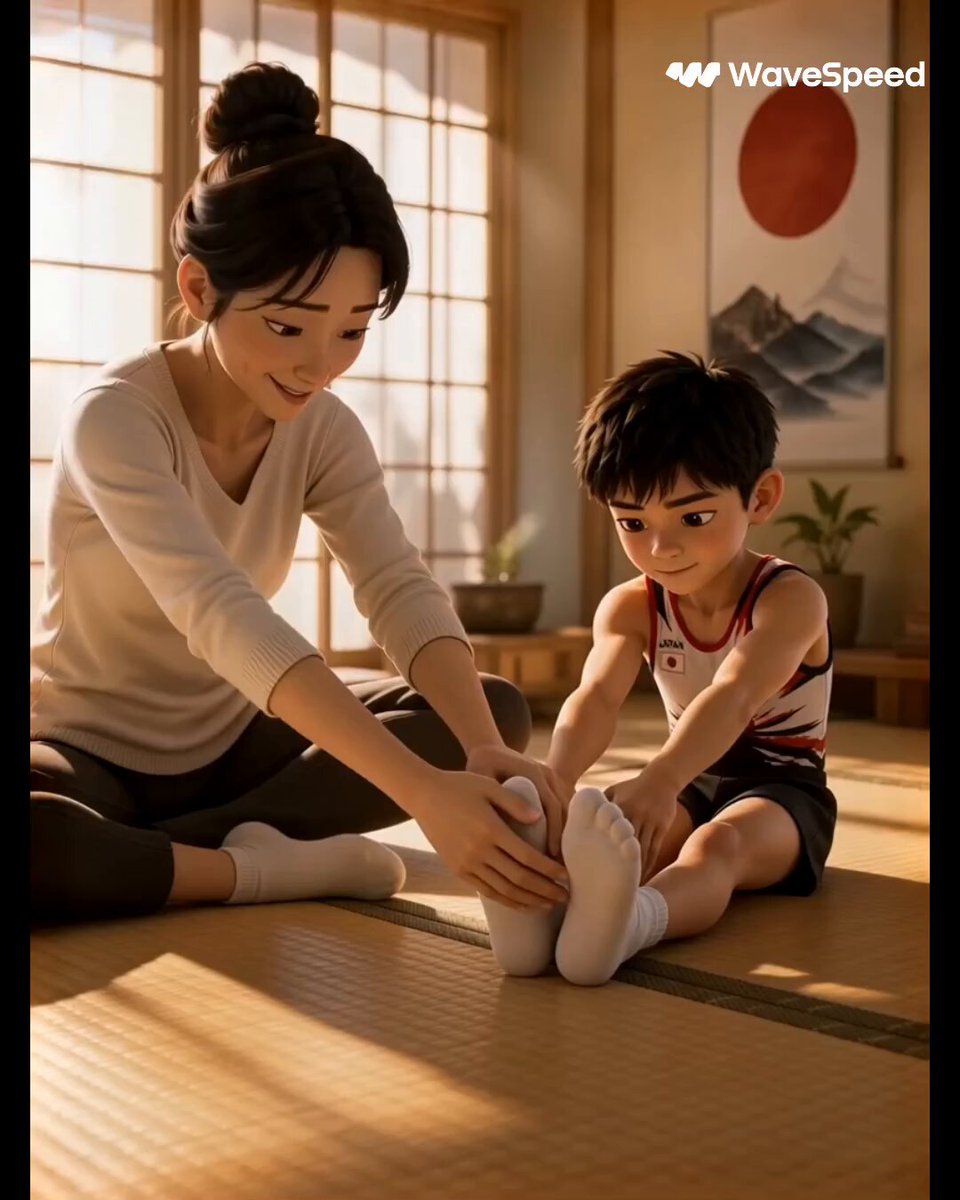
3D Animated Commercial from Storyboard
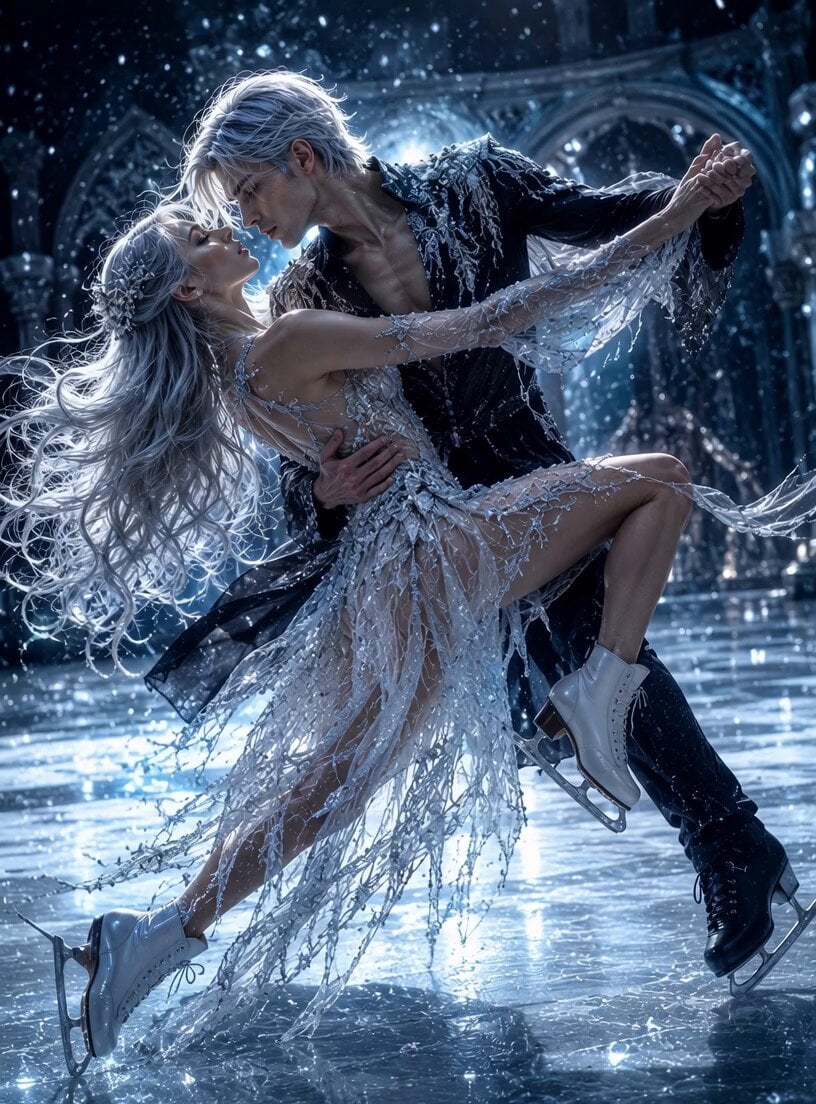
Legends on Ice Figure Skating
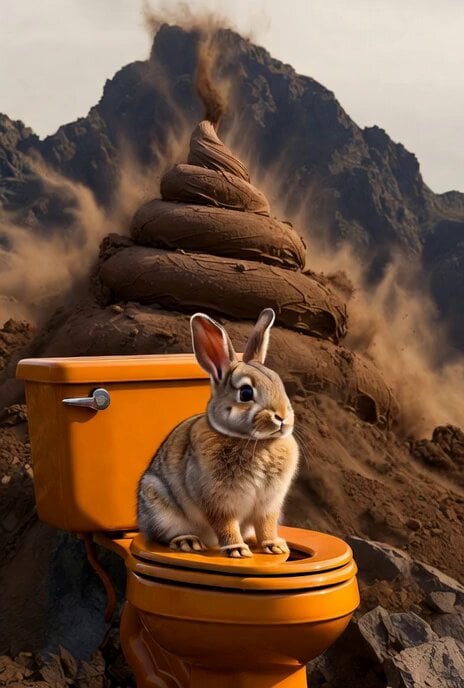
Humorous Bunny on Toilet Video Prompt
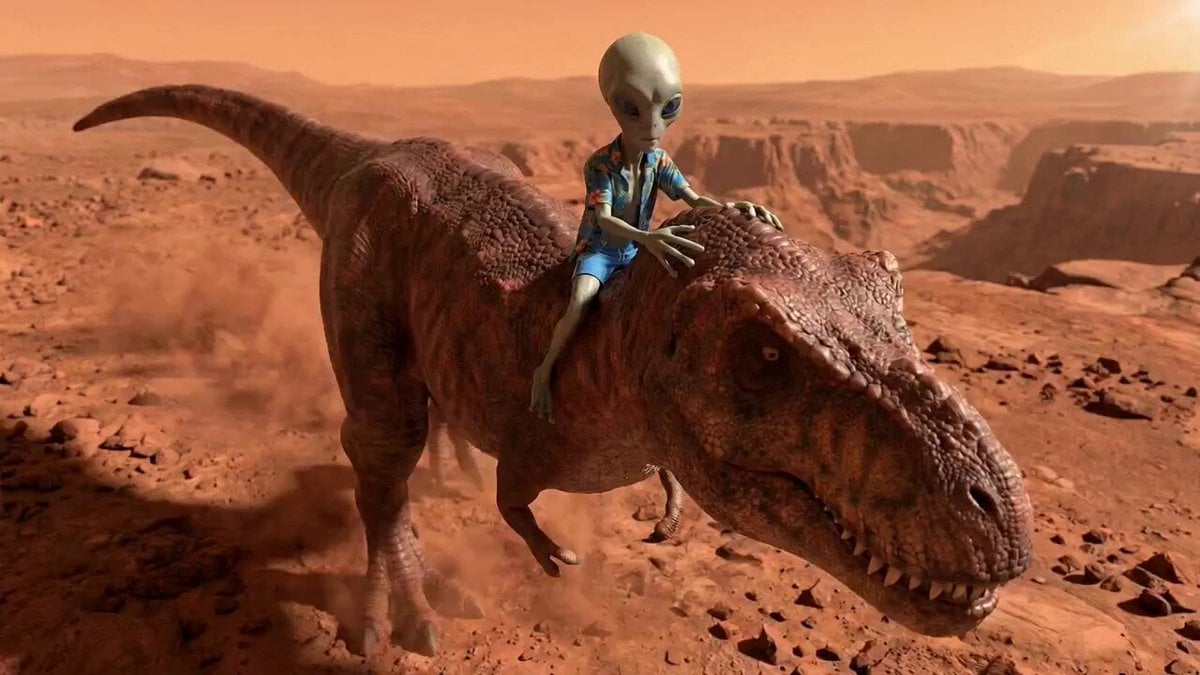
Alien Screams and T-Rex Roar
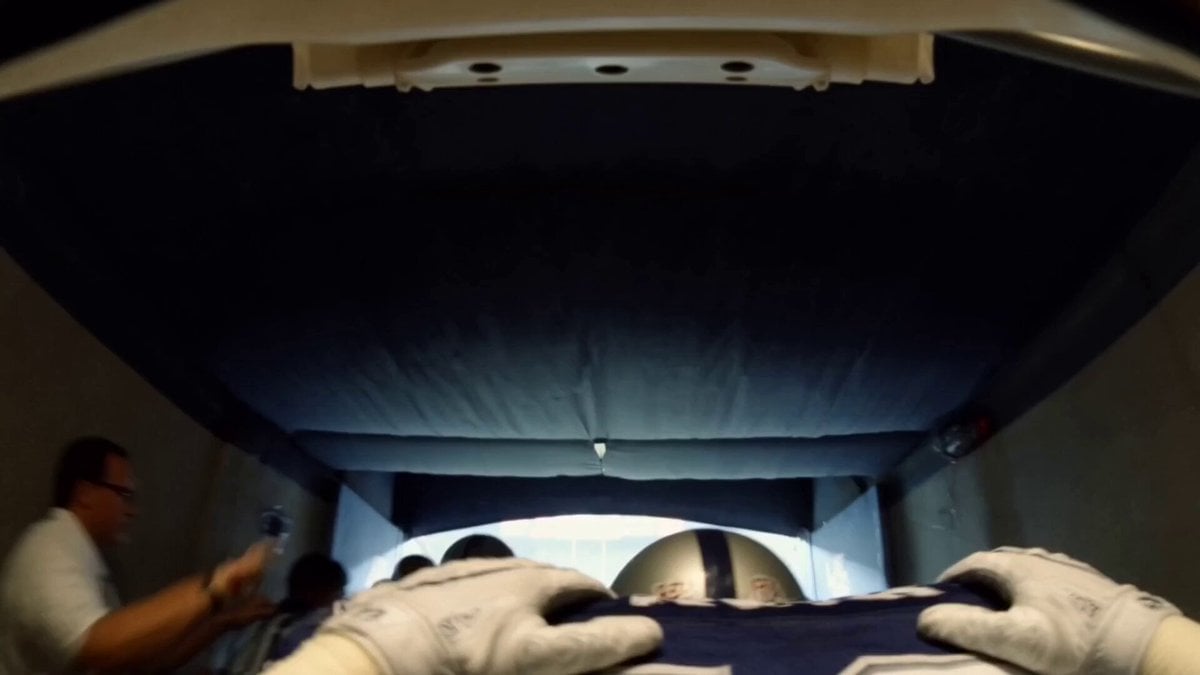
Super Bowl FPV Helmet Cam Realism
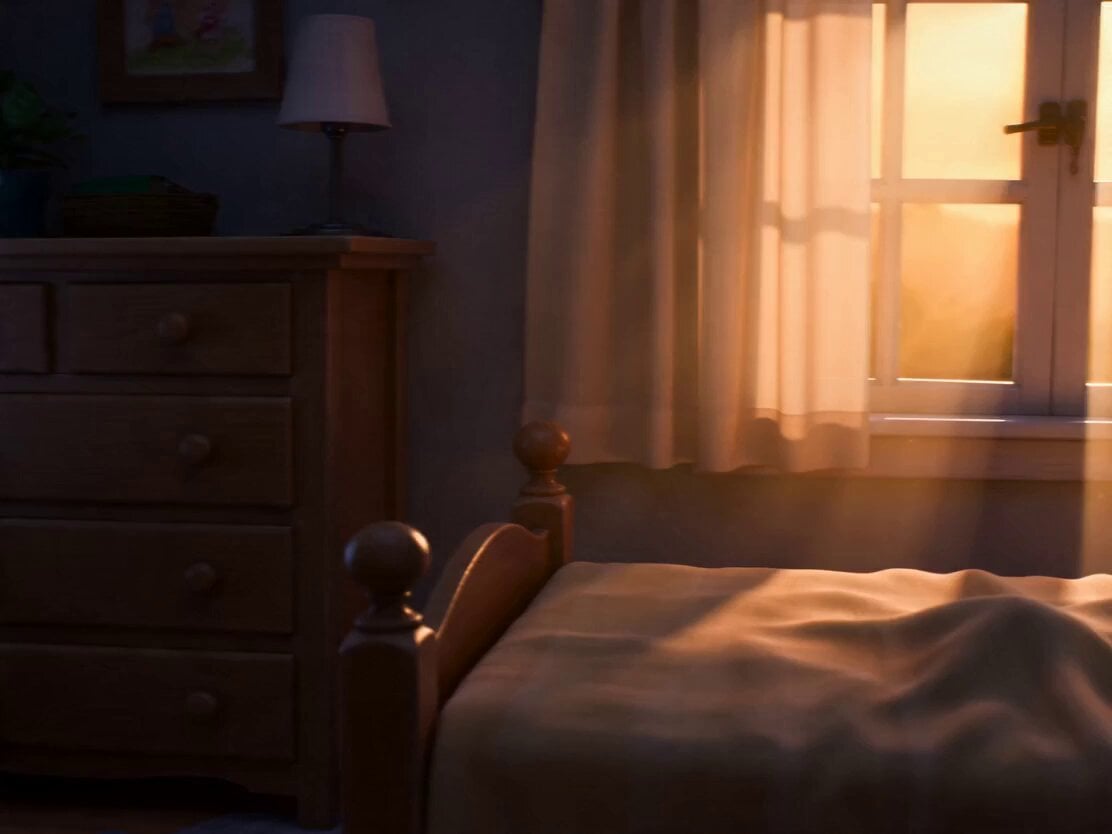
Pixar Style Child and Kitten Animation
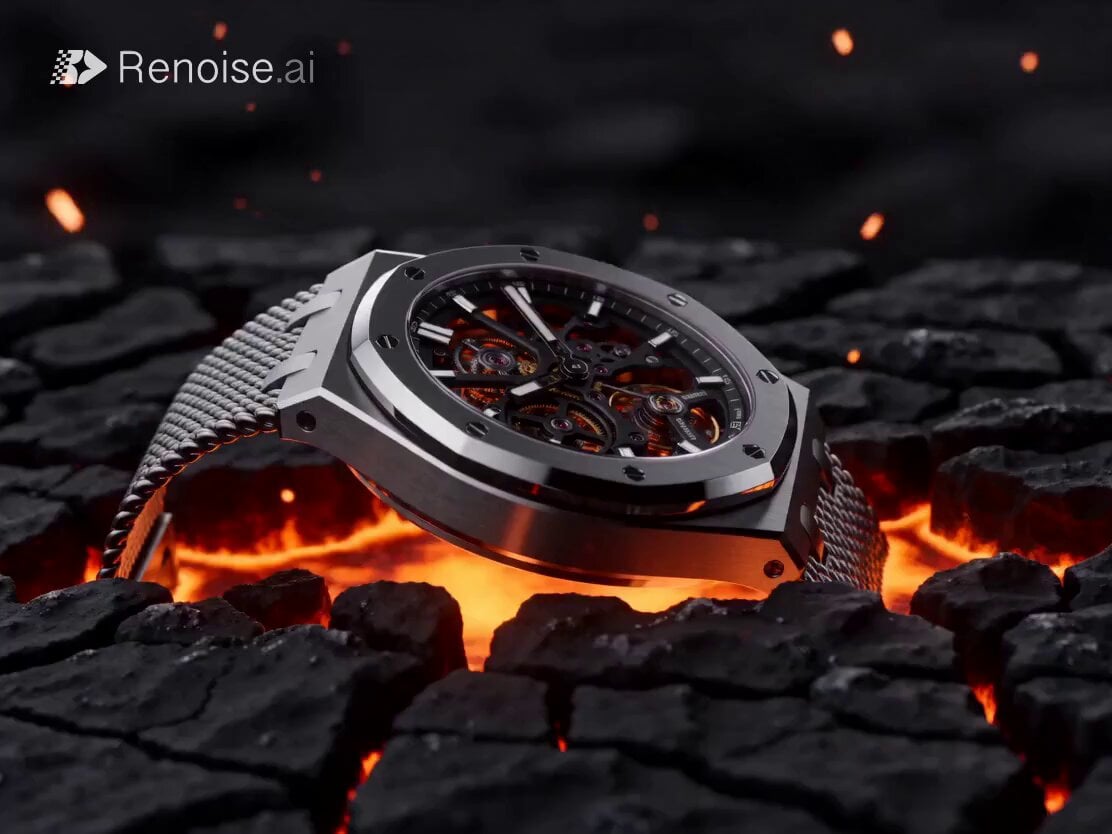
Luxury Skeleton Watch Cinematic Commercial
Browse template categories
Ninja Summoning Technique Action Sequence questions
How do I use the Ninja Summoning Technique Action Sequence template?
Add your photo if the template asks for one, edit the prompt if you like — the template's model and format are already selected — and press Generate. Your version opens in PicX Studio.
Can I customize the Ninja Summoning Technique Action Sequence template?
Yes. You can change the subject, setting, lighting, mood, format, and available model controls before creating your video.
Is the Ninja Summoning Technique Action Sequence template free?
Opening and editing this template is free. Generating uses credits, shown on the Generate button when you are signed in.
Which AI model should I use?
Start with Seedance 2.0, which is the model associated with this template. You can compare another compatible model for a different finish.
Looking for something else? Browse all templates.

Your photo, any look
Thousands of ready templates for every top image and video model, from one credit balance.