
📖HOW TO TURN ONE CHATGPT IMAGE 2 CHARACTER INTO A
📖HOW TO TURN ONE CHATGPT IMAGE 2 CHARACTER INTO A is a ready video look for Seedance 2.0.
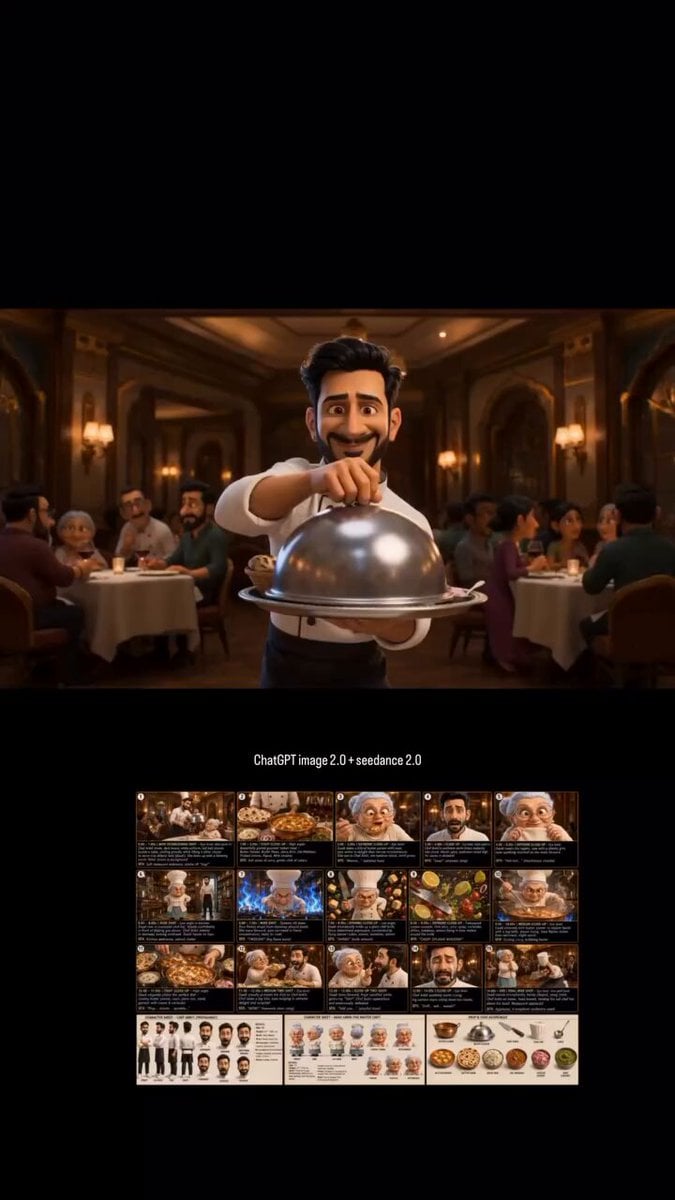
- Prompt included
- Model and format preset
- Free template
The prompt behind this video
Copy the exact prompt behind 📖HOW TO TURN ONE CHATGPT IMAGE 2 CHARACTER INTO A, or open it in the studio and make it yours.
"A person walking." Prompt: "Low-angle tracking shot, 35mm lens, cinematic lighting, shallow depth of field." 4. Build every keyframe before opening Seedance. The more visual references you create in ChatGPT Image 2, the more consistent your animations become. 5. Animate short clips. Instead of creating one long scene: Create: • 5-second shot • 5-second shot • 5-second shot Then stitch them together. This gives you more control over pacing and story flow. 6. Use transition shots. The secret to seamless edits: Generate bridge scenes between major actions. Seedance handles transitions much better when visual continuity already exists. 7. Add sound last. Most people underestimate audio. A simple combination of: • Ambient sounds • Sound effects • Background music Can make an AI video feel 10x more cinematic. The biggest mistake creators make is thinking AI video is prompting. It's not. AI video is production design. ChatGPT Image 2 creates the character universe. Seedance 2.0 turns it into a movie. 📥Tomorrow I will show something so obvious in hindsight that you will wonder why nobody said it sooner. 🔖The pinned article below covers every step — bookmark it for your next session.
How to use 📖HOW TO TURN ONE CHATGPT IMAGE 2 CHARACTER INTO A in 3 steps
- 1Upload ImagePNG, JPG or paste
Add your photo
Upload the photo the template builds on. The prompt, model and format are already set.
- 2…a portrait of your subject in softgolden-hour light, 85mm…
Personalize
Edit the subject and creative details for your destination.
- 3Generate
Generate
Press Generate — your video is created in PicX Studio, so you can compare it with the original and refine one variable at a time.
More like this
Templates with the same subject, style or setup. Open one to see its prompt.
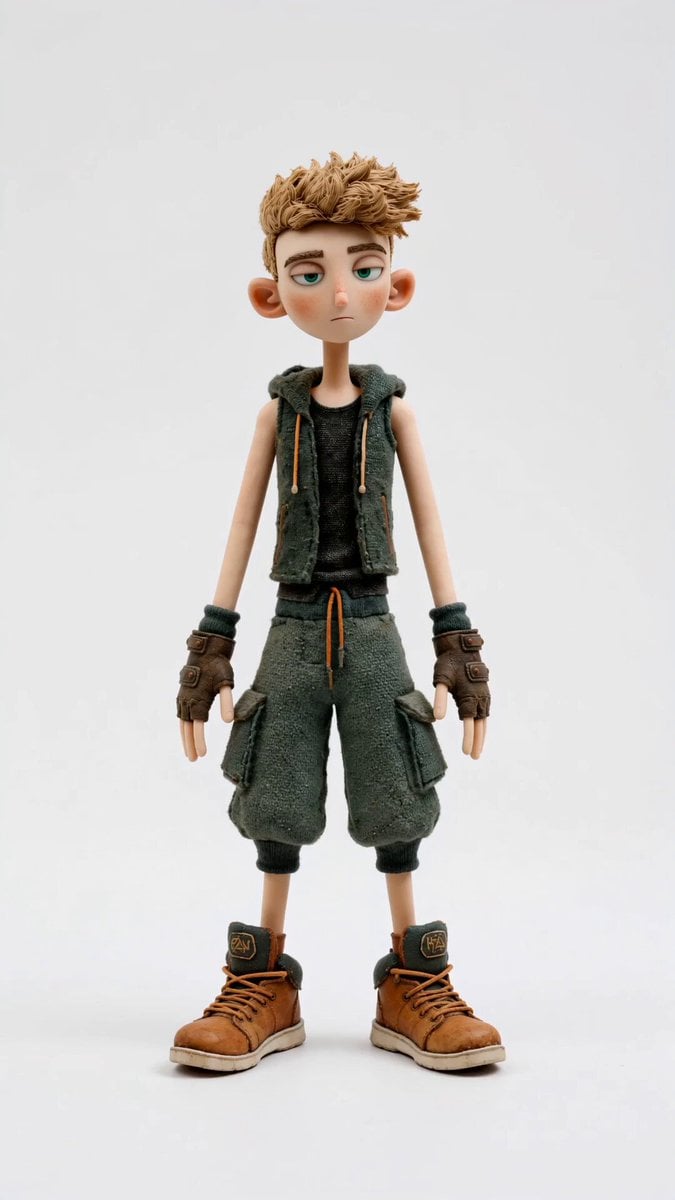
Stop-Motion Character Turntable Showcase
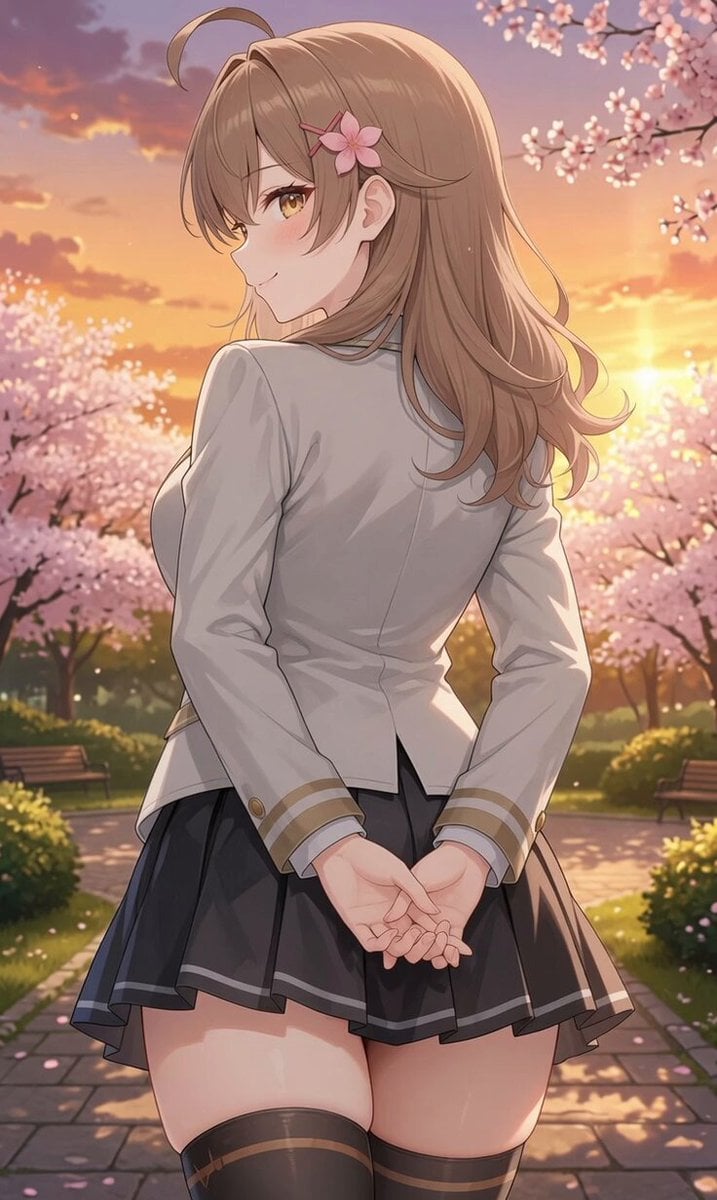
Girl Turning Head and Moving Hands
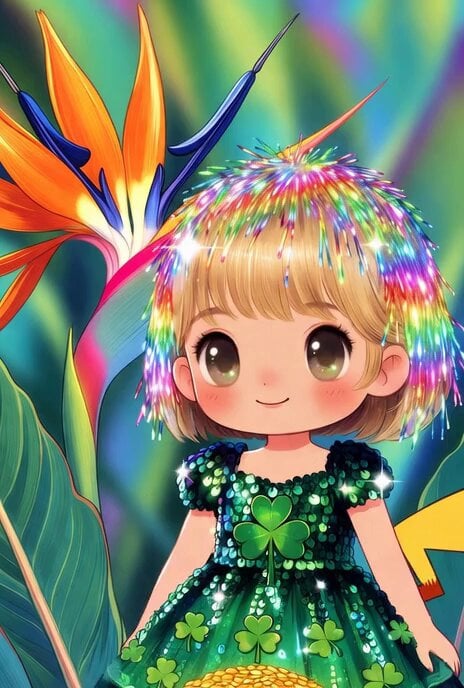
Chibi Suze Orman/Rainbow Brite hybrid turned into Pikachu
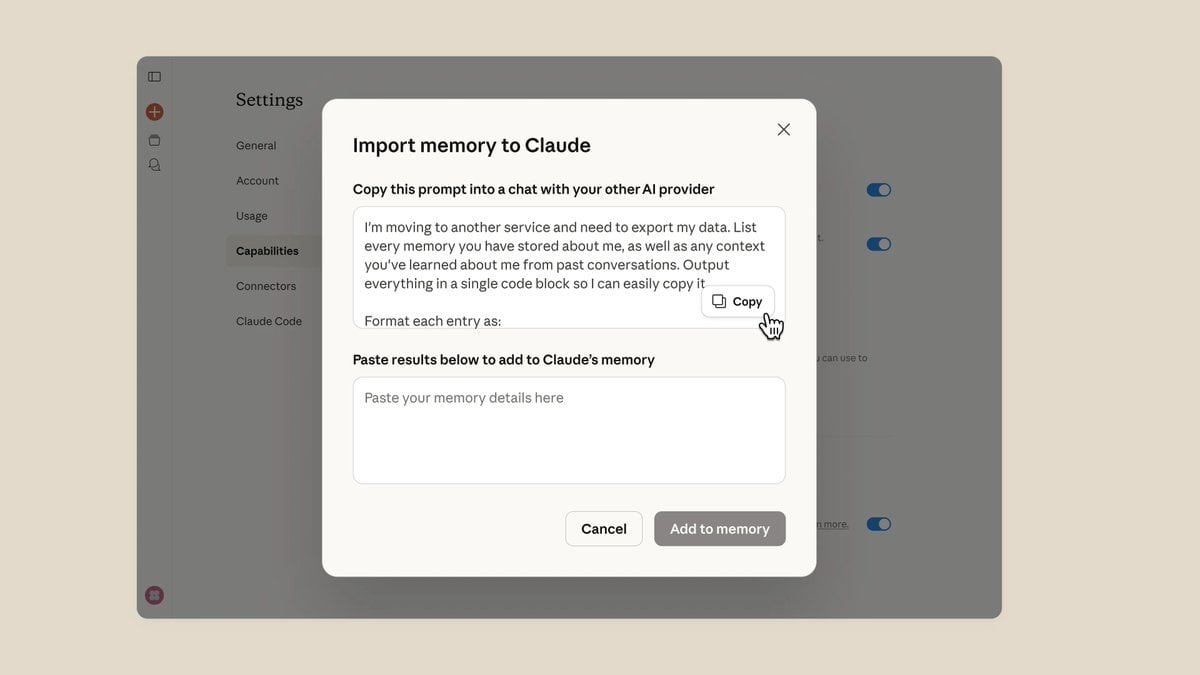
ChatGPT prompt to export personal memory data
LLM Memory Dump Prompt (for Claude/ChatGPT)
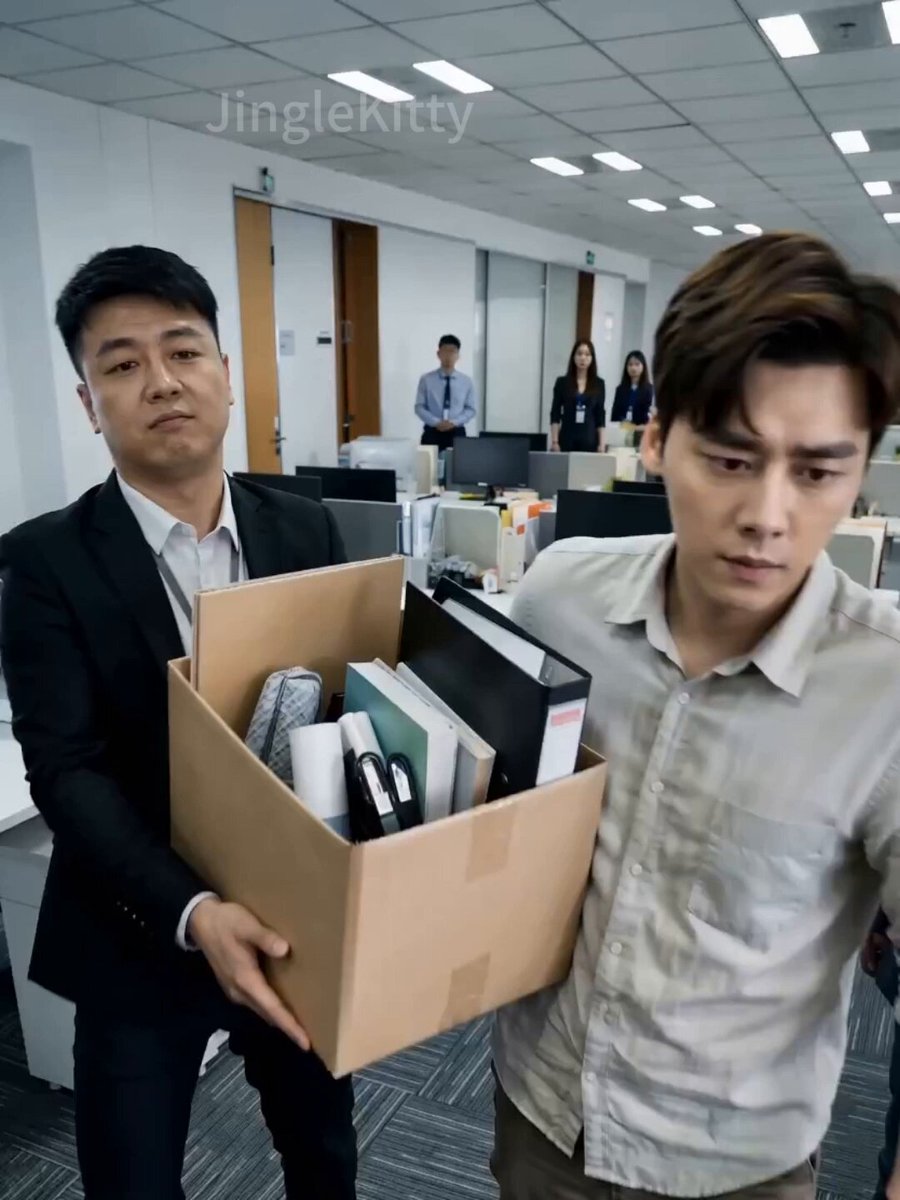
Short Drama: 'The Dragon Turns Over: Ex Can't Reach'
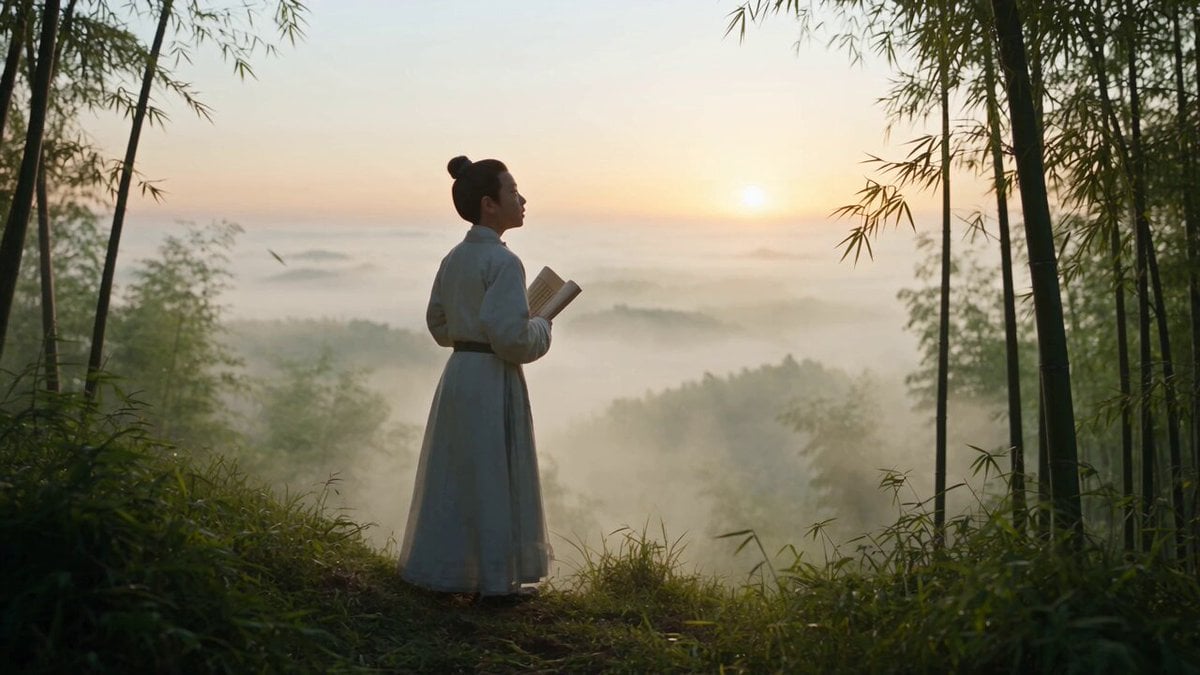
Cinematic One-Shot Biography of Su Shi
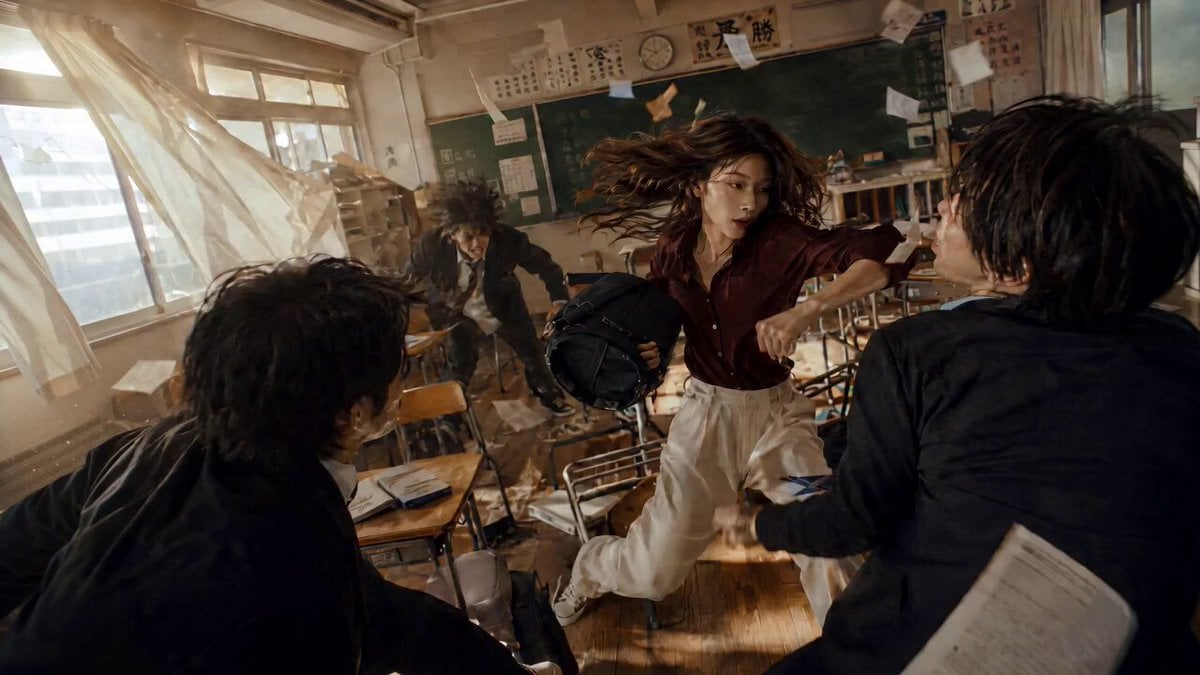
High School Martial Arts One-Shot
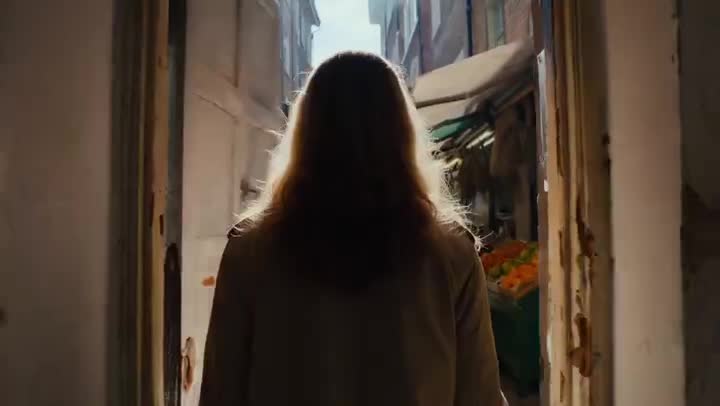
Lonely Crowd One-Shot Through Seasons
Street Dance Battle Sony Headphones
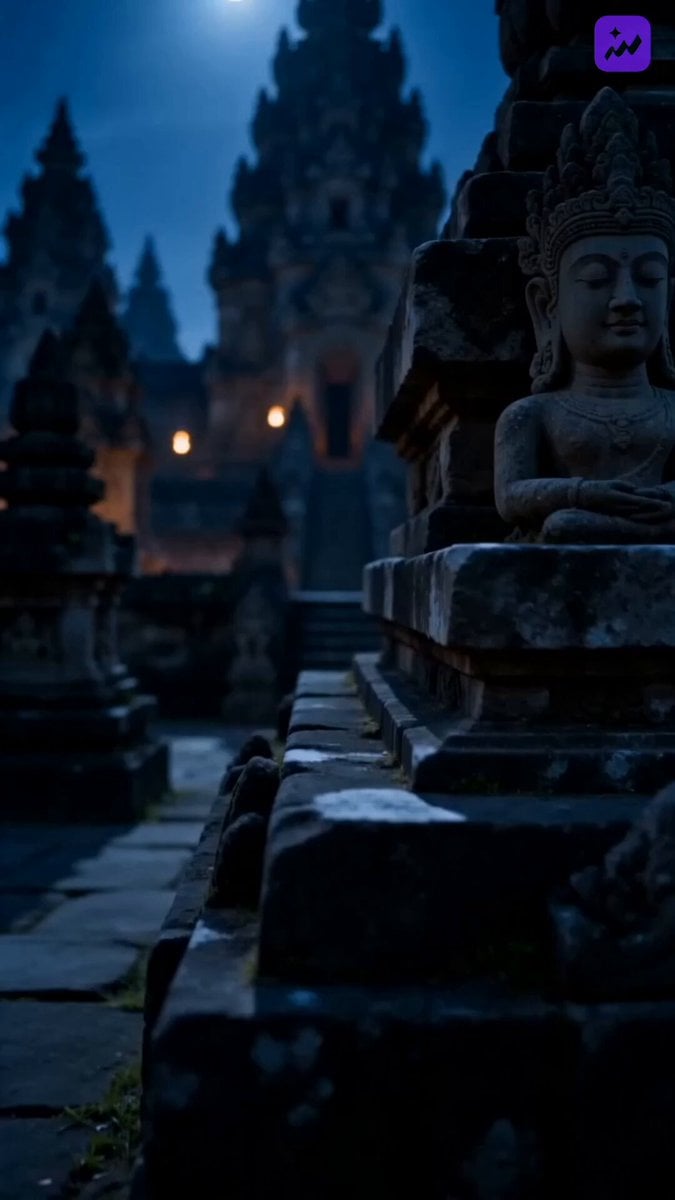
Indonesian Folklore Cinematic Short Drama
Drone News to Cinematic Transition
Make it yours
📖HOW TO TURN ONE CHATGPT IMAGE 2 CHARACTER INTO A works as-is. These are the safest ways to change it without losing the look.
Change one field
Copy a single group, rewrite it, and generate again so you can see what that field is doing.
Keep the frame, change the subject
Hold the composition and light of 📖HOW TO TURN ONE CHATGPT IMAGE 2 CHARACTER INTO A, then swap wardrobe, props or the person for a new take.
| If the result… | Why | Fix |
|---|---|---|
| The result drifts from the preview | Too many fields changed at once. | Reuse 📖HOW TO TURN ONE CHATGPT IMAGE 2 CHARACTER INTO A as-is first, then change one group — subject, light, or setting. |
| The model over-stylizes the scene | The prose prompt leaves finish and camera underspecified. | Add one camera or lighting sentence and stay on Seedance 2.0. |
More Seedance 2.0 templates
Other prompts made for Seedance 2.0.

Comical Martial Arts Punch Scene

Maglev Train Action Sequence

Martial Arts Fight Sequence

Wuxia Protection and Trust Script

Vintage Korean Arcade MiniDV Vlog

Mercedes 190 SL Luxury Ad

Rainy Night Supernatural Reverse Comedy Video Script

Amazon Civilization Discovery

Futuristic South Asian City Transformation

Cozy Luxury Cafe Commercial
More video prompts
Fresh picks from across the catalog.
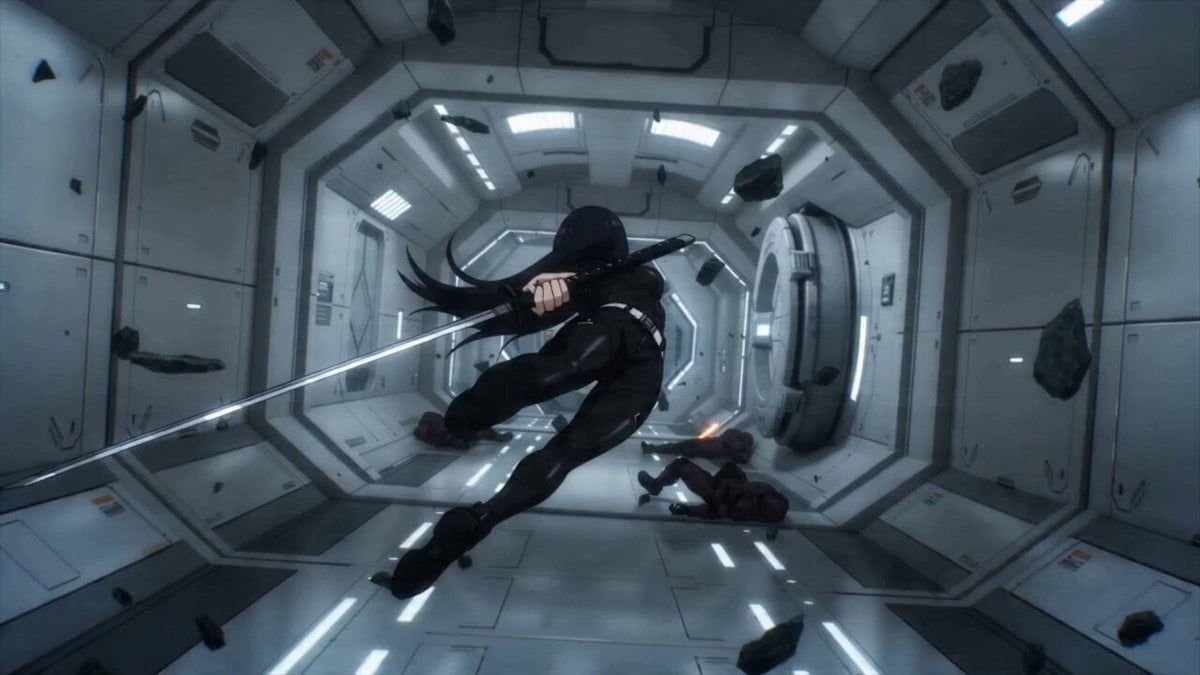
Sci-fi Anime Single-Shot Action Sequence
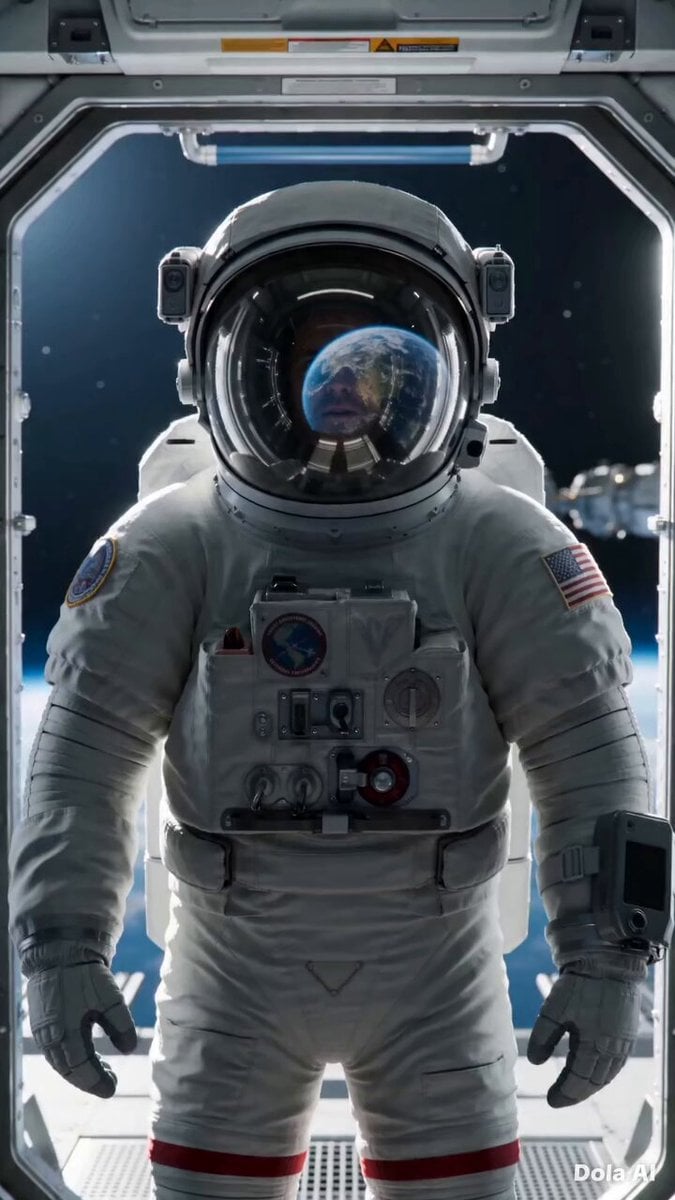
Cinematic Astronaut Space Leap
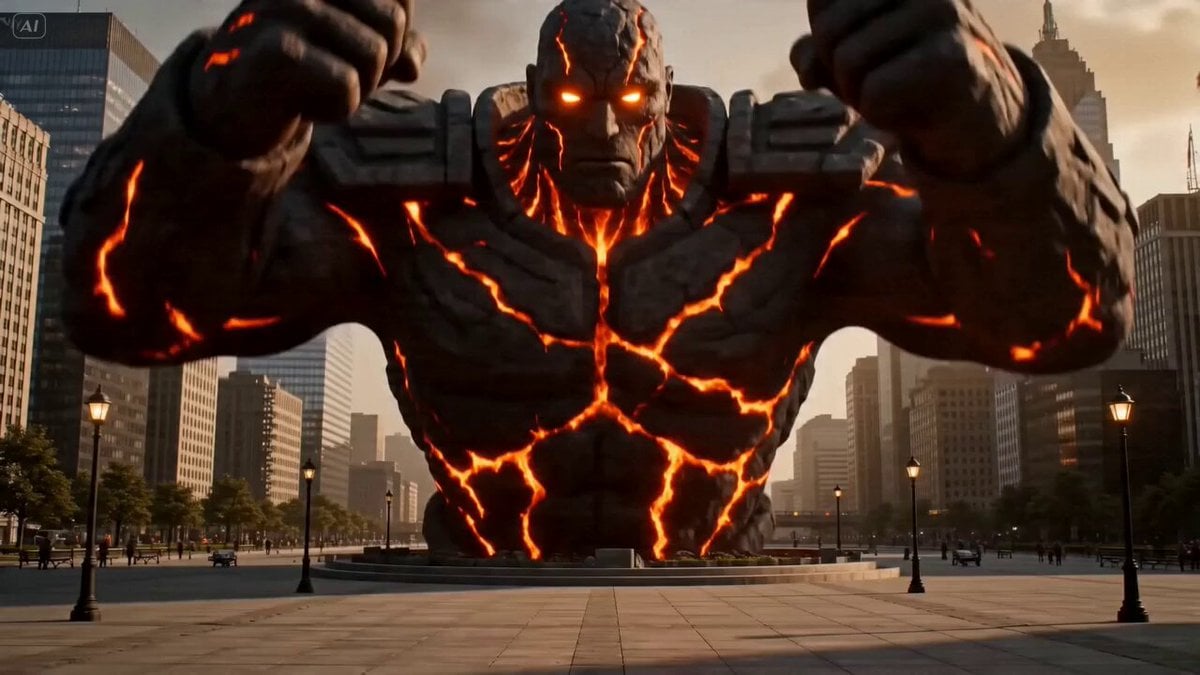
Volcanic Man City Destruction
Serene Luxury Spa Visual
Sailing in the Chesapeake Bay
Ghibli Style Elderly Woman Kitchen Scene
Cinematic 10-second ultra-realistic video prompt

Iced Coffee Dog Good-News Montage
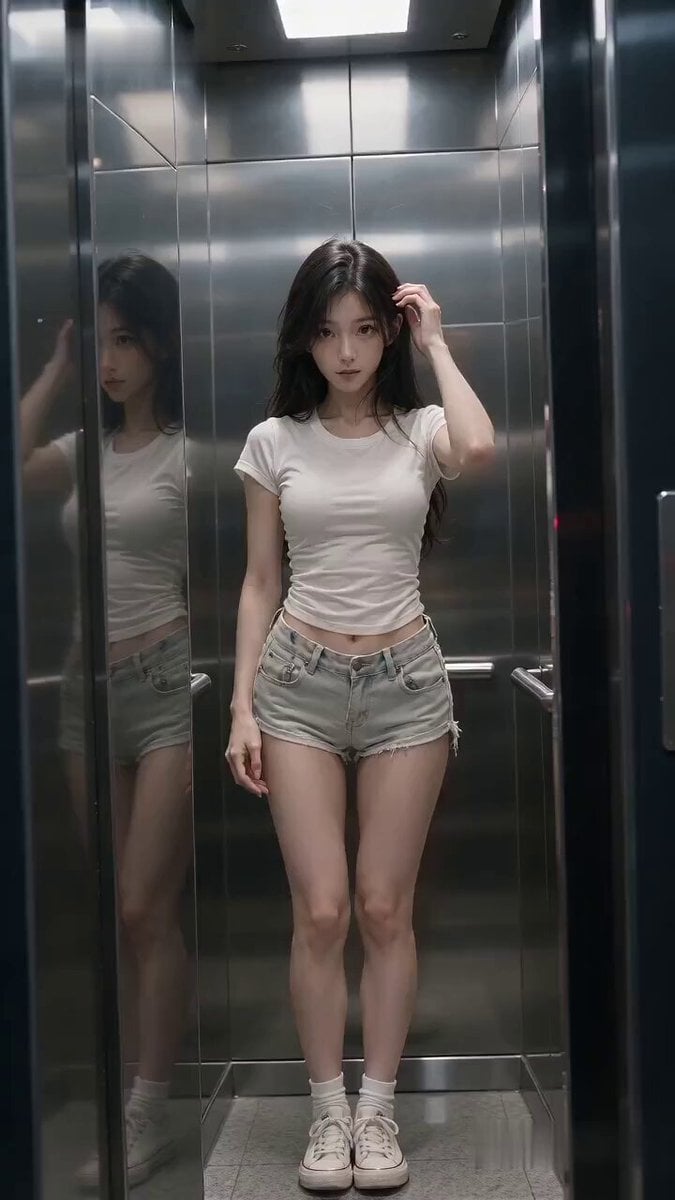
Cinematic Horror Elevator Transition
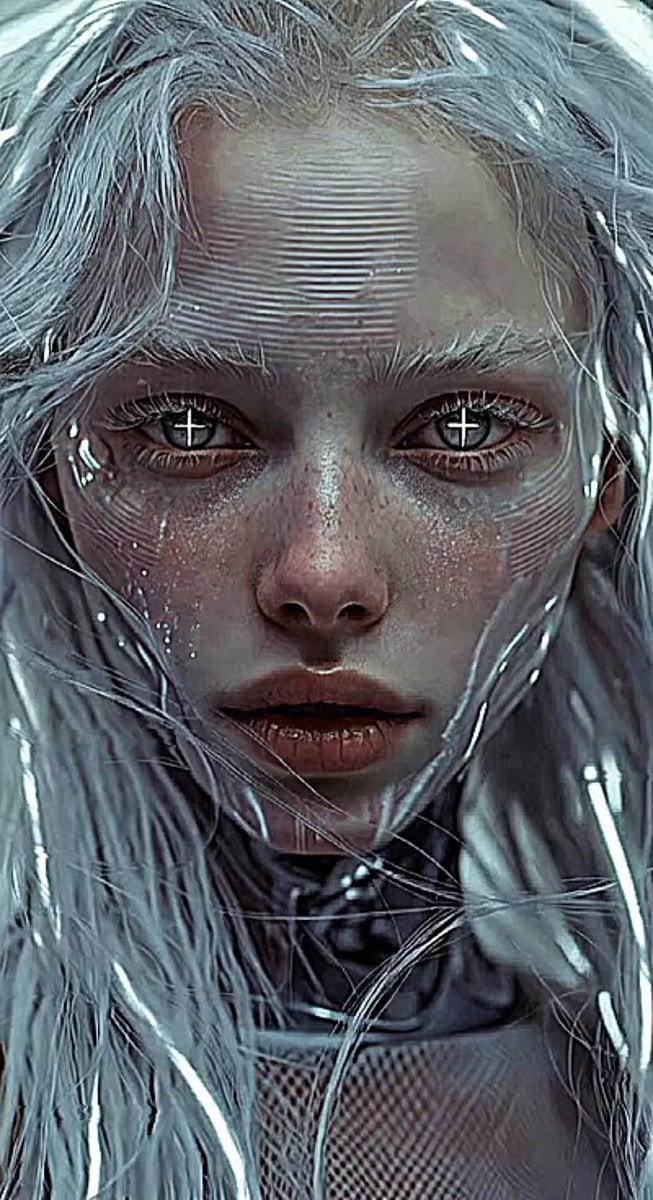
Glitches in the Simulation Prompt
Browse template categories
📖HOW TO TURN ONE CHATGPT IMAGE 2 CHARACTER INTO A questions
How do I use the 📖HOW TO TURN ONE CHATGPT IMAGE 2 CHARACTER INTO A template?
Add your photo if the template asks for one, edit the prompt if you like — the template's model and format are already selected — and press Generate. Your version opens in PicX Studio.
Can I customize the 📖HOW TO TURN ONE CHATGPT IMAGE 2 CHARACTER INTO A template?
Yes. You can change the subject, setting, lighting, mood, format, and available model controls before creating your video.
Is the 📖HOW TO TURN ONE CHATGPT IMAGE 2 CHARACTER INTO A template free?
Opening and editing this template is free. Generating uses credits, shown on the Generate button when you are signed in.
Which AI model should I use?
Start with Seedance 2.0, which is the model associated with this template. You can compare another compatible model for a different finish.
Looking for something else? Browse all templates.

Your photo, any look
Thousands of ready templates for every top image and video model, from one credit balance.