
Stop-Motion Character Turntable Showcase
A highly detailed 5-second video prompt for a professional 360-degree character turnaround in a handcrafted stop-motion aesthetic with seamless looping.
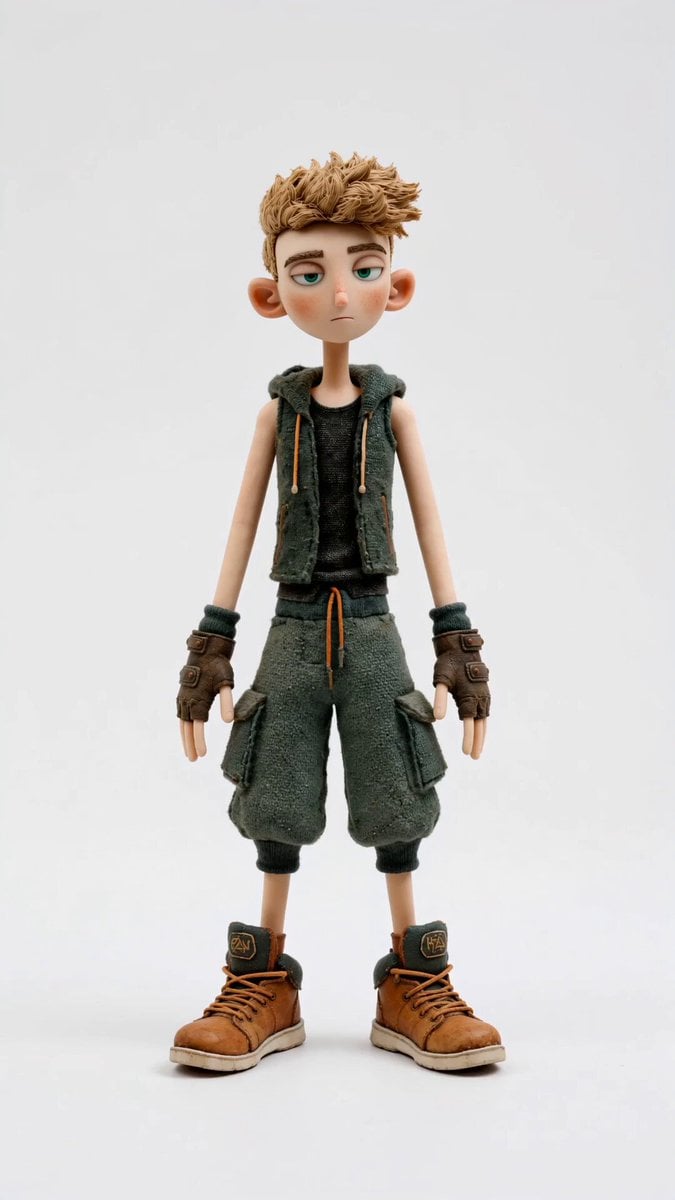
- Prompt included
- Model and format preset
- Premium template
The prompt behind this video
Copy the exact prompt behind Stop-Motion Character Turntable Showcase, or open it in the studio and make it yours.
REFERENCE ASSET: Character reference image = uploaded character sheet STYLE: Premium handcrafted stop-motion-inspired feature film aesthetic. Tactile miniature realism. Detailed fabric, skin, hair and clothing textures. Animation strictly on 2's (movement updates every 2 frames). Strong pose-to-pose animation. Deliberate handcrafted motion cadence. Professional character turnaround presentation. Clean studio showcase. DURATION: 5 seconds FORMAT: Portrait video. Single character only. Pure white seamless background. No shadows beyond a subtle studio grounding shadow beneath the feet. No props. No environment. No text. No camera movement. LOOPING: Perfect seamless loop. The final frame must match the first frame exactly. The rotation completes one full 360-degree turn and returns precisely to the starting pose. CAMERA: Static camera. Full body framing. Character centred in frame. 50mm lens. Orthographic-style presentation feel. Professional character showcase. COMPOSITION: The character fills most of the frame vertically. Entire body visible throughout. Feet remain visible at all times. Character remains perfectly centred. White studio background remains completely clean and uncluttered. ACTION: 00:00 - 00:05 The character performs one complete slow 360-degree turntable rotation. Rotation speed is constant and smooth. The character rotates clockwise. The rotation completes exactly one full revolution over the duration of the shot. The character remains standing naturally throughout. Subtle idle animation only: Natural blinking. Tiny eye movements. Very slight breathing. Subtle chest movement. Tiny finger adjustments. Small shifts in hand tension. Very subtle weight shifts. Occasional tiny eyebrow movement. Slight natural head settling. No exaggerated acting. No walking. No posing changes. No large gestures. The character should feel alive while remaining suitable for a professional character turnaround. HAIR: Hair maintains volume and shape throughout rotation. Very subtle movement only. No dramatic wind effects. CLOTHING: Clothing remains consistent and accurate to the reference. Subtle fabric settling. No excessive secondary motion. LIGHTING: Clean professional studio lighting. Soft three-point lighting setup. Even illumination. No harsh shadows. Clear visibility from every angle. Consistent lighting throughout the rotation. ANIMATION: Animation strictly on 2's. Premium handcrafted stop-motion-inspired motion. Strong readable silhouettes. Professional character presentation quality. FINAL FRAME: Character has completed exactly one full 360-degree rotation. Returns perfectly to the original front-facing posit
How to use Stop-Motion Character Turntable Showcase in 3 steps
- 1Upload ImagePNG, JPG or paste
Add your photo
Upload the photo the template builds on. The prompt, model and format are already set.
- 2…a portrait of your subject in softgolden-hour light, 85mm…
Personalize
Edit the subject and creative details for your destination.
- 3Generate
Generate
Press Generate — your video is created in PicX Studio, so you can compare it with the original and refine one variable at a time.
More like this
Templates with the same subject, style or setup. Open one to see its prompt.
Slow-Motion 90s Diner Explosion - Seedance 2.5
Nano Banana Seedance Environment Render Walk
Seedance Wind Guides Path

Stop-Motion Claymation Nutella Cafe
Stone Humanoid Stop Motion Animation
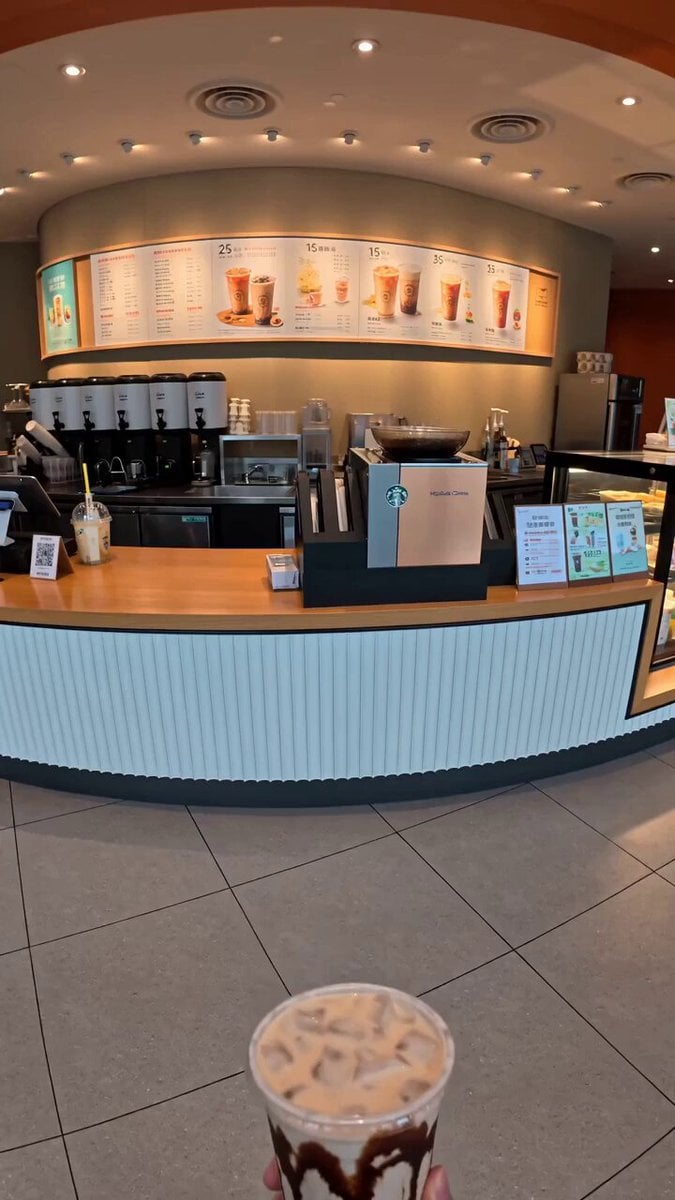
Food Summoning POV Stop-Motion Video
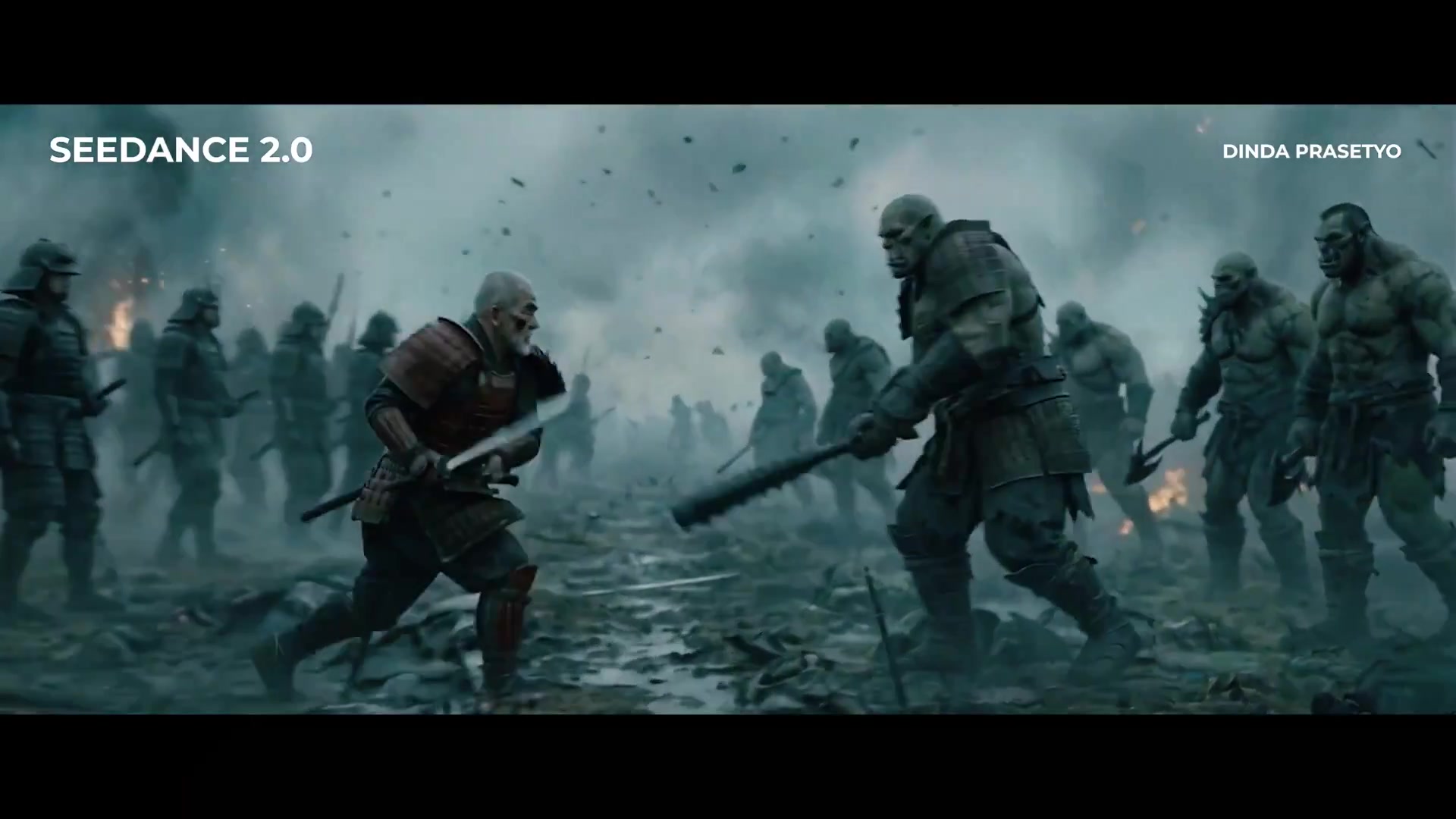
Seedance 2.0 First Test — Dynamic Motion Showcase
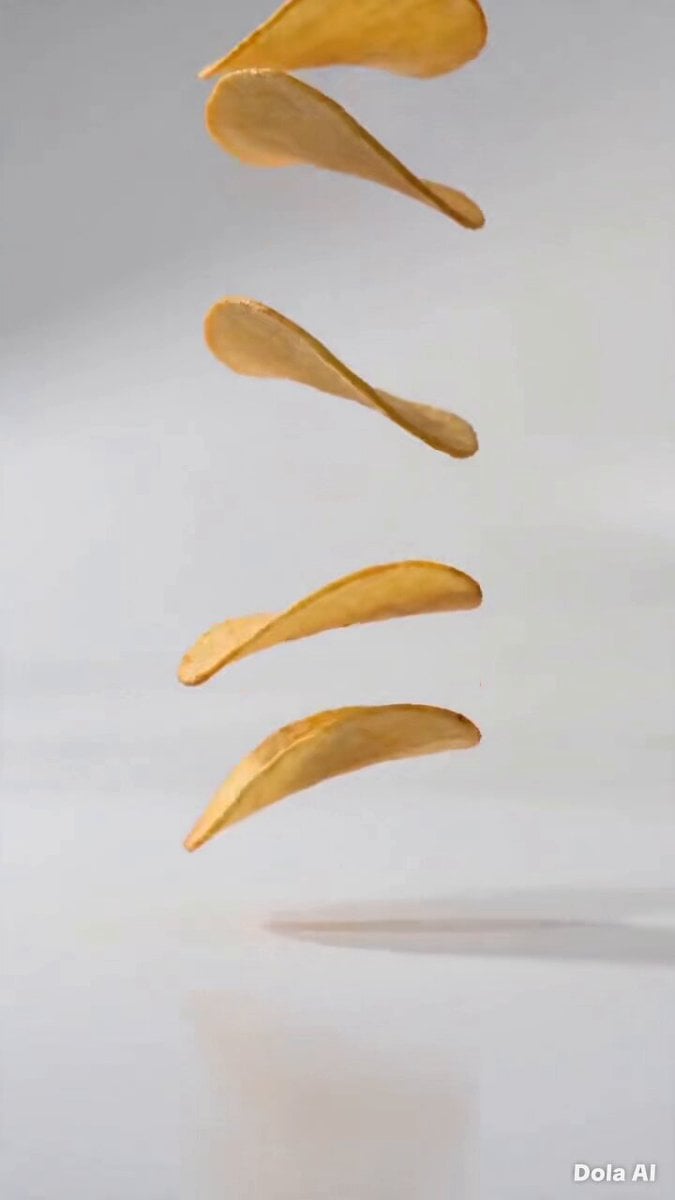
Stop-Motion Chip Stacking Animation
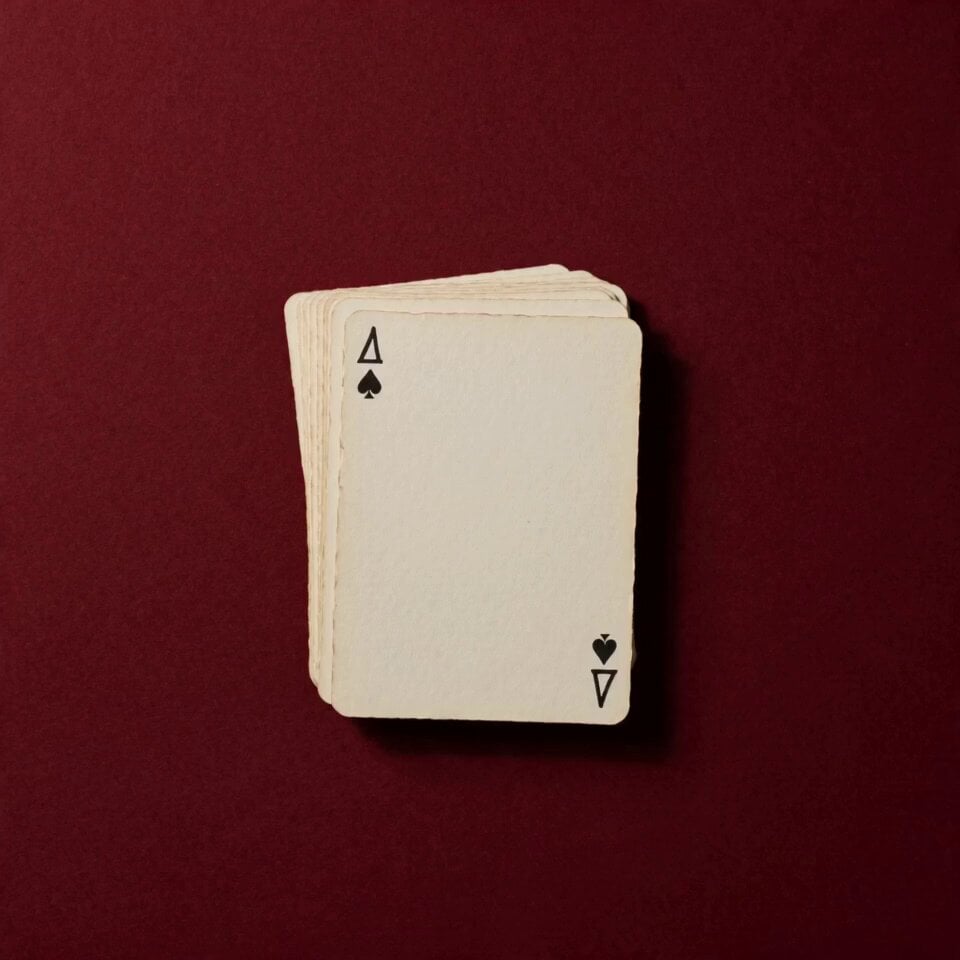
Stop Motion Playing Card Art Film
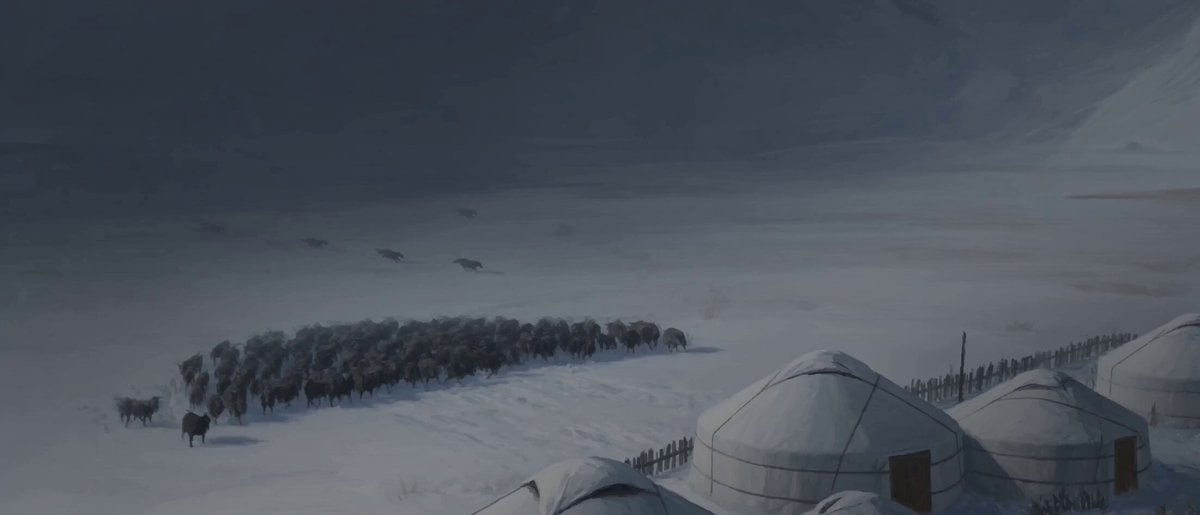
Hand-Painted Stop-Motion Blizzard Scene
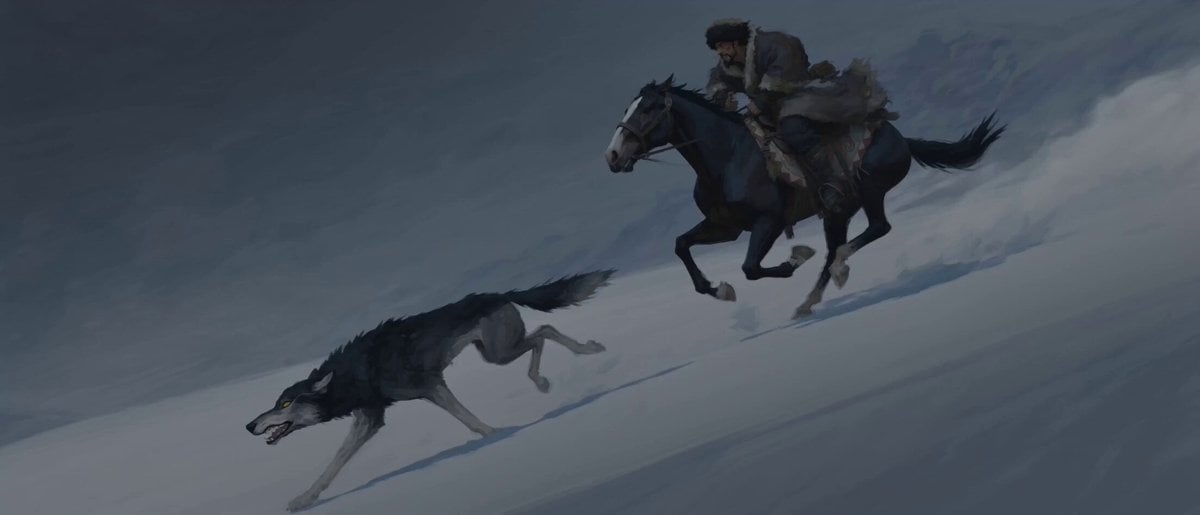
Stop-Motion Wolf Attack Sequence
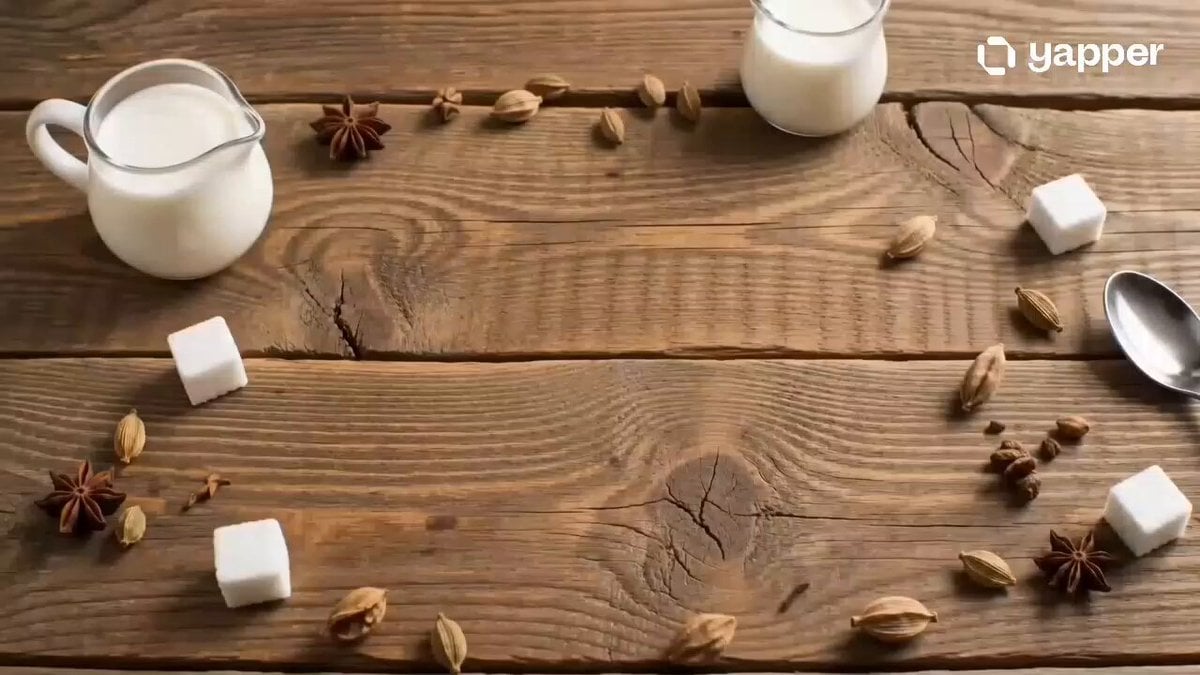
Chai Ritual Stop Motion
Make it yours
Stop-Motion Character Turntable Showcase works as-is. These are the safest ways to change it without losing the look.
Change one field
Copy a single group, rewrite it, and generate again so you can see what that field is doing.
Keep the frame, change the subject
Hold the composition and light of Stop-Motion Character Turntable Showcase, then swap wardrobe, props or the person for a new take.
| If the result… | Why | Fix |
|---|---|---|
| The result drifts from the preview | Too many fields changed at once. | Reuse Stop-Motion Character Turntable Showcase as-is first, then change one group — subject, light, or setting. |
| The model over-stylizes the scene | The prose prompt leaves finish and camera underspecified. | Add one camera or lighting sentence and stay on Seedance 2.0. |
More Seedance 2.0 templates
Other prompts made for Seedance 2.0.

Comical Martial Arts Punch Scene

Maglev Train Action Sequence

Martial Arts Fight Sequence

Wuxia Protection and Trust Script

Vintage Korean Arcade MiniDV Vlog

Mercedes 190 SL Luxury Ad

Rainy Night Supernatural Reverse Comedy Video Script

Amazon Civilization Discovery

Futuristic South Asian City Transformation

Cozy Luxury Cafe Commercial
More video prompts
Fresh picks from across the catalog.
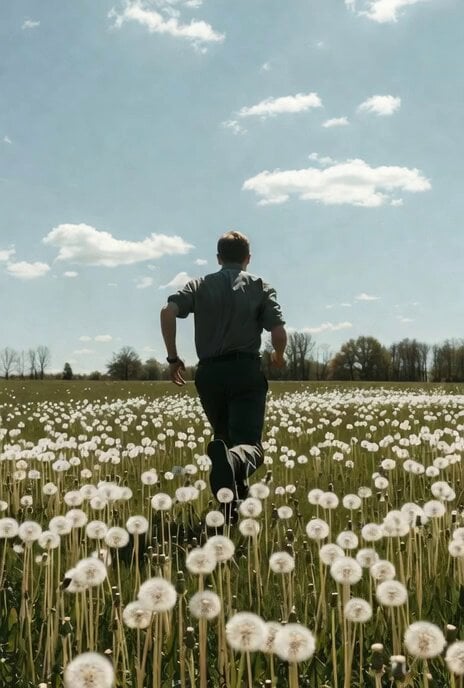
Video generation prompt focusing on camera movement and depth of field
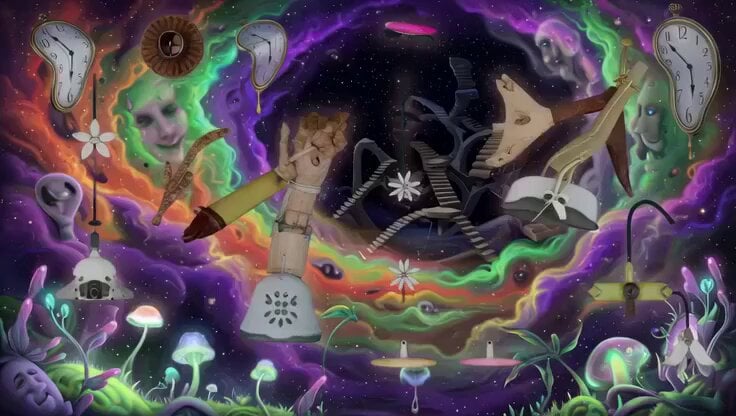
Psychedelic Surreal Cosmic Meltdown
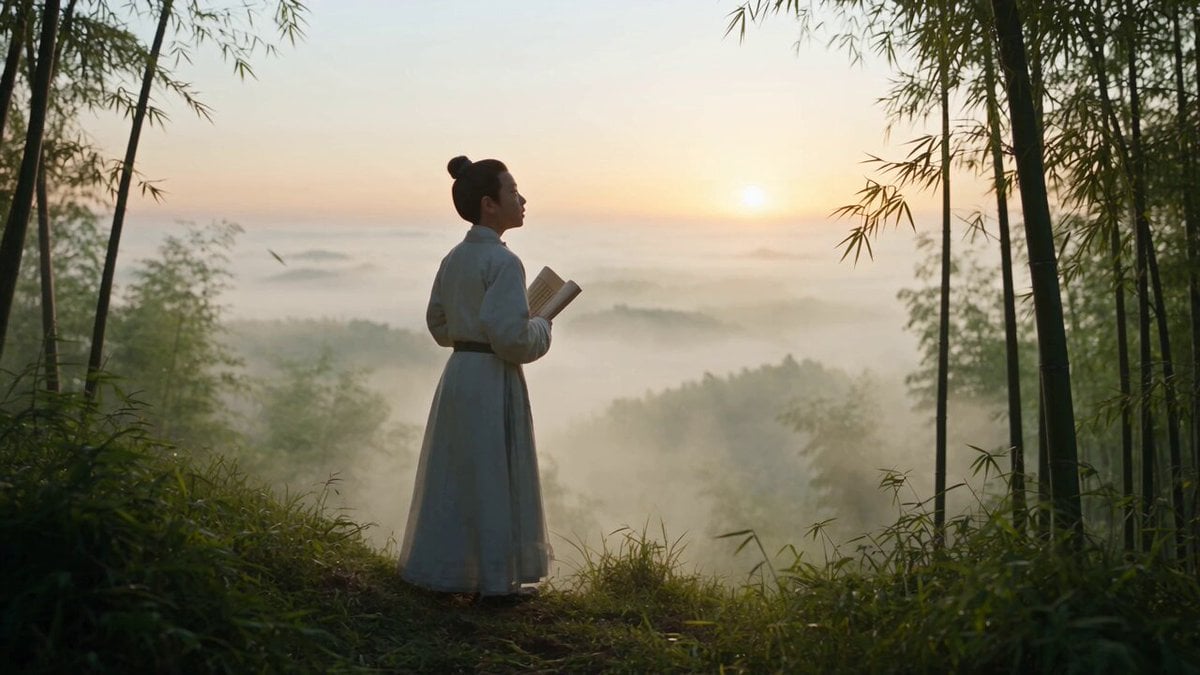
Cinematic One-Shot Biography of Su Shi
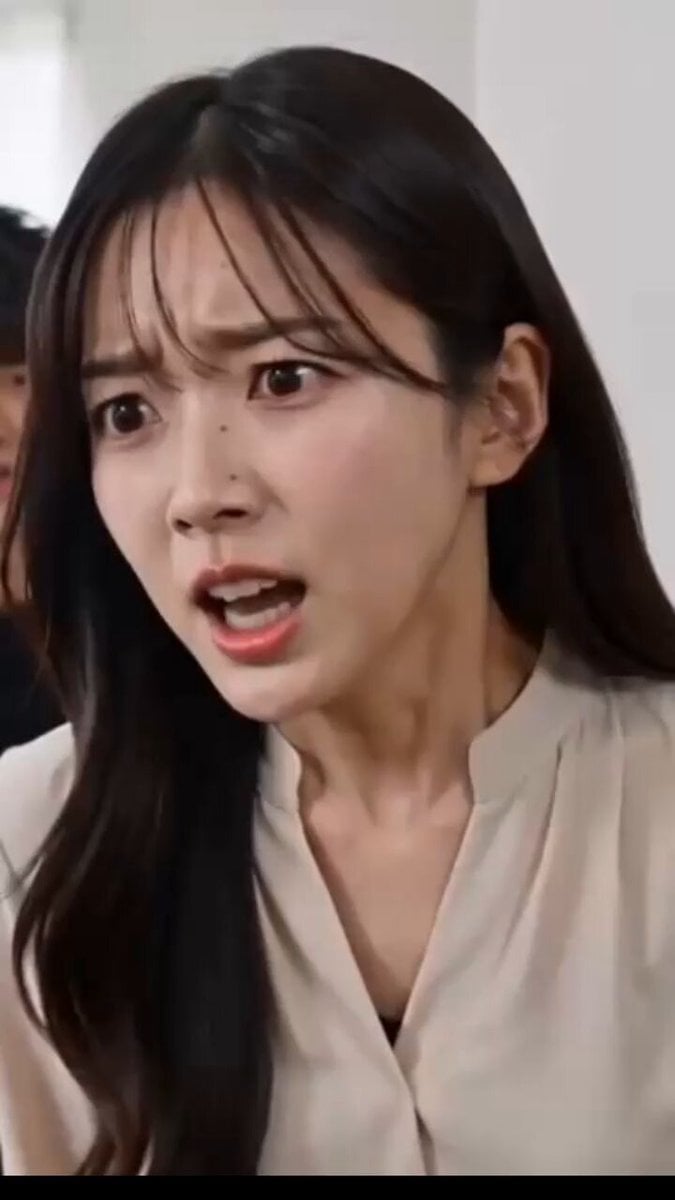
Relationship Dialogue Script
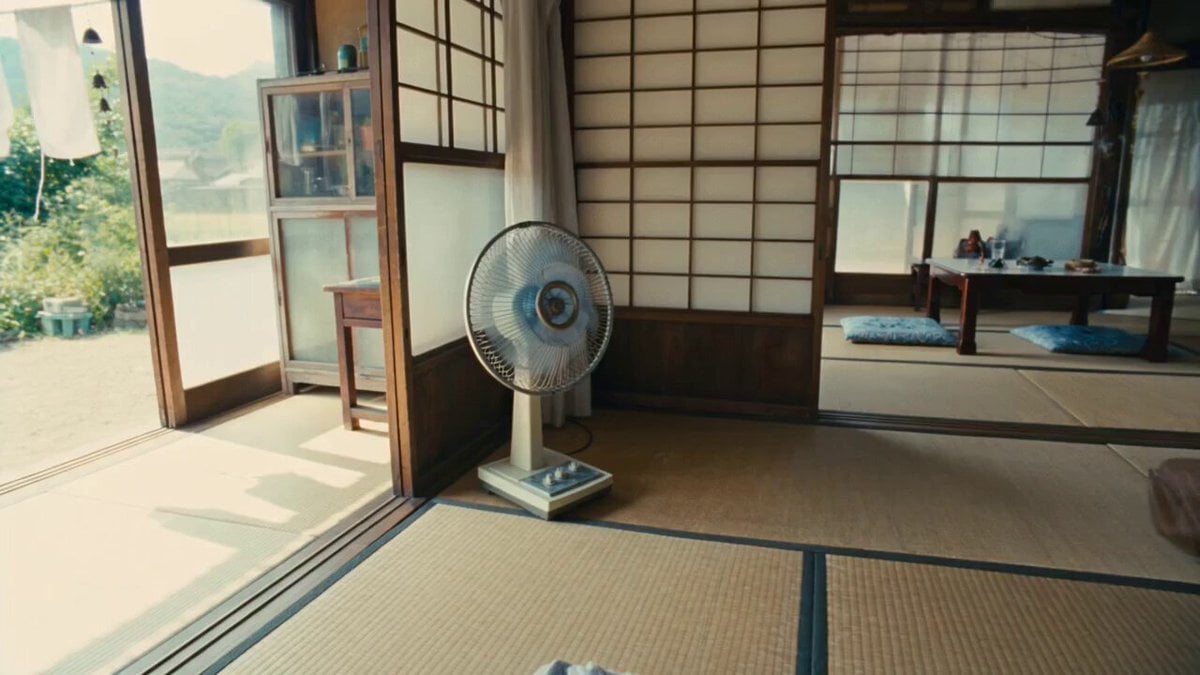
Nostalgic Summer Chalk Animation VFX
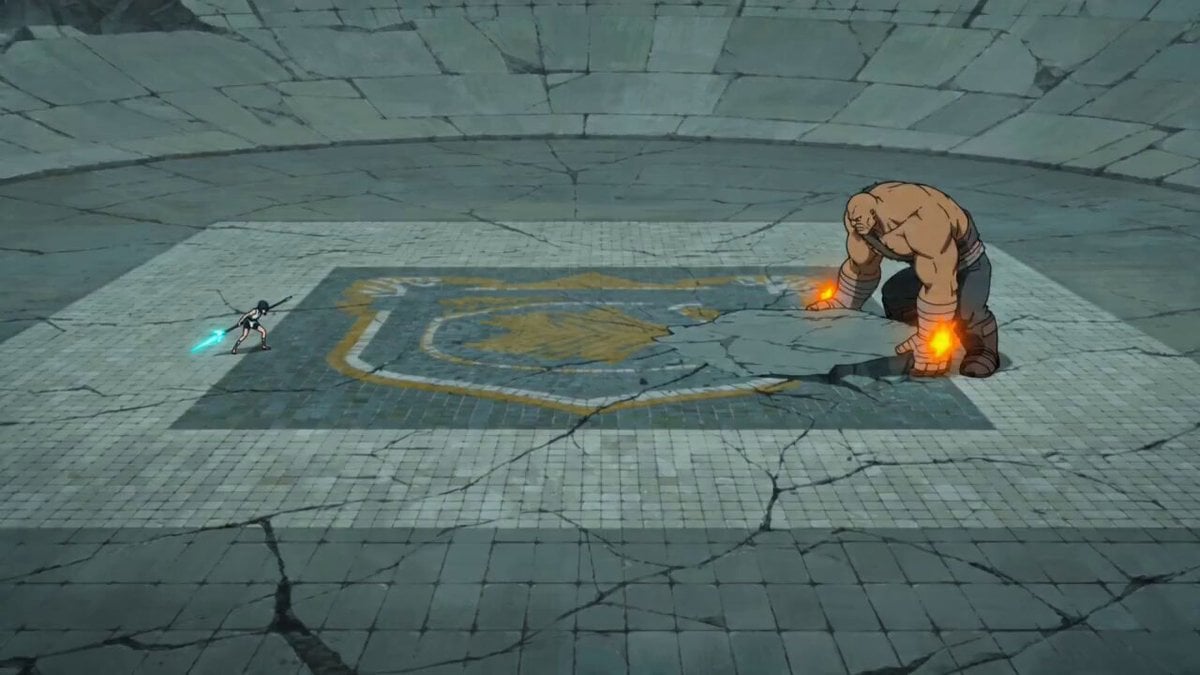
Sakuga Style Anime Arena Fight
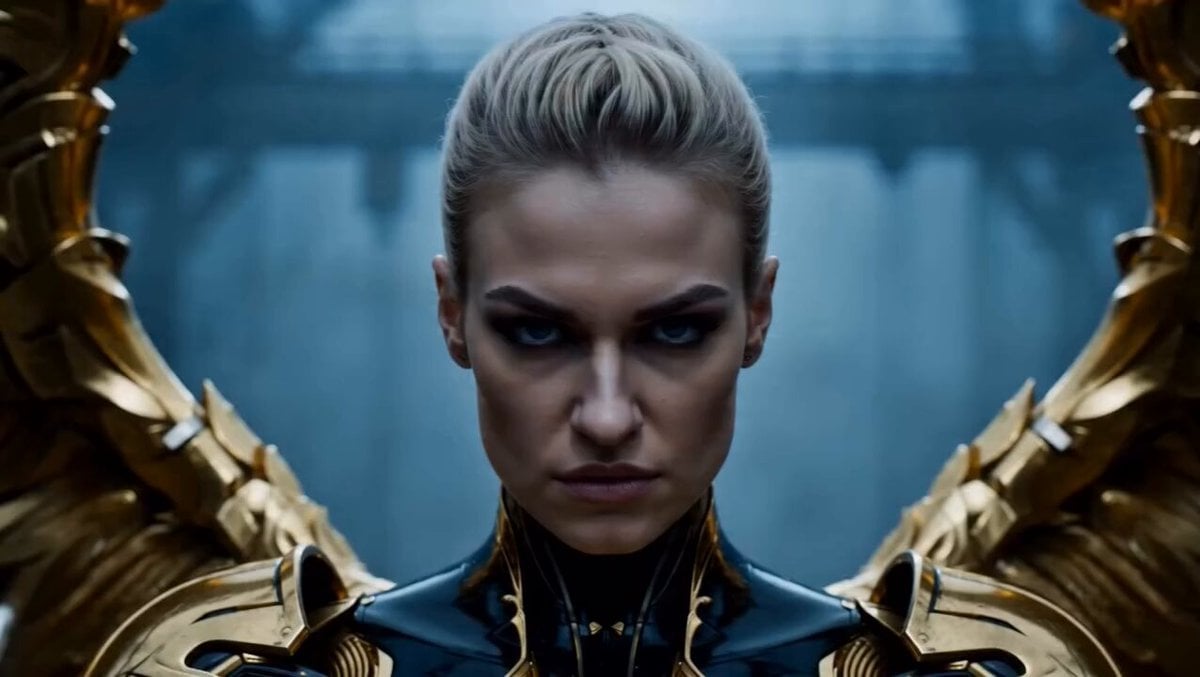
Cinematic Angel Warrior vs Demon Lord
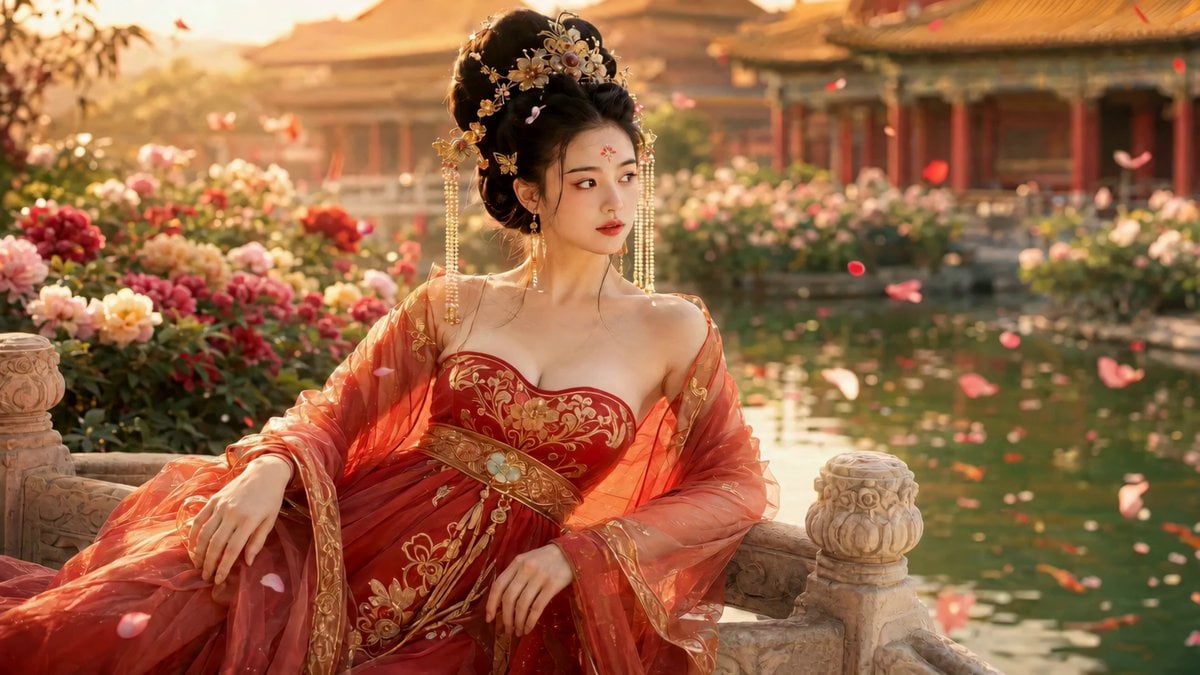
Cinematic Ancient Palace Beauty Close-up

Pink Lipstick 3D Product Commercial

Cinematic 19th Century Caravel Sailing to Rio
Browse template categories
Stop-Motion Character Turntable Showcase questions
How do I use the Stop-Motion Character Turntable Showcase template?
Add your photo if the template asks for one, edit the prompt if you like — the template's model and format are already selected — and press Generate. Your version opens in PicX Studio.
Can I customize the Stop-Motion Character Turntable Showcase template?
Yes. You can change the subject, setting, lighting, mood, format, and available model controls before creating your video.
Is the Stop-Motion Character Turntable Showcase template free?
Opening and editing this template is free. Generating uses credits, shown on the Generate button when you are signed in.
Which AI model should I use?
Start with Seedance 2.0, which is the model associated with this template. You can compare another compatible model for a different finish.
Looking for something else? Browse all templates.

Your photo, any look
Thousands of ready templates for every top image and video model, from one credit balance.