
East Asian Woman Rap Scene
A cinematic multi-scene prompt for a relaxed rap video featuring consistent character movement and natural lighting.
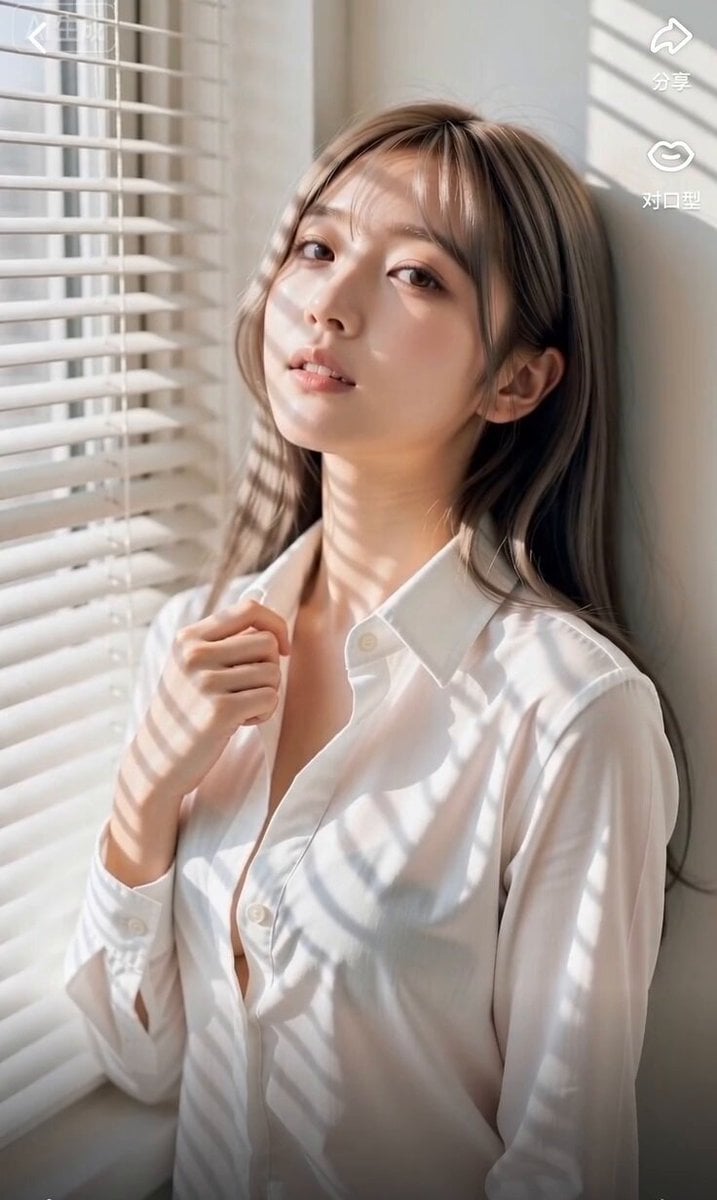
- Prompt included
- Model and format preset
- Premium template
The prompt behind this video
Copy the exact prompt behind East Asian Woman Rap Scene, or open it in the studio and make it yours.
主要角色:年轻东亚女性,浅棕灰调长直发搭配空气刘海,清透伪素颜淡妆,宽松白色长袖衬衫(领口微敞),皮肤细腻通透,神态清冷松弛又带随性张力。在整个视频中保持一致的身份、服装、发型和外貌。 地点:午后阳光充足的室内窗边,白色百叶窗与米白墙面,阳光穿过叶片投下平行条状光影,空间干净简约,慵懒静谧的居家氛围,无多余杂物干扰。 视觉风格:日系清新写实质感,说唱动作松弛卡点不刻意,肢体与表情贴合节奏律动,光影氛围感强烈,皮肤通透有光泽,整体色调干净柔和。 摄像风格:手持轻量相机拍摄质感,轻微自然的呼吸感抖动,跟随说唱节奏小幅跟拍运镜,自然光下真实的明暗层次,柔和对焦,保留原生光影质感,无过度调色与磨皮。 00:00–00:02 靠墙站在百叶窗边,她指尖轻捏衬衫领口,头微微扬起,眼神慵懒看向镜头,跟着说唱前奏轻轻点头打拍,条状光影在她脸上缓慢移动,画面柔和静谧。 00:02–00:04 中景平视视角,她身体跟随鼓点轻轻左右晃动,一只手自然抬起,指尖随节奏轻点空气,嘴巴轻启跟上节拍,衬衫衣角随动作微晃,光影在肩头缓缓流转。 00:04–00:06 近景推近镜头,她跟着节奏轻微歪头,比出自然的说唱手势,眼神带着松弛的拽感,唇形贴合歌词律动,百叶窗光影在脖颈处明暗交替,氛围感拉满。 00:06–00:09 镜头小幅拉远,她身体随重拍轻轻顶胯,一只手虚搭在身侧,另一只手随节奏抬起挥动,动作卡点利落又不僵硬,阳光在白衬衫上印出清晰的条纹光影。 00:09–00:11 侧脸特写镜头,她转头看向百叶窗方向轻声跟唱,下颌线在光影下轮廓清晰,发丝随动作扫过脸颊,镜头带着自然的轻微呼吸感抖动。 00:11–00:13 切回正面近景,她对着镜头轻挑眉眼,手指顺着衬衫领口轻轻滑下,精准卡在说唱停顿拍上,眼神慵懒又有张力,光影在锁骨处明暗交错。 00:13–00:15 收尾定格,她收回动作靠回墙面,嘴角勾起浅淡笑意,最后一个重拍落下时抬眼望向镜头,百叶窗光影静静覆在身上,画面缓慢淡出。 音频:自然声场的说唱音轨——清晰贴耳的说唱人声、轻快利落的鼓点节奏,搭配微弱的环境白噪音与窗外隐约风声,无厚重混响,整体松弛又有节奏感。 目标:打造慵懒松弛的窗边即兴说唱片段,用百叶窗光影烘托氛围,动作卡点自然不生硬,干净治愈又带清冷张力,仿佛午后随手记录的随性日常。
How to use East Asian Woman Rap Scene in 3 steps
- 1
Open
The prompt is already in the box next to the preview, with the template's model and format selected.
- 2…a portrait of your subject in softgolden-hour light, 85mm…
Personalize
Edit the subject and creative details for your destination.
- 3Generate
Generate
Press Generate — your video is created in PicX Studio, so you can compare it with the original and refine one variable at a time.
More like this
Templates with the same subject, style or setup. Open one to see its prompt.
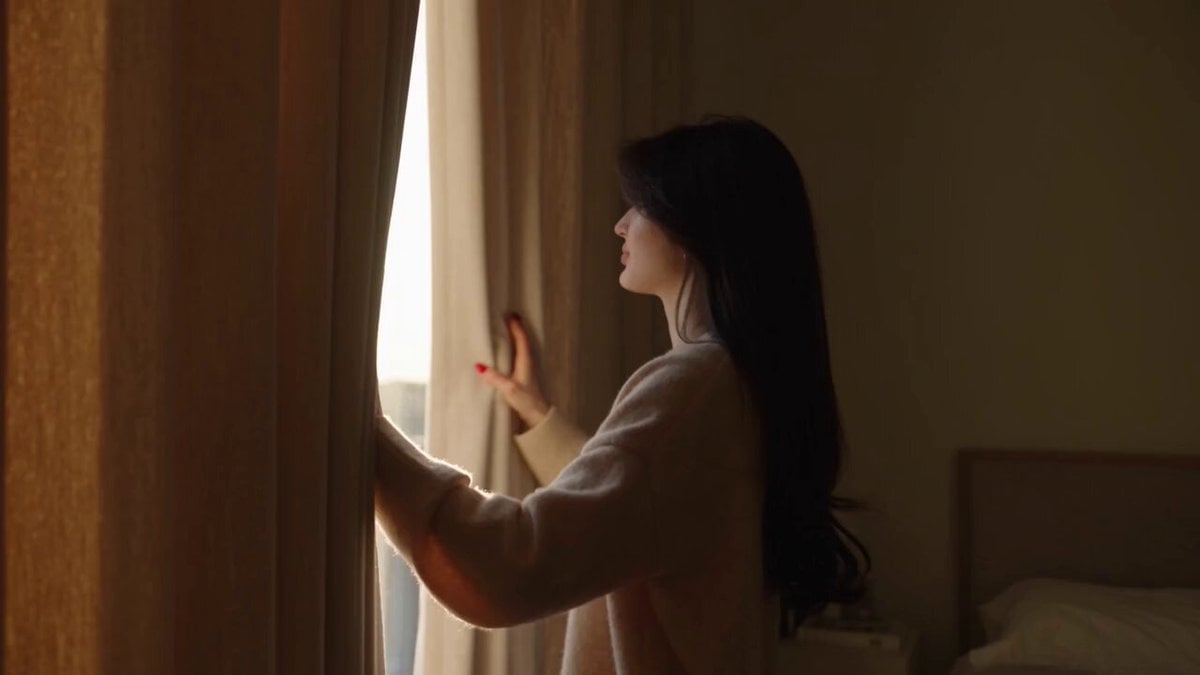
Realistic lifestyle cinematic video of an East Asian woman
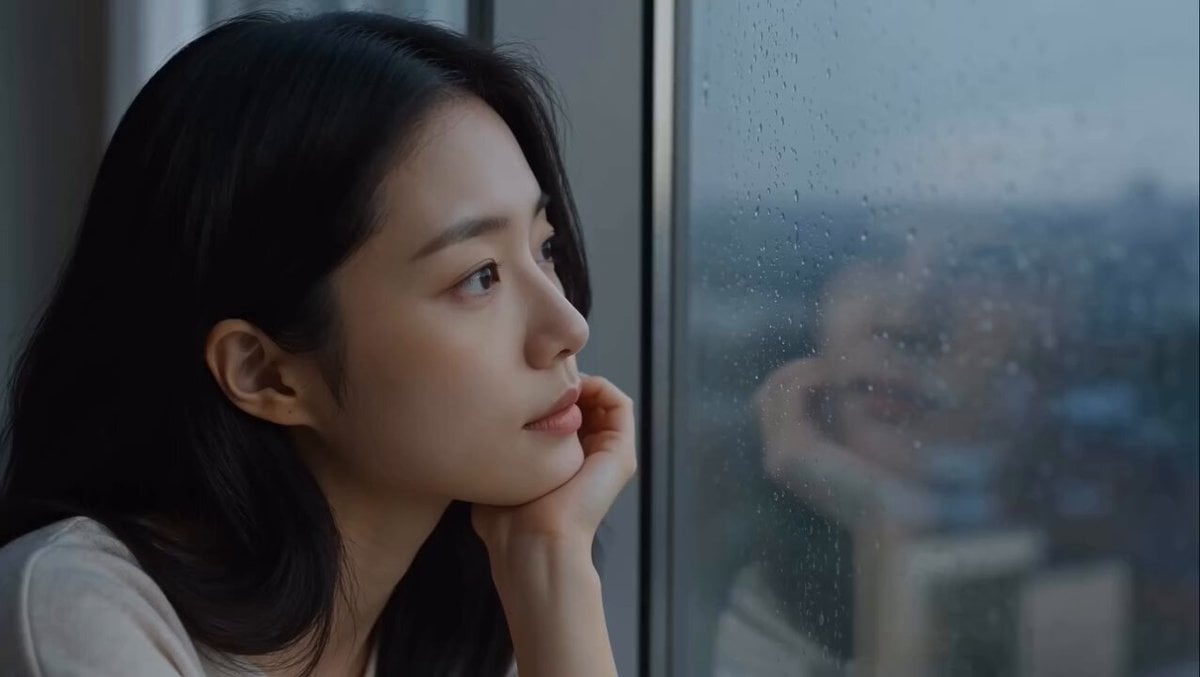
East Asian Woman Apartment Solitude
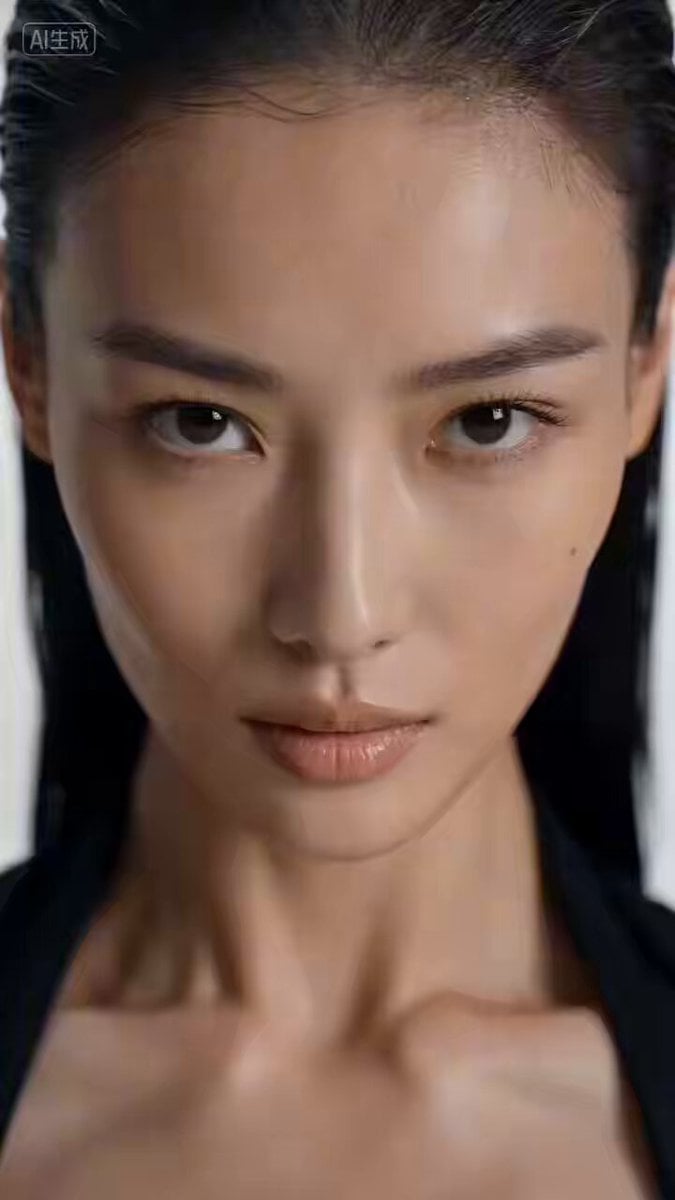
Cinematic East Asian Woman Hand Dance
Cinematic East Asian Woman Selfie Video
Standard Medium Shot of an Elegant East Asian Woman
East Asian Women Opera House
East Asian Fashion Portrait Animation
Arc Shot Frozen Woman Snow — Kling 3.0 v3 Pro
Arc Shot Frozen Woman Snow — Kling 3.0 v3 Pro

Blonde Woman Driving Green 1960s Mustang Golden Hour
Dramatic cinematic sequence of an East Asian female cyborg warrior
East Asian Fighter Pilot Video
Make it yours
East Asian Woman Rap Scene works as-is. These are the safest ways to change it without losing the look.
Change one field
Copy a single group, rewrite it, and generate again so you can see what that field is doing.
Keep the frame, change the subject
Hold the composition and light of East Asian Woman Rap Scene, then swap wardrobe, props or the person for a new take.
| If the result… | Why | Fix |
|---|---|---|
| The result drifts from the preview | Too many fields changed at once. | Reuse East Asian Woman Rap Scene as-is first, then change one group — subject, light, or setting. |
| The model over-stylizes the scene | The prose prompt leaves finish and camera underspecified. | Add one camera or lighting sentence and stay on Seedance 2.0. |
More Seedance 2.0 templates
Other prompts made for Seedance 2.0.

Comical Martial Arts Punch Scene

Maglev Train Action Sequence

Martial Arts Fight Sequence

Wuxia Protection and Trust Script

Vintage Korean Arcade MiniDV Vlog

Mercedes 190 SL Luxury Ad

Rainy Night Supernatural Reverse Comedy Video Script

Amazon Civilization Discovery

Futuristic South Asian City Transformation

Cozy Luxury Cafe Commercial
More video prompts
Fresh picks from across the catalog.
Sunny Morning Laundry Vlog
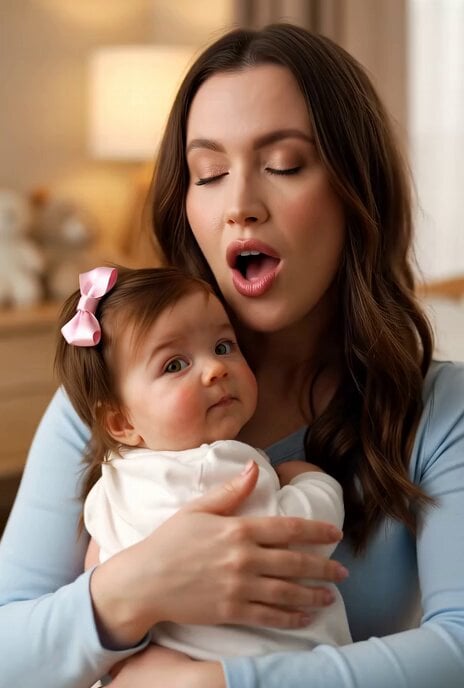
Margaret singing a beautiful song to her baby
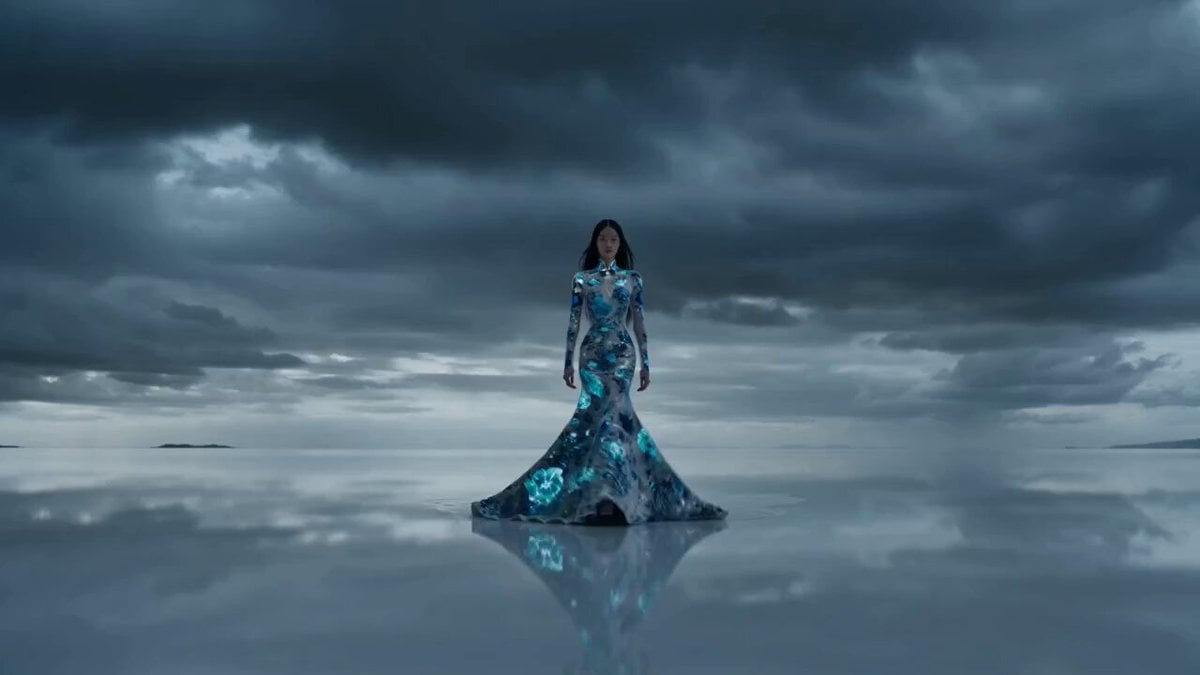
Hollywood Haute Couture Fantasy Video Prompt

Crystal Ball Match-Cut Brand Film
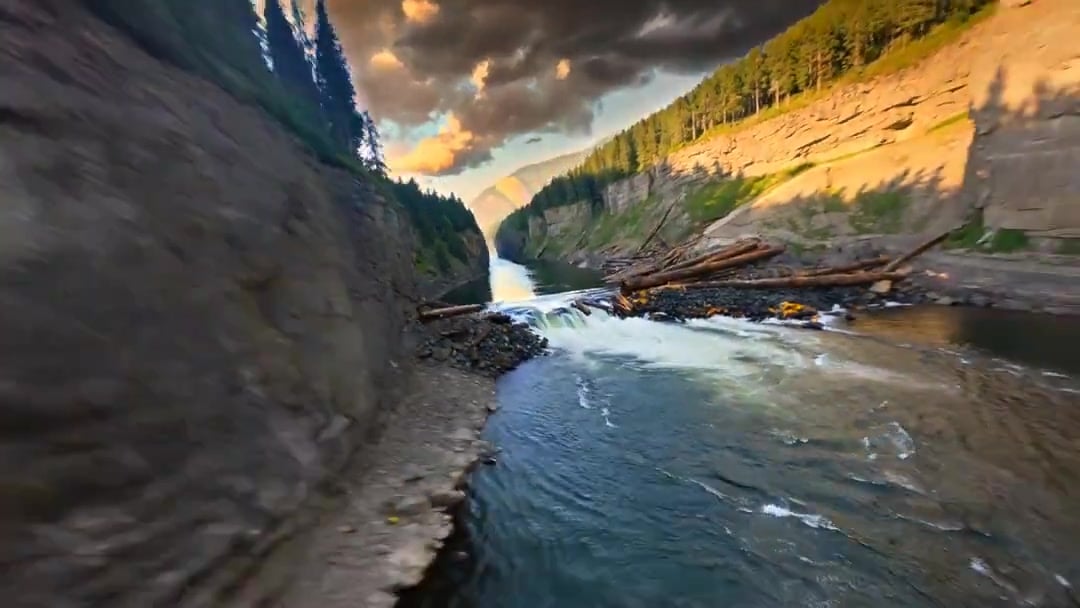
Cinematic Drone Specs Canyon — Kling 3.0 v3 Pro
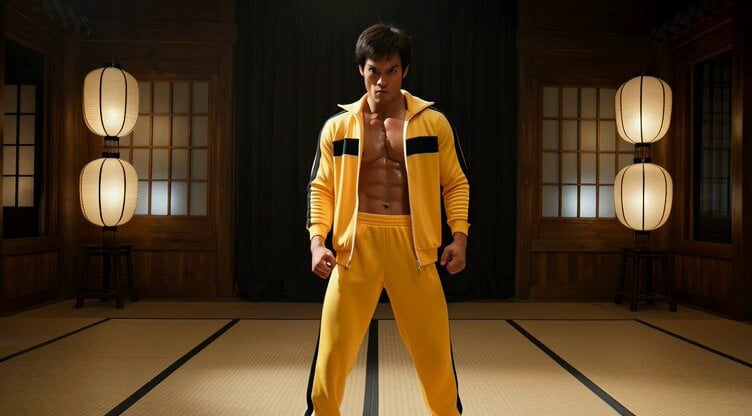
Cinematic Bruce Lee Martial Artist Video Prompt
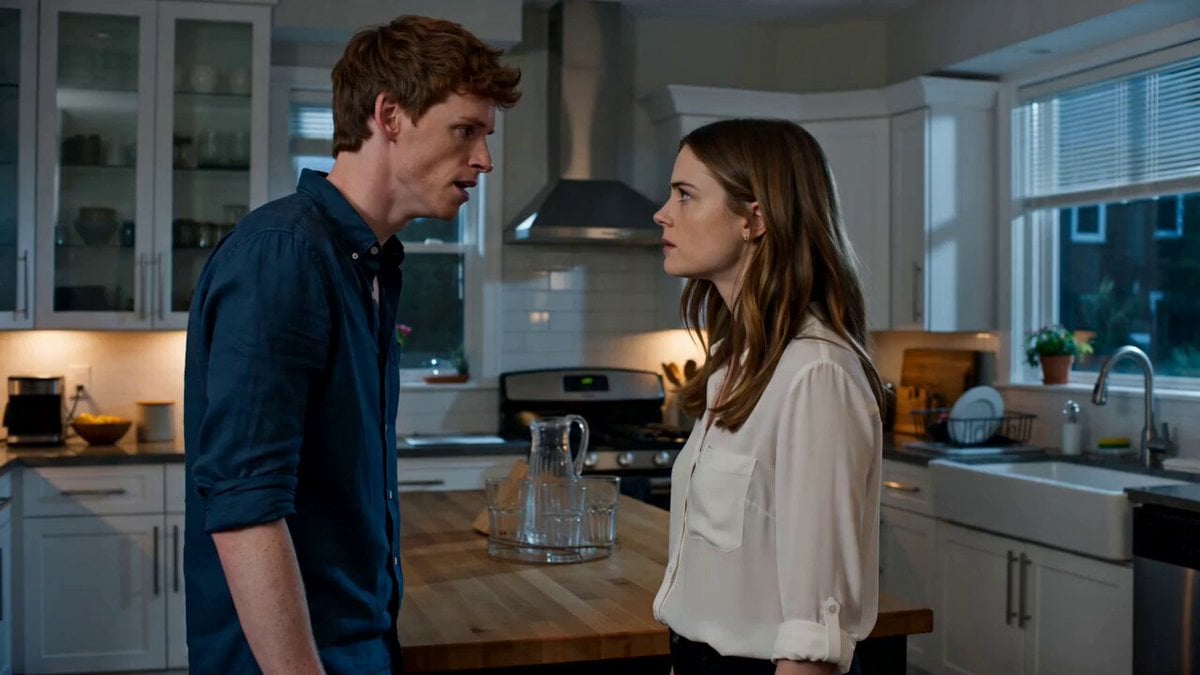
Emotional Kitchen Confrontation Drama
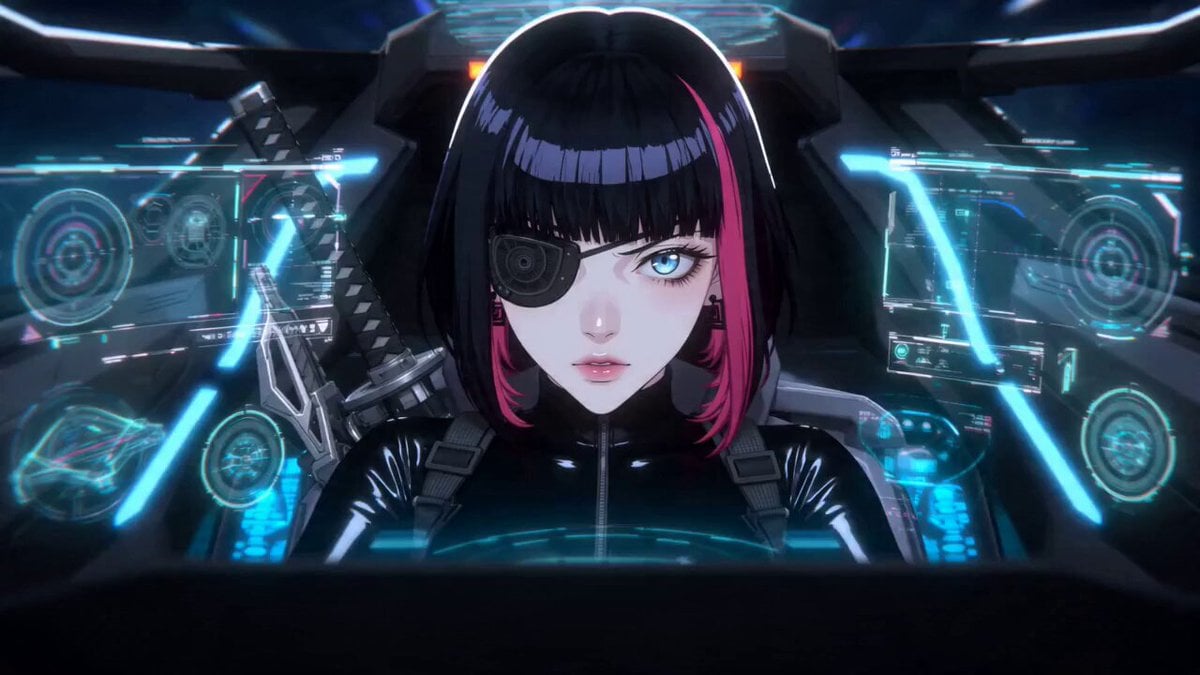
Cyberpunk Space Dogfight Anime
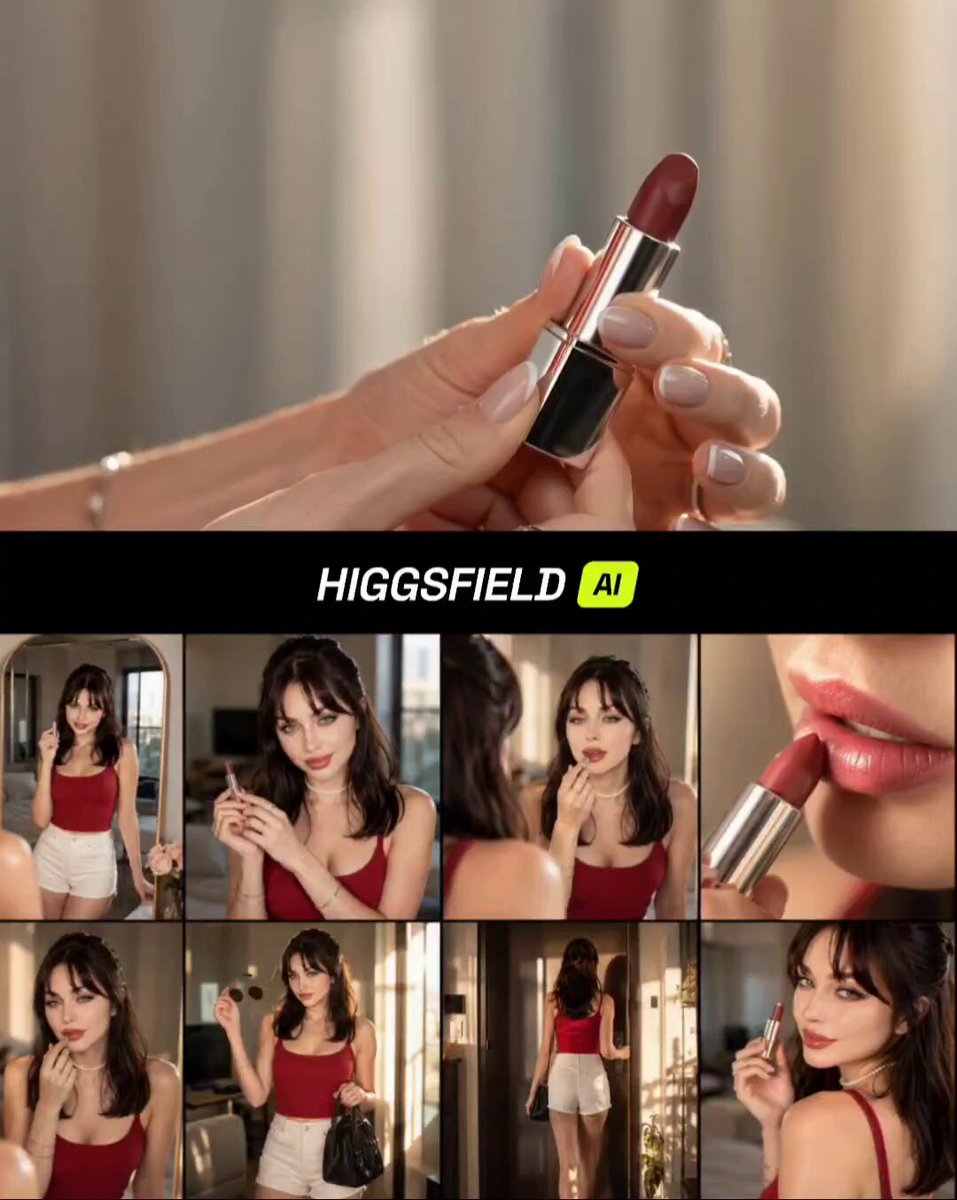
Premium Lifestyle Lipstick Commercial Video
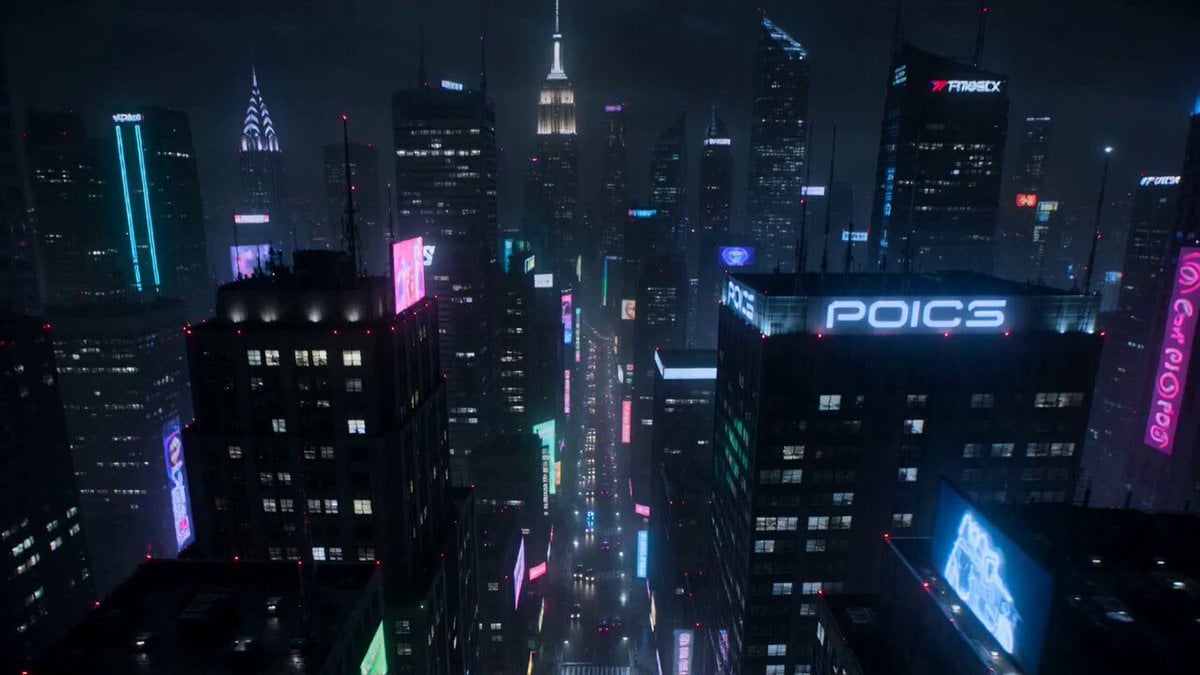
Cyberpunk Neon Motorcycle Chase
Browse template categories
East Asian Woman Rap Scene questions
How do I use the East Asian Woman Rap Scene template?
Add your photo if the template asks for one, edit the prompt if you like — the template's model and format are already selected — and press Generate. Your version opens in PicX Studio.
Can I customize the East Asian Woman Rap Scene template?
Yes. You can change the subject, setting, lighting, mood, format, and available model controls before creating your video.
Is the East Asian Woman Rap Scene template free?
Opening and editing this template is free. Generating uses credits, shown on the Generate button when you are signed in.
Which AI model should I use?
Start with Seedance 2.0, which is the model associated with this template. You can compare another compatible model for a different finish.
Looking for something else? Browse all templates.

Your photo, any look
Thousands of ready templates for every top image and video model, from one credit balance.