
Idol Airport Arrival Cinematic Video
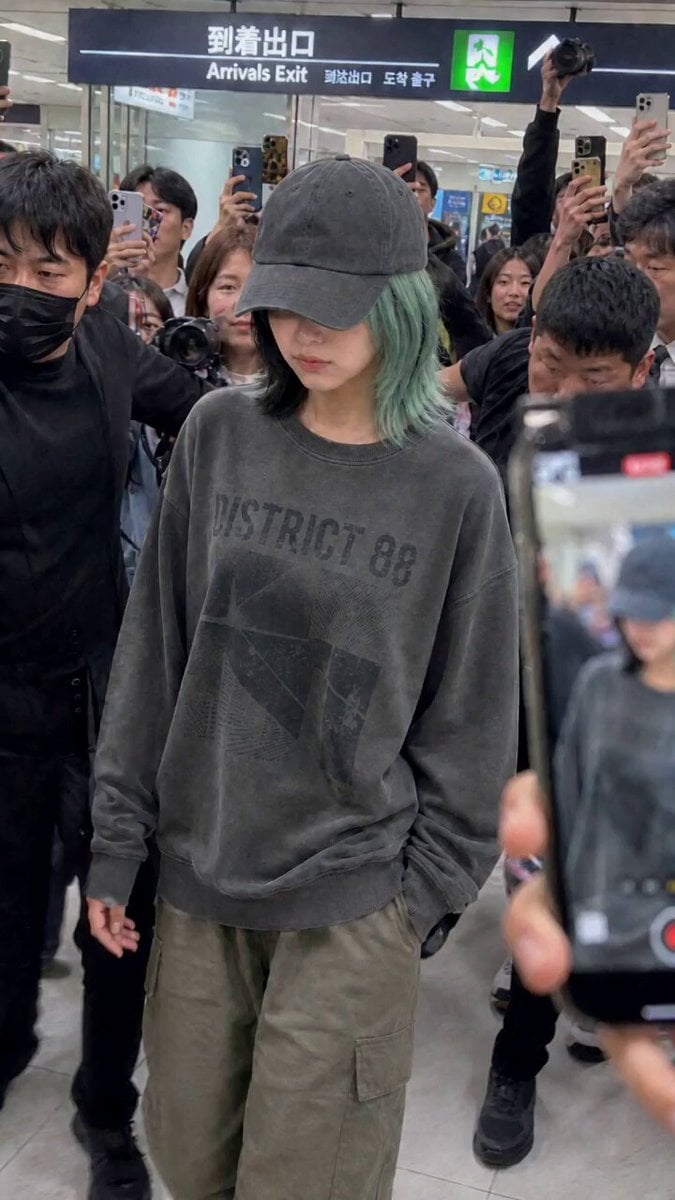
A multi-shot video prompt for Seedance 2.0 depicting an idol arriving at an airport, using multiple image references for characters and start frames with realistic handheld camera effects.
- Prompt included
- Model and format preset
- Free template
The prompt behind this video
Copy the exact prompt behind Idol Airport Arrival Cinematic Video, or open it in the studio and make it yours.
@image_1 をスタートフレームとして使用。@image_2 と @image_3 をキャラクター参照として使用。 パパラッチ群衆の中からハンドヘルド撮影したアイドルの空港到着映像。マルチショット構成。 Shot 1: 女性が到着出口を歩く。うつむき加減、群衆が殺到、連続フラッシュ Shot 2: 顔を上げカメラに視線を送り、自然な笑顔で手を振る。 Shot 3: 立ち止まりファンにサインする。 Shot 4: セキュリティが割り込み腕でカメラを遮断。 全編手ブレあり。カメラや手が断続的に画面に入り込む。セリフなし。 環境音のみ:群衆の歓声、シャッター音、フラッシュ音、足音。
How to use Idol Airport Arrival Cinematic Video in 3 steps
- 1
Open
The prompt is already in the box next to the preview, with the template's model and format selected.
- 2…a portrait of your subject in softgolden-hour light, 85mm…
Personalize
Edit the subject and creative details for your destination.
- 3Generate
Generate
Press Generate — your video is created in PicX Studio, so you can compare it with the original and refine one variable at a time.
More like this
Templates with the same subject, style or setup. Open one to see its prompt.

Smartphone Travel Vlog Tokyo Trip Identity Preserved
Luxury Fashion Airport Trailer
Apartment Arrival Storyboard Animation
Luxury Electric Car Arrival at Villa
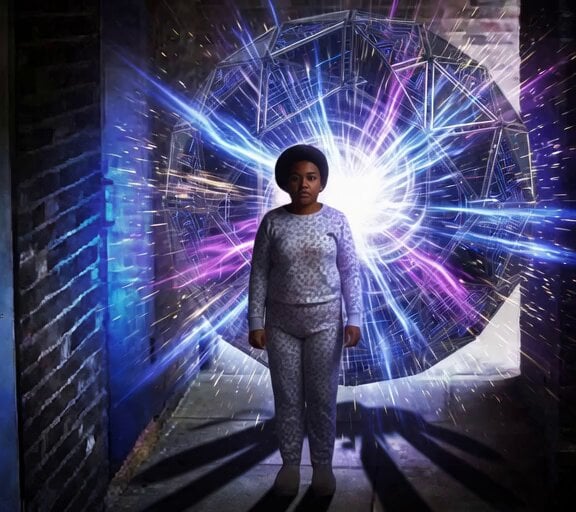
Time Traveling Girl Arrival

Luxury Airport Travel Vlog
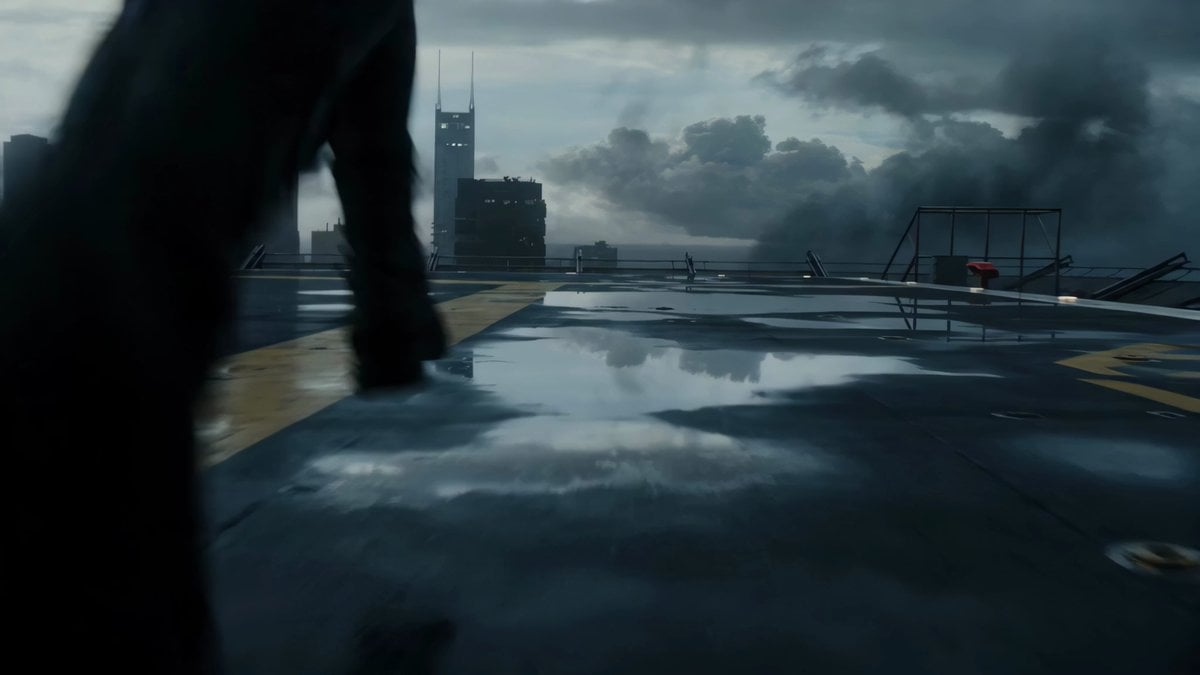
Rooftop Airport Action Scene
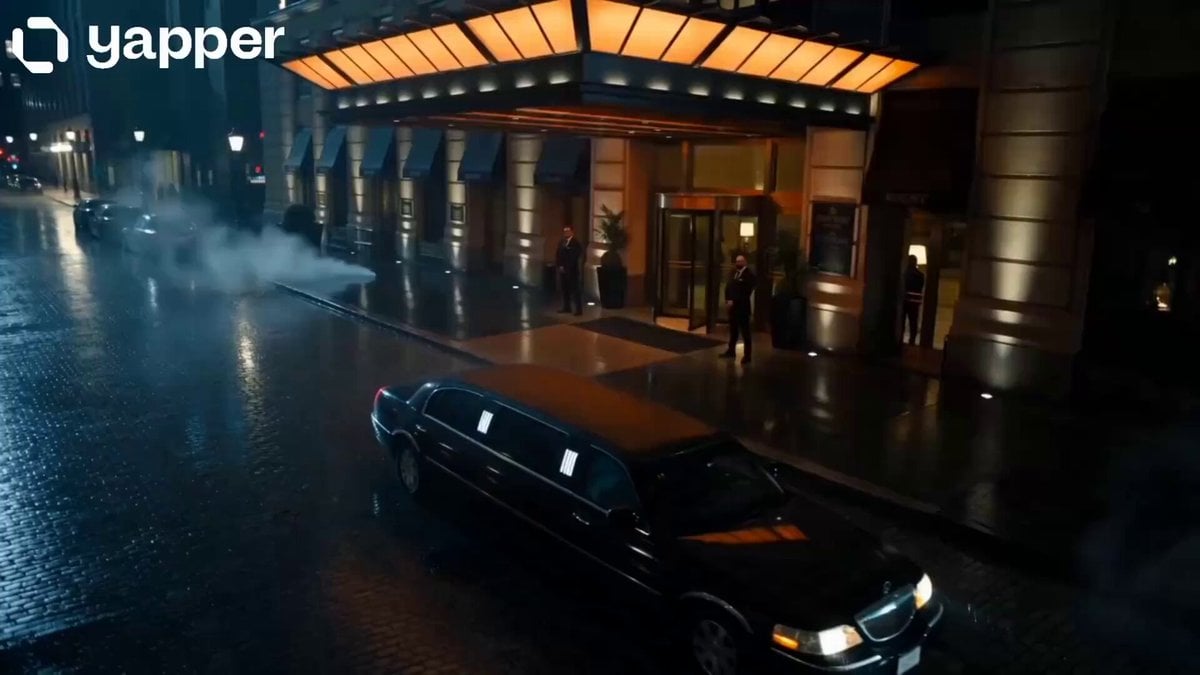
Midnight Arrival Luxury Hotel Prompt
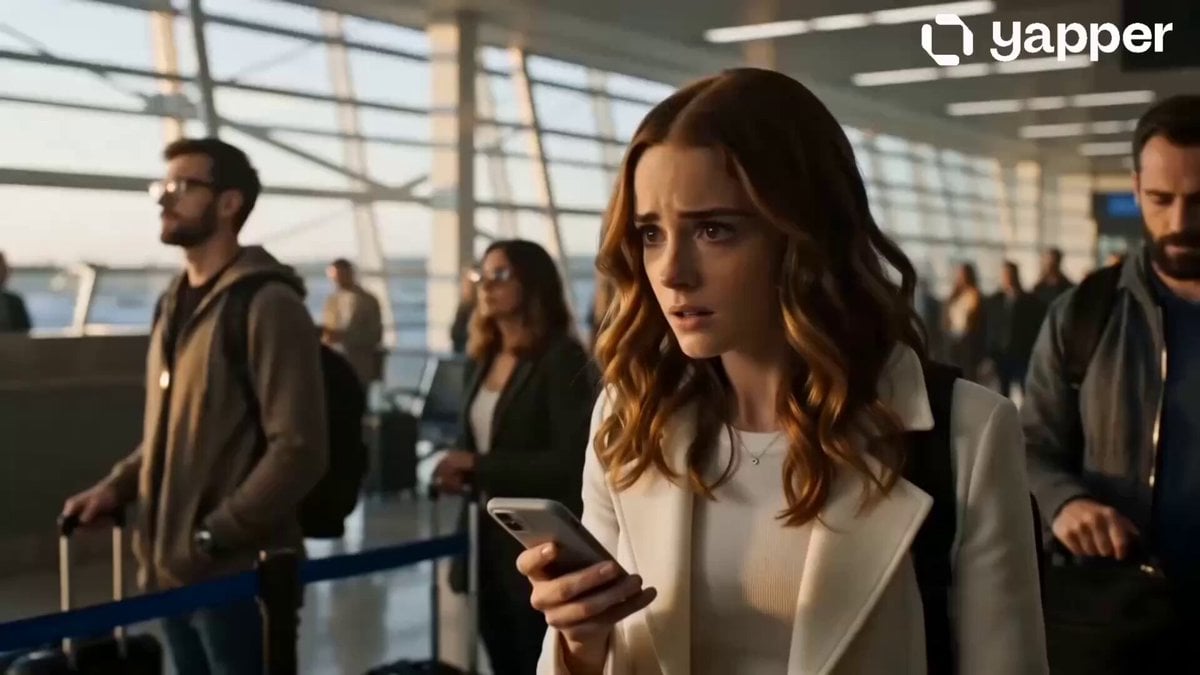
Emotional Airport Lovers Reunion

Dragon International Airport

Planet X Starship Arrival
Organic Alien Arrival Scene Prompt
Make it yours
Idol Airport Arrival Cinematic Video works as-is. These are the safest ways to change it without losing the look.
Change one field
Copy a single group, rewrite it, and generate again so you can see what that field is doing.
Keep the frame, change the subject
Hold the composition and light of Idol Airport Arrival Cinematic Video, then swap wardrobe, props or the person for a new take.
| If the result… | Why | Fix |
|---|---|---|
| The result drifts from the preview | Too many fields changed at once. | Reuse Idol Airport Arrival Cinematic Video as-is first, then change one group — subject, light, or setting. |
| The model over-stylizes the scene | The prose prompt leaves finish and camera underspecified. | Add one camera or lighting sentence and stay on Seedance 2.0. |
More Seedance 2.0 templates
Other prompts made for Seedance 2.0.

Comical Martial Arts Punch Scene

Maglev Train Action Sequence

Martial Arts Fight Sequence

Wuxia Protection and Trust Script

Vintage Korean Arcade MiniDV Vlog

Mercedes 190 SL Luxury Ad

Rainy Night Supernatural Reverse Comedy Video Script

Amazon Civilization Discovery

Futuristic South Asian City Transformation

Cozy Luxury Cafe Commercial
More video prompts
Fresh picks from across the catalog.
Giant mechanical robot transformation from airplane
Vintage Japanese MiniDV Travel Memory

Cinematic Portrait of Young Woman

Titan Canyon Interceptor Chase

Photorealistic Arena Boxing Fight

Ancient Stargazer 2D/3D Hybrid Comedy
Swordswoman Cherry Blossom Strike
Heartwarming Fox Rescue Story

Stop-Motion Oil Painting Animation
Sparkling Dust Silhouette Couple Transition
Browse template categories
Idol Airport Arrival Cinematic Video questions
How do I use the Idol Airport Arrival Cinematic Video template?
Add your photo if the template asks for one, edit the prompt if you like — the template's model and format are already selected — and press Generate. Your version opens in PicX Studio.
Can I customize the Idol Airport Arrival Cinematic Video template?
Yes. You can change the subject, setting, lighting, mood, format, and available model controls before creating your video.
Is the Idol Airport Arrival Cinematic Video template free?
Opening and editing this template is free. Generating uses credits, shown on the Generate button when you are signed in.
Which AI model should I use?
Start with Seedance 2.0, which is the model associated with this template. You can compare another compatible model for a different finish.
Looking for something else? Browse all templates.

Your photo, any look
Thousands of ready templates for every top image and video model, from one credit balance.