
Emotional Airport Lovers Reunion
A sentimental cinematic prompt for a 15-second video depicting a long-distance couple reuniting at an airport sunset, emphasizing realistic facial expressions and physics.
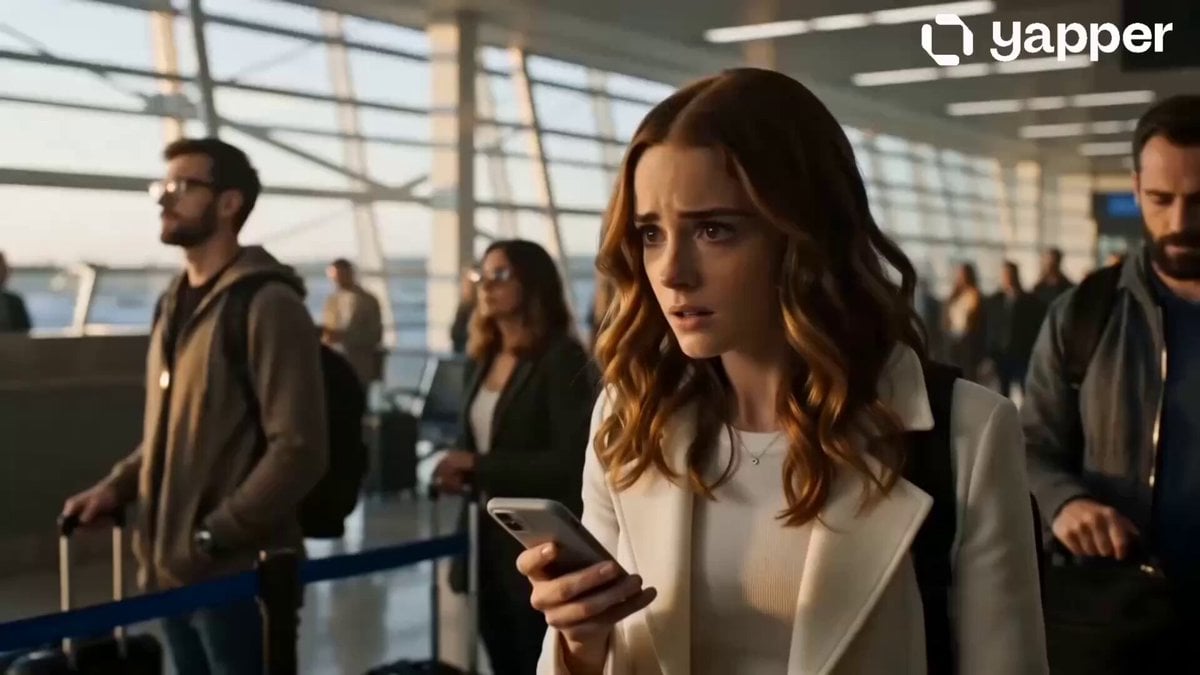
- Prompt included
- Model and format preset
- Free template
The prompt behind this video
Copy the exact prompt behind Emotional Airport Lovers Reunion, or open it in the studio and make it yours.
Ultra-cinematic emotional reunion of long-distance lovers at an airport during sunset, perfectly designed for a 15-second viral video. 0–3s: A lonely girl waits near the airport arrival gate, nervous and emotional, soft golden sunlight through giant windows, cinematic atmosphere, slow camera push-in. 3–6s: Her lover appears from the crowd carrying a travel bag, dramatic eye contact, emotional close-up shots, realistic facial expressions, background crowd in motion blur. 6–10s: Both start running toward each other in dramatic slow motion, handheld cinematic camera movement, emotional piano soundtrack vibe, realistic physics and flowing clothes. 10–13s: They embrace tightly with tears in their eyes, warm sunset backlight, lens flares, ultra-realistic skin textures, emotional cinematic moment. 13–15s: Camera slowly circles around them while the crowd fades into blur, ending with forehead touch and emotional smile, Hollywood romance movie feeling, masterpiece visuals, volumetric lighting, hyper-realistic, Seedance 2.0 quality, vertical 9:16.
How to use Emotional Airport Lovers Reunion in 3 steps
- 1
Open
The prompt is already in the box next to the preview, with the template's model and format selected.
- 2…a portrait of your subject in softgolden-hour light, 85mm…
Personalize
Edit the subject and creative details for your destination.
- 3Generate
Generate
Press Generate — your video is created in PicX Studio, so you can compare it with the original and refine one variable at a time.
More like this
Templates with the same subject, style or setup. Open one to see its prompt.
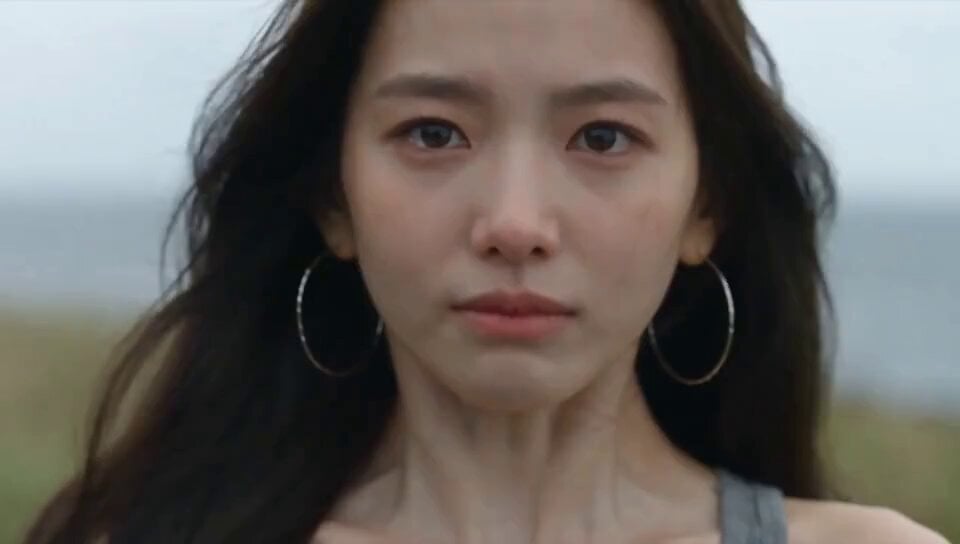
Emotional Breakdown and Fabric Interaction - Seedance 2.5

Smartphone Travel Vlog Tokyo Trip Identity Preserved
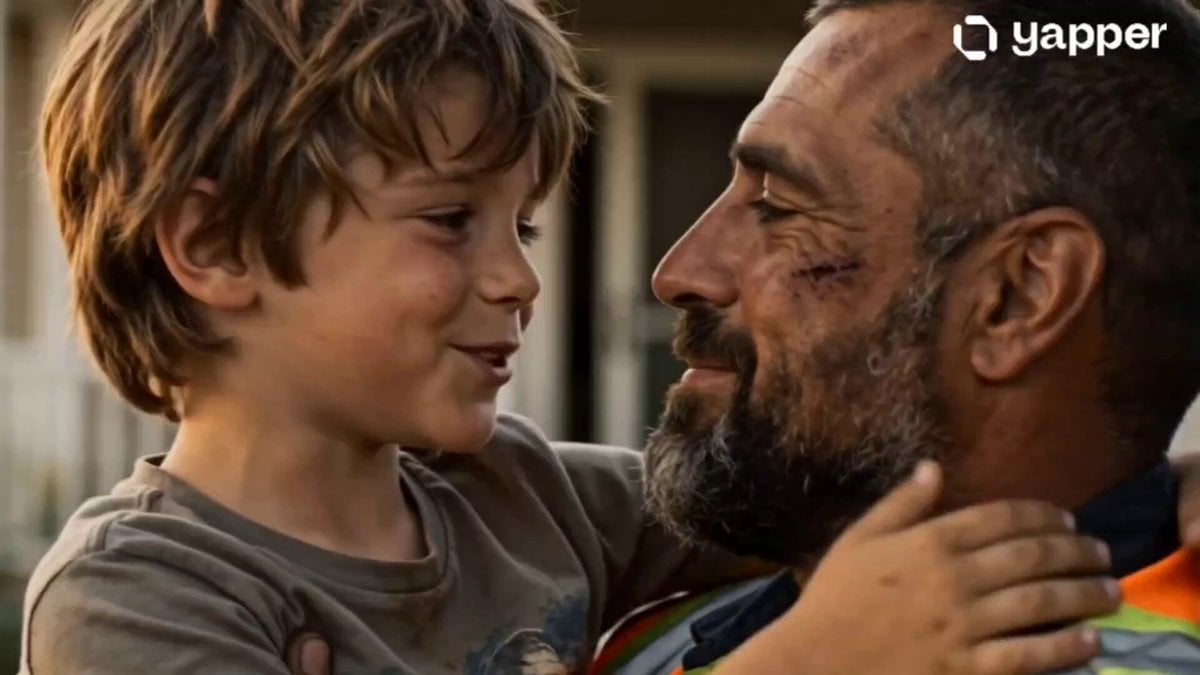
Emotional Father and Son Reunion
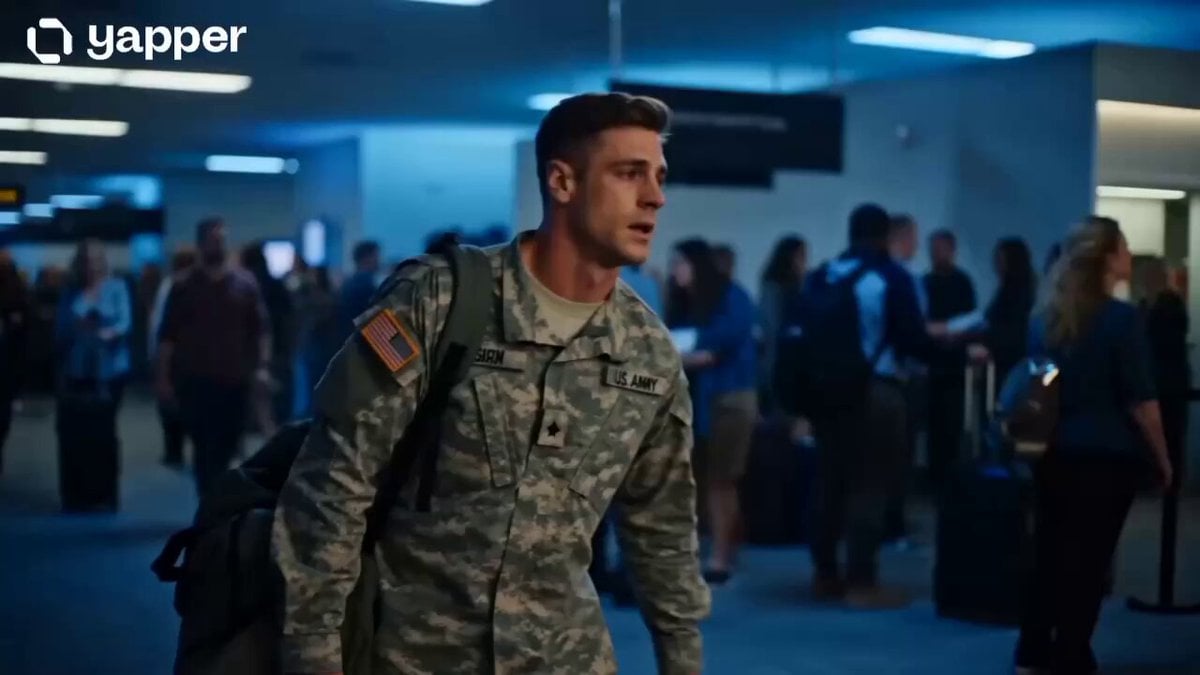
Soldier Homecoming Emotional Reunion
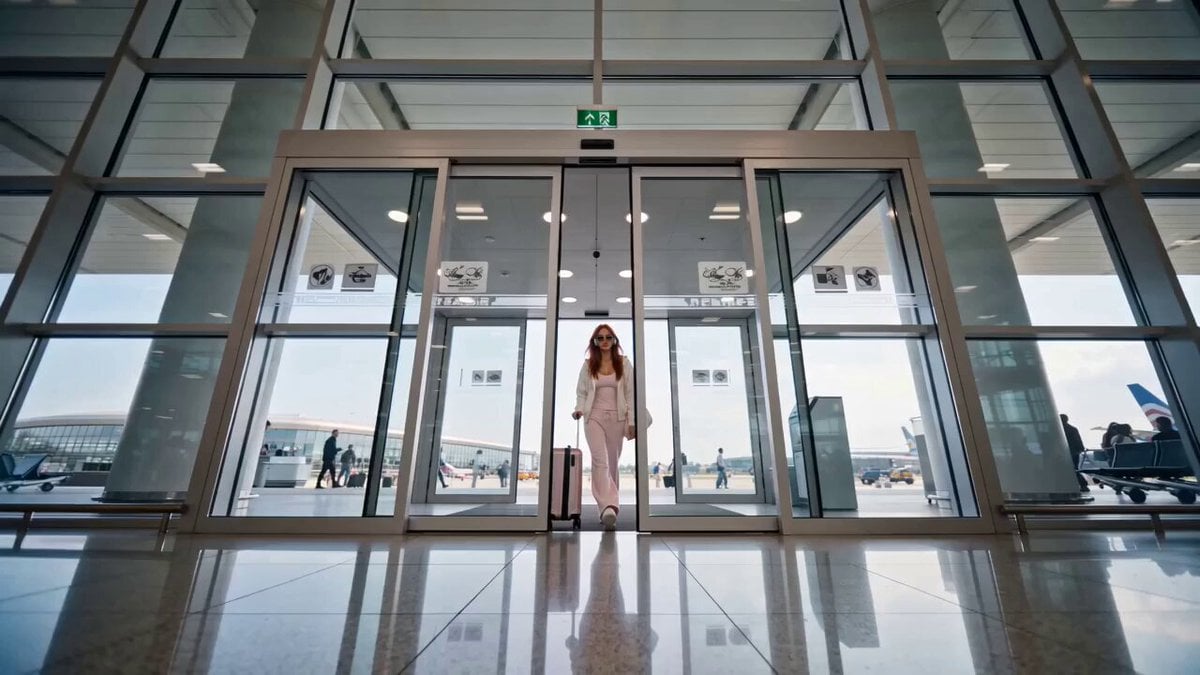
Luxury Fashion Airport Trailer
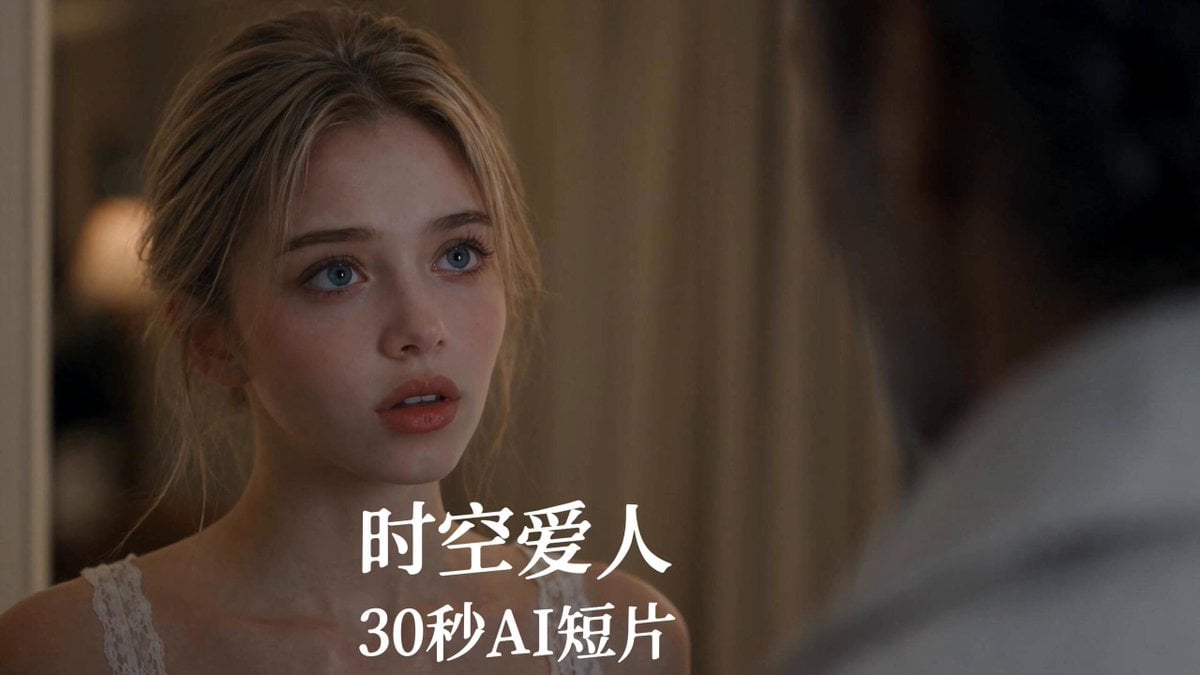
Seedance 2.5 Time Travel Lovers Film Prompt
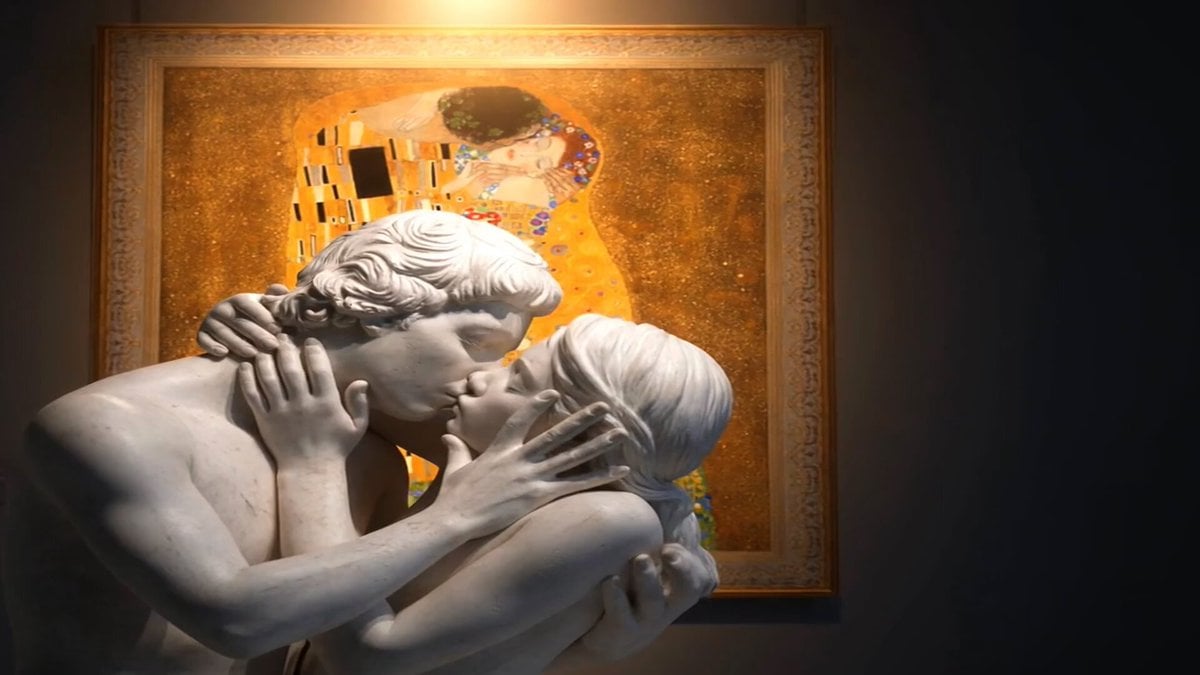
Marble Lovers Golden Kiss

Luxury Airport Travel Vlog
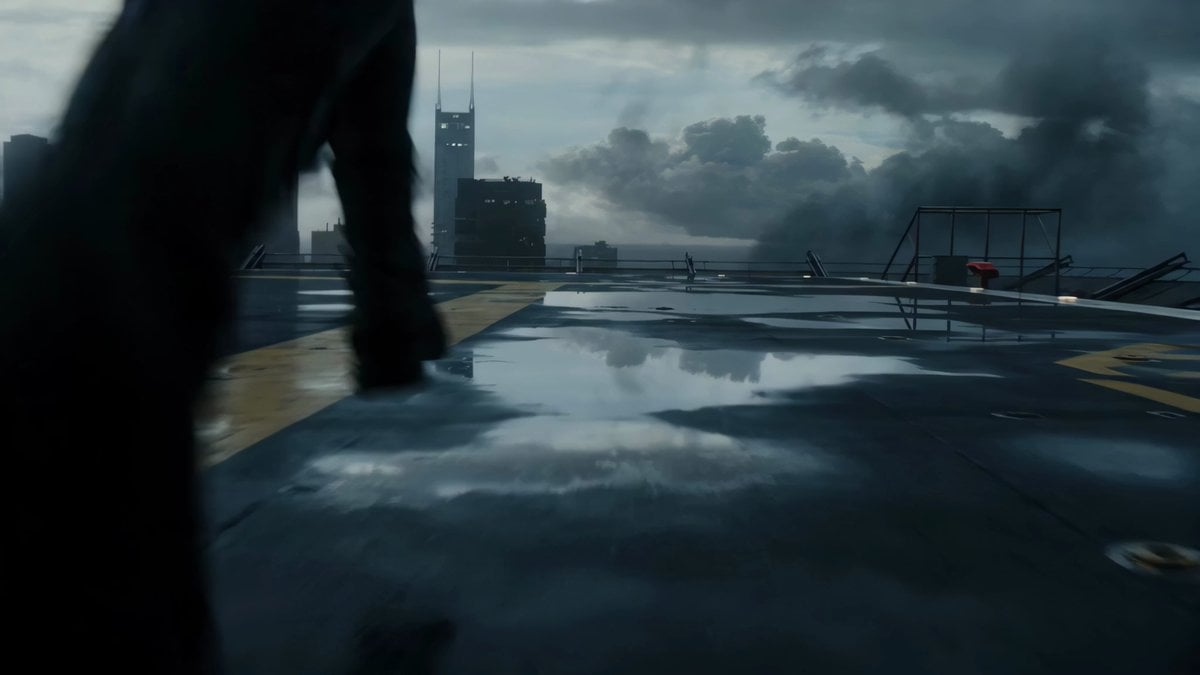
Rooftop Airport Action Scene
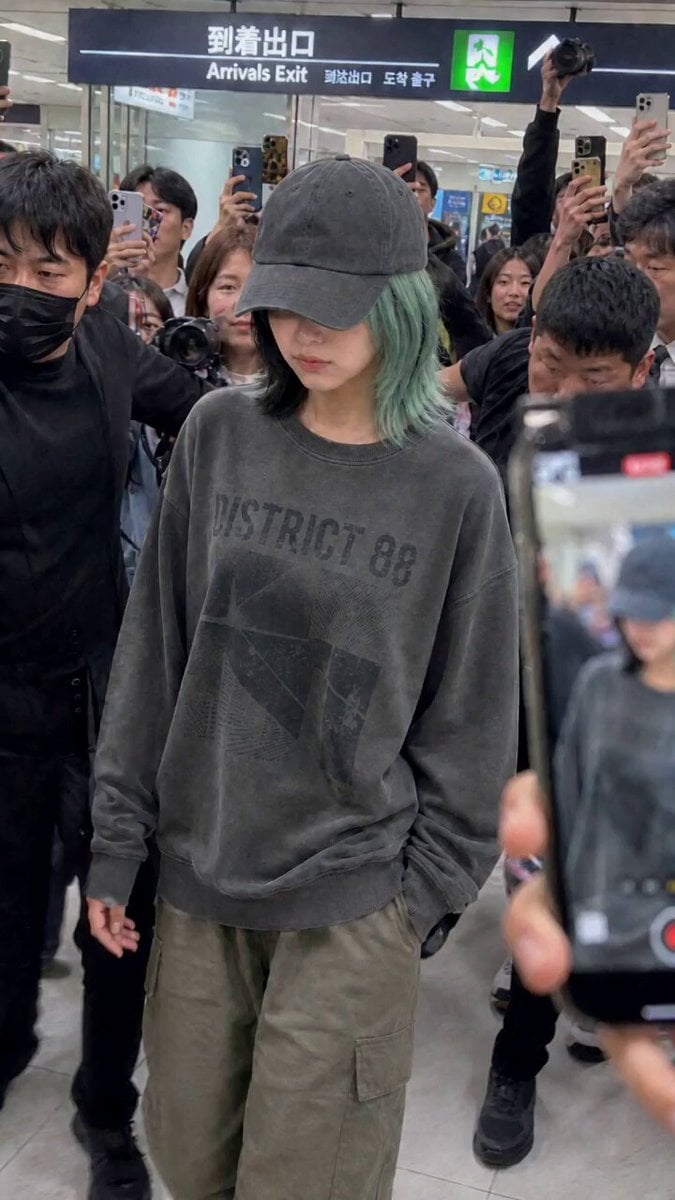
Idol Airport Arrival Cinematic Video

Dragon International Airport

Klimt-Inspired Impasto Painting of Lovers (Midjourney/Grok Imagine)
Make it yours
Emotional Airport Lovers Reunion works as-is. These are the safest ways to change it without losing the look.
Change one field
Copy a single group, rewrite it, and generate again so you can see what that field is doing.
Keep the frame, change the subject
Hold the composition and light of Emotional Airport Lovers Reunion, then swap wardrobe, props or the person for a new take.
| If the result… | Why | Fix |
|---|---|---|
| The result drifts from the preview | Too many fields changed at once. | Reuse Emotional Airport Lovers Reunion as-is first, then change one group — subject, light, or setting. |
| The model over-stylizes the scene | The prose prompt leaves finish and camera underspecified. | Add one camera or lighting sentence and stay on Seedance 2.0. |
More Seedance 2.0 templates
Other prompts made for Seedance 2.0.

Comical Martial Arts Punch Scene

Maglev Train Action Sequence

Martial Arts Fight Sequence

Wuxia Protection and Trust Script

Vintage Korean Arcade MiniDV Vlog

Mercedes 190 SL Luxury Ad

Rainy Night Supernatural Reverse Comedy Video Script

Amazon Civilization Discovery

Futuristic South Asian City Transformation

Cozy Luxury Cafe Commercial
More video prompts
Fresh picks from across the catalog.
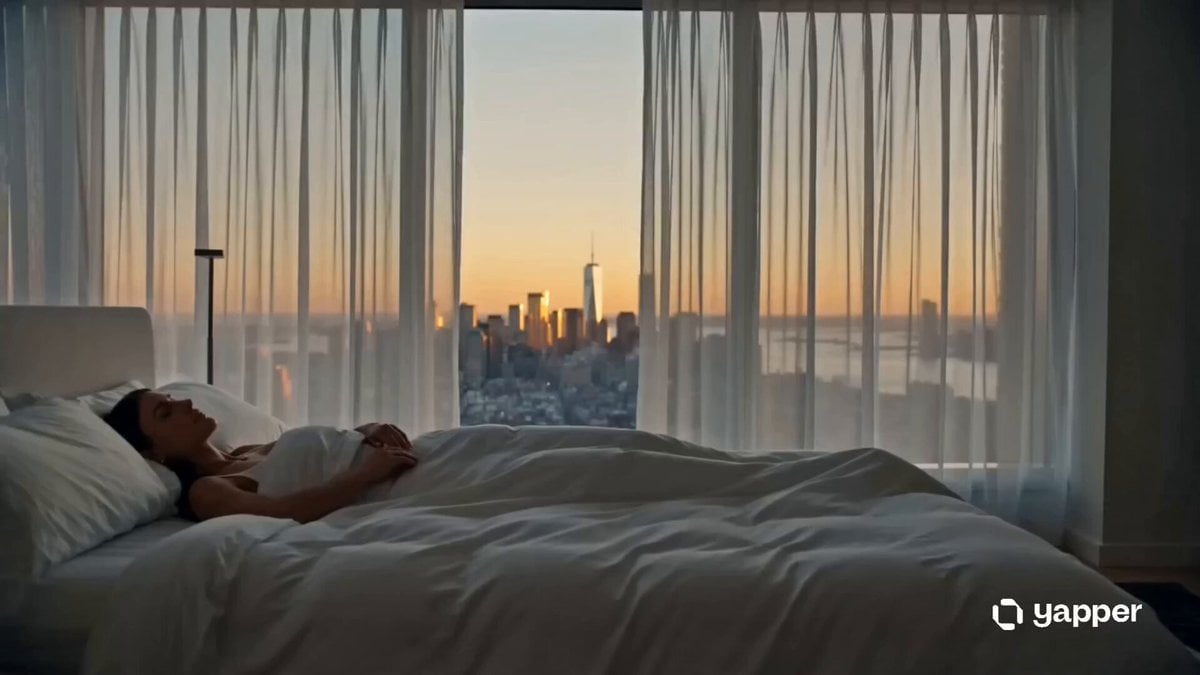
Cinematic Fashion Morning Ritual
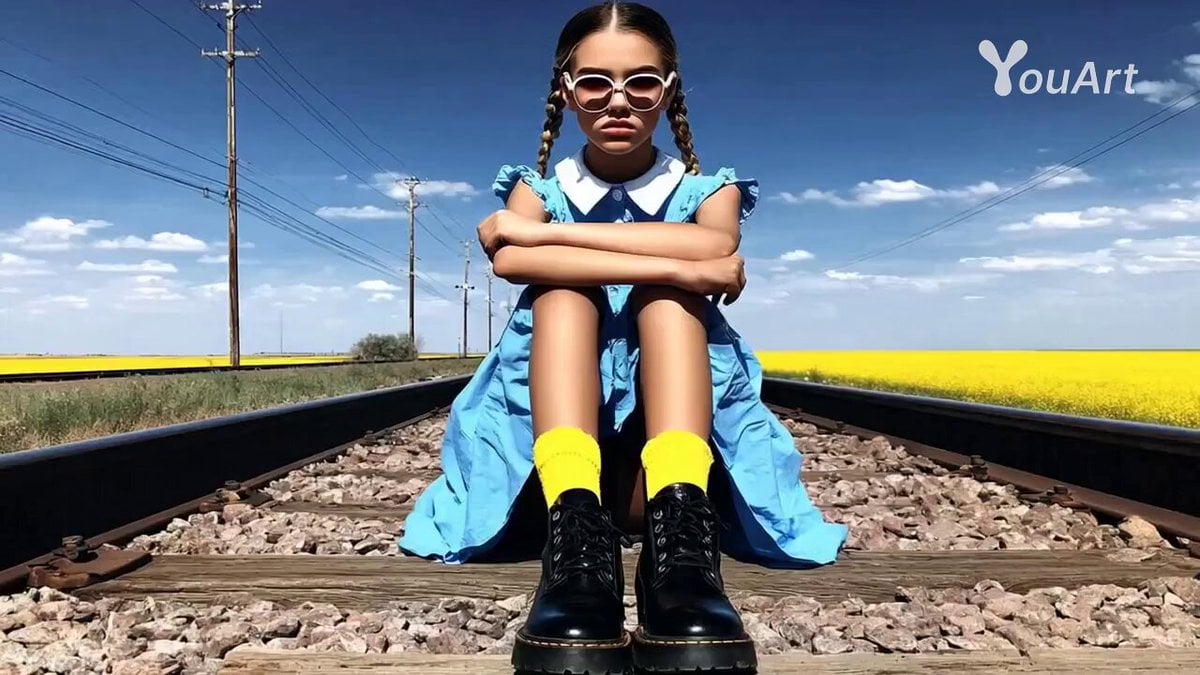
High-Octane Action Image-to-Video Prompt

Solo Birthday Party Cinematic Storyboard
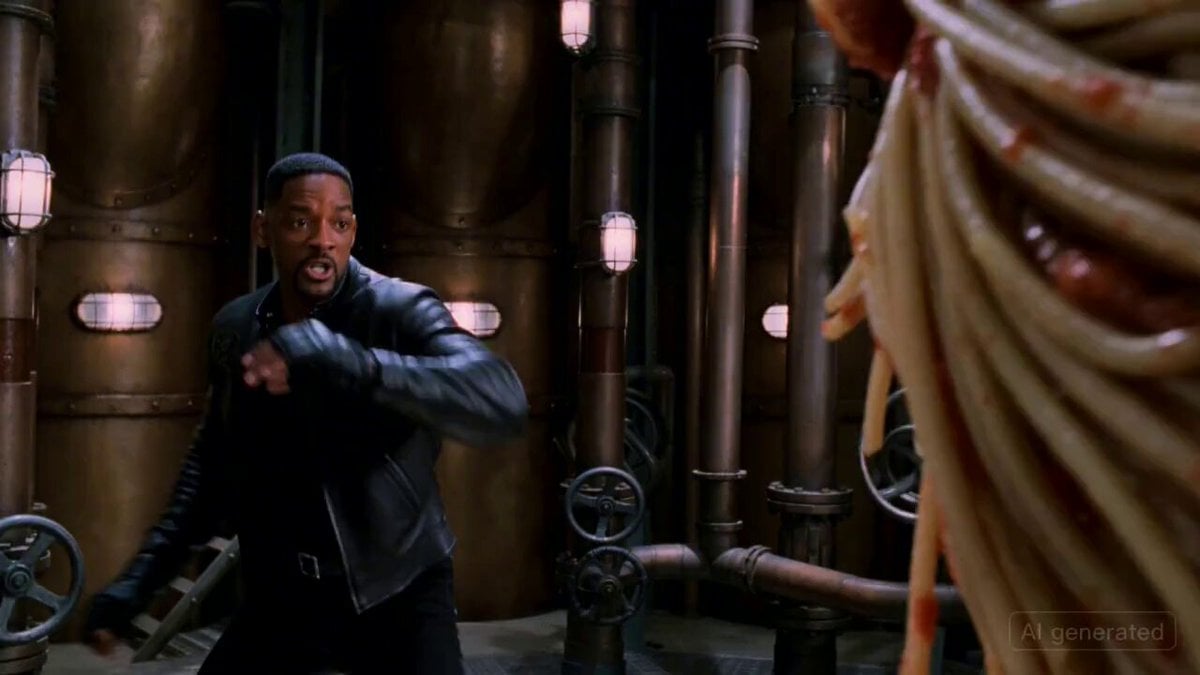
Will Smith Fighting a Spaghetti Monster in an 80s Action Movie Style
The Sandcastle Cinematic Hyperlapse
Animated Pelican Watercolor Painting
3D Animated Jungle Adventure
Magical Transformation Sequence
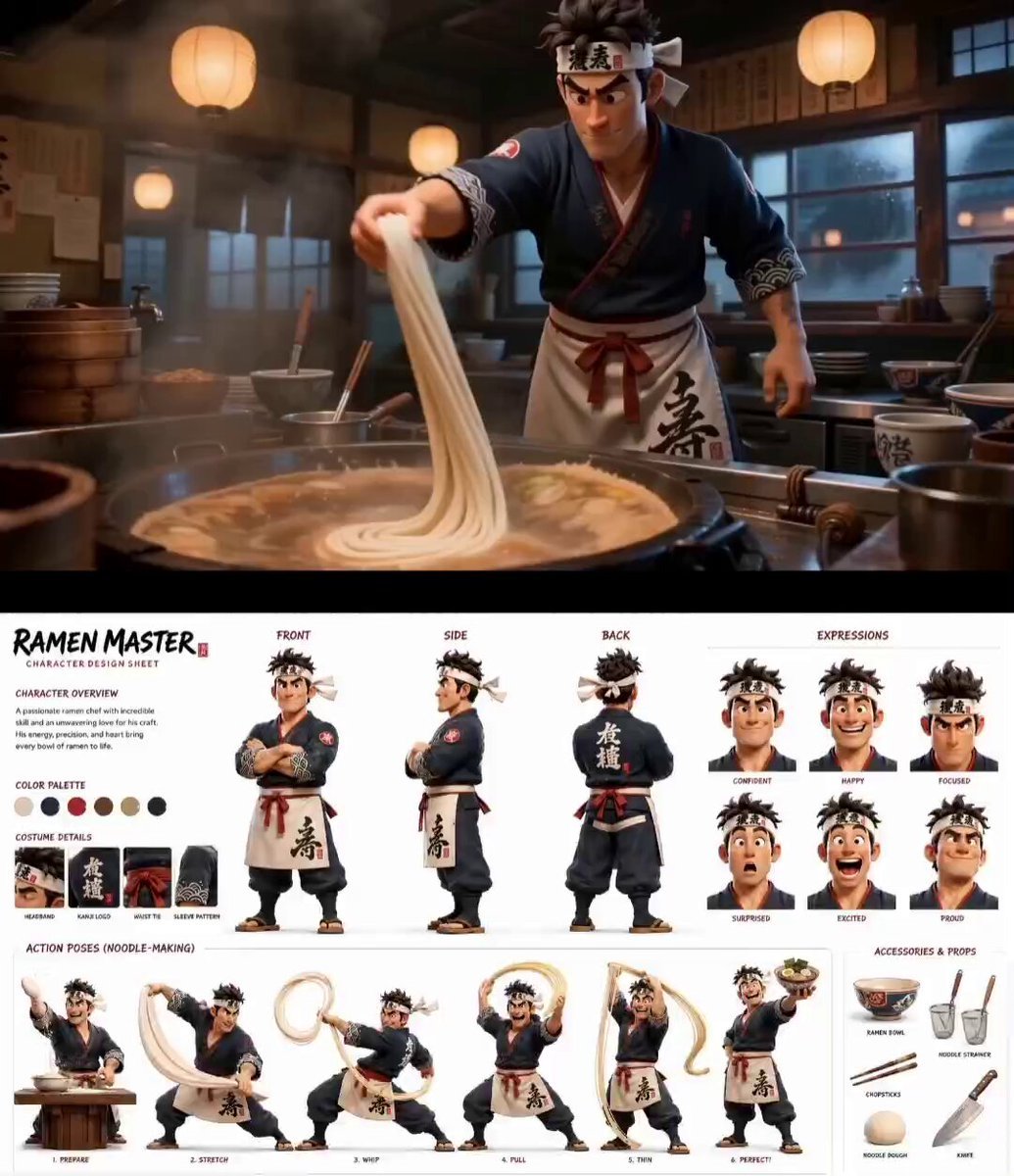
Pixar Style Tokyo Ramen Shop
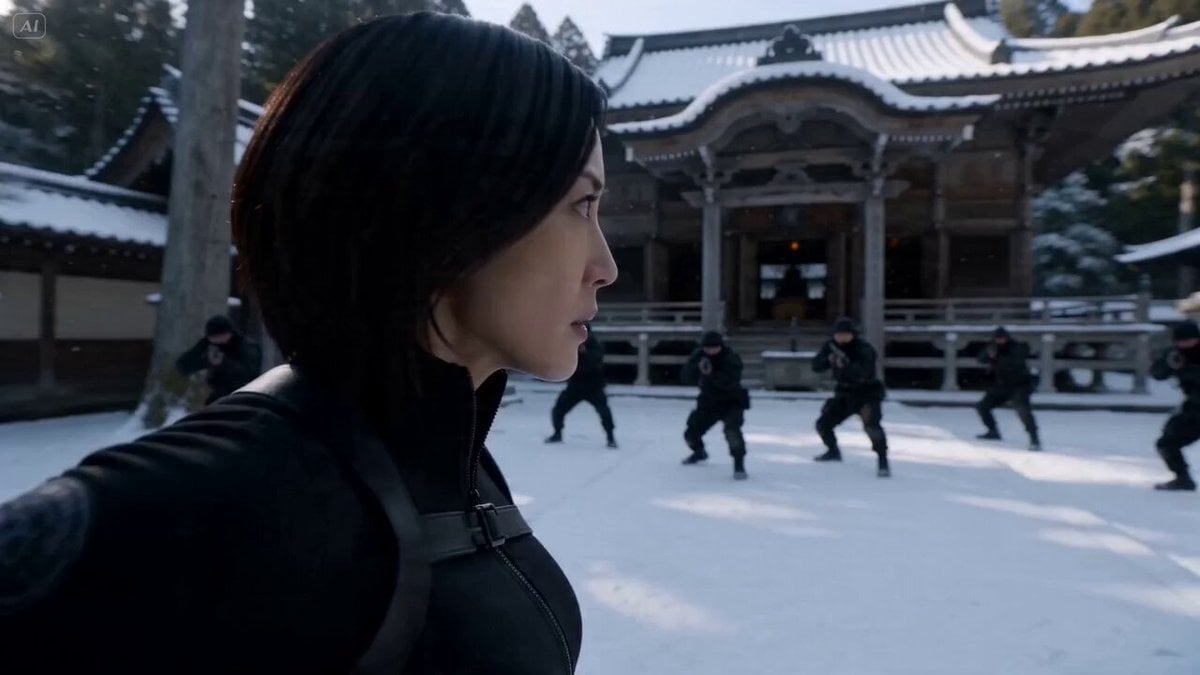
Cinematic Kunoichi Fight Video Prompt for Seedance 2.0
Browse template categories
Emotional Airport Lovers Reunion questions
How do I use the Emotional Airport Lovers Reunion template?
Add your photo if the template asks for one, edit the prompt if you like — the template's model and format are already selected — and press Generate. Your version opens in PicX Studio.
Can I customize the Emotional Airport Lovers Reunion template?
Yes. You can change the subject, setting, lighting, mood, format, and available model controls before creating your video.
Is the Emotional Airport Lovers Reunion template free?
Opening and editing this template is free. Generating uses credits, shown on the Generate button when you are signed in.
Which AI model should I use?
Start with Seedance 2.0, which is the model associated with this template. You can compare another compatible model for a different finish.
Looking for something else? Browse all templates.

Your photo, any look
Thousands of ready templates for every top image and video model, from one credit balance.