
Realistic AI Influencer GRWM Beauty Video
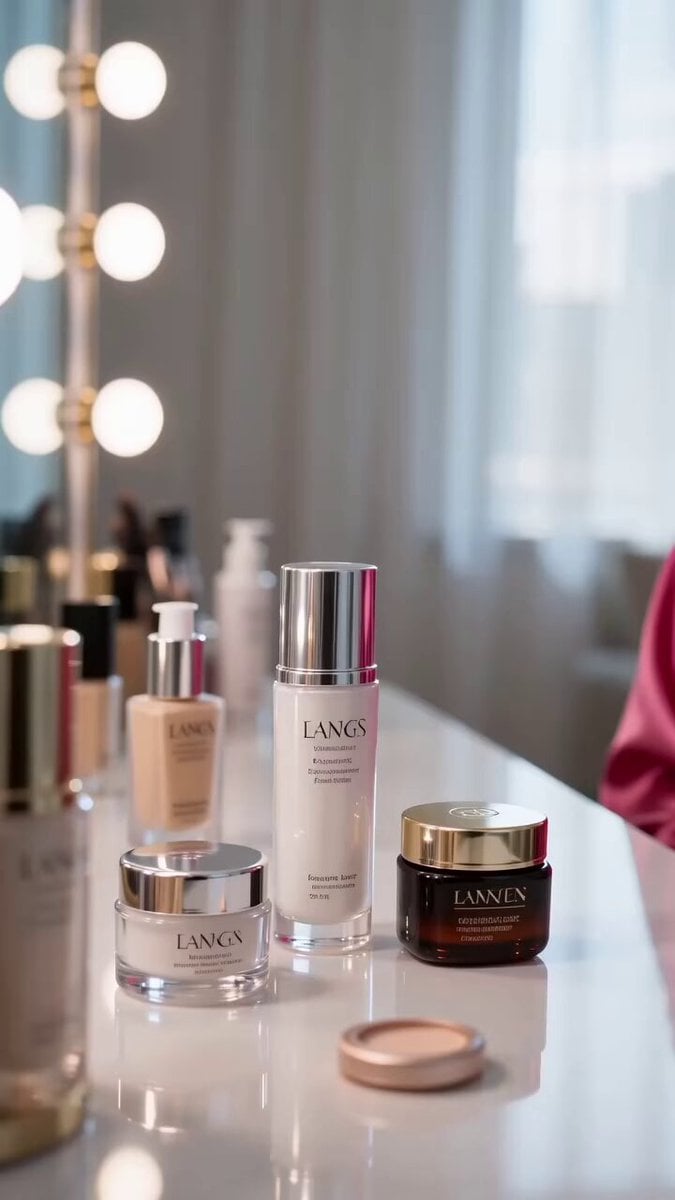
A detailed multi-scene prompt for a beauty influencer "Get Ready With Me" video featuring high-end lifestyle aesthetics and realistic skin textures.
- Prompt included
- Model and format preset
- Premium template
The prompt behind this video
Copy the exact prompt behind Realistic AI Influencer GRWM Beauty Video, or open it in the studio and make it yours.
一位逼真的 AI 影响者在明亮、现代的梳妆室中拍摄奢华的 “Get Ready With Me”(GRWM)美妆视频,房间沐浴在柔和的自然晨光中。一位美丽的东亚年轻女性,长长的丝滑黑发、无瑕发光肌肤,穿着粉红色缎面长袍,自信地对着镜头微笑。 场景 1(0–3s):她向镜头挥手,将护肤品放在梳妆台上,轻轻将头发别到耳后,同时看着镜子。 场景 2(3–7s):特写镜头,她使用优雅的化妆刷涂抹粉底、腮红、睫毛膏和柔和大红色唇膏。流畅的电影式转场,逼真的皮肤纹理,自然的面部表情,美妆影响者美学。 场景 3(7–10s):她换上一件时尚的黑色晚礼服,甩甩头发,拿起手机,明亮地微笑,并在镜子前自信地摆姿势,然后走开。 风格:超逼真、高端生活方式、电影式镜头运动、柔和景深、奢华美妆广告、4K HDR、自然光线、鲜艳色彩、高度详细的面部特征、逼真的手部动作、流畅运动、竖屏 9:16 格式、病毒式 TikTok/Instagram Reels 美学、无文字、无水印、无故障。,9:16
How to use Realistic AI Influencer GRWM Beauty Video in 3 steps
- 1
Open
The prompt is already in the box next to the preview, with the template's model and format selected.
- 2…a portrait of your subject in softgolden-hour light, 85mm…
Personalize
Edit the subject and creative details for your destination.
- 3Generate
Generate
Press Generate — your video is created in PicX Studio, so you can compare it with the original and refine one variable at a time.
More like this
Templates with the same subject, style or setup. Open one to see its prompt.
Beauty Influencer Vlog Prompt
Beauty Influencer Morning Routine
GRWM Influencer Lunch Date Vlog
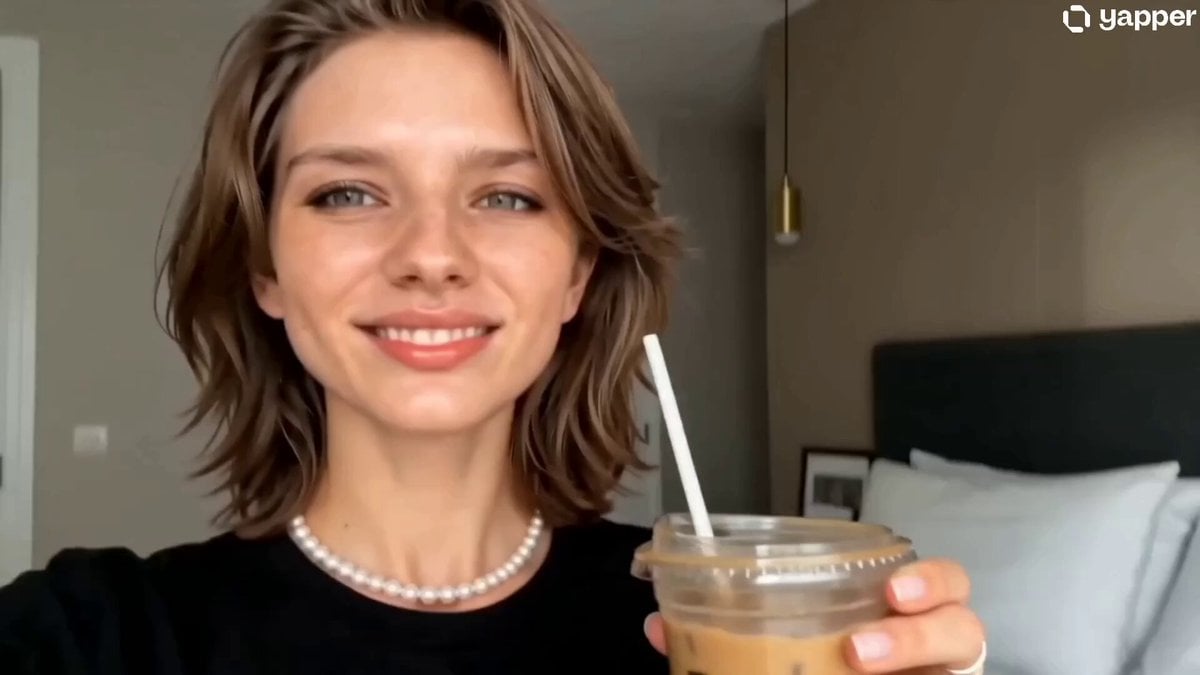
Authentic iPhone GRWM Influencer Reel
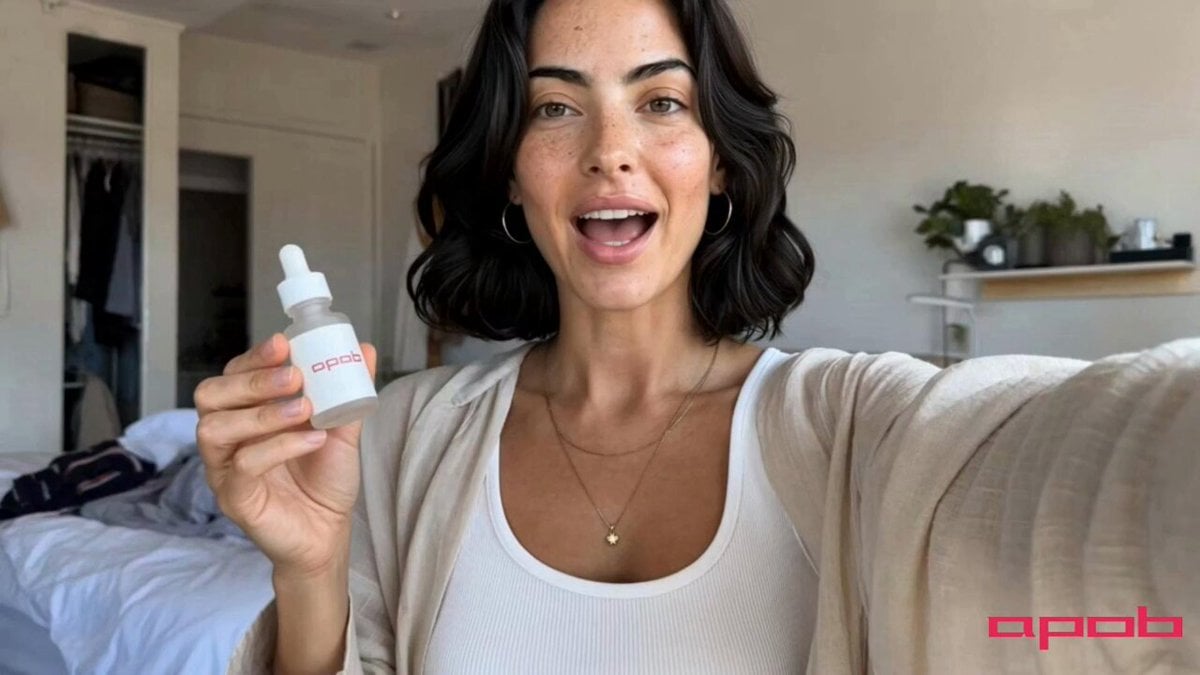
Beauty Influencer Skincare Routine Commercial

Fashion GRWM Smartphone Vlog
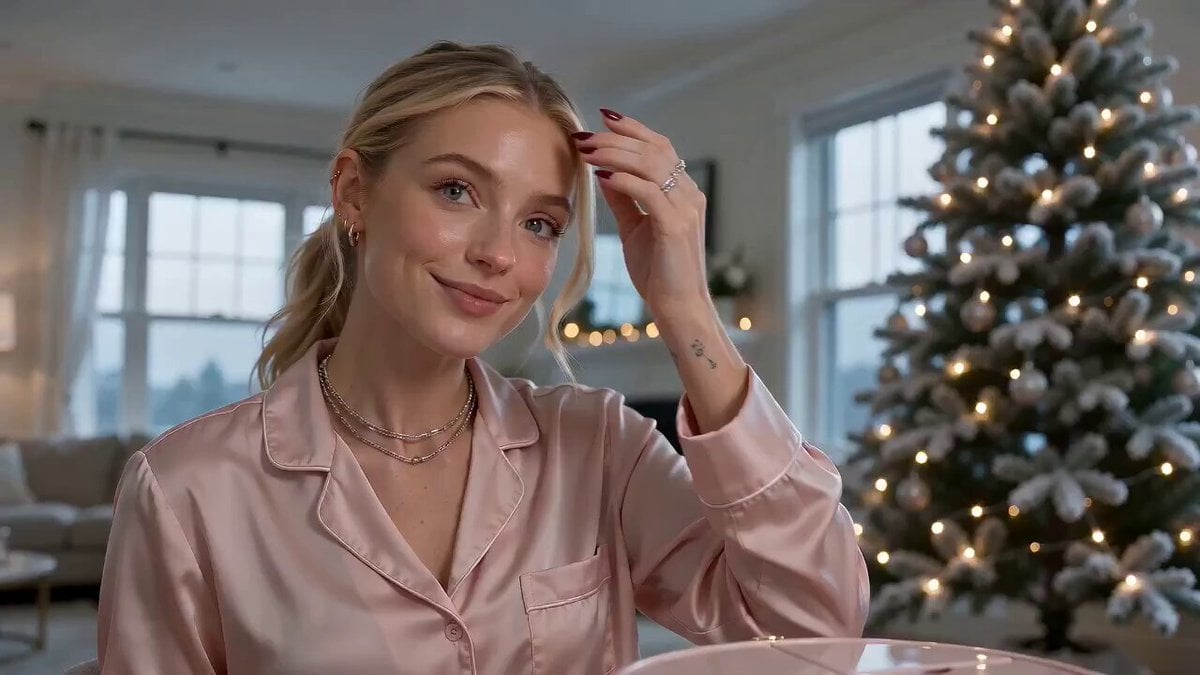
Beauty Advent Calendar Unboxing Vlog
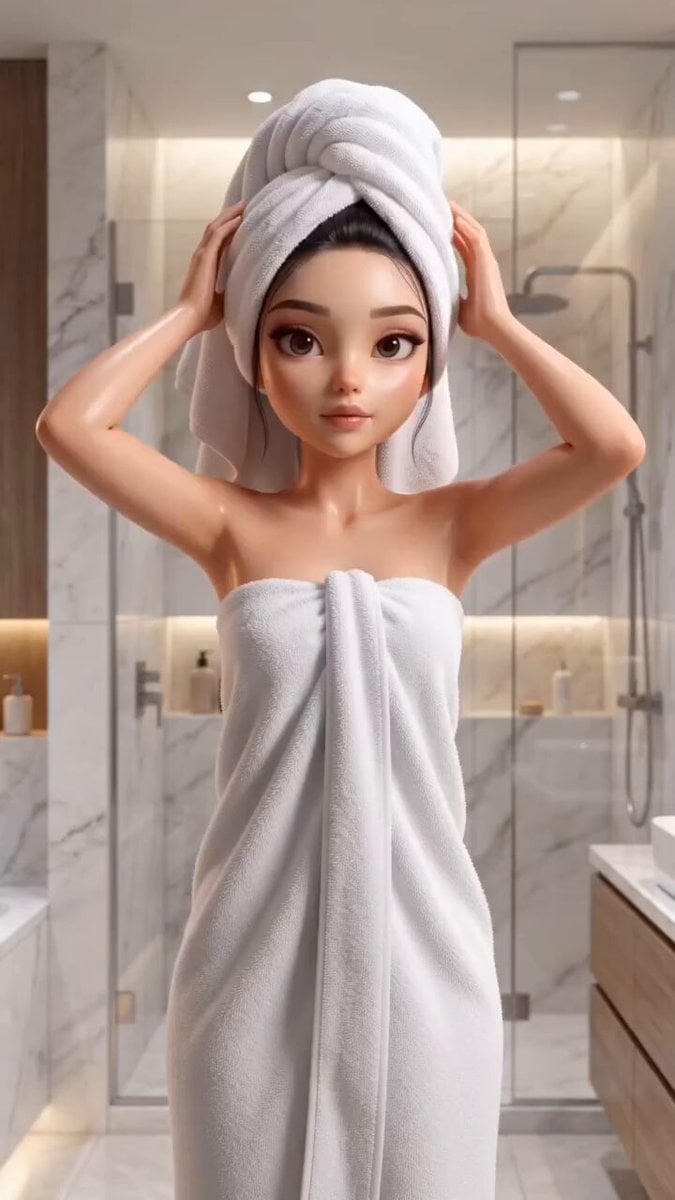
Pixar Style Beauty Routine Animation
Handheld DV Influencer Montage
Handheld Scandinavian Influencer Running Vlog
Cinematic GRWM Office Routine
Hair Refresh Beauty Advertisement
Make it yours
Realistic AI Influencer GRWM Beauty Video works as-is. These are the safest ways to change it without losing the look.
Change one field
Copy a single group, rewrite it, and generate again so you can see what that field is doing.
Keep the frame, change the subject
Hold the composition and light of Realistic AI Influencer GRWM Beauty Video, then swap wardrobe, props or the person for a new take.
| If the result… | Why | Fix |
|---|---|---|
| The result drifts from the preview | Too many fields changed at once. | Reuse Realistic AI Influencer GRWM Beauty Video as-is first, then change one group — subject, light, or setting. |
| The model over-stylizes the scene | The prose prompt leaves finish and camera underspecified. | Add one camera or lighting sentence and stay on Seedance 2.0. |
More Seedance 2.0 templates
Other prompts made for Seedance 2.0.

Comical Martial Arts Punch Scene

Maglev Train Action Sequence

Martial Arts Fight Sequence

Wuxia Protection and Trust Script

Vintage Korean Arcade MiniDV Vlog

Mercedes 190 SL Luxury Ad

Rainy Night Supernatural Reverse Comedy Video Script

Amazon Civilization Discovery

Futuristic South Asian City Transformation

Cozy Luxury Cafe Commercial
More video prompts
Fresh picks from across the catalog.
First-Person Rage Mode Combo
Astronaut Transforms into Ice-Adapted Humanoid on Frozen Exoplanet
Super Bowl FPV Helmet Cam Realism
Martian Storm Sci-Fi Mystery Sequence
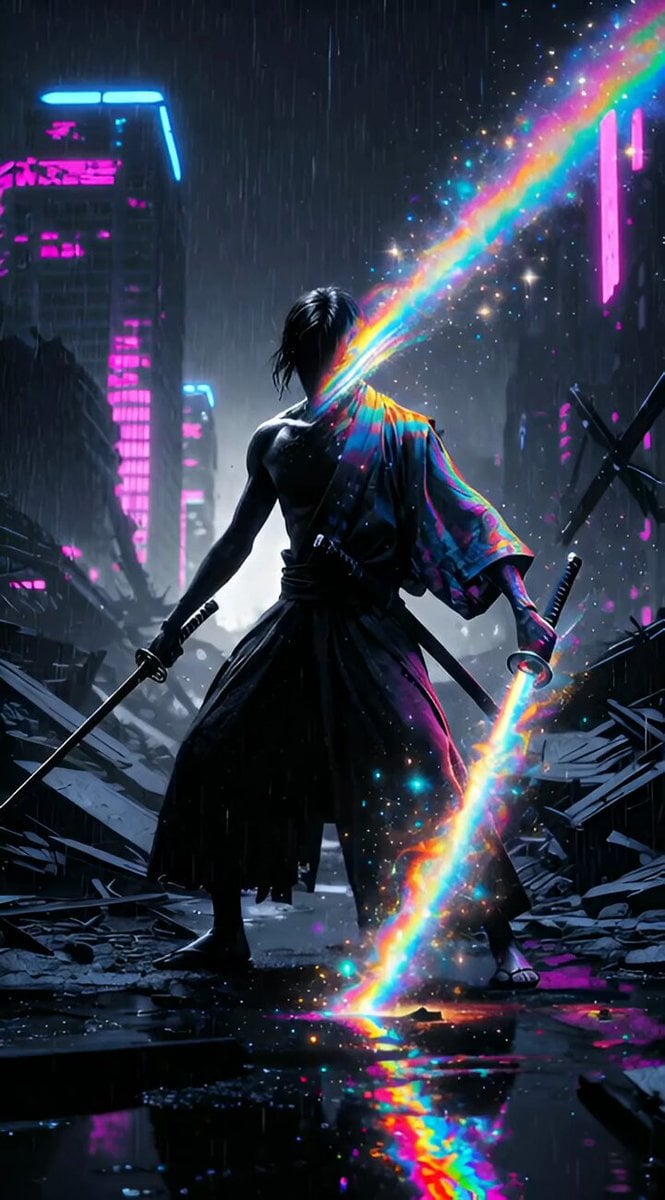
Dual-Wielding Ronin in a Neon Post-Apocalyptic Wasteland
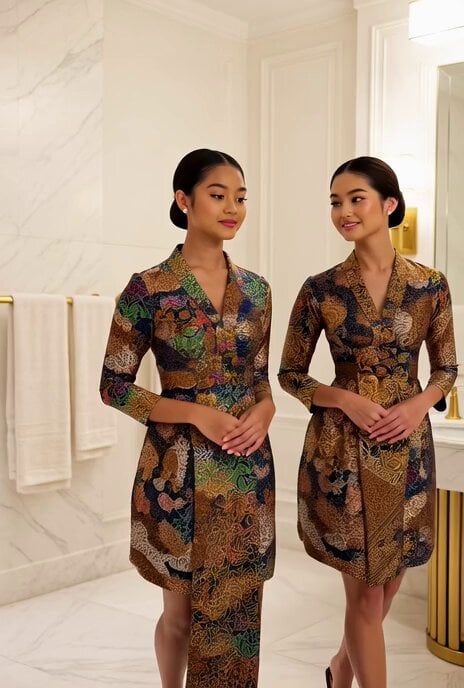
Grok Imagine prompt: Encountering a young princess in Singapore
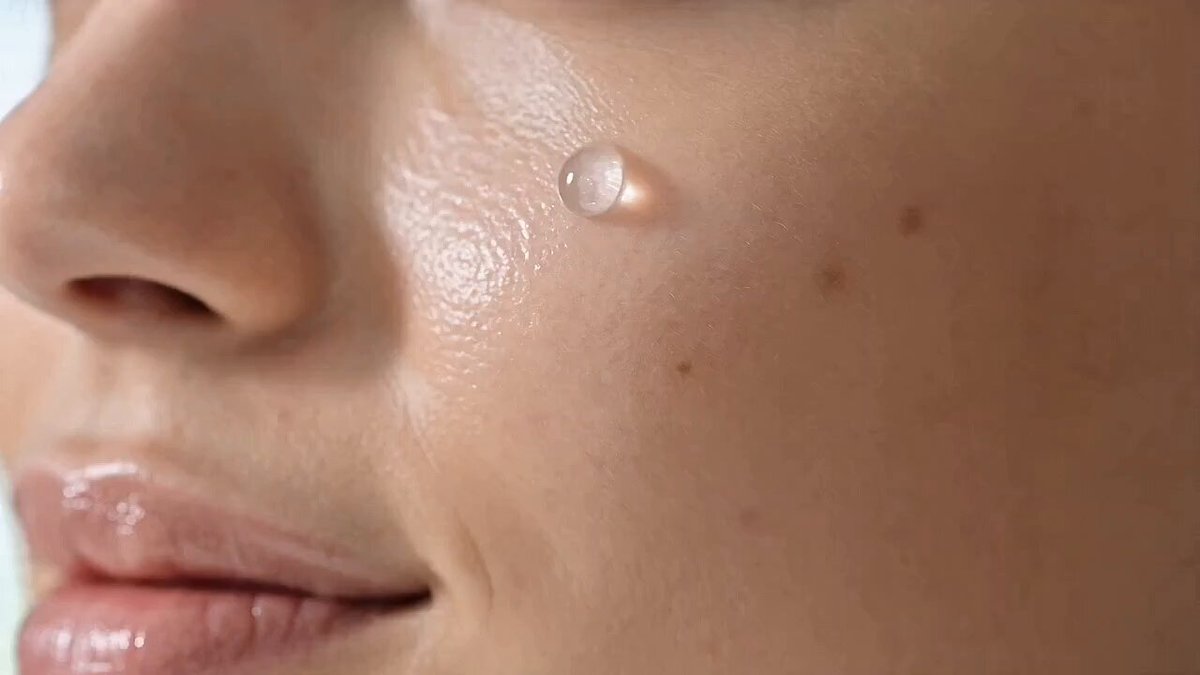
Skincare Beauty Cream Advertisement

Colossal Feline Titan Rising from the Ocean
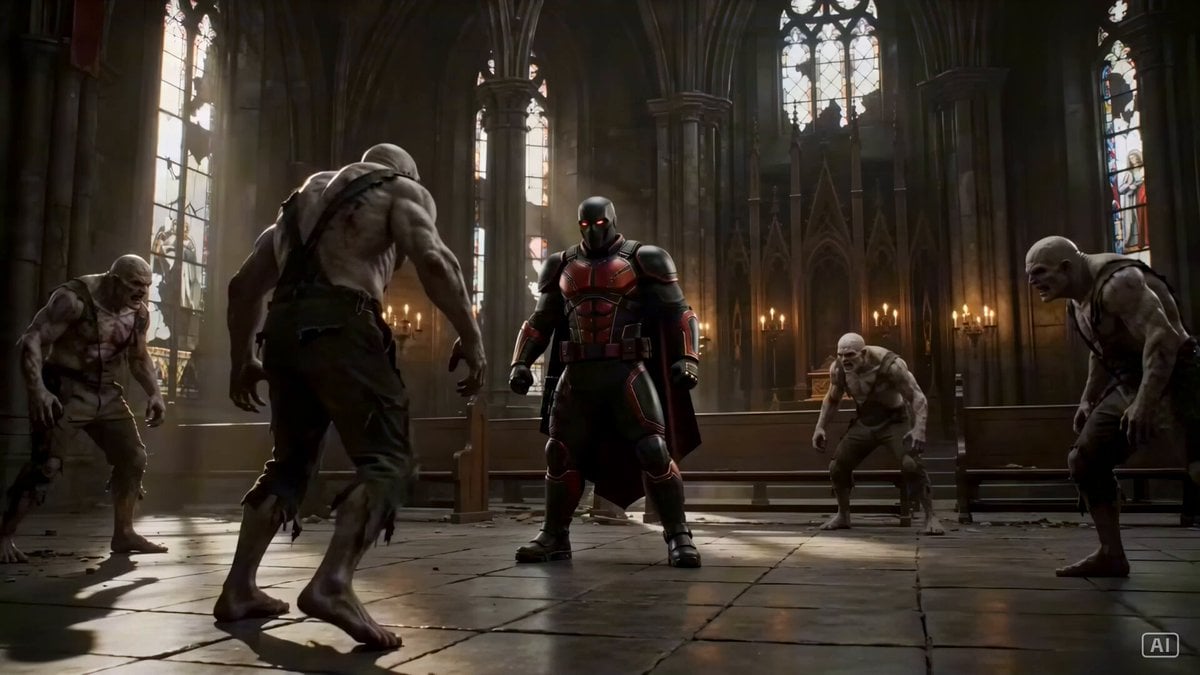
Grounded Action Sequence in a Gothic Cathedral
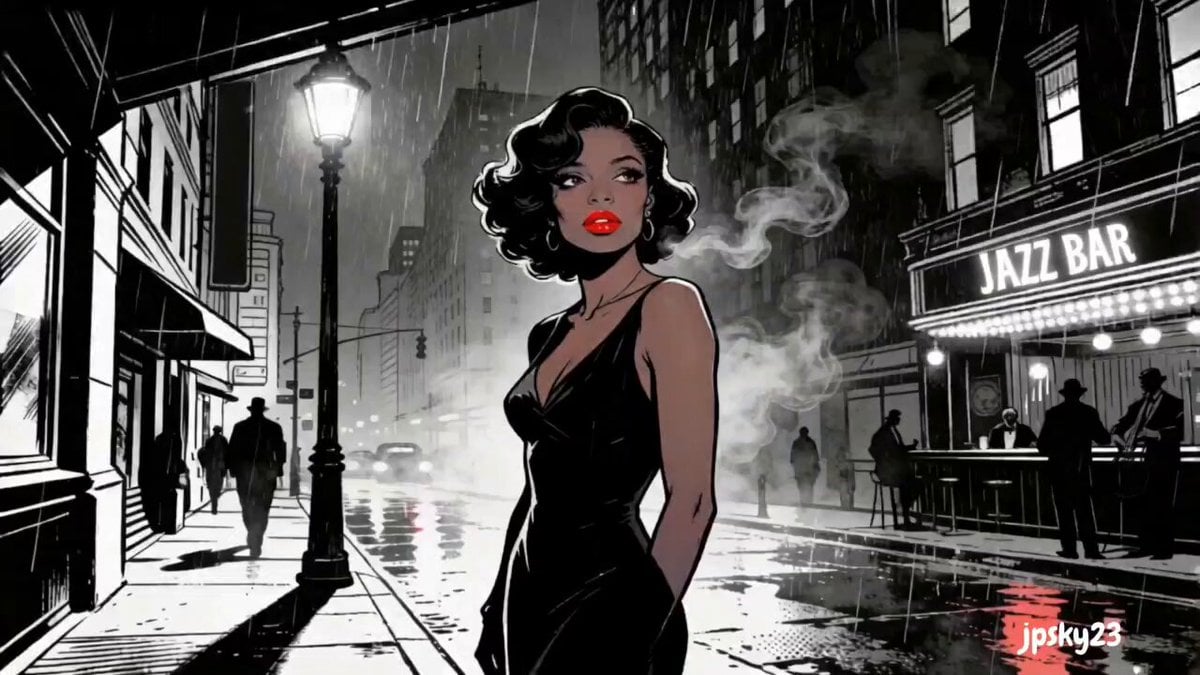
Cinematic Rainy Sidewalk Meeting
Browse template categories
Realistic AI Influencer GRWM Beauty Video questions
How do I use the Realistic AI Influencer GRWM Beauty Video template?
Add your photo if the template asks for one, edit the prompt if you like — the template's model and format are already selected — and press Generate. Your version opens in PicX Studio.
Can I customize the Realistic AI Influencer GRWM Beauty Video template?
Yes. You can change the subject, setting, lighting, mood, format, and available model controls before creating your video.
Is the Realistic AI Influencer GRWM Beauty Video template free?
Opening and editing this template is free. Generating uses credits, shown on the Generate button when you are signed in.
Which AI model should I use?
Start with Seedance 2.0, which is the model associated with this template. You can compare another compatible model for a different finish.
Looking for something else? Browse all templates.

Your photo, any look
Thousands of ready templates for every top image and video model, from one credit balance.