
Cinematic Brand Storytelling Script with Dynamic Transitions
A sophisticated multi-scene narrative script for brand film production, featuring camera movements through garden windows, underwater marine life, and emotional close-ups of human eyes.
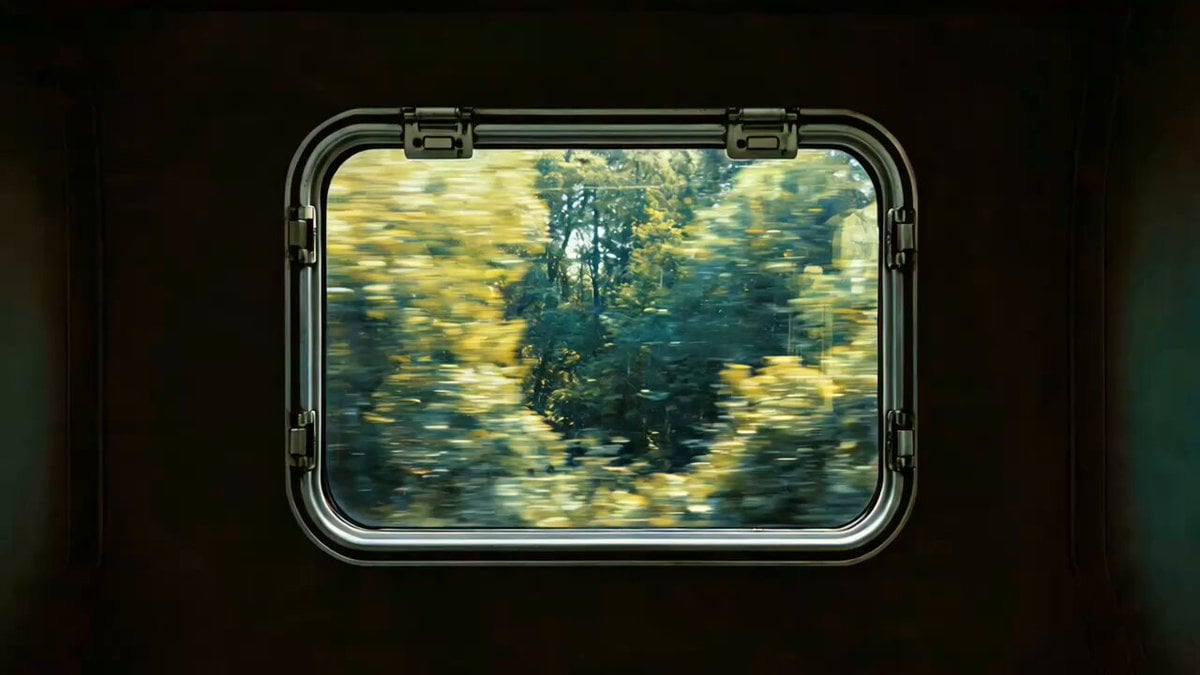
- Prompt included
- Model and format preset
- Premium template
The prompt behind this video
Copy the exact prompt behind Cinematic Brand Storytelling Script with Dynamic Transitions, or open it in the studio and make it yours.
电影级品牌概念短片。 @图像1 为首帧,画面微微晃动,镜头逐渐推近,来到窗外快速后退的树影,对影后退速度越来愈 快,突然切到 @图像2 速度突然放缓,镜头顺着溪流缓缓前进,鸟语花香。镜头下移,来到水下,音效有水中气泡的声 @图像3 @图像4 音,一群橙色的水母从镜头前优美地游过 镜头缓缓后拉,有一群小鱼晃过镜头后从水里穿到窗内 少女左看右看,在观赏小鱼镜头缓缓后拉,画面虚焦,随后又又重新对焦画面变清晰,跟随音乐节奏切换:中式园林花窗 @图像5光线转圈、教堂玻璃彩窗、飞机舷窗、弯顶天窗、黑枫窗、百叶窗、欧洲老虎窗、门上猫眼、相机取景框、鸟类眼 睛、人类眼睛特写。画面停留在人类眼睛特写,随后眼睛闭上,画面黑屏,再突然一睁眼,眼睛中央出现"seedance"带重音
How to use Cinematic Brand Storytelling Script with Dynamic Transitions in 3 steps
- 1
Open
The prompt is already in the box next to the preview, with the template's model and format selected.
- 2…a portrait of your subject in softgolden-hour light, 85mm…
Personalize
Edit the subject and creative details for your destination.
- 3Generate
Generate
Press Generate — your video is created in PicX Studio, so you can compare it with the original and refine one variable at a time.
More like this
Templates with the same subject, style or setup. Open one to see its prompt.

Mechanical Flower Bloom Brand Film

Crystal Ball Match-Cut Brand Film
Seedance V2 One Minute K Drama Omni
Music Streaming Brand Film Commercial
Energetic EDM Dance with Dynamic Camera
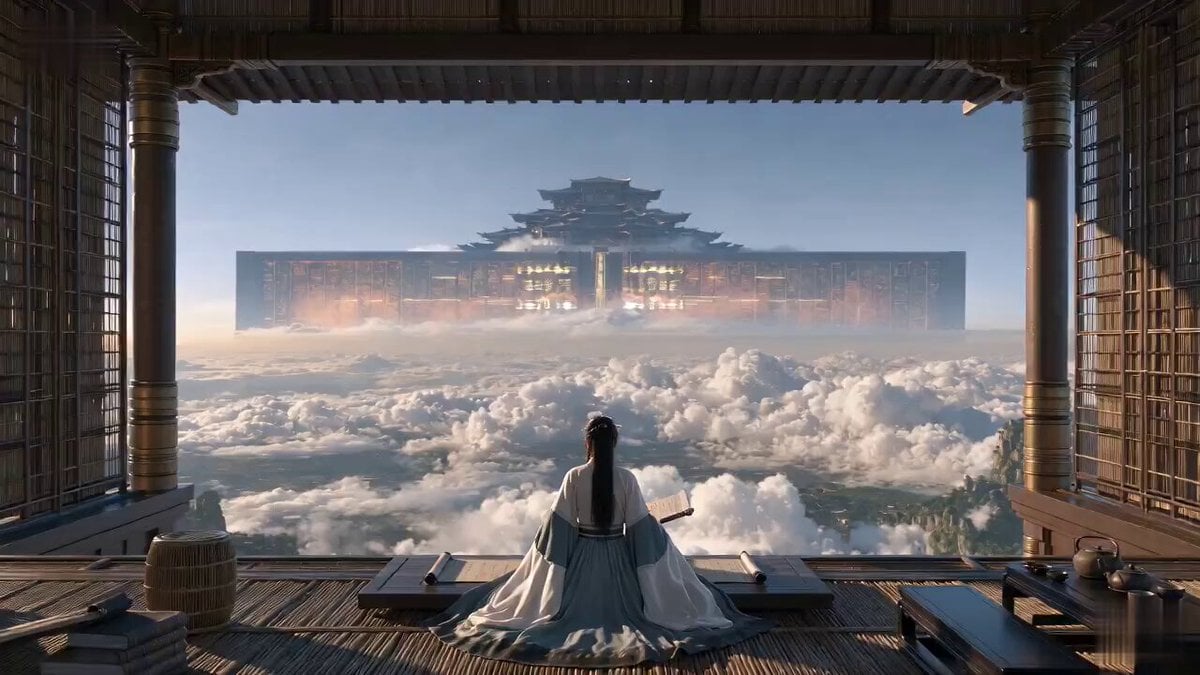
Cinematic Xianxia Power Dynamics Short Film

Wuxia Protection and Trust Script

Wuxia Letting Go Drama Script

Cyberpunk Parkour Anime Script
UGC Skincare Brand Video Commercial
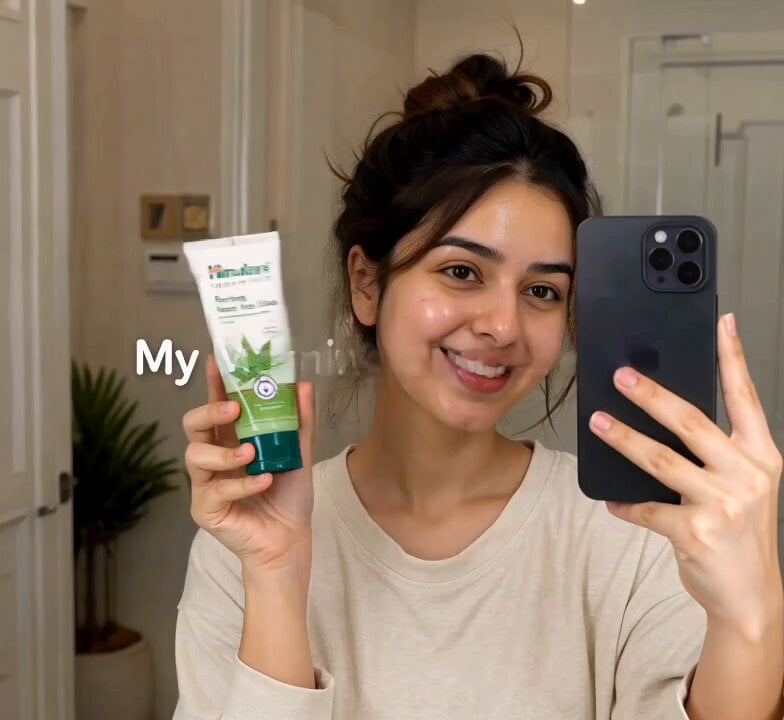
Morning Skincare Routine Vlog Script

Rainy Night Supernatural Reverse Comedy Video Script
Make it yours
Cinematic Brand Storytelling Script with Dynamic Transitions works as-is. These are the safest ways to change it without losing the look.
Change one field
Copy a single group, rewrite it, and generate again so you can see what that field is doing.
Keep the frame, change the subject
Hold the composition and light of Cinematic Brand Storytelling Script with Dynamic Transitions, then swap wardrobe, props or the person for a new take.
| If the result… | Why | Fix |
|---|---|---|
| The result drifts from the preview | Too many fields changed at once. | Reuse Cinematic Brand Storytelling Script with Dynamic Transitions as-is first, then change one group — subject, light, or setting. |
| The model over-stylizes the scene | The prose prompt leaves finish and camera underspecified. | Add one camera or lighting sentence and stay on Seedance 2.0. |
More Seedance 2.0 templates
Other prompts made for Seedance 2.0.

Comical Martial Arts Punch Scene

Maglev Train Action Sequence

Martial Arts Fight Sequence

Vintage Korean Arcade MiniDV Vlog

Mercedes 190 SL Luxury Ad

Amazon Civilization Discovery

Futuristic South Asian City Transformation

Cozy Luxury Cafe Commercial

Cyber Ronin Nanotech Transformation Video

Desert Courier and Sandstorm Leviathan Chase
More video prompts
Fresh picks from across the catalog.

Woman Juggling on Moving Car
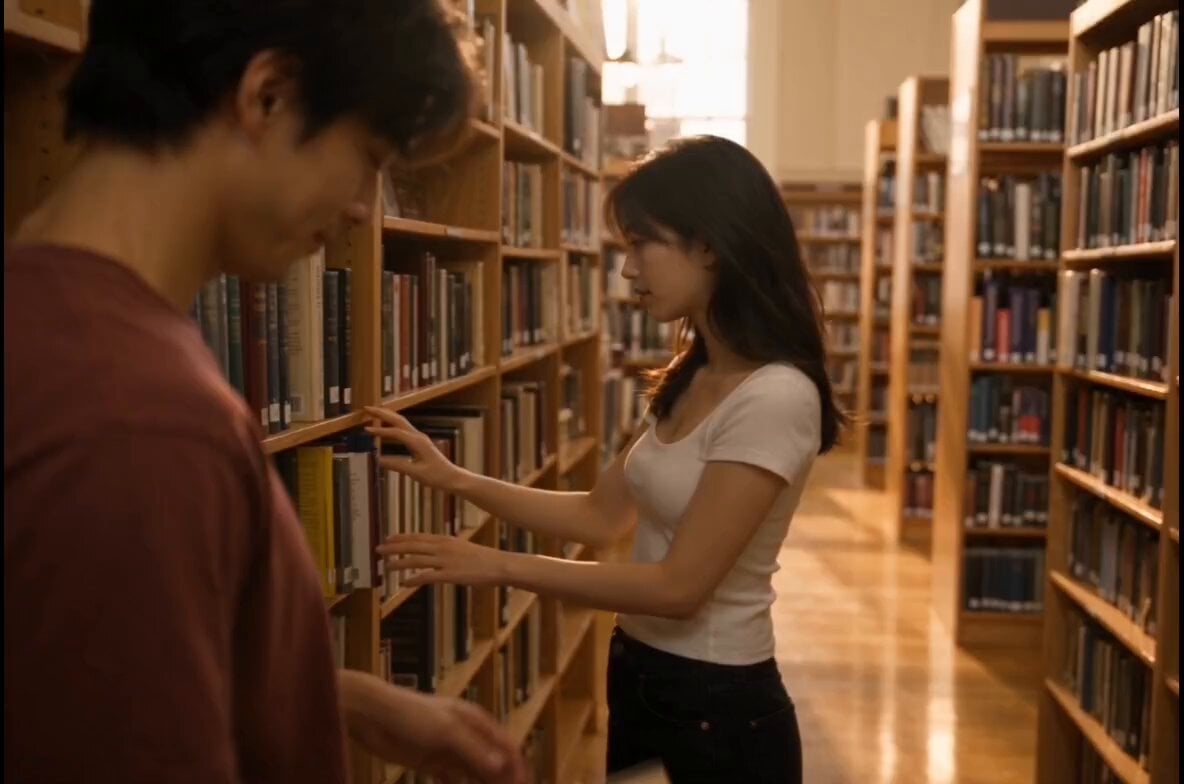
Bookstore Slice-of-Life Encounter
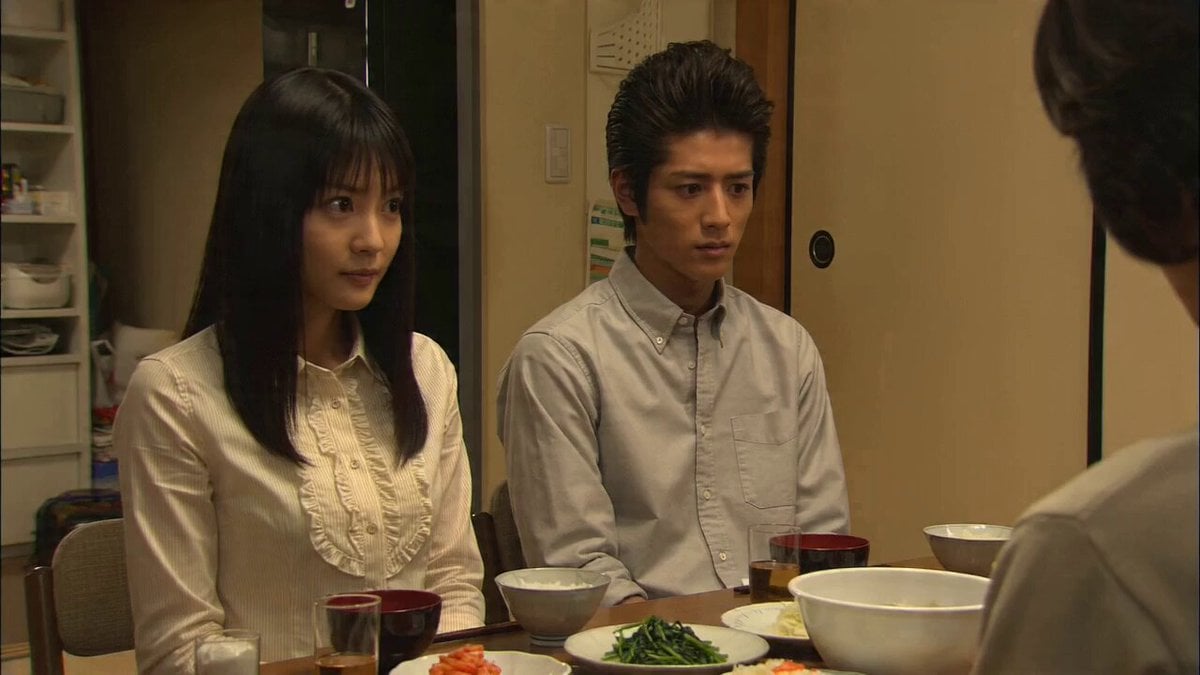
90s Japanese TV Drama Scene
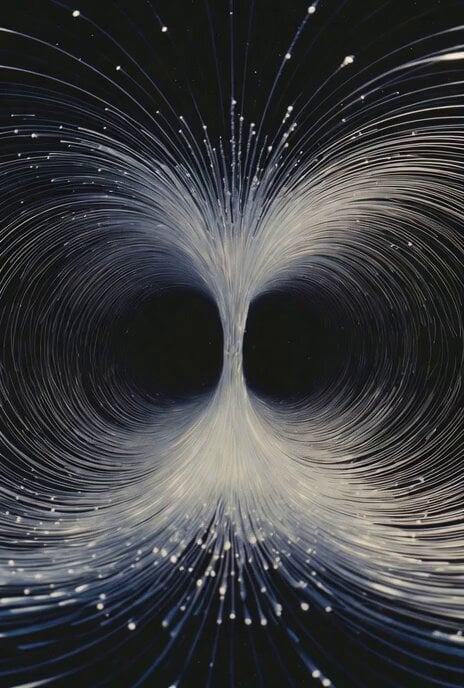
Abstract time and entropy video prompt
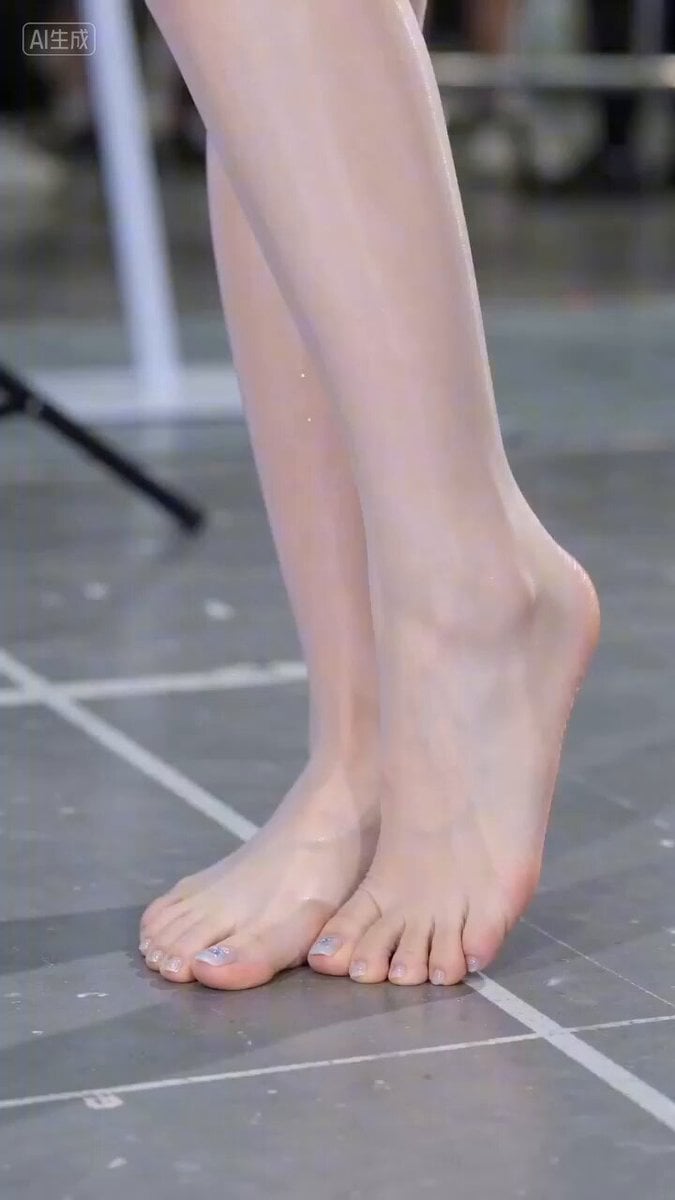
Hyperrealistic Close-up Video of Cosplay Model
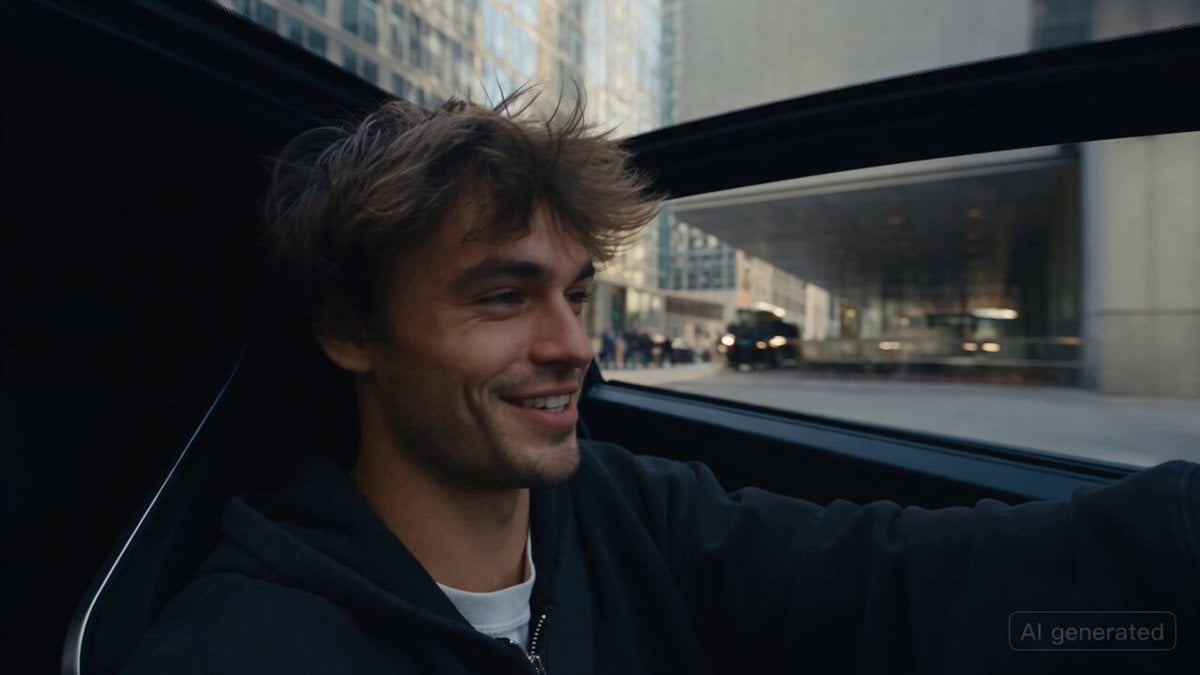
Car Guardian Mechanical Transformation Vlog
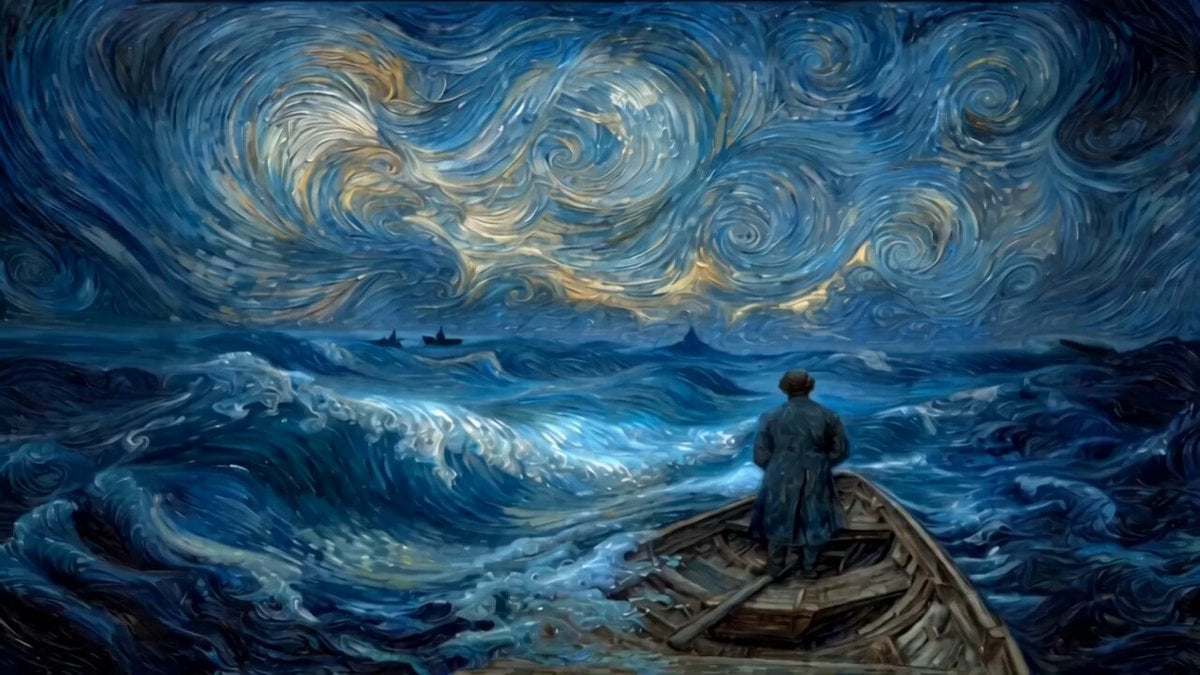
Van Gogh style video prompt

Luxury Lifestyle Day Vlog
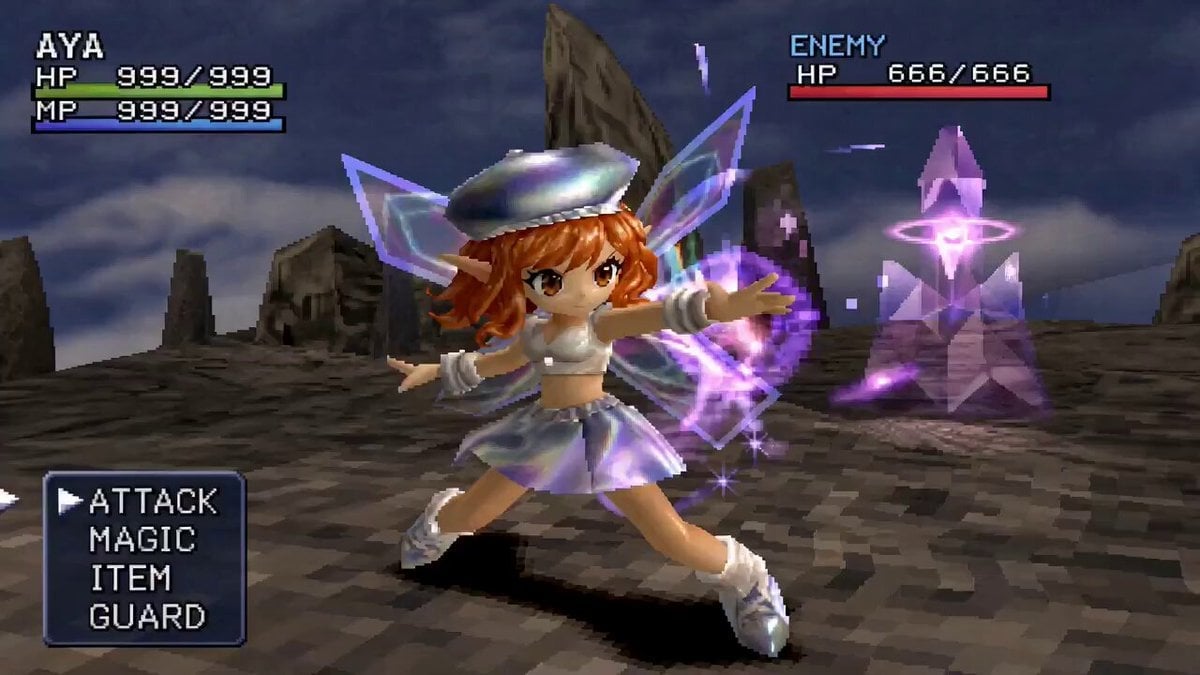
90s JRPG Battle Scene Sequence

Multi-Panel Shutter MV Anime
Browse template categories
Cinematic Brand Storytelling Script with Dynamic Transitions questions
How do I use the Cinematic Brand Storytelling Script with Dynamic Transitions template?
Add your photo if the template asks for one, edit the prompt if you like — the template's model and format are already selected — and press Generate. Your version opens in PicX Studio.
Can I customize the Cinematic Brand Storytelling Script with Dynamic Transitions template?
Yes. You can change the subject, setting, lighting, mood, format, and available model controls before creating your video.
Is the Cinematic Brand Storytelling Script with Dynamic Transitions template free?
Opening and editing this template is free. Generating uses credits, shown on the Generate button when you are signed in.
Which AI model should I use?
Start with Seedance 2.0, which is the model associated with this template. You can compare another compatible model for a different finish.
Looking for something else? Browse all templates.

Your photo, any look
Thousands of ready templates for every top image and video model, from one credit balance.