
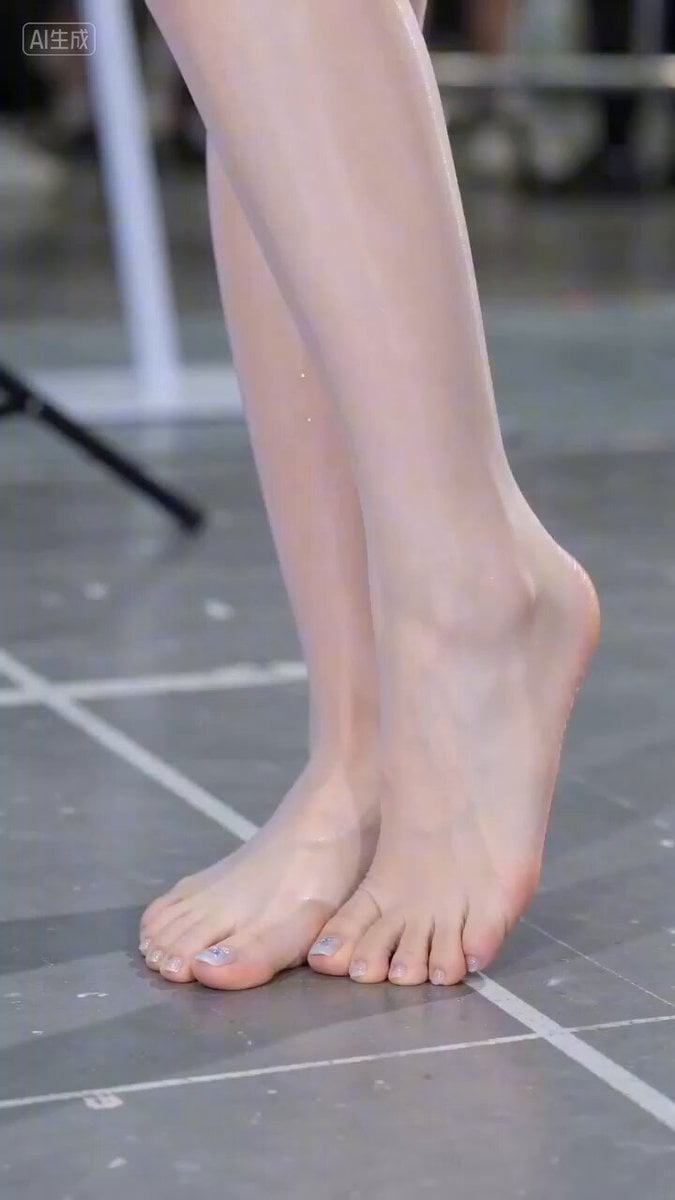
Hyperrealistic Close-up Video of Cosplay Model
A detailed prompt for generating a hyperrealistic video of a female model at a cosplay convention.
- Prompt included
- Model and format preset
- Free template
The prompt behind this video
Copy the exact prompt behind Hyperrealistic Close-up Video of Cosplay Model, or open it in the studio and make it yours.
真人演员扮演实拍,模特在参加cosplay漫展,超高清摄像机对着一双光脚没有穿袜子的光脚,镜头环绕着角色,缓慢网上拉,来到角色臀部,最后镜头落在角色下巴,看不到整张脸。 镜头拉远,看到整个角色上半身,角色在场景内开始展示身材,表情妩媚,对着镜头做飞吻的表情,温柔的说一句:我好看吗。 画质高清8k,摄影级画质。真人演员实拍,不是动画片,超逼真写实画质,可以清晰地看见演员衣服的褶皱,皮肤的纹理,毛孔,微微的汗水,细致的微表情,捕捉到各种丰富的细节。
How to use Hyperrealistic Close-up Video of Cosplay Model in 3 steps
- 1
Open
The prompt is already in the box next to the preview, with the template's model and format selected.
- 2…a portrait of your subject in softgolden-hour light, 85mm…
Personalize
Edit the subject and creative details for your destination.
- 3Generate
Generate
Press Generate — your video is created in PicX Studio, so you can compare it with the original and refine one variable at a time.
More like this
Templates with the same subject, style or setup. Open one to see its prompt.
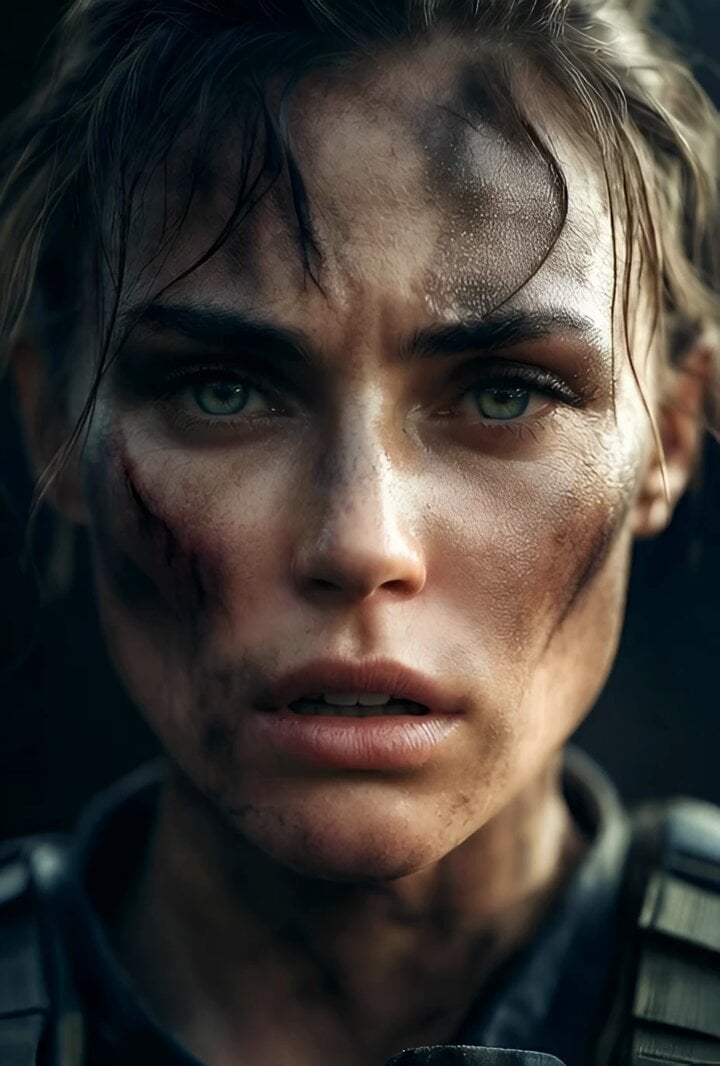
Cinematic Hyperrealistic Close-up of a Female Soldier
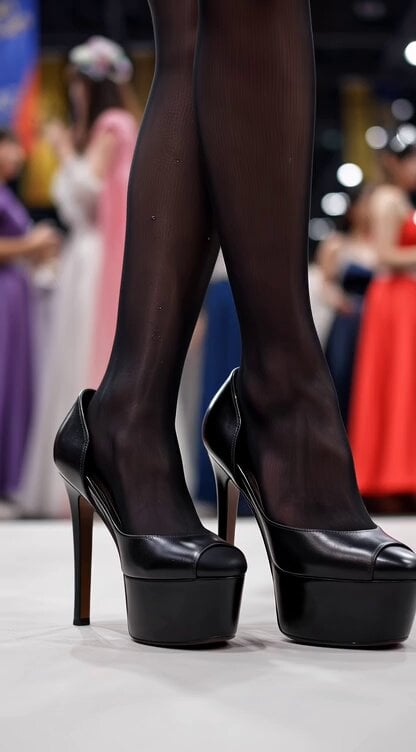
Video generation prompt for a cosplay model's foot and leg focus
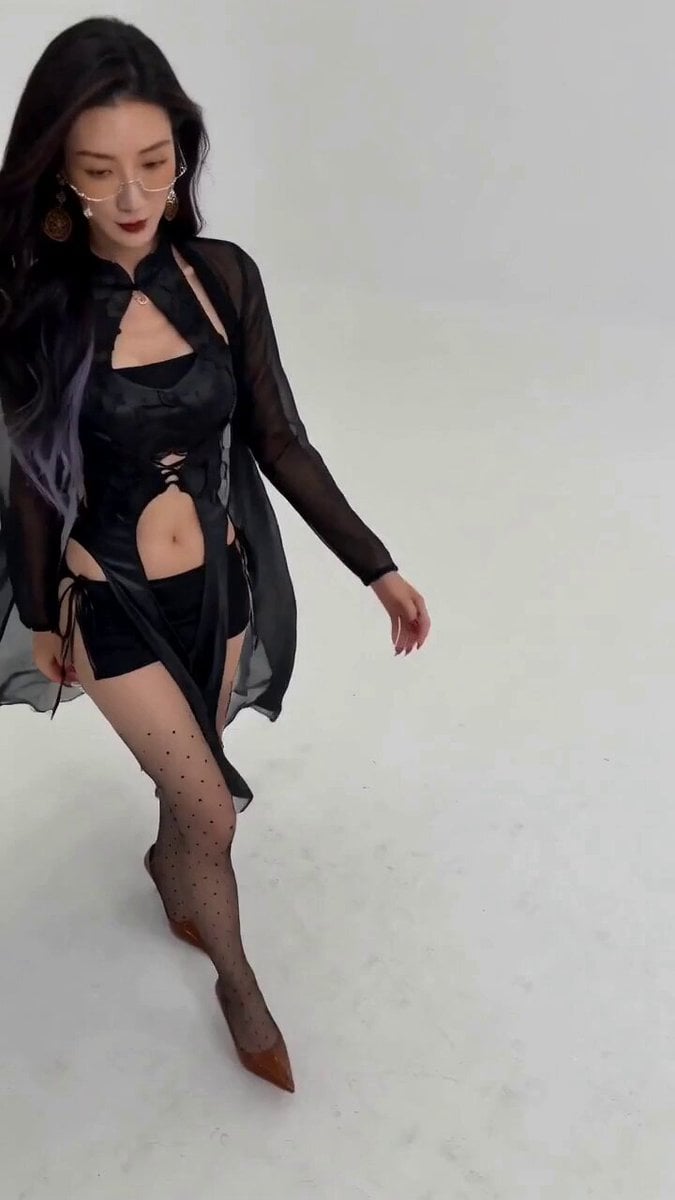
Seedance 2.0 Fashion Model Video Prompt

Hyperrealistic Dark Xianxia Technical Prompt
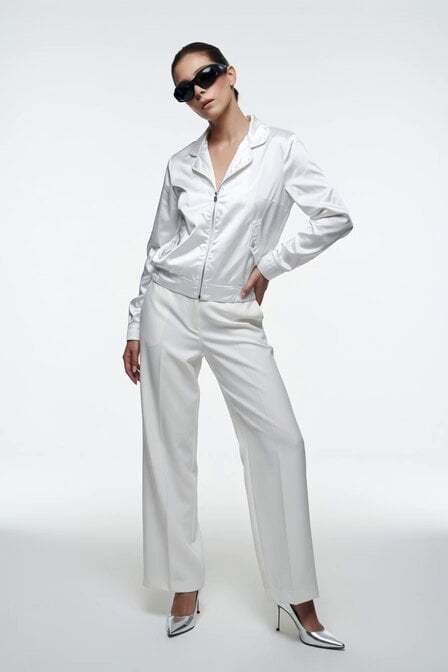
Fashion Model Studio Portrait
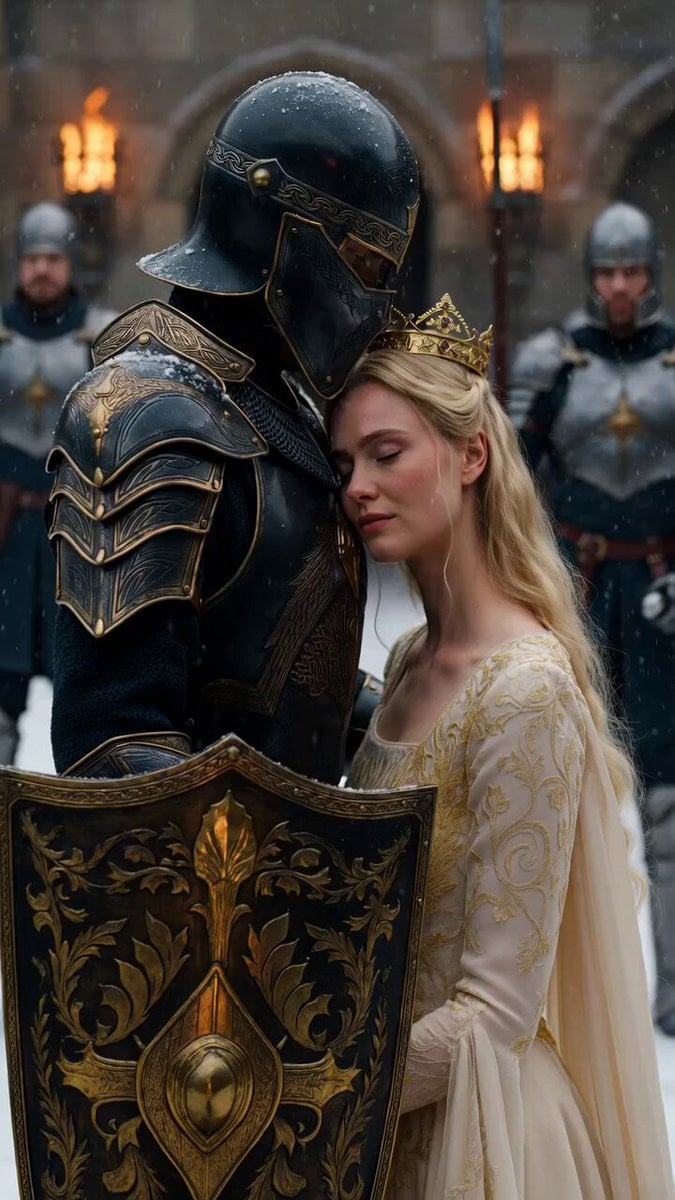
Medieval Knight and Queen Cinematic Close-up
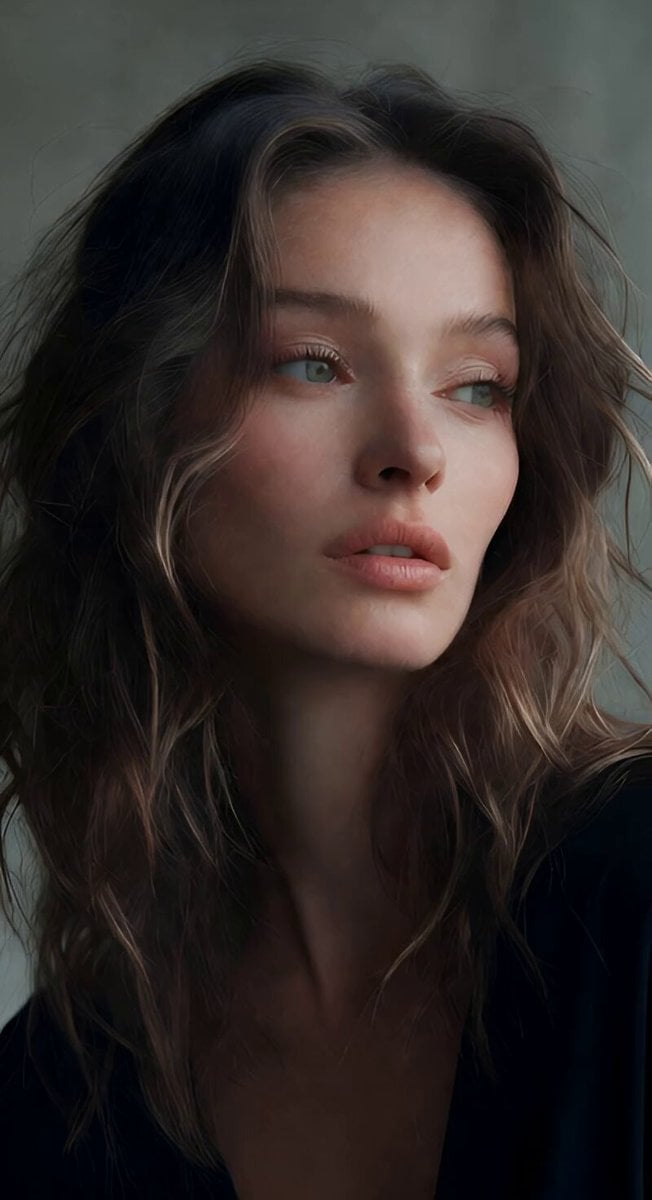
Soft Spoken Fashion Model Video
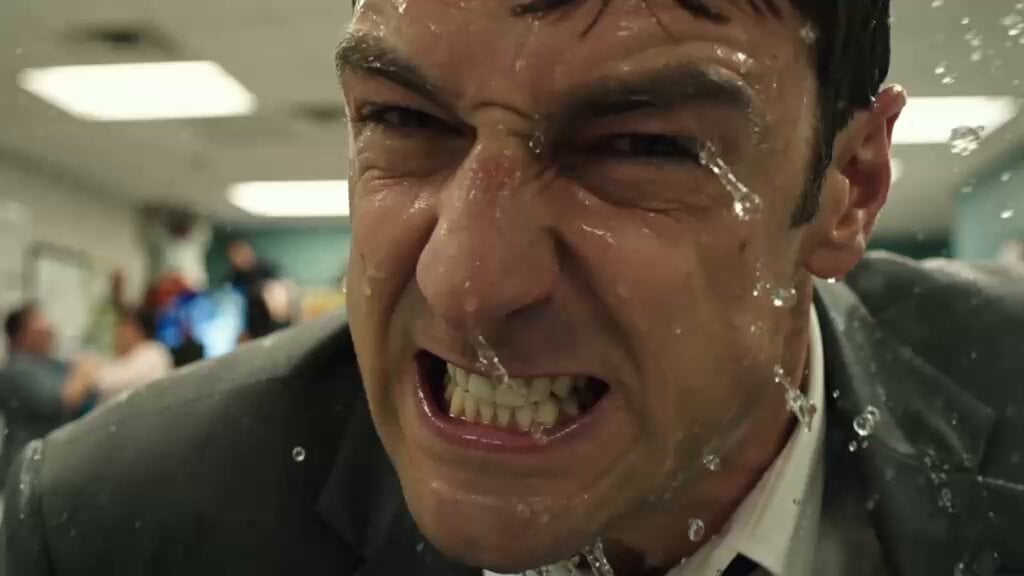
Flooded Office Intense Close-up
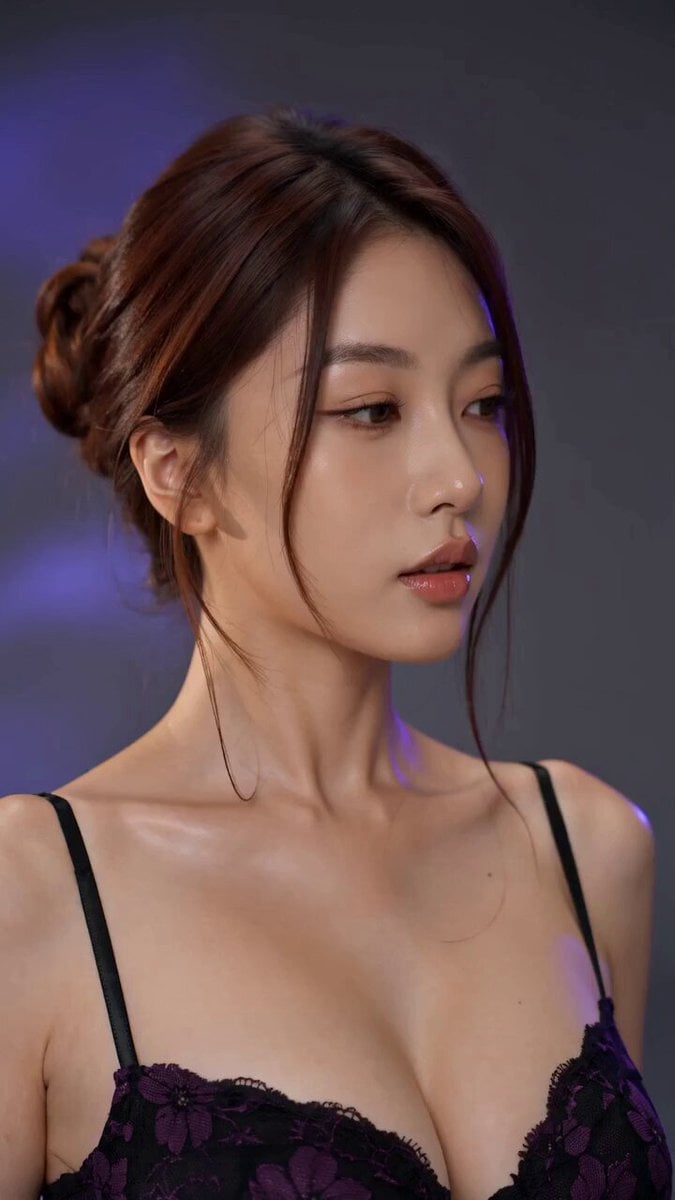
Fashion Model Studio Showcase
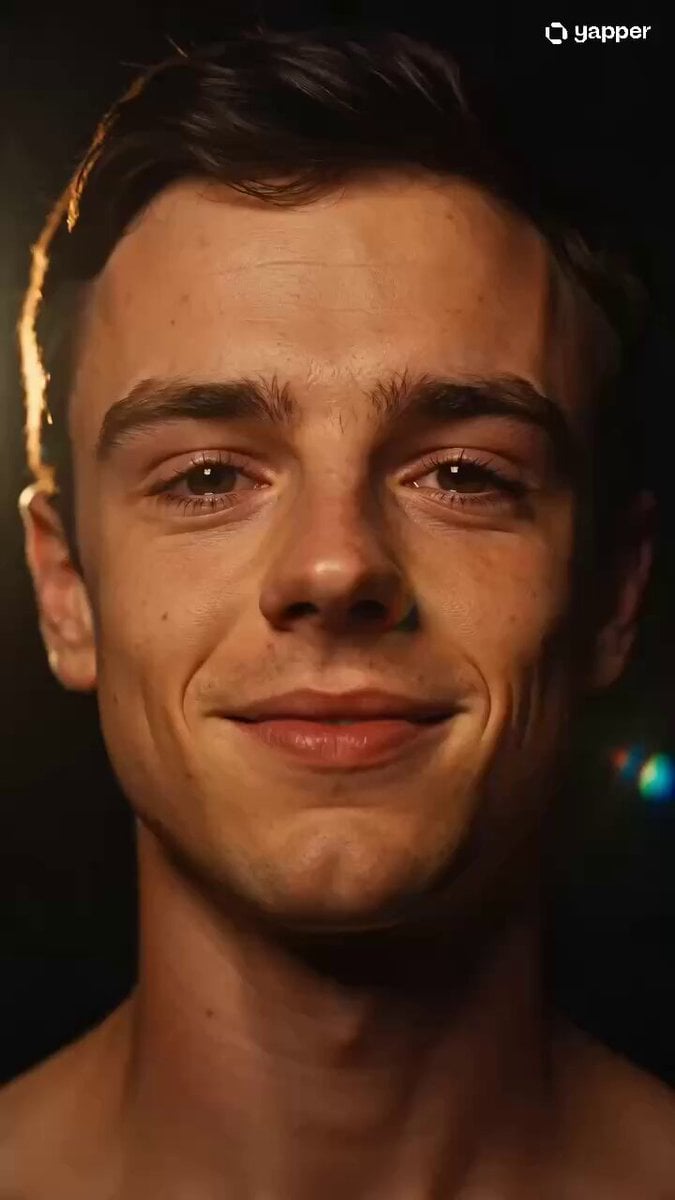
Cinematic Emotional Face Close-up
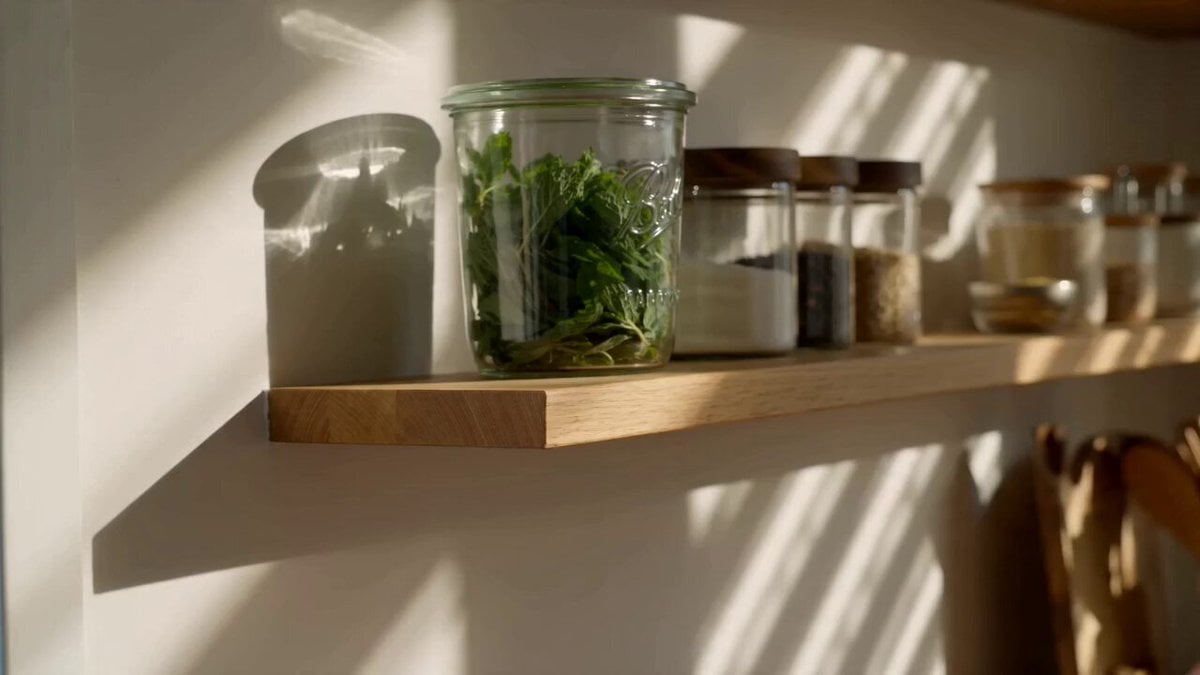
Cinematic kitchen close-up video
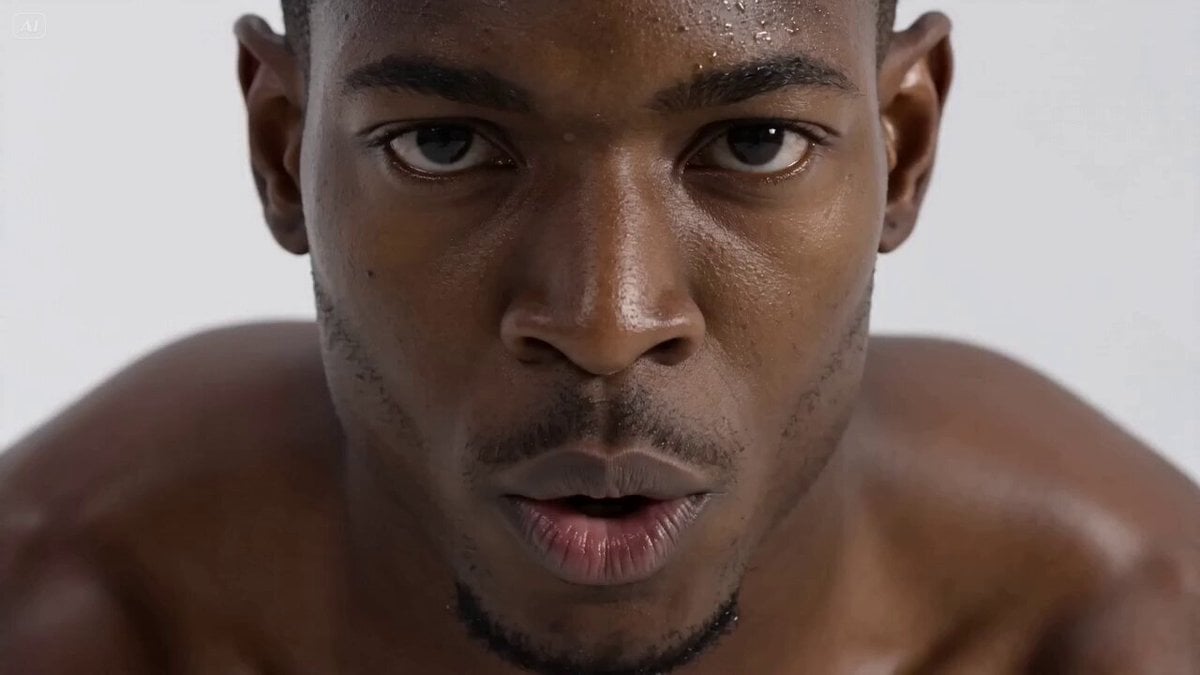
Hyperrealistic Fitness Athlete Cinematic
Make it yours
Hyperrealistic Close-up Video of Cosplay Model works as-is. These are the safest ways to change it without losing the look.
Change one field
Copy a single group, rewrite it, and generate again so you can see what that field is doing.
Keep the frame, change the subject
Hold the composition and light of Hyperrealistic Close-up Video of Cosplay Model, then swap wardrobe, props or the person for a new take.
| If the result… | Why | Fix |
|---|---|---|
| The result drifts from the preview | Too many fields changed at once. | Reuse Hyperrealistic Close-up Video of Cosplay Model as-is first, then change one group — subject, light, or setting. |
| The model over-stylizes the scene | The prose prompt leaves finish and camera underspecified. | Add one camera or lighting sentence and stay on Seedance 2.0. |
More Seedance 2.0 templates
Other prompts made for Seedance 2.0.

Comical Martial Arts Punch Scene

Maglev Train Action Sequence

Martial Arts Fight Sequence

Wuxia Protection and Trust Script

Vintage Korean Arcade MiniDV Vlog

Mercedes 190 SL Luxury Ad

Rainy Night Supernatural Reverse Comedy Video Script

Amazon Civilization Discovery

Futuristic South Asian City Transformation

Cozy Luxury Cafe Commercial
More video prompts
Fresh picks from across the catalog.
Wildflower Field Video Animation
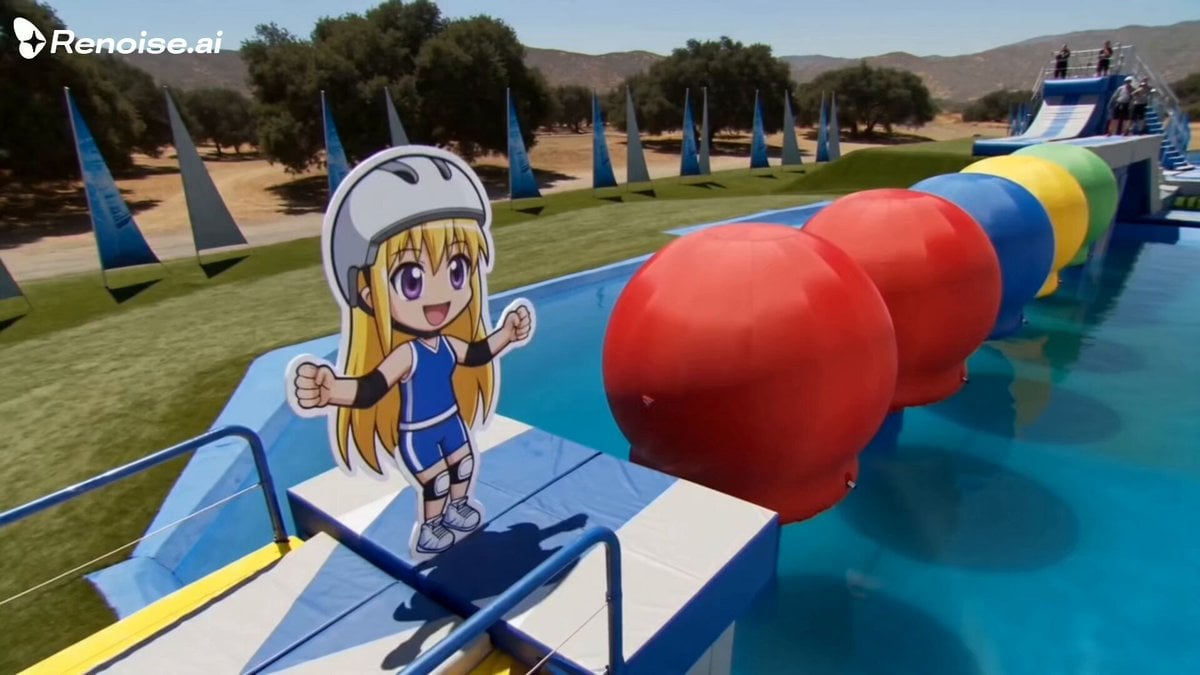
Retro British Arena Game Show Anime Sticker
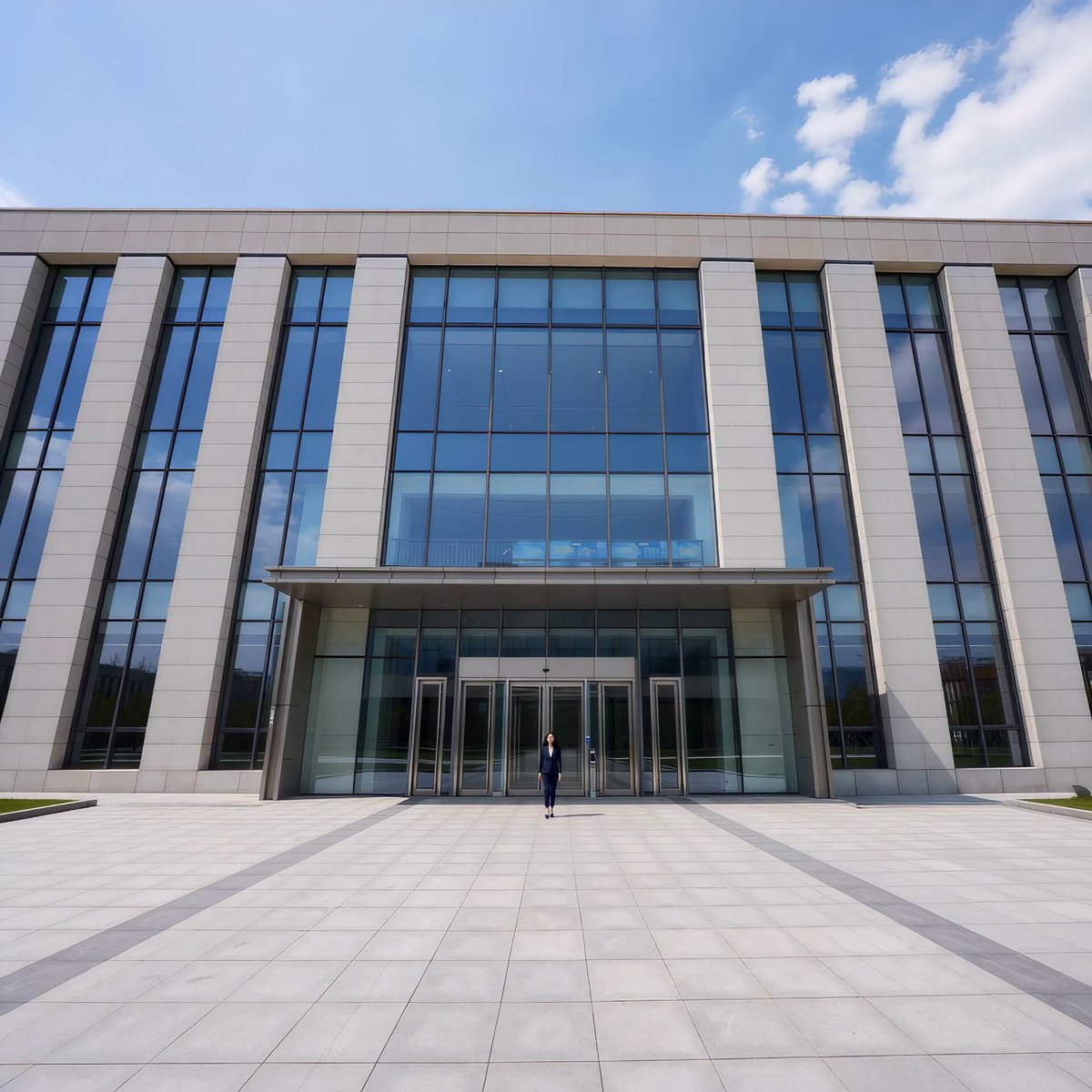
Automatic Door Sensor Comedy
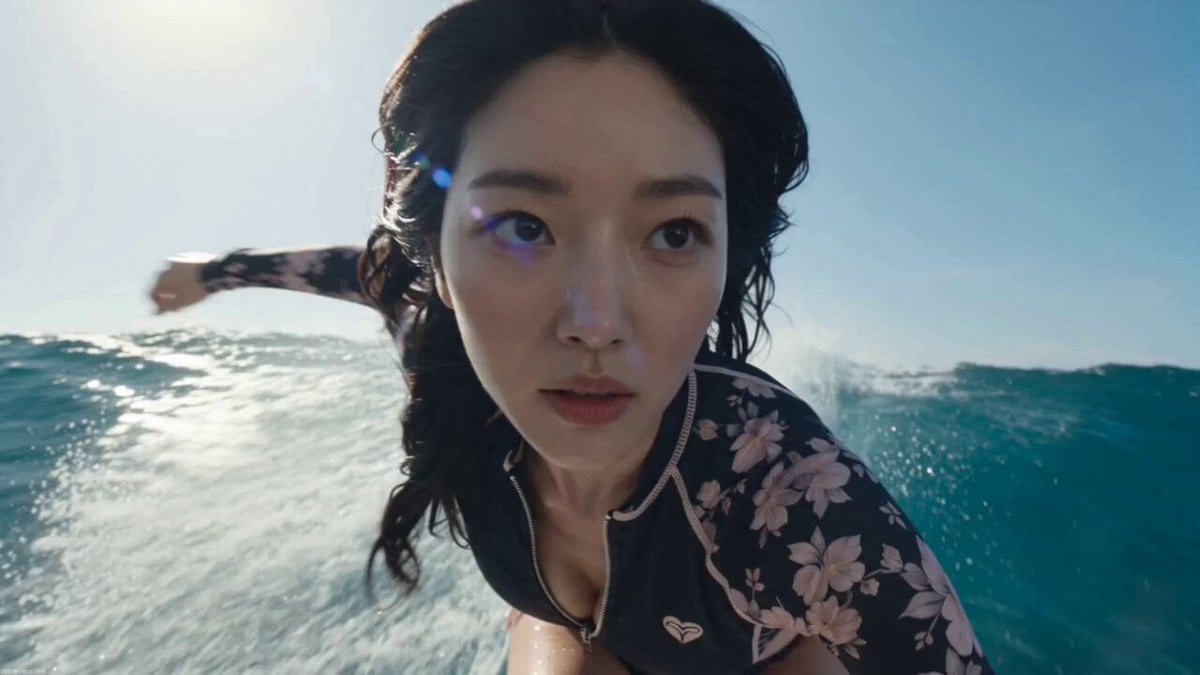
Hyper-Realistic Pro Surfing Video Prompt
Nano-Armor Transformation Fight
Misty Drum Rhythm
Grok Imagine prompt for a surreal landscape video

Translucent Spring Theme with Hairpin Gift
Birth and Ambulance Scene
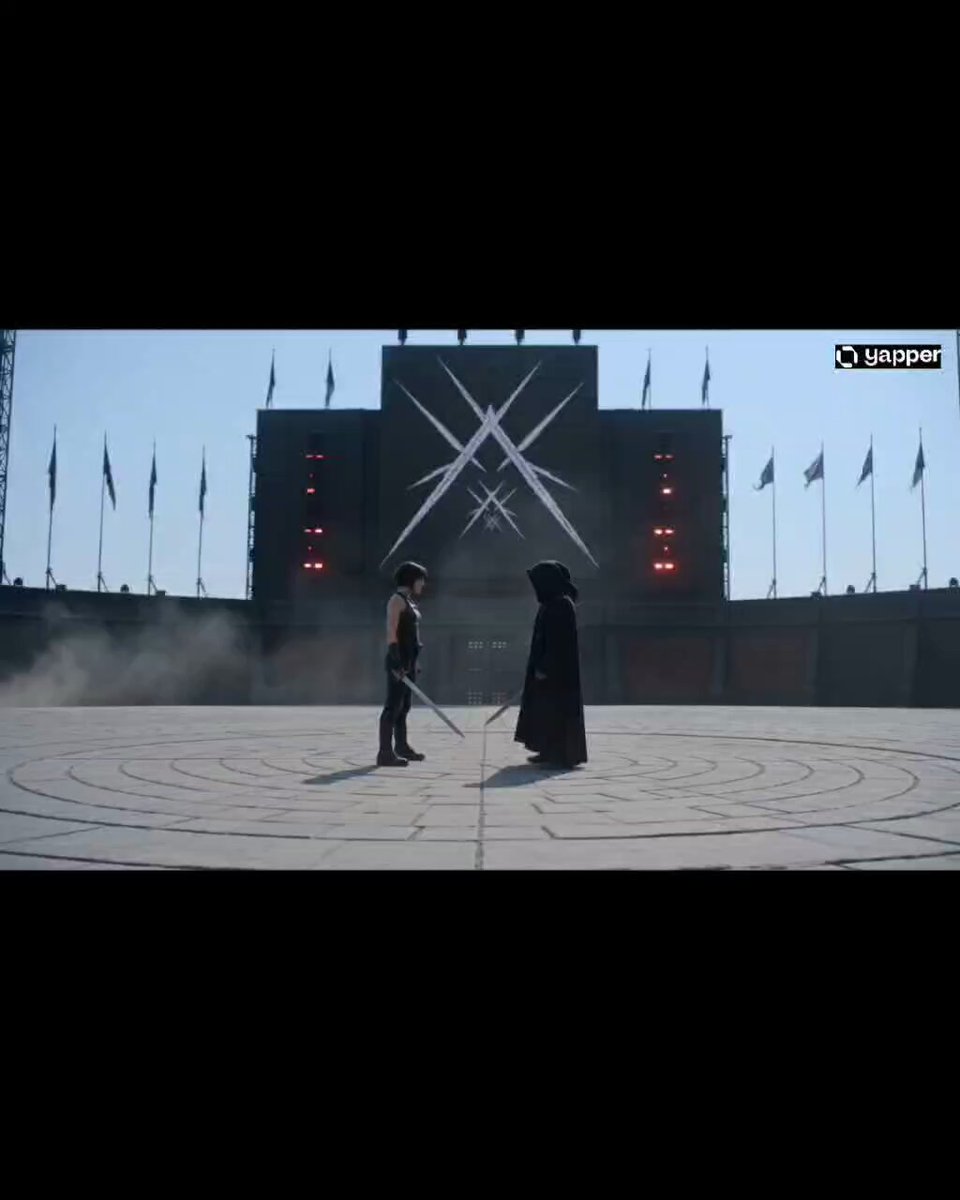
Cinematic Arena Duel Showdown
Browse template categories
Hyperrealistic Close-up Video of Cosplay Model questions
How do I use the Hyperrealistic Close-up Video of Cosplay Model template?
Add your photo if the template asks for one, edit the prompt if you like — the template's model and format are already selected — and press Generate. Your version opens in PicX Studio.
Can I customize the Hyperrealistic Close-up Video of Cosplay Model template?
Yes. You can change the subject, setting, lighting, mood, format, and available model controls before creating your video.
Is the Hyperrealistic Close-up Video of Cosplay Model template free?
Opening and editing this template is free. Generating uses credits, shown on the Generate button when you are signed in.
Which AI model should I use?
Start with Seedance 2.0, which is the model associated with this template. You can compare another compatible model for a different finish.
Looking for something else? Browse all templates.

Your photo, any look
Thousands of ready templates for every top image and video model, from one credit balance.