How do I use the Tiny Agent Casino Heist Action template?
Edit the prompt in the box under the preview — the template's model and format are already selected — and press Generate. Your version appears right on this page.
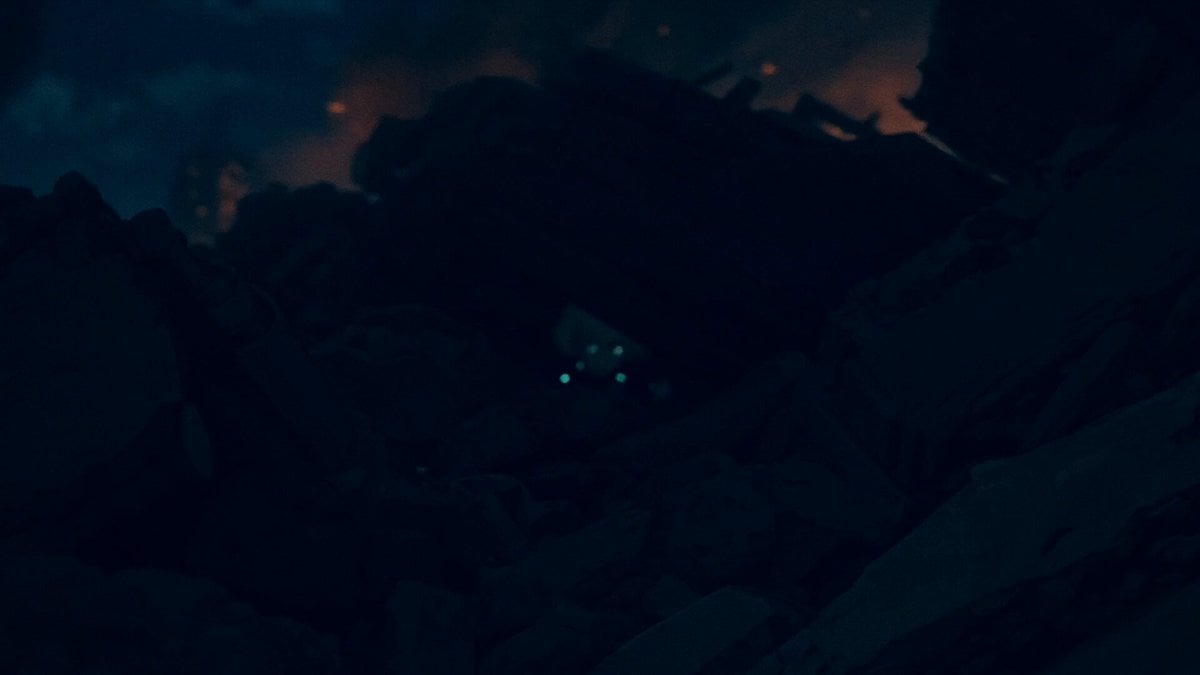
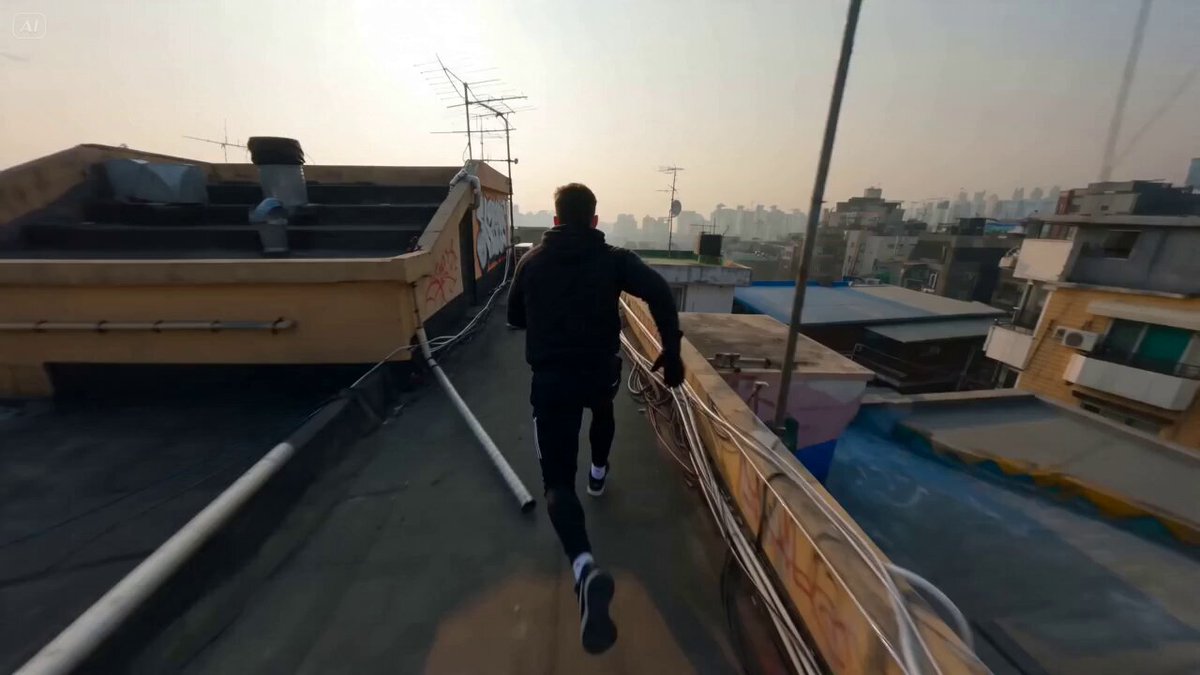
A macro-photography video prompt following a tiny suit-clad agent running through a chaotic casino table landscape filled with oversized hazards.
0:00 – 0:02 INT. CASINO – TABLE LEVEL – NIGHT Ultra low-angle macro shot tracking him from the side. A 3 cm tall agent in a suit sprints across a casino table. Giant chips, dice, dollar bills, champagne glasses, and handguns tower around him. Shallow depth of field, cinematic lighting, motion blur. 0:02 – 0:05 CONTINUOUS – HIGH SPEED RUN camera tracking him from the side He weaves between stacked chips— A dice drops from above— Heavy impact shakes the table. 0:05 – 0:07 He vaults over scattered dollar bills— 0:07 – 0:10 HAZARD ESCALATION camera tracking him from behind Multiple dice tumble toward him— He zigzags at full speed— One die narrowly misses his head, spinning past in motion blur. 0:10 – 0:13 SLOW MOTION MOMENT camera tracking him from behind A champagne glass is falling over — Golden liquid bursts outward in slow motion— He leaps through the splashing Golden liquid, droplets suspended like spheres around him. 0:13 – 0:15 RETURN TO REAL TIME camera from the front He lands, rolls, and keeps running at full speed— Camera tracks tight behind him as chaos continues around.
0:00 – 0:02 INT. CASINO – TABLE LEVEL – NIGHT Ultra low-angle macro shot tracking him from the side. A 3 cm tall agent in a suit sprints across a casino table. Giant chips, dice, dollar bills, champagne glasses, and handguns tower around him. Shallow depth of field, cinematic lighting, motion blur. 0:02 – 0:05 CONTINUOUS – HIGH SPEED RUN camera tracking him from the side He weaves between stacked chips— A dice drops from above— Heavy impact shakes the table. 0:05 – 0:07 He vaults over scattered dollar bills— 0:07 – 0:10 HAZARD ESCALATION camera tracking him from behind Multiple dice tumble toward him— He zigzags at full speed— One die narrowly misses his head, spinning past in motion blur. 0:10 – 0:13 SLOW MOTION MOMENT camera tracking him from behind A champagne glass is falling over — Golden liquid bursts outward in slow motion— He leaps through the splashing Golden liquid, droplets suspended like spheres around him. 0:13 – 0:15 RETURN TO REAL TIME camera from the front He lands, rolls, and keeps running at full speed— Camera tracks tight behind him as chaos continues around.
Edit the prompt in the box under the preview — the template's model and format are already selected — and press Generate. Your version appears right on this page.
Yes. You can change the subject, setting, lighting, mood, format, and available model controls before creating your video.
Opening and editing this template is free. Generating uses credits, shown on the Generate button when you are signed in.
Start with Seedance 2.0, which is the model associated with this template. You can compare another compatible model for a different finish.
Follow a topic to a crawlable collection of related PicX Studio templates.