How do I use the Dark Warrior vs Lava Dragon Cinematic Scene Prompt template?
Edit the prompt in the box under the preview — the template's model and format are already selected — and press Generate. Your version appears right on this page.
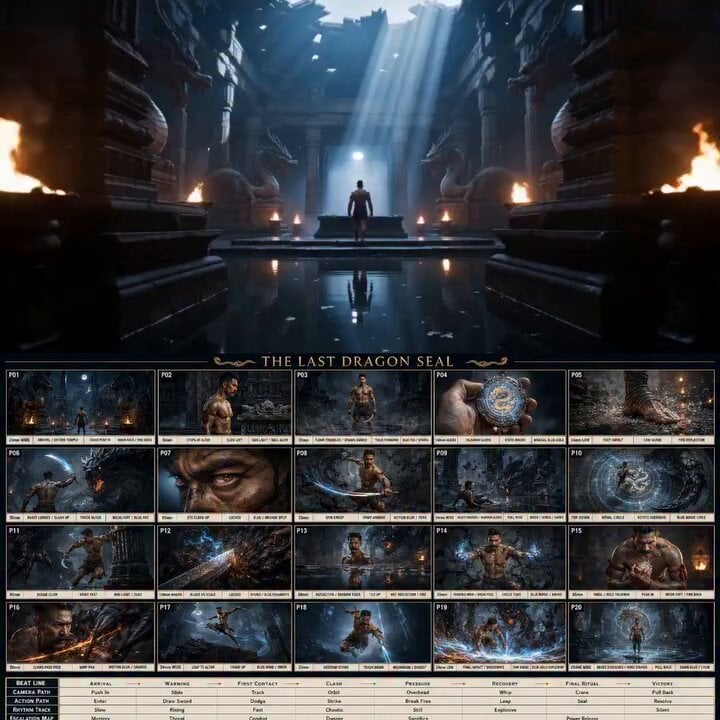
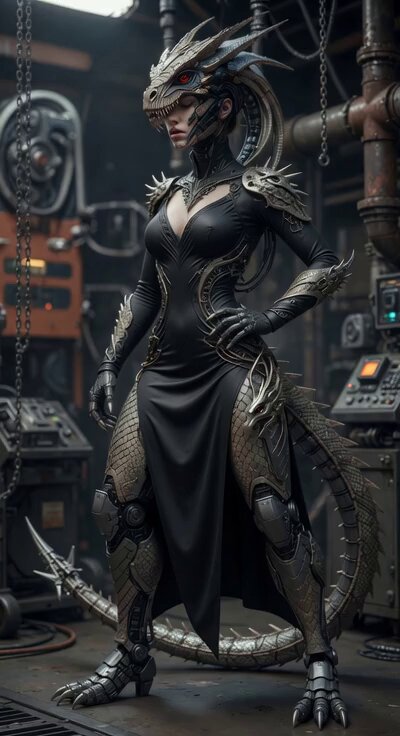
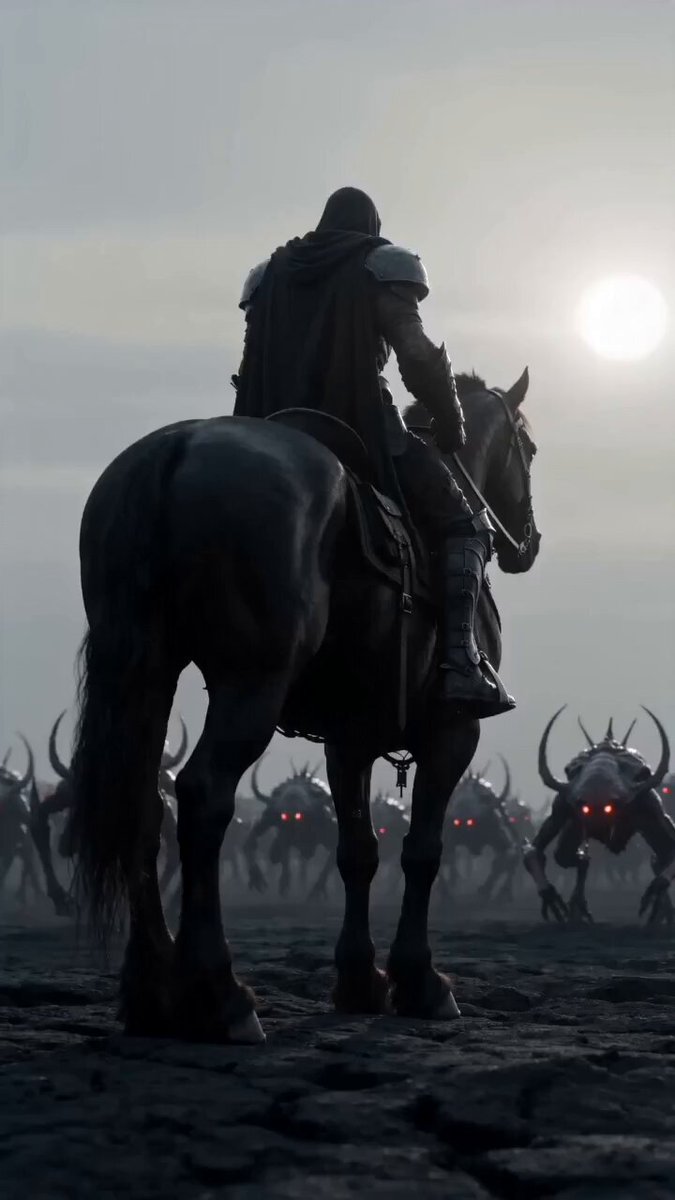
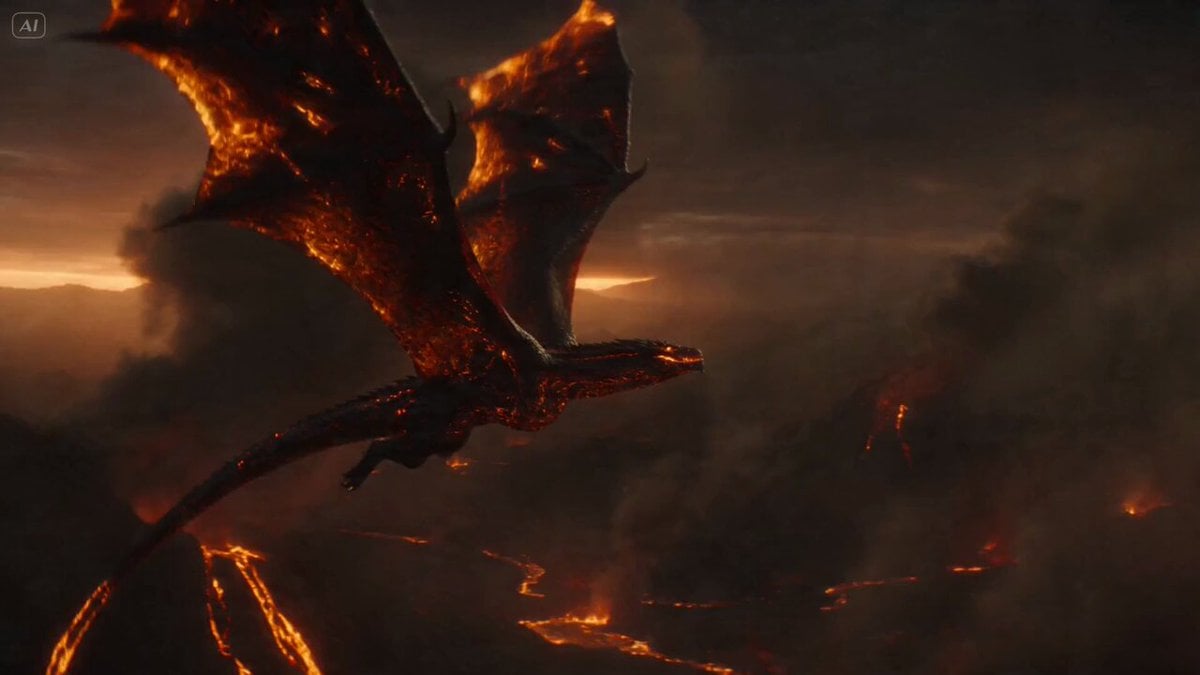
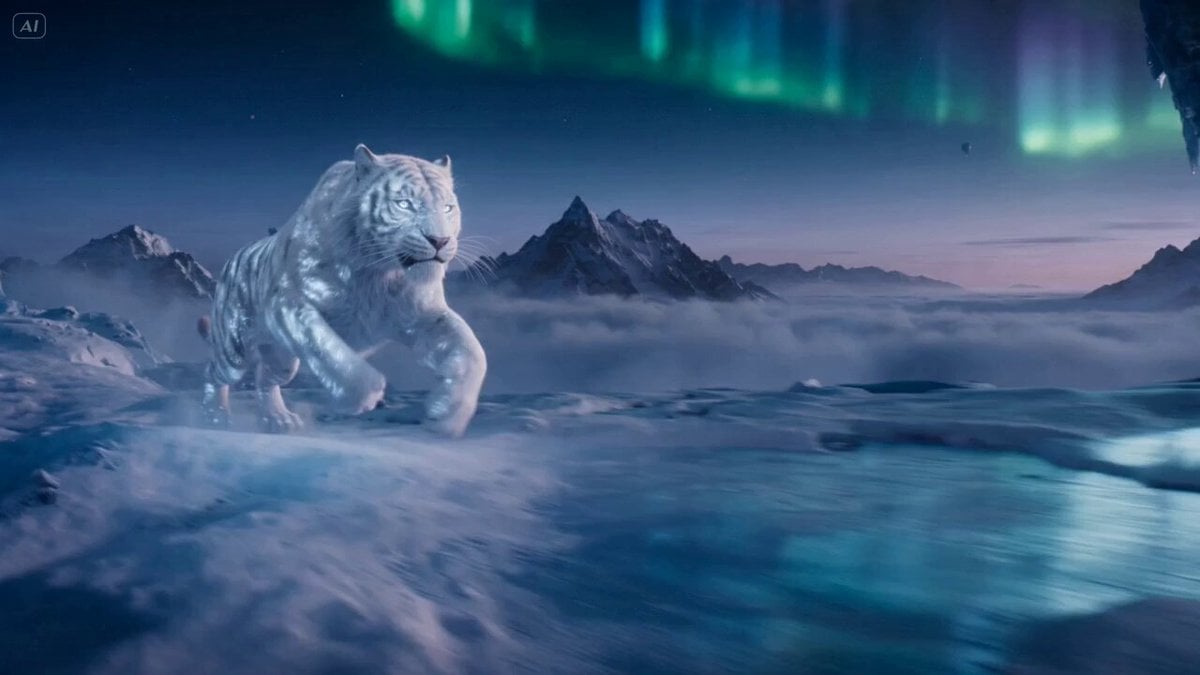
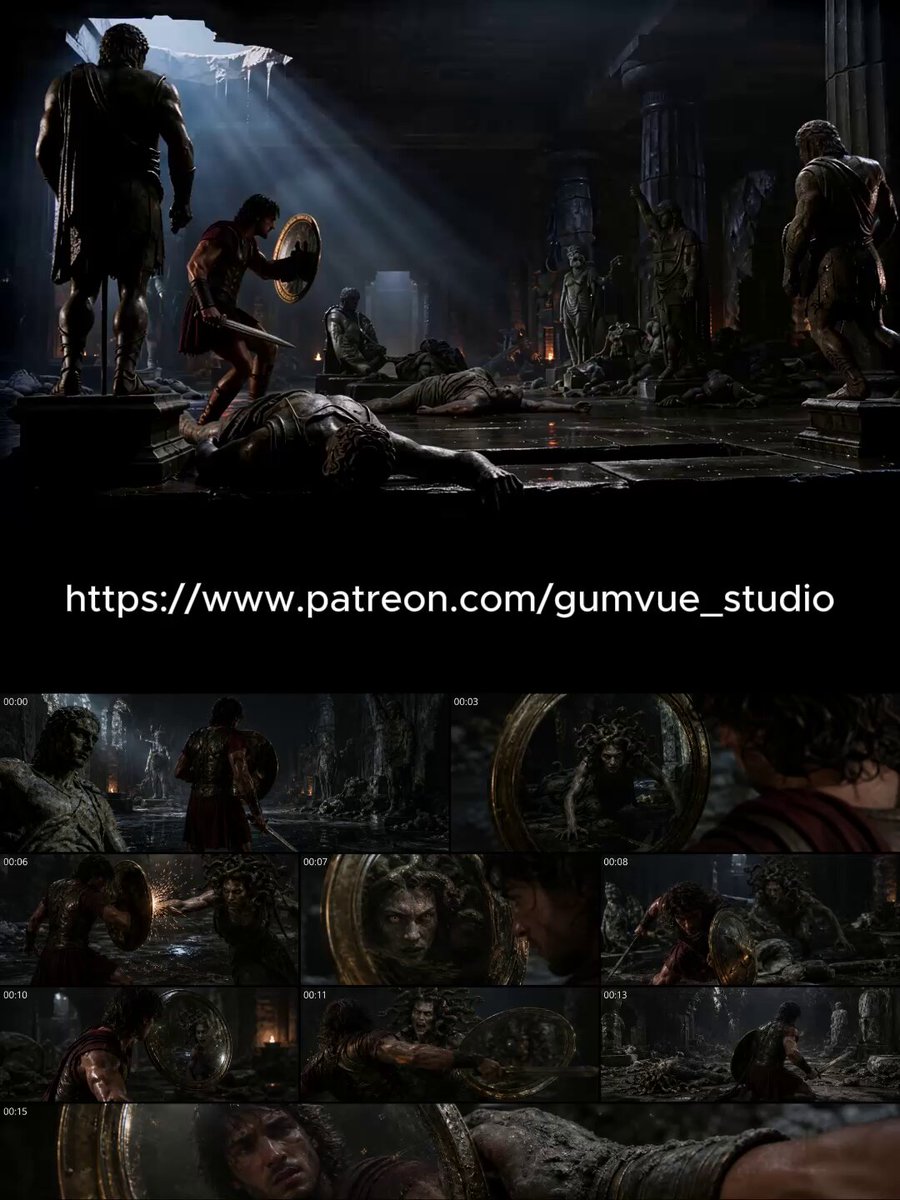
A structured JSON prompt for Seedance 2.0, generated via Yapper, detailing a dark fantasy cinematic scene where a girl transforms into a dark warrior and defeats a lava dragon in a ruined city.
{ "scene": "ancient ruined city with fire and ash everywhere", "subject": "girl with glowing red eyes, transforming into a dark warrior", "action": "she runs across burning ground, summoning dark energy blades from her hands", "dragon": "giant demonic dragon with molten lava skin and glowing cracks", "interaction": "she leaps, slicing through dragon wings, lands on its back, drives energy blade into its skull", "destruction": "lava explosions, fire storms, collapsing ruins", "camera": "low-angle hero shot → fast tracking → slow-motion kill shot", "lighting": "deep reds, blacks, glowing lava highlights", "style": "dark fantasy, cinematic, anime-meets-realism", "mood": "vengeful, intense, brutal", "quality": "4K HDR, cinematic depth of field" }
Edit the prompt in the box under the preview — the template's model and format are already selected — and press Generate. Your version appears right on this page.
Yes. You can change the subject, setting, lighting, mood, format, and available model controls before creating your video.
Opening and editing this template is free. Generating uses credits, shown on the Generate button when you are signed in.
Start with Seedance 2.0, which is the model associated with this template. You can compare another compatible model for a different finish.
Follow a topic to a crawlable collection of related PicX Studio templates.