
Massive Lava Dragon Metamorphosis
A stunning 15-second fantasy prompt of a lava dragon shedding its molten skin while flying over a volcanic range at sunset.
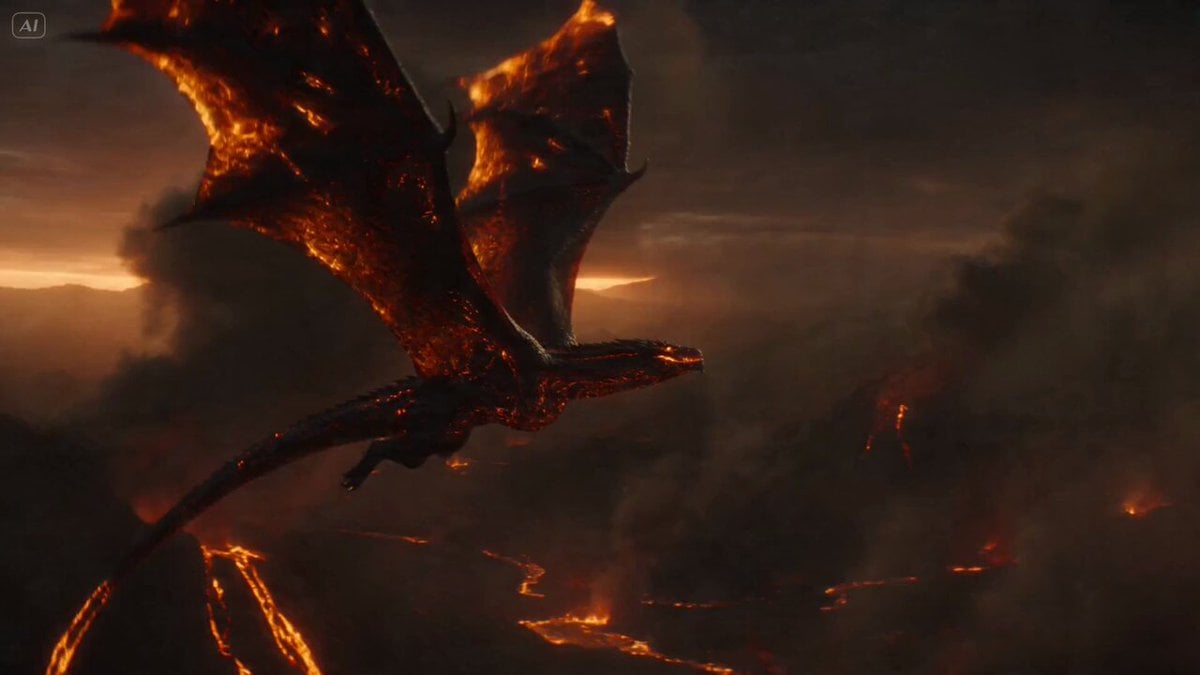
- Prompt included
- Model and format preset
- Premium template
The prompt behind this video
Copy the exact prompt behind Massive Lava Dragon Metamorphosis, or open it in the studio and make it yours.
Ultra-cinematic 15-second fantasy sequence of a massive dragon flying above a volcanic mountain range at sunset, dark smoke clouds and rivers of lava glowing below. The dragon soars through thick ash-filled clouds, wings beating heavily, molten cracks glowing across its body. Lava drips from its scales and burns into sparks as it cuts through the smoky sky. As it dives between volcanic peaks, the outer layer of molten lava skin begins to crack apart. Huge glowing plates peel away from its body in slow motion, breaking into burning fragments that trail behind like meteors. The camera follows in a dynamic aerial tracking shot, circling around the dragon as fresh obsidian-black armor and fiery veins are revealed beneath the shedding lava shell. Mid-flight, the dragon twists violently, shaking off the remaining molten plates. Explosive embers, ash particles, heat distortion, and glowing debris fill the frame. Final seconds: the transformed dragon spreads its wings wide above the volcano, roaring as a massive wave of firelight pulses through the clouds. Camera: dynamic aerial pursuit, slow orbit around the dragon, dramatic push-ins, strong scale. Lighting: volcanic orange glow, sunset backlight, smoke diffusion, intense lava highlights. Style: ultra-cinematic realism, high-end fire and lava VFX, massive fantasy scale, realistic wing physics, heat distortion, no text, no overlays, stable proportions.
How to use Massive Lava Dragon Metamorphosis in 3 steps
- 1
Open
The prompt is already in the box next to the preview, with the template's model and format selected.
- 2…a portrait of your subject in softgolden-hour light, 85mm…
Personalize
Edit the subject and creative details for your destination.
- 3Generate
Generate
Press Generate — your video is created in PicX Studio, so you can compare it with the original and refine one variable at a time.
More like this
Templates with the same subject, style or setup. Open one to see its prompt.
Dragon Rescue — Volcanic Kingdom Collapse (Seedance)

Dragon Rider Cinematic Flight — Seedance 2.5
Whale in the Sky — City Shadows (Kling AI)
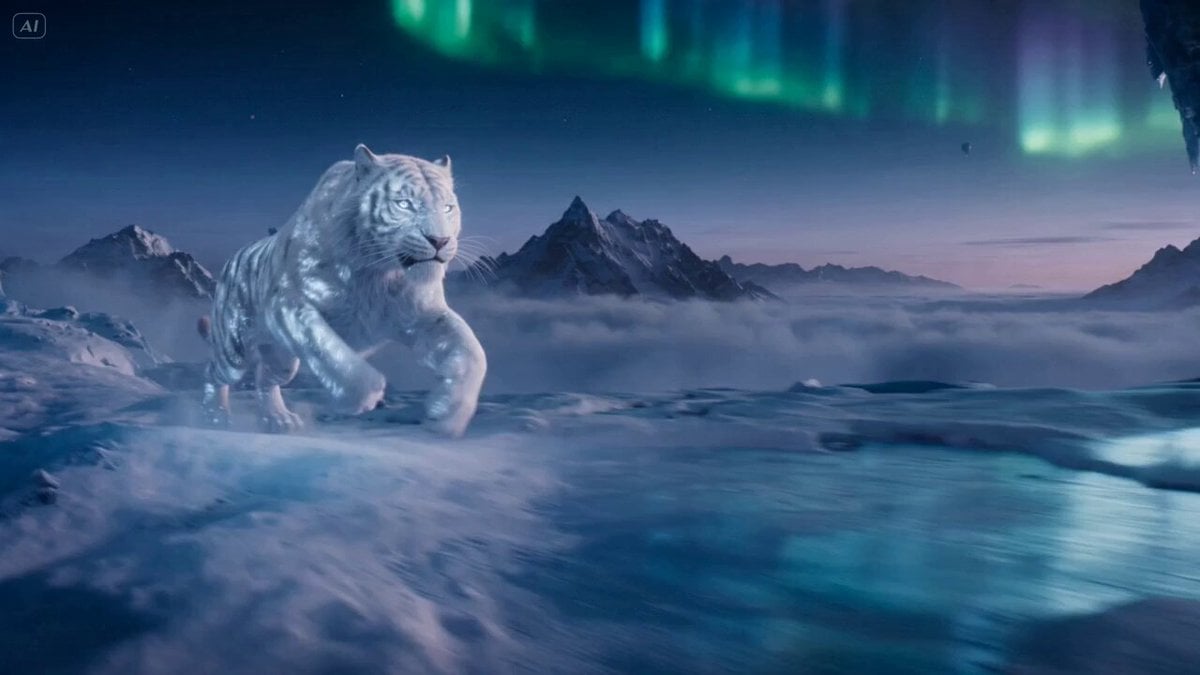
Ice Tiger vs Dragon - Seedance 2.0
Massive Ancient Sea Dragon Emerging from the Ocean
Dark Warrior vs Lava Dragon Cinematic Scene Prompt
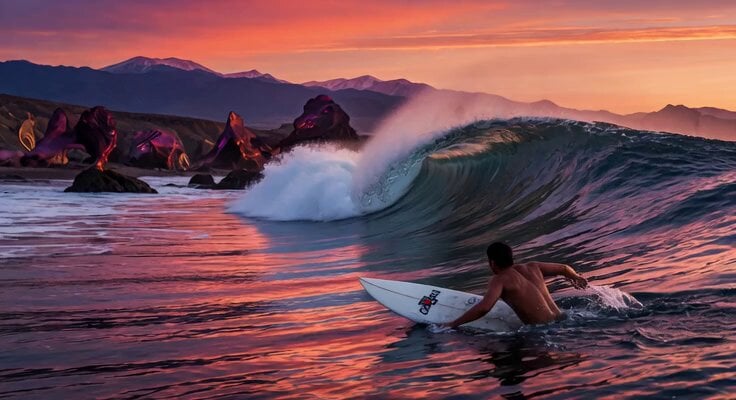
Massive Sunset Wave Surfing

Fire Goddess Rising from Lava
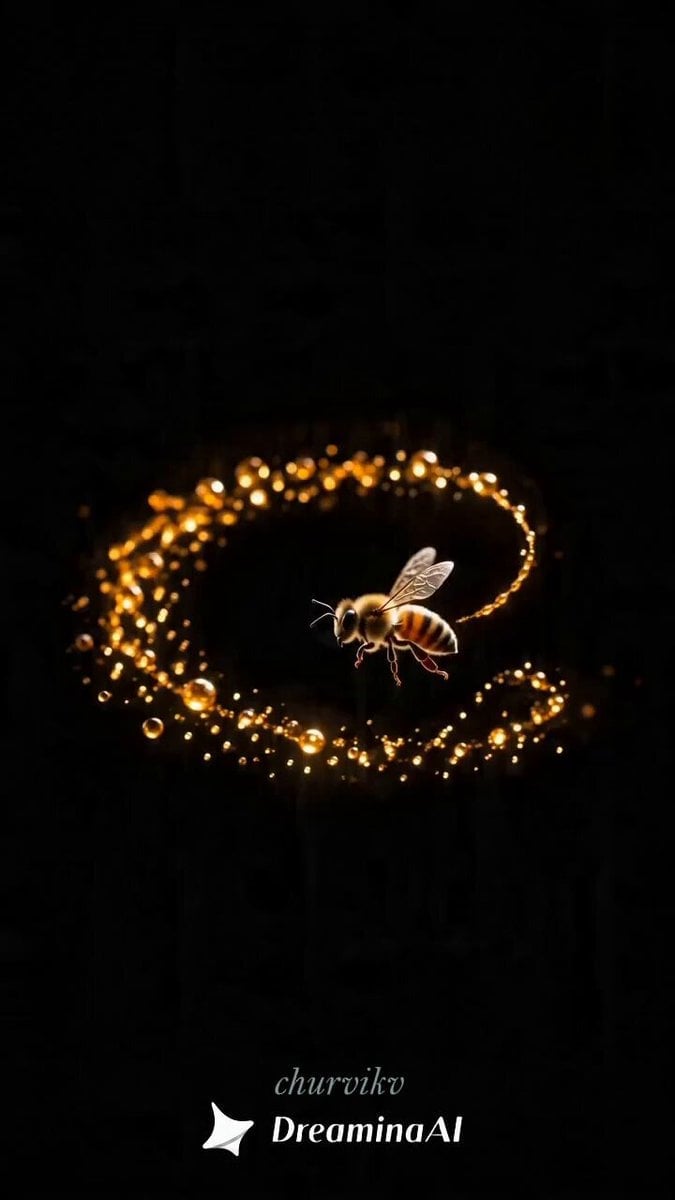
Honey to Apple Metamorphosis
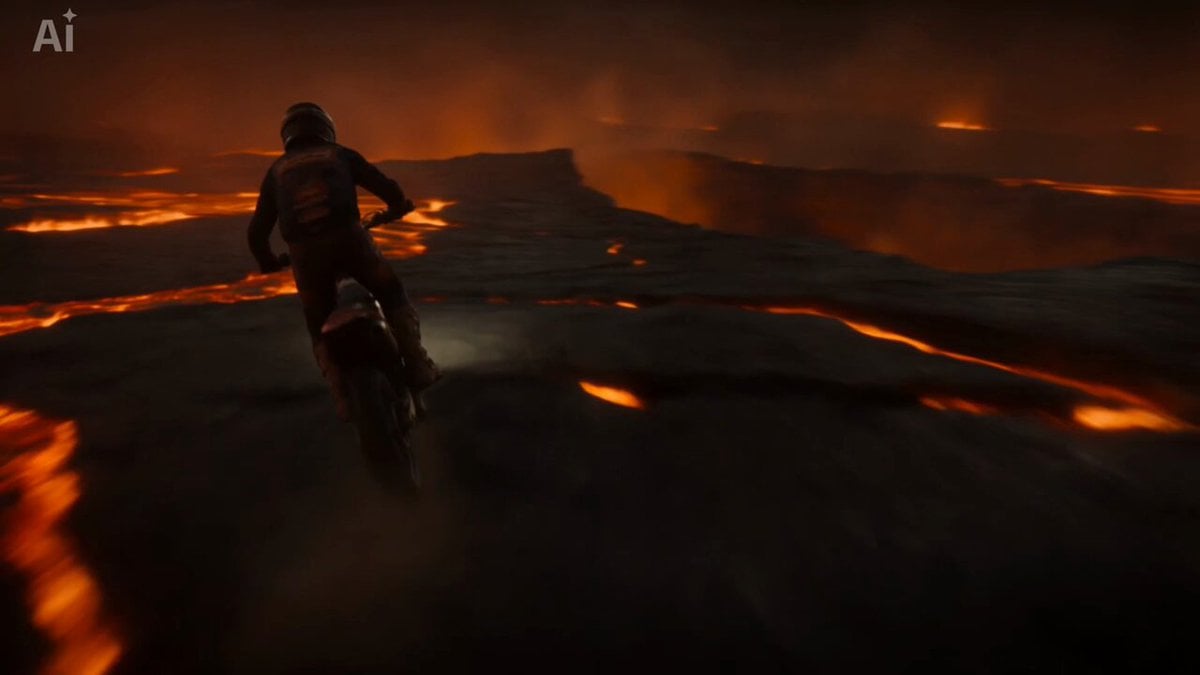
Volcanic Motocross Lava Jump
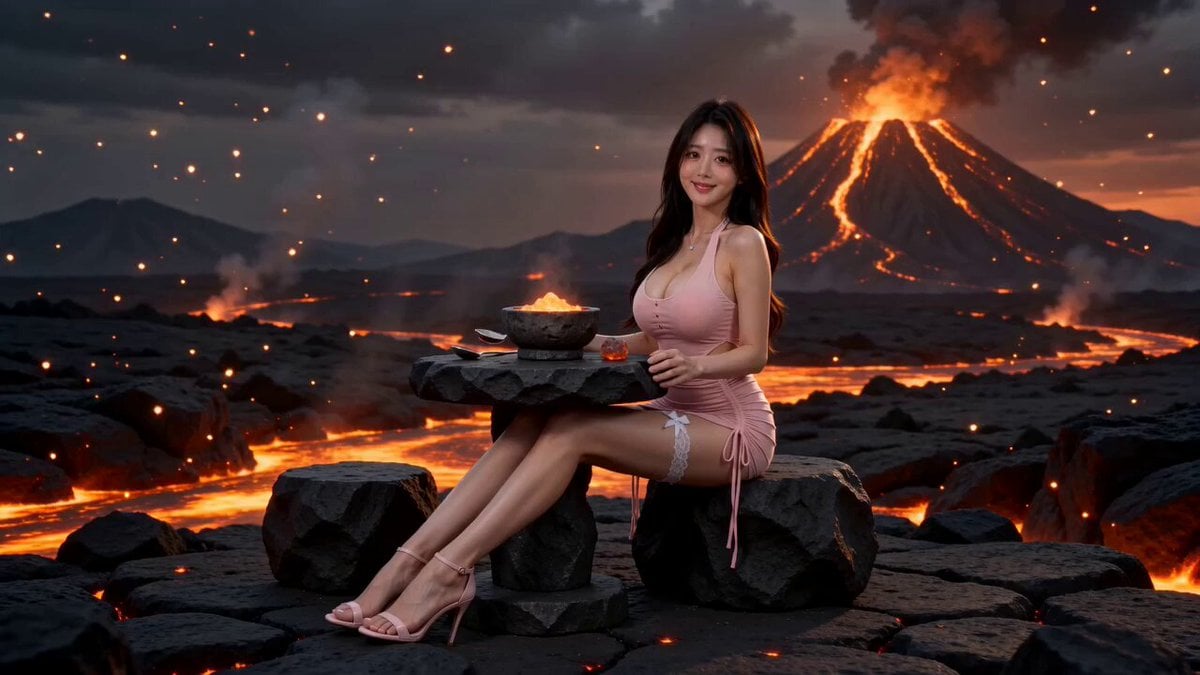
Surreal Volcano Lava Mukbang ASMR
Reality-Shattering Glitch Metamorphosis
Make it yours
Massive Lava Dragon Metamorphosis works as-is. These are the safest ways to change it without losing the look.
Change one field
Copy a single group, rewrite it, and generate again so you can see what that field is doing.
Keep the frame, change the subject
Hold the composition and light of Massive Lava Dragon Metamorphosis, then swap wardrobe, props or the person for a new take.
| If the result… | Why | Fix |
|---|---|---|
| The result drifts from the preview | Too many fields changed at once. | Reuse Massive Lava Dragon Metamorphosis as-is first, then change one group — subject, light, or setting. |
| The model over-stylizes the scene | The prose prompt leaves finish and camera underspecified. | Add one camera or lighting sentence and stay on Seedance 2.0. |
More Seedance 2.0 templates
Other prompts made for Seedance 2.0.

Comical Martial Arts Punch Scene

Maglev Train Action Sequence

Martial Arts Fight Sequence

Wuxia Protection and Trust Script

Vintage Korean Arcade MiniDV Vlog

Mercedes 190 SL Luxury Ad

Rainy Night Supernatural Reverse Comedy Video Script

Amazon Civilization Discovery

Futuristic South Asian City Transformation

Cozy Luxury Cafe Commercial
More video prompts
Fresh picks from across the catalog.
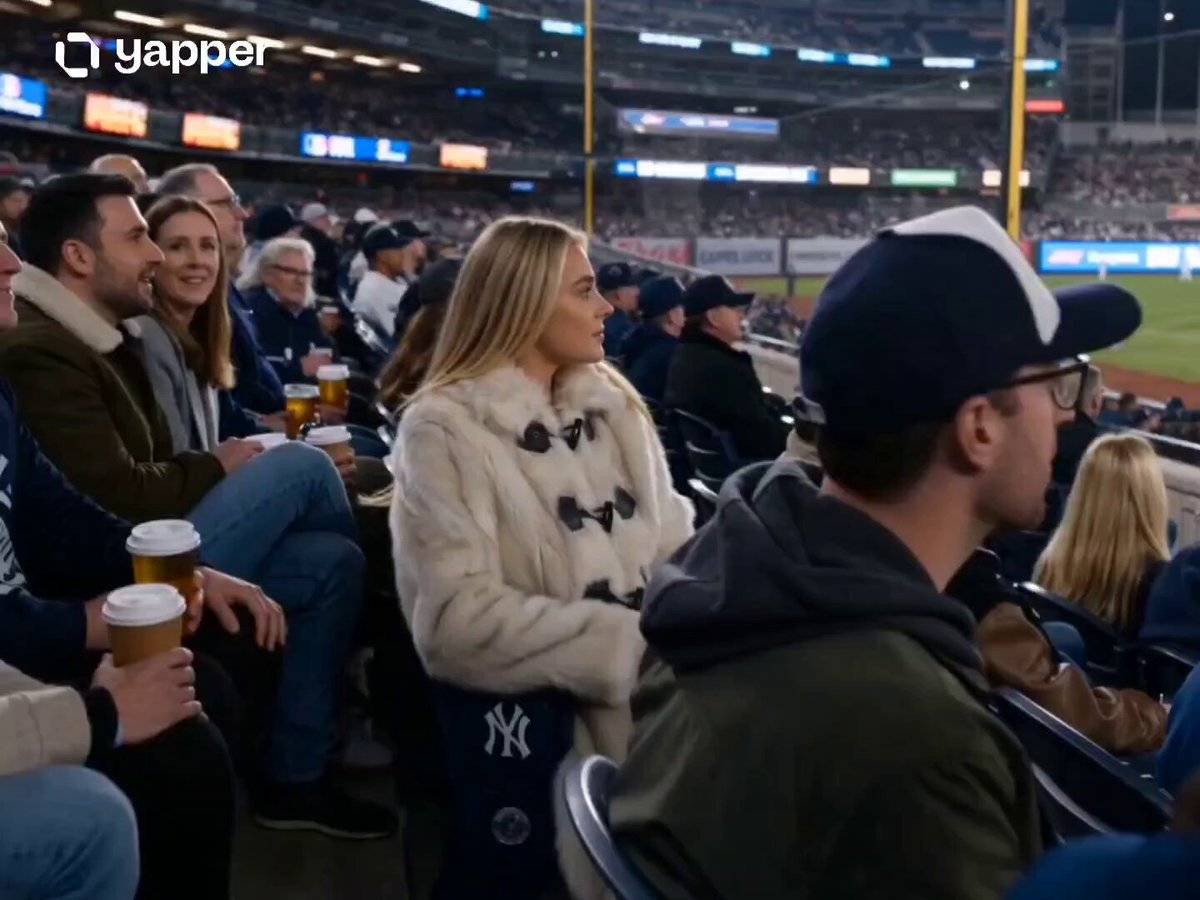
Nighttime Baseball Stadium Glamour Shot
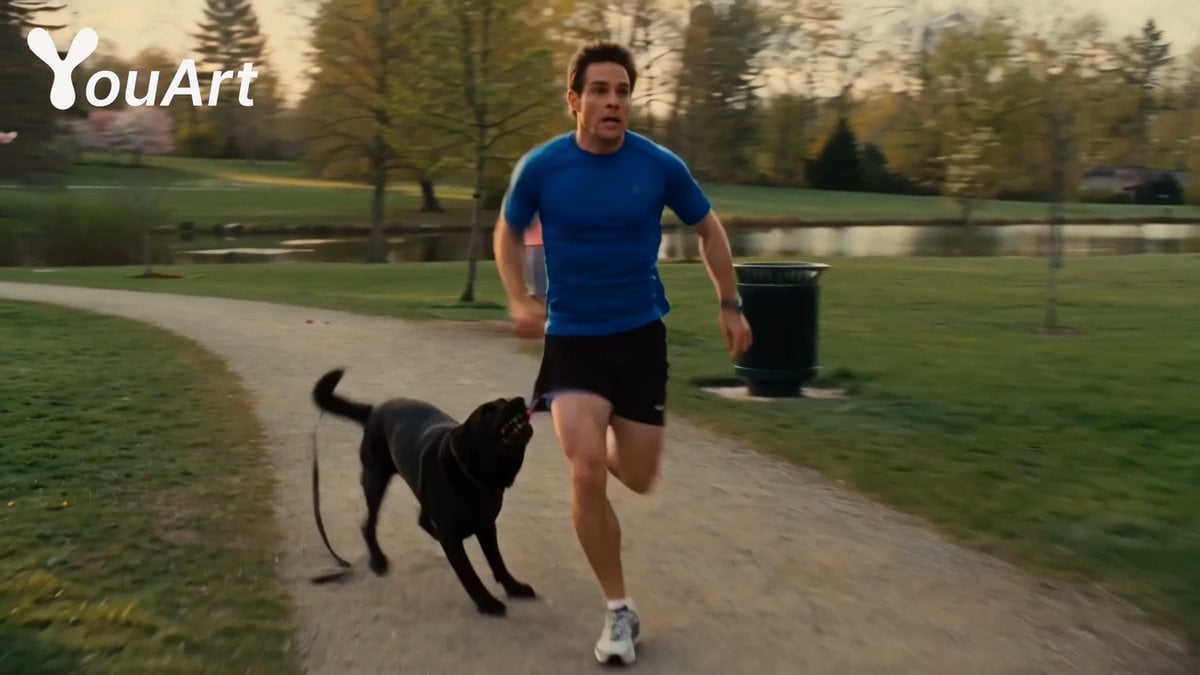
Park Jogging Comedic Dog Chase
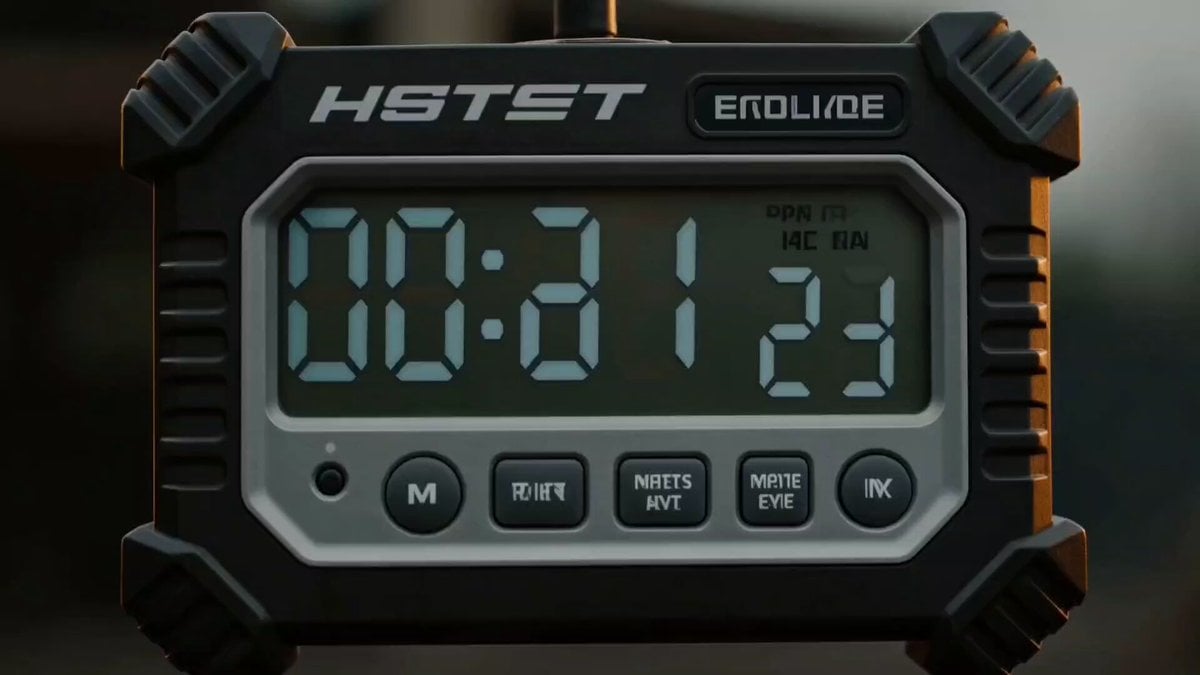
Industrial Action Hero Shot
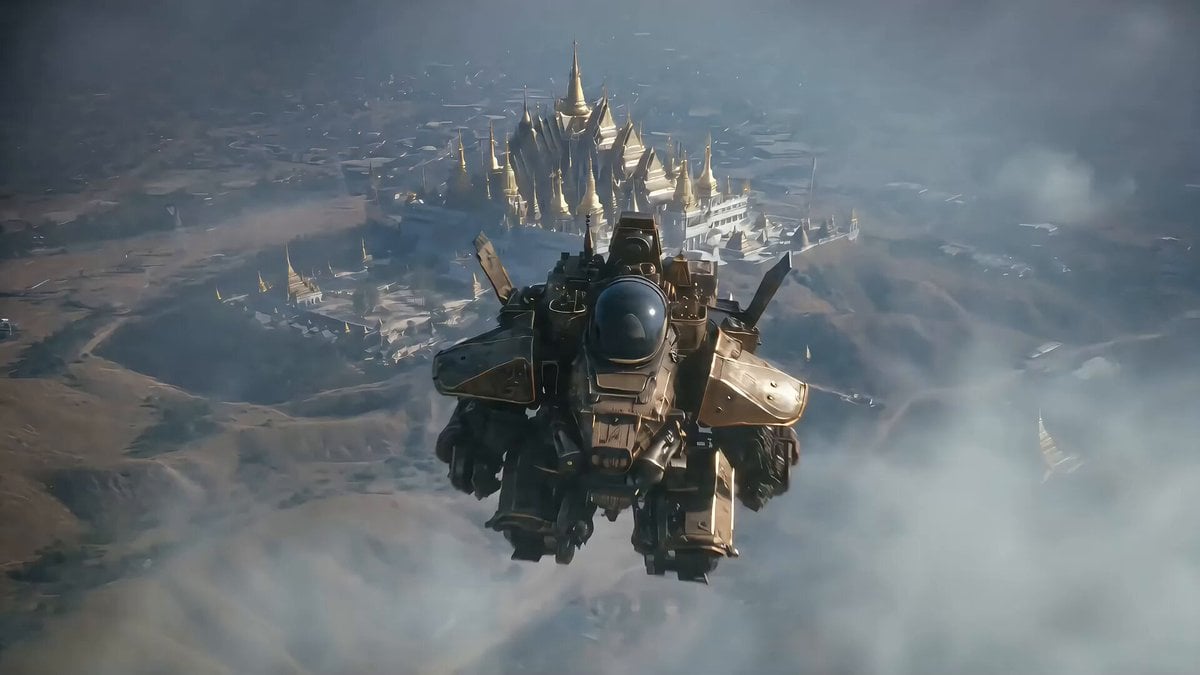
Seedance 2.0 Video Prompt: Aerial Dogfight over Thai Temple
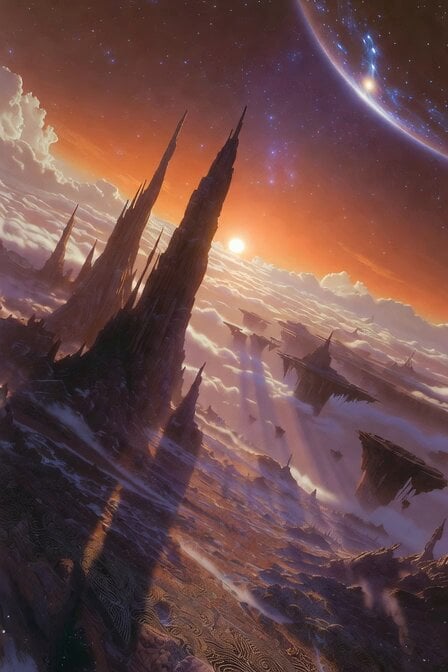
Floating Islands Timelapse Concept
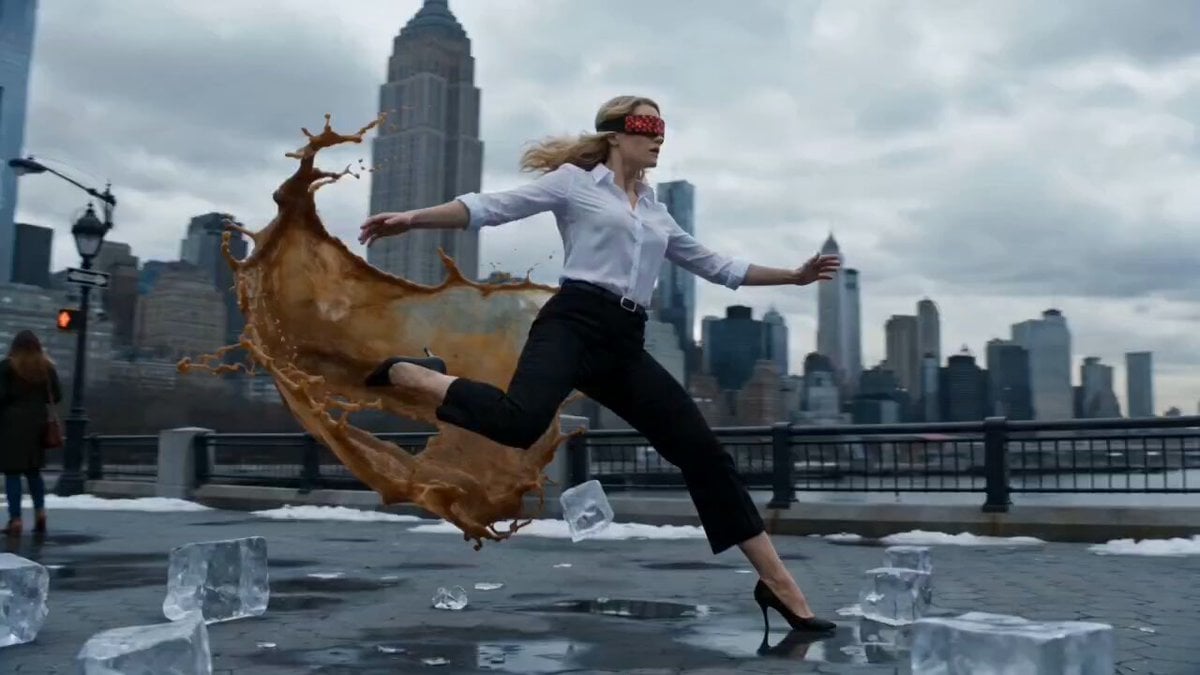
NYC Icy Slip Bullet Time
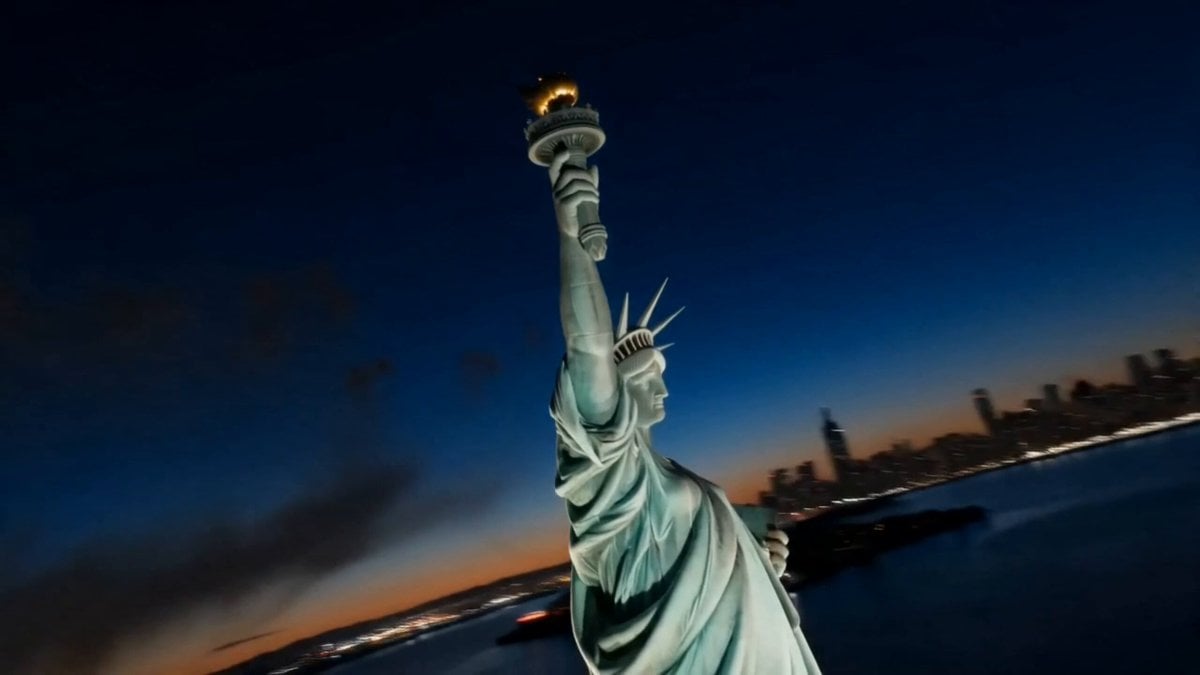
America 250th Anniversary Celebration Drone Show
Charaspower Still World Higgsfield
Korean Idol Backstage Fitting Vlog
Sentosa Island and Singapore Cathedral Tour Video
Browse template categories
Massive Lava Dragon Metamorphosis questions
How do I use the Massive Lava Dragon Metamorphosis template?
Add your photo if the template asks for one, edit the prompt if you like — the template's model and format are already selected — and press Generate. Your version opens in PicX Studio.
Can I customize the Massive Lava Dragon Metamorphosis template?
Yes. You can change the subject, setting, lighting, mood, format, and available model controls before creating your video.
Is the Massive Lava Dragon Metamorphosis template free?
Opening and editing this template is free. Generating uses credits, shown on the Generate button when you are signed in.
Which AI model should I use?
Start with Seedance 2.0, which is the model associated with this template. You can compare another compatible model for a different finish.
Looking for something else? Browse all templates.

Your photo, any look
Thousands of ready templates for every top image and video model, from one credit balance.