
America 250th Anniversary Celebration Drone Show
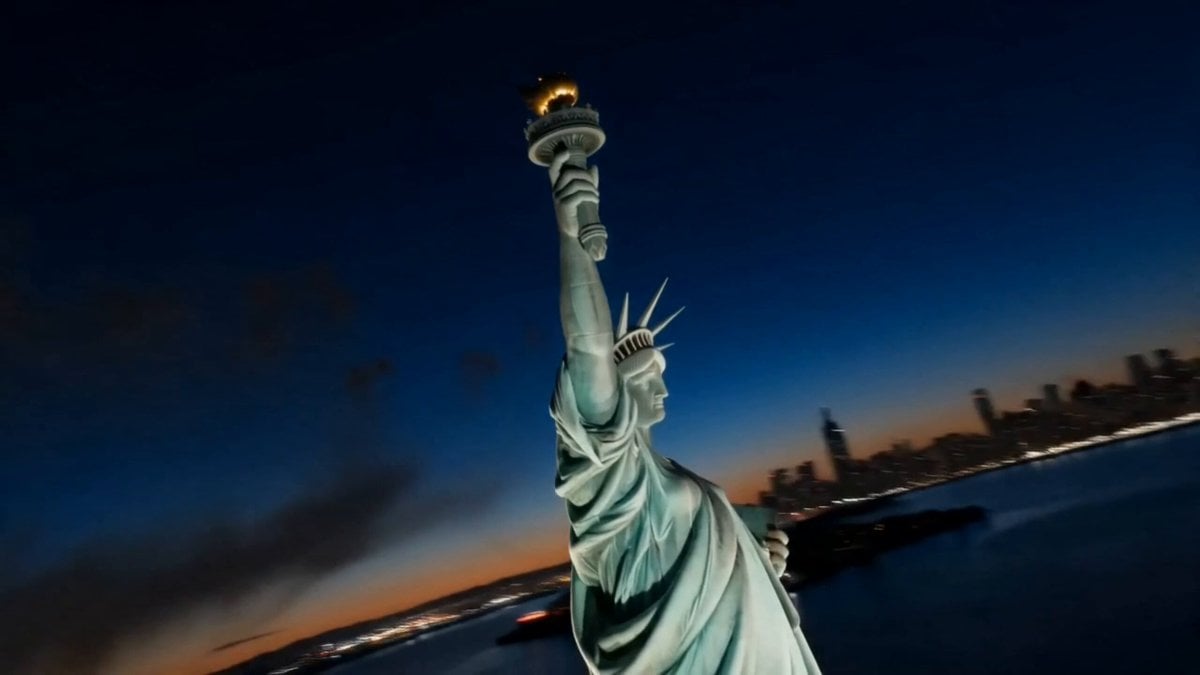
A cinematic video prompt designed for the US Semiquincentennial, featuring aerial orbits of the Statue of Liberty, the Las Vegas Sphere, and a festive drone light show.
- Prompt included
- Model and format preset
- Free template
The prompt behind this video
Copy the exact prompt behind America 250th Anniversary Celebration Drone Show, or open it in the studio and make it yours.
[STYLE] Celebration showcase film, photorealistic live-action cinematography, epic aerial visuals, 8K ultra HD, DaVinci professional color grading, high-contrast night lighting\n[DURATION] 15 seconds\n[SETTING] Statue of Liberty in New York Harbor at night → Las Vegas Sphere → city night sky drone light show, three locations connected by montage\n\n[00:00-00:05] Shot 1: Fireworks Opening (Aerial Orbit + Fireworks)\nAerial orbit: the camera dives down from the night sky and circles halfway around the Statue of Liberty. The verdigris copper statue is lit by golden floodlights from below, the torch glowing bright at the top.\nVFX: massive realistic pyrotechnics burst in continuous succession in the night sky behind the statue — red, white, and blue sparks bloom in spherical bursts, ember trails drift slowly downward, smoke dispersed by the night wind.\nSound: whistling of fireworks launching + triple low-frequency explosion rumble.\n\n[00:05-00:10] Shot 2: The Sphere Lights Up (Sphere Light Show + Match Cut)\nHard match cut: the firework sparks instantly transform into LED light dots on the surface of the Las Vegas Sphere.\nMedium-wide low-angle shot: waves of red, white, and blue light roll across the giant sphere's surface, converging into a massive golden number \"250\" with flowing particle texture on its surface; the sphere bathes the surrounding streets in warm golden light.\nSlow push-in: the number \"250\" gradually fills the frame.\nSound: low-frequency electronic swell building up, distant crowd cheering (off-screen).\n\n[00:10-00:15] Shot 3: Drone Swarm Finale\nWide low-angle shot: thousands of drone lights converge from all directions in the city night sky, first forming a star pattern, then flowing and morphing into glowing text \"1776 → 2026\".\nVFX: a final row of fireworks launches simultaneously from the horizon and bursts, golden ember rain filling the lower edge of the frame as the drone text freezes amid the firelight.\n[ON-SCREEN TEXT] Golden serif title fades in at center frame: \"250 YEARS\", softly glowing, holds for 1 second to close.\nSound: orchestral score peaks then cuts abruptly, leaving only the echo of fireworks.
How to use America 250th Anniversary Celebration Drone Show in 3 steps
- 1
Open
The prompt is already in the box next to the preview, with the template's model and format selected.
- 2…a portrait of your subject in softgolden-hour light, 85mm…
Personalize
Edit the subject and creative details for your destination.
- 3Generate
Generate
Press Generate — your video is created in PicX Studio, so you can compare it with the original and refine one variable at a time.
More like this
Templates with the same subject, style or setup. Open one to see its prompt.
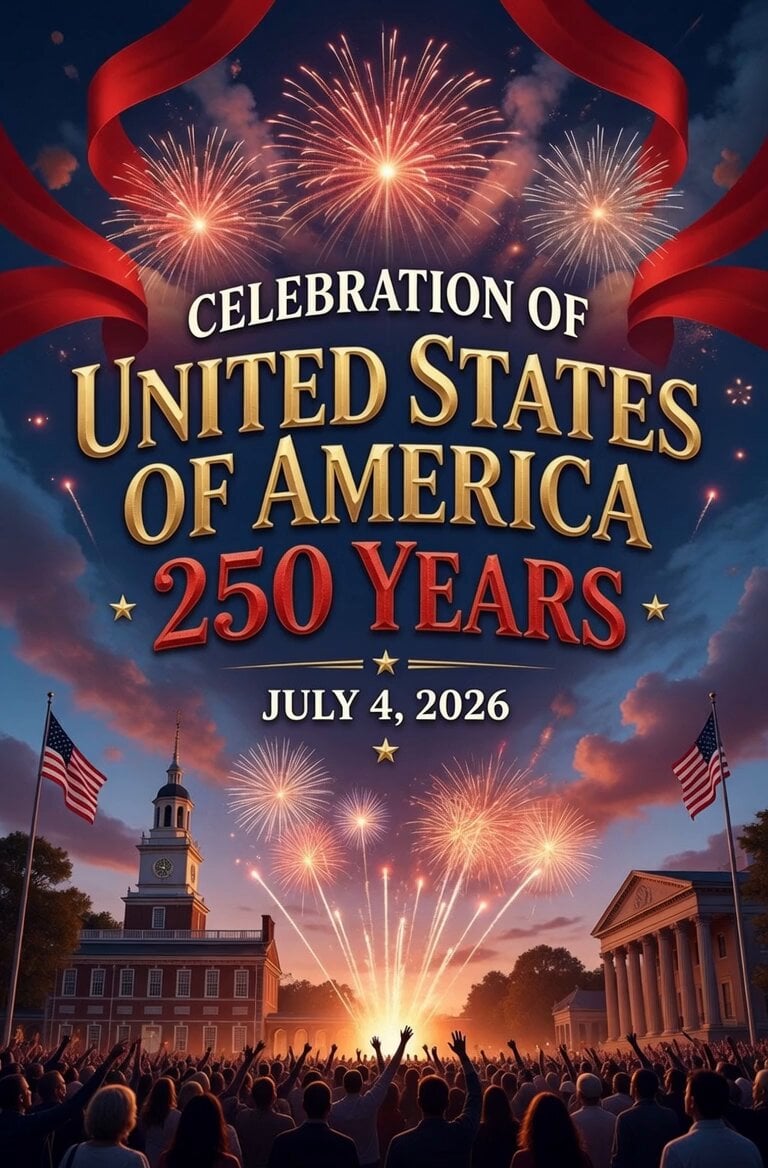
America 250th Anniversary Celebration
Viking in Modern America Comedy - Seedance 2.5
Cinematic Xinjiang Drone Landscapes - Seedance 2.5
FPV Drone Skier Tracking — Kling 3.0 O3 Pro
Cinematic Drone Specs Canyon — Kling 3.0 v3 Pro
Drone Removal Safari Cleanup

Luxury Lifestyle Day Vlog
Amazon FPV Drone Chase — Seedance 2.0
Yellow Seaplane Coastal Dive — Aerial Drone Shot
Japanese Variety Show Comedy Challenge
Romance Reality Show Confession
1984 Showa Era Home Video
Make it yours
America 250th Anniversary Celebration Drone Show works as-is. These are the safest ways to change it without losing the look.
Change one field
Copy a single group, rewrite it, and generate again so you can see what that field is doing.
Keep the frame, change the subject
Hold the composition and light of America 250th Anniversary Celebration Drone Show, then swap wardrobe, props or the person for a new take.
| If the result… | Why | Fix |
|---|---|---|
| The result drifts from the preview | Too many fields changed at once. | Reuse America 250th Anniversary Celebration Drone Show as-is first, then change one group — subject, light, or setting. |
| The model over-stylizes the scene | The prose prompt leaves finish and camera underspecified. | Add one camera or lighting sentence and stay on Seedance 2.0. |
More Seedance 2.0 templates
Other prompts made for Seedance 2.0.

Comical Martial Arts Punch Scene

Maglev Train Action Sequence

Martial Arts Fight Sequence

Wuxia Protection and Trust Script

Vintage Korean Arcade MiniDV Vlog

Mercedes 190 SL Luxury Ad

Rainy Night Supernatural Reverse Comedy Video Script

Amazon Civilization Discovery

Futuristic South Asian City Transformation

Cozy Luxury Cafe Commercial
More video prompts
Fresh picks from across the catalog.
Sword Master Onion Chopping Comedy
Rural Kerala Monsoon Journey

Mystical Bioluminescent Owl Animation
Action Thriller Ninja Fight Scene (i2v)
Surreal futuristic video prompt
Nordic Snowy Night Chase
Giant Cat at Tokyo Station Video Prompt

Neon Circuit Board Sequence
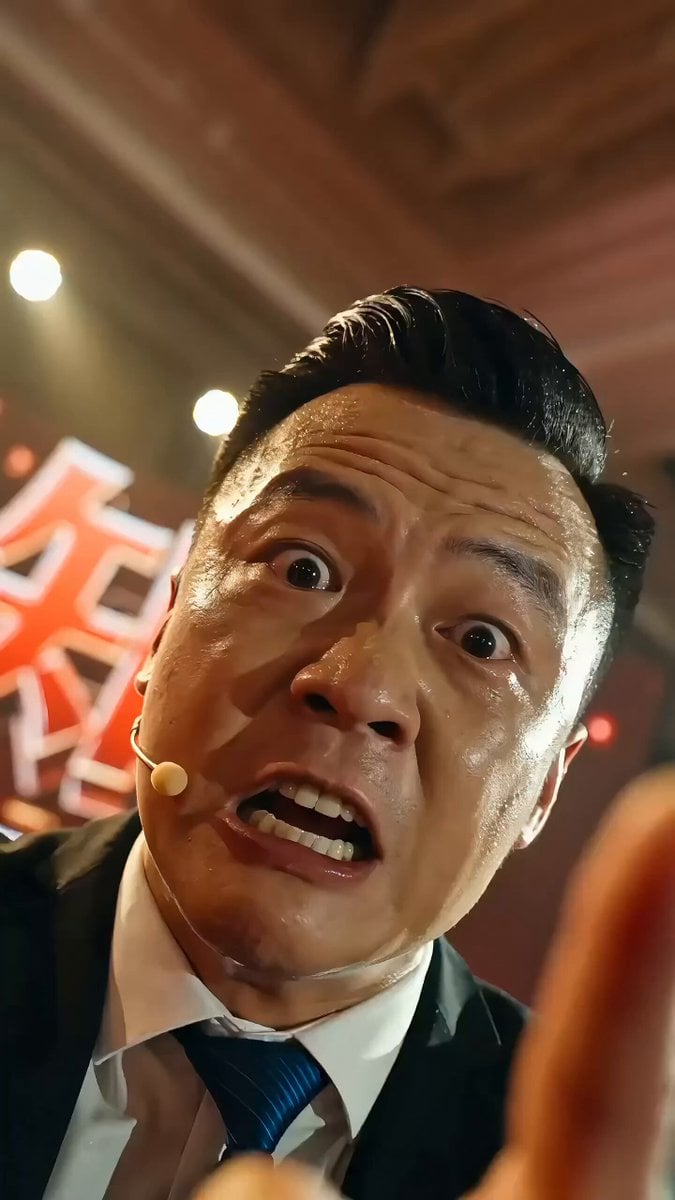
Chinese Success Seminar (Chicken Soup) Video Prompt
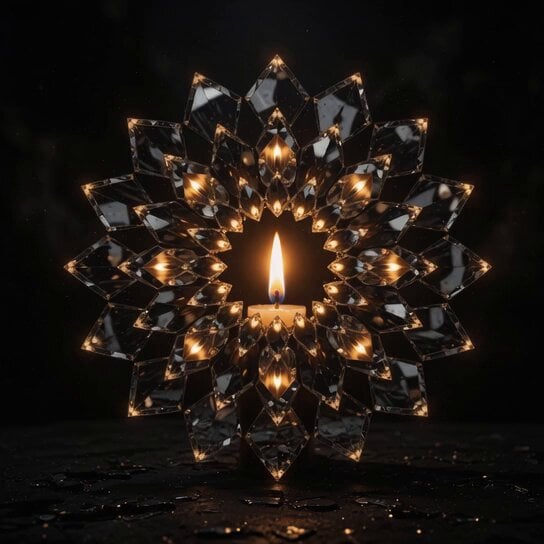
Candle Mandala Mirror Video
Browse template categories
America 250th Anniversary Celebration Drone Show questions
How do I use the America 250th Anniversary Celebration Drone Show template?
Add your photo if the template asks for one, edit the prompt if you like — the template's model and format are already selected — and press Generate. Your version opens in PicX Studio.
Can I customize the America 250th Anniversary Celebration Drone Show template?
Yes. You can change the subject, setting, lighting, mood, format, and available model controls before creating your video.
Is the America 250th Anniversary Celebration Drone Show template free?
Opening and editing this template is free. Generating uses credits, shown on the Generate button when you are signed in.
Which AI model should I use?
Start with Seedance 2.0, which is the model associated with this template. You can compare another compatible model for a different finish.
Looking for something else? Browse all templates.

Your photo, any look
Thousands of ready templates for every top image and video model, from one credit balance.