
Sad Swing Scene
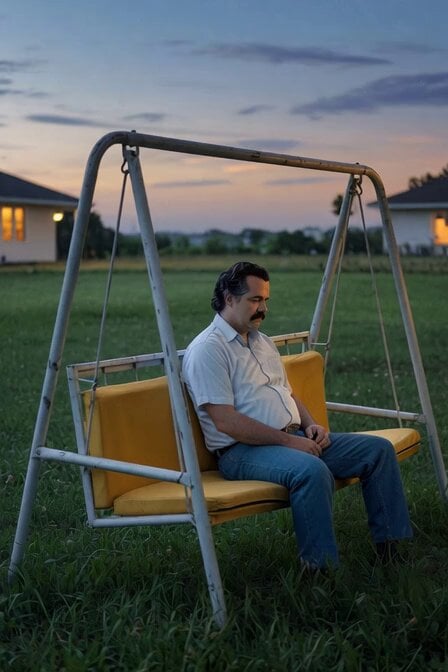
A melancholy video prompt of a person on a swing set, combined with philosophical dialogue about the world.
- Prompt included
- Model and format preset
- Free template
The prompt behind this video
Copy the exact prompt behind Sad Swing Scene, or open it in the studio and make it yours.
he swings sadly, waiting for someone, his head down And see is saying something about this world like its a good place to live but you gotta work
How to use Sad Swing Scene in 3 steps
- 1
Open
The prompt is already in the box next to the preview, with the template's model and format selected.
- 2…a portrait of your subject in softgolden-hour light, 85mm…
Personalize
Edit the subject and creative details for your destination.
- 3Generate
Generate
Press Generate — your video is created in PicX Studio, so you can compare it with the original and refine one variable at a time.
More like this
Templates with the same subject, style or setup. Open one to see its prompt.

Grok Imagine Prompt: Family on a porch swing on the moon
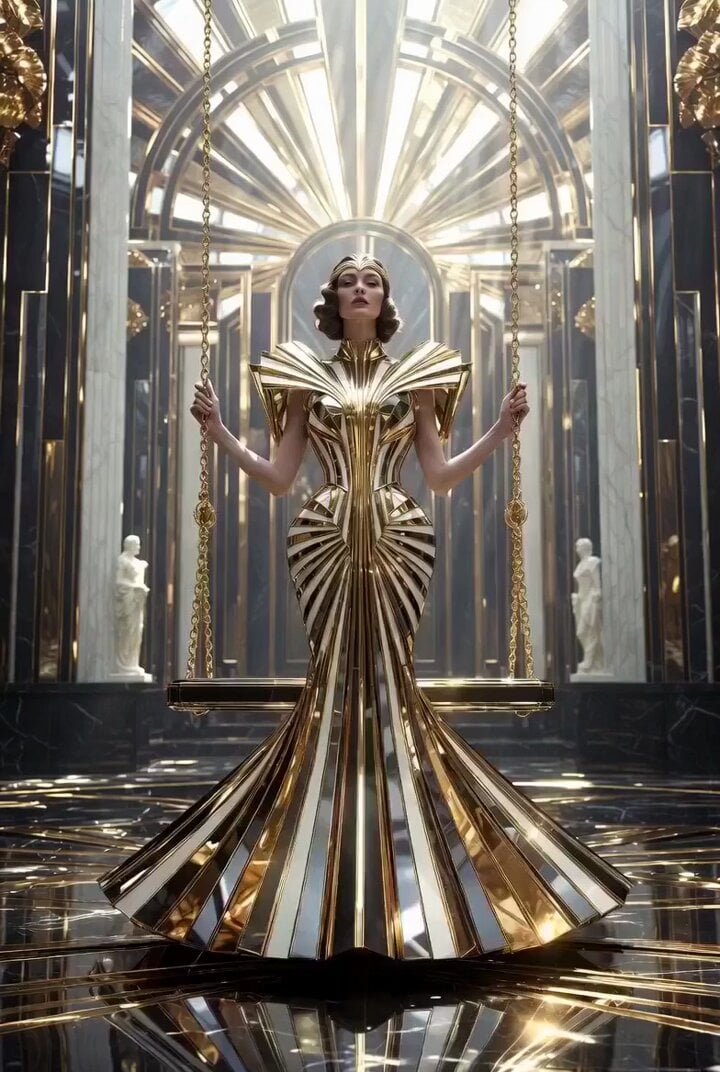
Ultra Luxurious Art Deco Dream Garden Swing (30s Video)

Rococo Celestial Swing

Victims inheriting the whip and swinging it harder
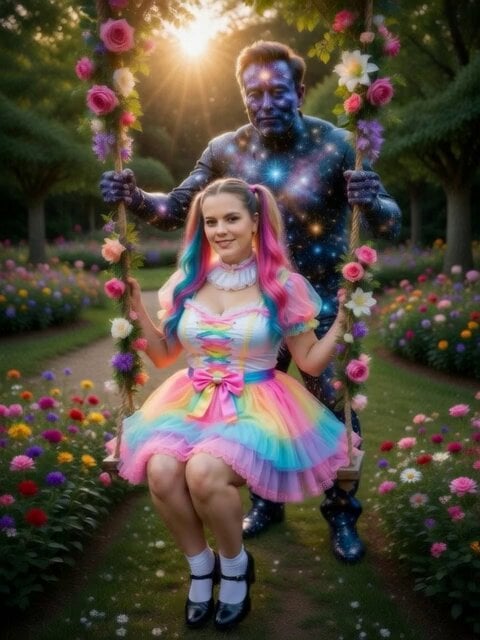
Exploding man and sad woman video prompt
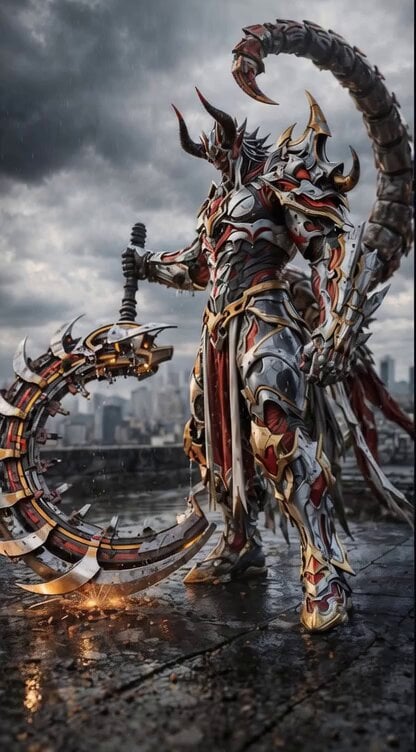
Grok Imagine Prompt: Cinematic 5-second 4K video of a demonic warrior swinging a scythe

Kaleidoscopic Cosmic Dolphin Video

Horror Daffy Duck Video Transition

America 250th Anniversary Celebration

Glowing Water Forest Night Prompt

Soft Pink Roses Dreamer Prompt

Ninja Wizard Levitation Jump
Make it yours
Sad Swing Scene works as-is. These are the safest ways to change it without losing the look.
Change one field
Copy a single group, rewrite it, and generate again so you can see what that field is doing.
Keep the frame, change the subject
Hold the composition and light of Sad Swing Scene, then swap wardrobe, props or the person for a new take.
| If the result… | Why | Fix |
|---|---|---|
| The result drifts from the preview | Too many fields changed at once. | Reuse Sad Swing Scene as-is first, then change one group — subject, light, or setting. |
| The model over-stylizes the scene | The prose prompt leaves finish and camera underspecified. | Add one camera or lighting sentence and stay on Grok Imagine. |
More Grok Imagine templates
Other prompts made for Grok Imagine.

Mecha Runway Tap Dance Video Prompt

Emotional Angry Couple Drama

Bitcoin liferaft video prompt

Woman floating down, opening eyes and looking deeply into the viewer's eyes
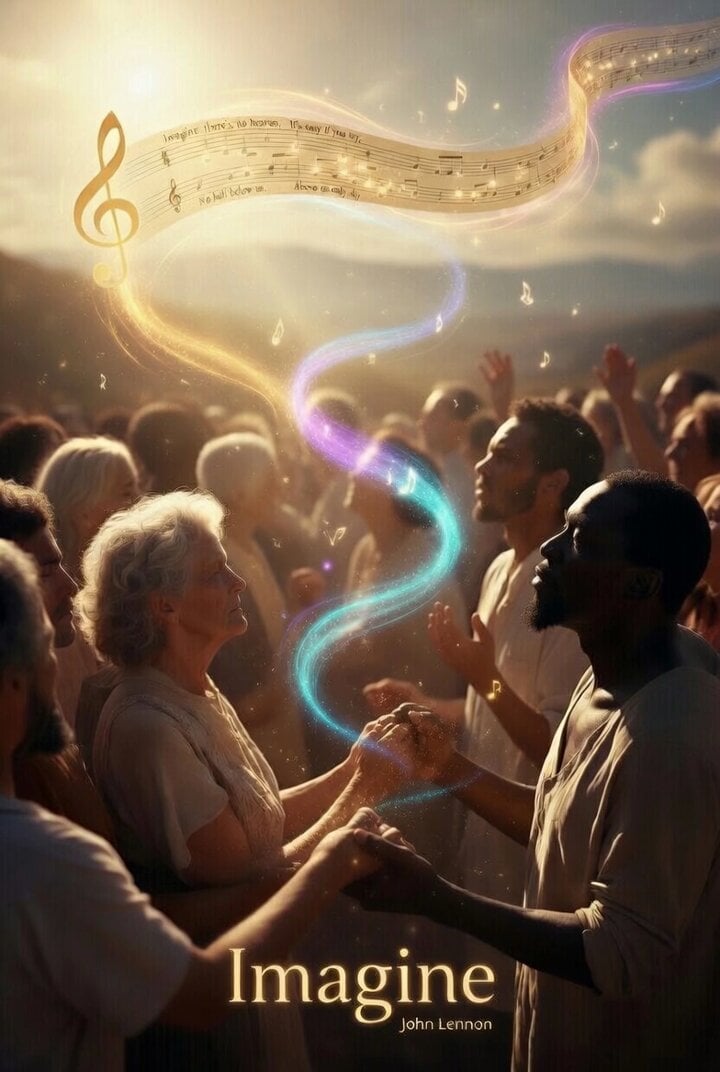
Utopian World of Harmony and Peace
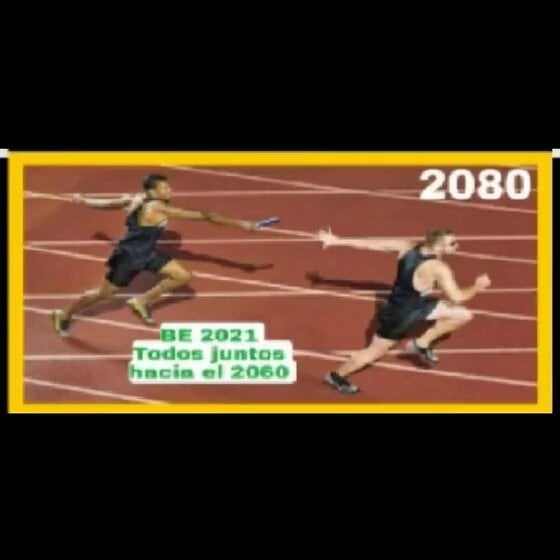
Runner with BE 2060 i inscription passing through sequential doors video prompt
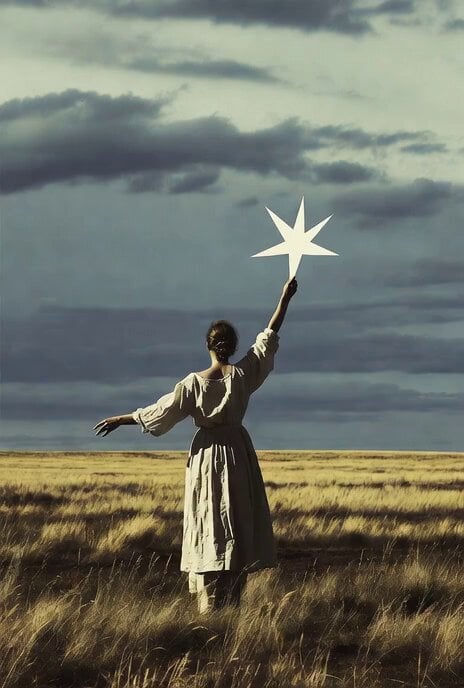
Wind Blows Paper, Camera Follows

Watercolor Painting of Gypsy Woman and White Horse
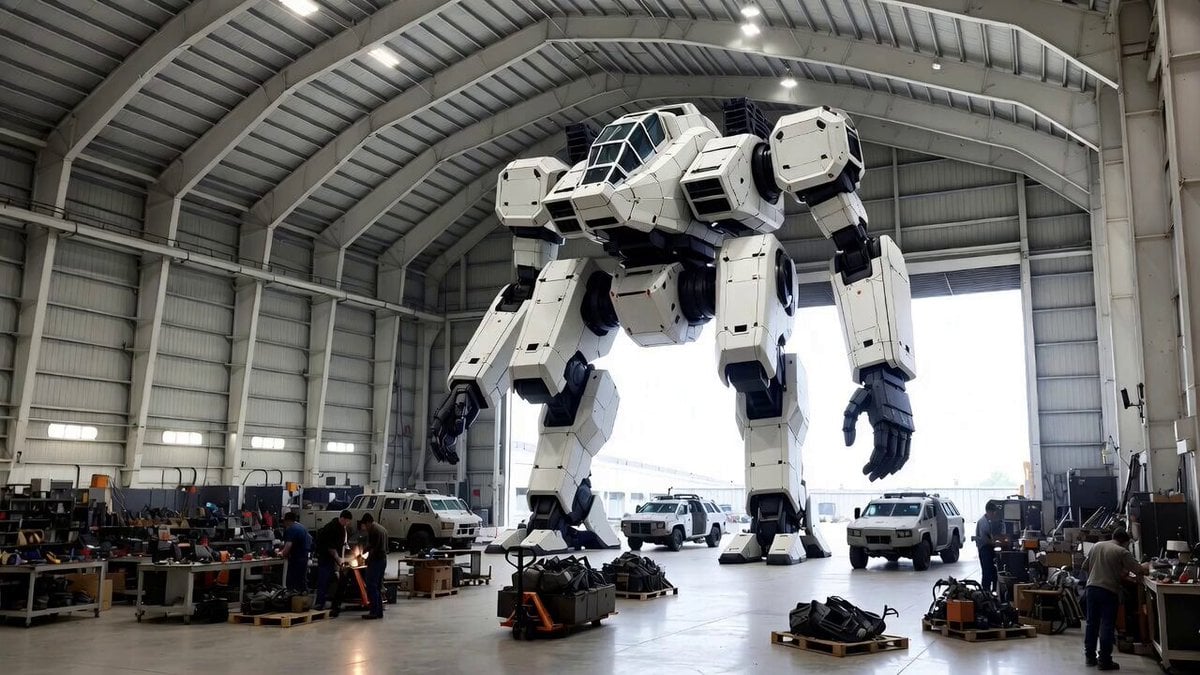
Video Generation Prompt: Mech in Aircraft Hangar

Cute Kitty on Soap Bubble Video Prompt
More video prompts
Fresh picks from across the catalog.

Dragon Egg Adventure Sequence
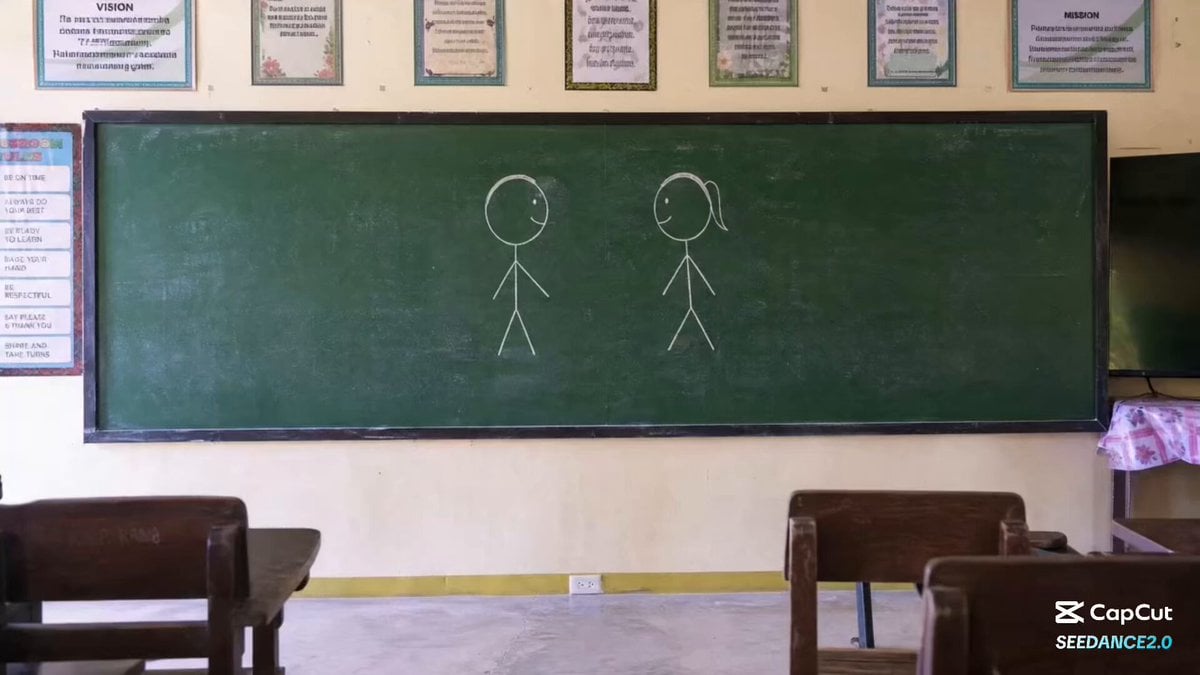
Chalkboard Stick Figure Karate Battle
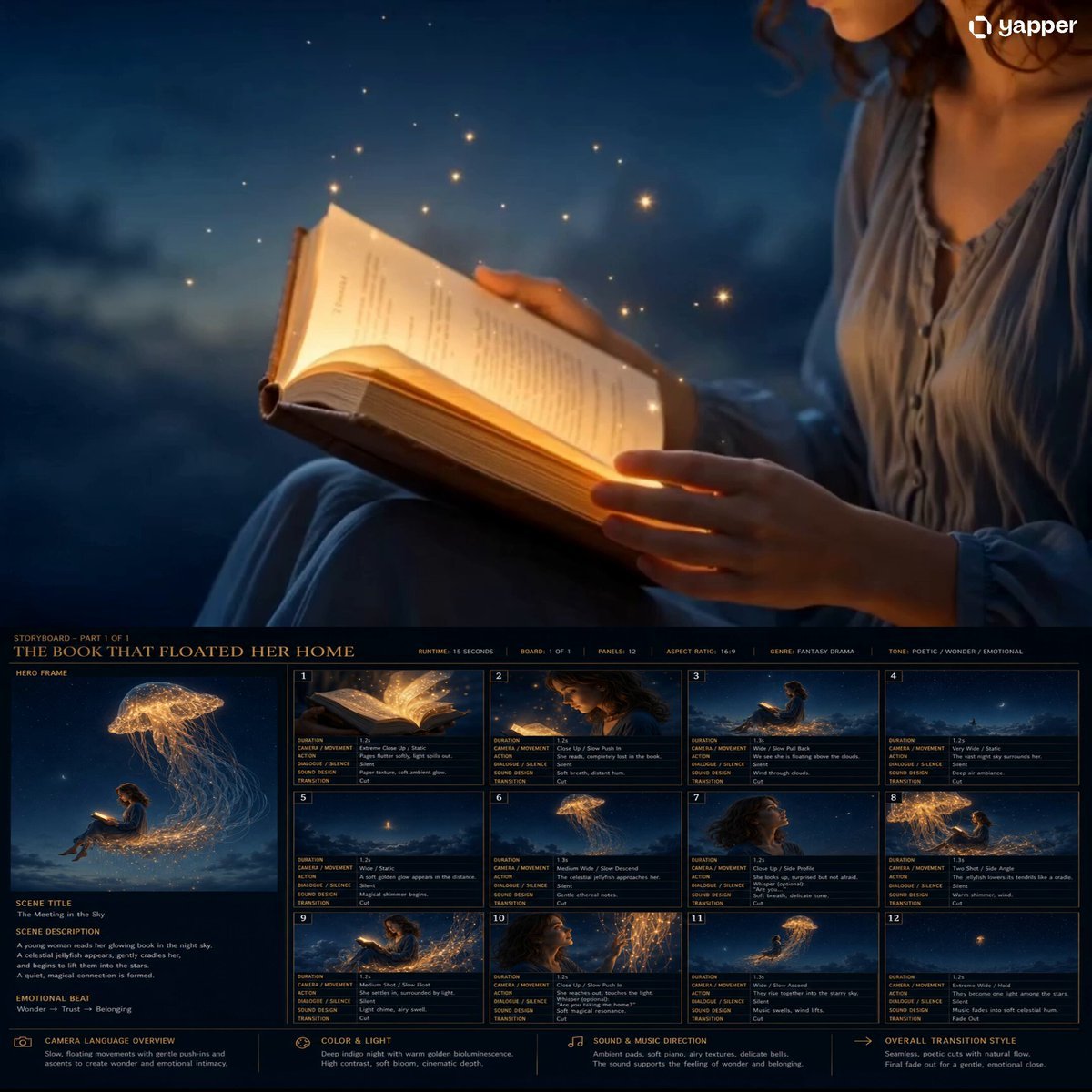
Floating Book and Celestial Jellyfish Guardian
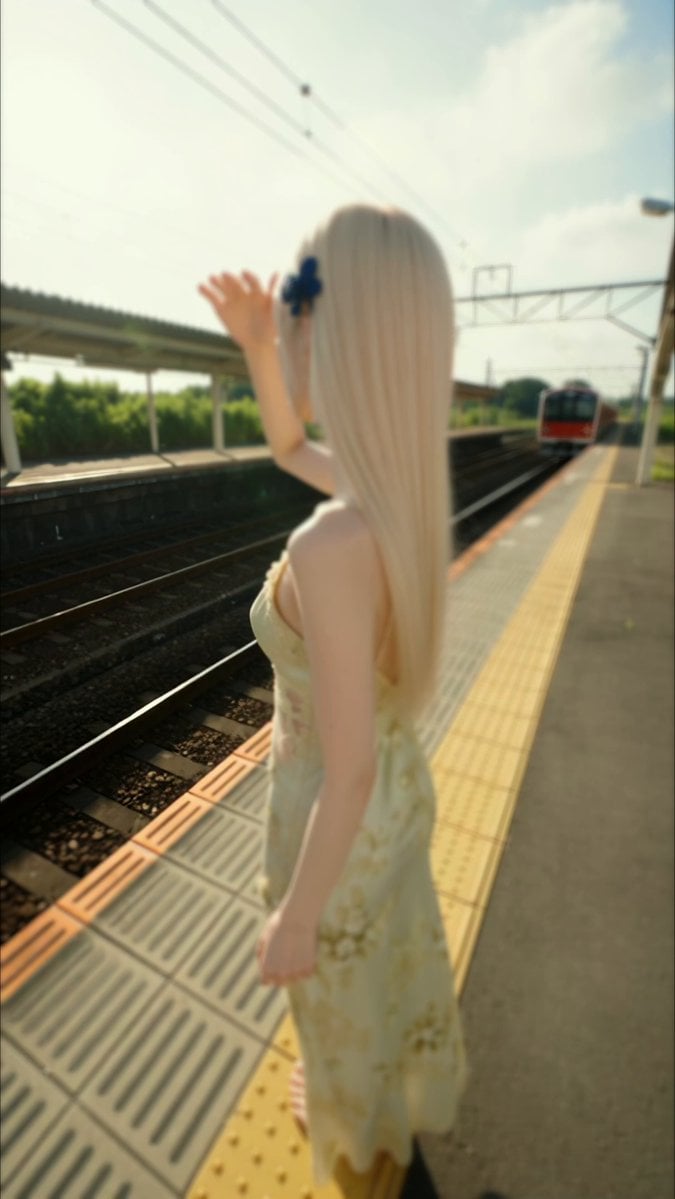
Vintage Japanese MiniDV Travel Memory
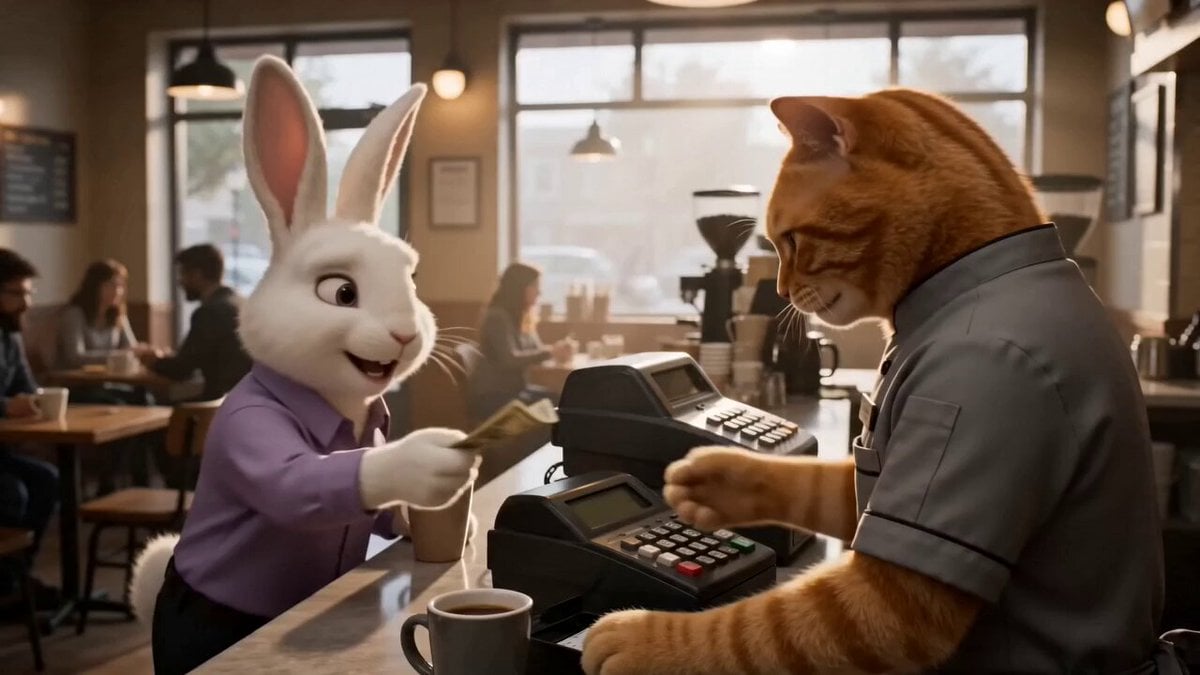
Café Counter Fight Cat Drama
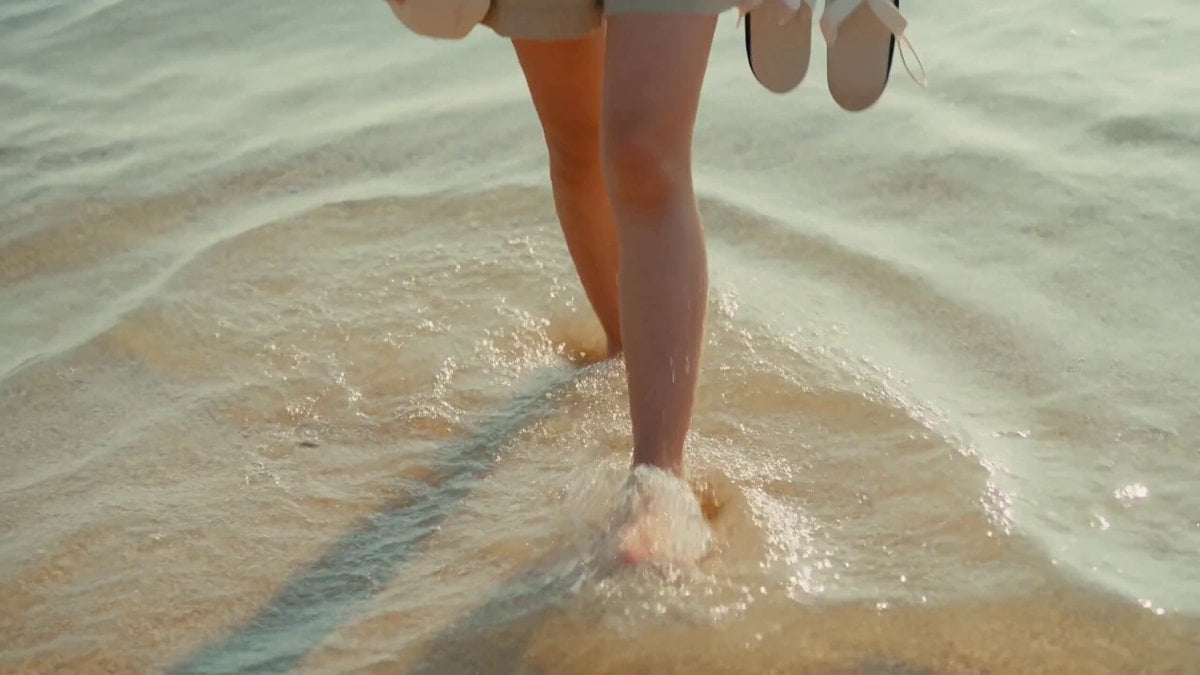
2000s MiniDV Jeju Island Beach Walk

Photorealistic Arena Boxing Fight

Multi-Panel Shutter MV Anime

Boxing knockout climax video prompt
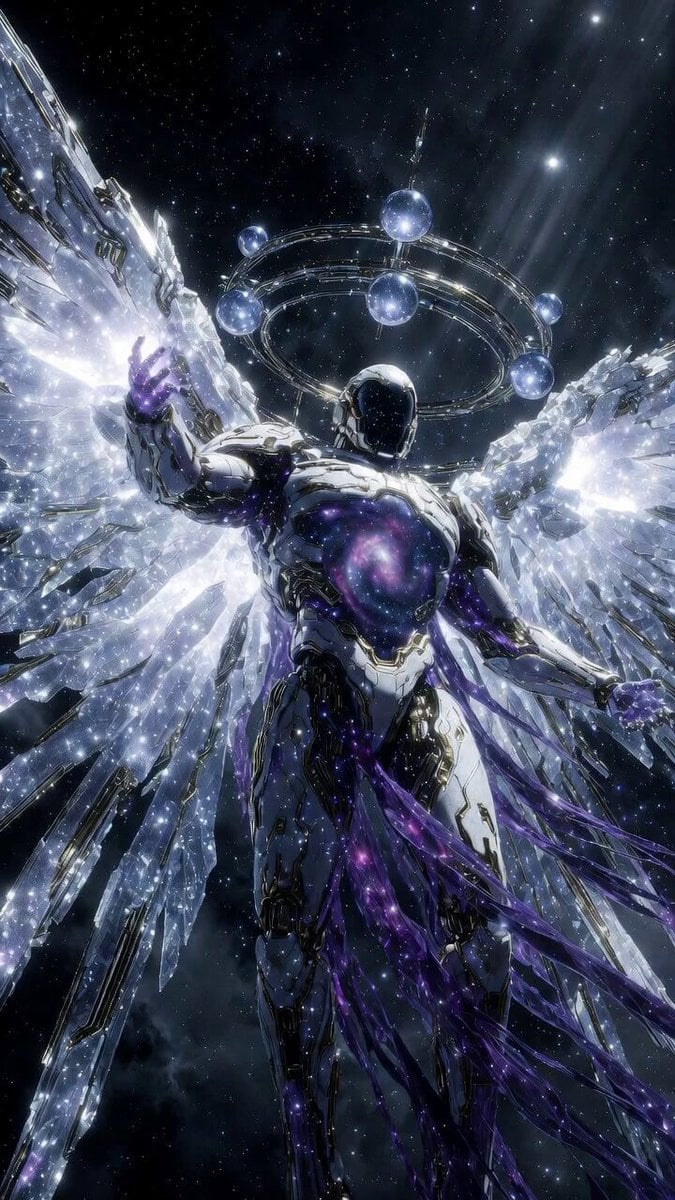
Hyperrealistic Cosmic-Mechanical Celestial Being
Browse template categories
Sad Swing Scene questions
How do I use the Sad Swing Scene template?
Add your photo if the template asks for one, edit the prompt if you like — the template's model and format are already selected — and press Generate. Your version opens in PicX Studio.
Can I customize the Sad Swing Scene template?
Yes. You can change the subject, setting, lighting, mood, format, and available model controls before creating your video.
Is the Sad Swing Scene template free?
Opening and editing this template is free. Generating uses credits, shown on the Generate button when you are signed in.
Which AI model should I use?
Start with Grok Imagine, which is the model associated with this template. You can compare another compatible model for a different finish.
Looking for something else? Browse all templates.

Your photo, any look
Thousands of ready templates for every top image and video model, from one credit balance.