
Dragon Egg Adventure Sequence
A comprehensive 9-shot storyboard prompt for a Pixar-style 3D animated adventure about a boy and a baby dragon.
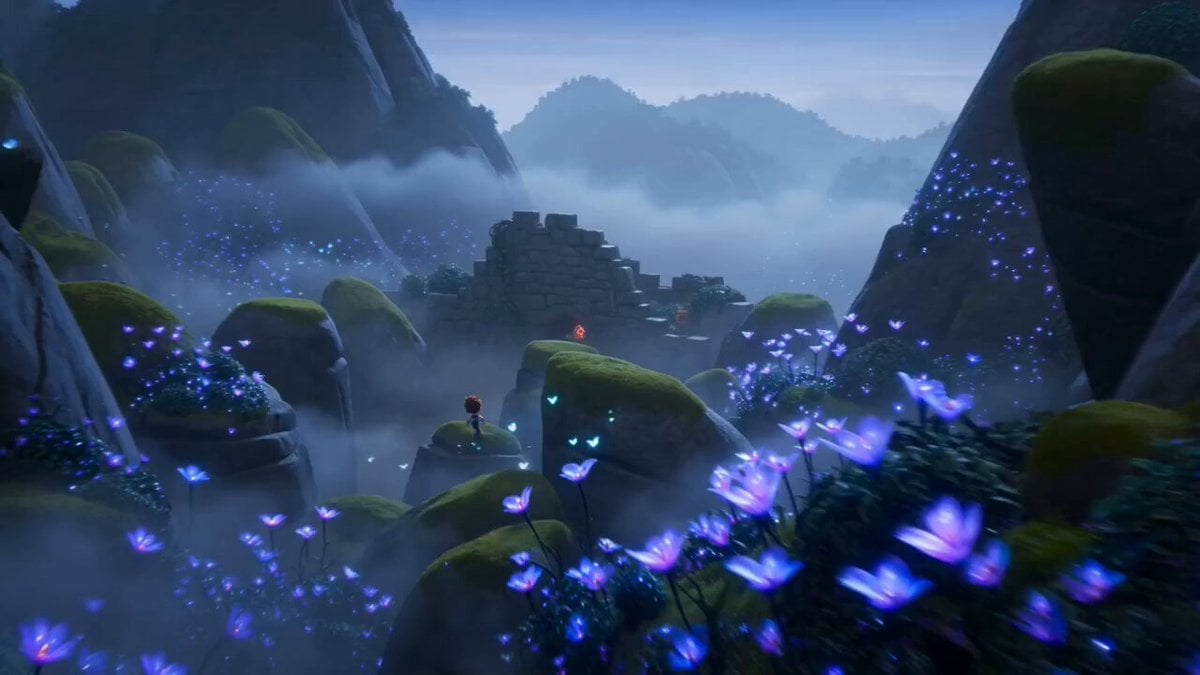
- Prompt included
- Model and format preset
- Free template
The prompt behind this video
Copy the exact prompt behind Dragon Egg Adventure Sequence, or open it in the studio and make it yours.
Stylized 3D animated fantasy adventure, Pixar-quality, cute brave young explorer with big expressive eyes, small backpack, colorful outfit, magical mountain valley, glowing flowers, floating butterflies, cinematic lighting, family-friendly, ultra-detailed, vibrant colors, epic but adorable mood, dynamic camera movement, high-quality 3D animation. Shot 1: Wide cinematic shot of a cute young adventurer exploring a misty mountain valley filled with glowing flowers, ancient ruins, floating butterflies, magical atmosphere. Cut to Shot 2: The hero discovers a giant glowing dragon egg hidden among ancient stone ruins, orange magical cracks glowing brightly. Cut to Shot 3: Close-up as the egg cracks open and an adorable baby dragon emerges, blinking its huge eyes, looking scared and confused. Cut to Shot 4: A group of mischievous goblins rush out from behind rocks and bushes, trying to steal the dragon egg. Cut to Shot 5: Action sequence as the hero grabs the baby dragon and runs through winding mountain paths while goblins chase behind. Cut to Shot 6: Goblin leader appears, casting purple magical fireballs, dramatic fantasy action. Cut to Shot 7: The baby dragon suddenly discovers its fire breath and blasts the goblins, creating a harmless burst of sparks and smoke. Cut to Shot 8: A majestic giant dragon mother descends from the clouds, wings spreading across the sky, golden sunlight illuminating the valley. Cut to Shot 9: Final heroic shot at sunset, the adventurer waves goodbye while the baby dragon flies beside its mother above the mountains, cinematic golden sky, emotional ending, epic fantasy atmosphere.
How to use Dragon Egg Adventure Sequence in 3 steps
- 1
Open
The prompt is already in the box next to the preview, with the template's model and format selected.
- 2…a portrait of your subject in softgolden-hour light, 85mm…
Personalize
Edit the subject and creative details for your destination.
- 3Generate
Generate
Press Generate — your video is created in PicX Studio, so you can compare it with the original and refine one variable at a time.
More like this
Templates with the same subject, style or setup. Open one to see its prompt.

Dragon Rider Cinematic Flight — Seedance 2.5

Fantasy Dragon Chase Sequence
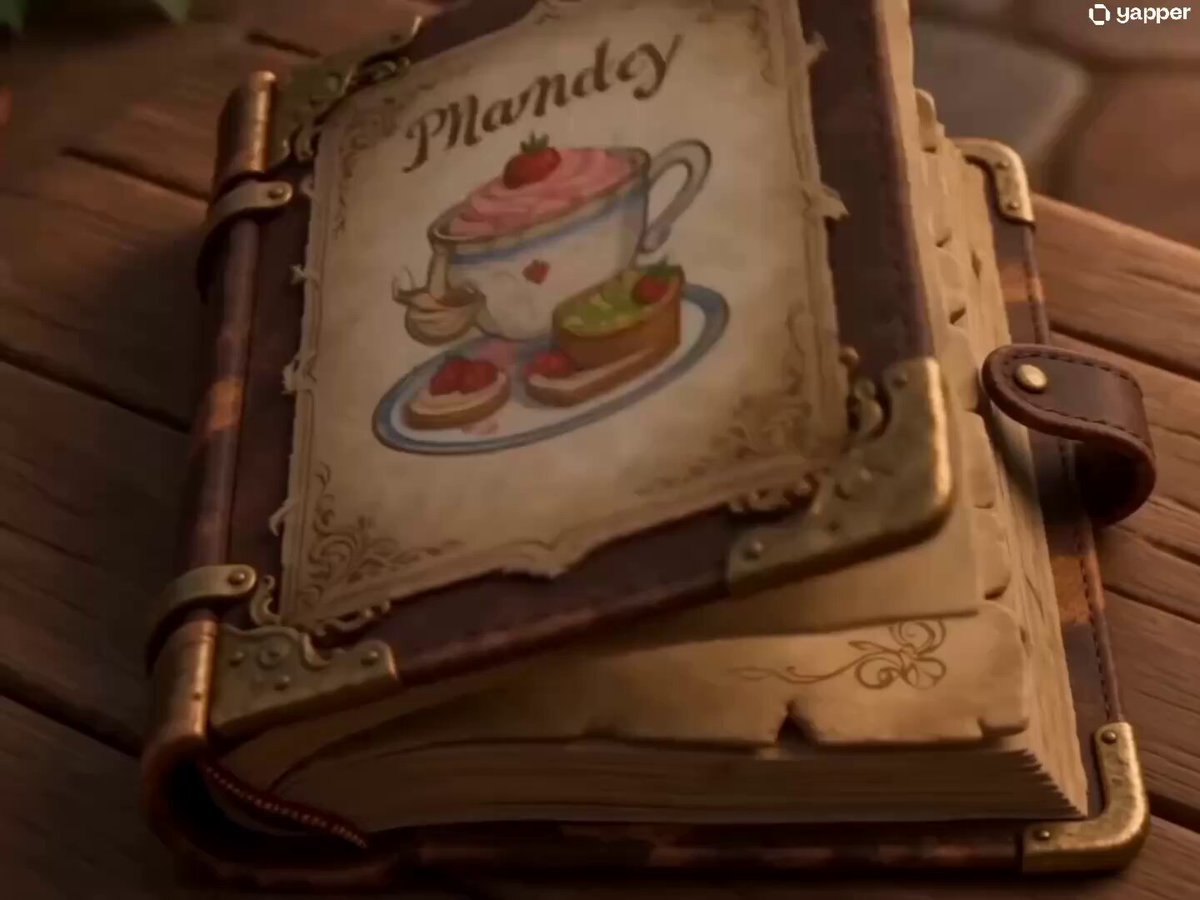
Baby Dragon Baking Adventure
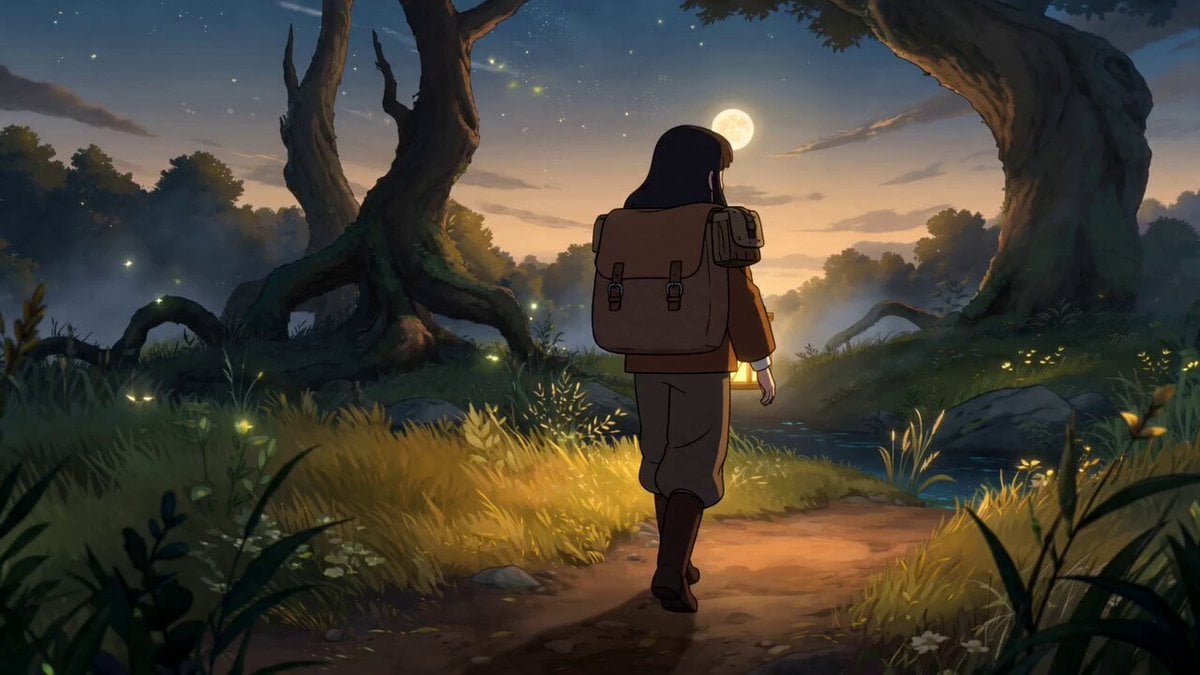
Fantasy Anime Forest Adventure Sequence
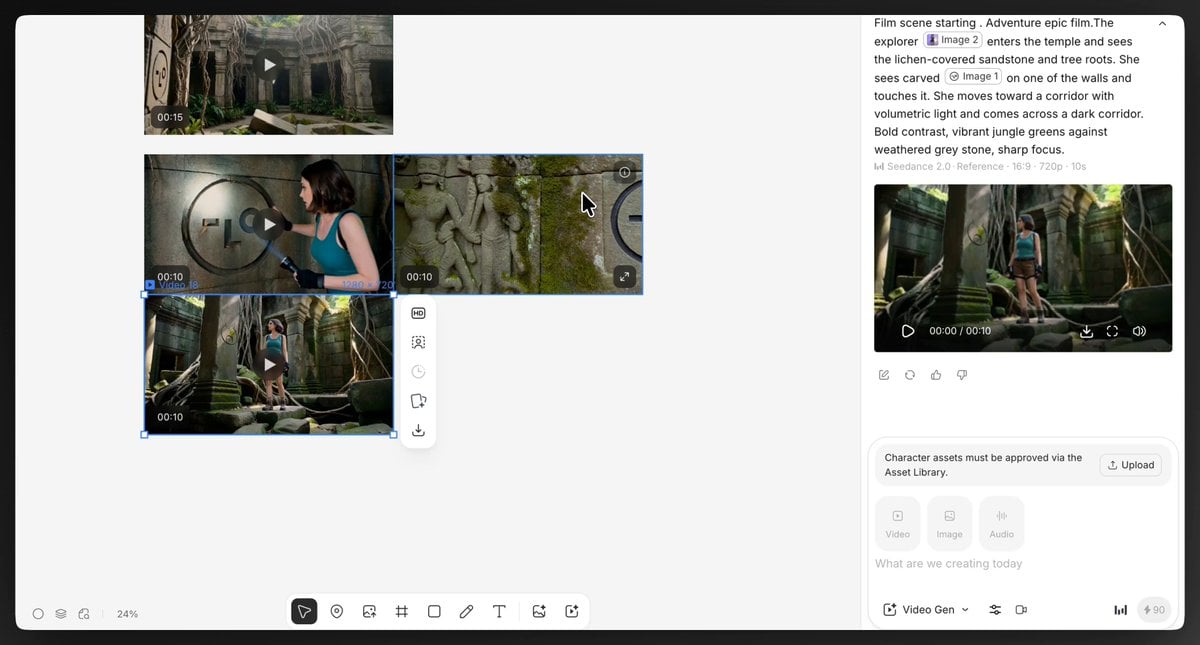
Epic Temple Adventure Sequence
Epic Mountain Dragon Sequence
Fantasy Rabbit Hole Adventure Sequence
Underground Temple Escape — Seedance 2.0
Dragon Rescue — Volcanic Kingdom Collapse (Seedance)
Chibi Cave Adventure — He Doesn't Know What's Coming
Adventurer Path Creator - Seedance 2
Ice Tiger vs Dragon - Seedance 2.0
Make it yours
Dragon Egg Adventure Sequence works as-is. These are the safest ways to change it without losing the look.
Change one field
Copy a single group, rewrite it, and generate again so you can see what that field is doing.
Keep the frame, change the subject
Hold the composition and light of Dragon Egg Adventure Sequence, then swap wardrobe, props or the person for a new take.
| If the result… | Why | Fix |
|---|---|---|
| The result drifts from the preview | Too many fields changed at once. | Reuse Dragon Egg Adventure Sequence as-is first, then change one group — subject, light, or setting. |
| The model over-stylizes the scene | The prose prompt leaves finish and camera underspecified. | Add one camera or lighting sentence and stay on Seedance 2.0. |
More Seedance 2.0 templates
Other prompts made for Seedance 2.0.

Comical Martial Arts Punch Scene

Wuxia Protection and Trust Script

Vintage Korean Arcade MiniDV Vlog

Mercedes 190 SL Luxury Ad

Rainy Night Supernatural Reverse Comedy Video Script

Amazon Civilization Discovery

Futuristic South Asian City Transformation

Cozy Luxury Cafe Commercial

Cyber Ronin Nanotech Transformation Video

Desert Courier and Sandstorm Leviathan Chase
More video prompts
Fresh picks from across the catalog.
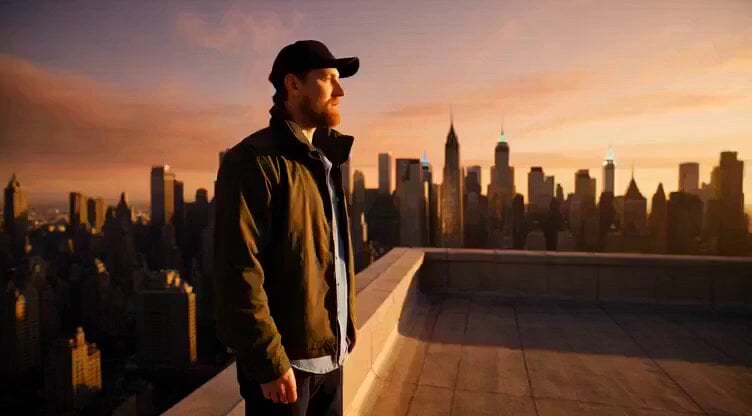
Flying sailing ship leaving New York skyline
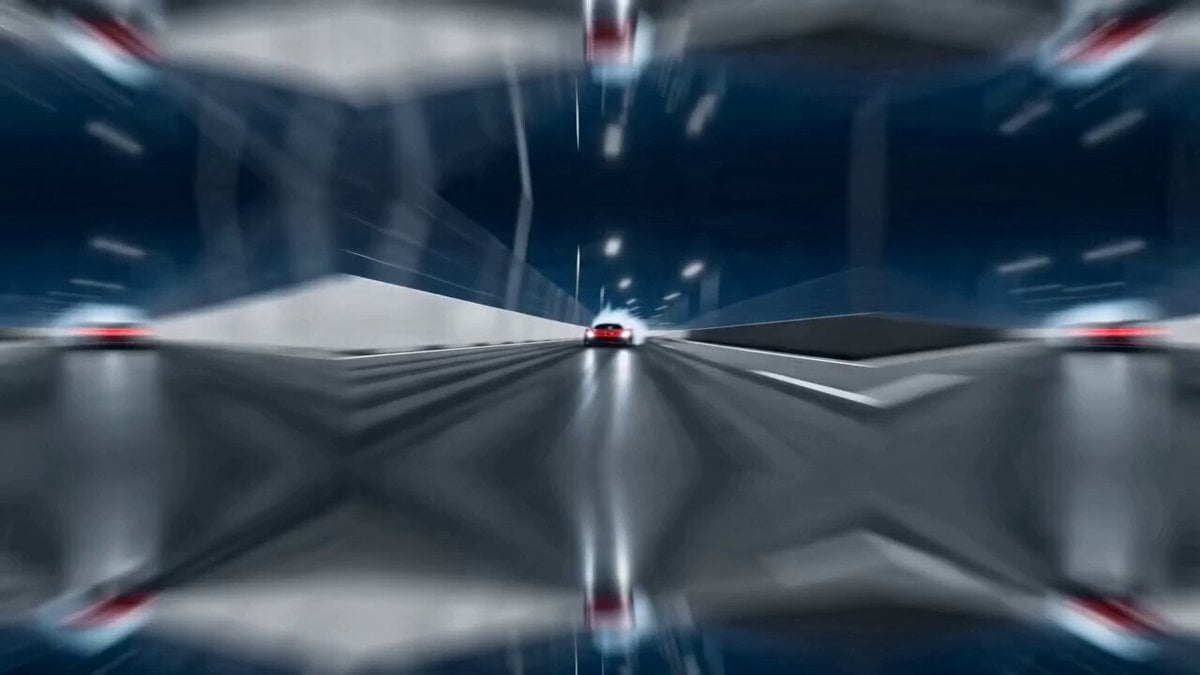
Action movie end credits sequence
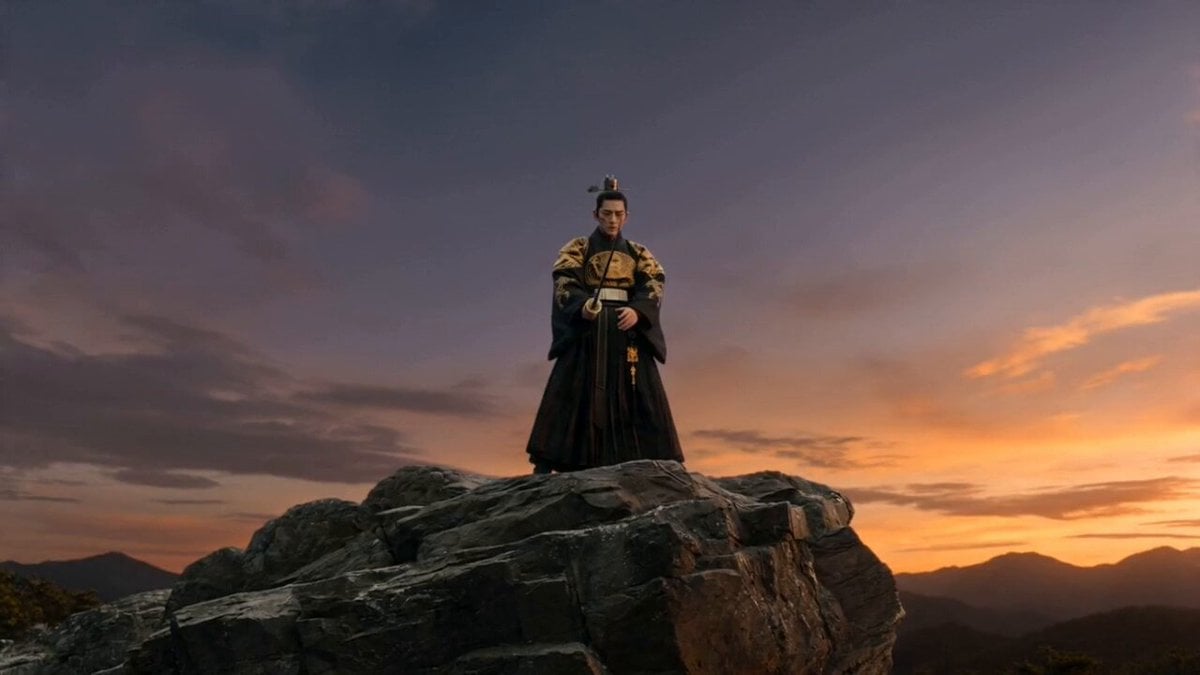
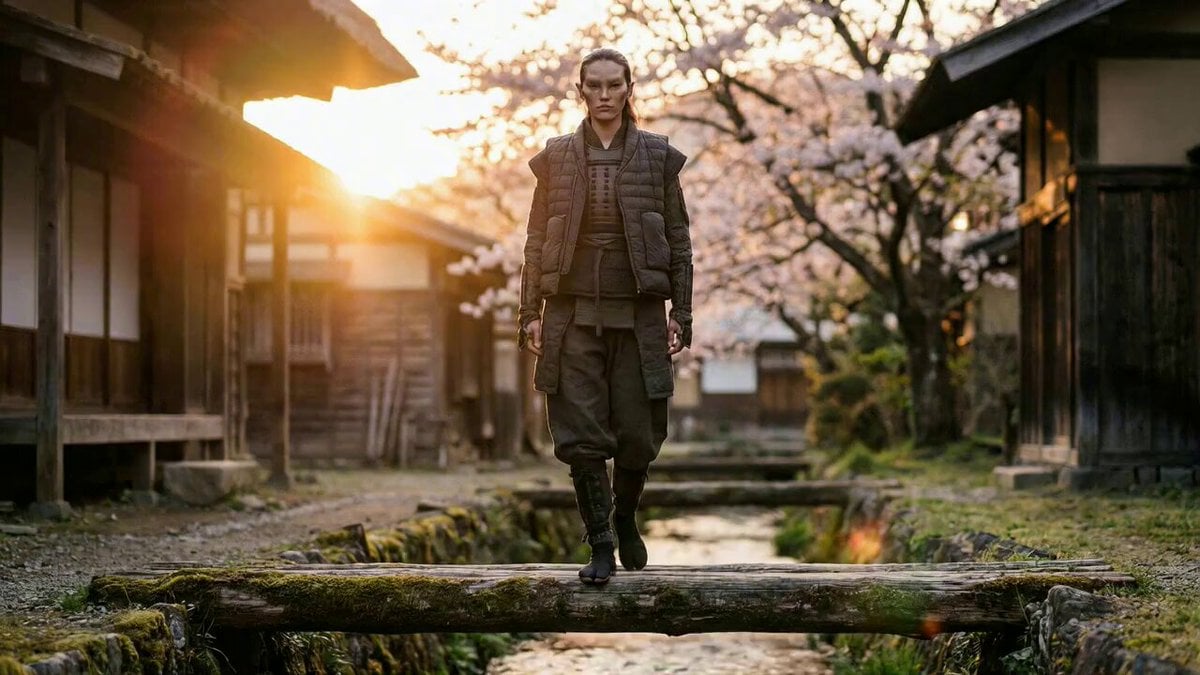
Joseon Warrior Energy Slash Cinematic
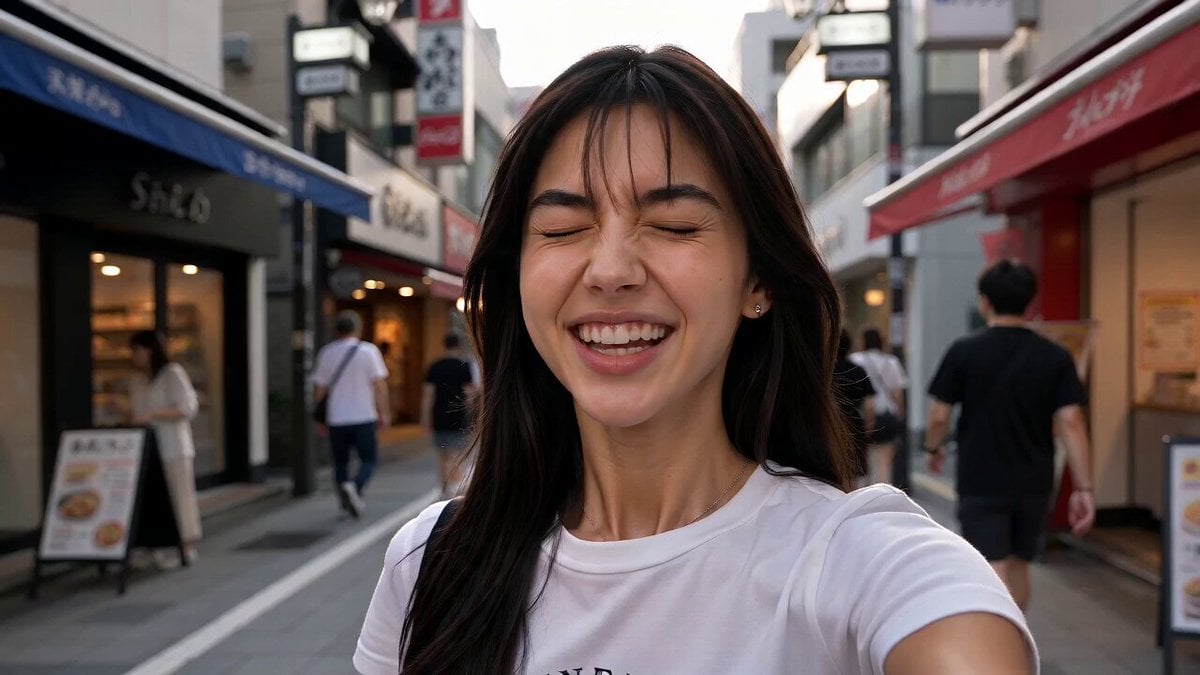
Japan Street Musician Vlog
Magical Transformation Scene
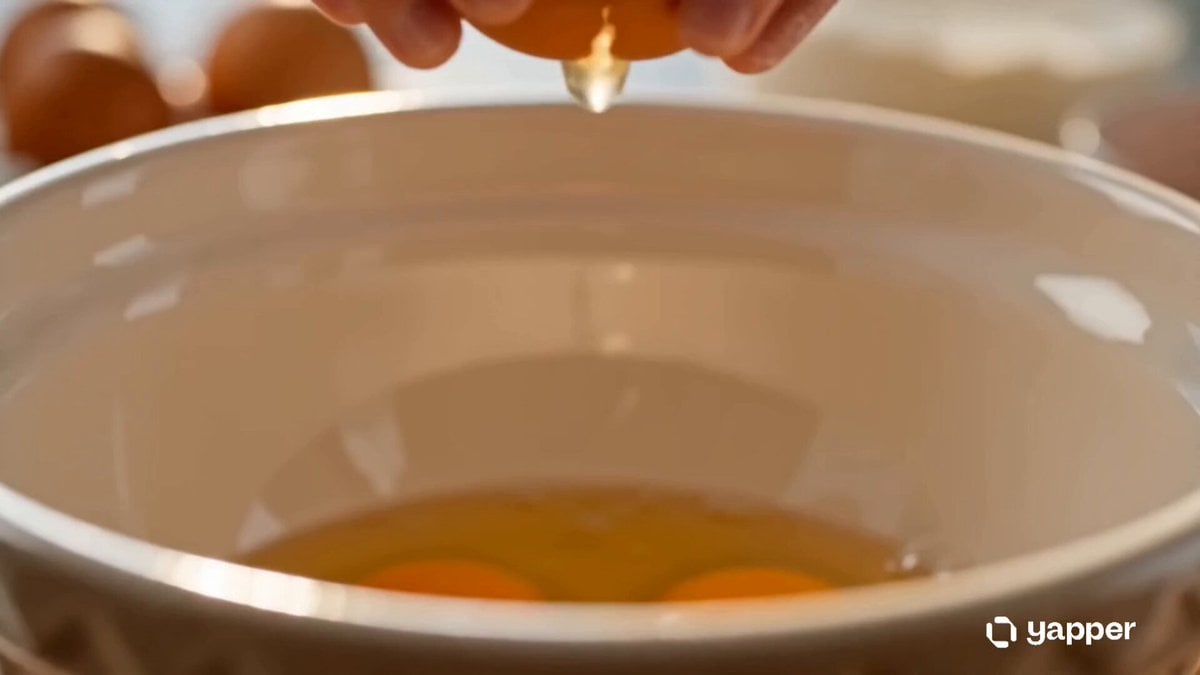
Heartwarming Kitchen Baking Scene
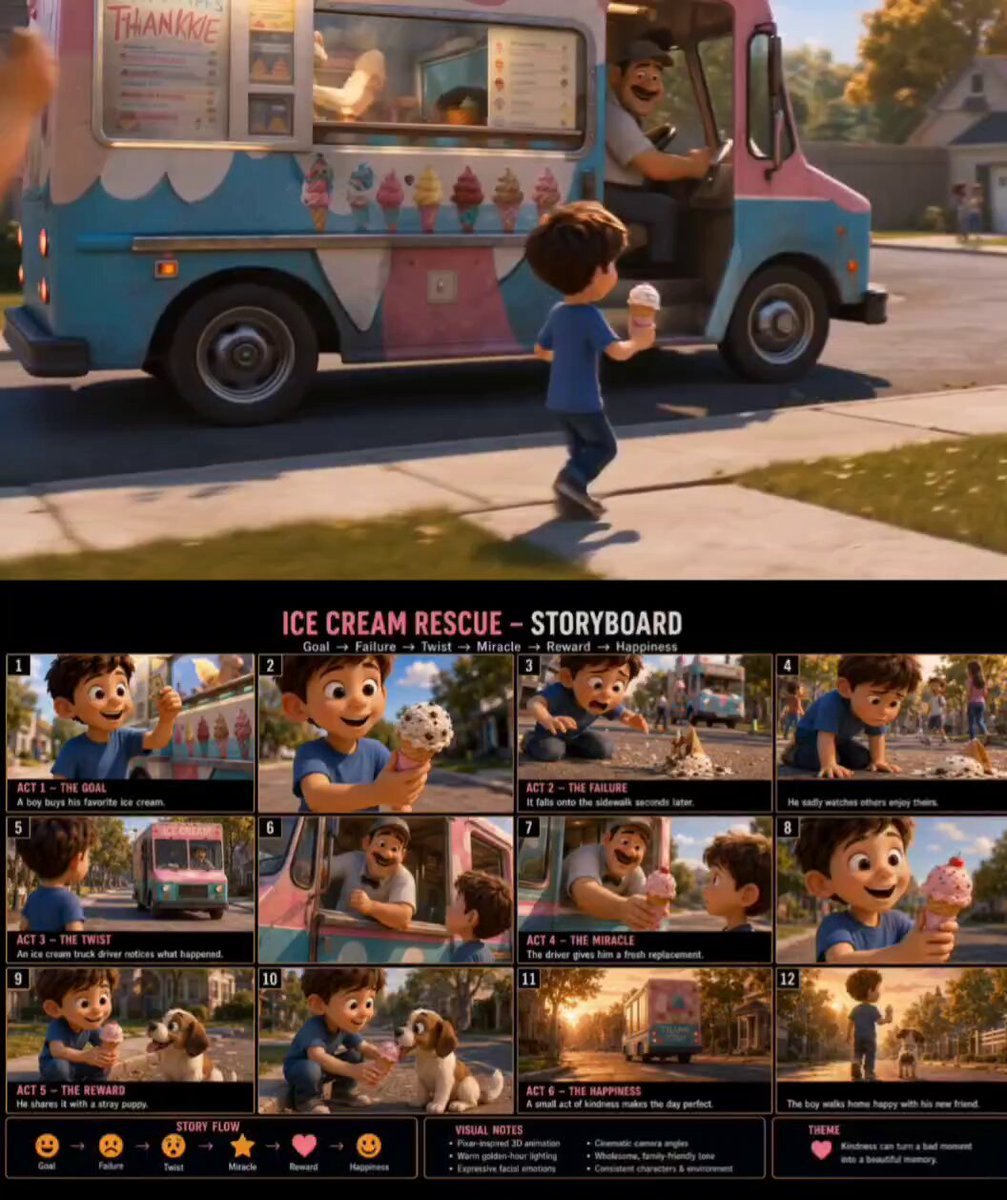
Pixar Style Ice Cream Rescue
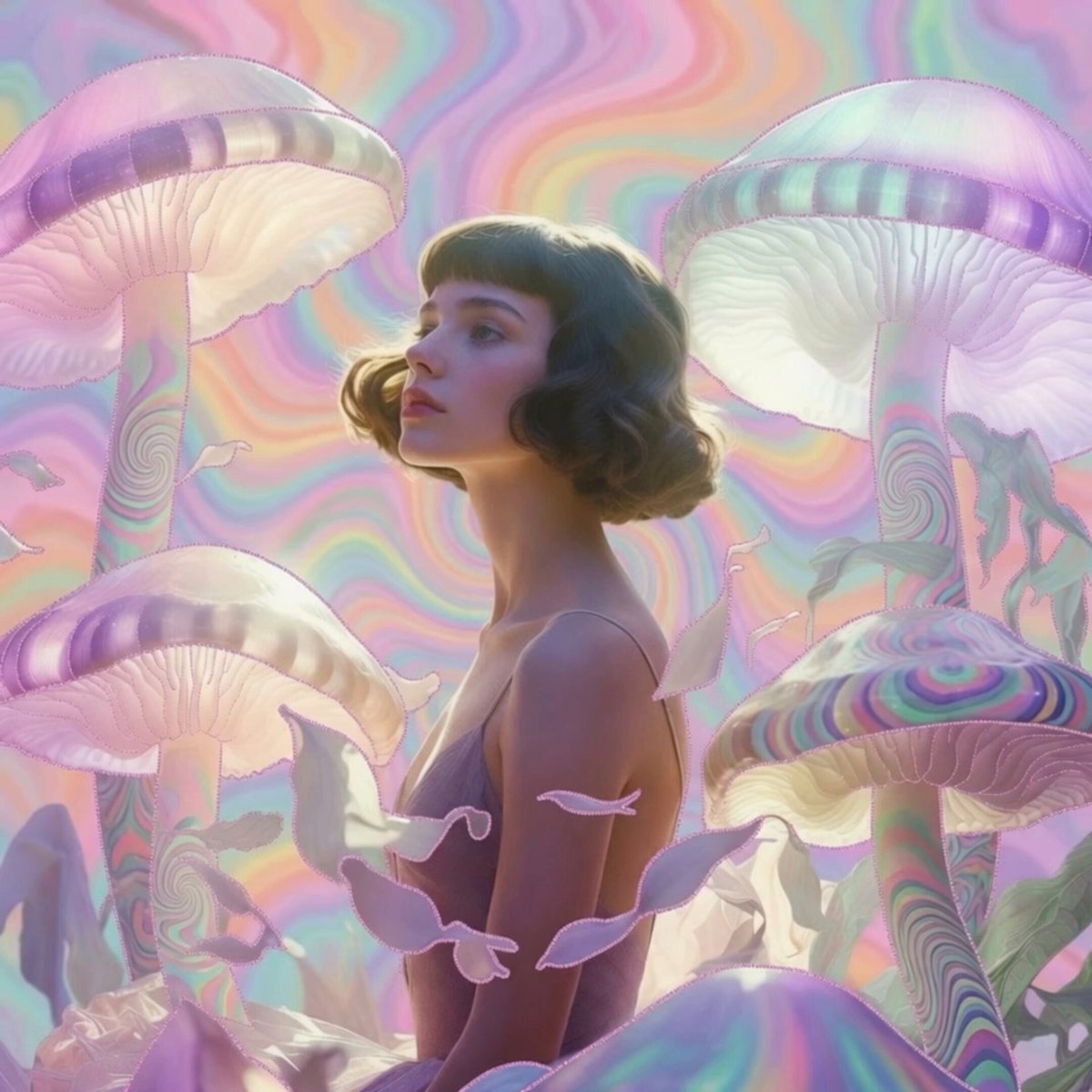
Pastel Psychedelic Mushroom Dream
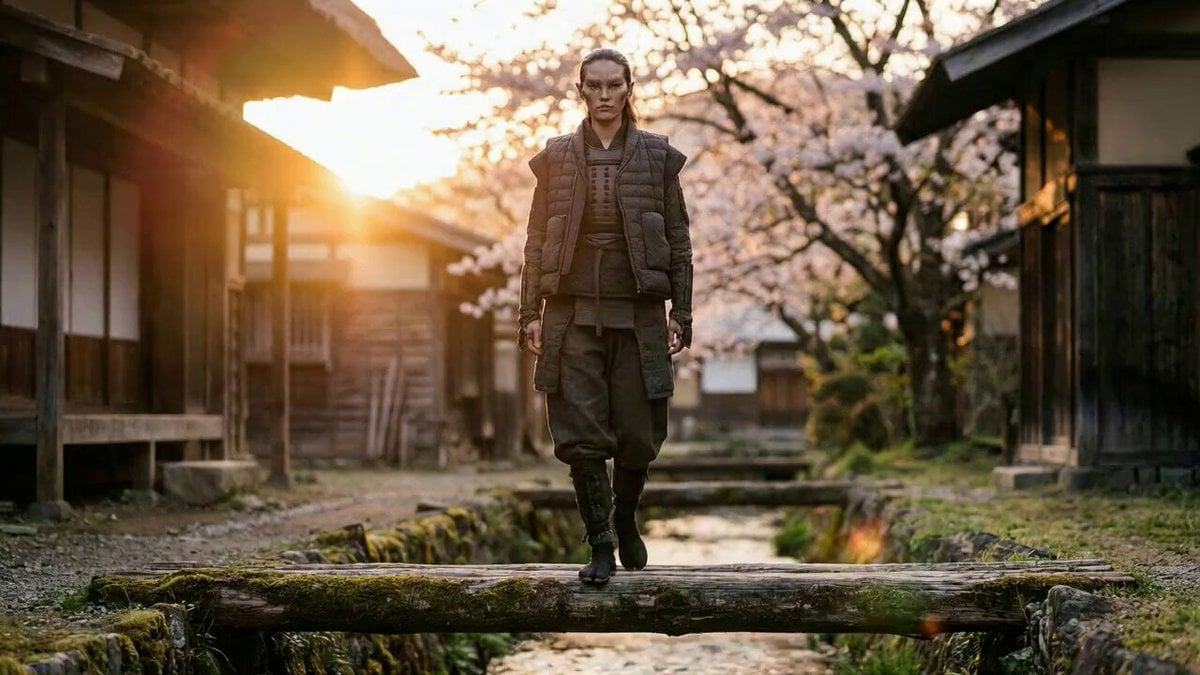
Magical Transformation into a Flying Bird
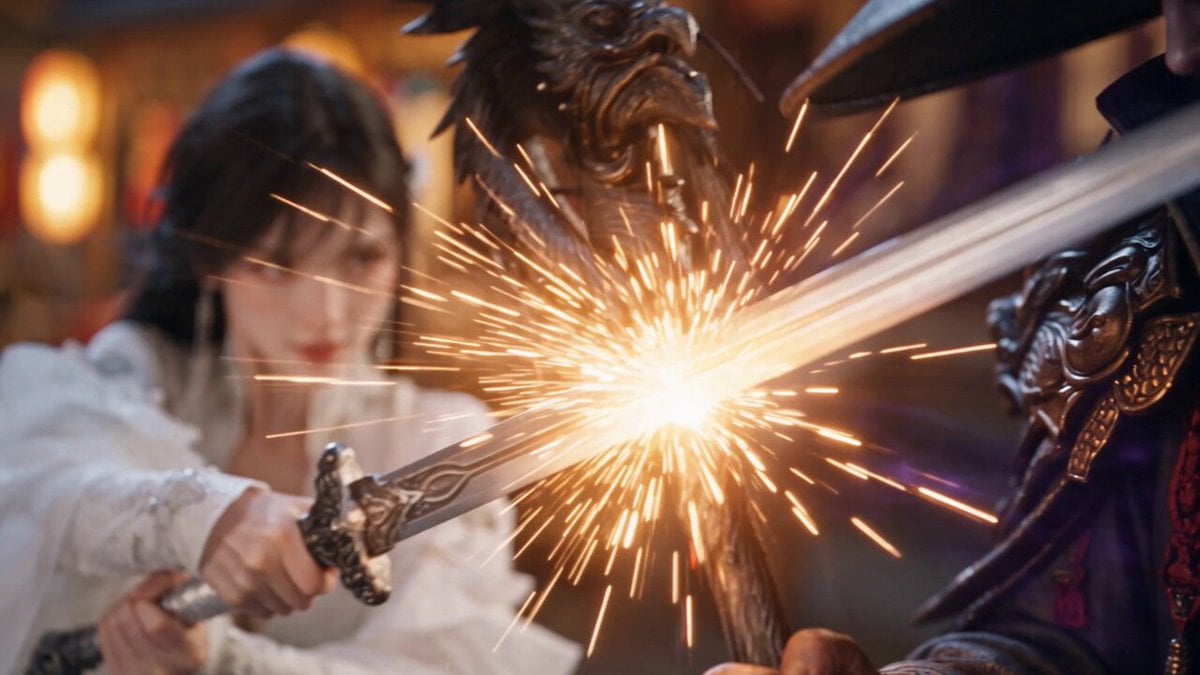
Glacial Martial Arts Duel
Browse template categories
Dragon Egg Adventure Sequence questions
How do I use the Dragon Egg Adventure Sequence template?
Add your photo if the template asks for one, edit the prompt if you like — the template's model and format are already selected — and press Generate. Your version opens in PicX Studio.
Can I customize the Dragon Egg Adventure Sequence template?
Yes. You can change the subject, setting, lighting, mood, format, and available model controls before creating your video.
Is the Dragon Egg Adventure Sequence template free?
Opening and editing this template is free. Generating uses credits, shown on the Generate button when you are signed in.
Which AI model should I use?
Start with Seedance 2.0, which is the model associated with this template. You can compare another compatible model for a different finish.
Looking for something else? Browse all templates.

Your photo, any look
Thousands of ready templates for every top image and video model, from one credit balance.