
Baby Dragon Baking Adventure
A heartwarming Pixar-style prompt for a 3D animated baby dragon clumsily baking a cake for his mother.
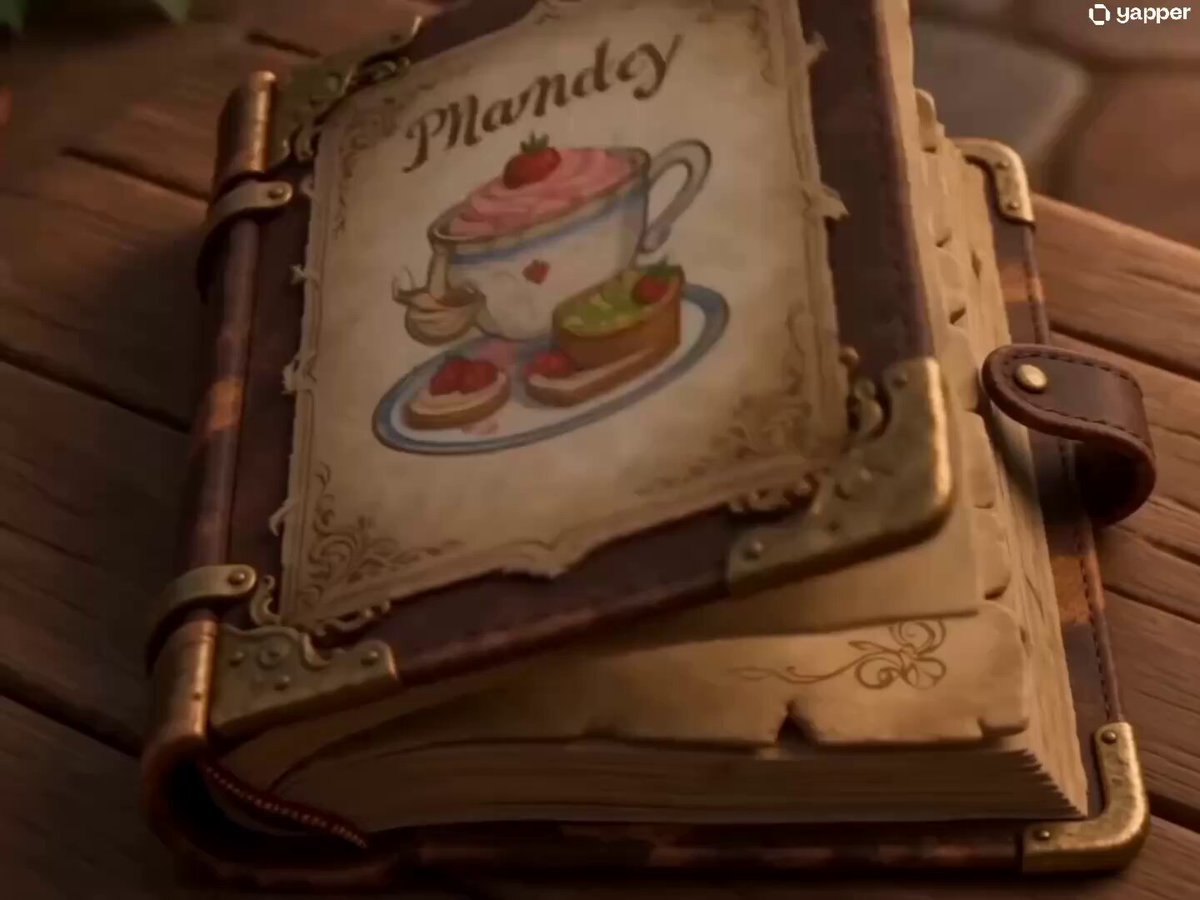
- Prompt included
- Model and format preset
- Free template
The prompt behind this video
Copy the exact prompt behind Baby Dragon Baking Adventure, or open it in the studio and make it yours.
3D cartoon character; STYLE: High-end stylized 3D animated character, cinematic lighting, expressive face, polished materials, exaggerated but believable cute motion, heartwarming visual storytelling, Pixar-like warmth. WARDROBE: Tiny white chef apron with strawberry pattern in all shots, oversized chef hat in shots 1-12, hat replaced with small tilted party hat in shots 13-15. CHARACTER: Tiny round baby dragon, mint-green. scales with soft pink belly, huge sparkling amber eyes, two tiny wings, small round horns, chubby cheeks, the size of a teacup. ENVIRONMENT: Cozy cottage kitchen with warm wooden shelves, copper pots, flower windowsill, fairy lights, small dragon-sized stool. MOOD: Sweet, clumsy, hopeful, slightly chaotic, ending in pure tenderness and magic. SHOT 1: ECU, 85mm push-in / Old recipe book opens itself, page shows "Mama's Birthday Cake" in glowing letters. SHOT 2: MCU, handheld 50mm/The baby dragon climbs onto the stool, peeks over the counter, whispers: "Okay. I can do this." SHOT 3: Detail close-up, 85mm / Tiny claws crack an egg but the whole egg falls in with the shell. SHOT 4: MCU, 50mm slide/He stares at the bowl, blinks twice, shrugs his little wings. SHOT 5: Top-down detail shot, 35mm/ He pours flour from a bag twice his size flour explodes everywhere, covers his face white. SHOT 6: MCU, handheld 50mm / He sneezes a tiny puff of fire sparks fly, he gasps and covers his mouth with both paws. SHOT 7: Detail close-up, 85mm / The fire accidentally lights the oven. His eyes go wide with surprise. SHOT 8: MS, 50mm / He drags the heavy mixing bowl across the counter, tiny wings flapping desperately. SHOT 9: Detail close-up, 85mm /He pours pink batter into a heart-shaped pan, tongue sticking out in concentration. SHOT 10: MCU, 50mm push-in/He watches the oven through the glass, tail wagging slowly, eyes reflecting the warm orange light. SHOT 11: ECU, 85mm / A timer dings his ears perk up sharply. SHOT 12: MS, handheld 35mm / He pulls out a perfect tiny pink cake, gasps, whispers: "It worked!" SHOT 13: MCU, 50mm / He decorates the cake with strawberries, places one tiny candle on top, lights it with a careful puff of fire. SHOT 14: WS, 24mm tracking / He carries the cake bigger than himself toward the door, balancing on tiptoes. SHOT 15: WS, 35mm slow push-in / Mama dragon's huge warm eyes appear in the doorway. She smiles. He whispers: "Happy birthday, Mama." She gently nuzzles him. The candle flickers softly.
How to use Baby Dragon Baking Adventure in 3 steps
- 1
Open
The prompt is already in the box next to the preview, with the template's model and format selected.
- 2…a portrait of your subject in softgolden-hour light, 85mm…
Personalize
Edit the subject and creative details for your destination.
- 3Generate
Generate
Press Generate — your video is created in PicX Studio, so you can compare it with the original and refine one variable at a time.
More like this
Templates with the same subject, style or setup. Open one to see its prompt.
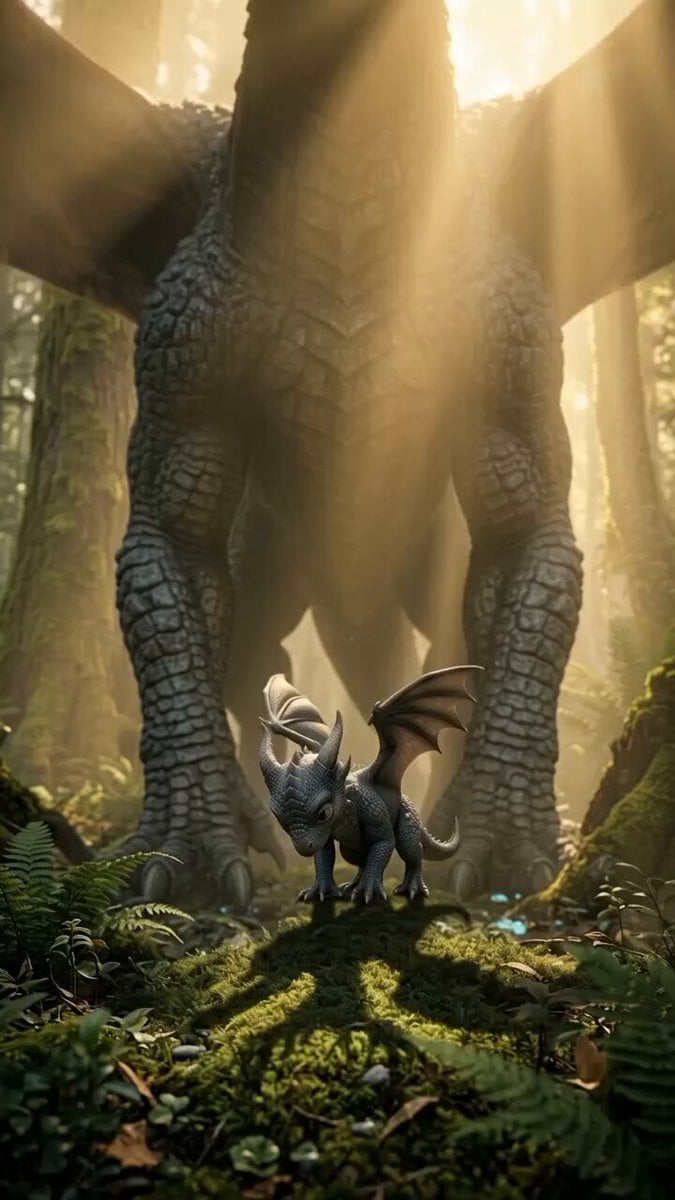
Baby Dragon Roar Animation

Dragon Rider Cinematic Flight — Seedance 2.5
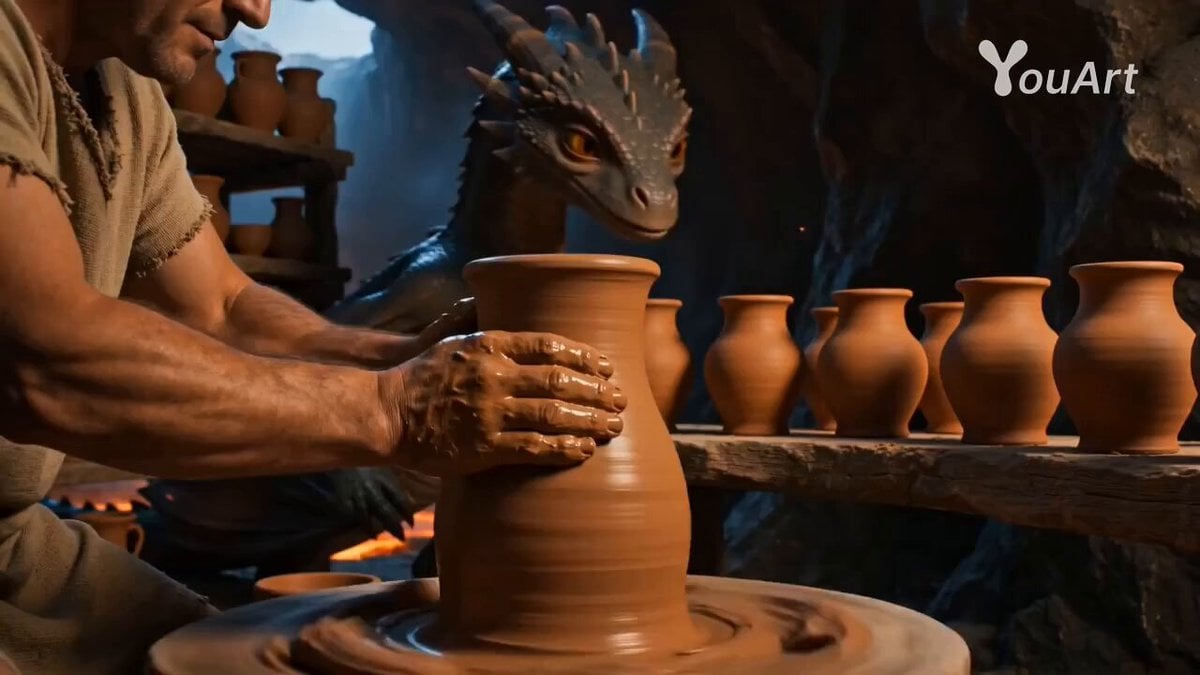
Cinematic Baby Dragon and Potter in Volcanic Cave
Underground Temple Escape — Seedance 2.0
Dragon Rescue — Volcanic Kingdom Collapse (Seedance)
Chibi Cave Adventure — He Doesn't Know What's Coming
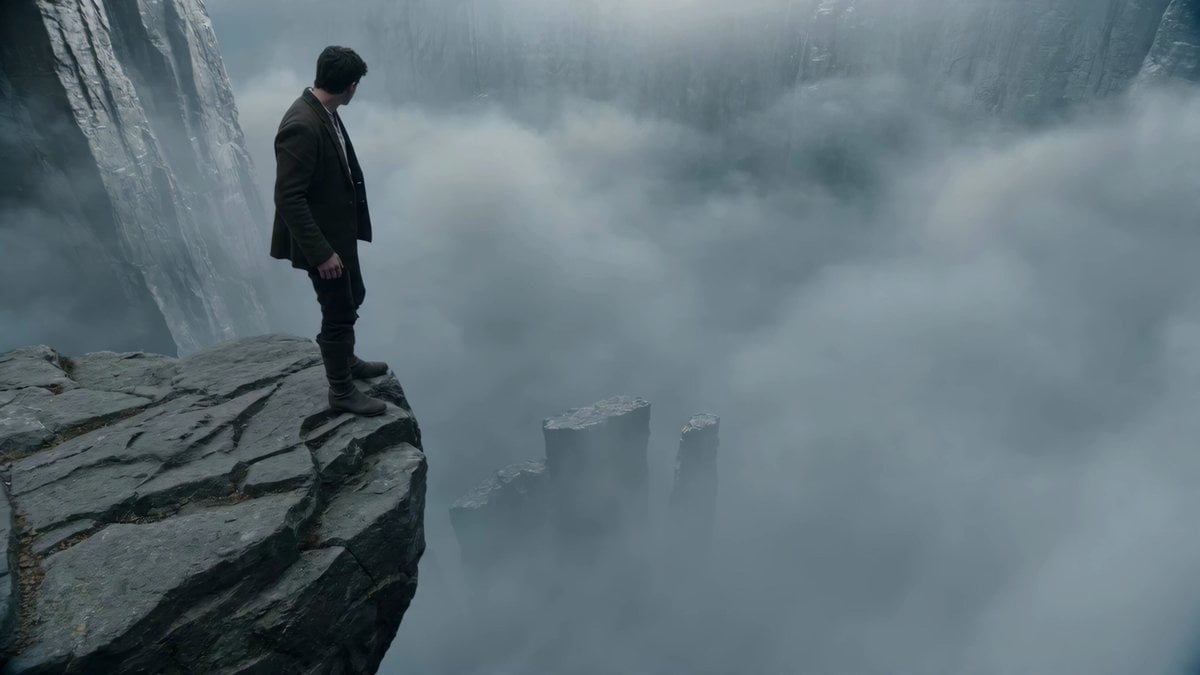
Adventurer Path Creator - Seedance 2

Ice Tiger vs Dragon - Seedance 2.0
Magic Baking Kitchen Cat Transformation

One-Eyed Girl and Bear Companion Adventure
Mecha vs Titan Dragon Cinematic Combat
Daft Punk Tesla Spacesuit Arctic Adventure
Make it yours
Baby Dragon Baking Adventure works as-is. These are the safest ways to change it without losing the look.
Change one field
Copy a single group, rewrite it, and generate again so you can see what that field is doing.
Keep the frame, change the subject
Hold the composition and light of Baby Dragon Baking Adventure, then swap wardrobe, props or the person for a new take.
| If the result… | Why | Fix |
|---|---|---|
| The result drifts from the preview | Too many fields changed at once. | Reuse Baby Dragon Baking Adventure as-is first, then change one group — subject, light, or setting. |
| The model over-stylizes the scene | The prose prompt leaves finish and camera underspecified. | Add one camera or lighting sentence and stay on Seedance 2.0. |
More Seedance 2.0 templates
Other prompts made for Seedance 2.0.

Comical Martial Arts Punch Scene

Maglev Train Action Sequence

Martial Arts Fight Sequence

Wuxia Protection and Trust Script

Vintage Korean Arcade MiniDV Vlog

Mercedes 190 SL Luxury Ad

Rainy Night Supernatural Reverse Comedy Video Script

Amazon Civilization Discovery

Futuristic South Asian City Transformation

Cozy Luxury Cafe Commercial
More video prompts
Fresh picks from across the catalog.

IPL Stadium Catch Broadcast
Mayan Warrior Digital Codex
Surreal scene of Einstein playing electric guitar in Los Alamos
Parrot Street Performance Basketball
Travel Diary Montage of Kyoto and Tokyo
Urban Time-Freeze Sequence
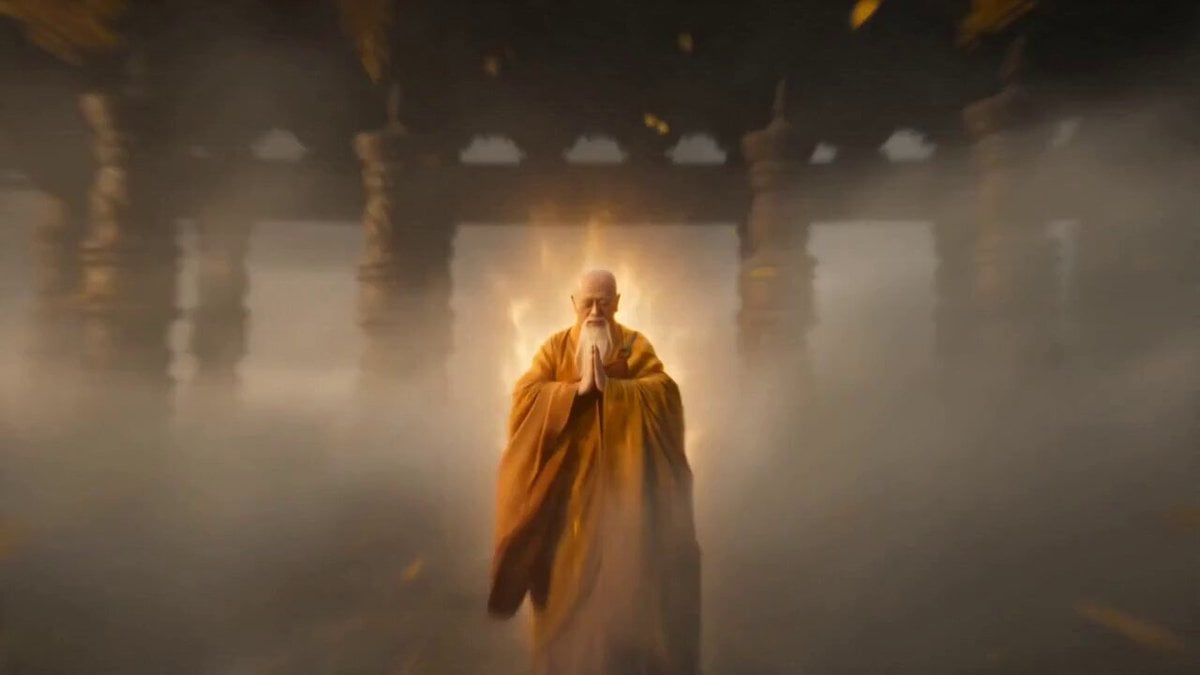
Epic Wuxia Martial Arts Prompt
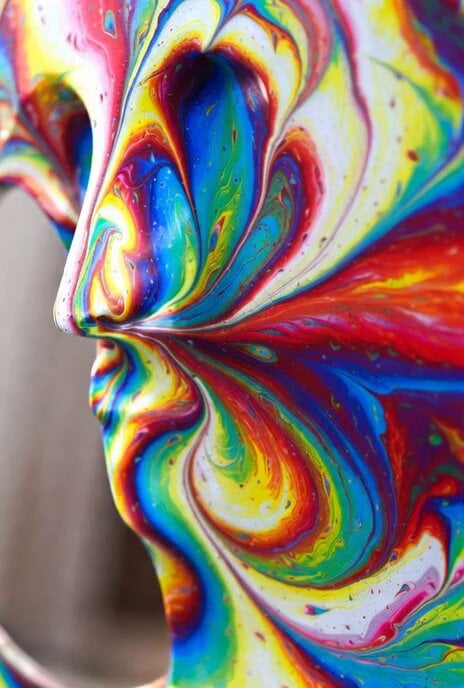
Eccentric art transforming into an African-American woman in a flowing gown

Kira Fuwa Ending Animation Template
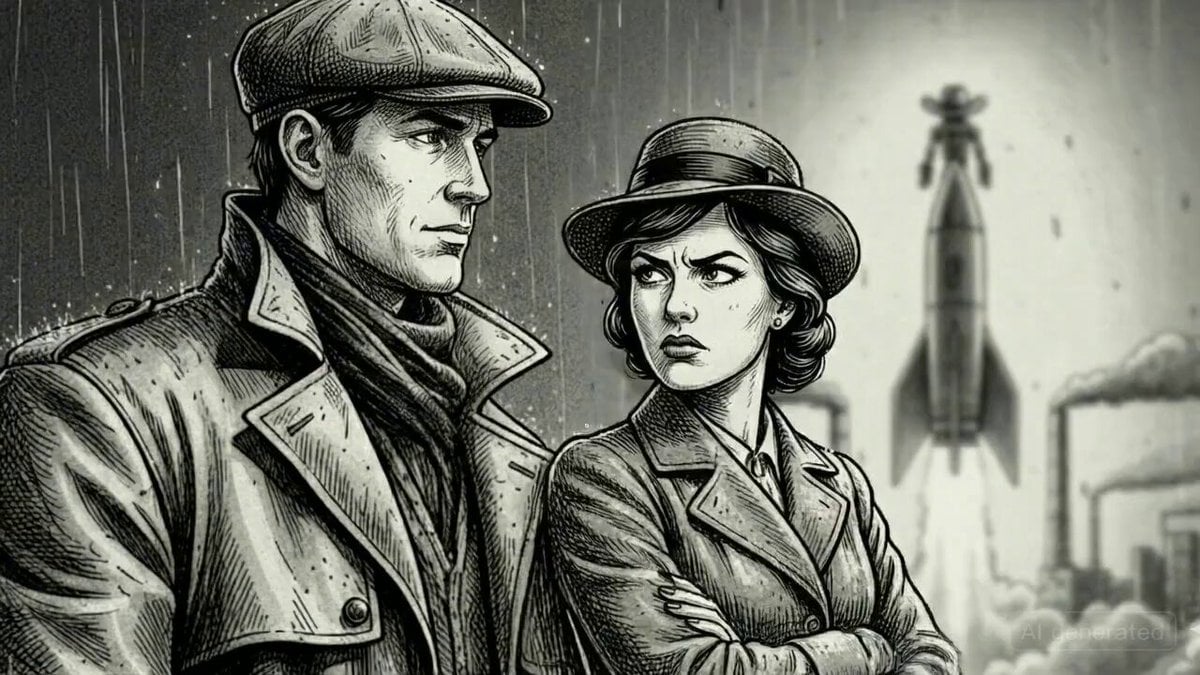
Argument and Departure Scene Prompt
Browse template categories
Baby Dragon Baking Adventure questions
How do I use the Baby Dragon Baking Adventure template?
Add your photo if the template asks for one, edit the prompt if you like — the template's model and format are already selected — and press Generate. Your version opens in PicX Studio.
Can I customize the Baby Dragon Baking Adventure template?
Yes. You can change the subject, setting, lighting, mood, format, and available model controls before creating your video.
Is the Baby Dragon Baking Adventure template free?
Opening and editing this template is free. Generating uses credits, shown on the Generate button when you are signed in.
Which AI model should I use?
Start with Seedance 2.0, which is the model associated with this template. You can compare another compatible model for a different finish.
Looking for something else? Browse all templates.

Your photo, any look
Thousands of ready templates for every top image and video model, from one credit balance.