
Pixar Style Ice Cream Rescue
A heartwarming Pixar-style animated short following a young boy who loses his ice cream and a kind truck driver who saves the day.
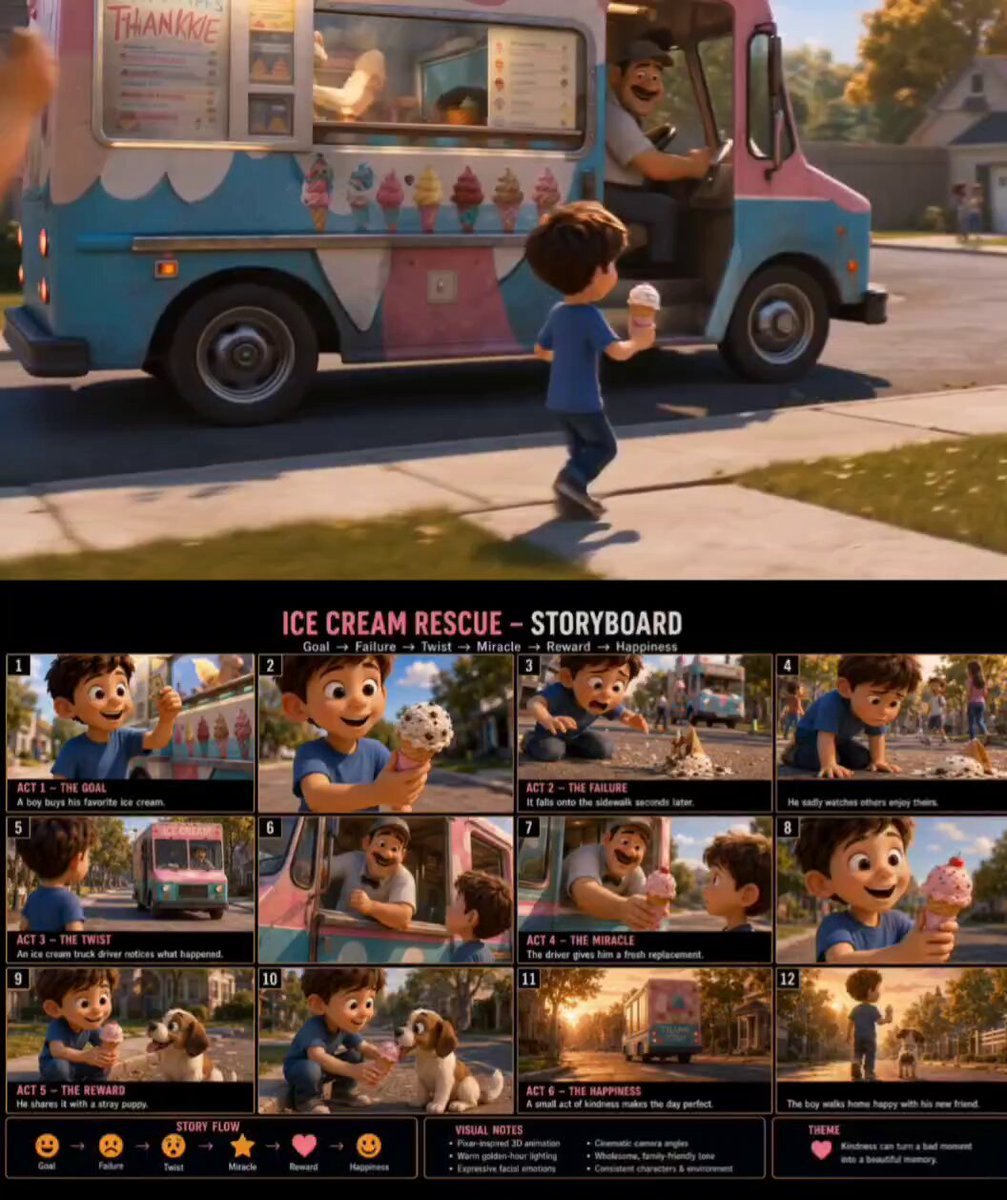
- Prompt included
- Model and format preset
- Free template
The prompt behind this video
Copy the exact prompt behind Pixar Style Ice Cream Rescue, or open it in the studio and make it yours.
Pixar-quality cinematic animated short film, highly expressive 3D characters, warm golden-hour suburban neighborhood, emotional storytelling, consistent young boy character, realistic environmental continuity, seamless scene transitions, cinematic camera work. A cheerful young boy approaches a colorful ice cream truck and excitedly buys his favorite ice cream cone. Close-up of his smiling face as he admires the perfect scoop. He happily walks away, taking a careful first step. Suddenly the cone slips from his hand in slow motion. The ice cream falls onto the sidewalk and splatters. Close-up of the boy's shocked expression turning into disappointment. He kneels beside the melted ice cream while other children enjoy theirs nearby. The atmosphere becomes quiet and emotional. As the boy sadly watches from a distance, the ice cream truck driver notices what happened through the service window. The driver looks concerned and smiles warmly. He steps out of the truck holding a fresh ice cream cone. The camera follows the driver walking toward the boy. The boy looks up in surprise. The driver gently hands him a brand-new ice cream. Close-up on the boy's widening eyes and grateful smile. Warm sunlight shines across the scene, creating a magical emotional moment. The boy happily enjoys his replacement ice cream. Nearby, a friendly stray puppy watches curiously. The boy kneels down and shares a small bite with the puppy. The puppy wags its tail excitedly, creating a heartwarming connection. Final cinematic sequence: the ice cream truck drives away down the glowing suburban street, the boy and puppy walking side by side through golden sunlight. Wide aerial pullback revealing a peaceful neighborhood, long sunset shadows, warm emotional atmosphere, wholesome family-friendly ending, cinematic depth of field, realistic animation physics, expressive facial acting, emotional orchestral music, Pixar-inspired storytelling, theme of kindness turning disappointment into happiness.
How to use Pixar Style Ice Cream Rescue in 3 steps
- 1
Open
The prompt is already in the box next to the preview, with the template's model and format selected.
- 2…a portrait of your subject in softgolden-hour light, 85mm…
Personalize
Edit the subject and creative details for your destination.
- 3Generate
Generate
Press Generate — your video is created in PicX Studio, so you can compare it with the original and refine one variable at a time.
More like this
Templates with the same subject, style or setup. Open one to see its prompt.
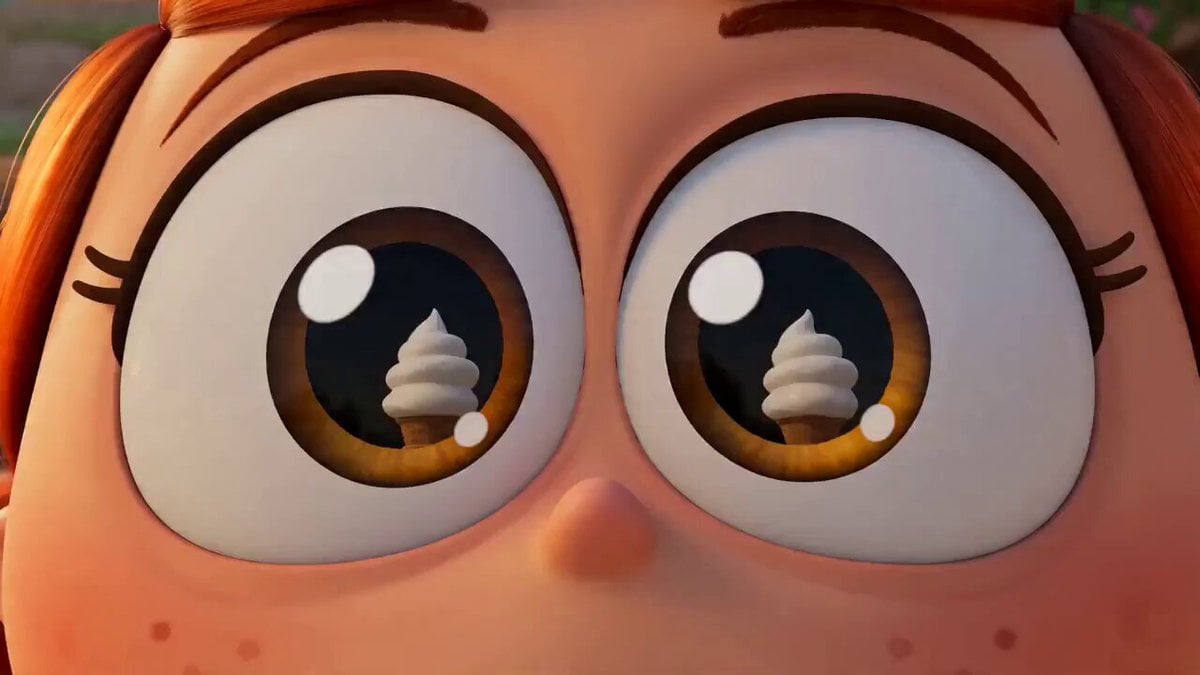
Viral Pixar-Style Turkish Ice Cream Trick Video Prompt
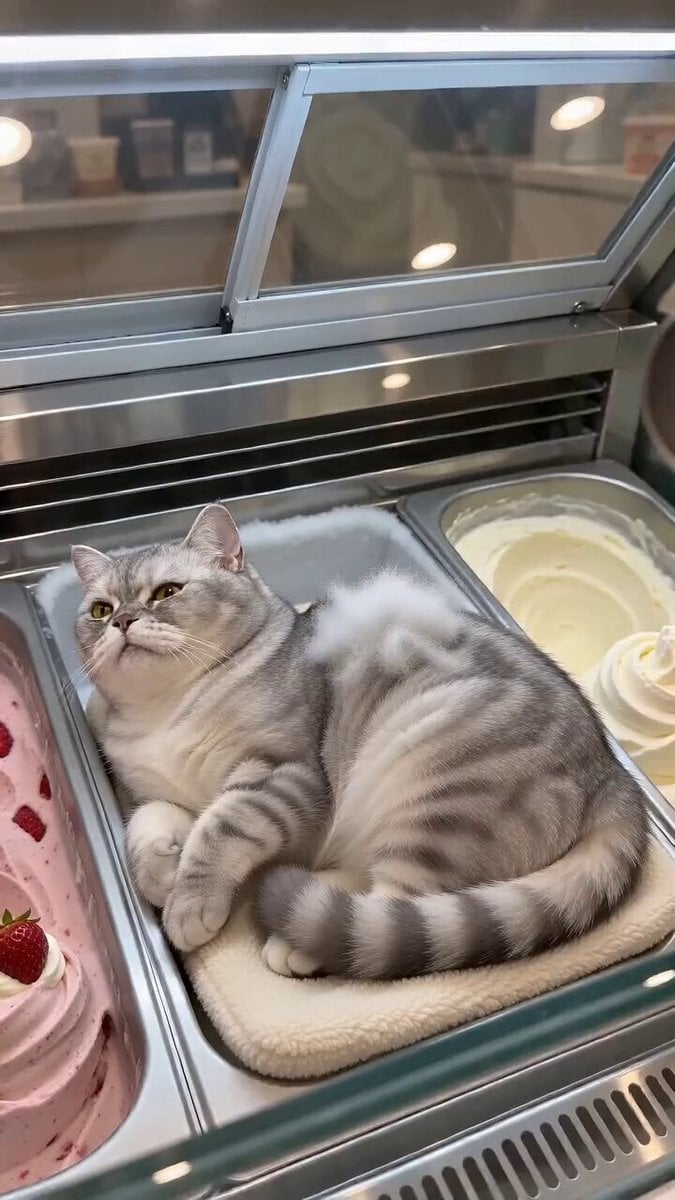
Cat Ice Cream Shop Magic Trick

Surreal ice cream cone transformation

Live-Action Firefighter Rescue Night Scene

Dragon and Ice Cream Fantasy

Tiny Human Ice Cream Interaction
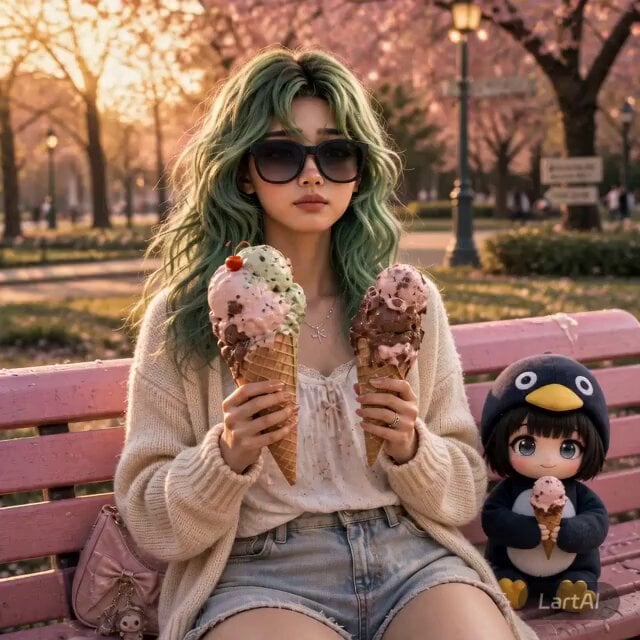
Girl and Penguin Melting Ice Cream Chaos
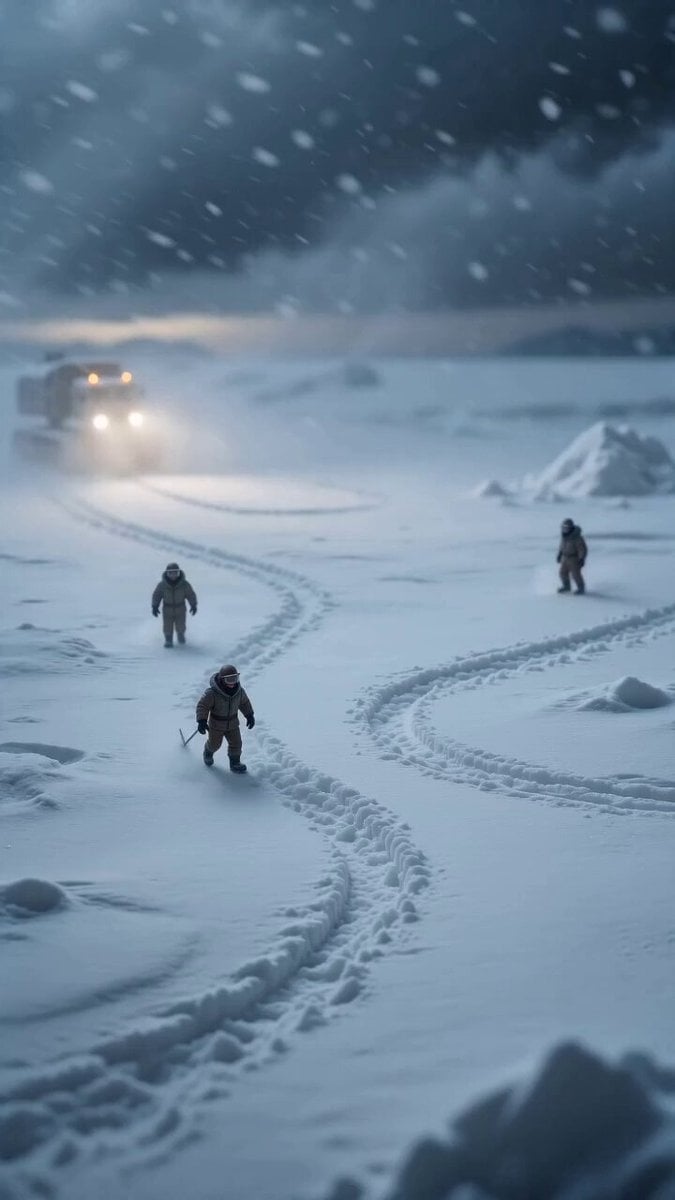
Miniature Ice Cream Construction Sequence
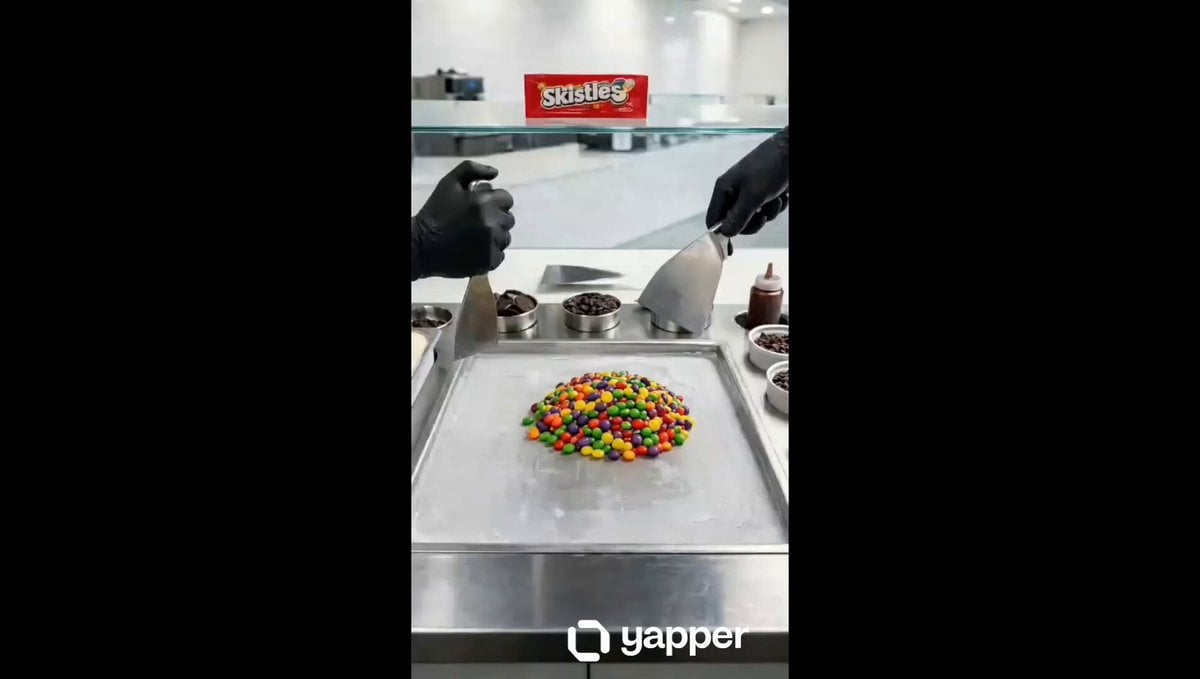
Ice Cream Preparation Commercial
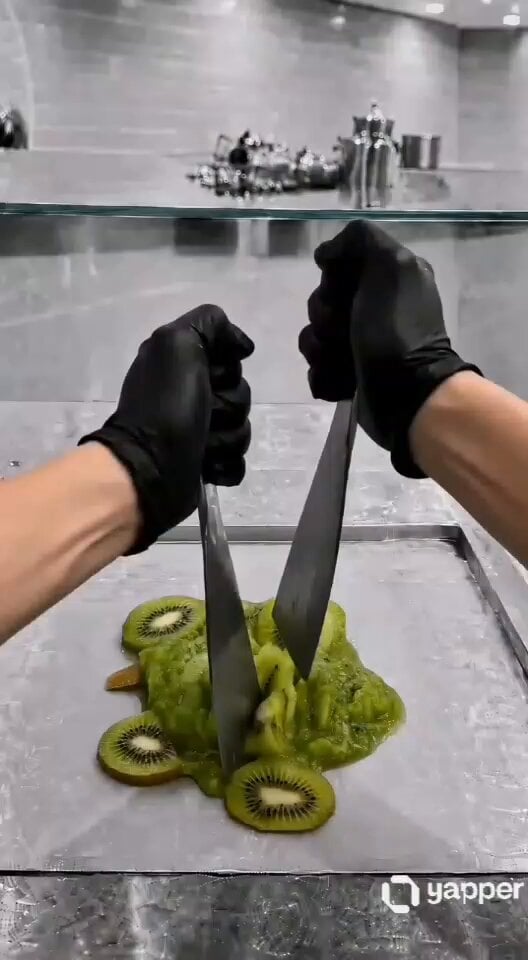
ASMR Kiwi Ice Cream Rolls Video Prompt
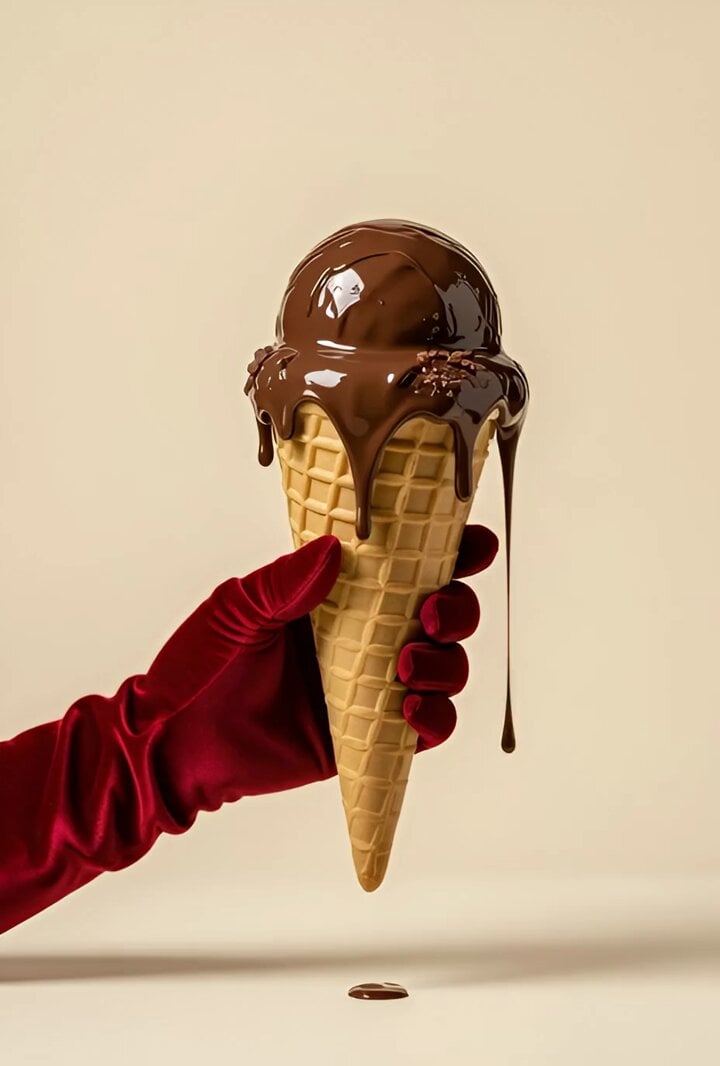
Melting Ice Cream and Marshmallows Video Prompt
Premium Ice Cream Sundae Commercial
Make it yours
Pixar Style Ice Cream Rescue works as-is. These are the safest ways to change it without losing the look.
Change one field
Copy a single group, rewrite it, and generate again so you can see what that field is doing.
Keep the frame, change the subject
Hold the composition and light of Pixar Style Ice Cream Rescue, then swap wardrobe, props or the person for a new take.
| If the result… | Why | Fix |
|---|---|---|
| The result drifts from the preview | Too many fields changed at once. | Reuse Pixar Style Ice Cream Rescue as-is first, then change one group — subject, light, or setting. |
| The model over-stylizes the scene | The prose prompt leaves finish and camera underspecified. | Add one camera or lighting sentence and stay on Seedance 2.0. |
More Seedance 2.0 templates
Other prompts made for Seedance 2.0.

Comical Martial Arts Punch Scene

Maglev Train Action Sequence

Martial Arts Fight Sequence

Wuxia Protection and Trust Script

Vintage Korean Arcade MiniDV Vlog

Mercedes 190 SL Luxury Ad

Rainy Night Supernatural Reverse Comedy Video Script

Amazon Civilization Discovery

Futuristic South Asian City Transformation

Cozy Luxury Cafe Commercial
More video prompts
Fresh picks from across the catalog.
Architectural Blueprint to Reality Transformation
3D Anime Figurine Prompt (Text-to-Image/Video)
Metallic Dragons in Forest Stream
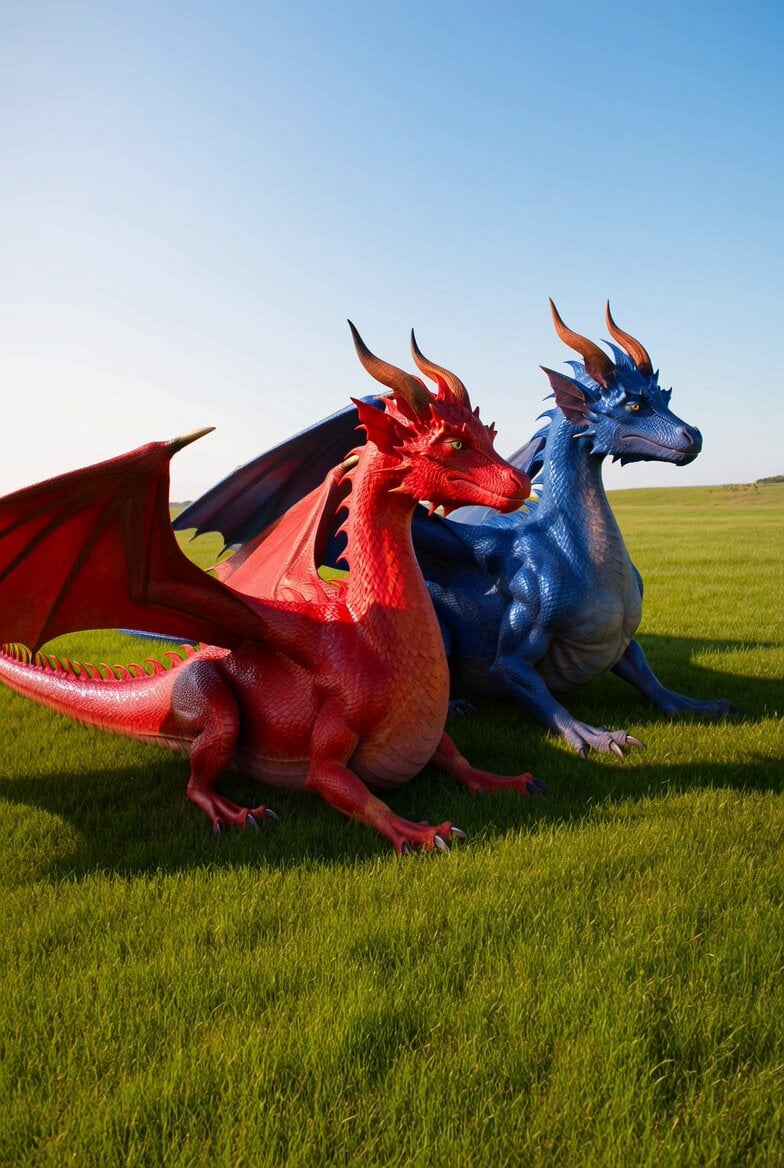
Dragons in the Sun Video
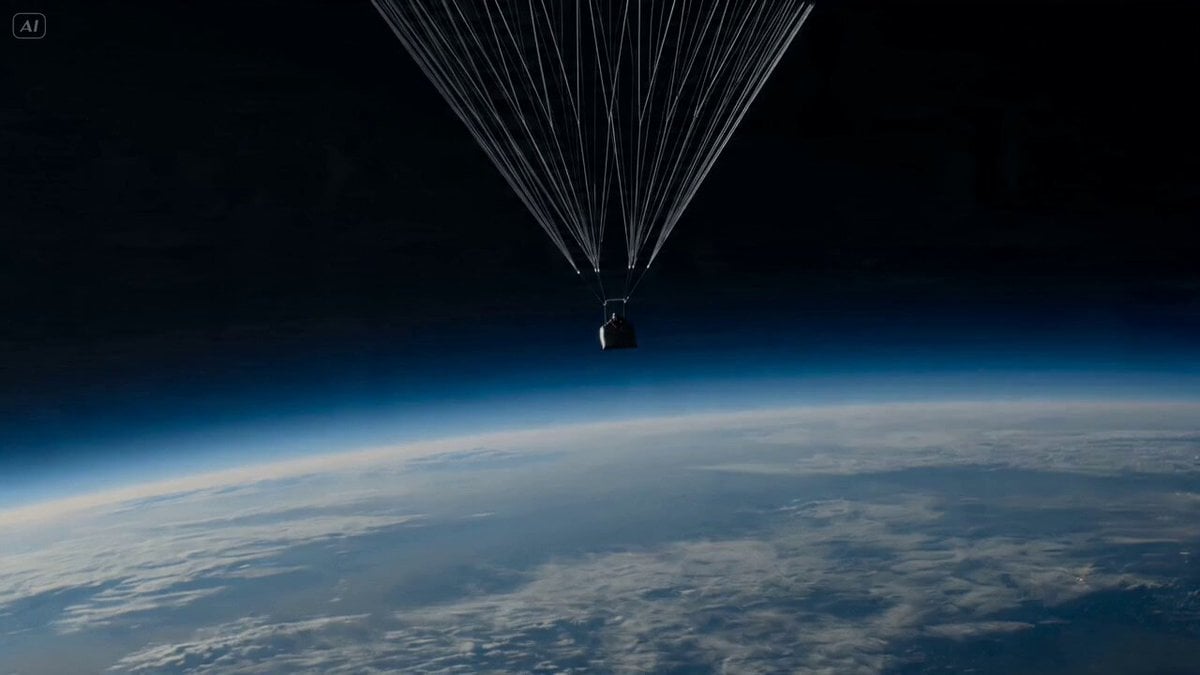
Rocket Wingsuit Dive Through Storm Canyon (Seedance 2.0)
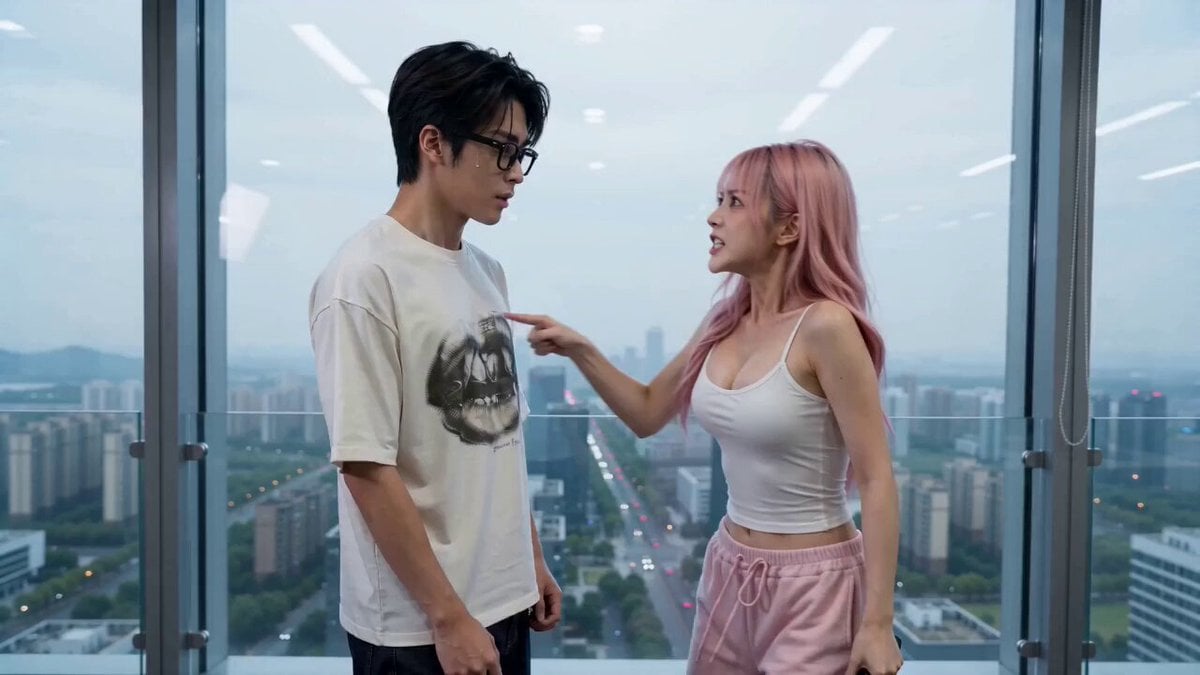
Office Drama with Dramatic Twist
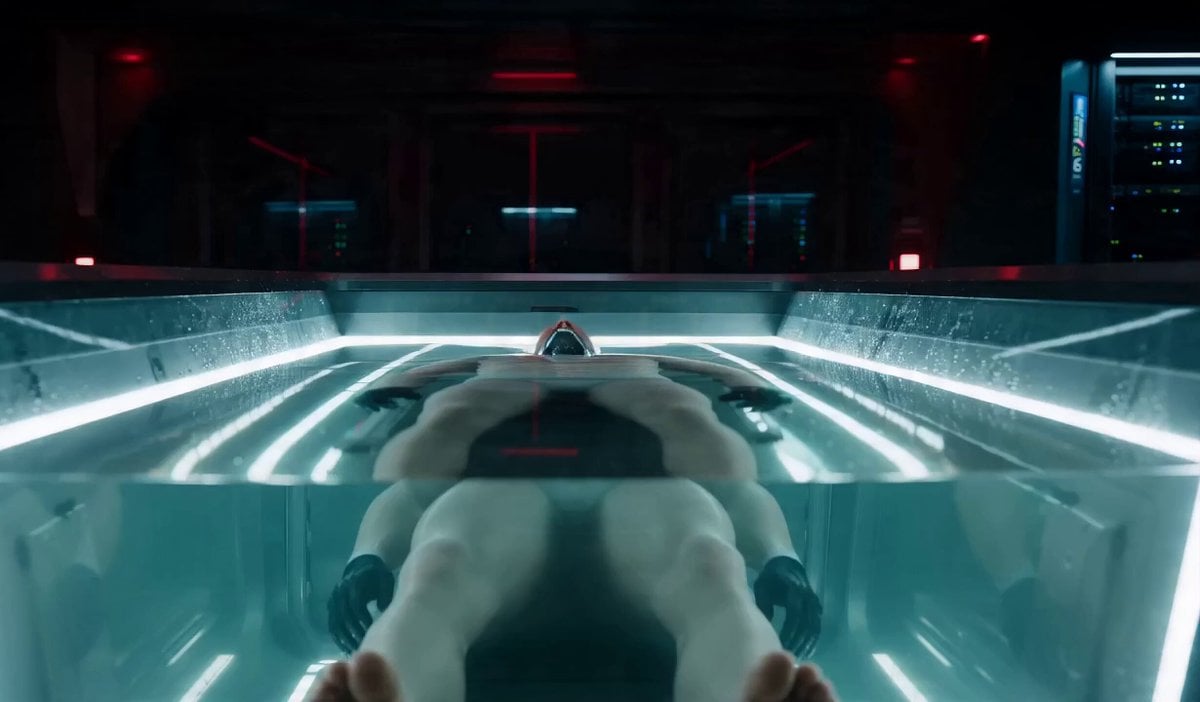
Synthetic human stealth infiltration routine

Futuristic Mother and Daughter Illustration

Botanical Garden Future Scenery
Rainy Underground Alley Horror Prompt
Browse template categories
Pixar Style Ice Cream Rescue questions
How do I use the Pixar Style Ice Cream Rescue template?
Add your photo if the template asks for one, edit the prompt if you like — the template's model and format are already selected — and press Generate. Your version opens in PicX Studio.
Can I customize the Pixar Style Ice Cream Rescue template?
Yes. You can change the subject, setting, lighting, mood, format, and available model controls before creating your video.
Is the Pixar Style Ice Cream Rescue template free?
Opening and editing this template is free. Generating uses credits, shown on the Generate button when you are signed in.
Which AI model should I use?
Start with Seedance 2.0, which is the model associated with this template. You can compare another compatible model for a different finish.
Looking for something else? Browse all templates.

Your photo, any look
Thousands of ready templates for every top image and video model, from one credit balance.