
Motocross Jump to Hover Battleship
A complex cinematic anime prompt for an action sequence involving a motorcycle jump onto a moving battleship with dynamic camera angles.
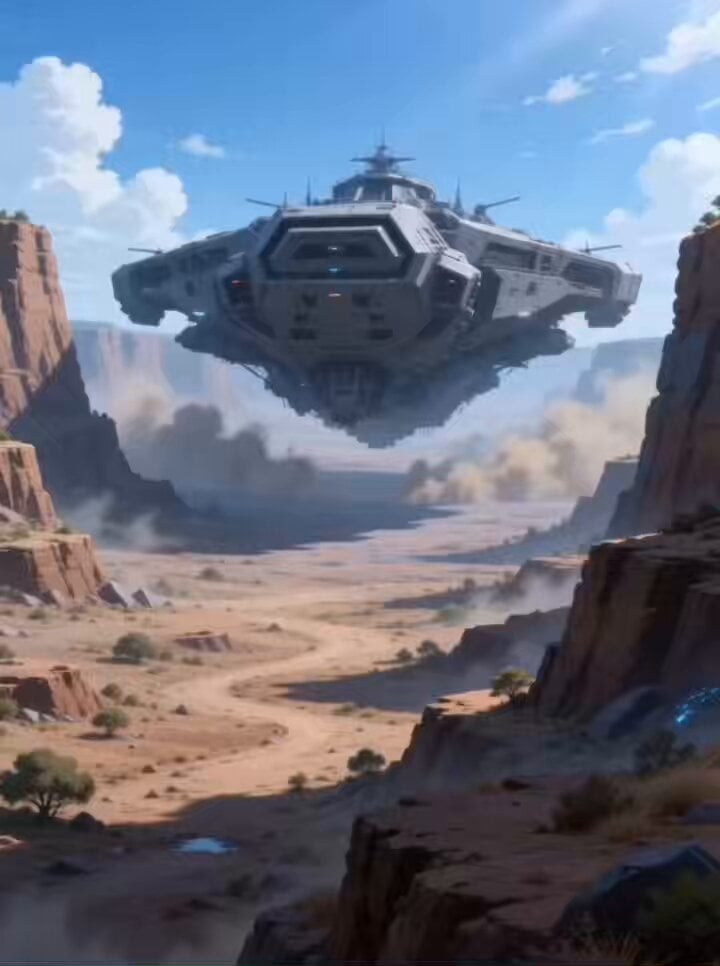
- Prompt included
- Model and format preset
- Free template
The prompt behind this video
Copy the exact prompt behind Motocross Jump to Hover Battleship, or open it in the studio and make it yours.
崖の上にいる画像1のキャラクターがモトクロスバイクでジャンプして、目の前をよこぎり通り過ぎようとするホバー戦艦の甲板に着地するシーンです。 3Dキャラクターのカートゥーンアニメ調の誇張されたモーション。画像2のモーションコンテを参考にしてください。日本のフルカラーアニメ、キャプションなし、BGMなし、高速なカット割り、作画枚数多め、24FPS。 シーン:シーン①: ホバー飛行する巨大戦艦が荒野(谷)を走っているシーンを前からの視点で。 シーン②:崖の上からホバー飛行する巨大戦艦を眺める視点。ほぼ水平の位置にある離れた崖の上で、画像1の女性が未来型のモトクロスに乗っている。 シーン③:モトクロスバイクに乗った彼女が崖の上を加速、そのまま彼女の乗ったモトクロスは崖から飛んで、ホバー走行する巨大戦艦の甲板の上に飛び移る。空中に浮かんでいる場面をスローモーションで。カット切り替え多めに シーン③:ホバー飛行する巨大戦艦の甲板にモトクロスバイクが着地。着地の瞬間はタイヤにズームイン、カット切り替え。彼女の乗ったモトクロスバイクは甲板の上でターンを決める。 カメラ: ダイナミックかつキネティックなカット割り。強い遠近感、誇張パース、キャラ追従と急加速を組み合わせる。リズムと“拍”を視覚で体感させる。
How to use Motocross Jump to Hover Battleship in 3 steps
- 1
Open
The prompt is already in the box next to the preview, with the template's model and format selected.
- 2…a portrait of your subject in softgolden-hour light, 85mm…
Personalize
Edit the subject and creative details for your destination.
- 3Generate
Generate
Press Generate — your video is created in PicX Studio, so you can compare it with the original and refine one variable at a time.
More like this
Templates with the same subject, style or setup. Open one to see its prompt.
Pearl Harbor Attack — Seedance 2.0 FPV
Volcanic Motocross Lava Jump
Cinematic Anime Motocross Track
Sinking of the Battleship Yamato

Cincinnati Park Scene with Hovering Car
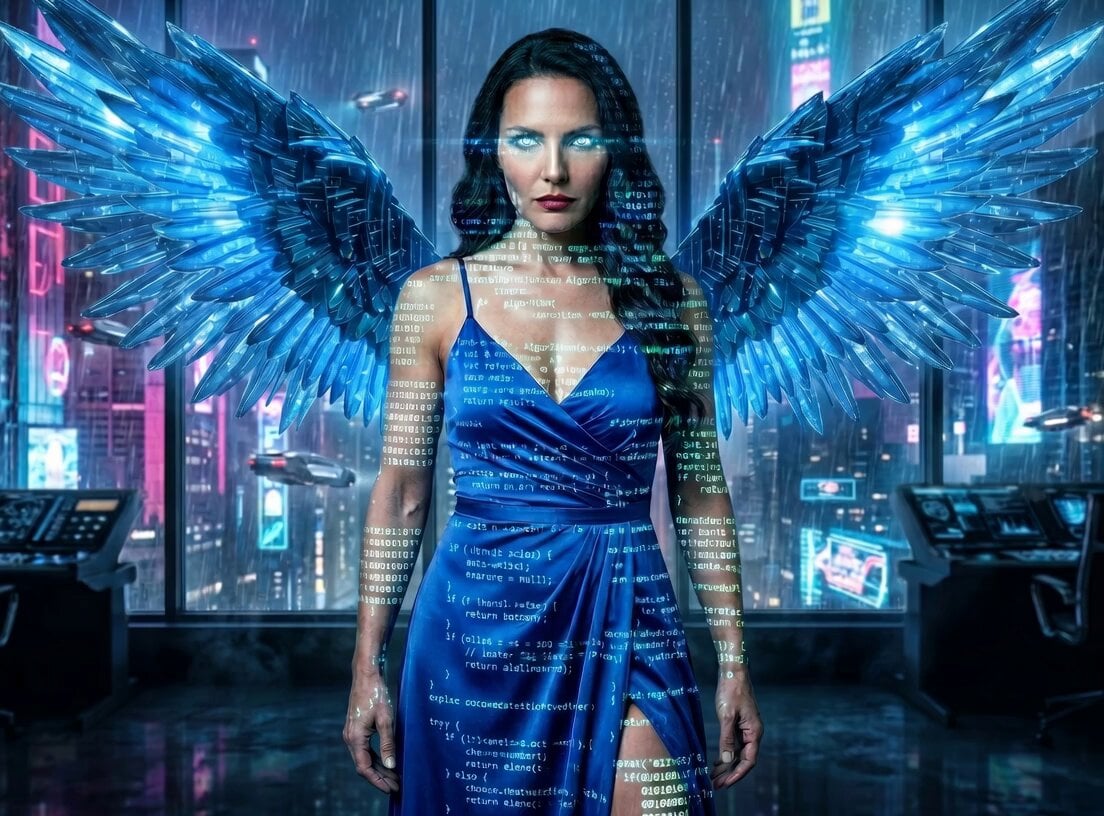
Angelic Hover Over City
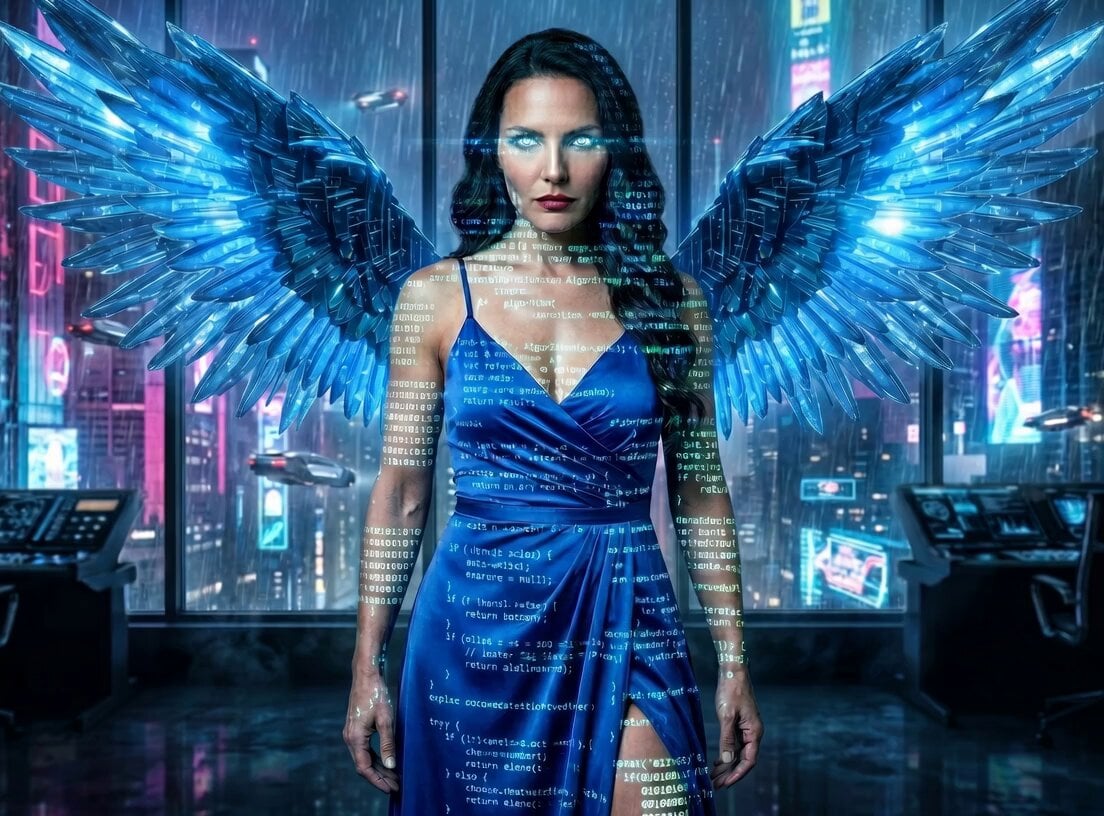
Majestic City Hovering Video
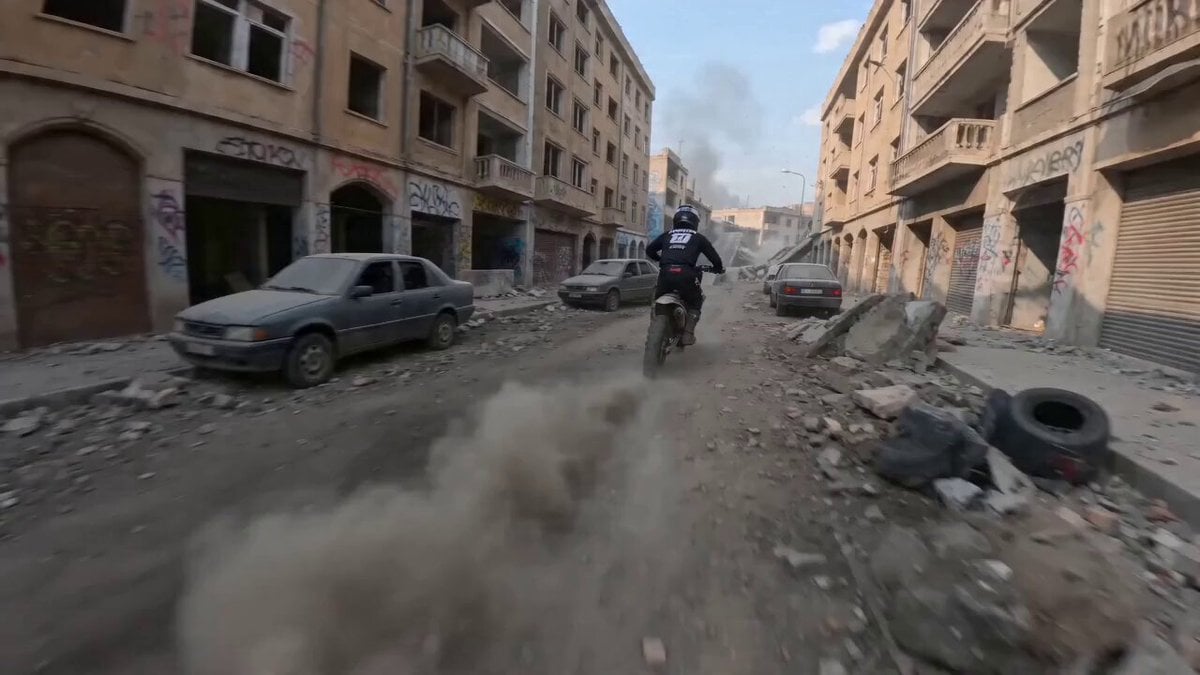
Dynamic FPV Motocross Chase Video Prompt
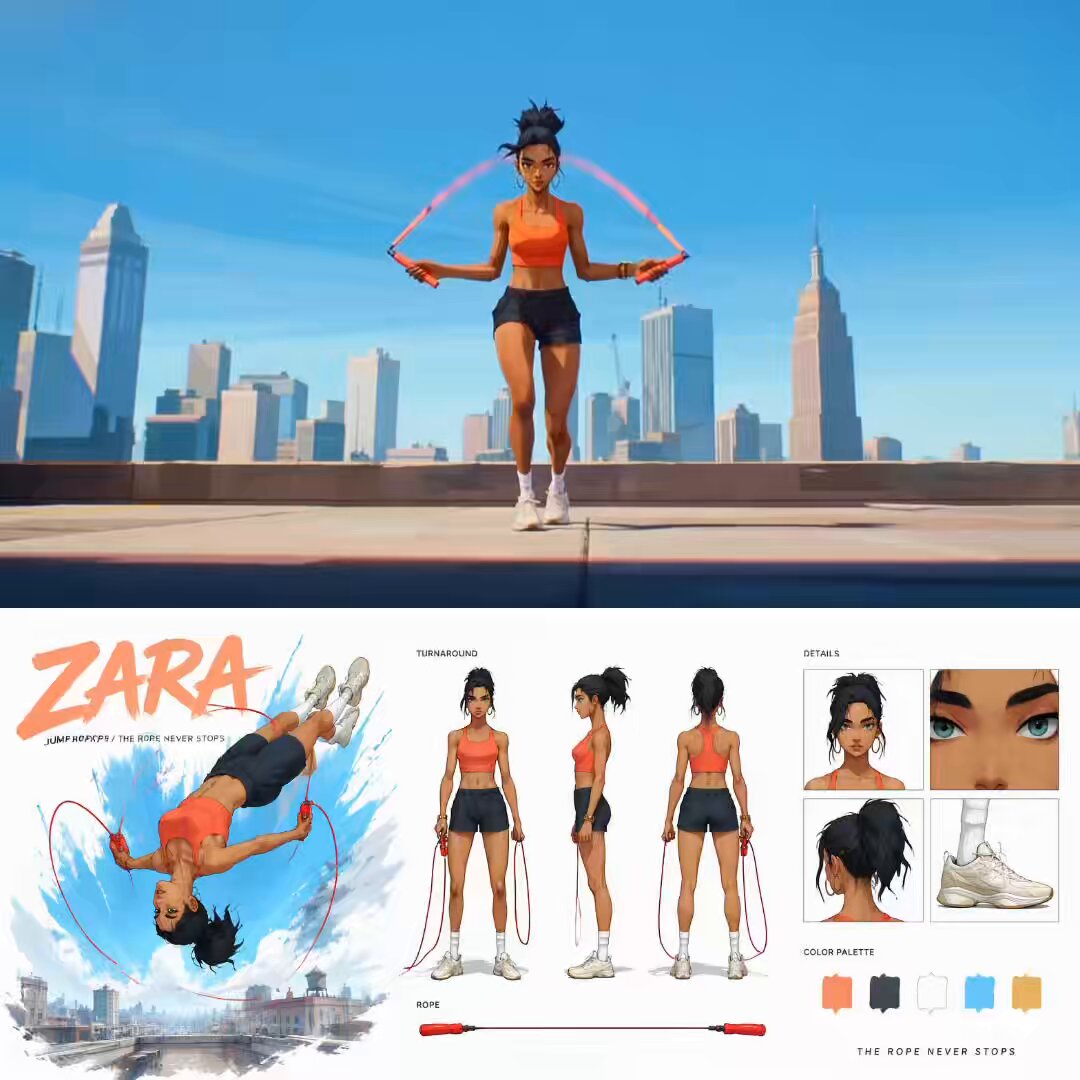
Cinematic Anime Jump Roper Short Film
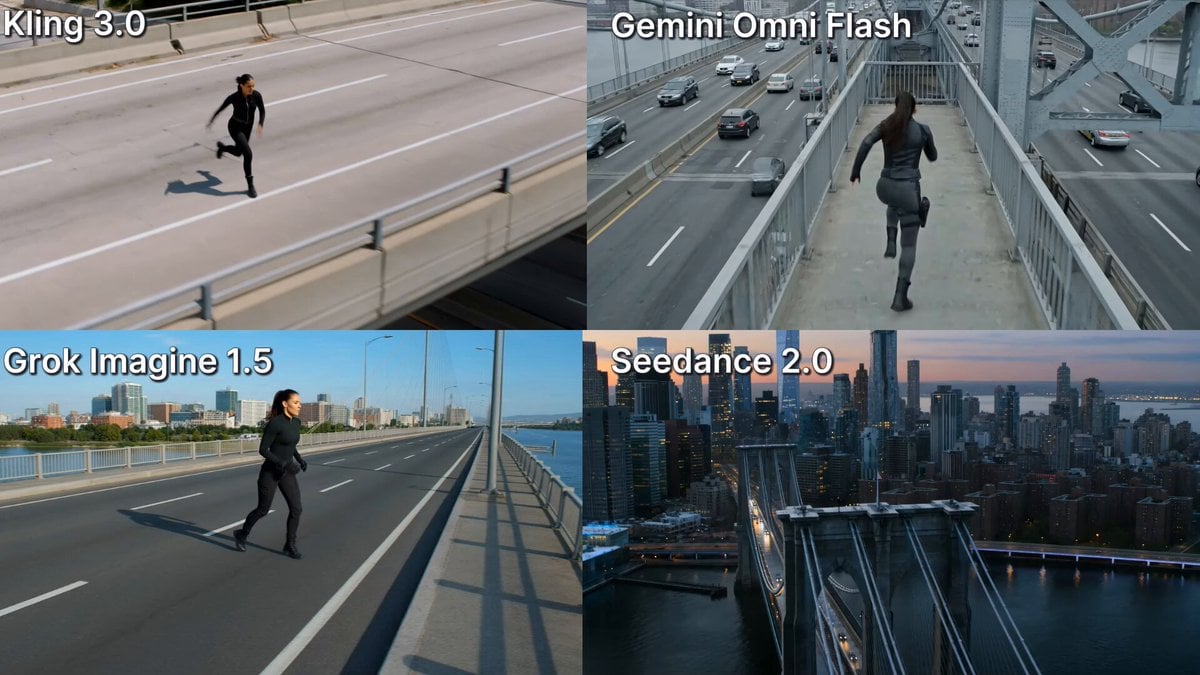
Action Stunt Scene: Bridge Jump

Mechanical Jumping Robot Rabbit
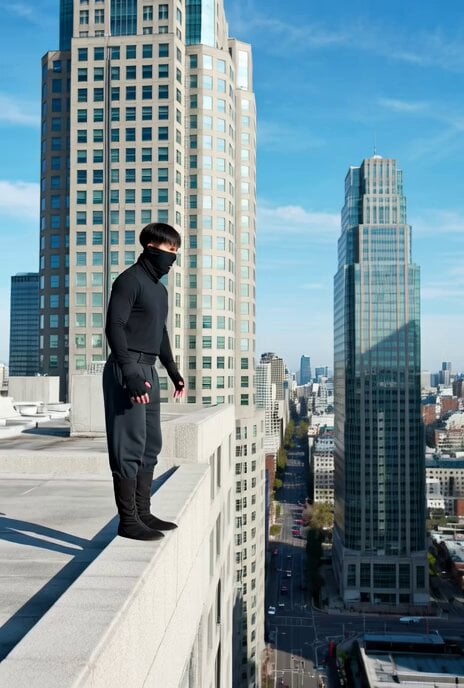
Ninja Wizard Levitation Jump
Make it yours
Motocross Jump to Hover Battleship works as-is. These are the safest ways to change it without losing the look.
Change one field
Copy a single group, rewrite it, and generate again so you can see what that field is doing.
Keep the frame, change the subject
Hold the composition and light of Motocross Jump to Hover Battleship, then swap wardrobe, props or the person for a new take.
| If the result… | Why | Fix |
|---|---|---|
| The result drifts from the preview | Too many fields changed at once. | Reuse Motocross Jump to Hover Battleship as-is first, then change one group — subject, light, or setting. |
| The model over-stylizes the scene | The prose prompt leaves finish and camera underspecified. | Add one camera or lighting sentence and stay on Seedance 2.0. |
More Seedance 2.0 templates
Other prompts made for Seedance 2.0.

Comical Martial Arts Punch Scene

Maglev Train Action Sequence

Martial Arts Fight Sequence

Wuxia Protection and Trust Script

Vintage Korean Arcade MiniDV Vlog

Mercedes 190 SL Luxury Ad

Rainy Night Supernatural Reverse Comedy Video Script

Amazon Civilization Discovery

Futuristic South Asian City Transformation

Cozy Luxury Cafe Commercial
More video prompts
Fresh picks from across the catalog.
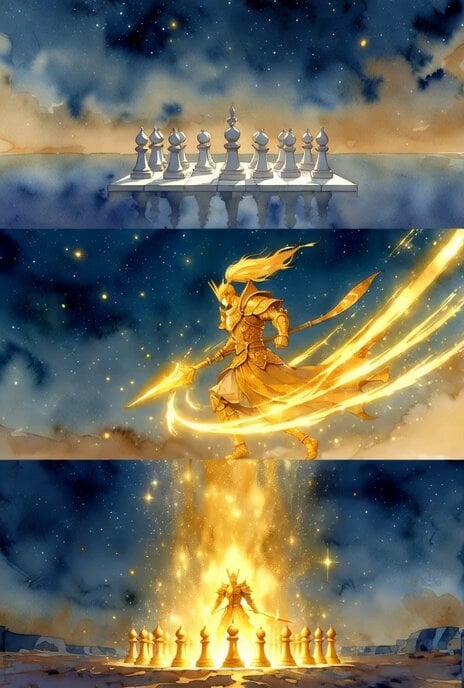
Shogi Gold General Charging Animation

Ultra-detailed cinematic video of an elephant spraying water
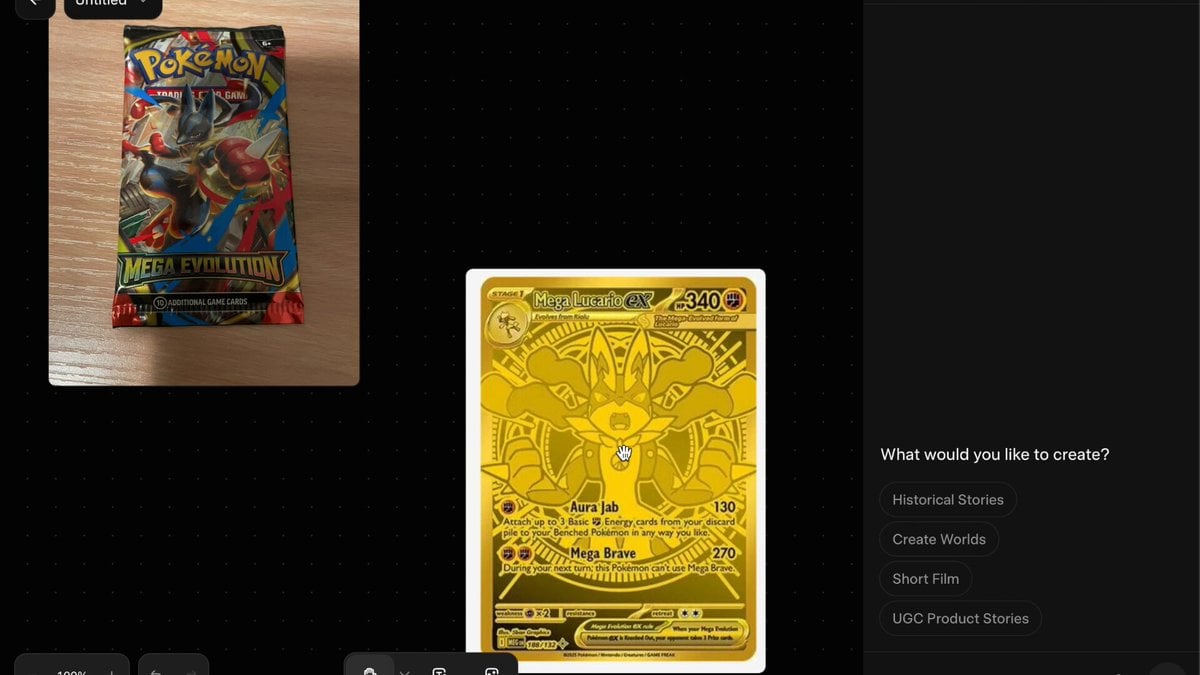
Pokemon Card Unboxing First Person POV

Aliens Playing Chess
Social Media & UGC Content Prompts

Shogi Animation: Summoning the Dragon of the Clear Stream
Vertical Action Insertion: Tactical Courier Freefall
Flying dragons over ocean
Cinematic Fantasy Princess Dragon Flight
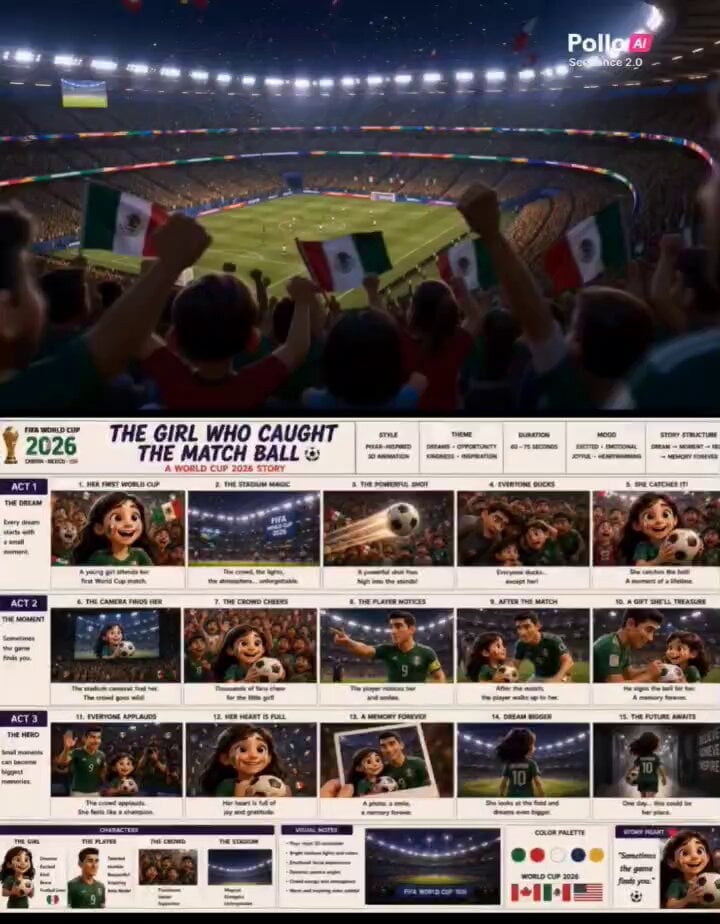
Pixar Style World Cup Animation
Browse template categories
Motocross Jump to Hover Battleship questions
How do I use the Motocross Jump to Hover Battleship template?
Add your photo if the template asks for one, edit the prompt if you like — the template's model and format are already selected — and press Generate. Your version opens in PicX Studio.
Can I customize the Motocross Jump to Hover Battleship template?
Yes. You can change the subject, setting, lighting, mood, format, and available model controls before creating your video.
Is the Motocross Jump to Hover Battleship template free?
Opening and editing this template is free. Generating uses credits, shown on the Generate button when you are signed in.
Which AI model should I use?
Start with Seedance 2.0, which is the model associated with this template. You can compare another compatible model for a different finish.
Looking for something else? Browse all templates.

Your photo, any look
Thousands of ready templates for every top image and video model, from one credit balance.