How do I use the Shogi Gold General Charging Animation template?
Edit the prompt in the box under the preview — the template's model and format are already selected — and press Generate. Your version appears right on this page.
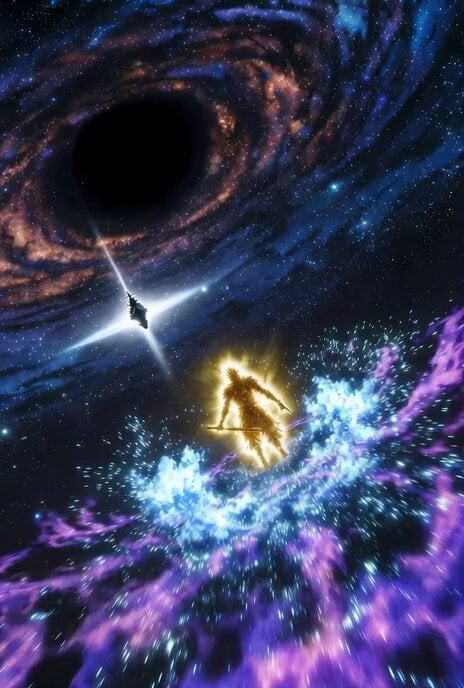
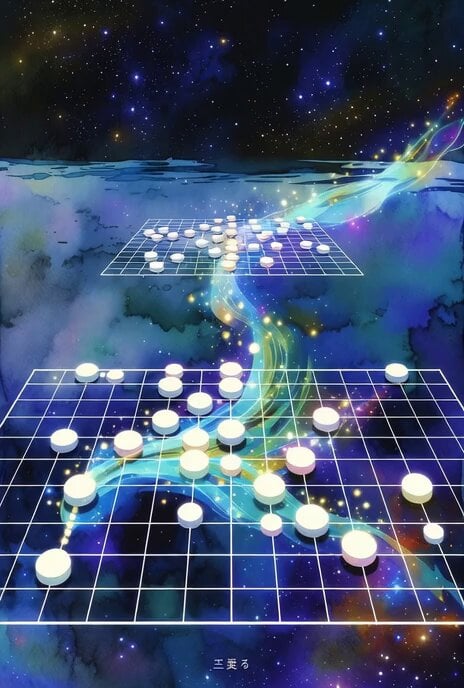
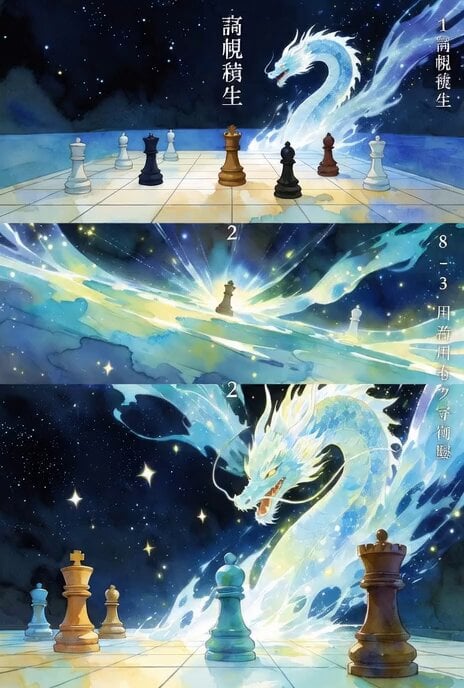
A detailed prompt for Grok Imagine to generate a 15-20 second short animation video about a shogi piece, the 'Kinsho' (Gold General), aggressively charging the enemy lines, rendered in a watercolor and fantasy SF style…
タイトル:「鬼金将の神託 ~天界より降臨し、静かに敵陣を制する~」 • スタイル:水彩画風+幻想的な金色の光粒子をメインにしたSFファンタジー • 長さ:約15〜20秒のショートアニメーション動画 • 最大の見どころ: • 序盤:静かな宇宙空間に中飛車陣形が浮かび上がる • 中盤:後手の金将が前面に積極的に突撃する様子を、金色の光の軌跡で力強く美しく表現(「鬼金将」の迫力と優雅さを両立) • クライマックス:金将が敵陣を静かに、しかし容赦なく破壊しながら優勢を拡大 • 終盤
タイトル:「鬼金将の神託 ~天界より降臨し、静かに敵陣を制する~」 • スタイル:水彩画風+幻想的な金色の光粒子をメインにしたSFファンタジー • 長さ:約15〜20秒のショートアニメーション動画 • 最大の見どころ: • 序盤:静かな宇宙空間に中飛車陣形が浮かび上がる • 中盤:後手の金将が前面に積極的に突撃する様子を、金色の光の軌跡で力強く美しく表現(「鬼金将」の迫力と優雅さを両立) • クライマックス:金将が敵陣を静かに、しかし容赦なく破壊しながら優勢を拡大 • 終盤
Edit the prompt in the box under the preview — the template's model and format are already selected — and press Generate. Your version appears right on this page.
Yes. You can change the subject, setting, lighting, mood, format, and available model controls before creating your video.
Opening and editing this template is free. Generating uses credits, shown on the Generate button when you are signed in.
Start with Grok Imagine, which is the model associated with this template. You can compare another compatible model for a different finish.
Follow a topic to a crawlable collection of related PicX Studio templates.