
Epic Cinematic Apocalyptic Disaster Scene
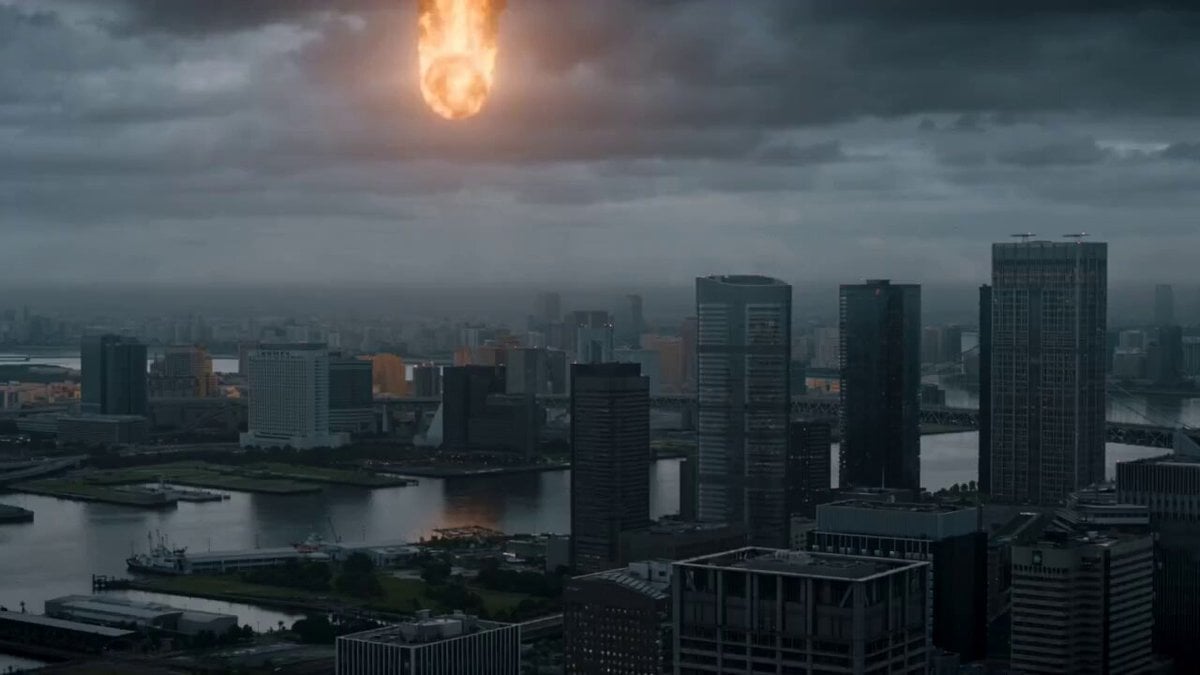
A highly detailed prompt for generating an epic, ultra-realistic, cinematic apocalyptic disaster scene in a modern city, featuring massive destruction, explosions, a meteor strike, and a tsunami, all rendered with…
- Prompt included
- Model and format preset
- Premium template
The prompt behind this video
Copy the exact prompt behind Epic Cinematic Apocalyptic Disaster Scene, or open it in the studio and make it yours.
A cinematic apocalyptic disaster scene in a modern city. Massive bridge collapsing into the river, huge explosions destroying skyscrapers, buildings shattering with debris flying, people running in panic through dust and chaos. A giant meteor falling from the sky causing a massive shockwave, tsunami waves flooding the city streets, dark stormy clouds, dramatic lighting, ultra realistic, cinematic camera movement, slow motion destruction, high detail, 4K, epic scale, intense atmosphere, movie-like quality similar to Hollywood disaster films.
How to use Epic Cinematic Apocalyptic Disaster Scene in 3 steps
- 1
Open
The prompt is already in the box next to the preview, with the template's model and format selected.
- 2…a portrait of your subject in softgolden-hour light, 85mm…
Personalize
Edit the subject and creative details for your destination.
- 3Generate
Generate
Press Generate — your video is created in PicX Studio, so you can compare it with the original and refine one variable at a time.
More like this
Templates with the same subject, style or setup. Open one to see its prompt.
Subway Flood — Epic Tunnel Chaos
Asteroid Impact City Destruction
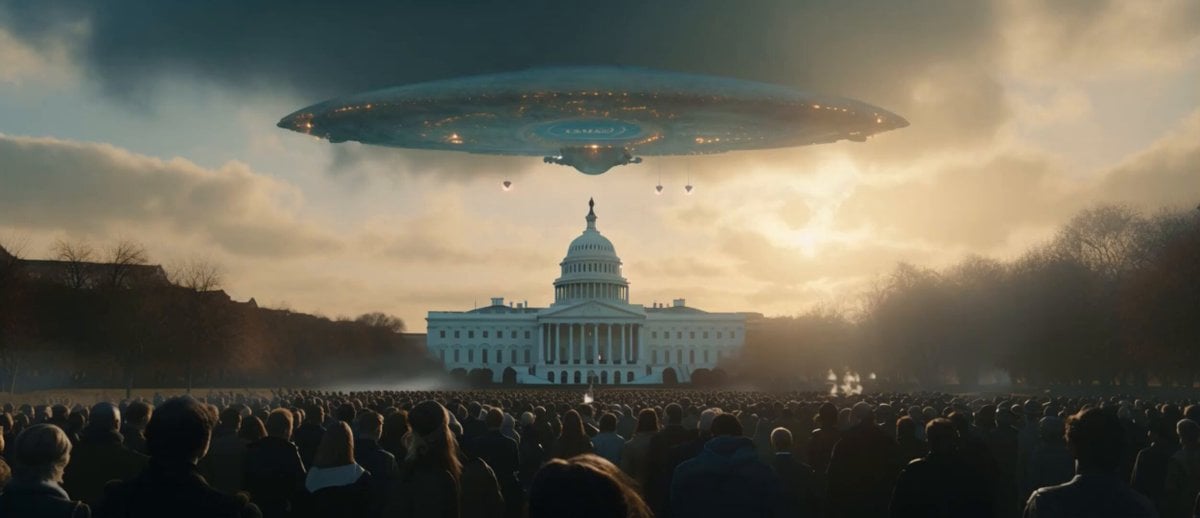
Sci-Fi Disaster Movie Scene - Seedance 2.5
Oceanic Civilization Epic Sci-Fi Film
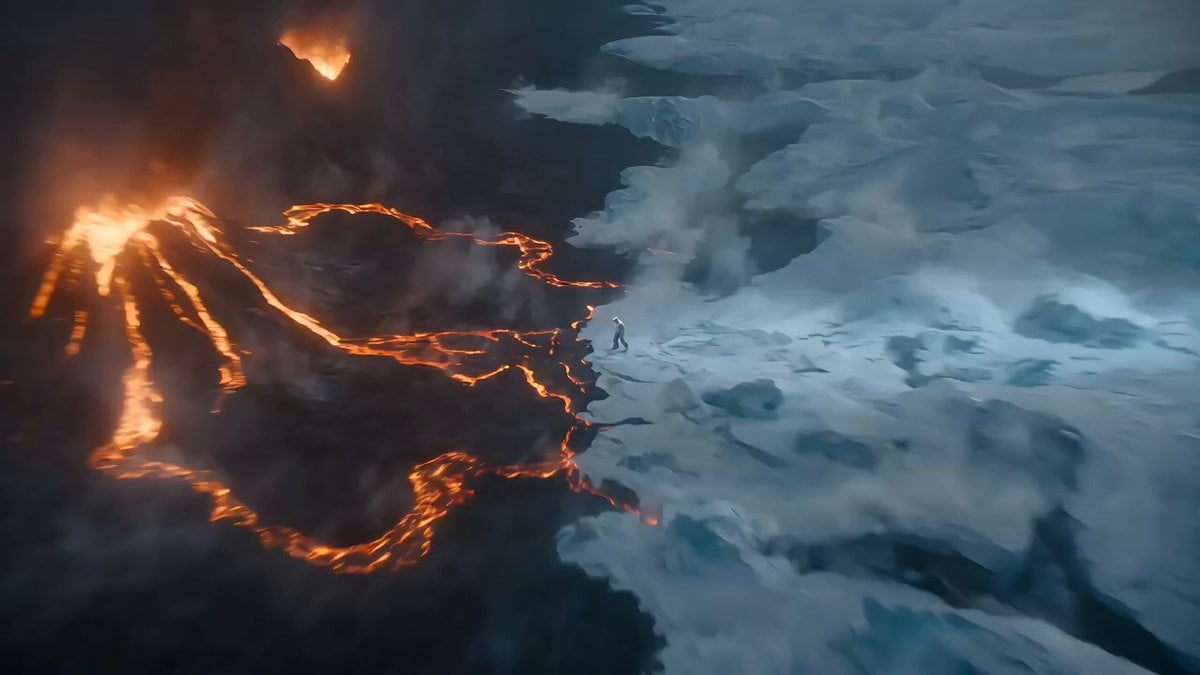
Epic Ice and Fire Disaster Action Prompt
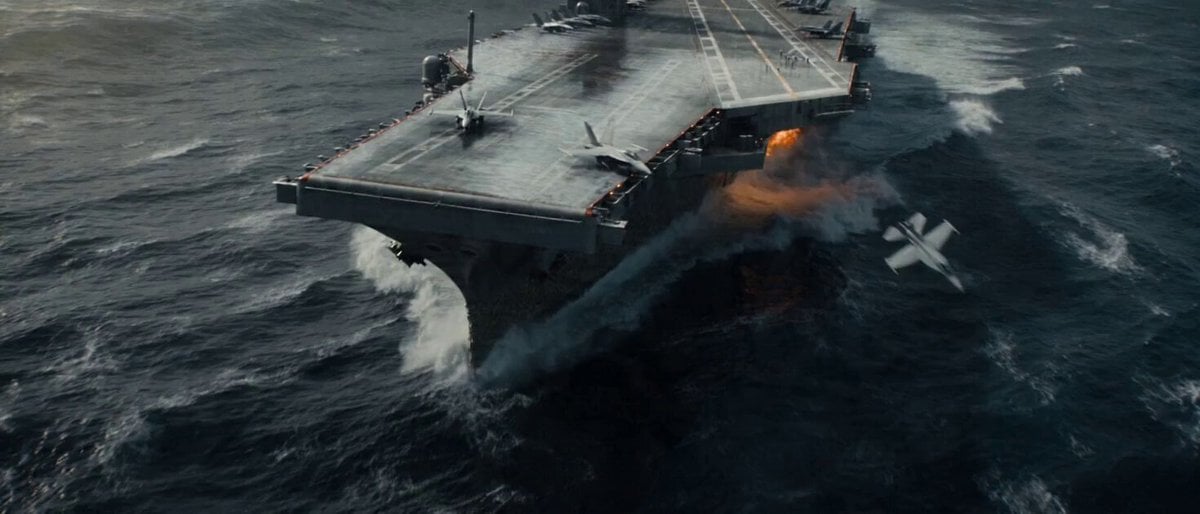
Apocalyptic Naval Disaster Video Prompt for Seedance 2.0
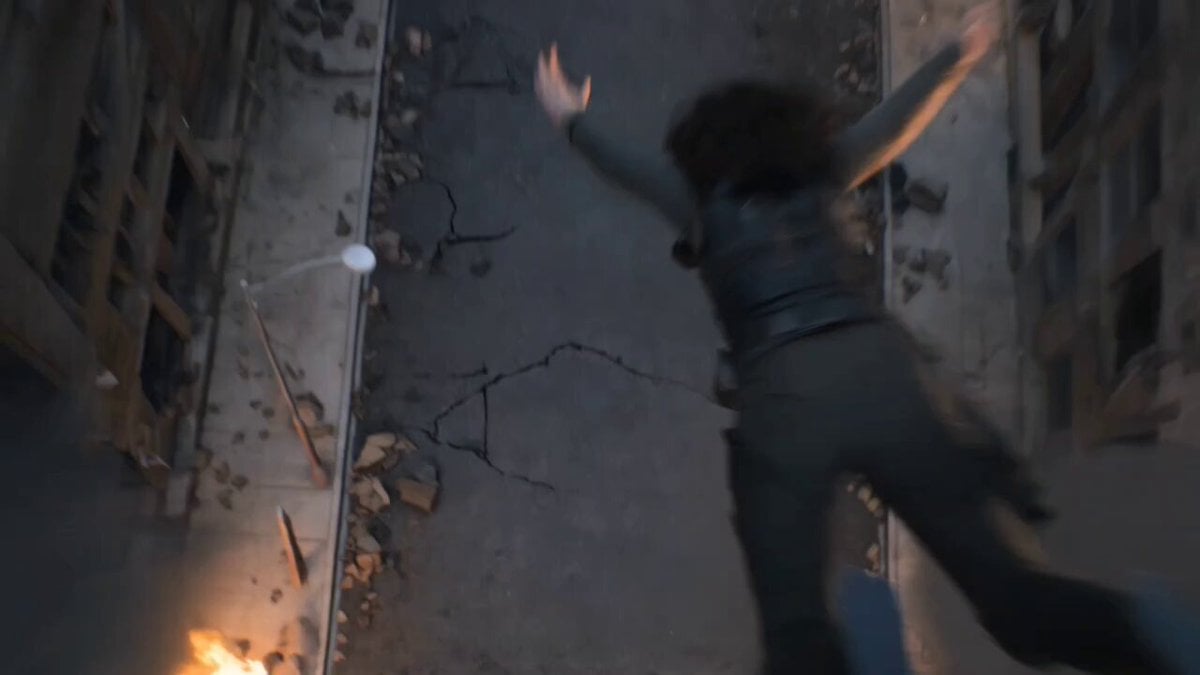
Epic Post-Apocalyptic Warrior Transformation Video Prompt
The Ark — Seedance 2.0 Epic Trailer
Thornmaw Monarch — Crimson Glass Desert Beast
Colossal Sea Creature — Stormy Shore Charge (Seedance)
Skybridge Rescue — Supertall Tower Collapse (Seedance)
FPV Ancient Kuru Kingdom — Hastinapura Golden Hour (Seedance)
Make it yours
Epic Cinematic Apocalyptic Disaster Scene works as-is. These are the safest ways to change it without losing the look.
Change one field
Copy a single group, rewrite it, and generate again so you can see what that field is doing.
Keep the frame, change the subject
Hold the composition and light of Epic Cinematic Apocalyptic Disaster Scene, then swap wardrobe, props or the person for a new take.
| If the result… | Why | Fix |
|---|---|---|
| The result drifts from the preview | Too many fields changed at once. | Reuse Epic Cinematic Apocalyptic Disaster Scene as-is first, then change one group — subject, light, or setting. |
| The model over-stylizes the scene | The prose prompt leaves finish and camera underspecified. | Add one camera or lighting sentence and stay on Seedance 2.0. |
More Seedance 2.0 templates
Other prompts made for Seedance 2.0.

Comical Martial Arts Punch Scene

Maglev Train Action Sequence

Martial Arts Fight Sequence

Wuxia Protection and Trust Script

Vintage Korean Arcade MiniDV Vlog

Mercedes 190 SL Luxury Ad

Rainy Night Supernatural Reverse Comedy Video Script

Amazon Civilization Discovery

Futuristic South Asian City Transformation

Cozy Luxury Cafe Commercial
More video prompts
Fresh picks from across the catalog.
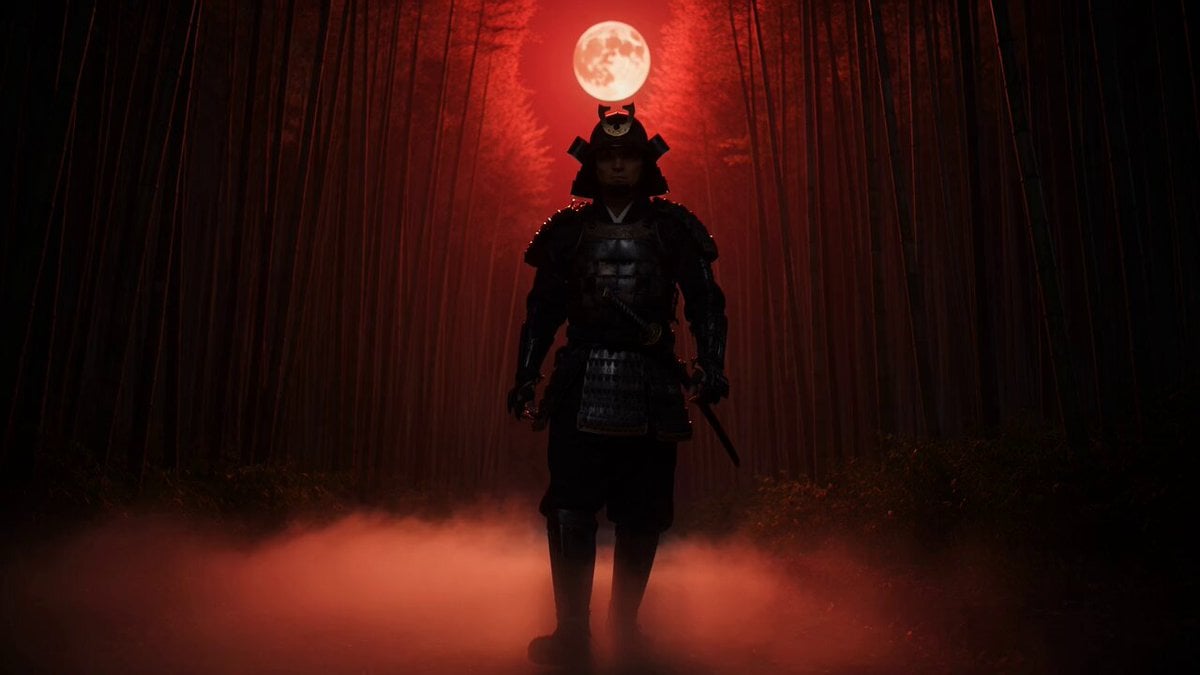
Samurai in Bamboo Forest
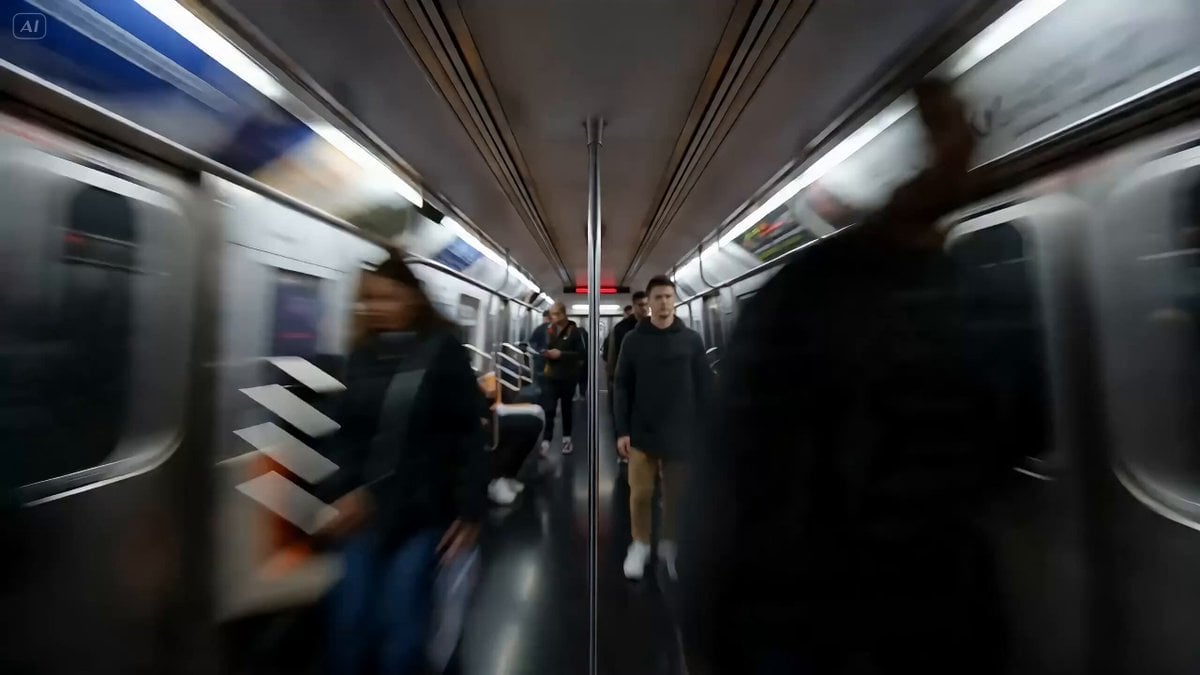
Gen Z Commercial Prompt (Metaimage + Seedance 2)

Flooded Office Surrealism Cinematic

Vampire Woman with Platinum Hair
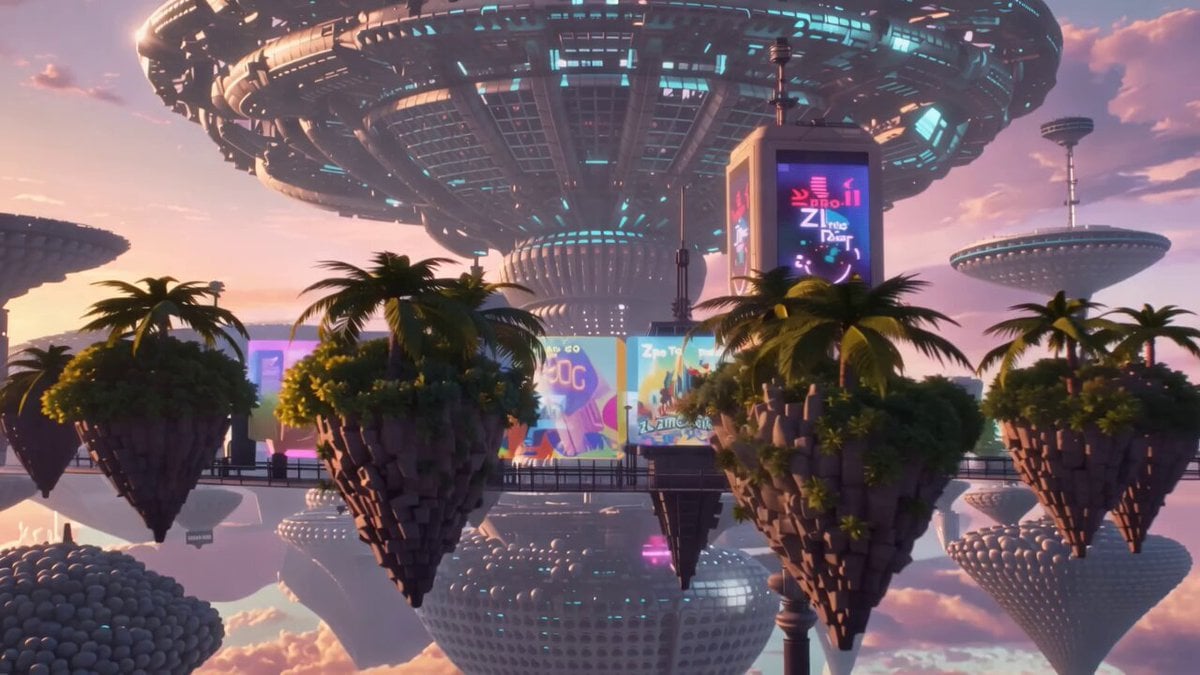
Pastel Pink-Blue Dyson Swarm
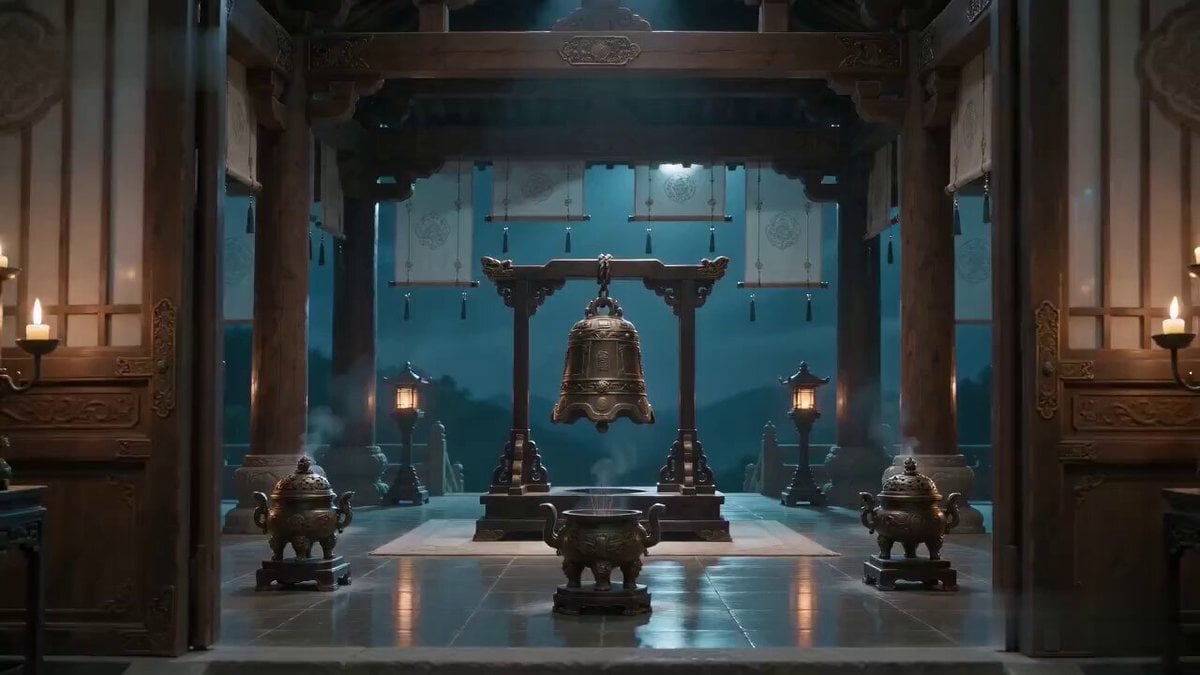
Xianxia Truth Bell Comedy Scene

Street Fighter Classic Battle Video Generation
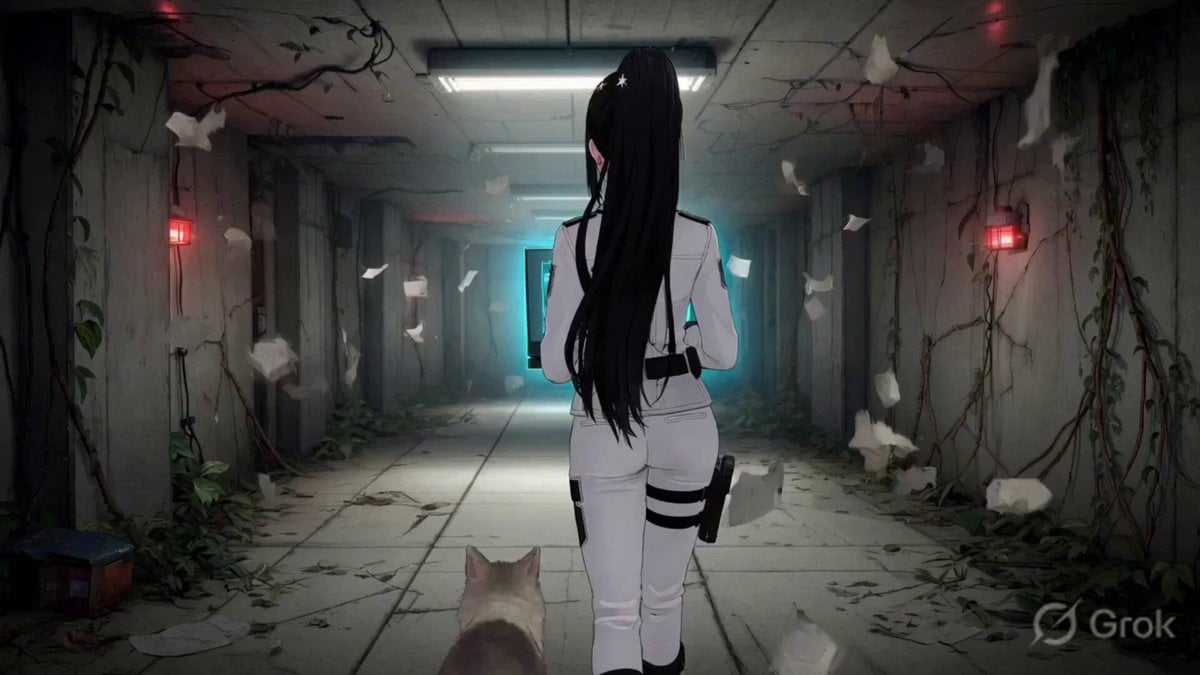
Chloe's Spatial Rift
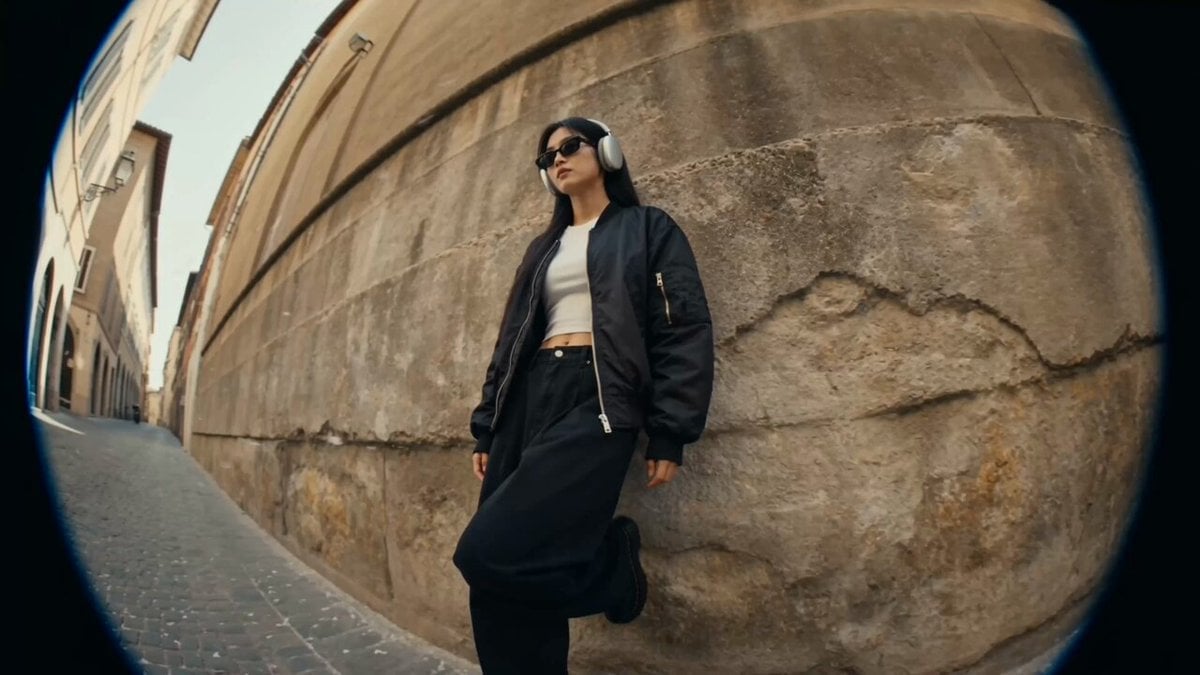
Cinematic European Street Video

Cyberpunk Bullet Redirection Scene
Browse template categories
Epic Cinematic Apocalyptic Disaster Scene questions
How do I use the Epic Cinematic Apocalyptic Disaster Scene template?
Add your photo if the template asks for one, edit the prompt if you like — the template's model and format are already selected — and press Generate. Your version opens in PicX Studio.
Can I customize the Epic Cinematic Apocalyptic Disaster Scene template?
Yes. You can change the subject, setting, lighting, mood, format, and available model controls before creating your video.
Is the Epic Cinematic Apocalyptic Disaster Scene template free?
Opening and editing this template is free. Generating uses credits, shown on the Generate button when you are signed in.
Which AI model should I use?
Start with Seedance 2.0, which is the model associated with this template. You can compare another compatible model for a different finish.
Looking for something else? Browse all templates.

Your photo, any look
Thousands of ready templates for every top image and video model, from one credit balance.