
Cinematic European Street Video
A cinematic video prompt for a 10-second photorealistic scene in a European cobblestone street, featuring consistent character traits and natural lighting.
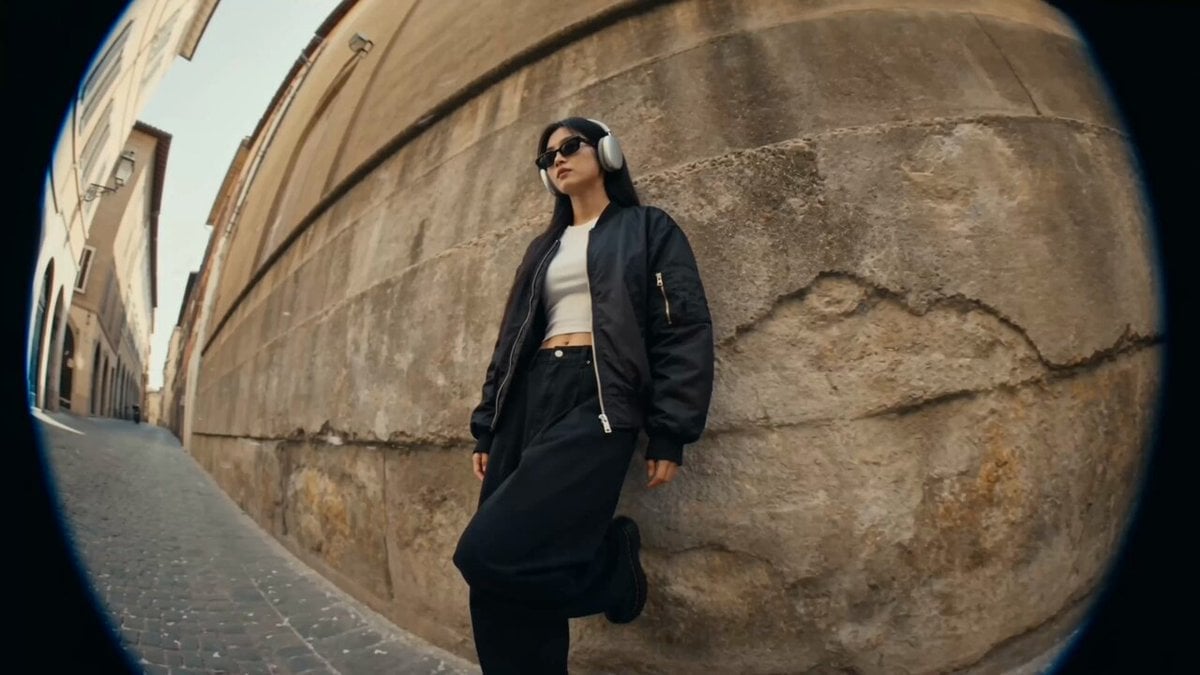
- Prompt included
- Model and format preset
- Premium template
The prompt behind this video
Copy the exact prompt behind Cinematic European Street Video, or open it in the studio and make it yours.
1. 基本設定 10秒の16:9横長シネマ動画。 フォトリアルな実写映像。 BGMなし。画面内テキストなし。 2. 参照指定 「CharacterSheet」 を主人公の唯一の人物参照にする。 顔、髪型、体型、服装、ヘッドホン、サングラス、靴を全カットで維持。 3. 舞台 昼のヨーロッパ風の石畳ストリート。 古い石壁、小さな花屋、花のバケツ、暖かい自然光。 白や薄ピンクの花びらが風で舞う。 4. 制約 顔を変えない。 服装を変えない。 文字を出さない。 ロゴを出さない。 AIっぽい顔にしない。
How to use Cinematic European Street Video in 3 steps
- 1
Open
The prompt is already in the box next to the preview, with the template's model and format selected.
- 2…a portrait of your subject in softgolden-hour light, 85mm…
Personalize
Edit the subject and creative details for your destination.
- 3Generate
Generate
Press Generate — your video is created in PicX Studio, so you can compare it with the original and refine one variable at a time.
More like this
Templates with the same subject, style or setup. Open one to see its prompt.

Realistic City Street Story Cinematic Video - Seedance

Nano Banana Seedance Time Control Streets
European Street Dance Sequence
Luxury Fashion European Cafe Commercial
Refreshing European Town Soda Commercial
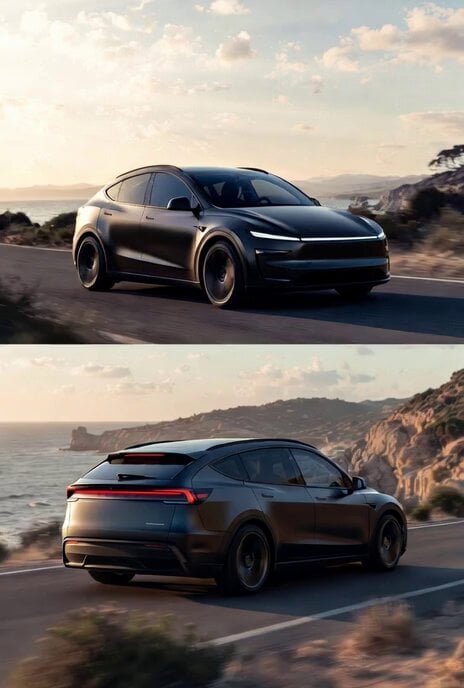
Photorealistic rendering of a Tesla Model Y as a classic European station wagon
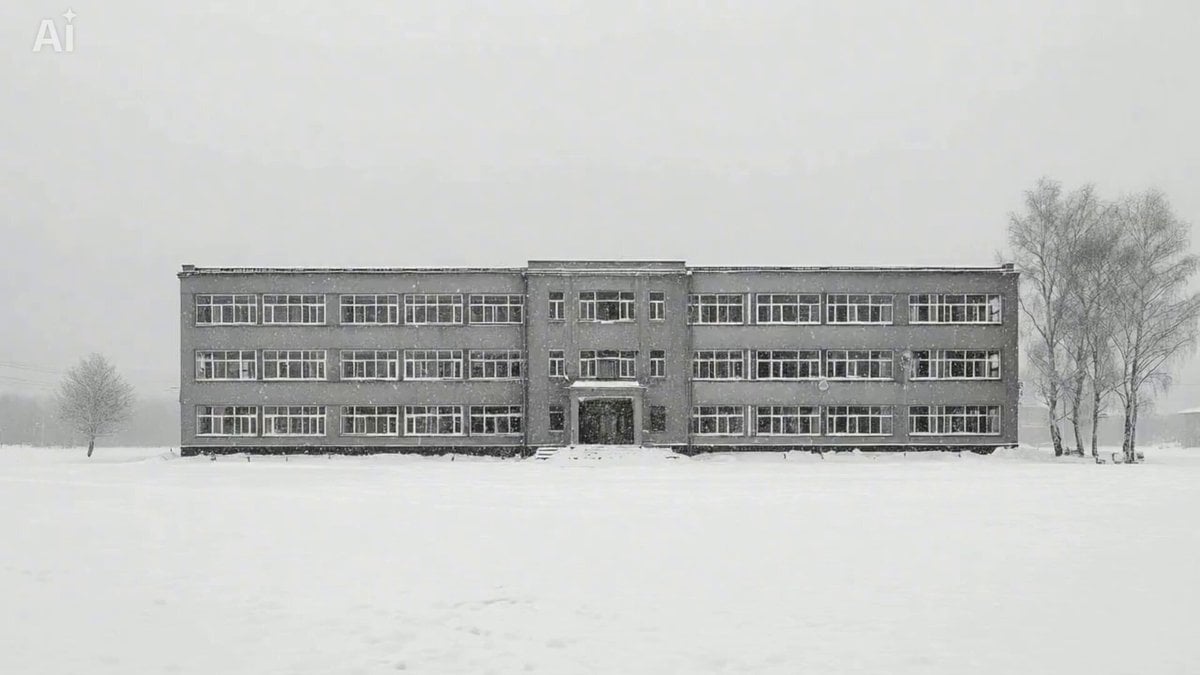
Snowy Eastern European Thriller Trailer
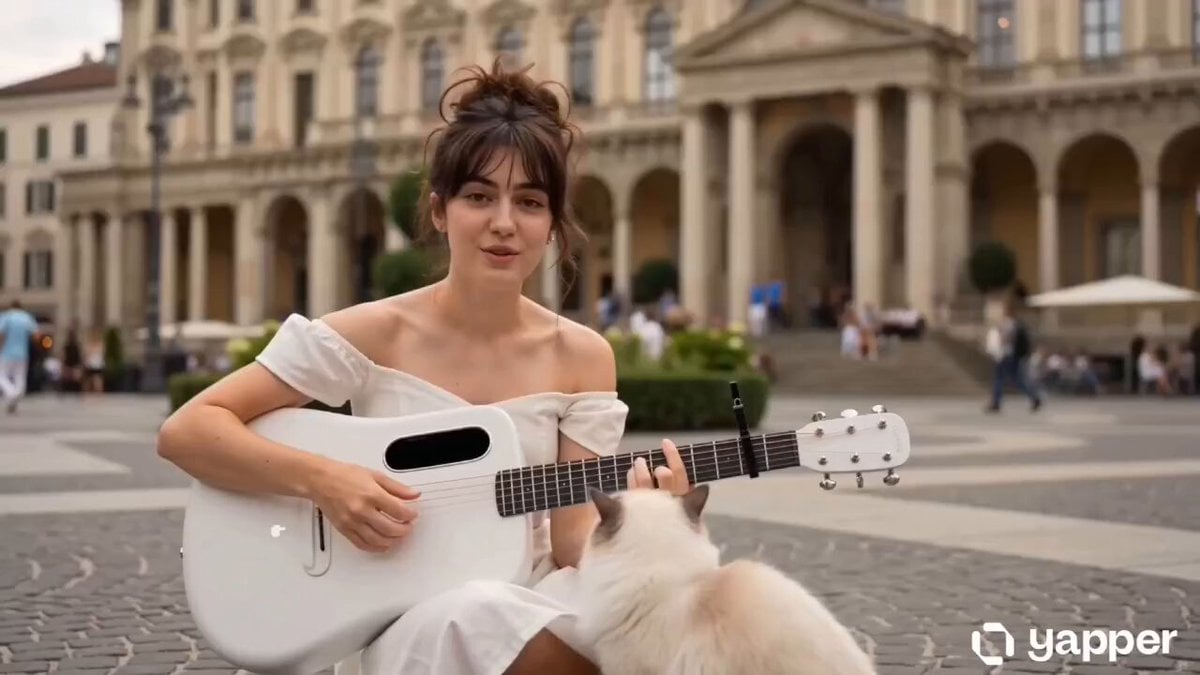
European Piazza guitar performance
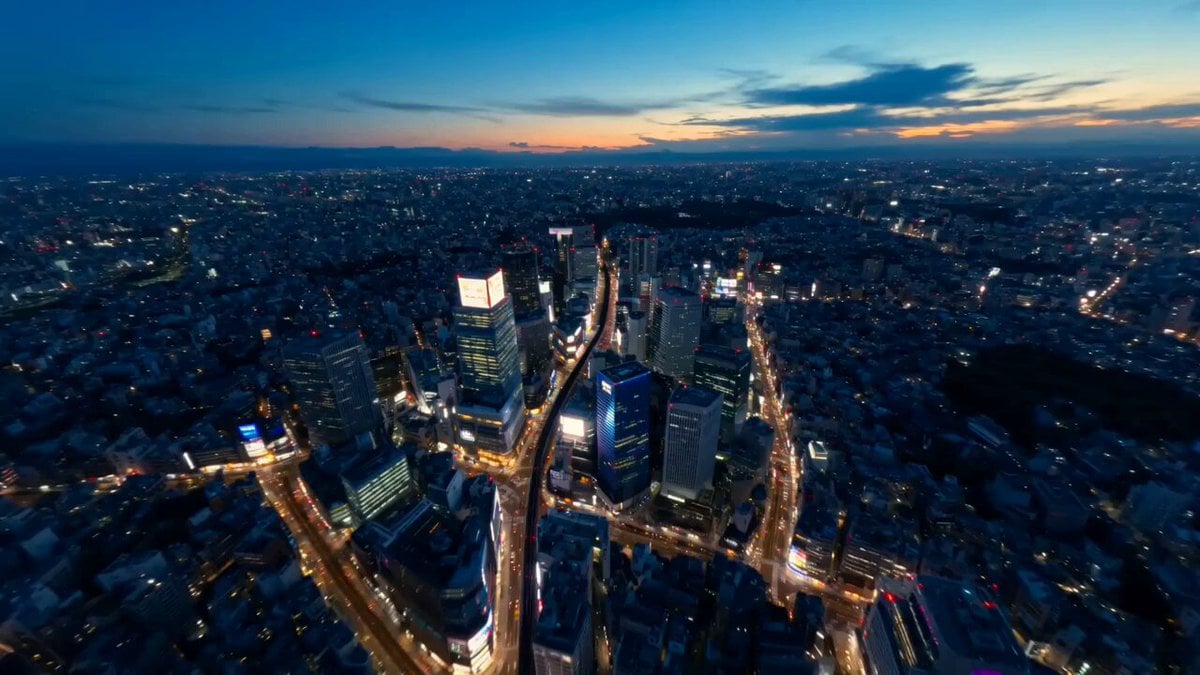
Tokyo Street Style Travel Film
Street Dance Battle Sony Headphones

Delhi Street Monitor Lizard Scare

The Street Barber Emotional Story
Make it yours
Cinematic European Street Video works as-is. These are the safest ways to change it without losing the look.
Change one field
Copy a single group, rewrite it, and generate again so you can see what that field is doing.
Keep the frame, change the subject
Hold the composition and light of Cinematic European Street Video, then swap wardrobe, props or the person for a new take.
| If the result… | Why | Fix |
|---|---|---|
| The result drifts from the preview | Too many fields changed at once. | Reuse Cinematic European Street Video as-is first, then change one group — subject, light, or setting. |
| The model over-stylizes the scene | The prose prompt leaves finish and camera underspecified. | Add one camera or lighting sentence and stay on Seedance 2.0. |
More Seedance 2.0 templates
Other prompts made for Seedance 2.0.

Comical Martial Arts Punch Scene

Maglev Train Action Sequence

Martial Arts Fight Sequence

Wuxia Protection and Trust Script

Vintage Korean Arcade MiniDV Vlog

Mercedes 190 SL Luxury Ad

Rainy Night Supernatural Reverse Comedy Video Script

Amazon Civilization Discovery

Futuristic South Asian City Transformation

Cozy Luxury Cafe Commercial
More video prompts
Fresh picks from across the catalog.

Early 2000s Asian Drama Hair Toss
Fantasy Knight and Princess Commercial
Video Prompt for Pepe Frog Grok Meme Token Robot
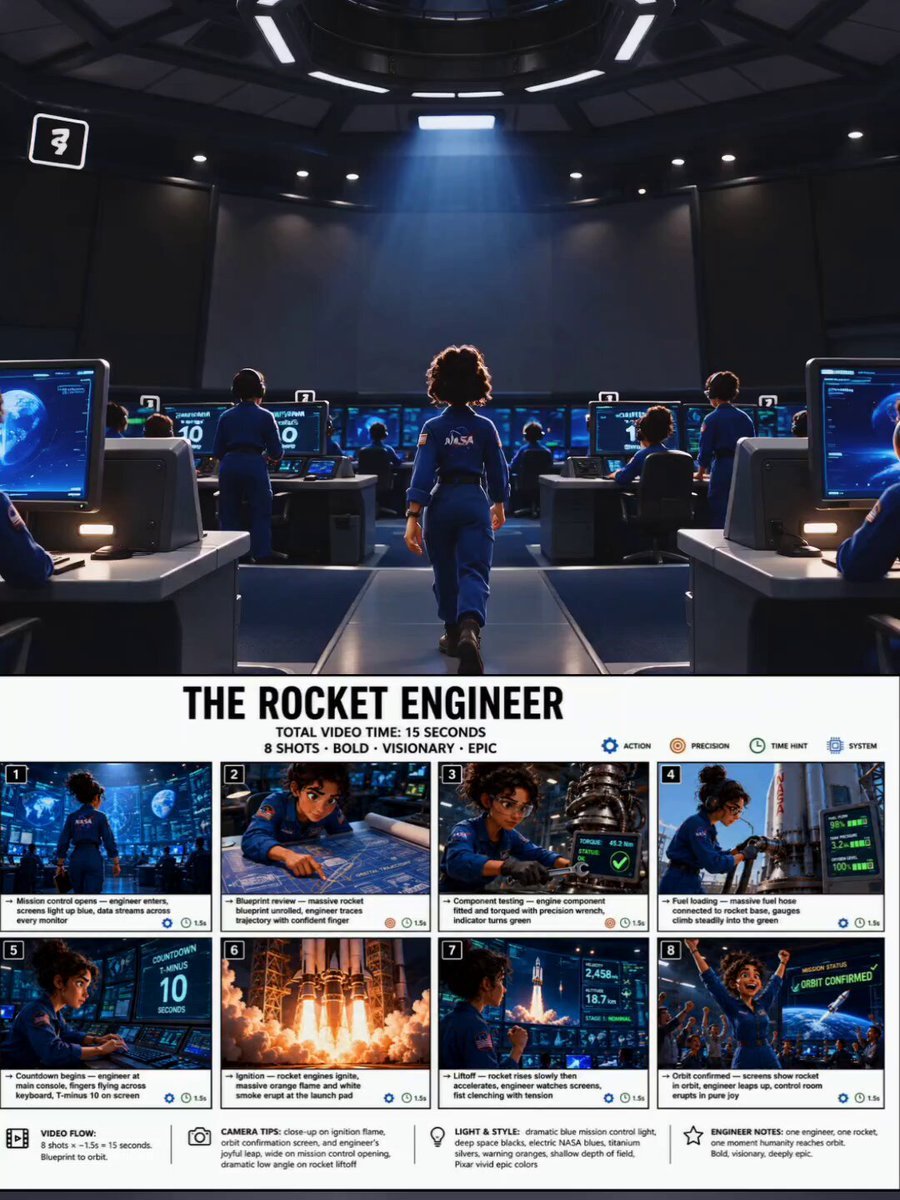
Animated Rocket Launch Storyboard

Steampunk Dragon and Warrior Queen

Shaw Brothers Style Fight Scene
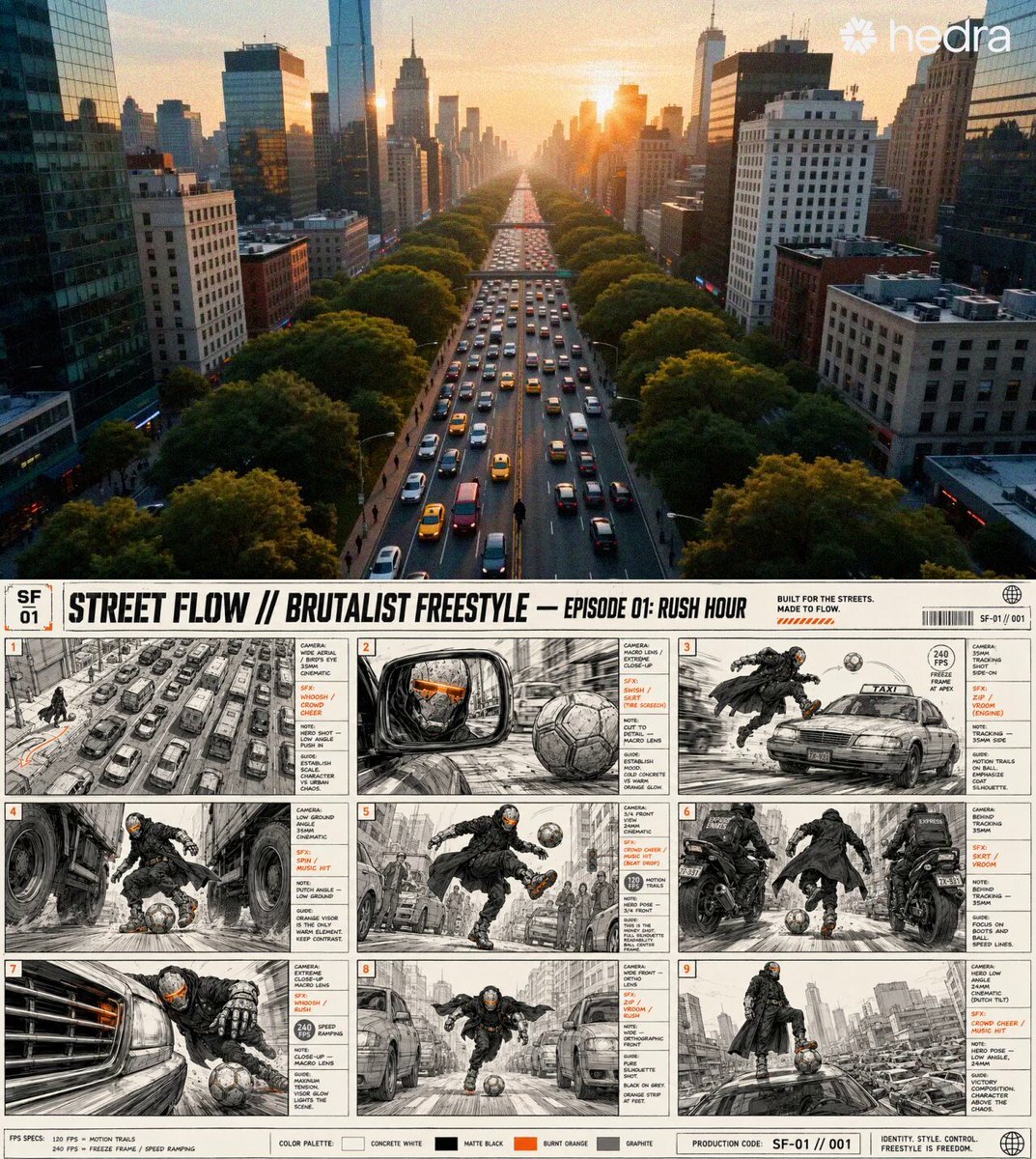
Sci-Fi Character and Storyboard Adherence Prompt

Rusted Robot in Forest Video Prompt
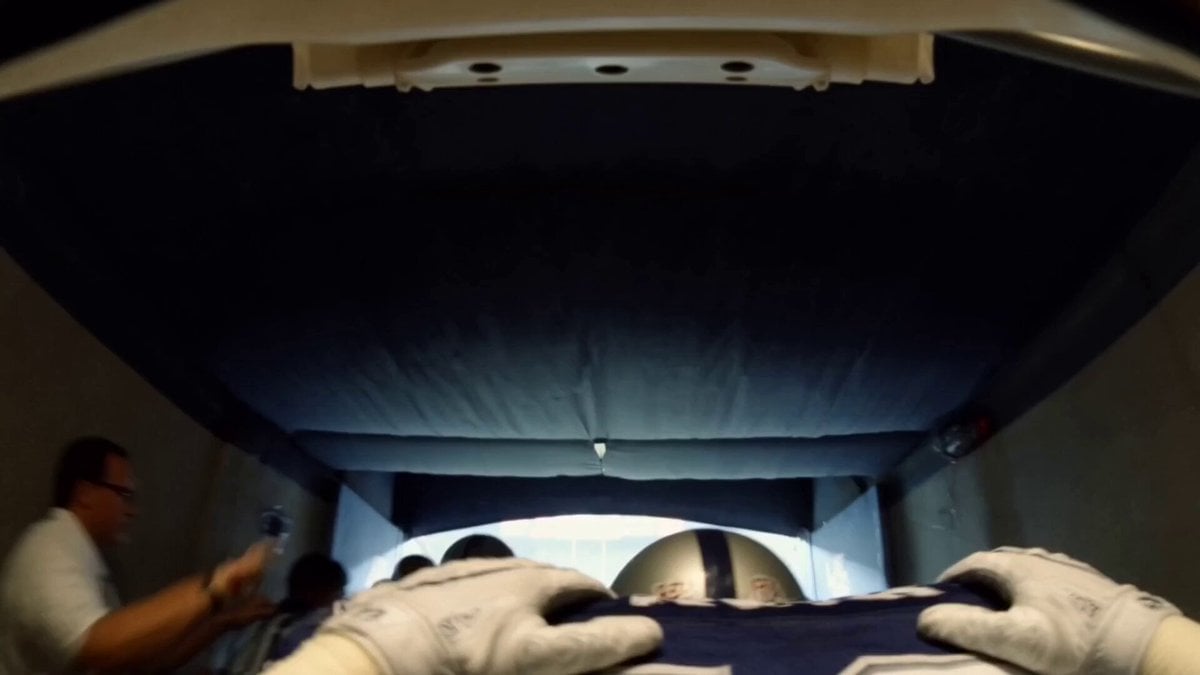
Super Bowl FPV Helmet Cam Realism
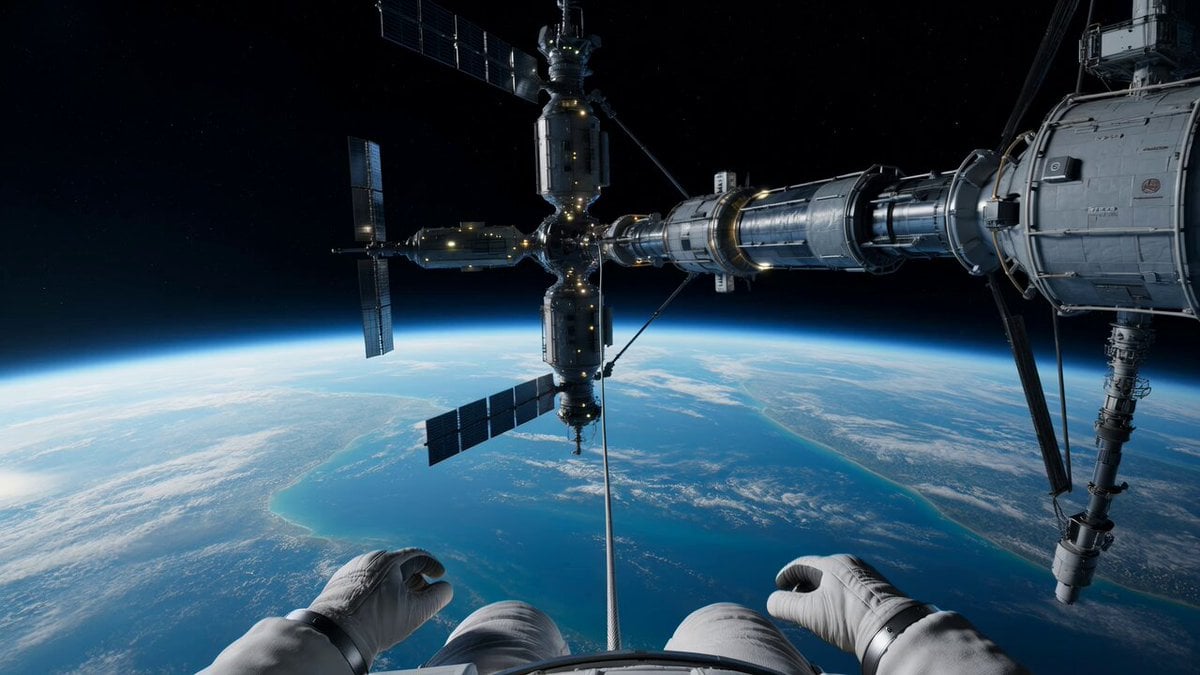
Spacewalk Explosion and Spinning Drift Video Prompt
Browse template categories
Cinematic European Street Video questions
How do I use the Cinematic European Street Video template?
Add your photo if the template asks for one, edit the prompt if you like — the template's model and format are already selected — and press Generate. Your version opens in PicX Studio.
Can I customize the Cinematic European Street Video template?
Yes. You can change the subject, setting, lighting, mood, format, and available model controls before creating your video.
Is the Cinematic European Street Video template free?
Opening and editing this template is free. Generating uses credits, shown on the Generate button when you are signed in.
Which AI model should I use?
Start with Seedance 2.0, which is the model associated with this template. You can compare another compatible model for a different finish.
Looking for something else? Browse all templates.

Your photo, any look
Thousands of ready templates for every top image and video model, from one credit balance.