How do I use the World Evolution Cinematic Animation template?
Edit the prompt in the box under the preview — the template's model and format are already selected — and press Generate. Your version appears right on this page.
A detailed multi-scene prompt describing the transition from a human-centric world to a fully automated futuristic society.
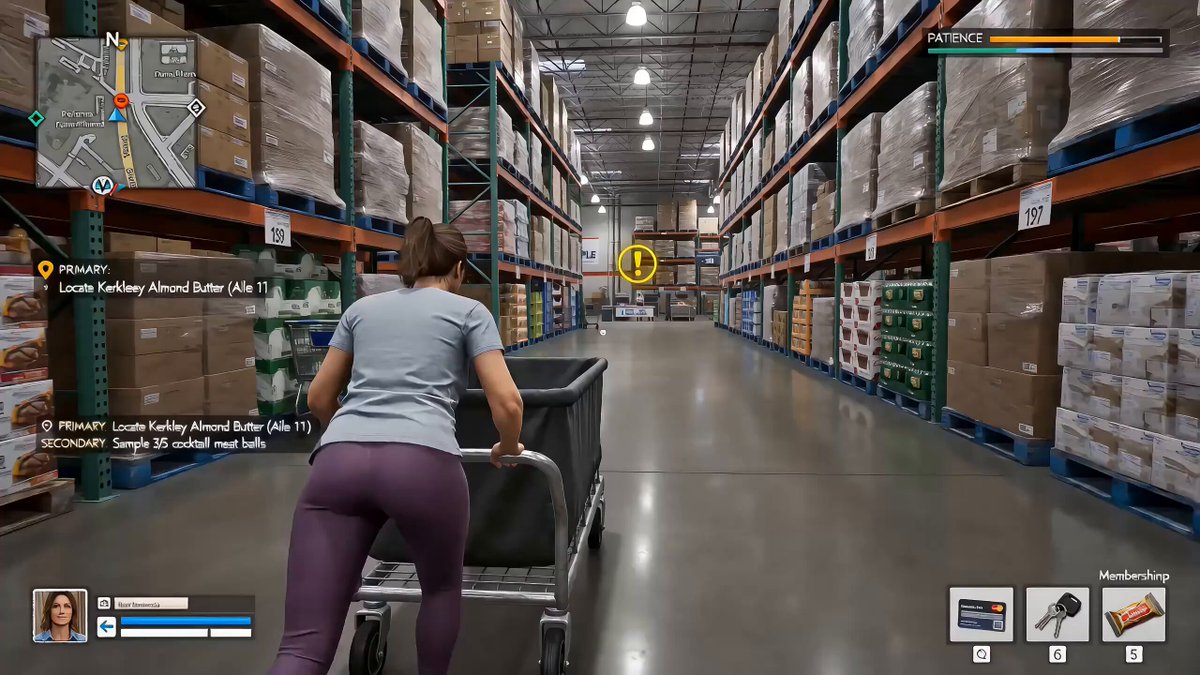
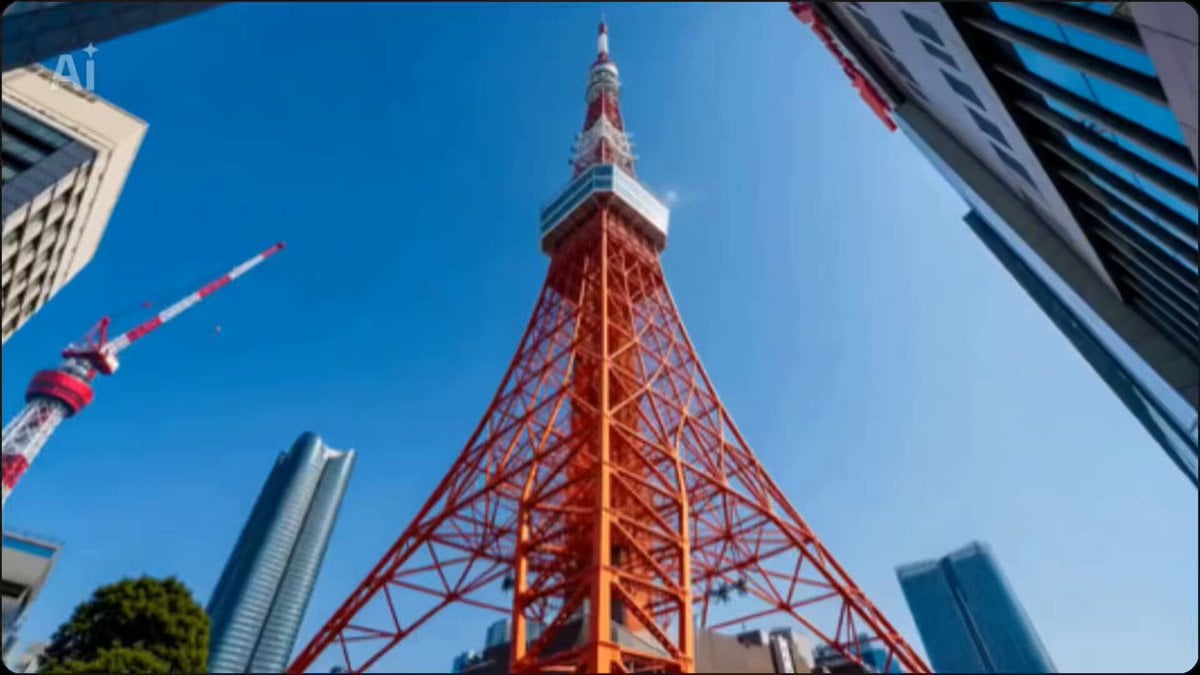
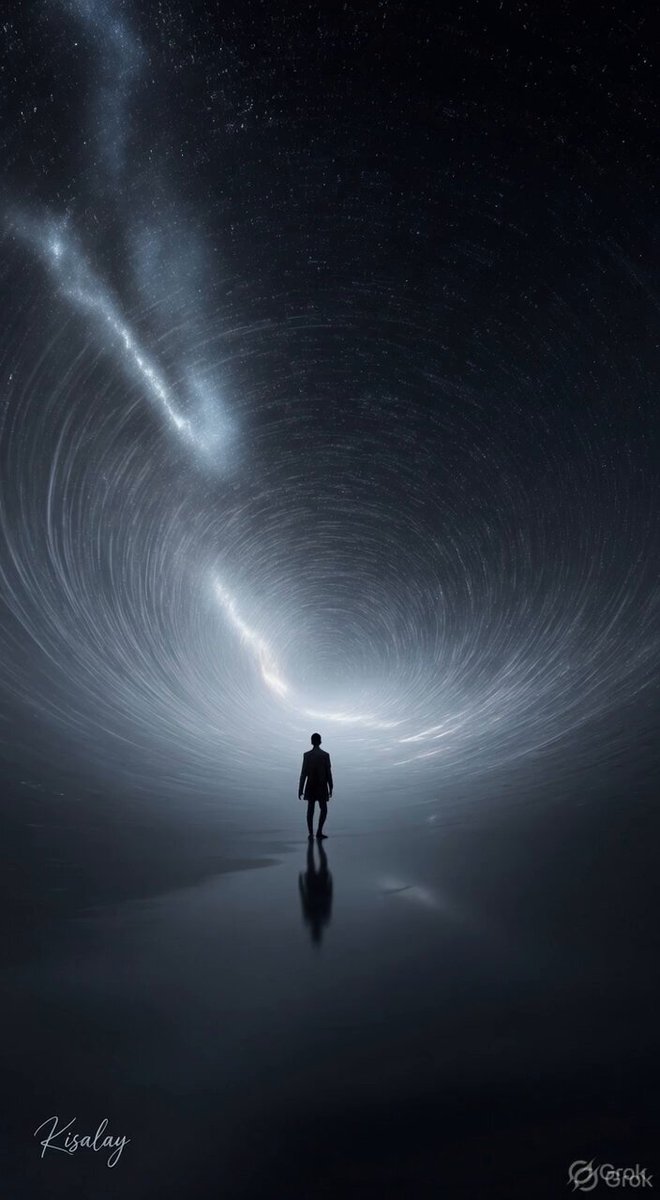
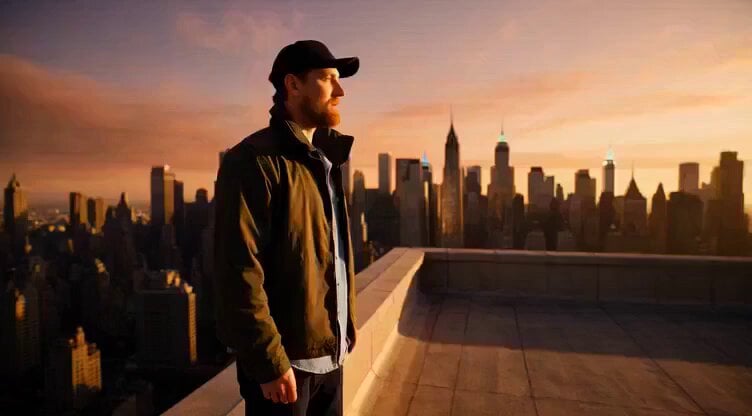
Cinematic 15-second animation showing the evolution of the world into automation. Scene 1 (0–5s): A busy human world—people working in offices, factories, traffic jams, warm natural lighting, realistic style. Scene 2 (5–10s): Transition phase—digital grids, holograms, robotic arms appearing, humans interacting with AI screens, blue neon glow, futuristic tone. Scene 3 (10–15s): Fully automated world—smart cities with self-driving cars, drones delivering packages, robots working seamlessly, clean high-tech environment, glowing lights, ultra-modern look. Camera movement: smooth cinematic transitions, slight zoom and pan. Style: realistic + futuristic blend, high detail, 4K quality. Mood: progressive, inspiring, slightly dramatic. Background music: soft electronic rising to energetic futuristic beat.
Cinematic 15-second animation showing the evolution of the world into automation. Scene 1 (0–5s): A busy human world—people working in offices, factories, traffic jams, warm natural lighting, realistic style. Scene 2 (5–10s): Transition phase—digital grids, holograms, robotic arms appearing, humans interacting with AI screens, blue neon glow, futuristic tone. Scene 3 (10–15s): Fully automated world—smart cities with self-driving cars, drones delivering packages, robots working seamlessly, clean high-tech environment, glowing lights, ultra-modern look. Camera movement: smooth cinematic transitions, slight zoom and pan. Style: realistic + futuristic blend, high detail, 4K quality. Mood: progressive, inspiring, slightly dramatic. Background music: soft electronic rising to energetic futuristic beat.
Edit the prompt in the box under the preview — the template's model and format are already selected — and press Generate. Your version appears right on this page.
Yes. You can change the subject, setting, lighting, mood, format, and available model controls before creating your video.
Opening and editing this template is free. Generating uses credits, shown on the Generate button when you are signed in.
Start with Seedance 2.0, which is the model associated with this template. You can compare another compatible model for a different finish.
Follow a topic to a crawlable collection of related PicX Studio templates.