How do I use the 360-Degree Orbiting Camera Work template?
Edit the prompt in the box under the preview — the template's model and format are already selected — and press Generate. Your version appears right on this page.
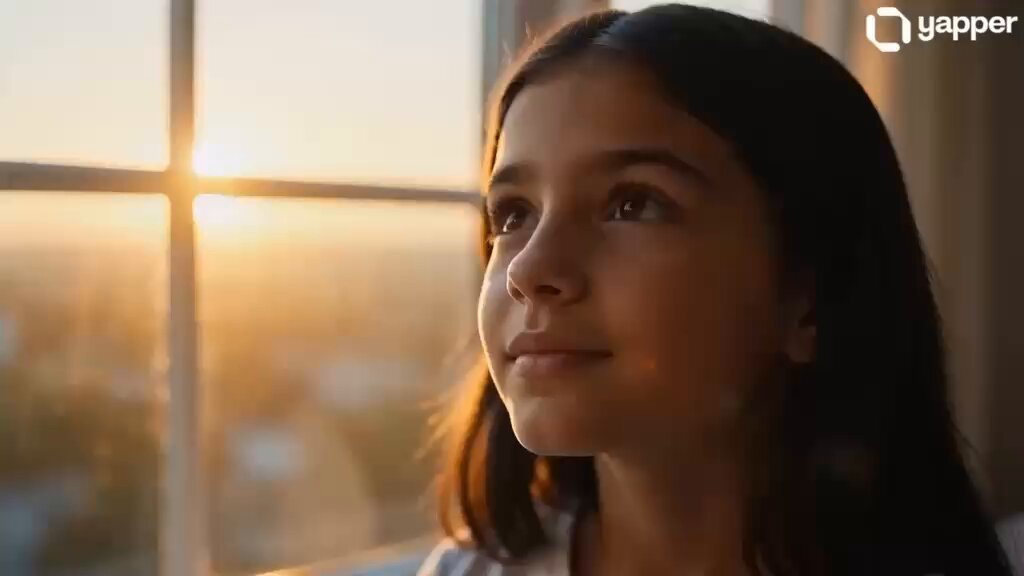
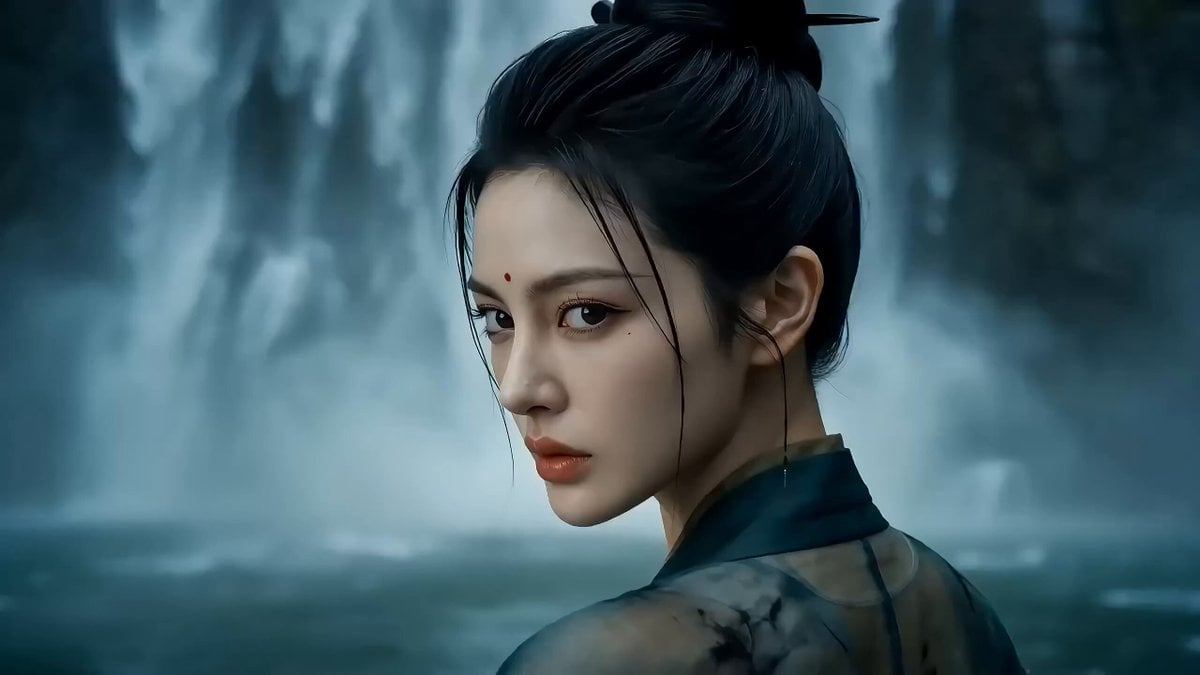
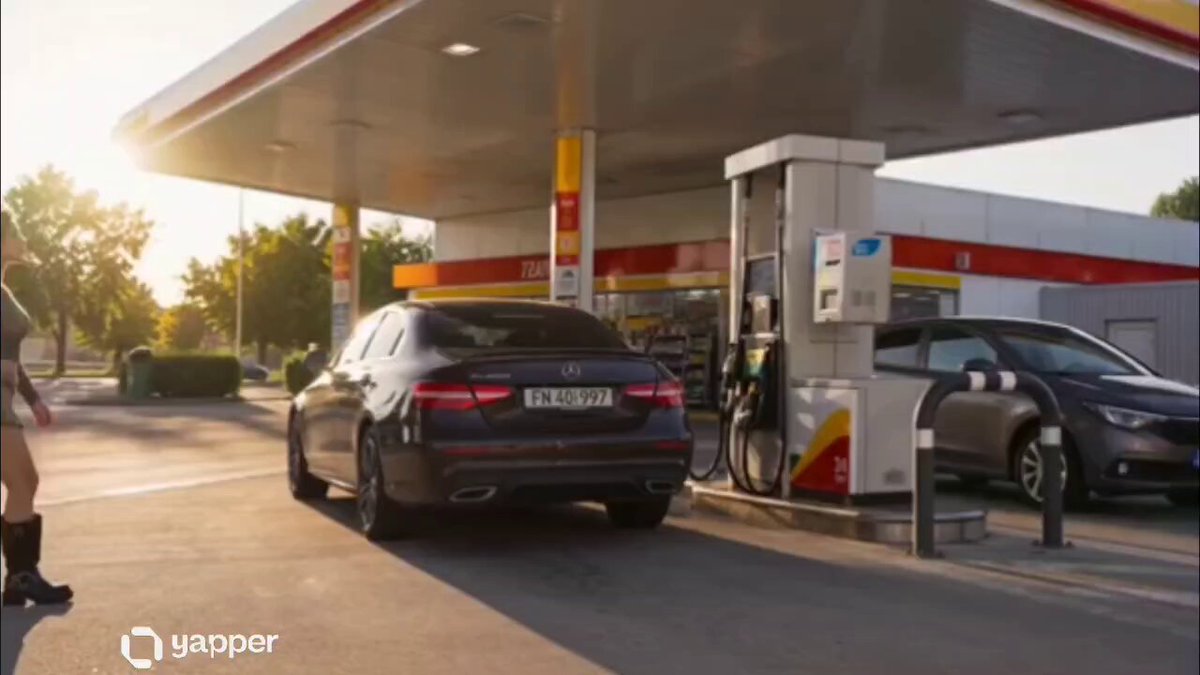
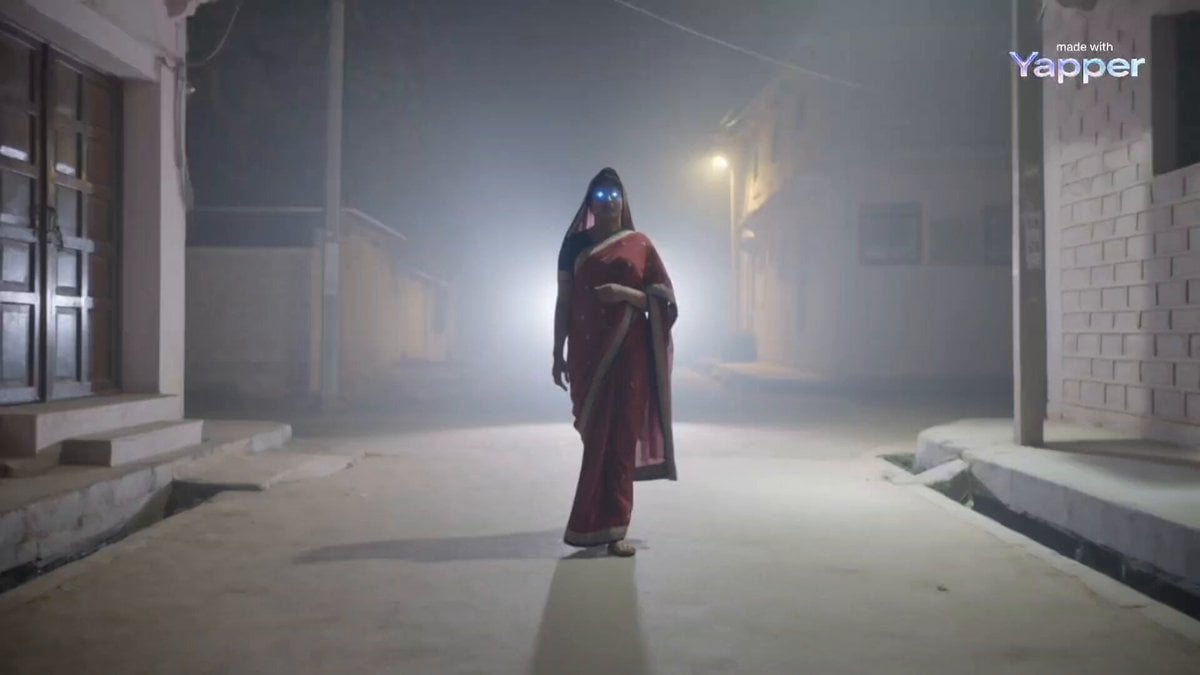
A specialized camera control prompt for creating smooth 360-degree orbiting shots around a subject with gimbal-like stability.
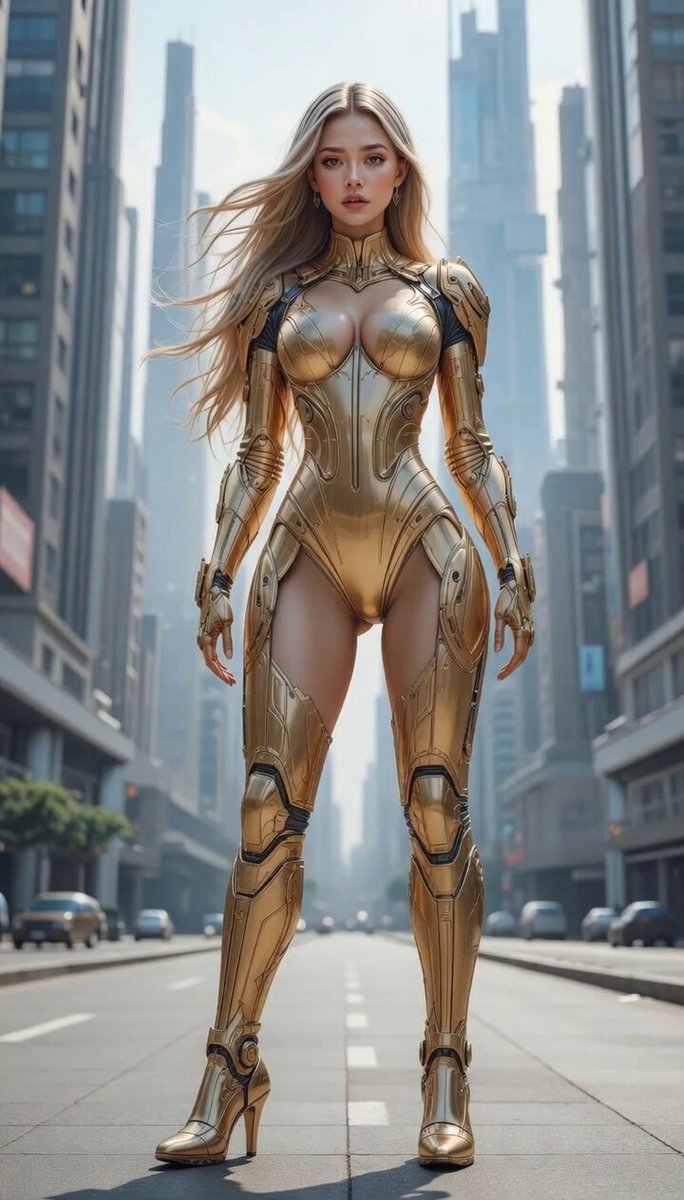
カメラは彼女の周囲を滑らかに360度一周する。滑らかな周回カメラワーク、ジンバルによる安定性、被写体を常に画面中央に維持。 The camera smoothly orbits a full 360 degrees around her. Smooth orbiting camera movement, gimbal stability, subject kept centered.
カメラは彼女の周囲を滑らかに360度一周する。滑らかな周回カメラワーク、ジンバルによる安定性、被写体を常に画面中央に維持。 The camera smoothly orbits a full 360 degrees around her. Smooth orbiting camera movement, gimbal stability, subject kept centered.
Edit the prompt in the box under the preview — the template's model and format are already selected — and press Generate. Your version appears right on this page.
Yes. You can change the subject, setting, lighting, mood, format, and available model controls before creating your video.
Opening and editing this template is free. Generating uses credits, shown on the Generate button when you are signed in.
Start with Seedance 2.0, which is the model associated with this template. You can compare another compatible model for a different finish.
Follow a topic to a crawlable collection of related PicX Studio templates.