
Shogi Animation: Cosmic Right Three-Tier King
A detailed prompt for Grok Imagine to create a short, 15-20 second animated video in a watercolor/fantasy style, depicting a Shogi (Japanese chess) match focused on the 'Right Three-Tier King' formation.
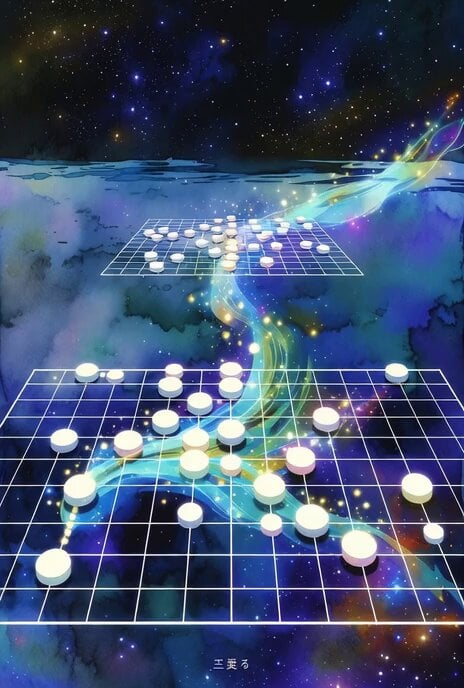
- Prompt included
- Model and format preset
- Free template
The prompt behind this video
Copy the exact prompt behind Shogi Animation: Cosmic Right Three-Tier King, or open it in the studio and make it yours.
タイトル:「宇宙の右三段玉 ~81マスに広がる芸術的な星座~」 • スタイル:水彩画風+幻想的な光の粒子をふんだんに使ったSFファンタジー • 長さ:約15〜20秒のショートアニメーション動画 • 最大の見どころ: • 序盤:静かな宇宙空間に右三段玉の陣形が浮かび上がる • 中盤:先手が三段玉を活かした柔軟な配置で優勢を築く様子を、光の波紋と粒子で美しく表現 • クライマックス:後手kssuyaさんの強力な返し技をかわしつつ、駒が縦列を美しく整えていく • 終盤:終了図の芸
How to use Shogi Animation: Cosmic Right Three-Tier King in 3 steps
- 1
Open
The prompt is already in the box next to the preview, with the template's model and format selected.
- 2…a portrait of your subject in softgolden-hour light, 85mm…
Personalize
Edit the subject and creative details for your destination.
- 3Generate
Generate
Press Generate — your video is created in PicX Studio, so you can compare it with the original and refine one variable at a time.
More like this
Templates with the same subject, style or setup. Open one to see its prompt.
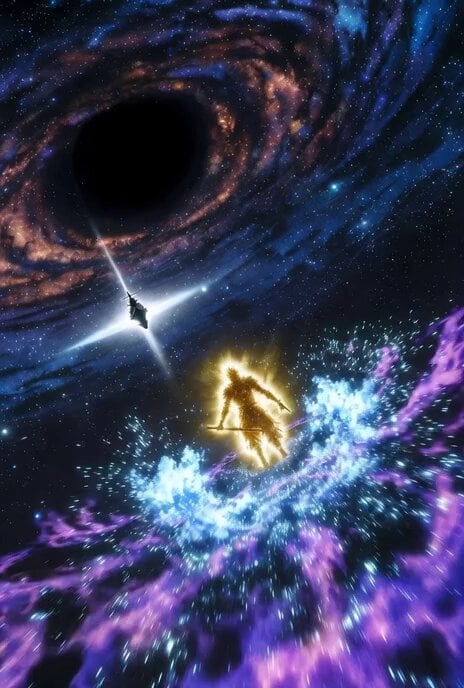
Dynamic animation CG of Shogi strategy in space
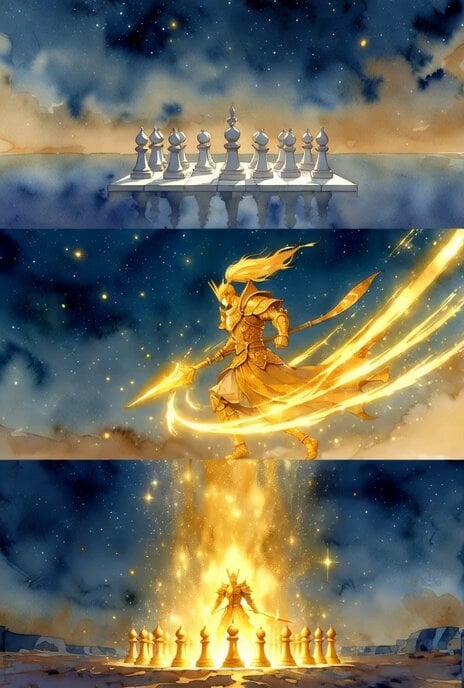
Shogi Gold General Charging Animation

Shogi Animation: Summoning the Dragon of the Clear Stream
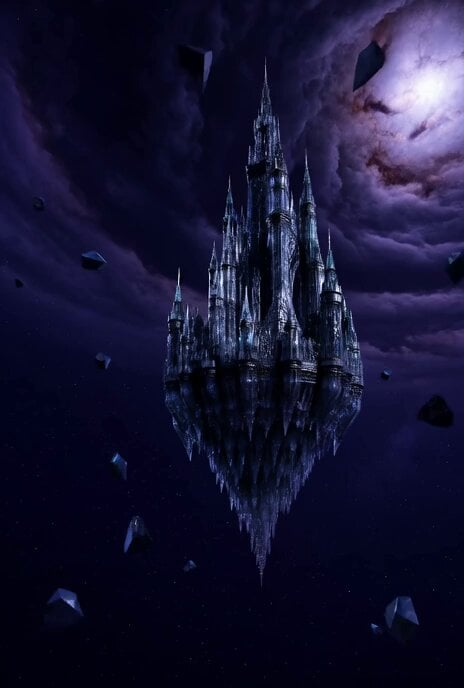
Floating Glass Castle in Cosmic Storm

Kaleidoscopic Cosmic Dolphin Video

Cosmic Heart Radiant Energy

Voice Controlled Water Animation
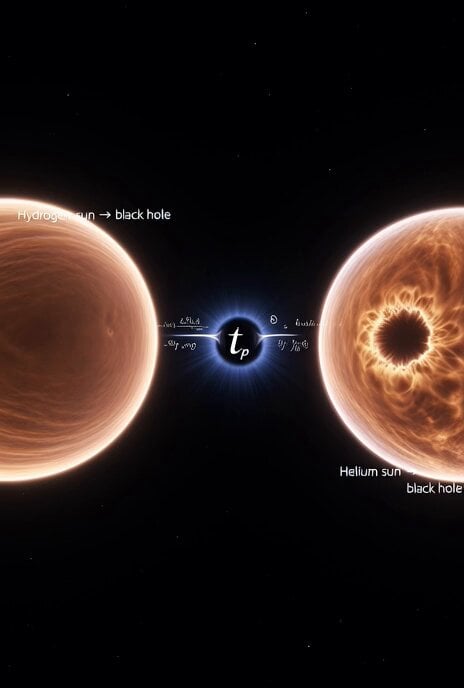
Cosmic Sun Collapse Visualization

Chibi Cosmic Wildcat Cybertruck
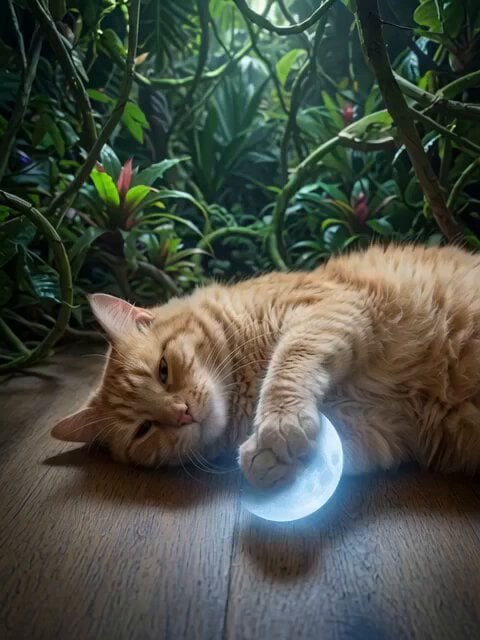
Orange Cat King and Dogs
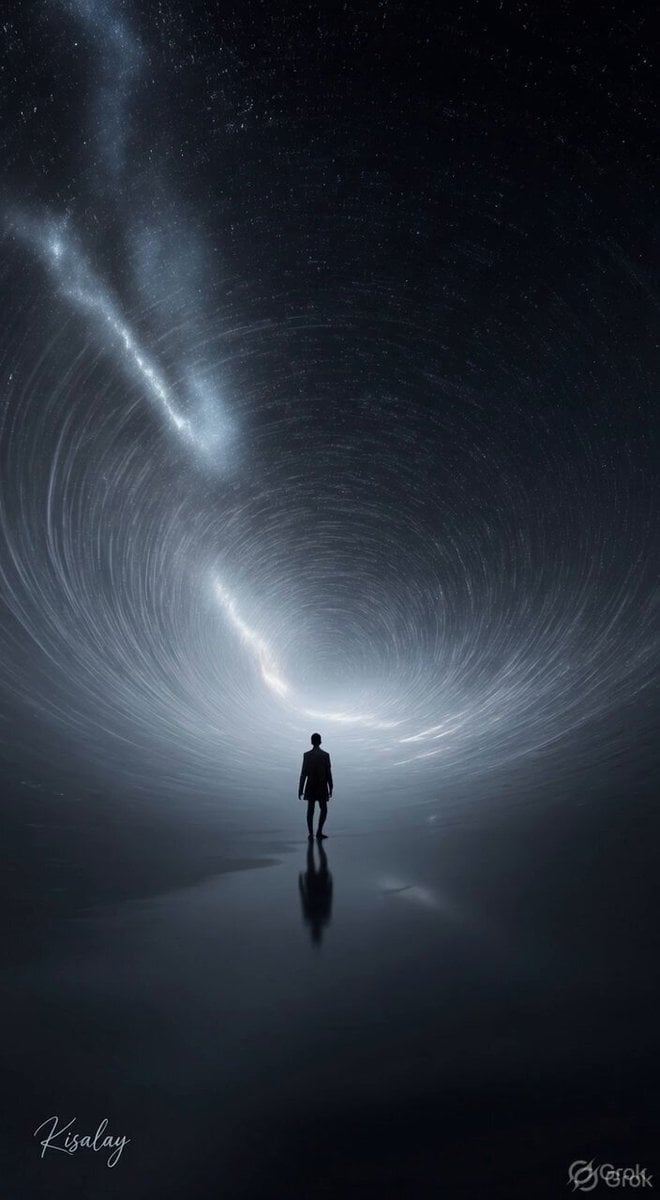
Spinning Sky Cosmic Video
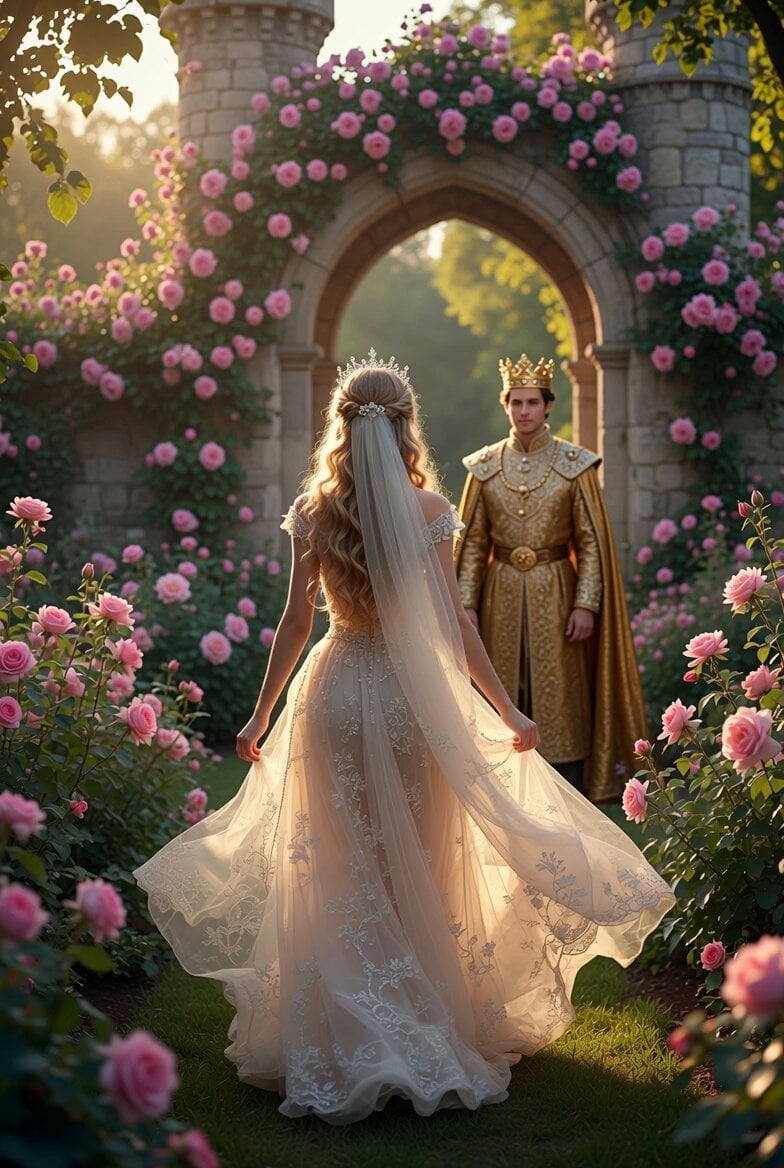
Princess Walking Rose Path Video
Make it yours
Shogi Animation: Cosmic Right Three-Tier King works as-is. These are the safest ways to change it without losing the look.
Change one field
Copy a single group, rewrite it, and generate again so you can see what that field is doing.
Keep the frame, change the subject
Hold the composition and light of Shogi Animation: Cosmic Right Three-Tier King, then swap wardrobe, props or the person for a new take.
| If the result… | Why | Fix |
|---|---|---|
| The result drifts from the preview | Too many fields changed at once. | Reuse Shogi Animation: Cosmic Right Three-Tier King as-is first, then change one group — subject, light, or setting. |
| The model over-stylizes the scene | The prose prompt leaves finish and camera underspecified. | Add one camera or lighting sentence and stay on Grok Imagine. |
More Grok Imagine templates
Other prompts made for Grok Imagine.

Horror Daffy Duck Video Transition

America 250th Anniversary Celebration

Glowing Water Forest Night Prompt

Soft Pink Roses Dreamer Prompt

Ninja Wizard Levitation Jump

Coffee Cup Interaction Motion

Pterodactyl Transformation Journey

Candle Mandala Mirror Video

Psychedelic Purple Disc World Video

Mecha Runway Tap Dance Video Prompt
More video prompts
Fresh picks from across the catalog.
Second Cinematic Fantasy Creature Animation
Claude Prompt: Predictive Insights and Scenario Analysis
Anime Wedding Preparation Storyboard
Wizard Spell Chicken Accident
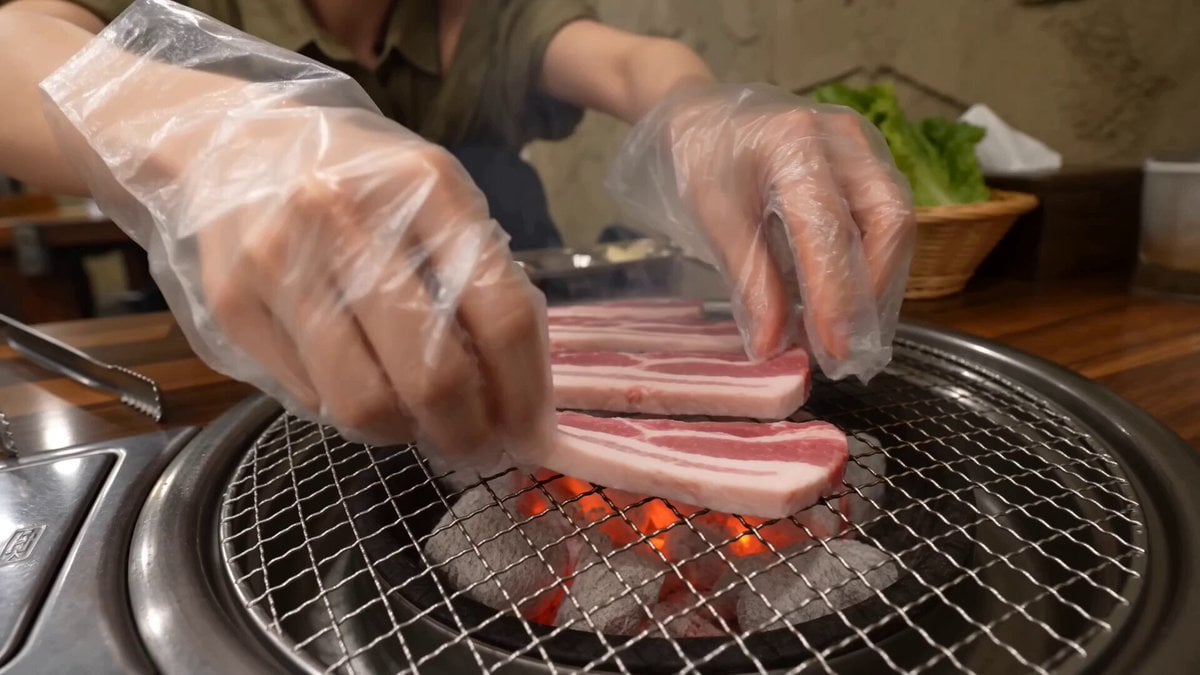
Authentic Korean Samgyupsal Vlog
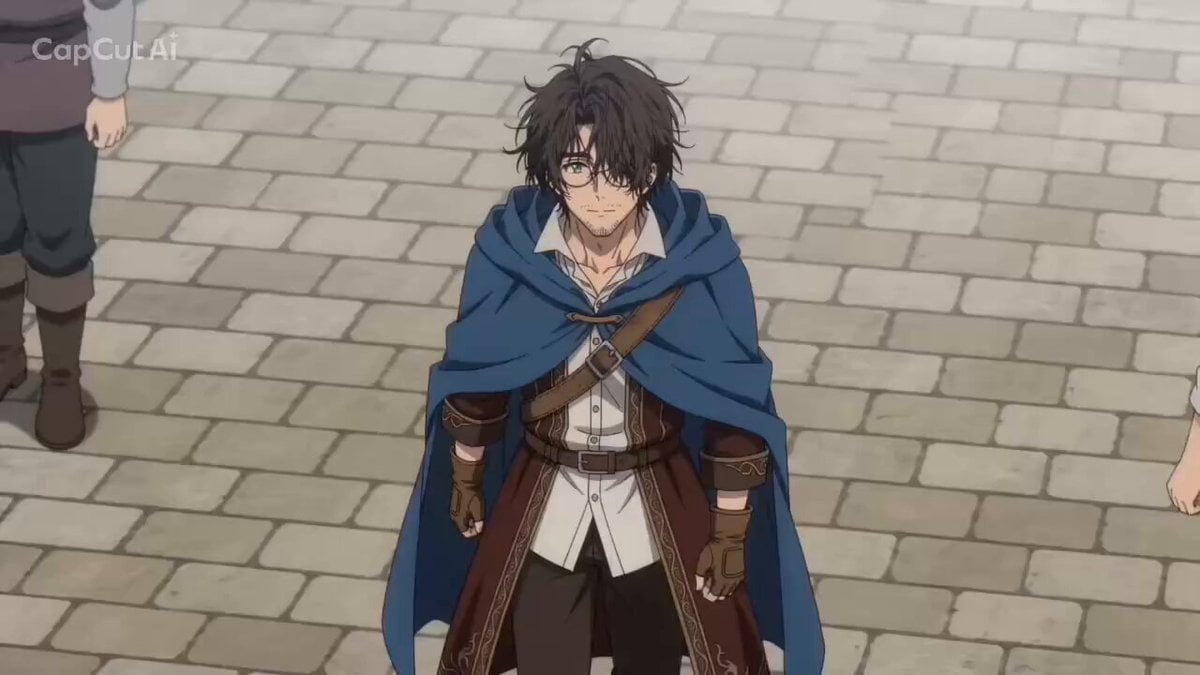
Fantasy Isekai Anime Storyboard
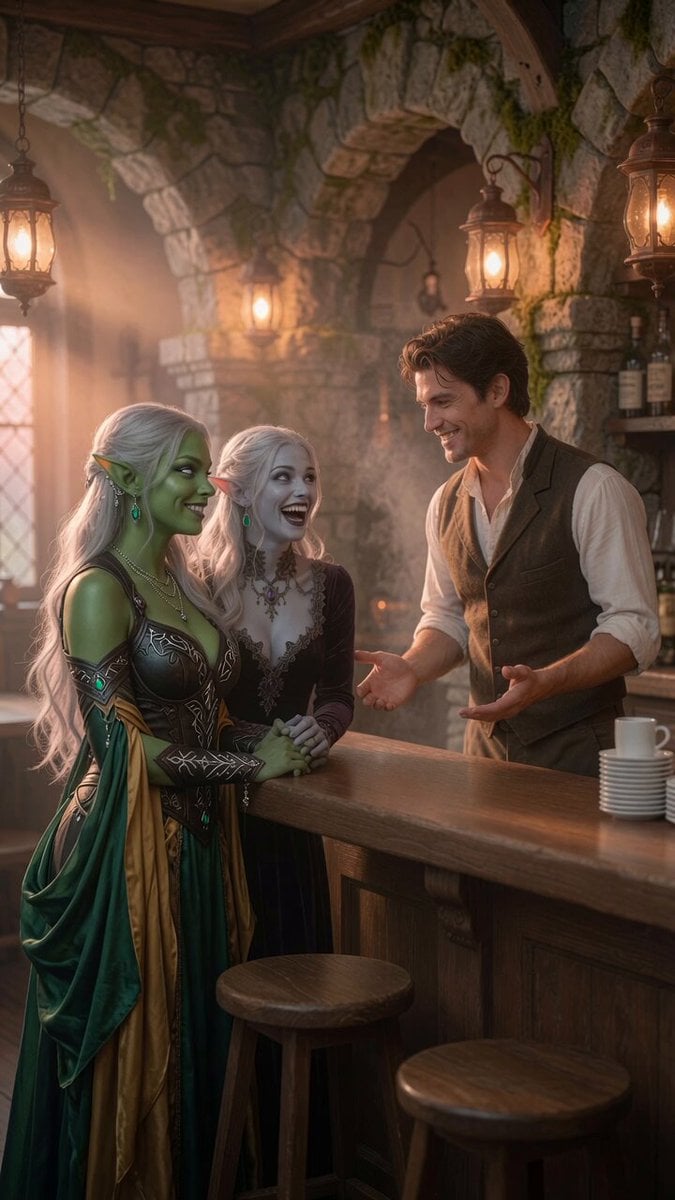
Coffee Shop Interaction Dialogue
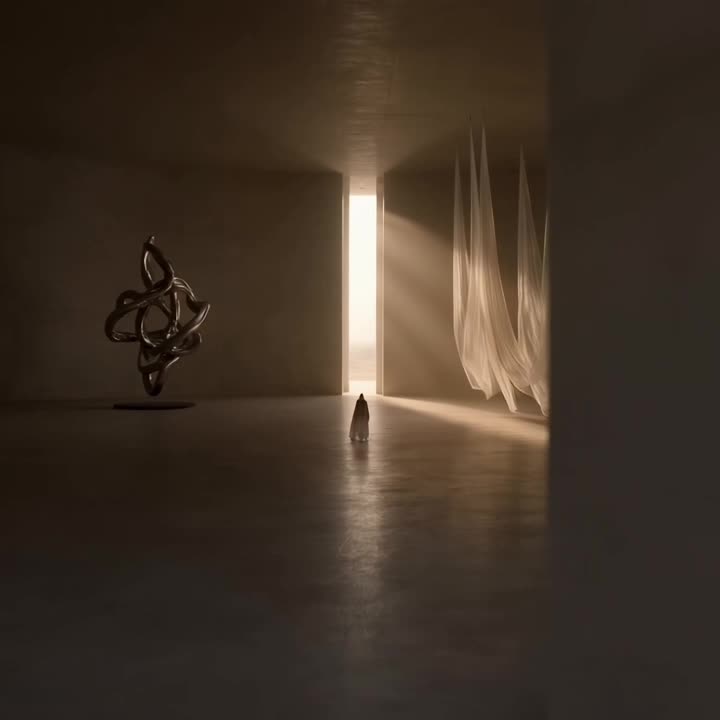
Floating Desert Museum Cinematic Film
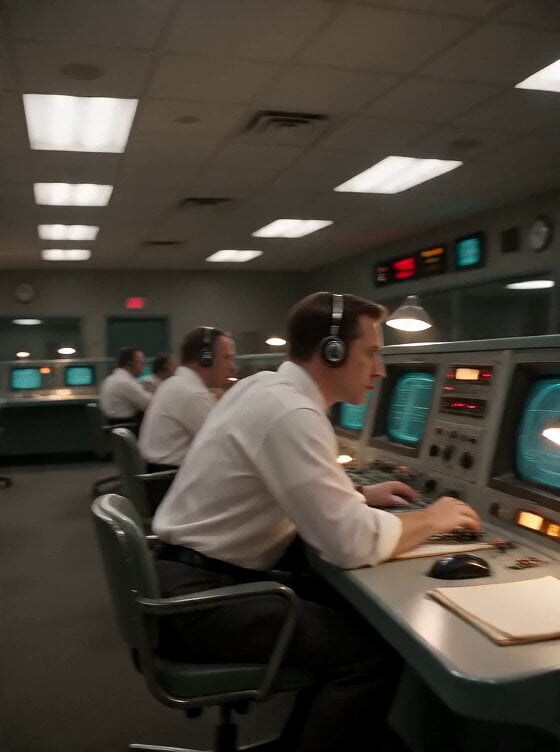
Apollo 11 Mission Control DV Camcorder Footage
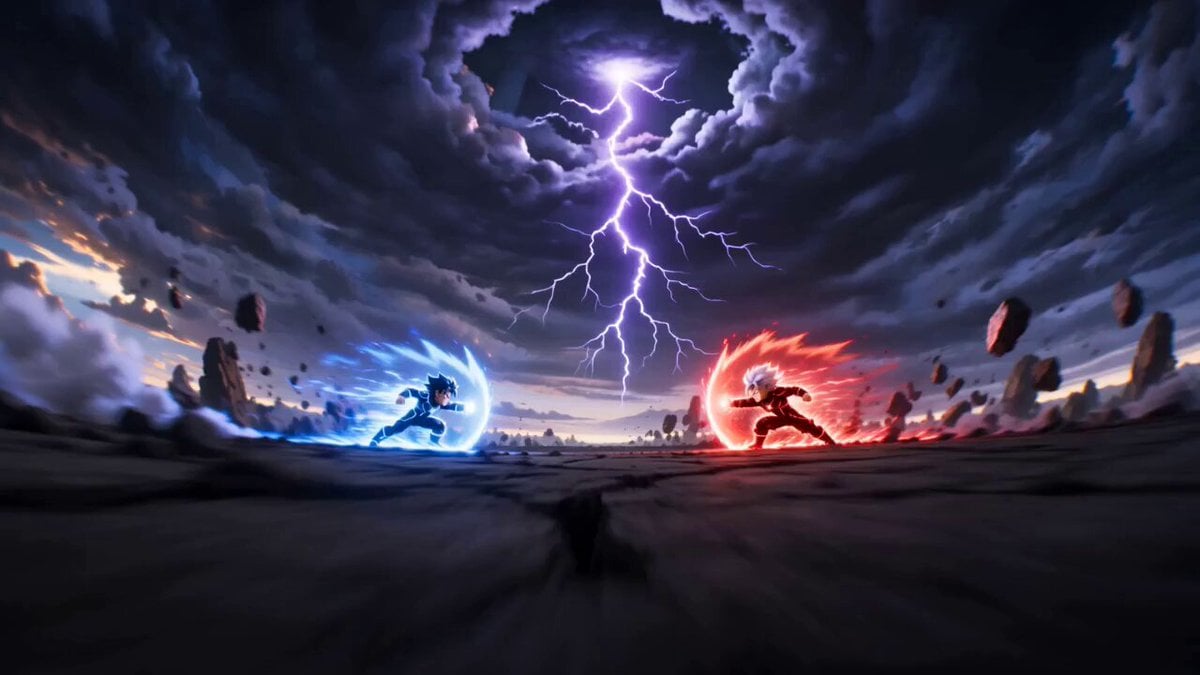
Cartoon Fight Scene Animation Frame
Browse template categories
Shogi Animation: Cosmic Right Three-Tier King questions
How do I use the Shogi Animation: Cosmic Right Three-Tier King template?
Add your photo if the template asks for one, edit the prompt if you like — the template's model and format are already selected — and press Generate. Your version opens in PicX Studio.
Can I customize the Shogi Animation: Cosmic Right Three-Tier King template?
Yes. You can change the subject, setting, lighting, mood, format, and available model controls before creating your video.
Is the Shogi Animation: Cosmic Right Three-Tier King template free?
Opening and editing this template is free. Generating uses credits, shown on the Generate button when you are signed in.
Which AI model should I use?
Start with Grok Imagine, which is the model associated with this template. You can compare another compatible model for a different finish.
Looking for something else? Browse all templates.

Your photo, any look
Thousands of ready templates for every top image and video model, from one credit balance.