
Fantasy Isekai Anime Storyboard
A complex multi-scene animation prompt for an Isekai fantasy sequence featuring character interactions, emotional shifts from jealousy to fear, and comedic chibi-style reactions.
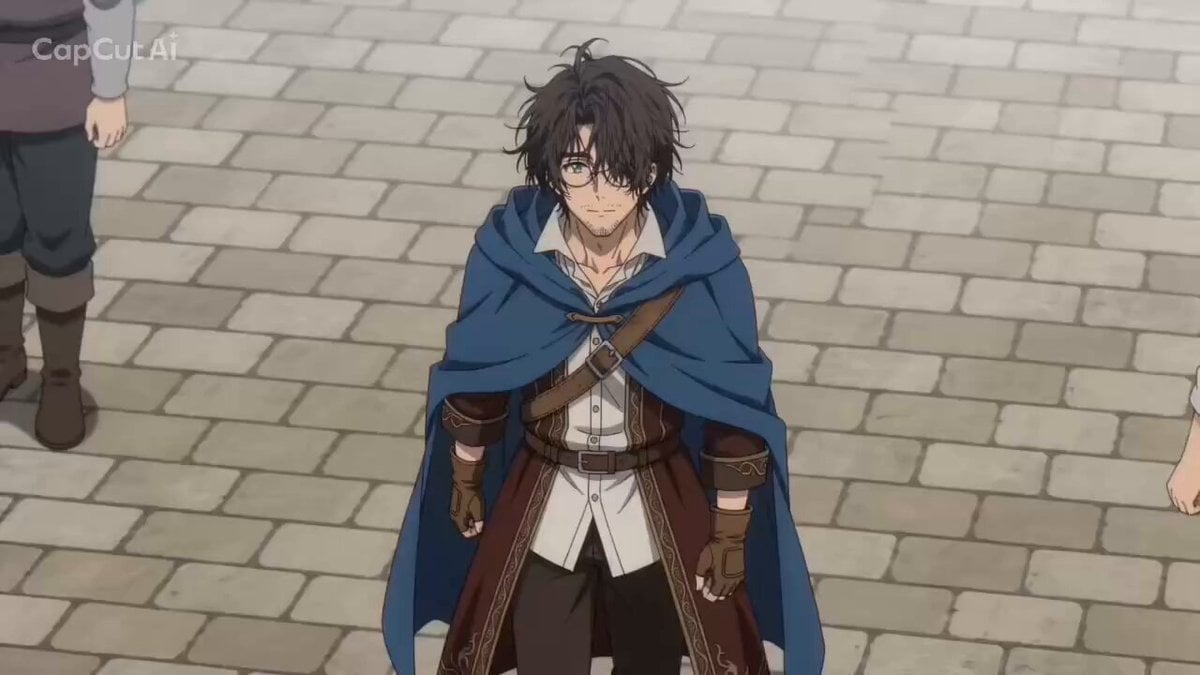
- Prompt included
- Model and format preset
- Premium template
The prompt behind this video
Copy the exact prompt behind Fantasy Isekai Anime Storyboard, or open it in the studio and make it yours.
異世界ファンタジーのアニメシーン。舞台は異世界の城下町。城は描かない。画像4の男性にいきなり画像3と画像2が甘えていると、画像1が遠くからそれを見ていて嫉妬、画像2〜4がそれを見ておびえるシーンです。 シーン①(0〜3秒):画像4の男性の冒険者が市場を歩いているシーンを上から。画像3の獣人美少女が画像4の腕にしがみつき「ザッハさん」と彼に微笑みかける。そのあと、画像2の騎士の彼女が「ザッハ」と画像4のもう片方の腕にしがみつき彼に微笑みかける。 シーン②(3秒〜7秒):彼らを横からの視点で。あわてる画像4「き、君たち?」。画像2と画像3は腕にしがみついたまま、彼に顔を向け微笑んでいる。すると3人のキャラクターの背景が真っ暗になり、小さな雷のエフェクト(危険信号みたいなもの)、彼らがハッとした顔をして、画面に向け振り返る。 シーン③(7〜9秒):画像1の彼女が市場の前に立っている全身の姿。腕を組んで立っている。彼女の前を通行人たちが行き交っている。 シーン④(9〜11秒):画像1の彼女のアップ. その後、背景が真っ暗に。顔は笑っているが嫉妬の炎でメラメラと背景のエフェクト。片目がピクピクしている。 シーン⑤(11秒〜13秒):画像4、画像3、画像2が3人同時に「あわわわ」とうろたえている場面。顔のみがちびキャラ化、日本のマンガ顔に。彼らの目は丸い白目(黒目は無し)になり、口がフニャフニャになり、丸い汗がピピピっと飛んでいる。
How to use Fantasy Isekai Anime Storyboard in 3 steps
- 1
Open
The prompt is already in the box next to the preview, with the template's model and format selected.
- 2…a portrait of your subject in softgolden-hour light, 85mm…
Personalize
Edit the subject and creative details for your destination.
- 3Generate
Generate
Press Generate — your video is created in PicX Studio, so you can compare it with the original and refine one variable at a time.
More like this
Templates with the same subject, style or setup. Open one to see its prompt.

Dragon Rider Cinematic Flight — Seedance 2.5
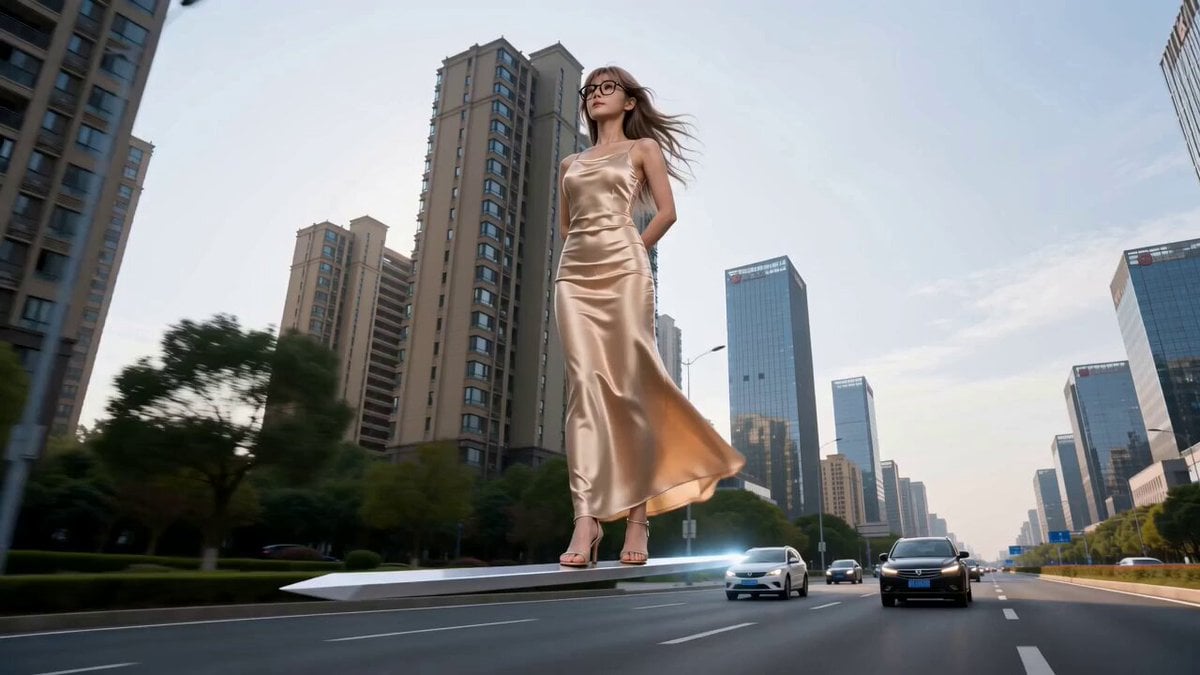
Modern Urban Fantasy Comedy Storyboard
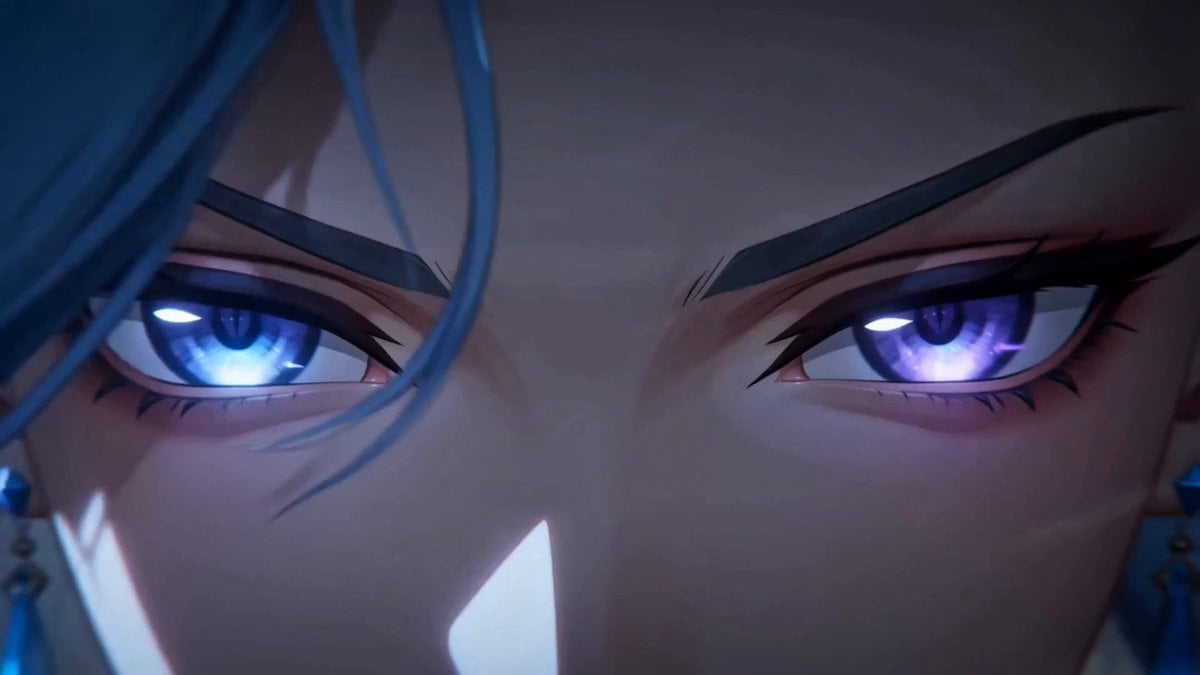
Dark Fantasy Anime Summoning Ritual

3x3 Grid Storyboard Racing — Kling 3.0 O3 Pro

MiniMax H3 Character Introduction

Forest Fantasy Girl Short Film

Japanese Pure Love Short Film

Necromancer Battlefield Orbit
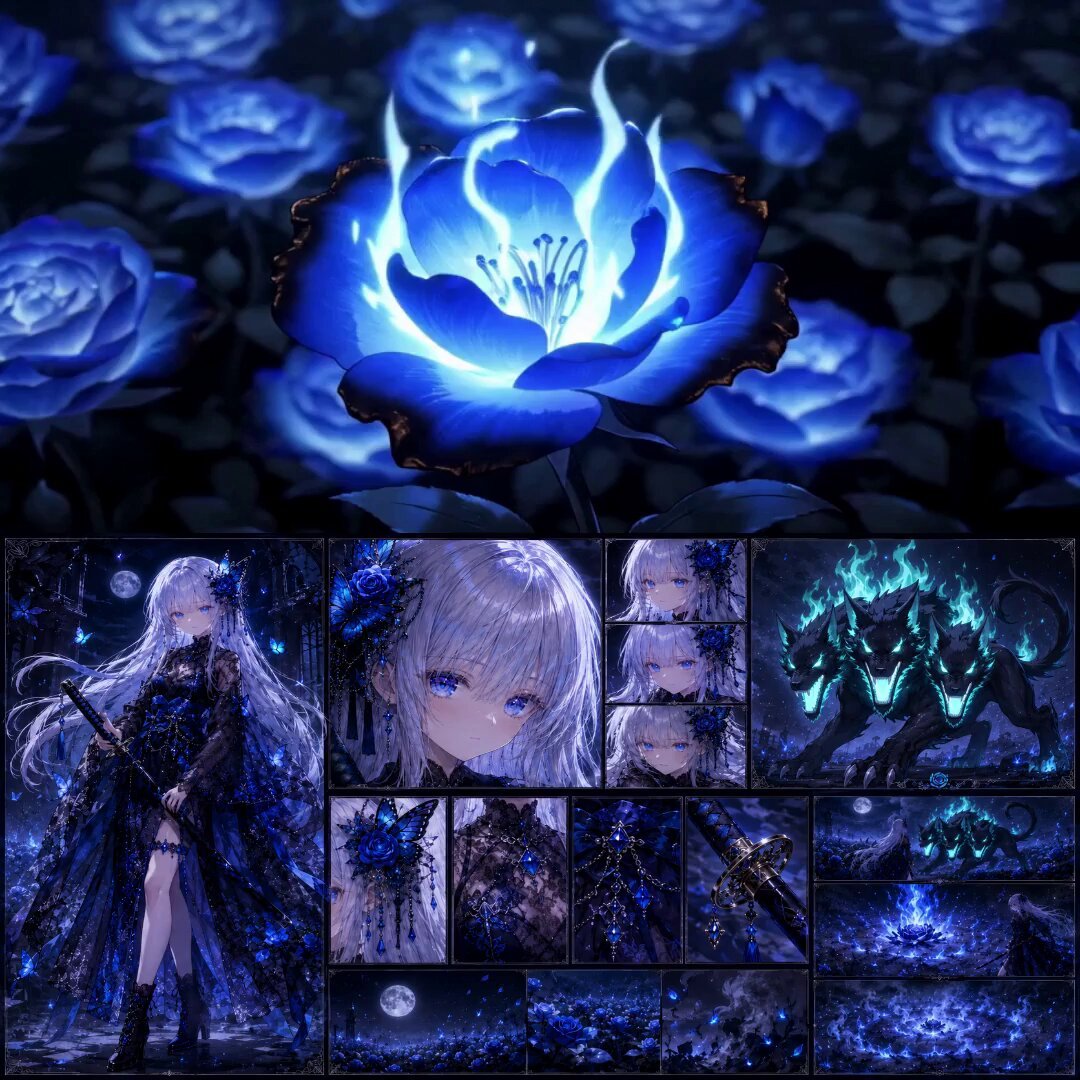
High-End Anime Dark Fantasy Cerberus Battle
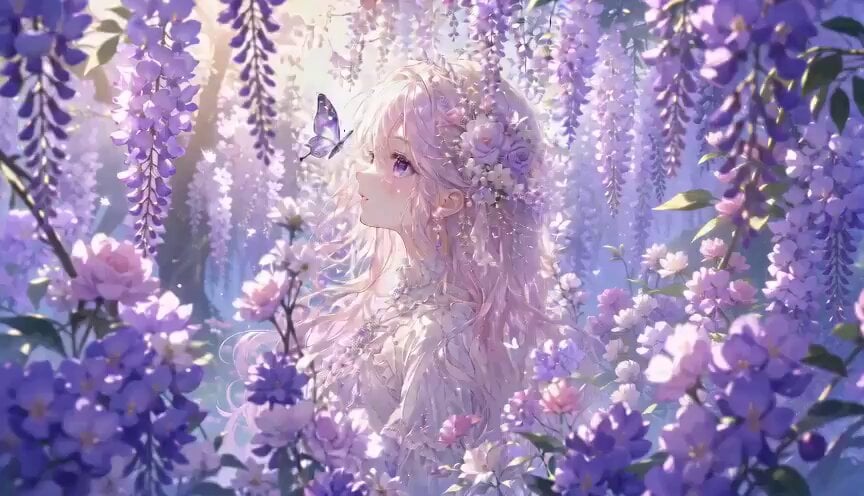
Botanical Garden Fantasy Anime MV
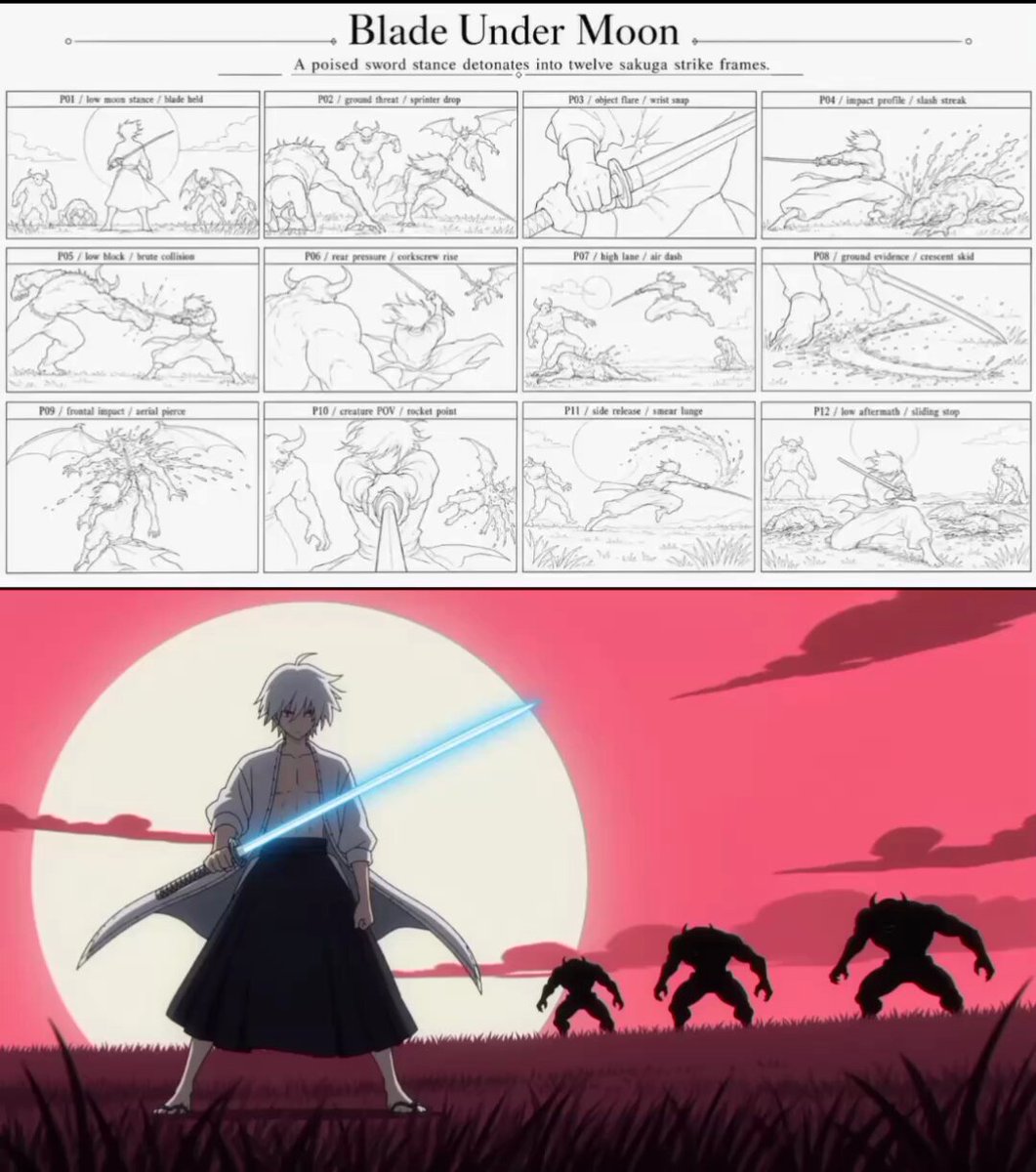
Sakuga Anime Action Storyboard
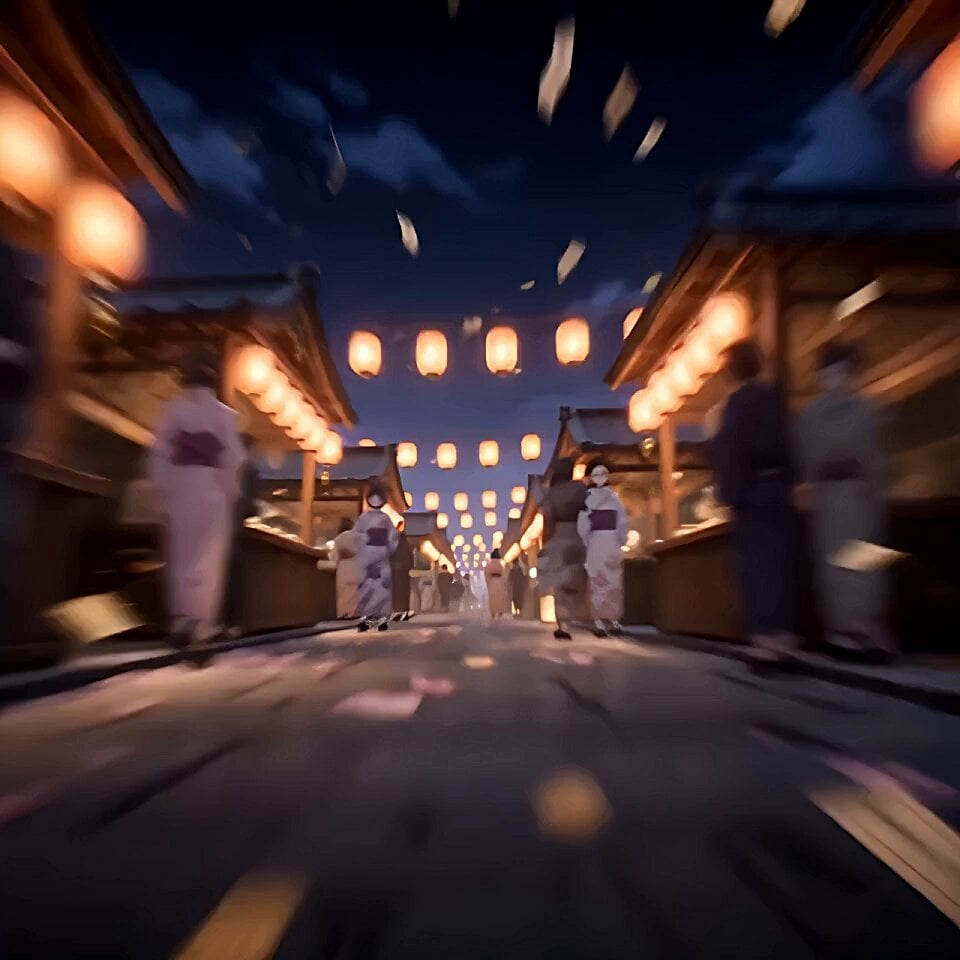
Japanese Fantasy Barrier Master Anime
Make it yours
Fantasy Isekai Anime Storyboard works as-is. These are the safest ways to change it without losing the look.
Change one field
Copy a single group, rewrite it, and generate again so you can see what that field is doing.
Keep the frame, change the subject
Hold the composition and light of Fantasy Isekai Anime Storyboard, then swap wardrobe, props or the person for a new take.
| If the result… | Why | Fix |
|---|---|---|
| The result drifts from the preview | Too many fields changed at once. | Reuse Fantasy Isekai Anime Storyboard as-is first, then change one group — subject, light, or setting. |
| The model over-stylizes the scene | The prose prompt leaves finish and camera underspecified. | Add one camera or lighting sentence and stay on Seedance 2.0. |
More Seedance 2.0 templates
Other prompts made for Seedance 2.0.

Comical Martial Arts Punch Scene

Maglev Train Action Sequence

Martial Arts Fight Sequence

Wuxia Protection and Trust Script

Vintage Korean Arcade MiniDV Vlog

Mercedes 190 SL Luxury Ad

Rainy Night Supernatural Reverse Comedy Video Script

Amazon Civilization Discovery

Futuristic South Asian City Transformation

Cozy Luxury Cafe Commercial
More video prompts
Fresh picks from across the catalog.
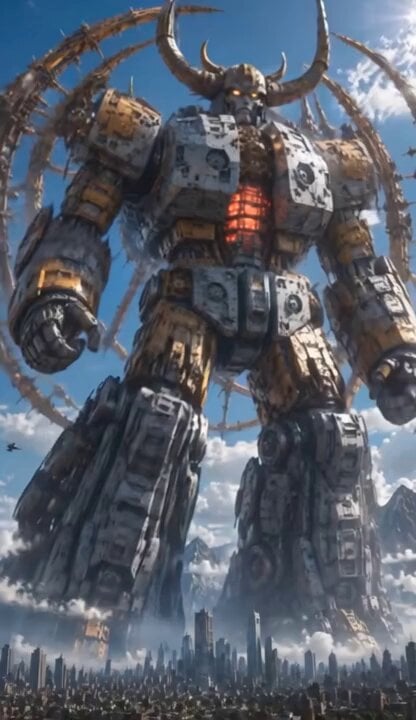
Colossal Biomechanical Cyberpunk Mecha Video
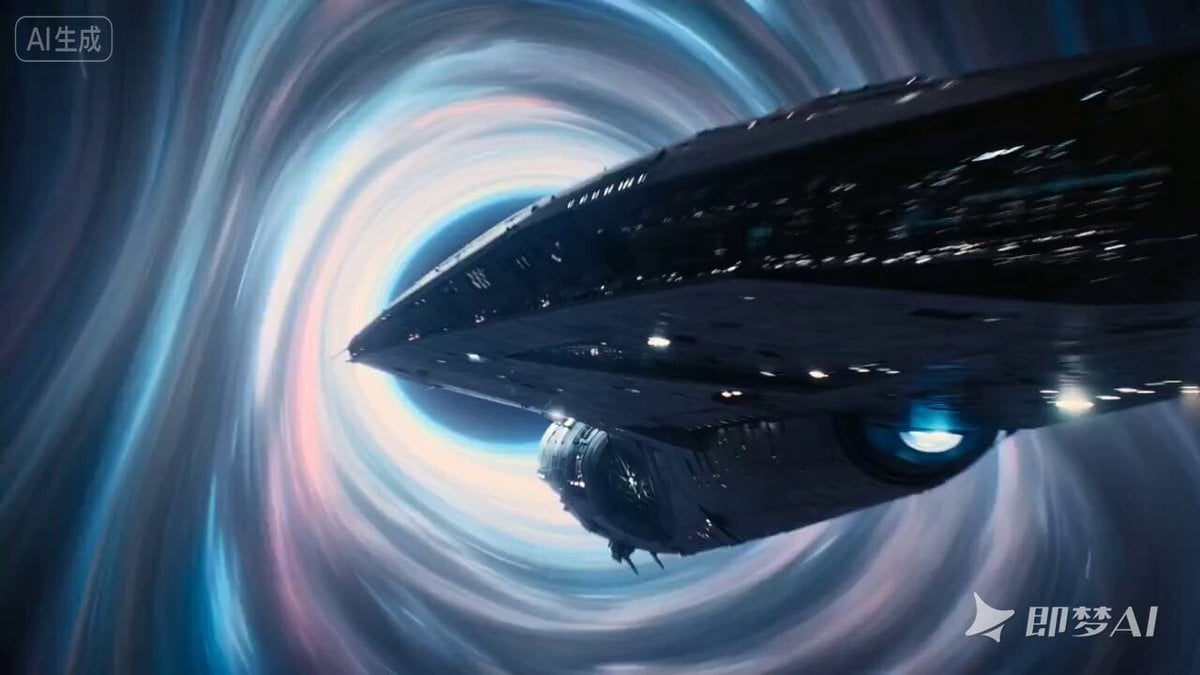
Lord of the Rings Style Epic Fantasy Masterpiece Prompt
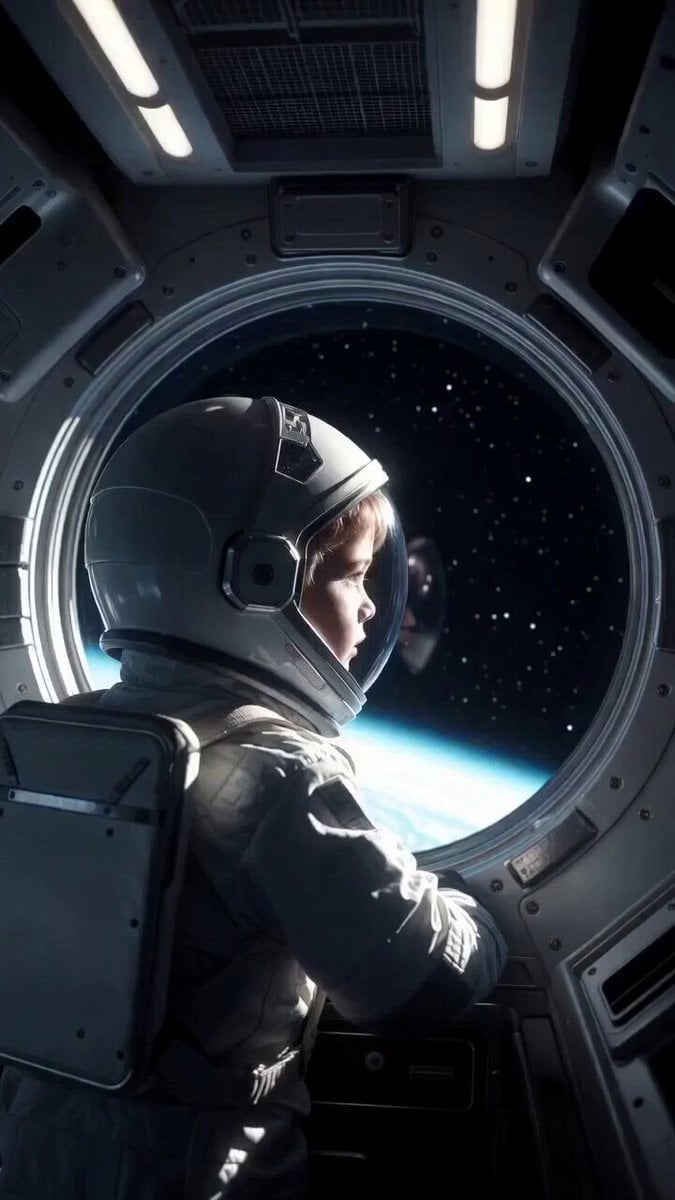
Child in Space with Voiceover
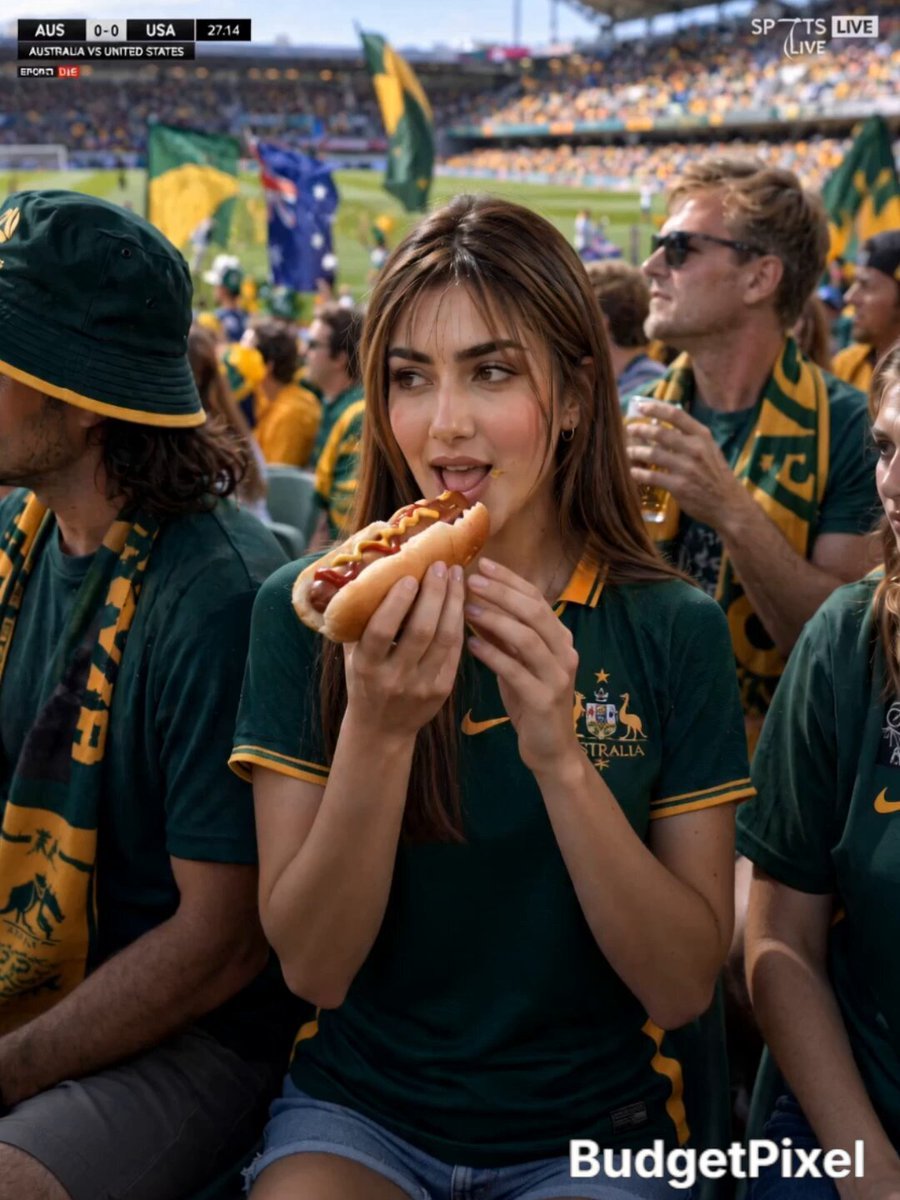
Australian Football Fan Eating Hot Dog

Detailed Scene Prompt for Zombie Chase
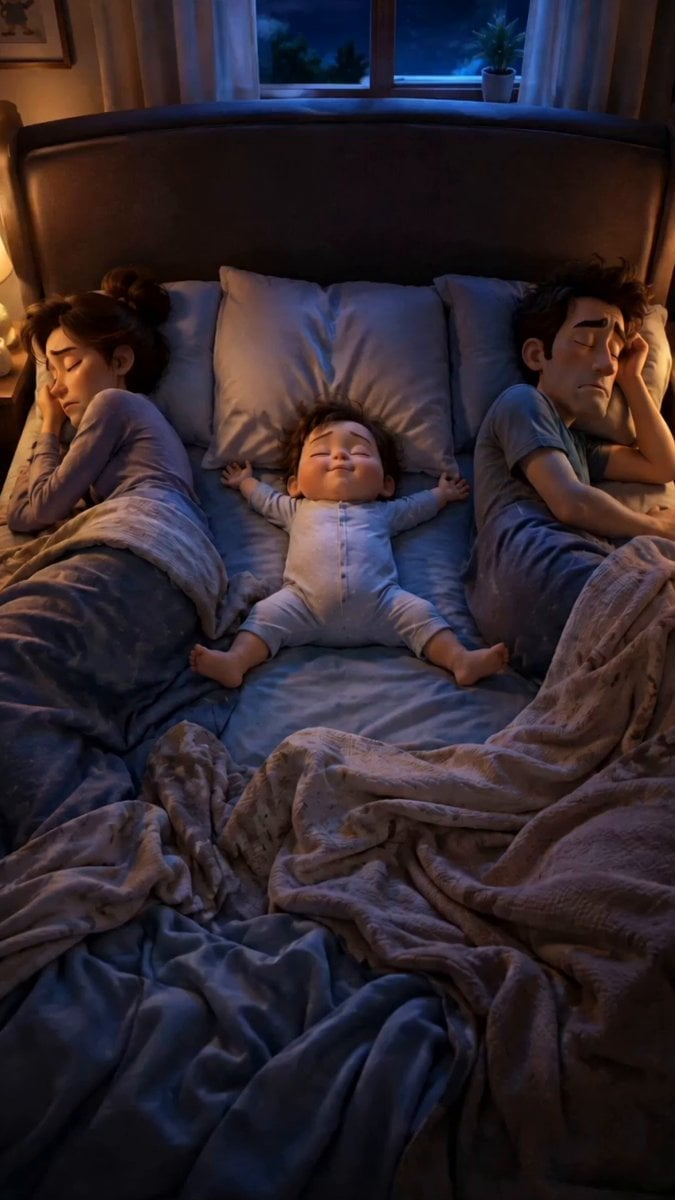
Pixar Style Family Bedtime Comedy
Mountain Monastery 2.5D Animation
Ultra Detailed Solar Empress Portrait in Art Deco and Rococo Style
Luxury Hotel Thriller Sequence
Red Moon Eclipse Chaos Video
Browse template categories
Fantasy Isekai Anime Storyboard questions
How do I use the Fantasy Isekai Anime Storyboard template?
Add your photo if the template asks for one, edit the prompt if you like — the template's model and format are already selected — and press Generate. Your version opens in PicX Studio.
Can I customize the Fantasy Isekai Anime Storyboard template?
Yes. You can change the subject, setting, lighting, mood, format, and available model controls before creating your video.
Is the Fantasy Isekai Anime Storyboard template free?
Opening and editing this template is free. Generating uses credits, shown on the Generate button when you are signed in.
Which AI model should I use?
Start with Seedance 2.0, which is the model associated with this template. You can compare another compatible model for a different finish.
Looking for something else? Browse all templates.

Your photo, any look
Thousands of ready templates for every top image and video model, from one credit balance.